-
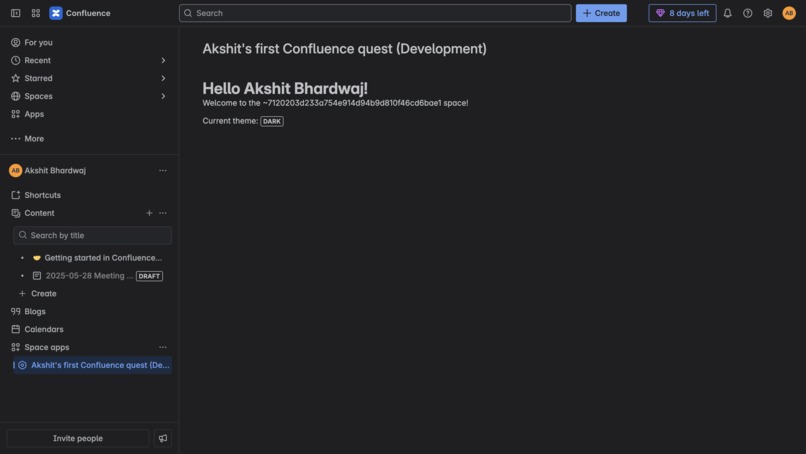
Screenshot of the Forge app
What Inspired Me
I wanted to begin my journey into Atlassian Forge development, and the Forge Novice Quest was the perfect starting point. The idea of building cloud-native apps that integrate seamlessly with Confluence sounded exciting, so I took the plunge.
What I Learned
Throughout this quest, I learned:
- How to scaffold and structure a Forge app using the CLI.
- How to work with Forge’s UI Kit to build frontend components.
- How to use Forge APIs to access contextual information like the current user, workspace, and theme.
- The end-to-end flow of deploying, installing, and viewing the app in a live Confluence environment.
How I Built It
- Created a new app using
forge create. - Added a Confluence macro module.
- Used UI Kit components like
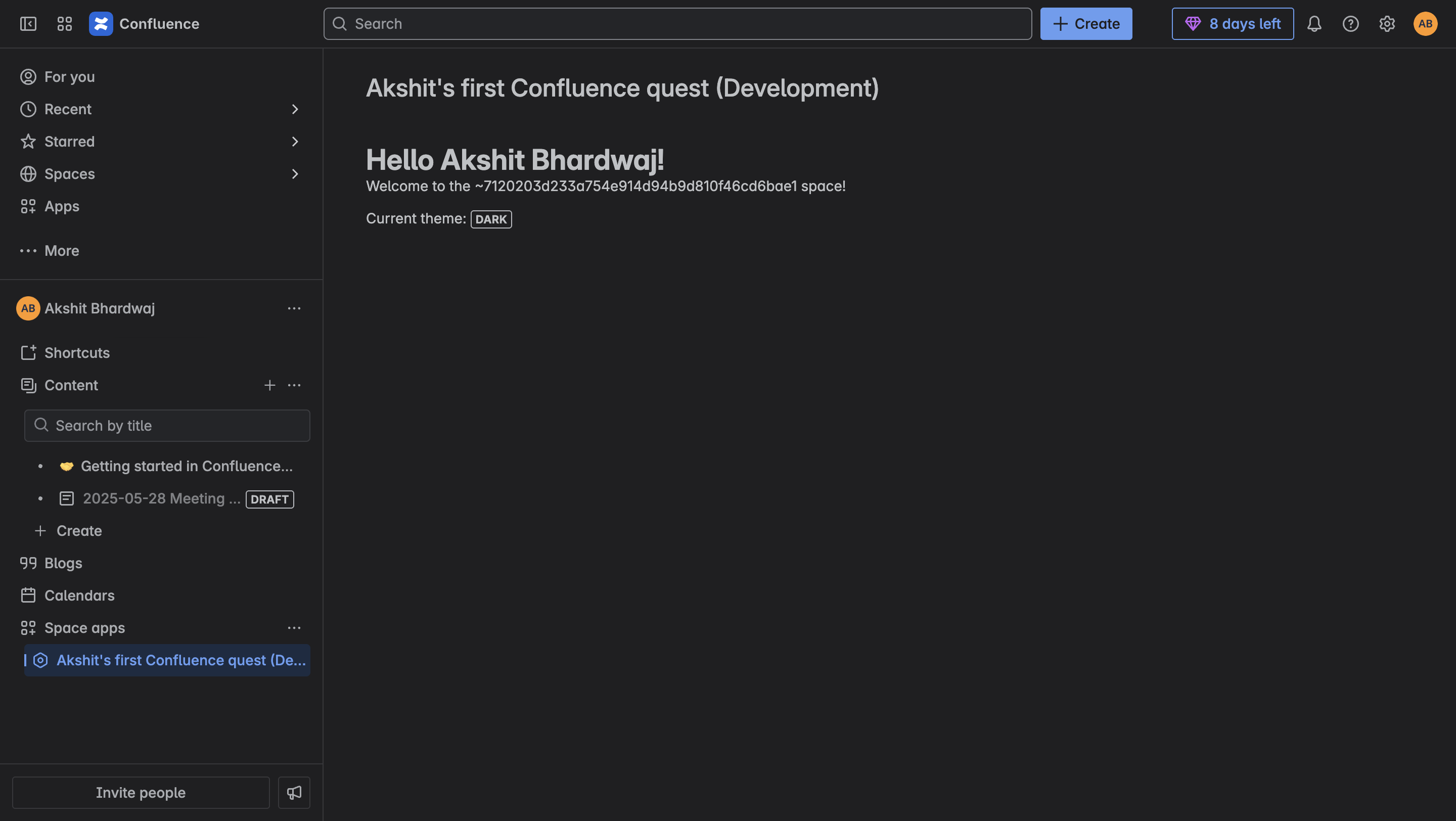
Text,Fragment, anduseProductContextto display:- The workspace name
- The current user’s display name
- The currently selected theme (light or dark)
- Deployed and installed the app using
forge deployandforge install.
Challenges I Faced
- Understanding how to access contextual data using Forge hooks.
- Getting familiar with Forge’s structure and deployment flow.
- Minor issues with manifest configuration, which I resolved through the official documentation.

Log in or sign up for Devpost to join the conversation.