-
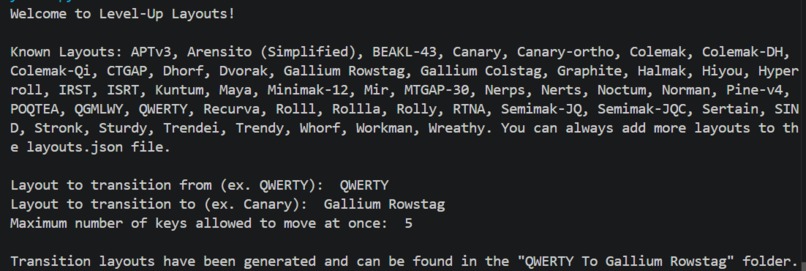
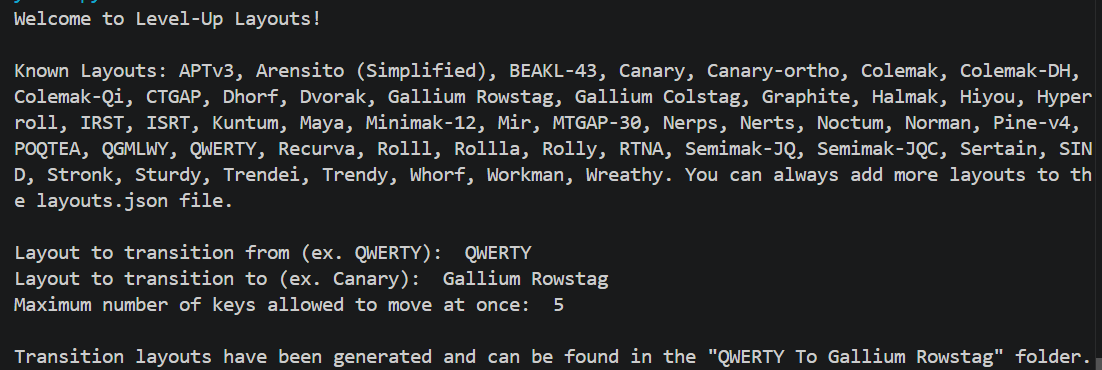
Input to create a series of layouts
-
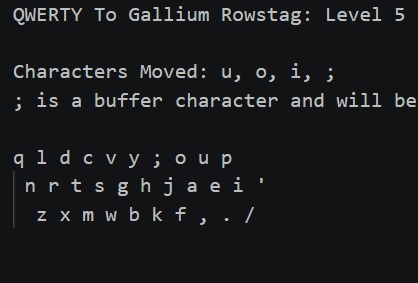
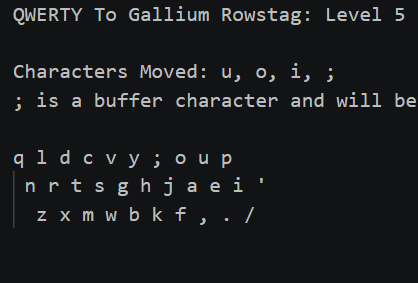
Example of one of the generated layouts
-
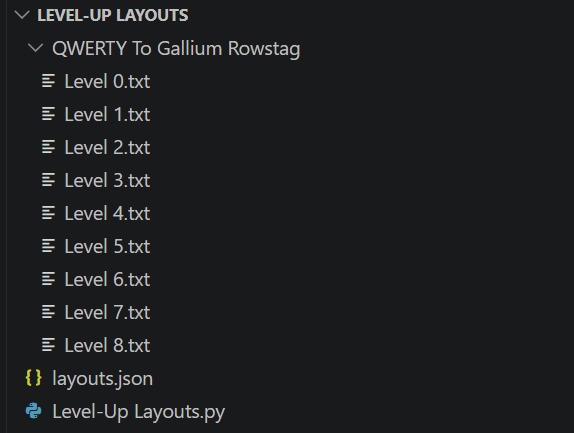
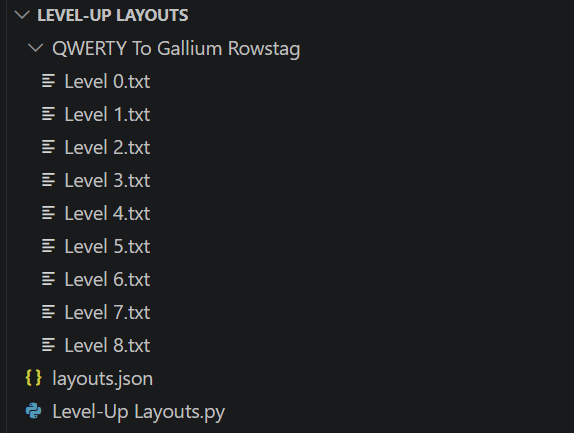
File structure
Alternate keyboard layouts (AKLs) are keyboard layouts that are different from QWERTY. Many people are not willing to try them because of their steep learning curve.
The learning curve of AKLs can be flattened by only moving a few letters at a time. My program generates a series of layouts that gradually transition from one input layout to another. It works by finding groups of letters that need to swap with each other in a circular pattern. The groups are addressed in order of average commonness of the letters in them. When groups are too large, they are turned into a series of smaller loops. Moving a multi-loop group into its new position involves moving a buffer character more than once. The series of smaller loops uses the least common letter as the buffer and tries to place the most common letters first.
Inspiration
I have seen this done with one layout transition: QWERTY -> Colemak. The incremental steps for it are called Tarmak. I think that this is a great start, but more layouts deserve this accessibility increase, especially since Colemak is somewhat outdated.
How I Built It
I used Python to write my script. I got a list of layouts that can be used as inputs by scraping this. I had to modify the layouts slightly so that they all included the same special characters.
Challenges I Ran Into
I didn't think about my data structures before starting so I had to change them later. There more math involved than I was expecting.
More About AKLs
- Some good layouts to try are Canary (what I use), Sturdy, Gallium, and Graphite.
- A Guide to AKLs
- Recommended Layouts
- Layouts Wiki
- Keyboard Layouts Doc
- Keyboard Layout Try Out
How to Use AKLs
- I use EPKL to have AKLs on my computer. EPKL is good because it is just an executable that runs in the background and can be turned on and off without a restart. I was gonna have my script create EPKL config files for the layouts it generates, but then I didn't want to. If anyone has questions about AHKs or using them they can contact me though.
- There are plenty of apps that let you create layouts, but most of them make you restart your computer if you want to change your layout.

Log in or sign up for Devpost to join the conversation.