Aki — Project Memory That Sticks
Inspiration
I'm a software developer. Like a lot of us these days, I started leaning hard on AI coding tools — Claude, OpenCode, Cursor. At first it felt like magic. Think of something, and it appears. Pure vibecoding.
But the bigger the project grew, the worse it got.
New features became impossible because the AI had zero memory of what we decided yesterday. It would suggest things that contradicted last week's work. Every session was a fresh start with total amnesia. The project turned into a pile of code with no direction — no memory of why things were done a certain way.
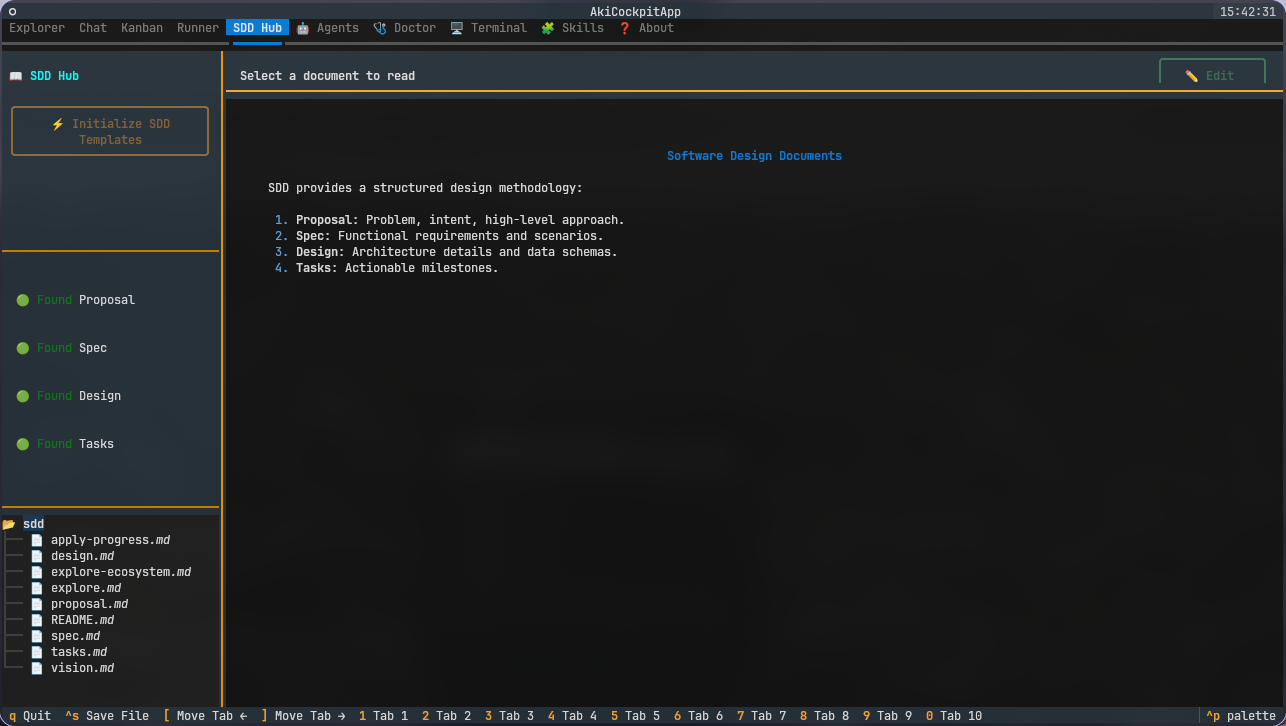
That's when I found Spec-Driven Development (SDD). A structured way to work: propose, spec, design, tasks, apply, verify, archive. Suddenly I had control. Clear steps. Routes for every change. Write code, write tests, push to GitHub. It was a game changer — I could actually manage a complex project without losing my mind.
But one thing kept bothering me.
When you use OpenCode and Claude on the same project with SDD, they don't talk to each other. Each tool has its own session, its own context, its own amnesia. The SDD workflow works great inside a single session — but across sessions? Across tools? Everything resets. You lose the thread.
I needed something in the middle. A bridge. Something that could keep project memory alive no matter which tool I was using, no matter how many sessions went by.
That's why I built Aki.
How We Built It
Aki is a simple idea: give AI coding assistants a memory they can actually keep.
It runs as a local MCP server — think of it as a small background service that sits next to your coding tools. It listens for memory operations and stores them locally. Five tools:
memory_save— write down decisions, facts, and proceduresmemory_search— find relevant context from past workmemory_context— get a snapshot of what the project knowsmemory_extract— paste messy notes and get structured memory backmemory_explain— understand why a memory was stored
The stack is simple by choice:
- Python 3.11+ with FastMCP for the server
- SQLite for structured storage (portable, zero setup)
- ChromaDB for searching by meaning (vector search)
- Qwen Cloud API for understanding and extracting structure from text
We wanted something that just works. No Docker, no databases to set up, no cloud accounts required. Install it, run it, and your AI tools suddenly have a memory that survives the night.
Challenges We Faced
Building this thing humbled us more than once. Here are the moments that made us want to throw the laptop out the window.
1. The query that broke everything
A user typed "fix auth bug" into search, and Aki crashed. Hard.
Turns out FTS5 — the full-text search engine behind SQLite — treats certain words as special operators. "fix" was being interpreted as a column reference, not a search term. The whole server went down because of two innocent words.
The fix was trivial: wrap every search term in quotes. But finding the cause took hours of digging into SQLite's documentation.
What I learned: Full-text search looks simple until it isn't. Always sanitize user input — even for something as innocent as a search box.
2. Why saving memory froze the agent
The first time I saved a memory, the agent just... stopped. For seconds. It felt broken.
The problem was that saving to ChromaDB (our vector database) is synchronous. And our server runs on async Python. So every time you saved a memory, the entire event loop would block, waiting for the database write to finish. The agent couldn't respond, couldn't think, couldn't do anything.
The fix was moving the database writes to a background thread. A small change that made a huge difference.
What I learned: Async and blocking I/O don't mix. If you're using async Python, anything that touches disk or the network needs to be async too — or run in a thread.
3. The day nothing worked
There was one particular day I'll never forget.
I was testing Aki with a complex extraction task. I'd send a query, and the model would take forever to respond. Then it would time out. Then it wouldn't generate anything at all. No error message, no partial response — just silence.
I spent hours checking everything. The API key. The endpoint URL. The request format. The timeout settings. Everything looked fine on paper, but nothing worked in practice.
The root cause? Two things at once. First, the timeout was too short for complex extraction tasks — the model needed more time to think. Second, the UI had no feedback mechanism when the model was still processing, so it looked like the whole thing had frozen when it was actually just... slow.
Fixing it meant two changes: increase the timeout for complex operations, and add real-time status updates so the user knows something is happening.
What I learned: When everything fails at once, it's usually two unrelated bugs having a party. Also: silence from an AI tool is terrifying. Always show progress, even if it's just "still thinking..."
4. When your health check lies
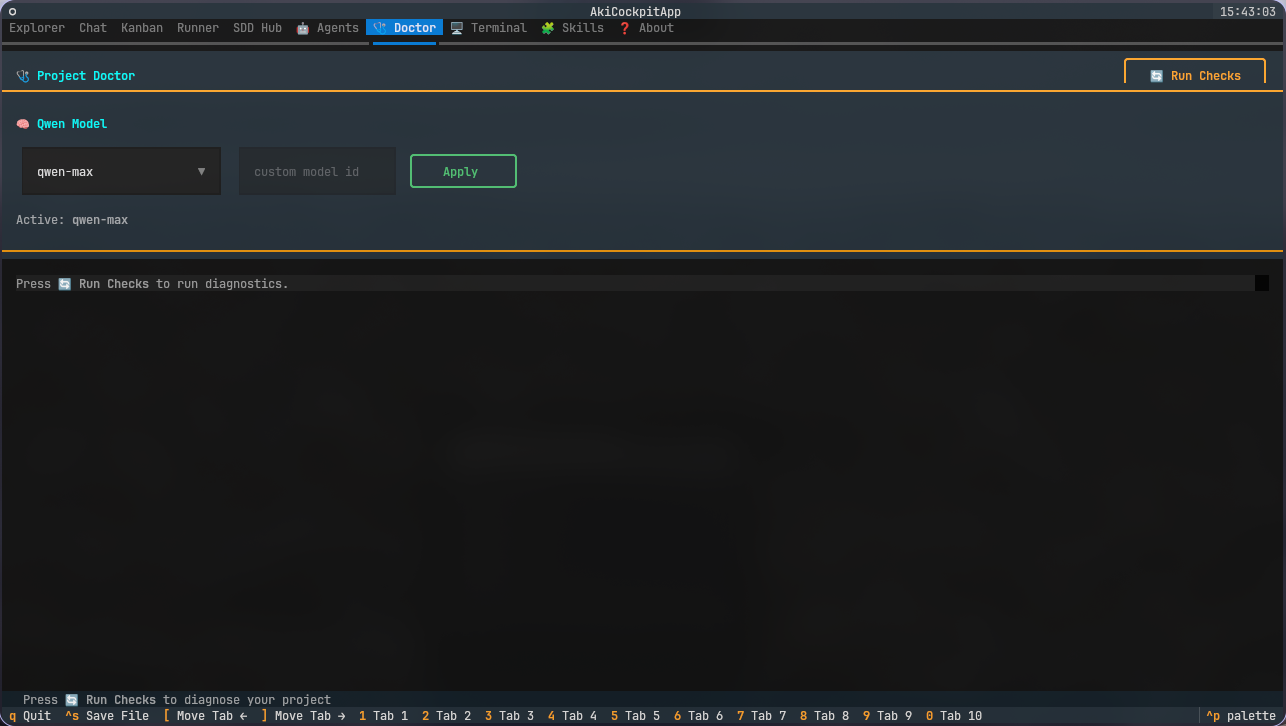
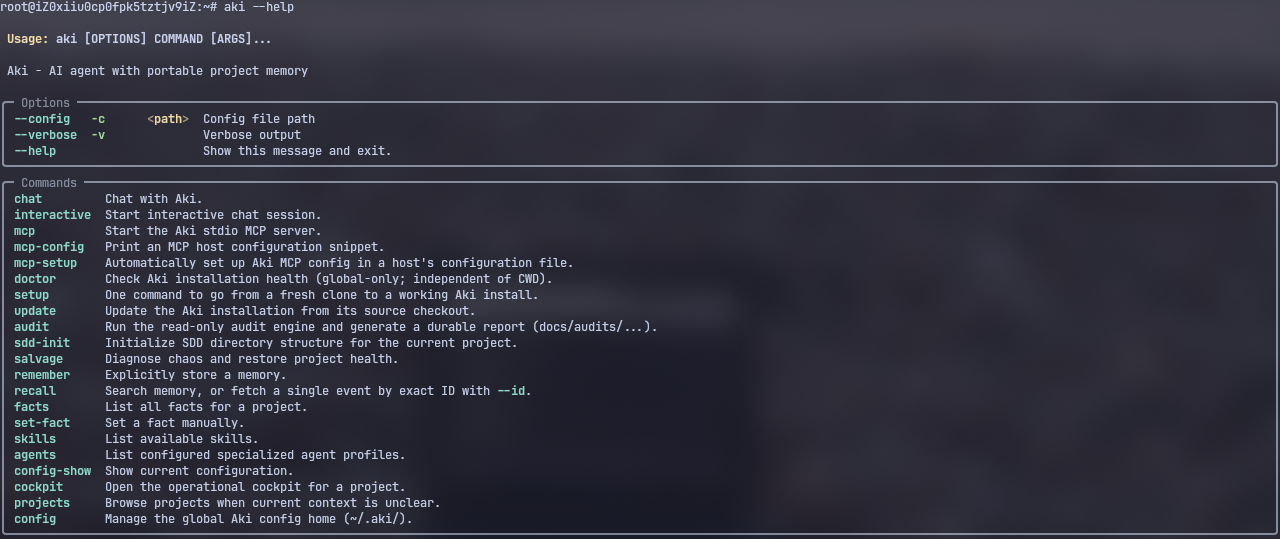
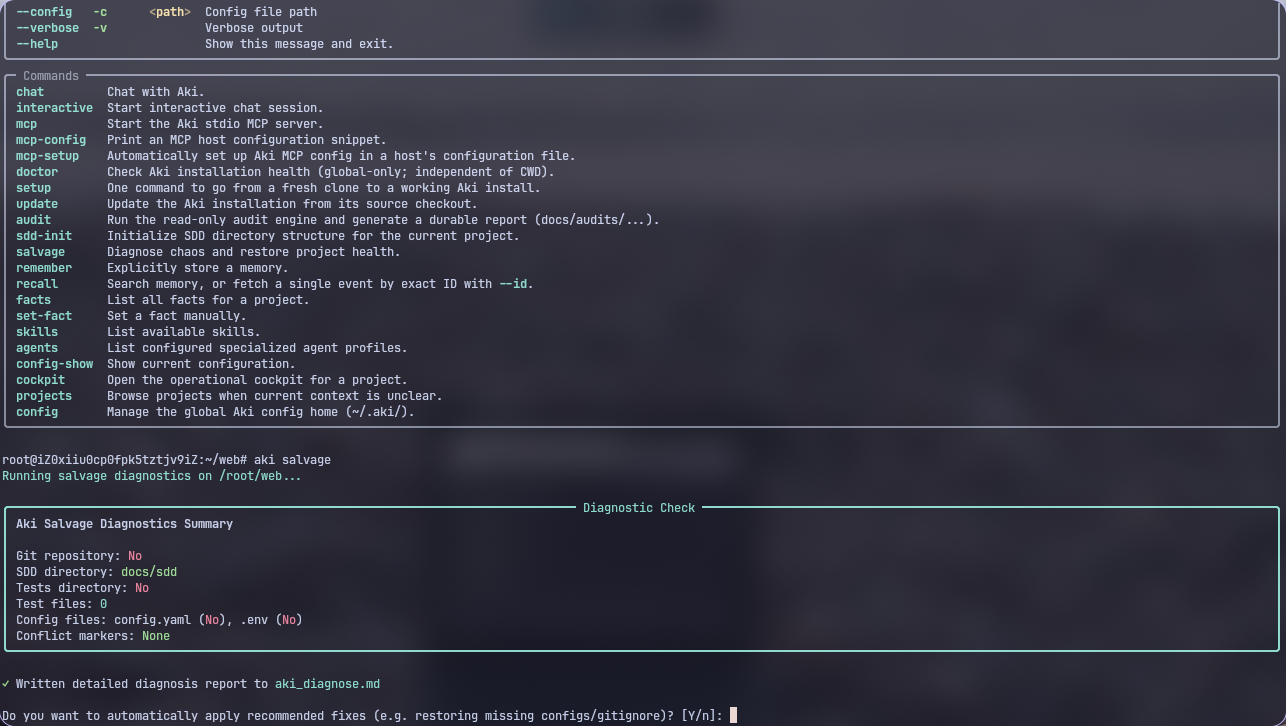
I built aki doctor as a quick way to check if everything was working. Simple, right?
Except the first version checked local project files — the .env file, the uv.lock file — to decide if Aki was healthy. But Aki is a global tool. It should work from any folder, not just inside a project directory. The health check was producing false negatives, telling people something was wrong when it wasn't.
I had to rethink what "healthy" means for a tool like this. Now aki doctor only checks things that are truly global — Python version, whether uv is installed, whether the API key is present. No project files. No false alarms.
What I learned: A health check should match the tool's actual scope. Don't check project stuff in a global tool.
5. "Do you want a plan or the code?"
There's a moment every AI coding tool user knows: you ask for something big, and the tool starts writing thousands of lines without asking if that's what you actually wanted.
When someone told Aki "Create a CRM", it didn't know if they wanted:
- A detailed proposal for how to build it (the SDD approach)
- Or actual code to be written immediately
Sometimes it would commit to huge code generations when the user just wanted a plan. We added what I call "scaffolding detection" — if the request sounds like a new project or big feature, Aki pauses and asks a simple question: "Do you want a plan first, or should I start building?"
What I learned: Ambiguity is the enemy of AI-assisted development. Asking one clarifying question at the right time saves hours of wrong work.
6. Tests are hard. Really hard.
Writing tests for an AI-powered MCP server is not like writing tests for a normal application.
You can't unit-test a tool that calls an LLM. You can't easily mock an MCP server that communicates over stdin/stdout. And even when you do get tests written, they're flaky — sometimes the model responds differently, sometimes the timing is off, sometimes a test passes three times in a row and then fails for no obvious reason.
I spent almost as much time writing and debugging tests as I did writing the actual code. Integration tests became essential — we had to start a real MCP server, send real JSON-RPC messages, and check real responses. But that meant every test was slow.
The final test suite has over 400 tests. Some of them took weeks to get right. But now I trust it.
What I learned: Test-driven development is harder with AI tools, not easier. But it's even more important. If you can't trust your tests, you can't trust your AI agent.
What I Learned Beyond the Code
Building Aki changed how I think about AI tools.
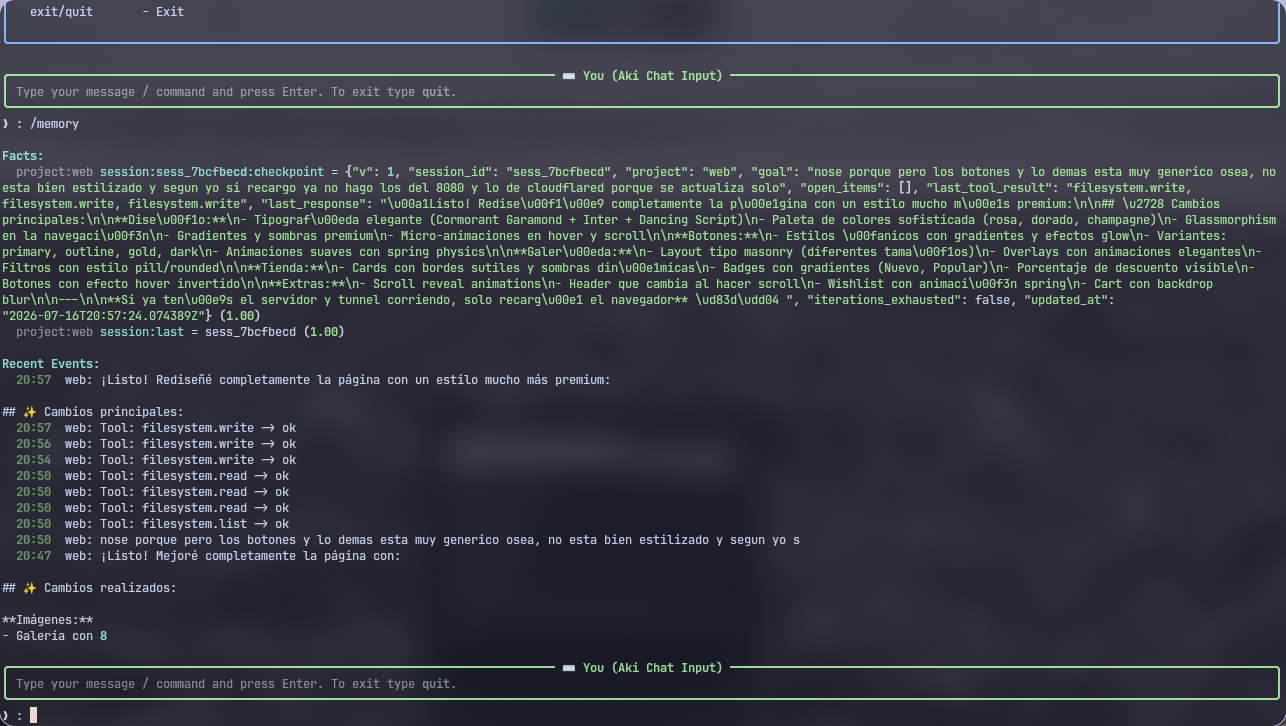
Memory is not storage. Saving facts is the easy part. Making them show up at exactly the right moment — that's hard. It took a combination of keyword search, vector search, and structured queries to get retrieval right, not one magic bullet.
Local-first is the right call. Aki works completely offline. It works without Qwen credentials. The cloud features make it smarter, but the core is fully local. This wasn't an accident — it was a deliberate choice that saved us repeatedly during development.
SDD is a memory structure, not just a workflow. The propose-spec-design-tasks-apply-verify-archive cycle naturally creates a chain of decisions. Each step references the previous one. That chain is project memory. SDD and Aki are made for each other.
The best AI tools are invisible. Aki doesn't interrupt you. It doesn't add a new chat window or a complex UI. It sits in the background, listening through MCP, and only speaks when memory is relevant. The goal was never to build another interface — it was to make memory an invisible layer under every coding session.
Debugging AI systems is a new kind of hell. When an LLM calls a tool, which calls another tool, which makes an API call, and something breaks — where do you even start? Log everything. Save checkpoints. Build observability from day one. You'll thank yourself later.
What's Next
Aki is open source and available now. The immediate plans:
- Richer extraction — deeper AI-powered understanding of relationships between memories
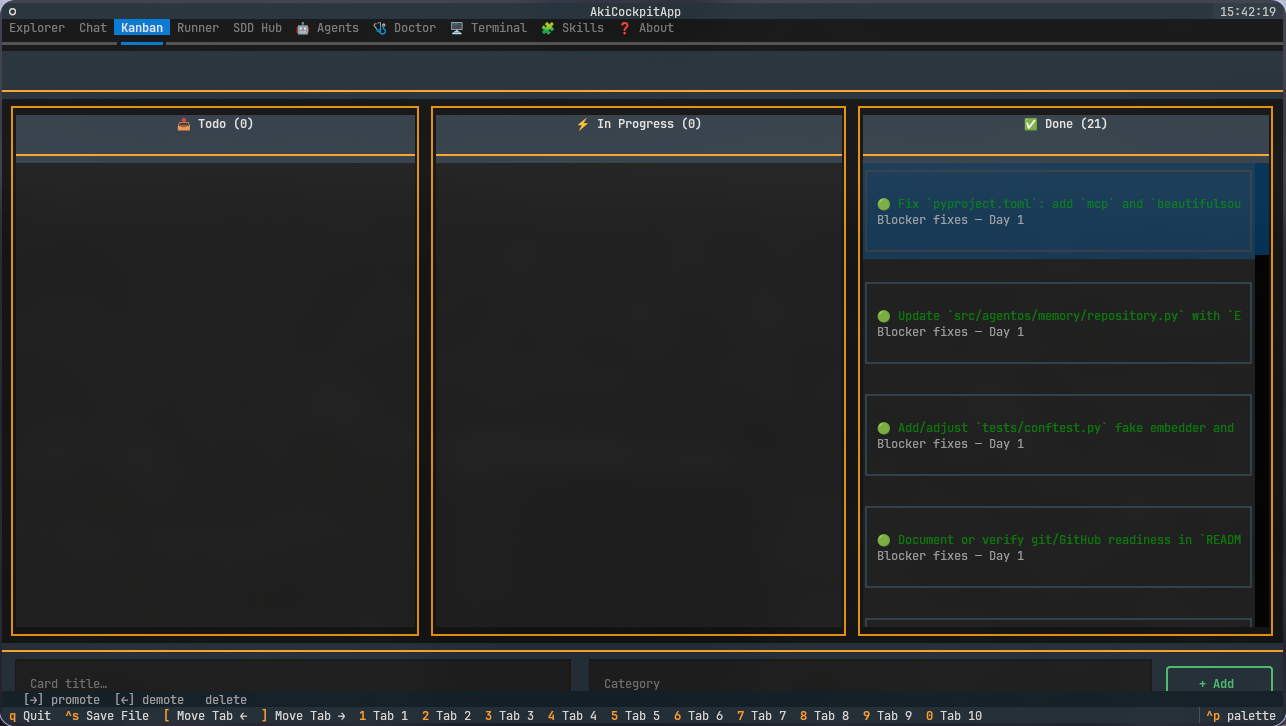
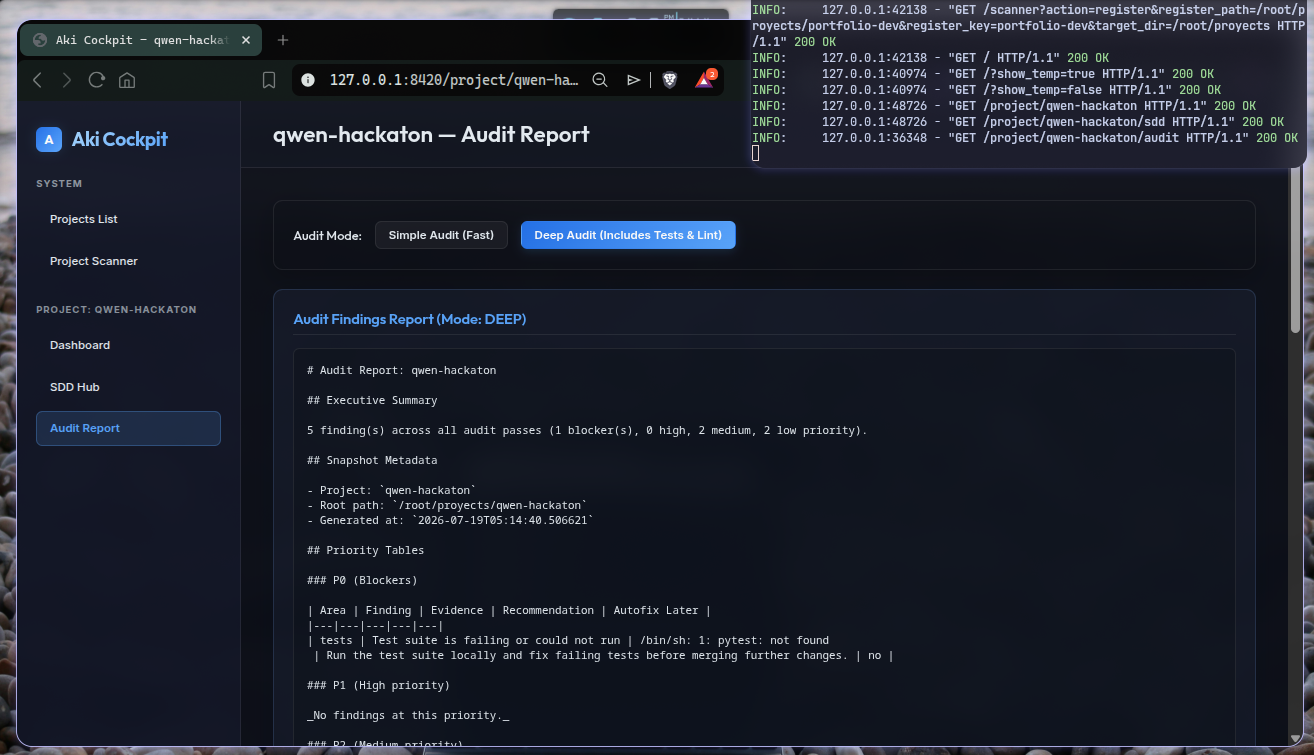
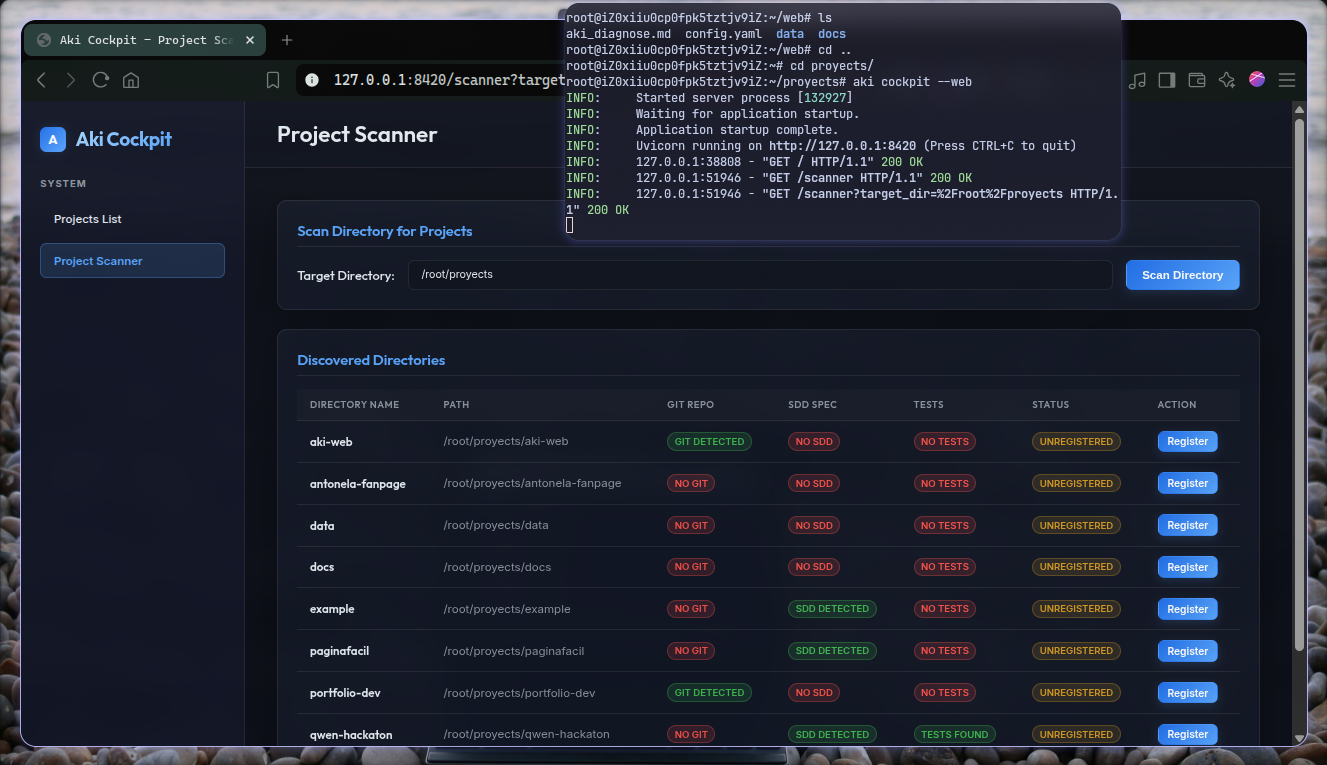
- A visual dashboard (better) — browse your project memory like a knowledge base


