-
-
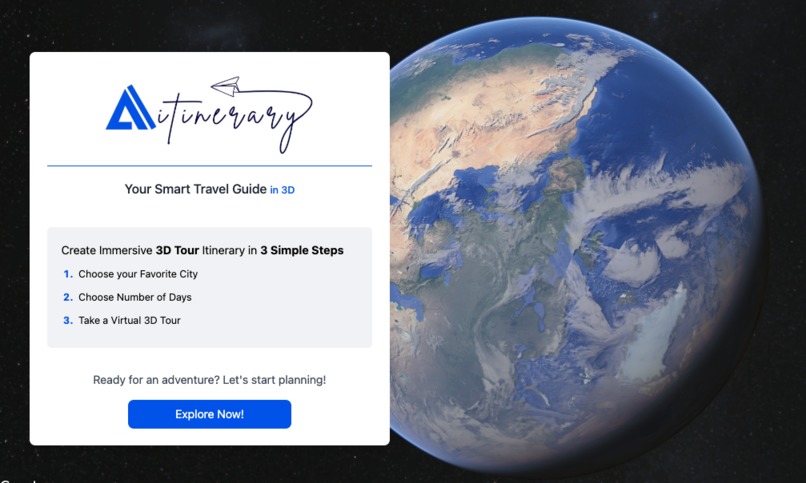
Main Image
-
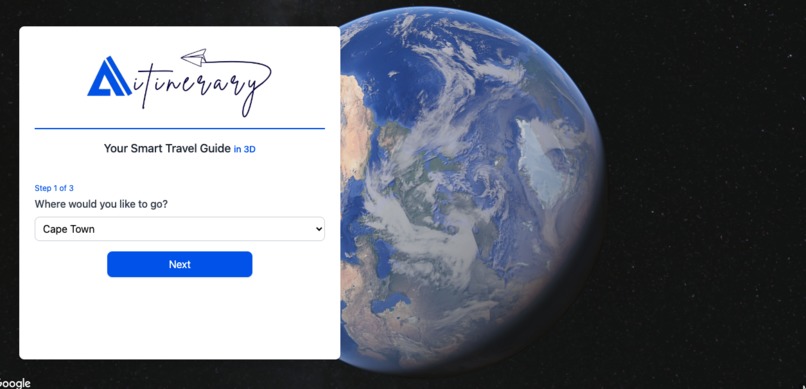
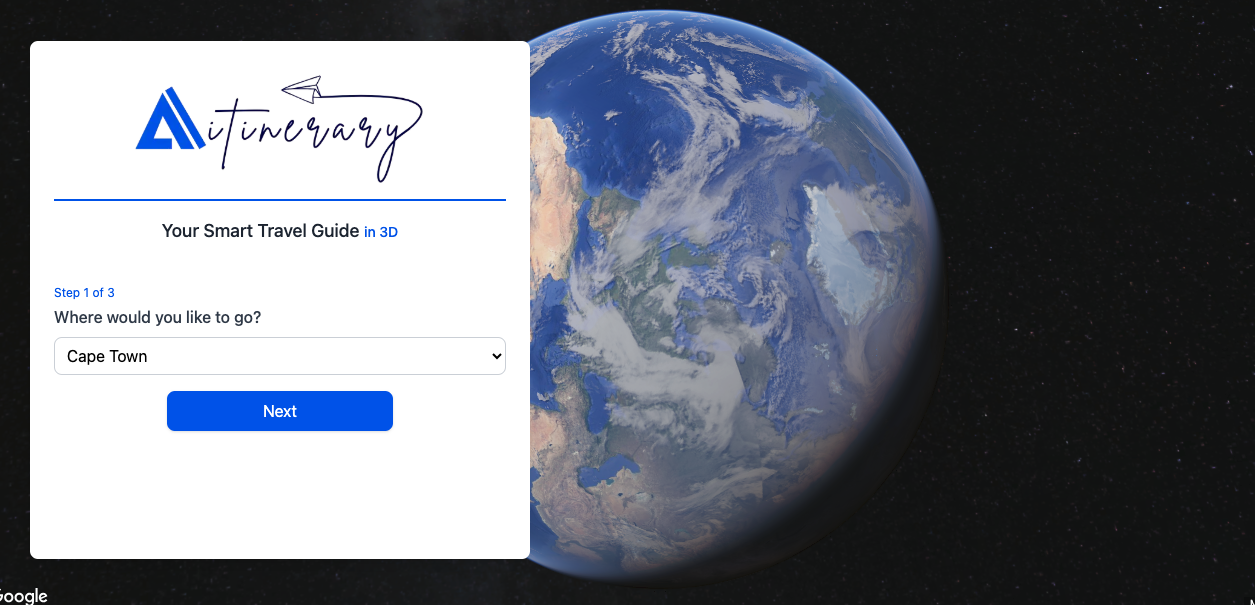
Choose Your Favourite City
-
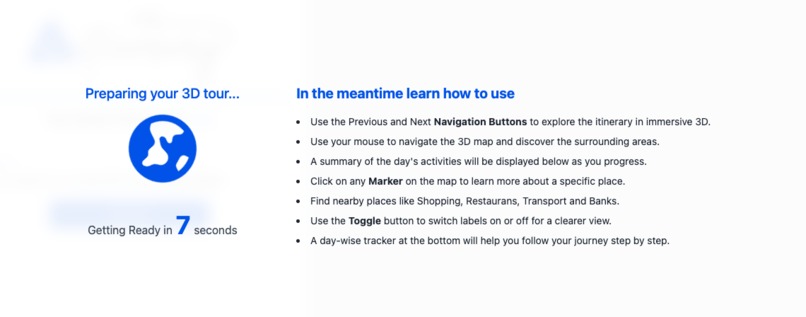
Wait for the Itinerary to Build
-
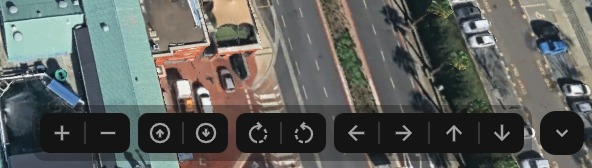
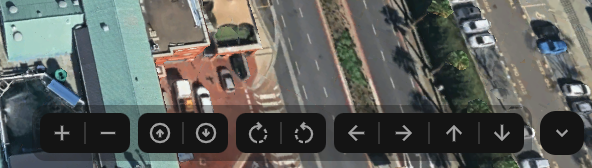
Use the map control buttons
-
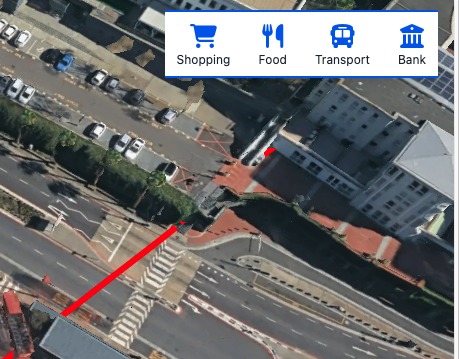
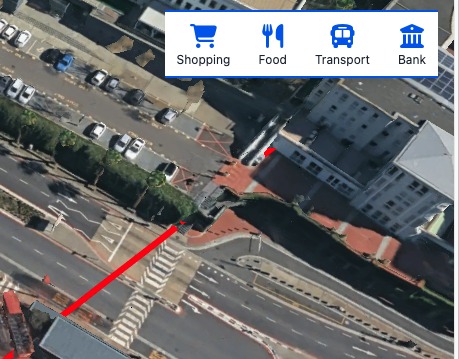
Find Nearby Places
-
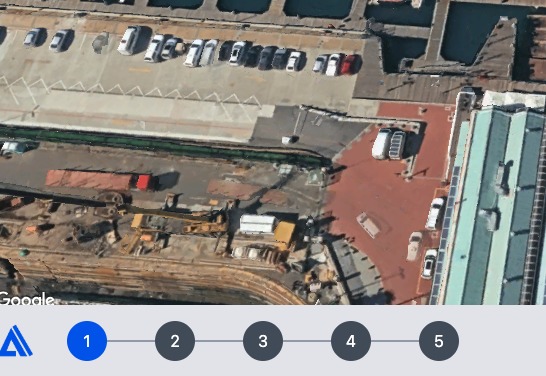
Track Your Journey
-
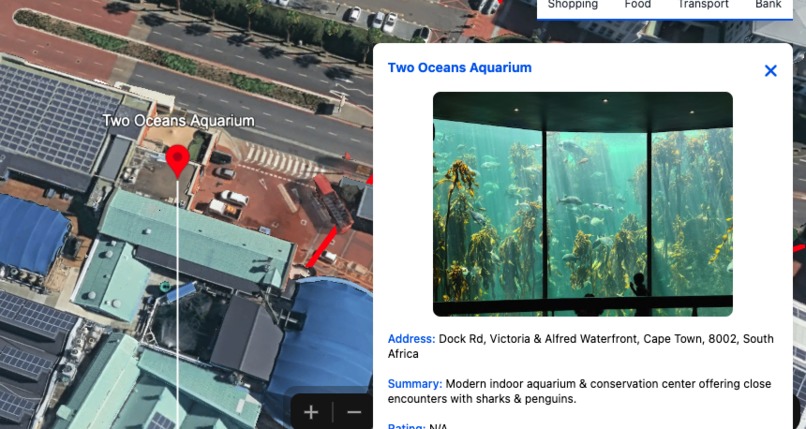
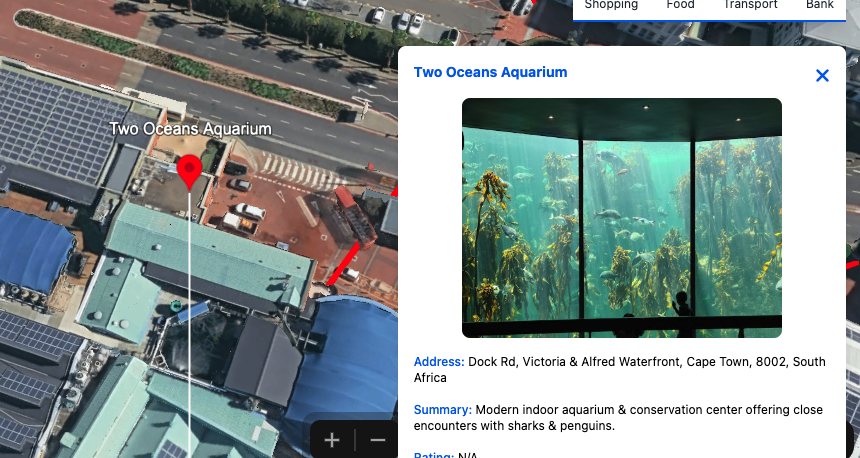
Discover Place Insights
-
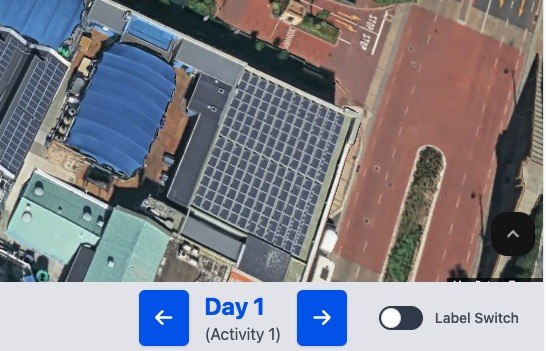
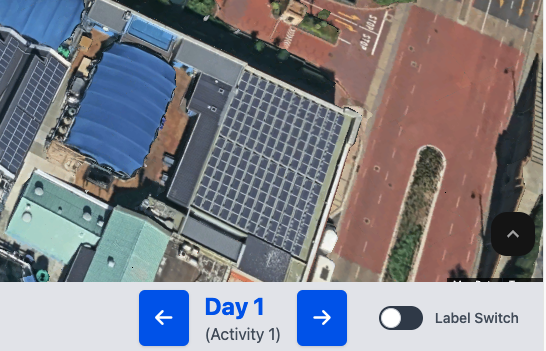
Navigate Between Activities and Days
-
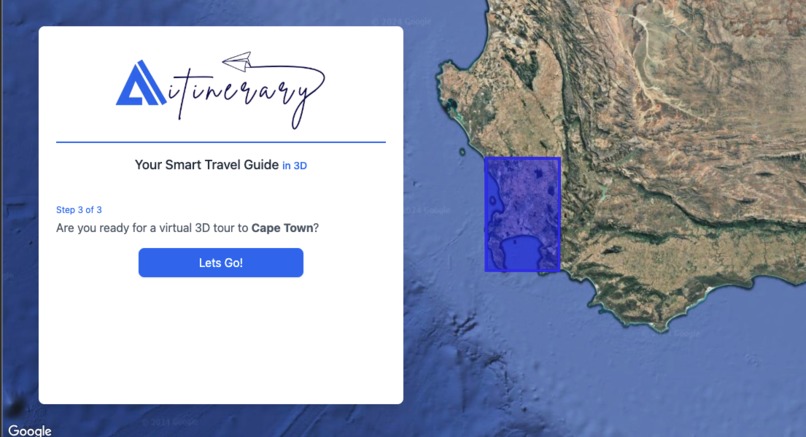
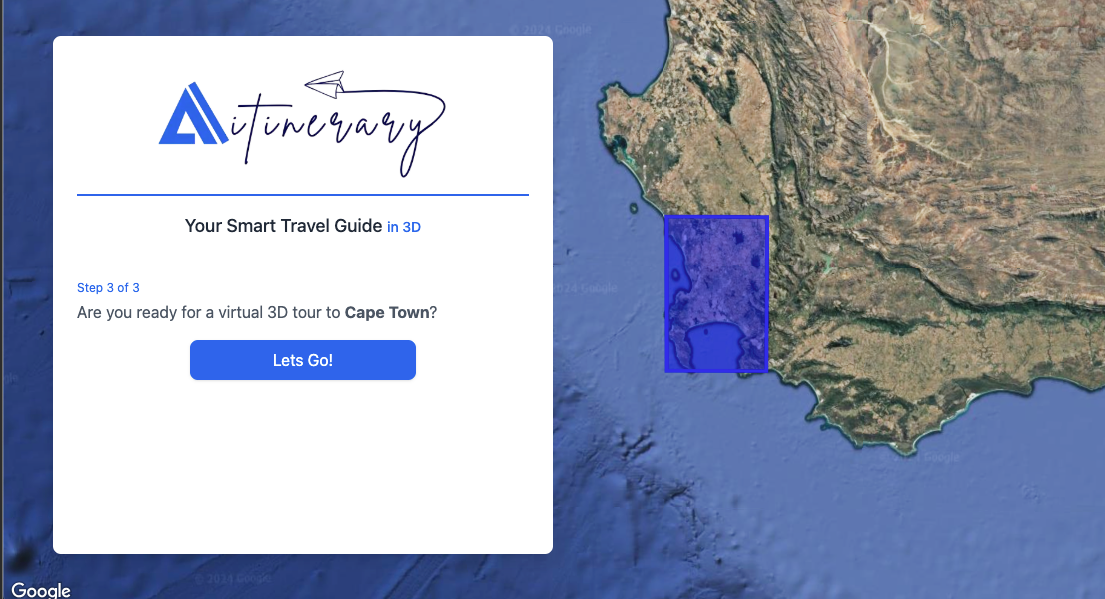
Take Virtual 3D Tour
-
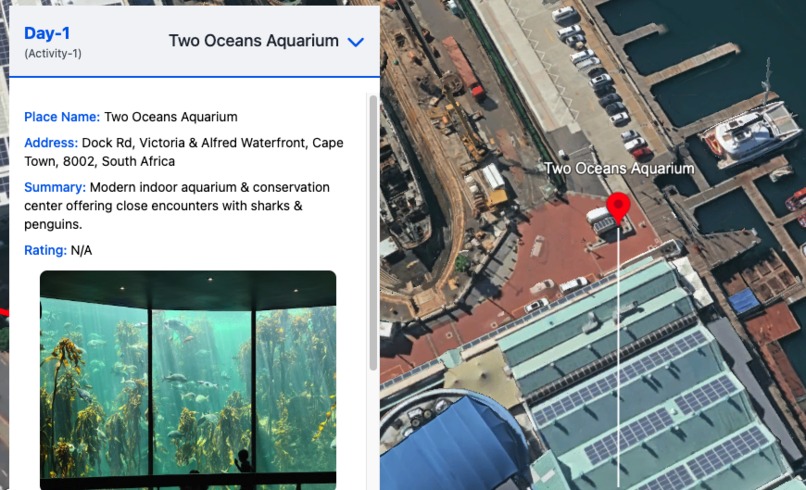
Explore the 3D Itinerary
-
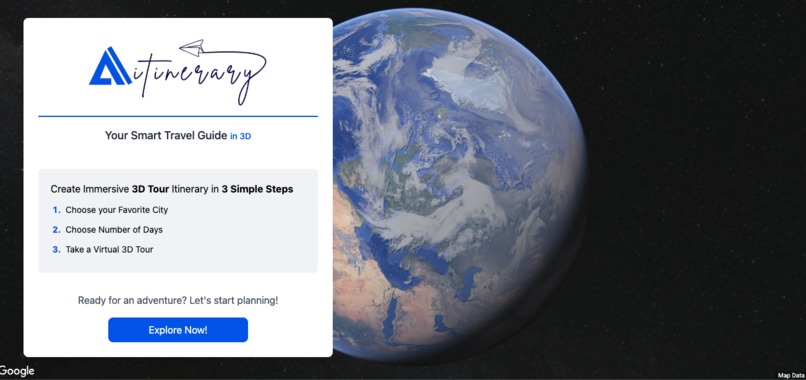
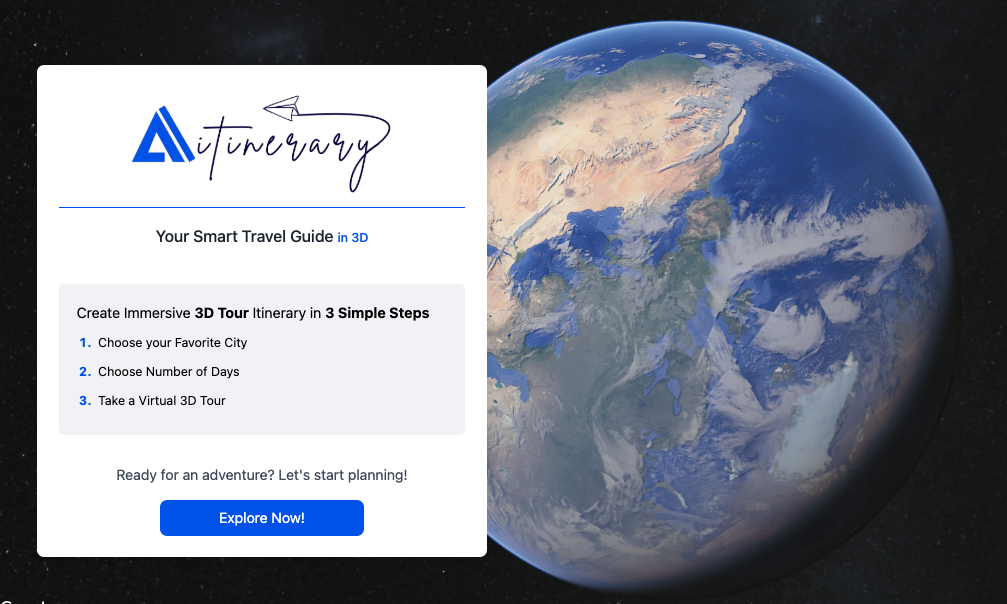
Start the Journey
-
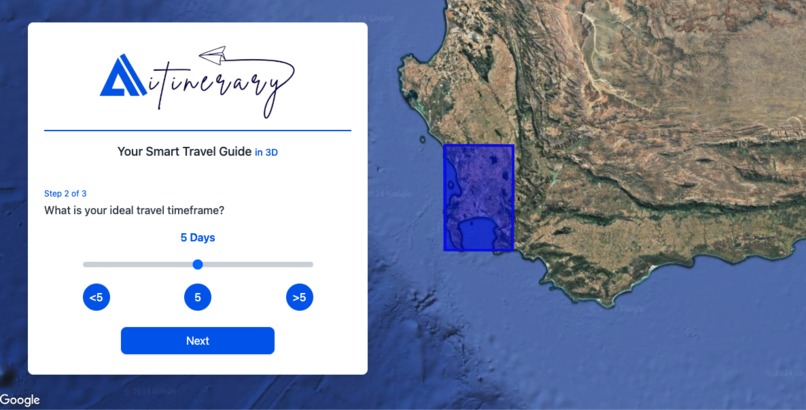
Select the Number of Days
-
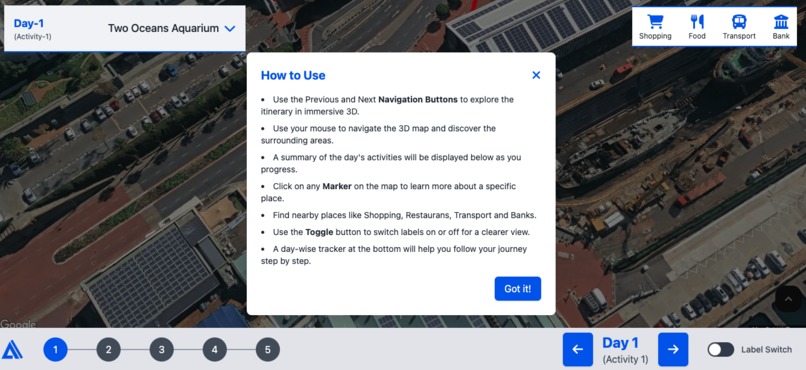
Welcome Popup Instructions



What Inspired Me
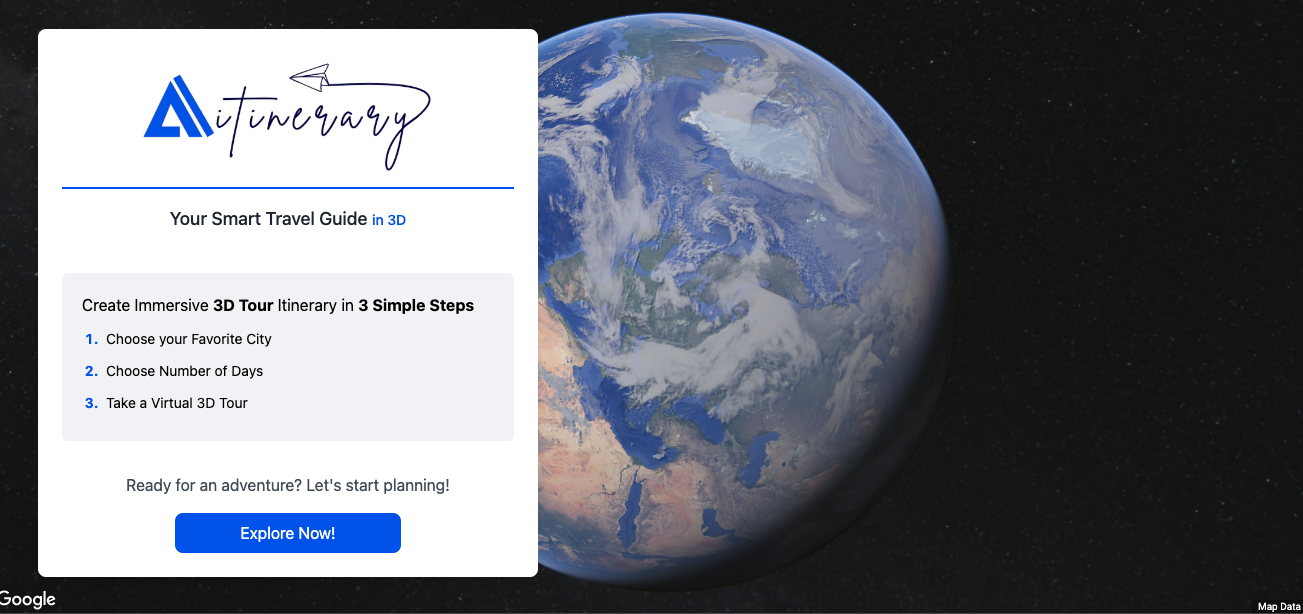
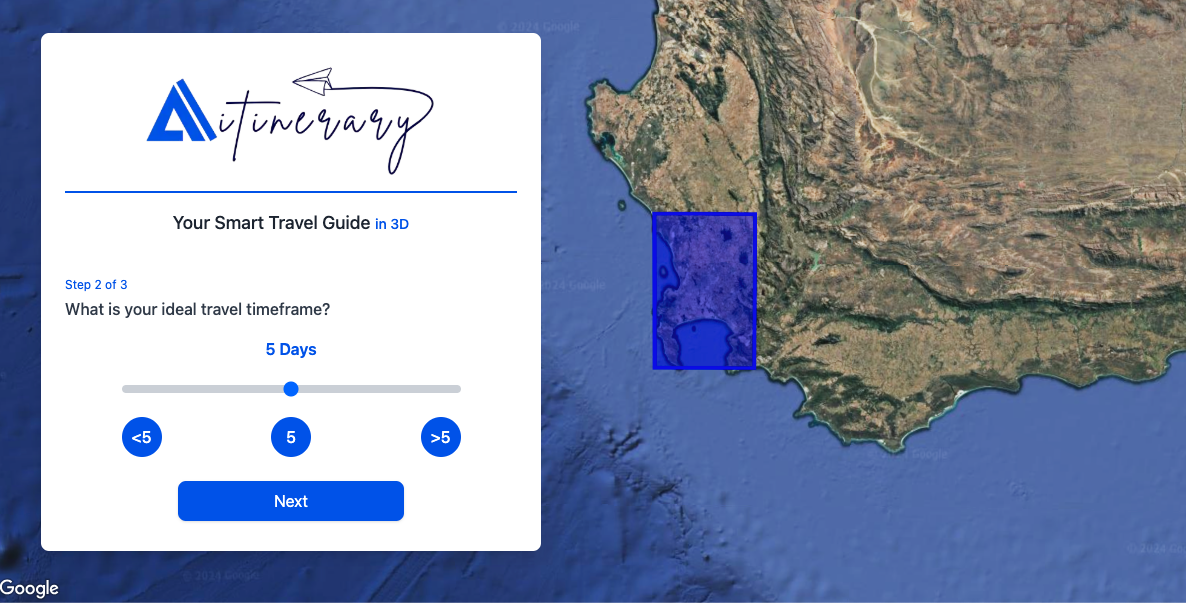
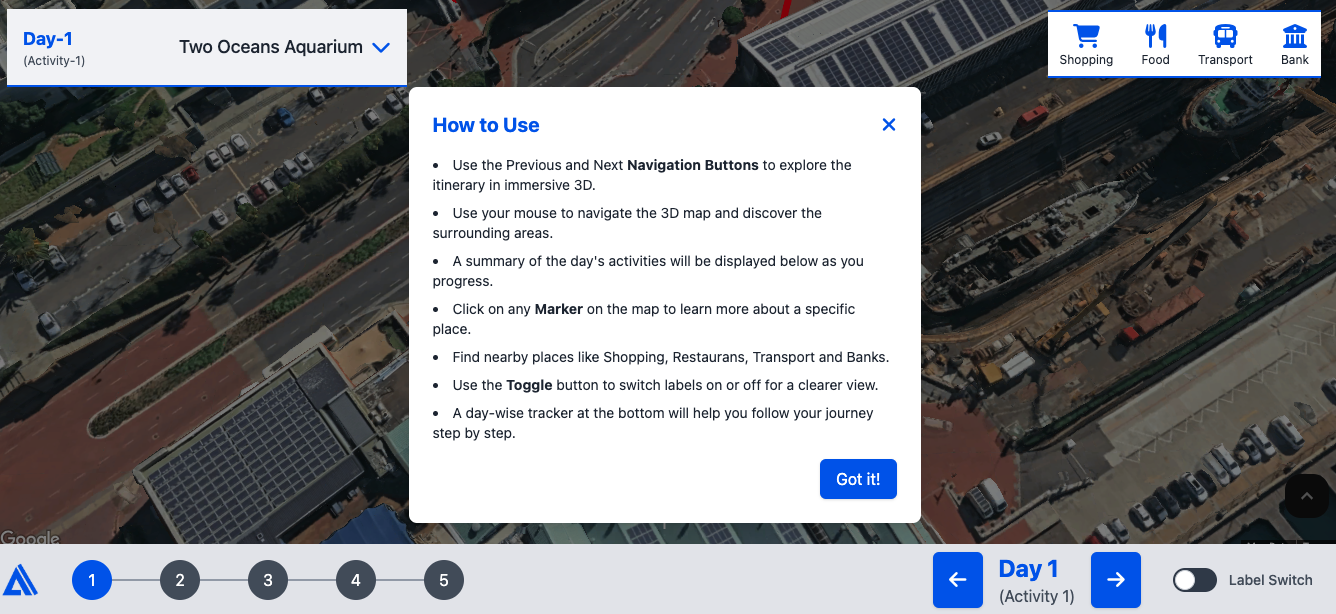
The inspiration for AITINERARY came from the idea of making travel planning both engaging and immersive. With the advent of Google Maps Platform's Photorealistic 3D Maps, I wanted to create a solution that not only simplifies trip planning but also provides users with a virtual preview of their journey. The concept of gamifying travel and offering a seamless experience for exploring destinations in 3D was vital in making this project both innovative and user-friendly.
What I Learned
Building AITINERARY was a transformative experience. I gained a deeper understanding of Google Maps Platform APIs, especially the integration of Photorealistic 3D Maps, Places API, and Directions API. This project also honed my skills in interactive map visualization, using elements like markers, polygons, and polylines effectively. Additionally, I learned how to overcome technical challenges, such as handling CORS issues, optimizing frontend performance, and designing an intuitive user experience.
How I Built the Project
- Frontend: I used vanilla JavaScript and Tailwind CSS for the frontend to keep the interface lightweight and responsive. The dynamic elements were powered by Google Maps Platform APIs to bring the 3D experience to life.
- 3D Maps: Photorealistic 3D Maps were used to visualize itineraries with interactive markers, polylines, and polygons.
- APIs: The Places API provided detailed insights into locations, while dynamic user inputs guided the automatic generation of itineraries.
- Gamification: To make the experience engaging, I added features like label toggles, navigation controls, and progress trackers.
- Customization: Users can interact with the map, fetch nearby places, and explore locations using insights from the platform.
Challenges I Faced
One of the biggest challenges was dealing with CORS issues when fetching data directly from the API in a frontend-heavy application. Another challenge was optimizing the rendering of complex 3D elements to ensure smooth performance across devices. Lastly, designing an intuitive user flow with multiple interactive features, such as activity navigation and map filters, required iterative testing and refinement. There was a learning curve, but I enjoyed it.
The Outcome
Despite the challenges, AITINERARY successfully delivers an innovative travel planning experience. It combines automation, visualization, and interactivity to provide users with an engaging and immersive way to explore destinations. This project not only showcases the capabilities of Google Maps Platform but also opens the door for future enhancements like AI-powered itinerary generation, multi-city support, and real-time data integration.
Built With
- html
- javascript
- tailwindcss


Log in or sign up for Devpost to join the conversation.