-
-
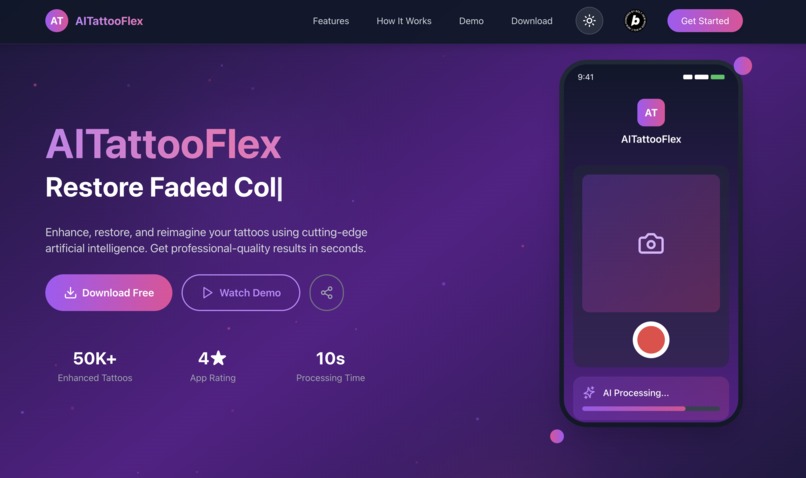
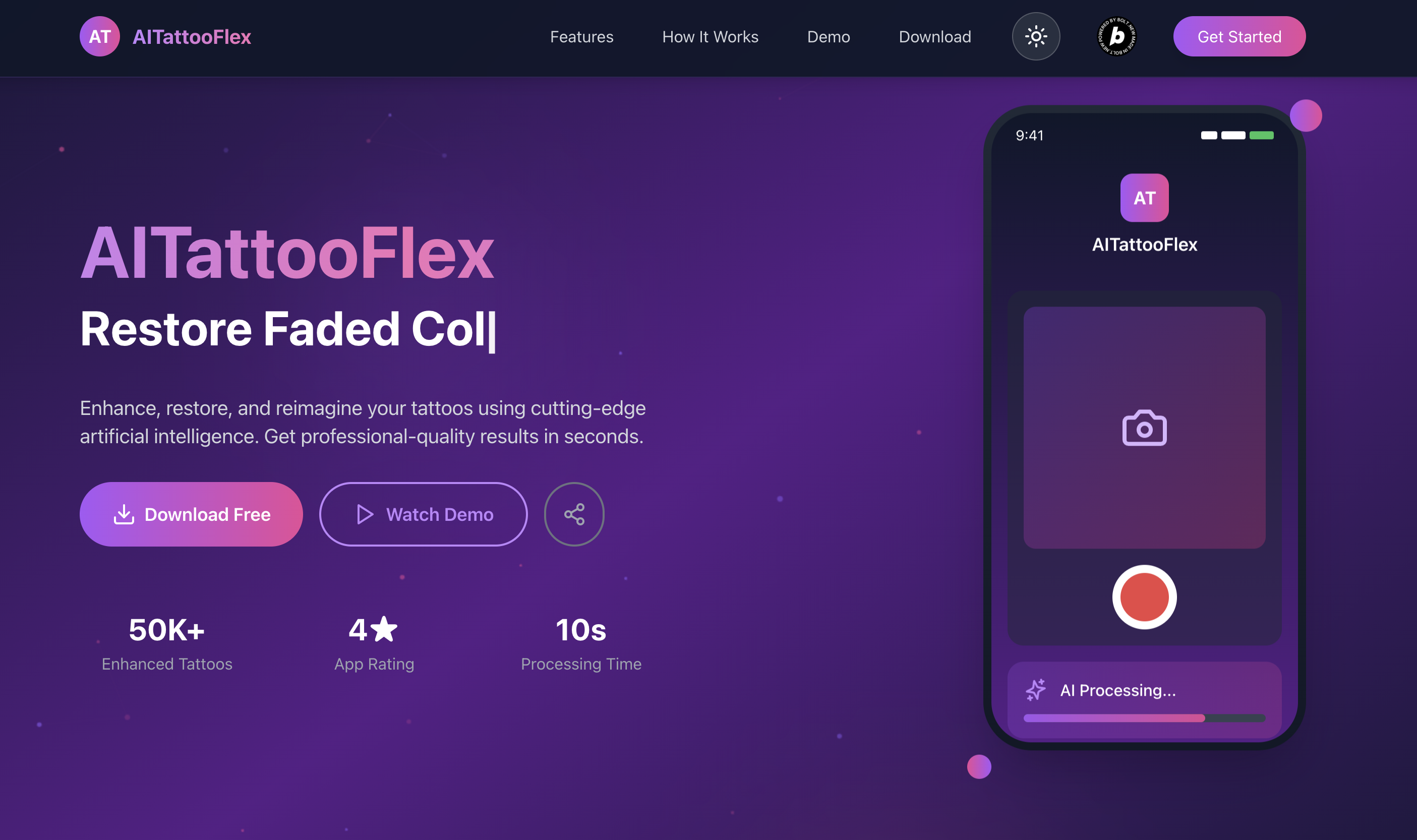
AI Tattoo Flex Marketing web site
-
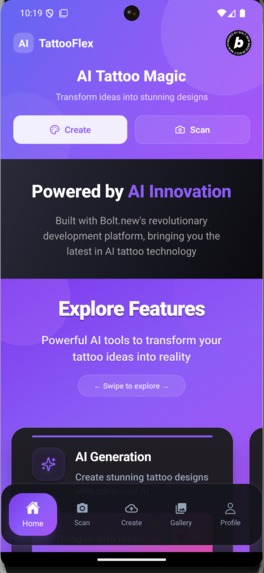
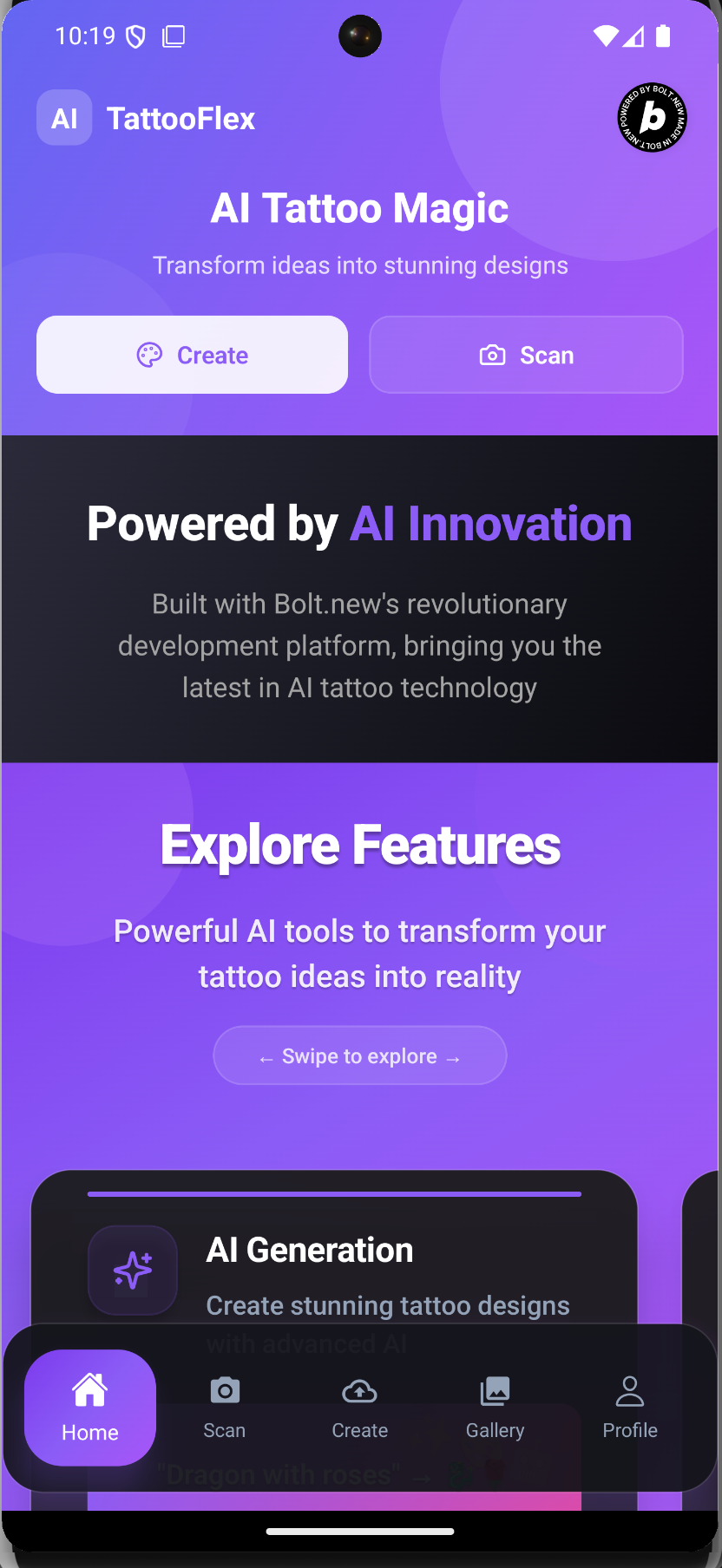
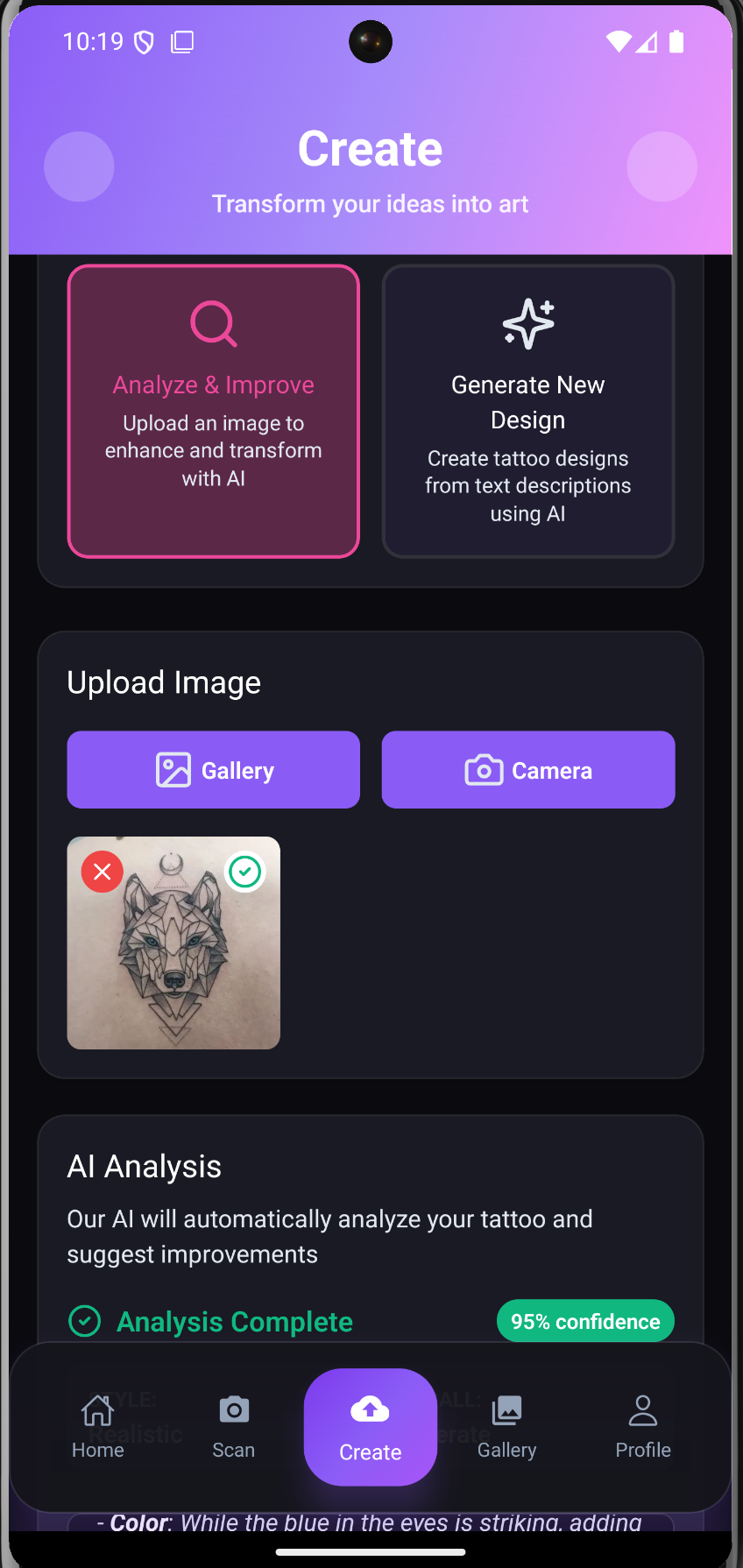
AI Tattoo Flex Home
-
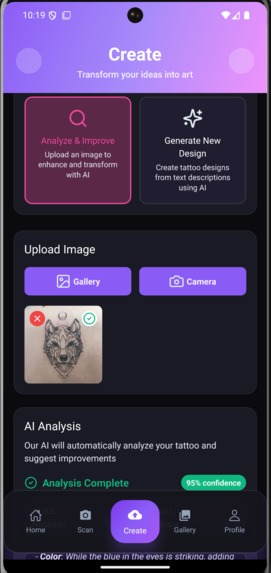
Analysing Tattoo with AI
-
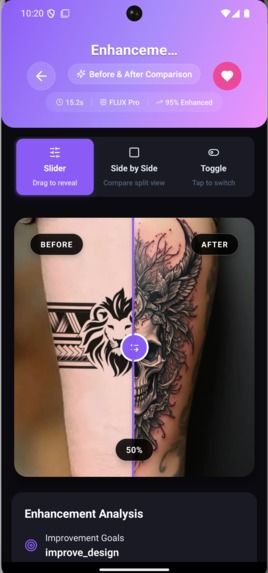
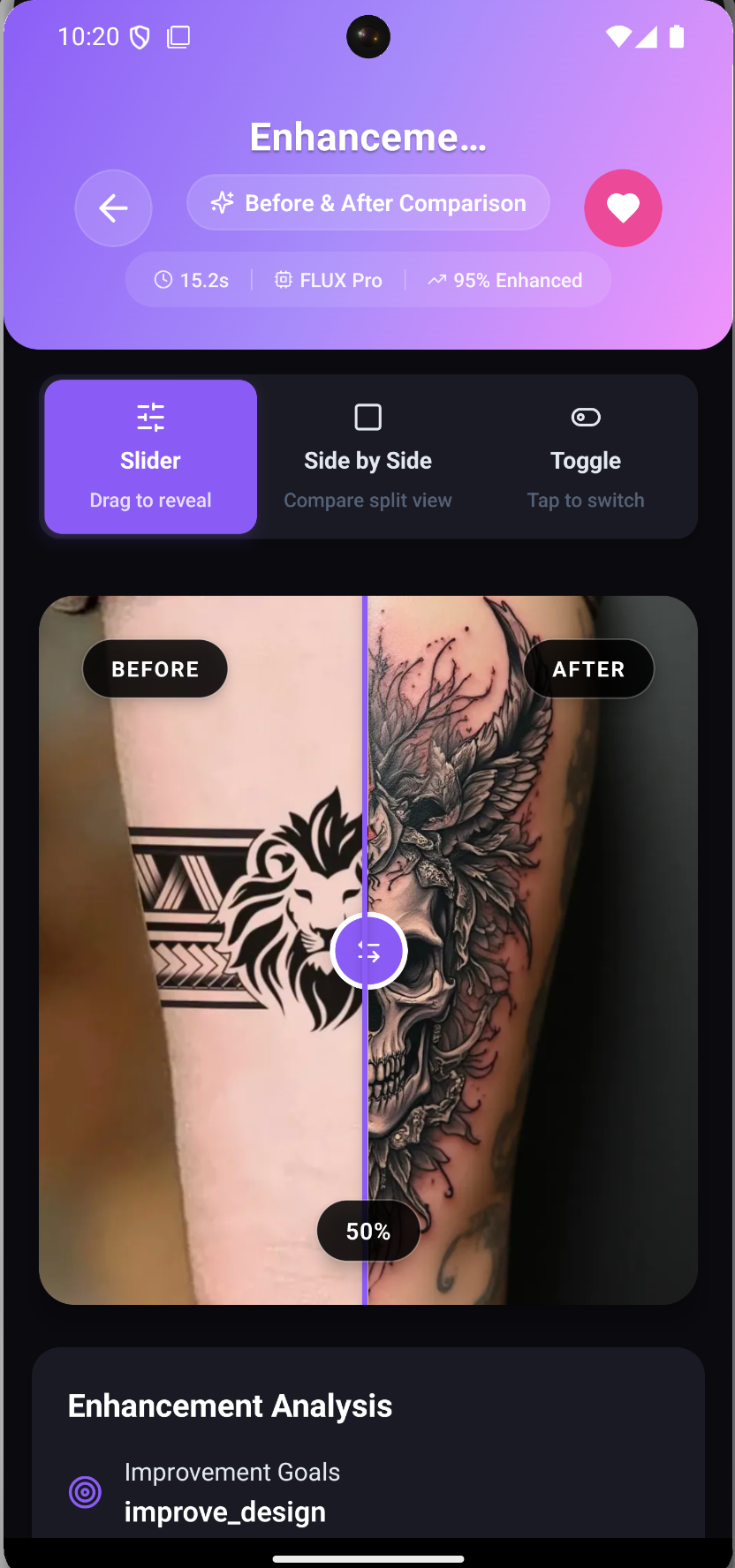
Compare with AI generated one
-
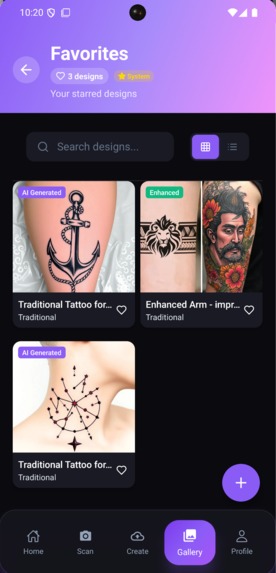
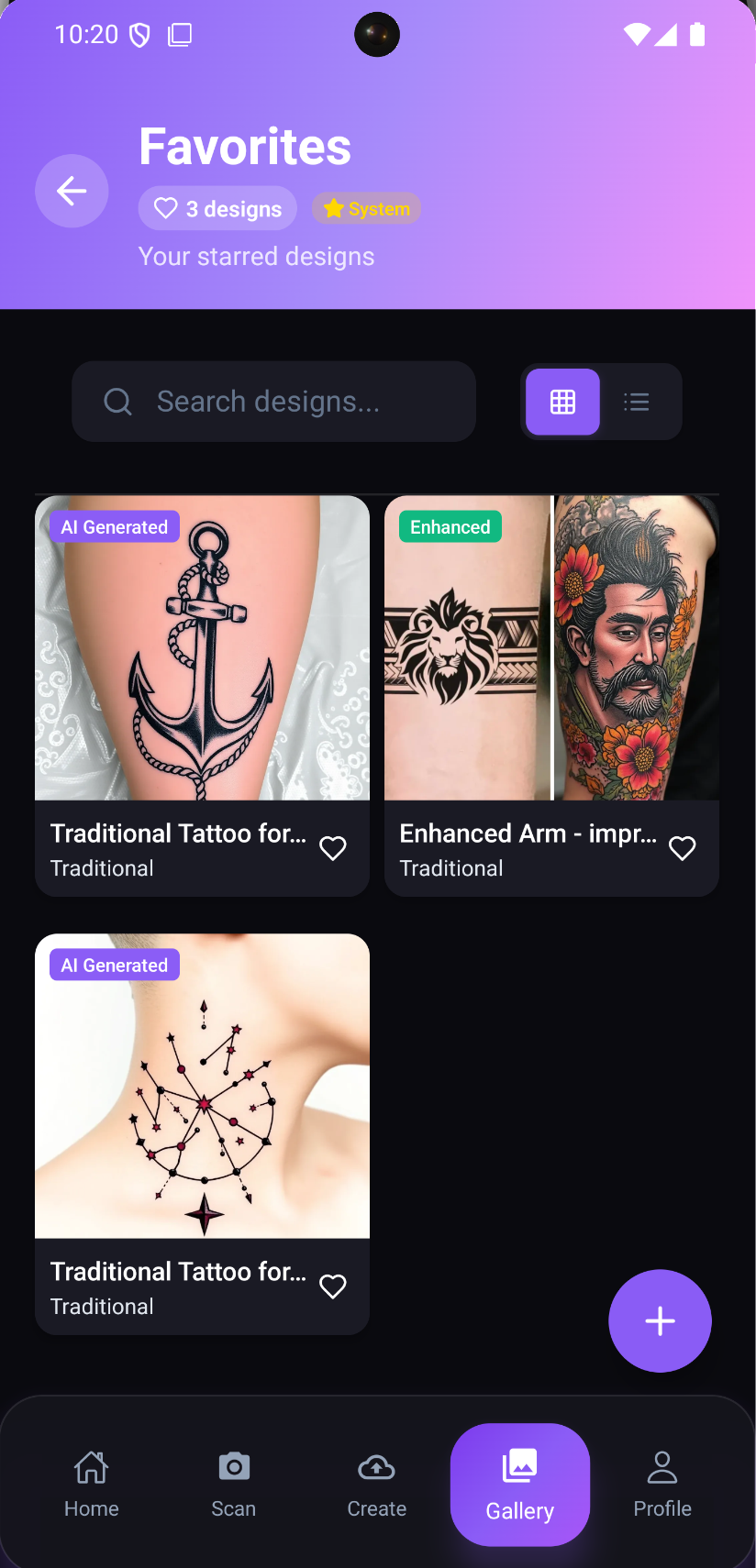
Saved Galaries
-
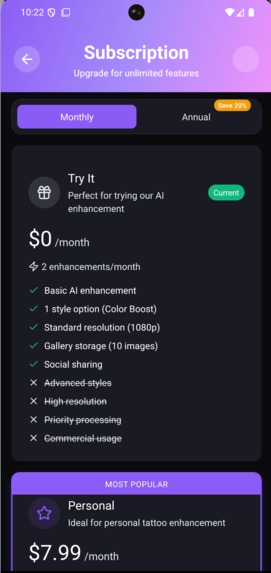
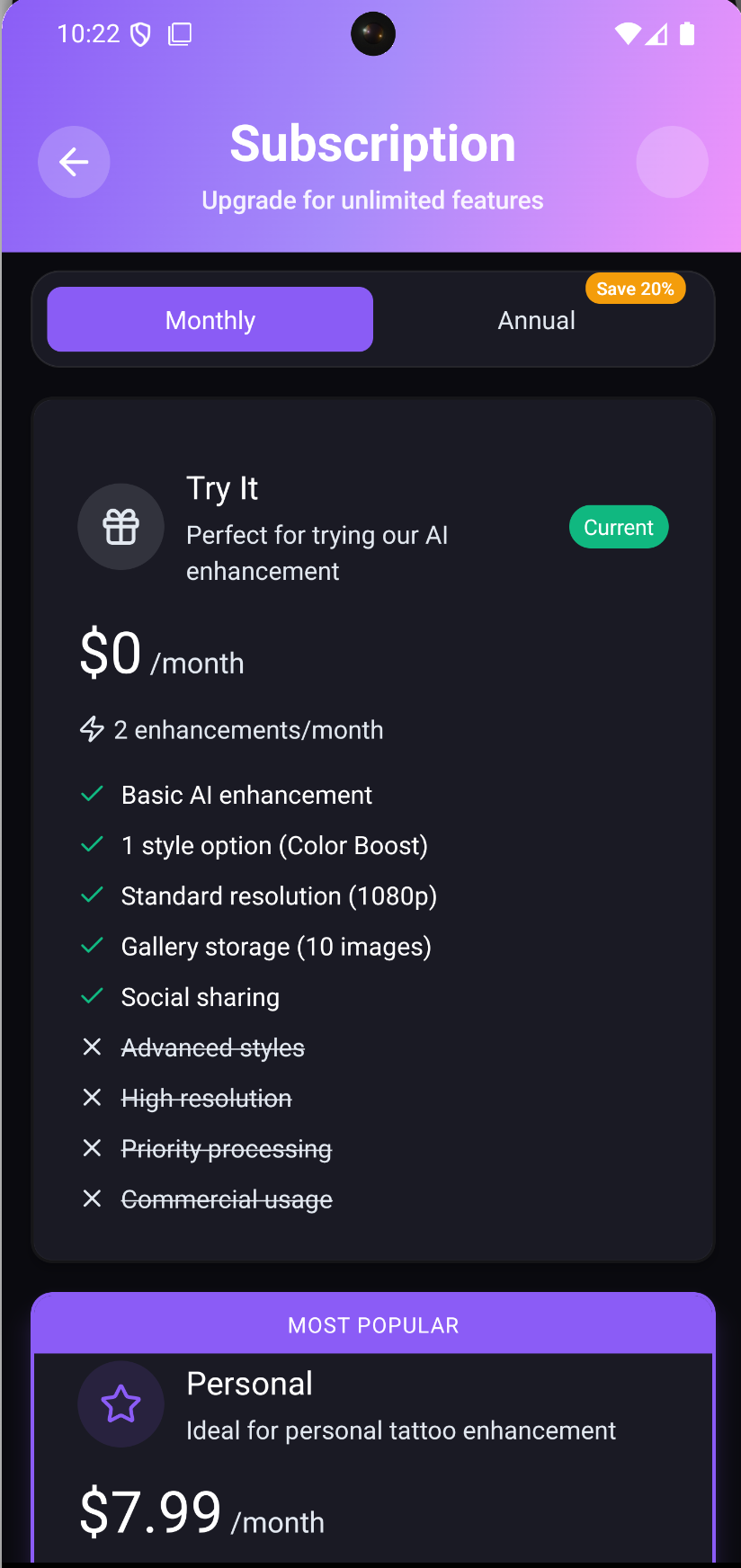
Subscriptions
Inspiration
The tattoo industry has remained largely unchanged for decades, with clients struggling to visualize modifications, touch-ups, or additions to their existing tattoos. We were inspired by the gap between imagination and reality - how many people have tattoos they love but wish they could see "what if" scenarios before committing to expensive modifications. The rise of AI image generation and the accessibility of tools like Bolt.new made us realize we could democratize tattoo design and modification, giving both artists and clients a powerful visualization tool.
What it does
Our AI-powered tattoo modification app allows users to:
- Upload photos of their existing tattoos
- Describe desired modifications, additions, or style changes in natural language
- Generate realistic previews of how modifications would look
- Experiment with different artistic styles (traditional, neo-traditional, watercolor, geometric, etc.)
- Save and share modification concepts with tattoo artists
- Get AI-powered suggestions for complementary designs based on existing tattoos
The app bridges the communication gap between clients and tattoo artists, making consultations more productive and helping people make confident decisions about their body art.
How we built it
Embracing the hackathon's spirit of rapid development, we built almost everything using AI tools:
- Frontend Development: Used Bolt.new's AI-powered development environment to rapidly prototype and build the user interface
- AI Integration: Implemented image generation APIs for tattoo modification previews
- Image Processing: Leveraged AI tools for background removal, image enhancement, and seamless blending of modifications
- Natural Language Processing: Integrated language models to interpret user descriptions and convert them to effective image generation prompts
- UI/UX Design: Used AI design assistants to create an intuitive, visually appealing interface
- Code Generation: Relied heavily on AI coding assistants to write, debug, and optimize the application logic
This approach allowed us to focus on innovation and user experience rather than getting bogged down in technical implementation details.
Challenges we ran into
- Image Quality & Realism: Ensuring AI-generated modifications looked realistic and properly aligned with skin tone, lighting, and perspective of the original photo
- Prompt Engineering: Crafting effective prompts that consistently generated high-quality, tattoo-appropriate imagery while maintaining the original tattoo's context
- Real-time Processing: Balancing image quality with processing speed to provide a smooth user experience
- Edge Cases: Handling various photo angles, lighting conditions, and tattoo styles that the AI might struggle with
- API Limitations: Working within rate limits and cost constraints of various AI services while maintaining functionality
- User Interface Complexity: Creating an intuitive interface that guides users through the modification process without overwhelming them
What we learned
- AI Tool Integration: Discovered how powerful combining multiple AI services can be when building complex applications quickly
- User-Centered Design: Learned the importance of simplifying complex AI capabilities into user-friendly workflows
- Rapid Prototyping: Experienced firsthand how AI development tools can accelerate the entire development cycle
- Domain-Specific Applications: Gained insights into the unique challenges of applying AI to creative industries like tattoo art
- Prompt Engineering: Developed skills in crafting effective prompts for consistent, high-quality image generation
What's next
- Artist Collaboration Features: Adding tools for professional tattoo artists to use in consultations
- Style Transfer Learning: Training custom models on different tattoo styles for more accurate style mimicry
- Mobile App: Developing a native mobile experience for better photo capture and on-the-go modifications
- Community Features: Building a platform where users can share modifications and get feedback
- AR Integration: Exploring augmented reality features to preview modifications in real-time using device cameras
This project demonstrates the incredible potential of AI tools to transform traditional industries and create new possibilities for creative expression.
Built With
- bolt.new
- expo.io
- gpt-4
- openai
- postgresql
- react-native
- replicate
- supabase

Log in or sign up for Devpost to join the conversation.