-
-
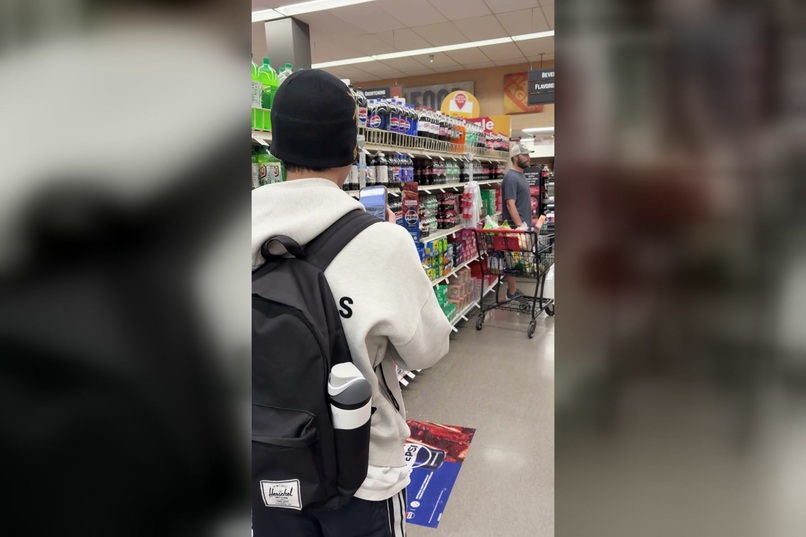
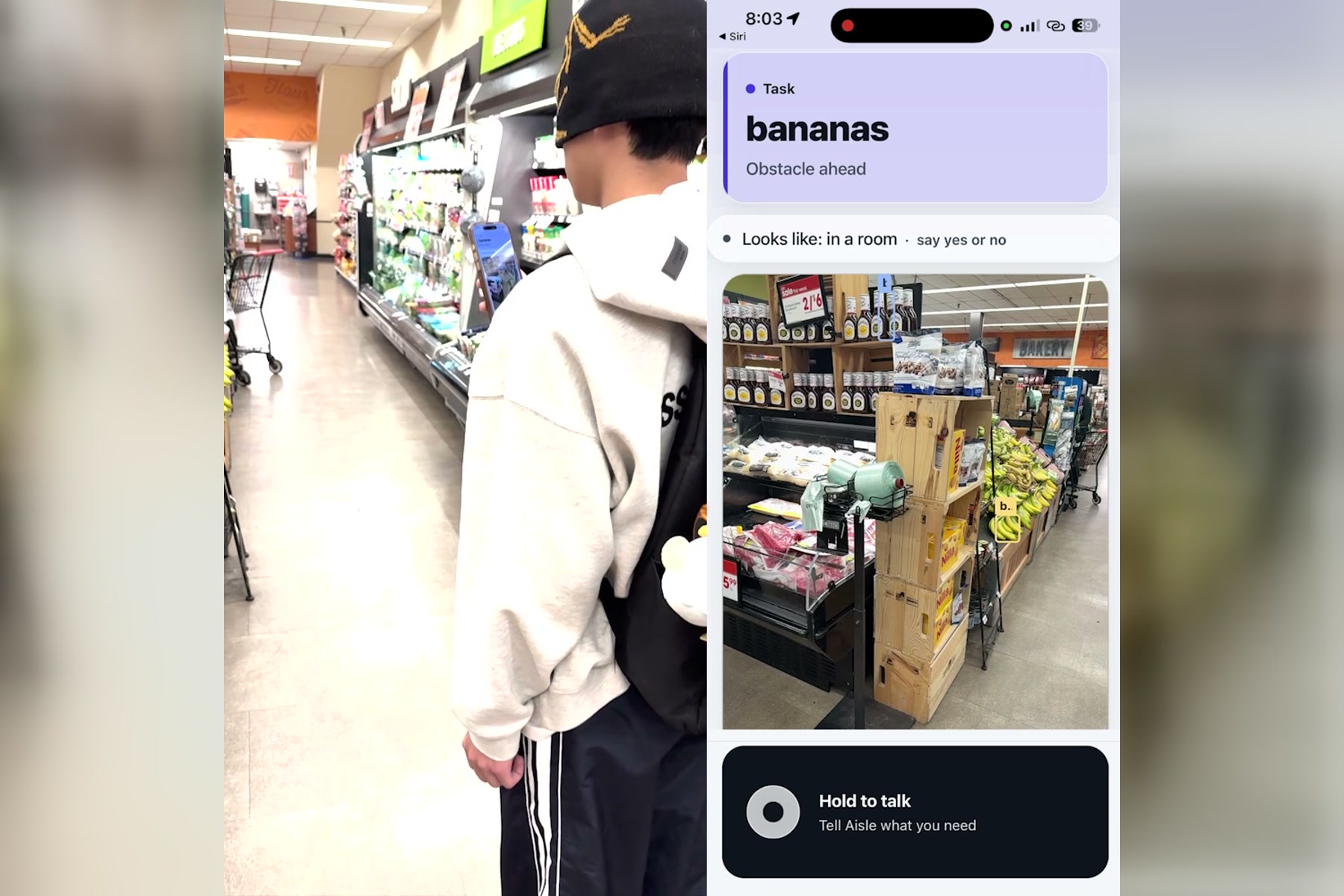
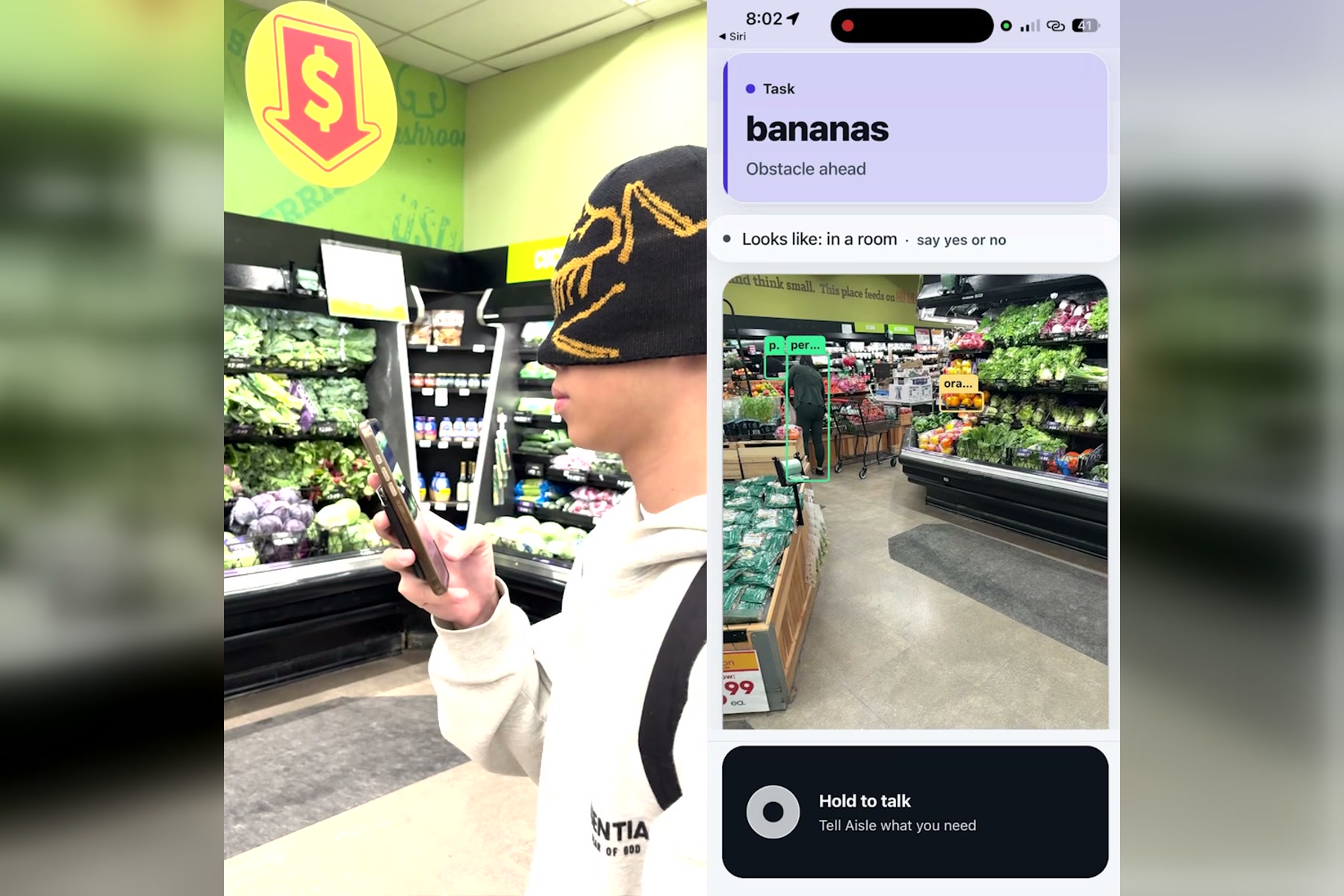
Walking down an aisle with an obstacle ahead
-
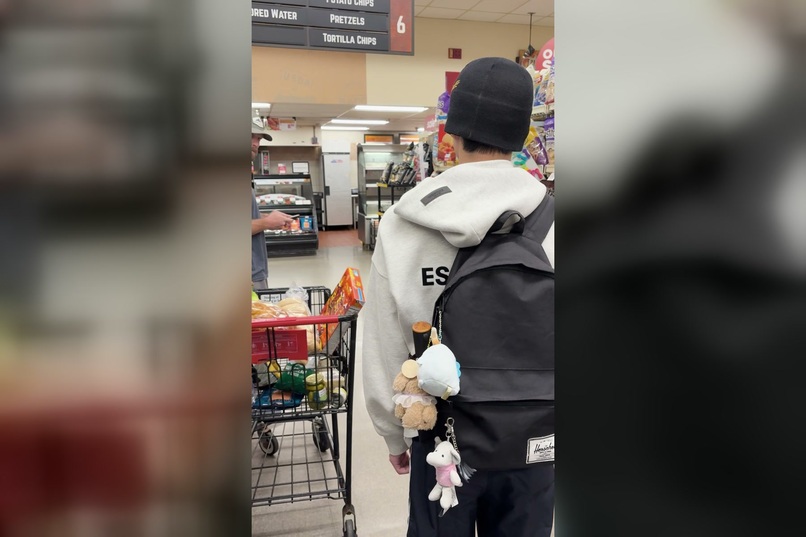
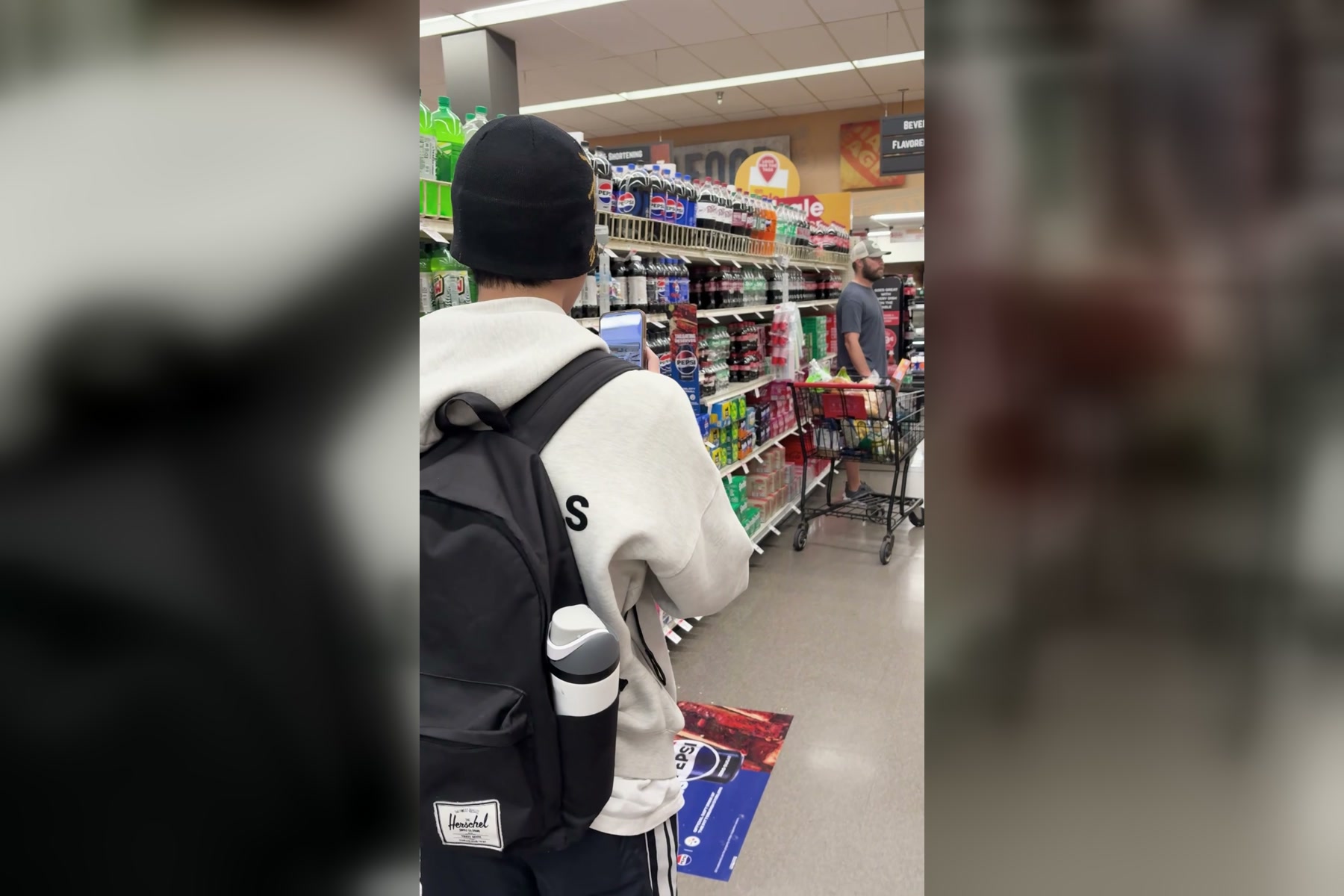
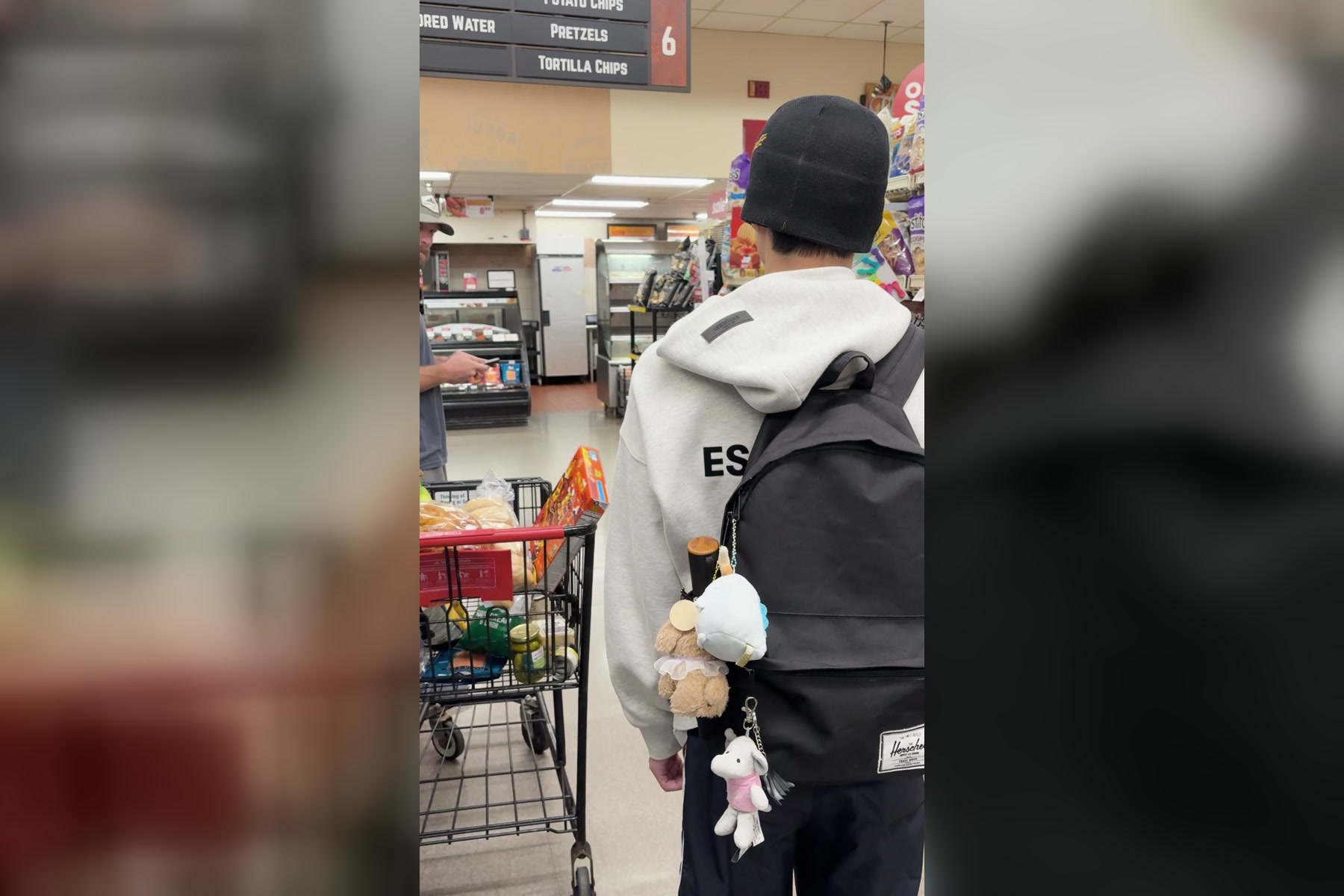
Identified bananas are found in another shopper's cart :(
-
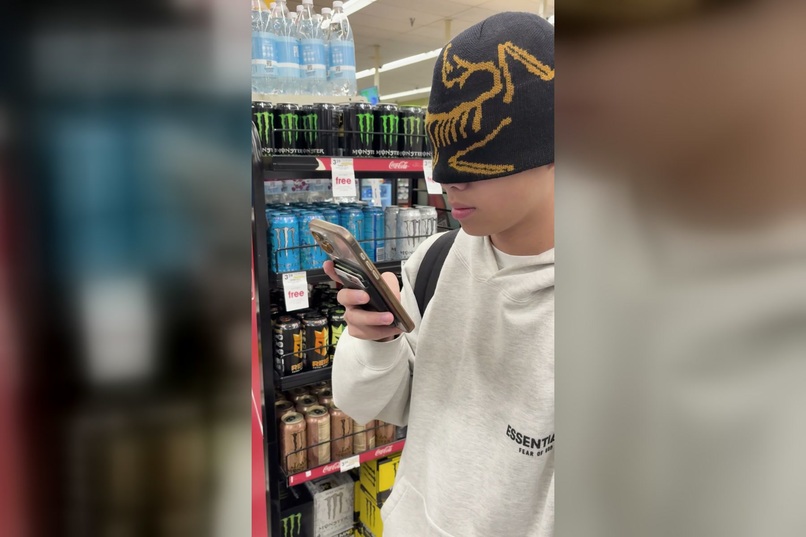
Opening Aisle Be There with voice commands
-
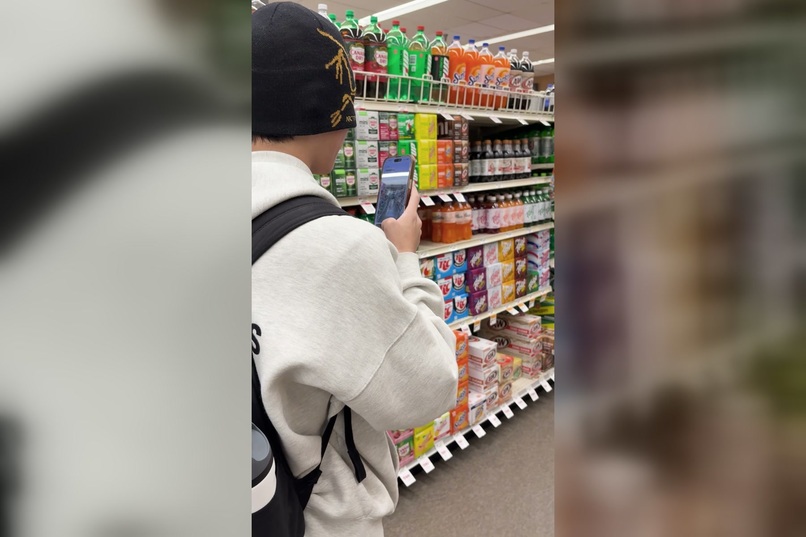
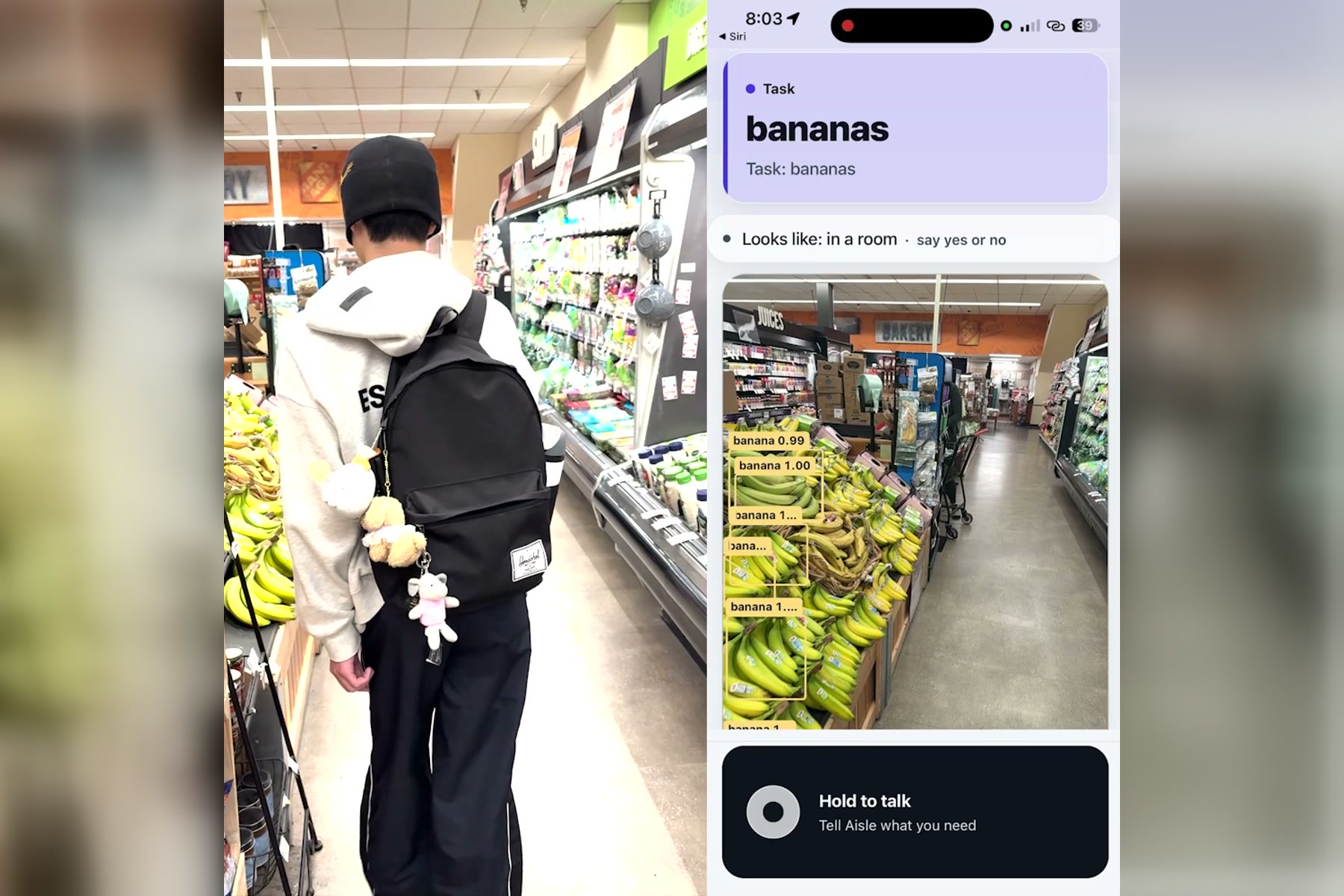
Walking down an empty aisle
-
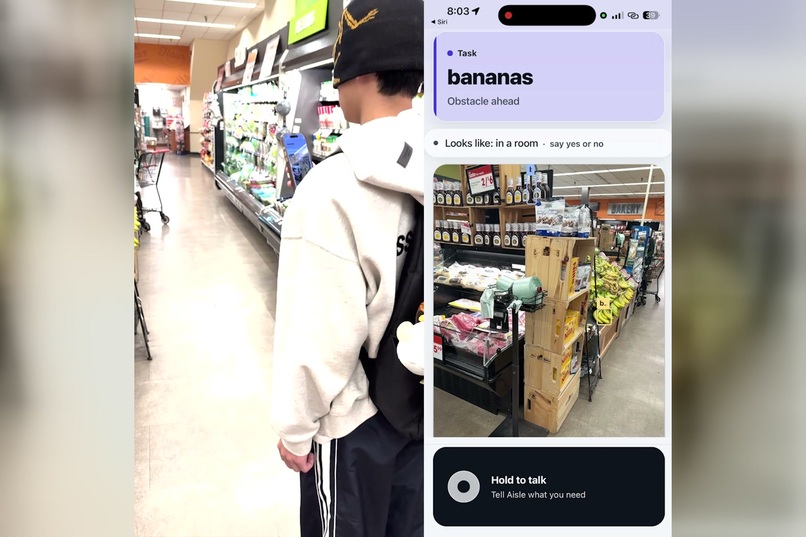
Trying to avoid obstacles when target item is recognized
-
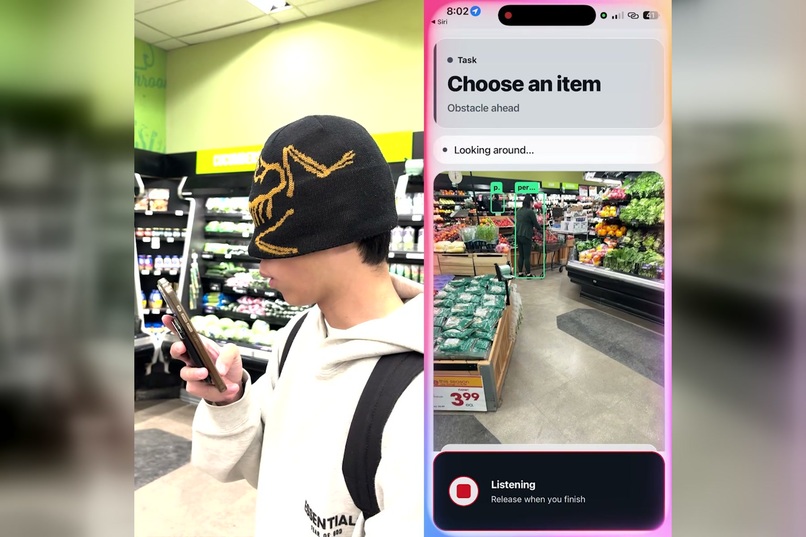
Initializing the trip by stating what we are searching for (bananas)
-
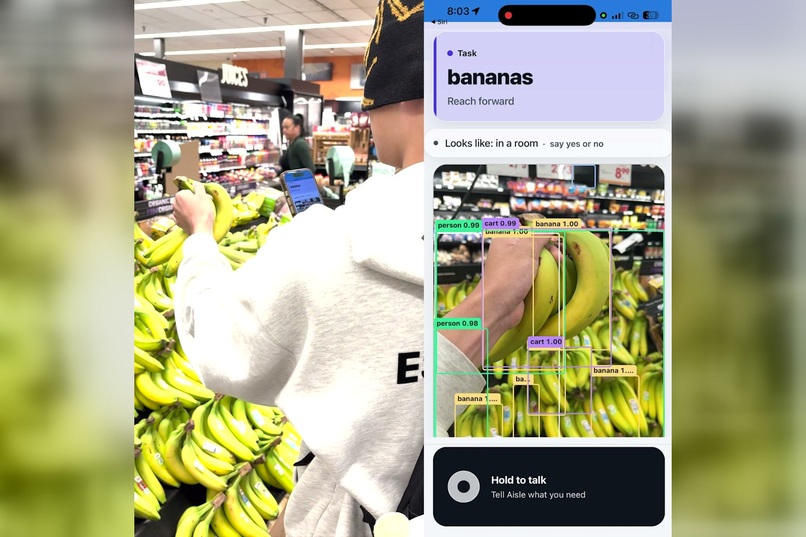
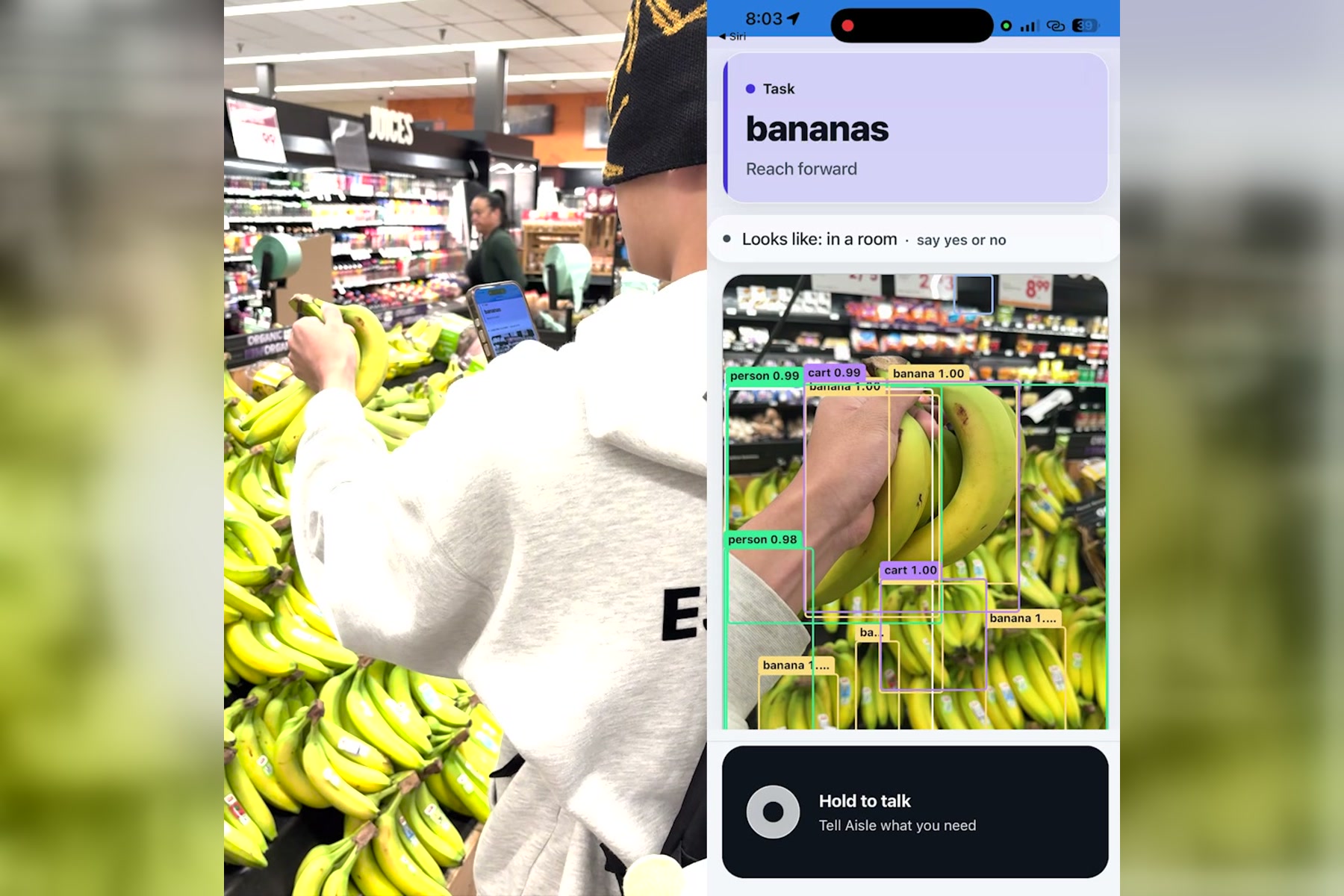
Pickup the bananas according to the algorithm's instructions
-
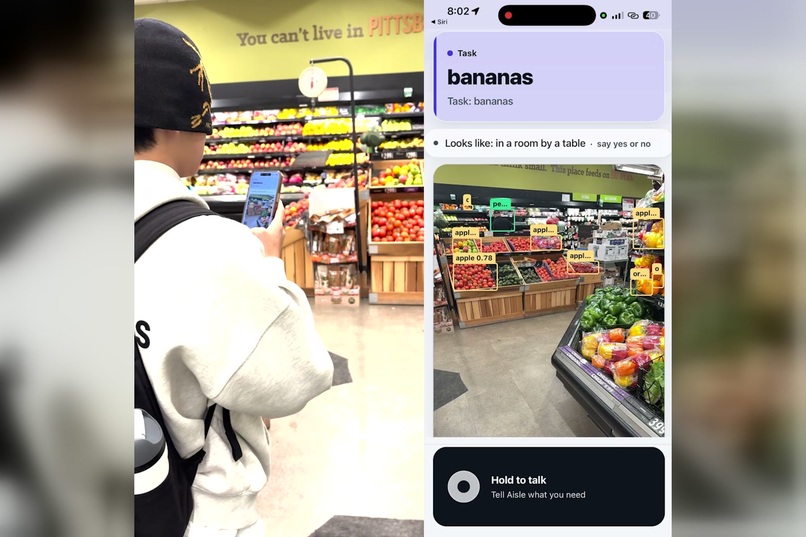
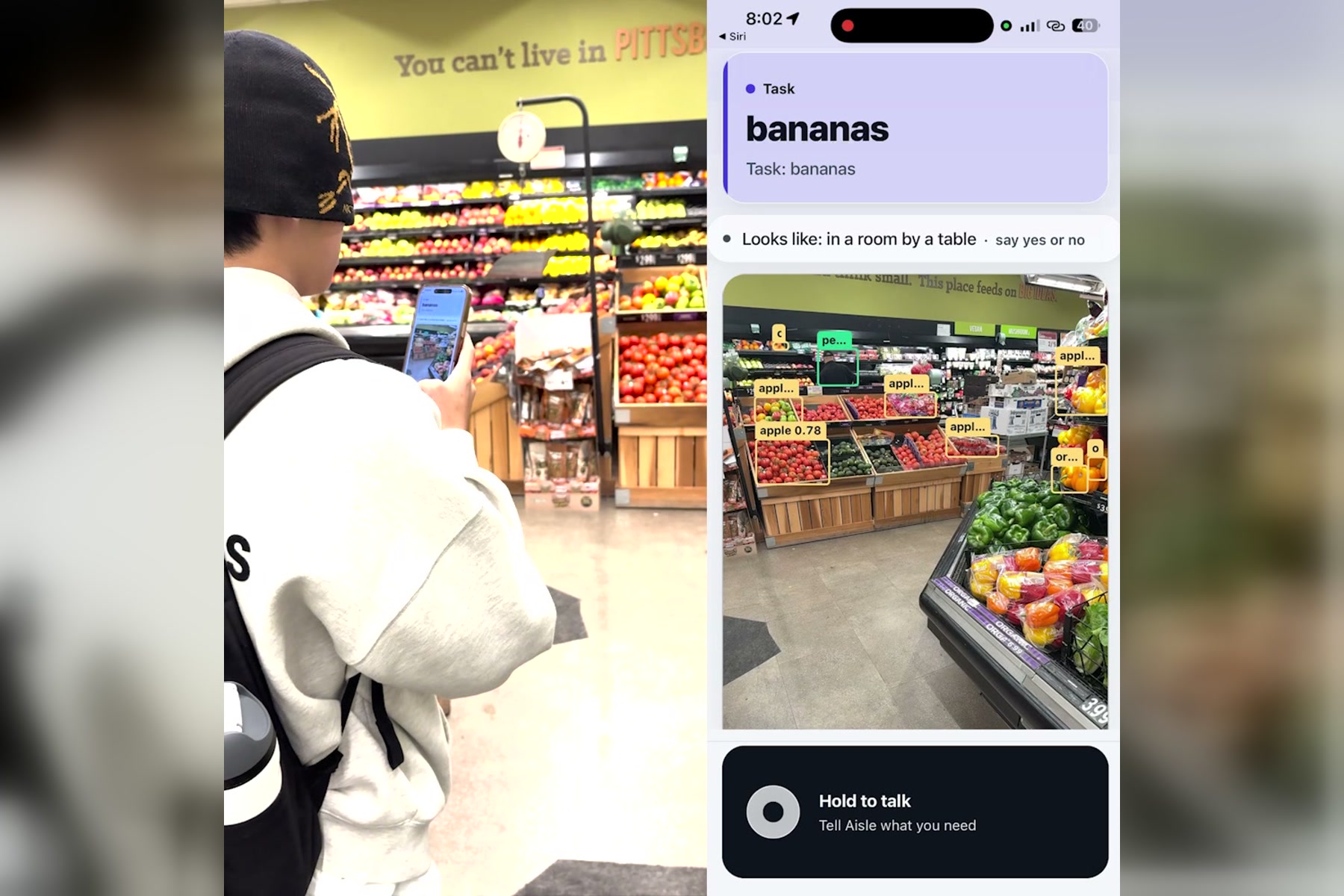
Reasoning where the target item might be.
-
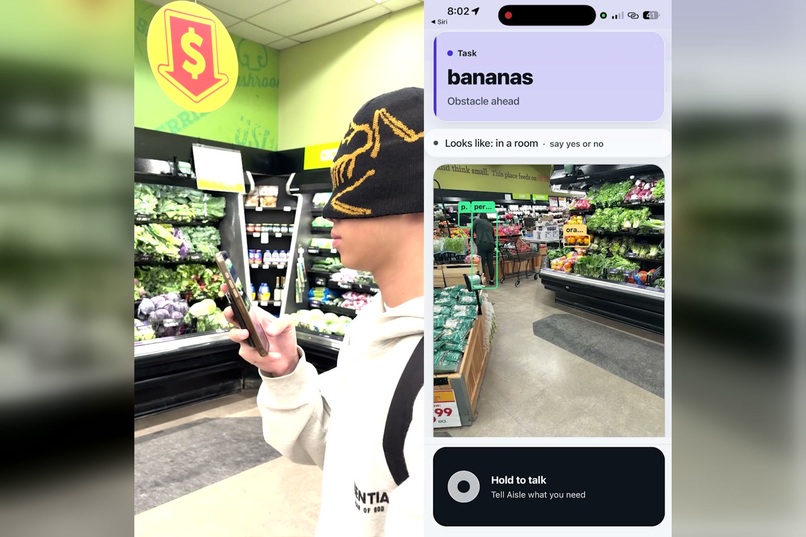
Initialize trip to find bananas
-
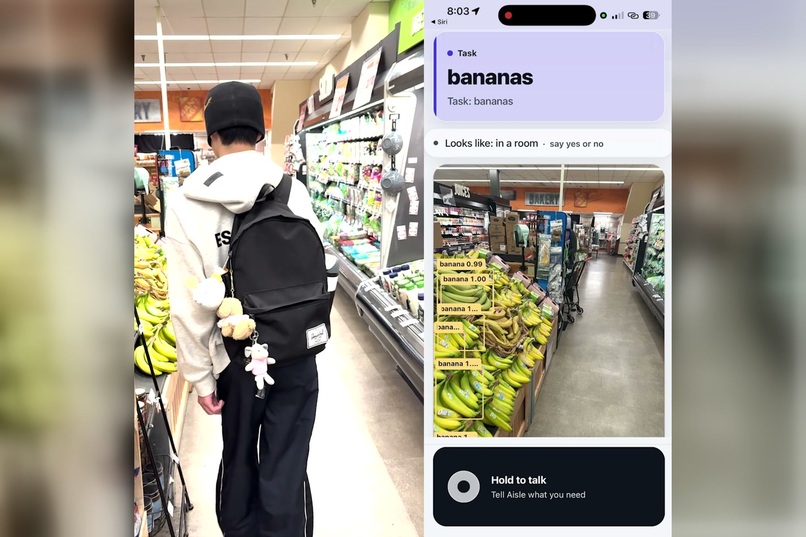
Walking toward the target item banana.
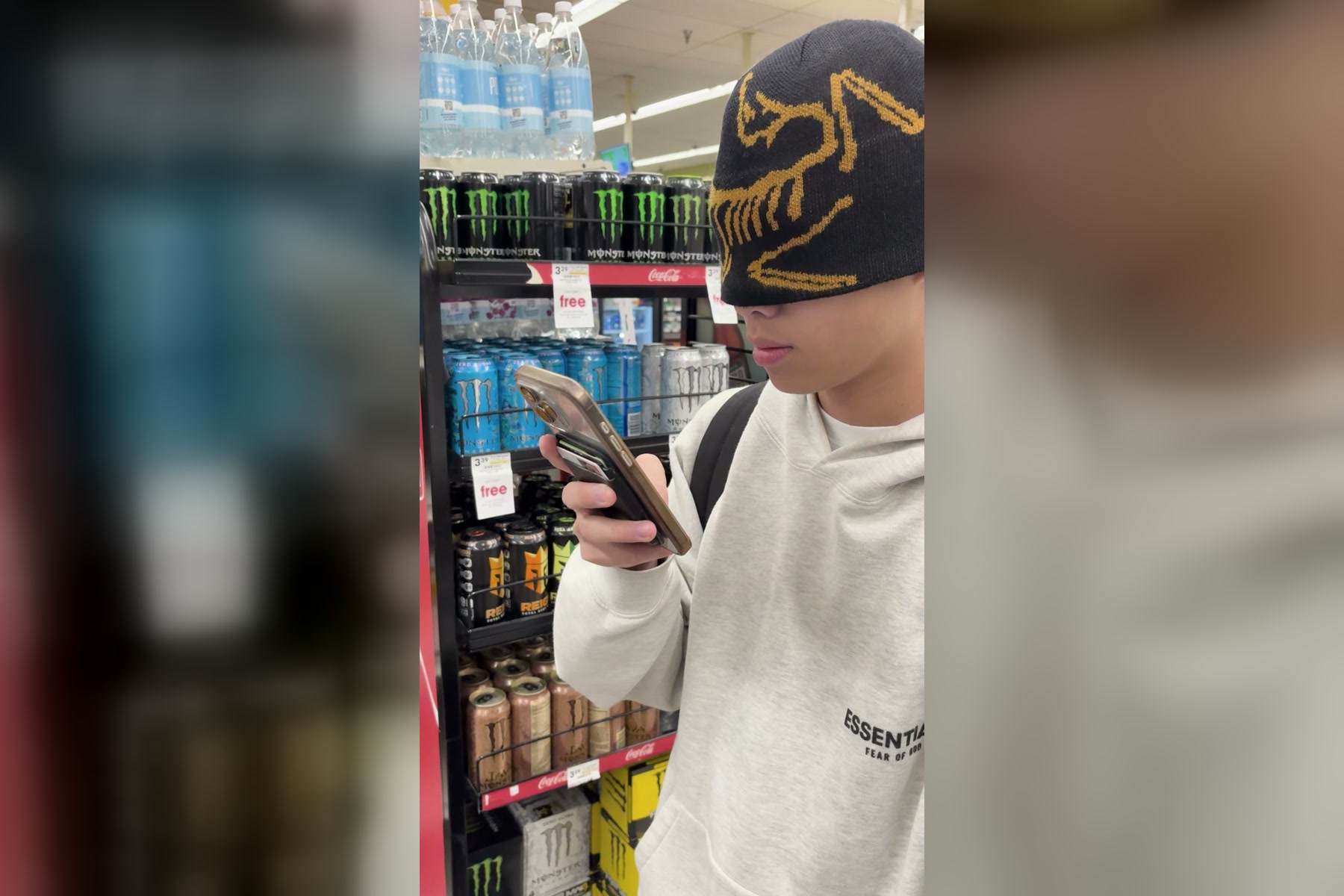
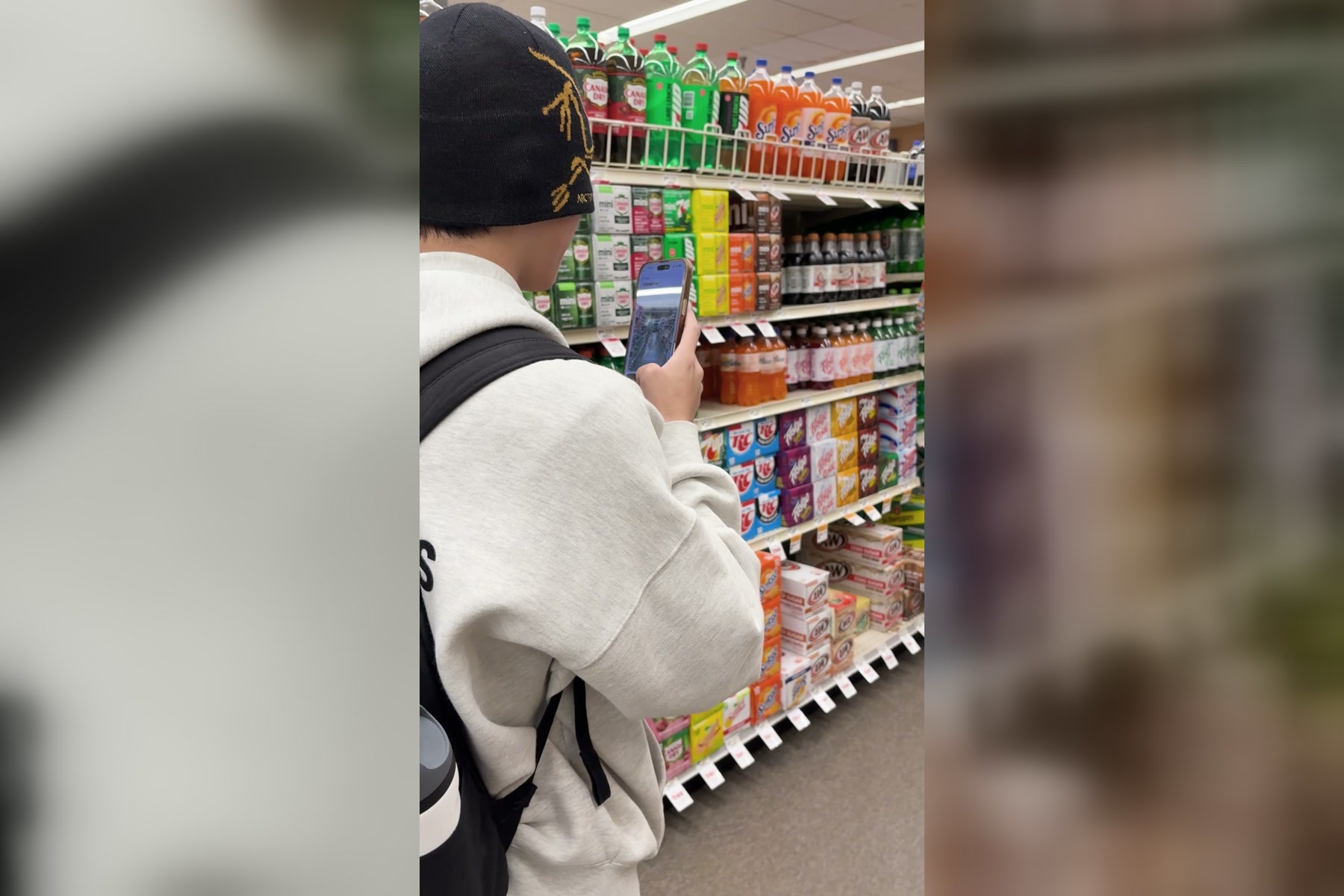
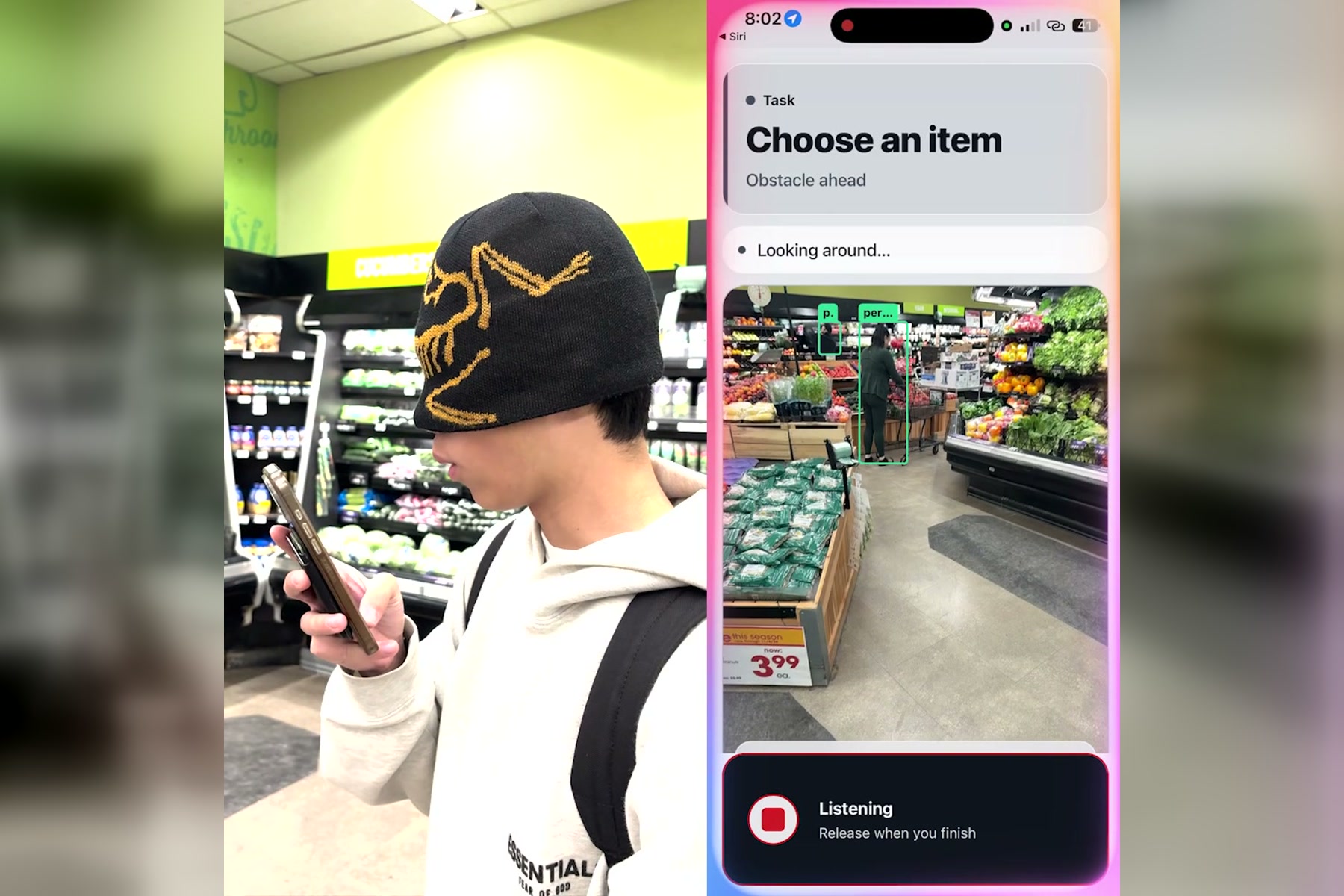
Inspiration
Ask a blind person about grocery shopping and you hear the same story. The store offers a helper, if you can find one and are willing to wait. Delivery apps work until you need one thing tonight. Navigation apps get you to the door and then go quiet, because nobody has mapped the inside of a Giant Eagle, and the layout changed last Tuesday anyway. The aisle sign is three metres over your head. The bananas are somewhere in a room the size of a football field, and the eggs at home are behind the milk.
We kept asking one question. How far can one ordinary iPhone get, with no glasses, no LiDAR and no wearable, super expensive Apple Vision Pro, if we treat the camera the way a sighted friend treats their eyes: look, say what you see in a few plain words, reason about where the thing probably is, walk, and never claim to be sure when you are not?
Grocery stores were the test we set ourselves because they are the hardest case. Nobody has mapped them, the shelves change weekly, and the thing you want is one of ten thousand nearly identical boxes. If the approach works there, it works in a kitchen too, so Aisle Be There does both.
What it does
You hold the talk button and say what you need. "Find the bananas." "I am in a grocery store, help me find the pasta." "Get the eggs from my fridge."
If the item is already in view, geometry takes over immediately: "Bananas at eleven o'clock, two steps." Aisle Be There locks on with the phone's own detectors and walks you in.
If it is not in view, the app reasons the way a person would. In a store it thinks by section: bananas belong in produce, pasta near the sauces, milk in dairy. It reads the overhead signs with the phone's own OCR, notices what is actually on the shelves in front of you ("milk and yogurt here, this seems to be dairy") and tells you where it is heading and why. At home it goes to where such things usually live, the counter, the table, the fruit bowl, the fridge, and rules each one out as it checks it. The two settings never mix: Aisle Be There will not look for a kitchen counter in a supermarket.
When the camera has nothing, it explores. It remembers every spot it has already looked from, every heading that turned out blocked and every shelf it has ruled out, picks the direction it has not covered yet, tells you it is about to move, walks you a short leg with the depth model vetoing every step, and looks again. You can steer it in plain words: "explore", "next aisle", "there is an opening in front of me, can I go that way". The whole time a language model narrates what it sees and where it thinks the item is, in fifteen words or fewer.
At the end it guides your hand. "Reach out left, at chest height." "Higher." "Touching." Then it asks you to confirm, because only you can. Aisle Be There never says it found something the camera has not seen, and never counts a shelf as empty until it has actually looked at it.
Everything is voice, sound and touch. A blind person never has to look at the screen.
How we built it
Aisle Be There is an Expo development build in TypeScript with a Swift perception module we wrote ourselves, and a small Node proxy that holds every API key so nothing secret ever ships in the bundle.
Perception runs in three layers. On the phone, ARKit gives us position and heading ten times a second, two YOLO nano detectors (COCO and Open Images) alternate frames to cover about two hundred object classes, Depth Anything gives a three by three nearness grid, Apple's Vision framework reads signs at full resolution, and a hand pose model follows the user's hand during a reach. In the cloud, Claude answers a strict JSON question about each frame: where the item is, what is blocking it, which openings lead somewhere, what the sign in front of you says and what section this is. We run two lanes: Claude Haiku 4.5 on a 768 pixel frame for the fast look around, and Claude Sonnet 5 on a 1280 pixel frame when a candidate needs verifying or a shelf band needs a careful read. NVIDIA Nemotron turns what you said into a structured task and a plan of steps.
The decisions live in plain TypeScript with tests, not in a prompt. A model may propose and explain; the app validates. Geometry owns the walk once the item is in view. The bearing to a box comes straight from its position in the frame,
$$\beta = \left(c_x - \tfrac{1}{2}\right)\,\theta_{\text{hfov}},$$
and distance from its apparent height against a known real height, with the focal length in normalized units,
$$d \approx \frac{H\,f}{h}, \qquad f = \frac{1}{2\tan(\theta_{\text{hfov}}/2)},$$
which becomes "eleven o'clock, two steps" because clock faces and steps are what a blind person can act on.
Memory is what keeps the search from going in circles. A session map with 1.5 metre cells records where the phone has stood, which headings turned out blocked, and "not on this table" marks tied to a world position, so a pan away and back, or a second visit to the same table from the other side, does not restart the search. A trip graph records places, signs, sections and openings along walked edges, and can route you back to a remembered aisle. Absence is only claimed when the camera actually looked: the detector staring at a surface for three seconds without firing is a reason to move on, and a shelf band is only cleared when the model says it inspected it.
Speech is engineered like a control signal. Every line is twelve words or fewer, digits are spoken as words, one voice speaks at a time, and a lint runs over every string the app can say and fails the build on a forbidden word. Cached ElevenLabs clips play the common lines instantly; the model's own sentences are spoken live.
We debugged from traces, not guesses. The phone posts every decision, every model answer and every voice capture to the proxy, and each field failure became a replay test with the exact utterance from the log.
Challenges we ran into
A schema keyword the vision API did not support turned every camera question into a silent 400 for hours; the app looked slow when it was actually blind. We added a boot check that says "vision ready" or "VISION BROKEN" out loud.
The speech rules bit us. A thirteen word line was dropped by the validator, so the app said nothing, and a blind user hears nothing as "stuck". Now long lines are trimmed instead of thrown away.
Latency shapes everything. A frame answered five seconds later describes where the camera was, not where it is, so we had to attach each observation to the pose at capture time and refuse to steer by it if the person had turned more than twenty five degrees since. Then we found the loop starving itself: walking legs made every frame stale, so the app kept asking for "a current view" and paused.
The doorway you are standing in is not a landmark. When a tester stood in a doorway with an unexplored room ahead, the exit logic waited for a model to box a door and repeated "no exit confirmed" for a minute. The fix was to let unvisited floor count as a way out.
Context is everything. The same "bananas" request in a store once ran the home logic and went looking for a countertop. Now the setting is sticky when the user states it, unknown when nobody knows, and home priors never drive a store search.
And the human parts: a fridge door is a featureless white wall to ARKit, a blind tester cannot tell you which voice made a mistake, and five people pushing to one repository in twenty four hours meant merging each other's ideas about the same forty lines several times a night.
Accomplishments that we're proud of
The whole thing runs on a phone anyone already owns. Position, detection, depth, OCR and hand tracking all run on the device at the same time without a Pro model.
The split we ended up with feels right: the language model owns the voice while exploring and may suggest where to go, computer vision owns the lock on once the item is in sight, and the depth grid can veto anyone. This is the first version that moves on its own when the camera has nothing to offer, and stops the moment the depth grid says so.
Honesty is enforced by tooling, not by hoping. No build can ship a sentence the speech rules forbid, and Aisle Be There cannot announce an item the camera has not seen.
Fourteen hundred automated tests, including replays of real field failures typed exactly as the tester said them, and a trace channel that let us fix bugs we never saw happen.
What we learned
Vision language models are superb observers and poor controllers. Ask them what they see and let code decide what to do with it.
For a blind user, silence is the worst output. Every state needs a sentence, every sentence needs an action, and the pacing of speech is part of the interface.
Latency is not a number to report, it is a physical constraint on the control loop. Five seconds of inference means a walking person has moved two metres, and the software has to know that.
Memory of what you have already checked matters more than a smarter guess about where to look next.
And the last one: context first. The most confident search in the world is useless if it thinks a grocery store is a kitchen.
What's next for Aisle Be There
Faster observation: a compact schema and a shorter prompt for the fast lane, so the camera is answered in under two seconds and the loop stops fighting the clock. Real store walks with blind testers and orientation and mobility instructors, with the trace channel recording every decision. Store maps that persist across visits, so the second trip starts with what the first one learned, and a shared layer where one shopper's signs and sections help the next. Metric depth on LiDAR phones and the ultra wide lens for the search, while keeping the plain iPhone as the baseline. Checkout and the walk back to the door. And Android, so the phone in a person's pocket is the phone that helps them.
Built With
- anthropic-claude
- apple-speech-recognition
- apple-vision
- arkit
- core-ml
- depth-anything
- elevenlabs
- expo.io
- express.js
- jest
- node.js
- nvidia-brev
- nvidia-nemotron
- nvidia-nim
- open-images
- python
- pytorch
- react-native
- swift
- typescript
- ultralytics-yolo
- vitest
- zod
- zustand

Log in or sign up for Devpost to join the conversation.