Aisé
creating reminders shouldn't be the hard part.


What is Aisé?
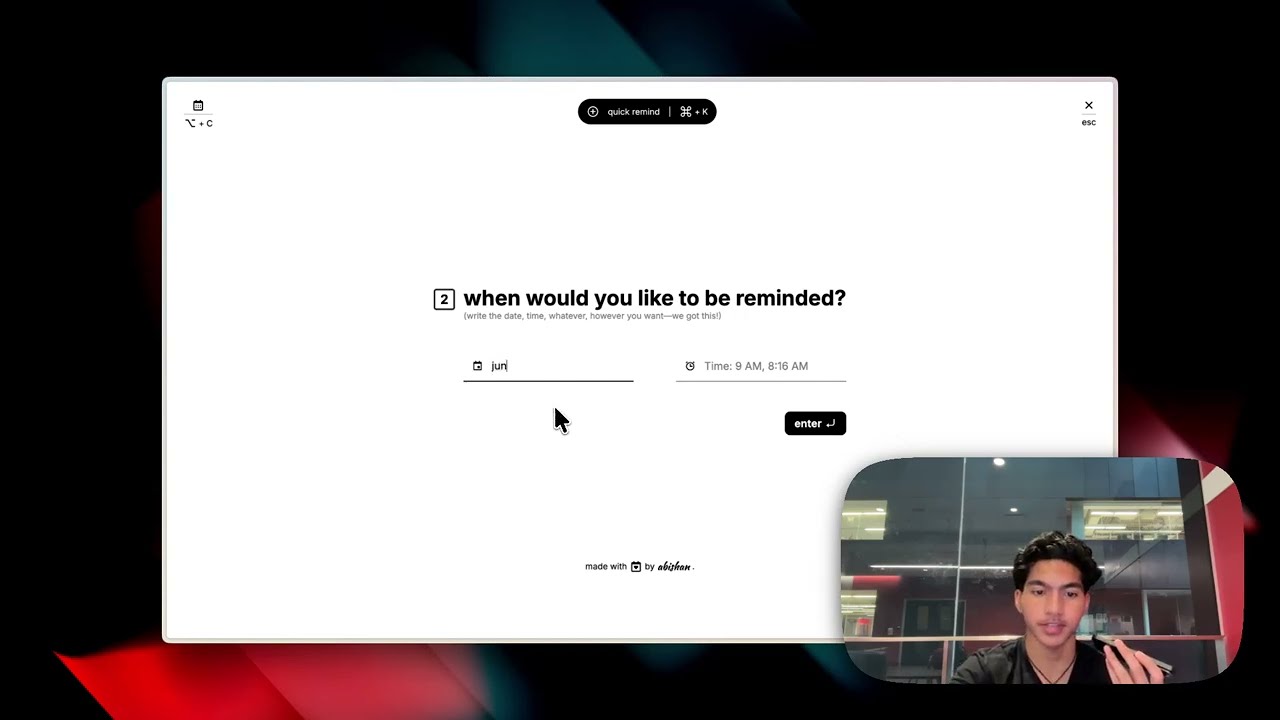
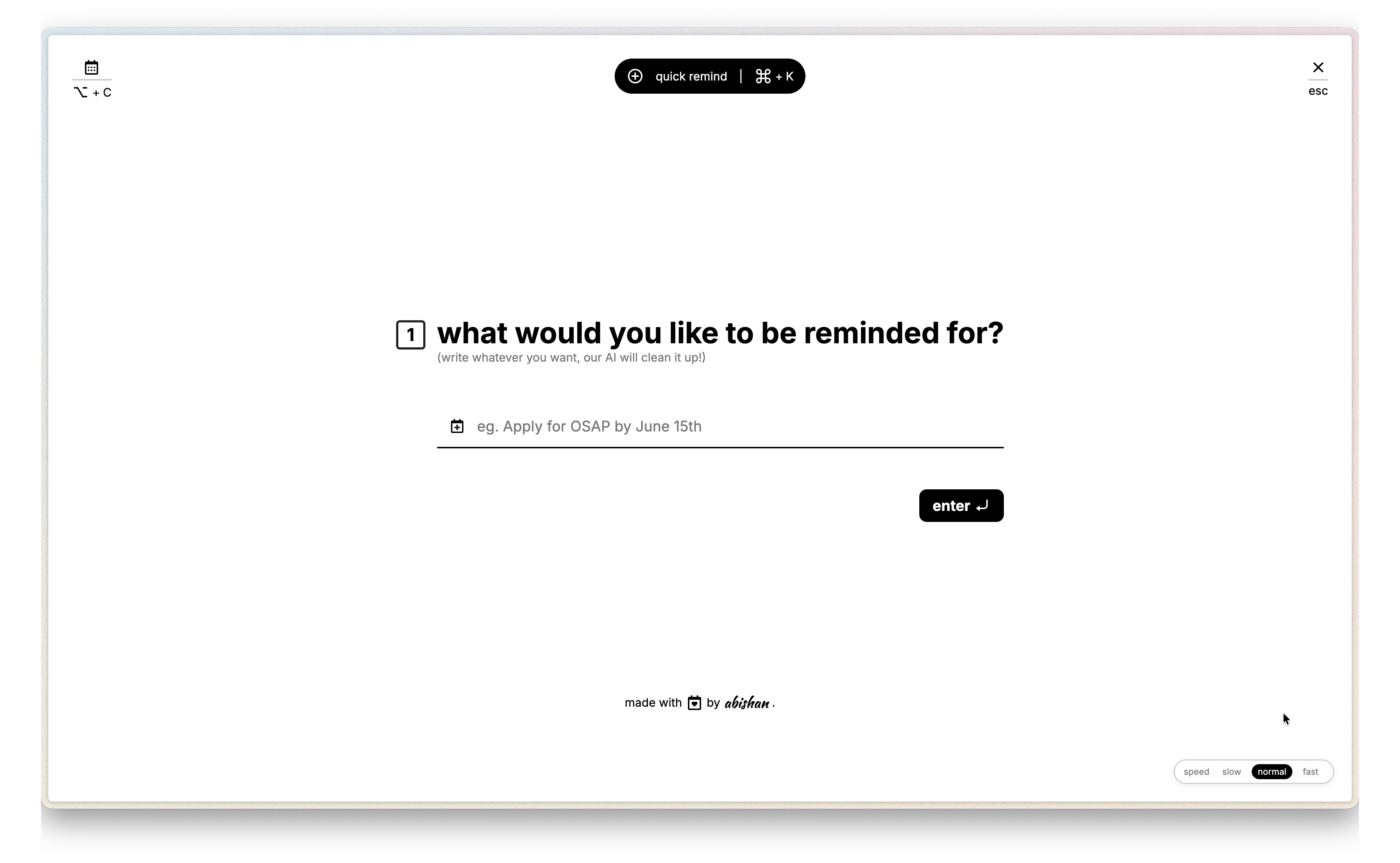
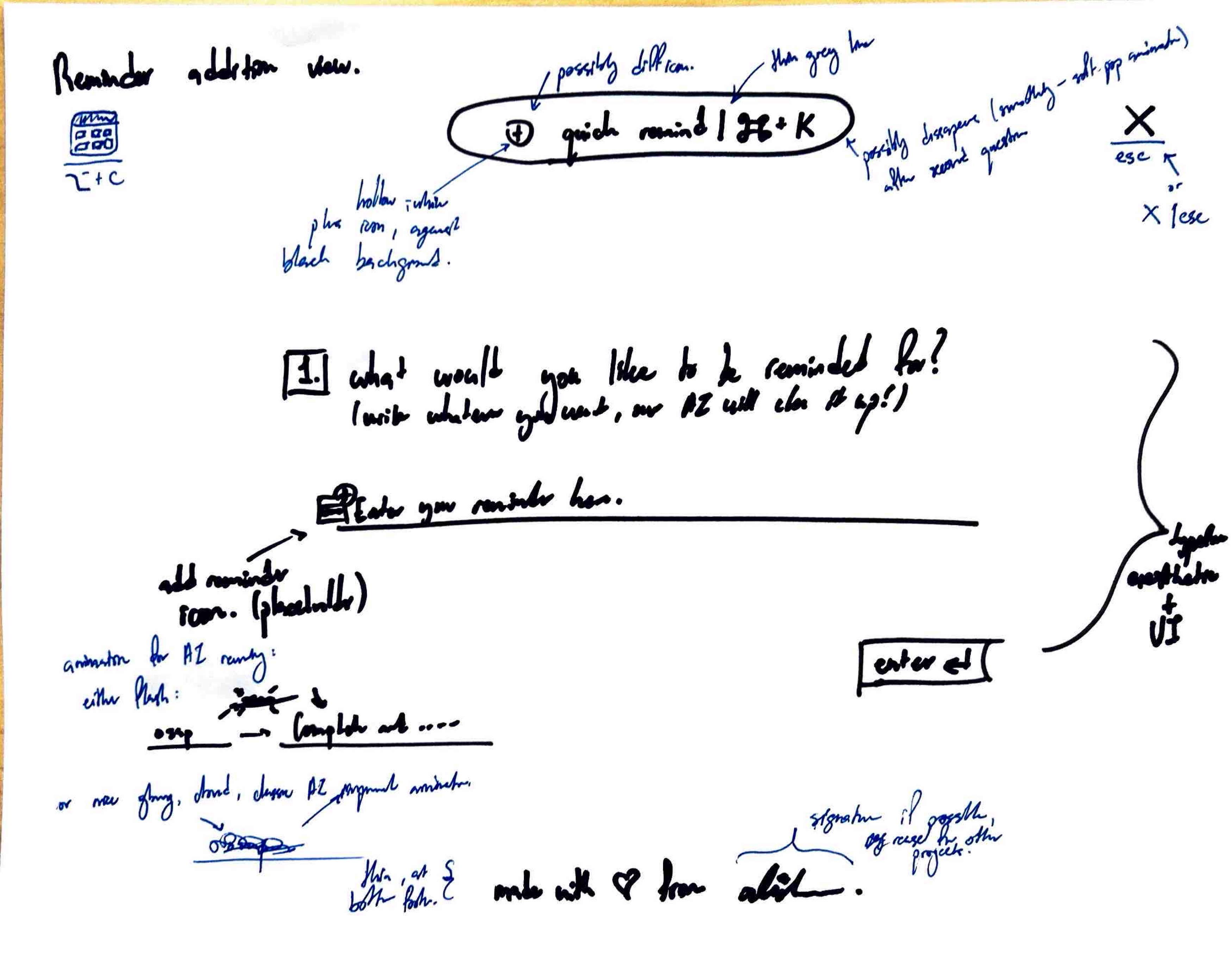
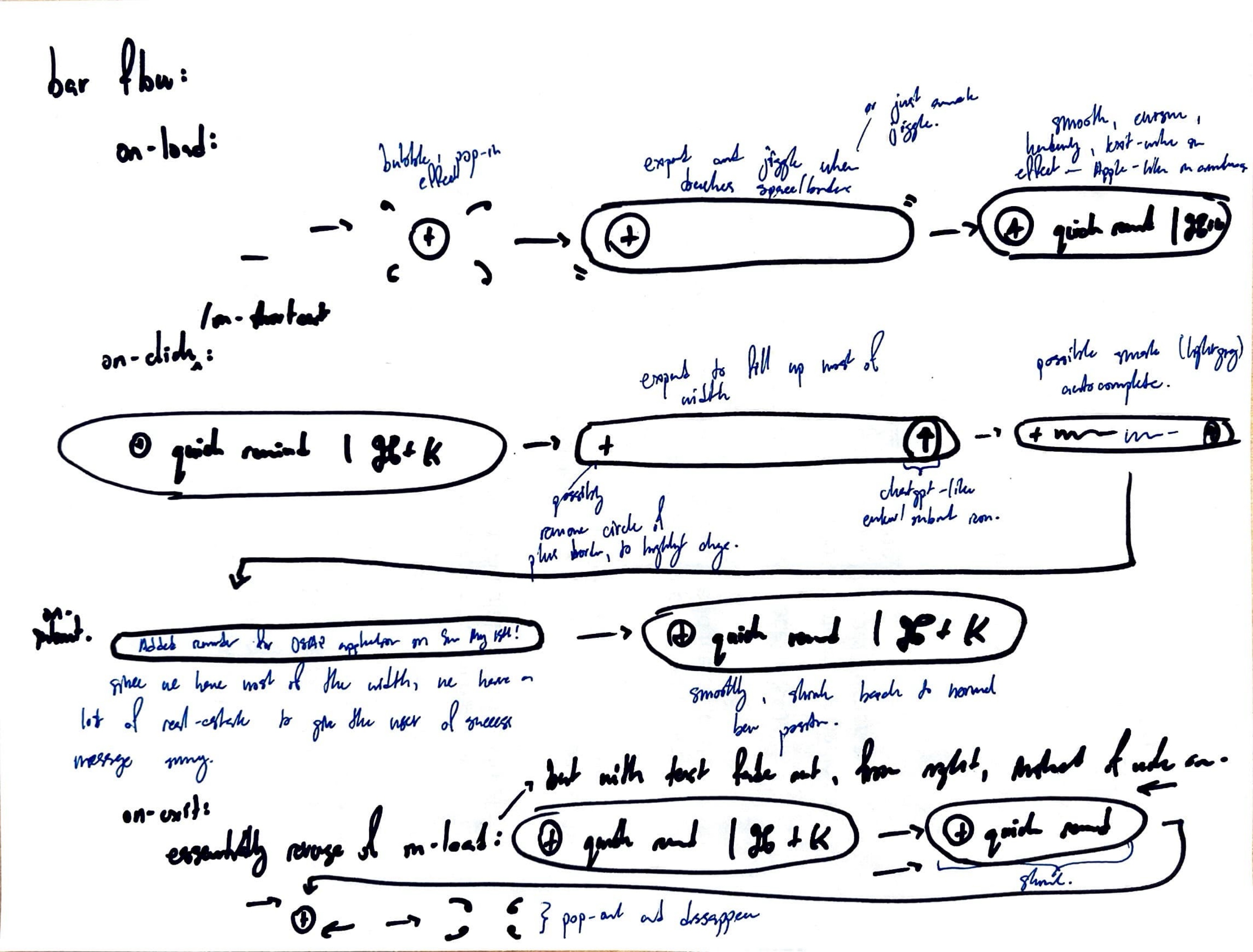
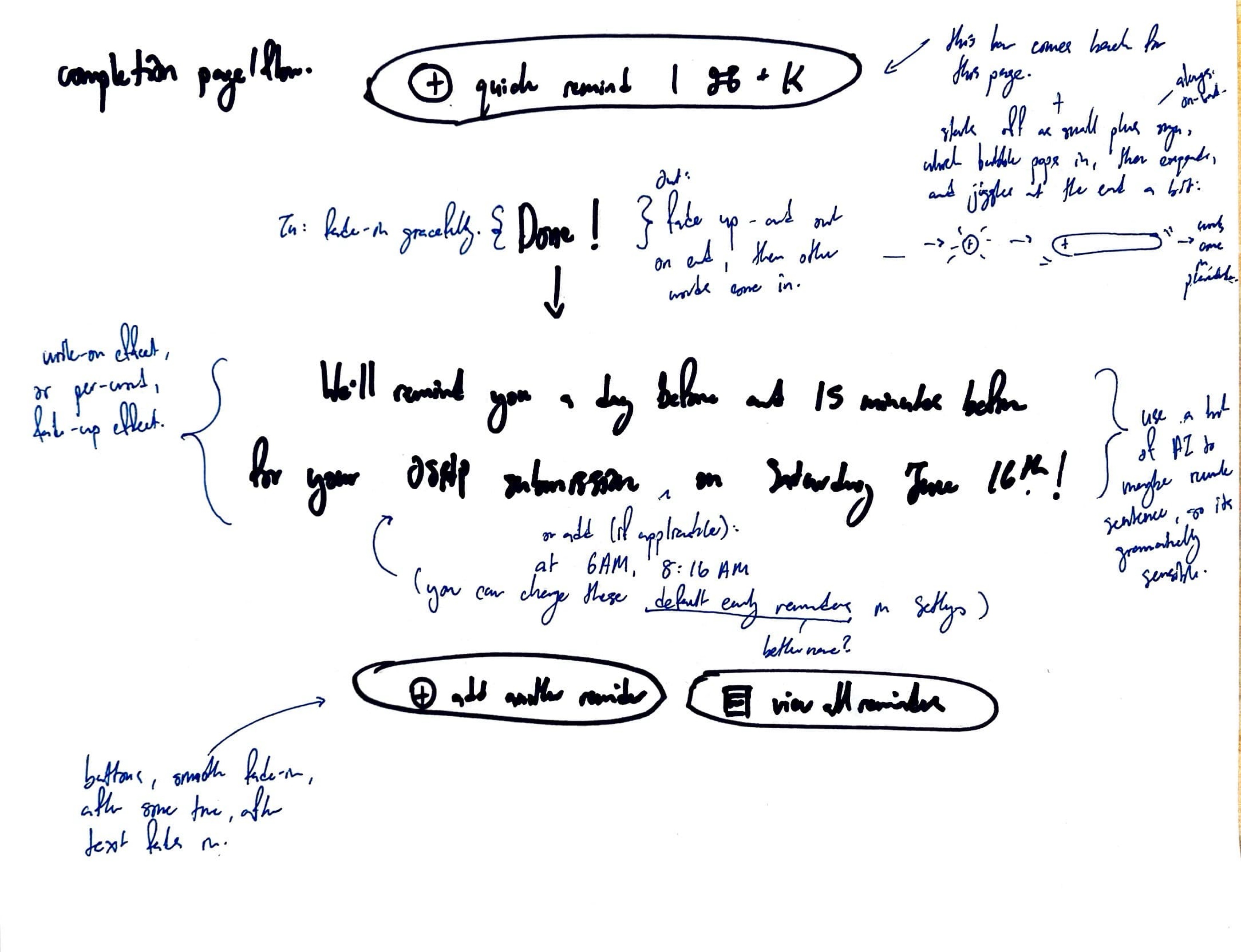
Inspired by the ease of use of TypeForms, and from a hatred of the disgusting Apple Calendar Event forms (sorry Apple, y'all been falling off), Aisé aims to be a useful way for users to quickly create reminders, so they can get to work, rather than waste time crafting the perfect reminder.
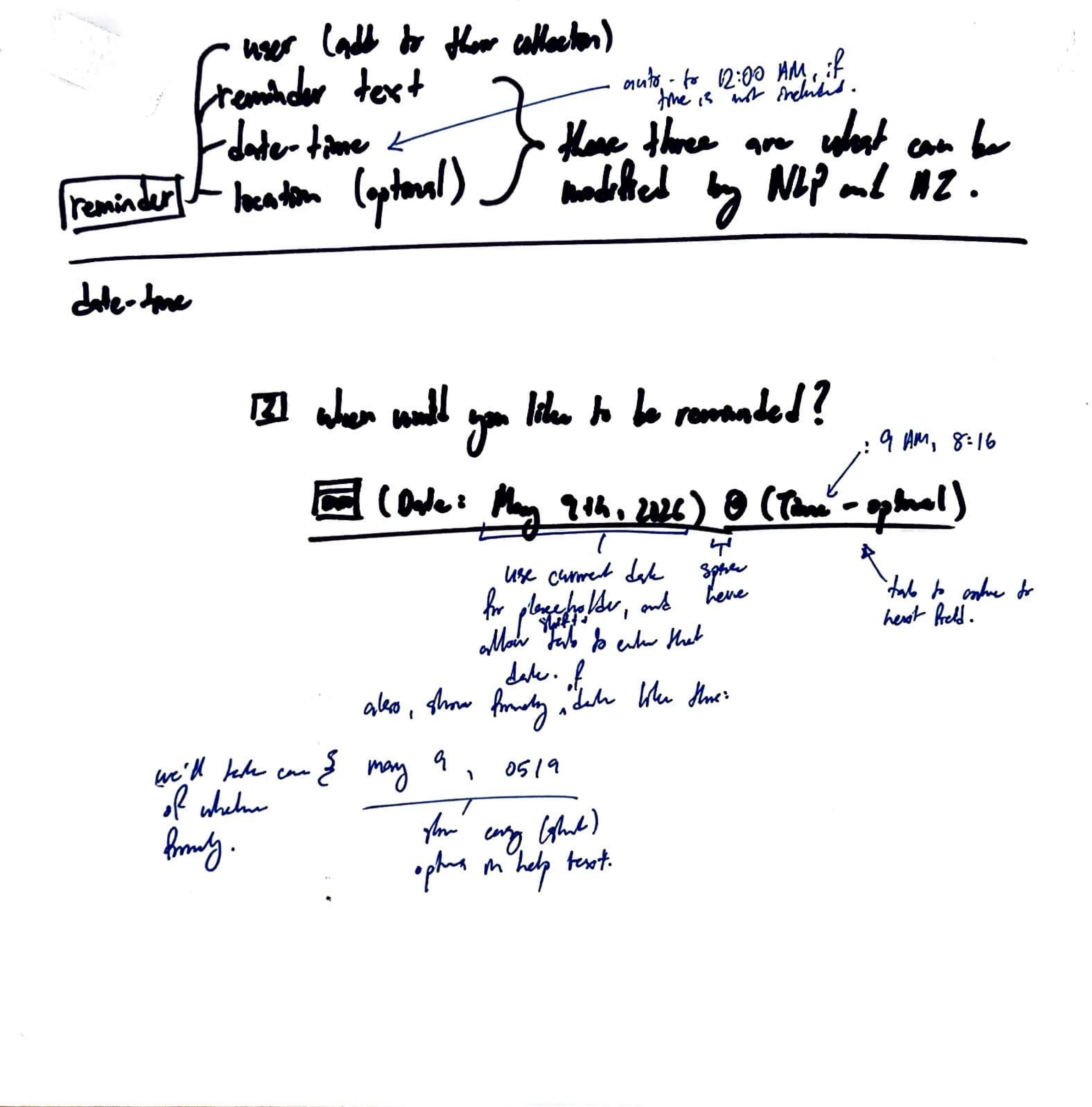
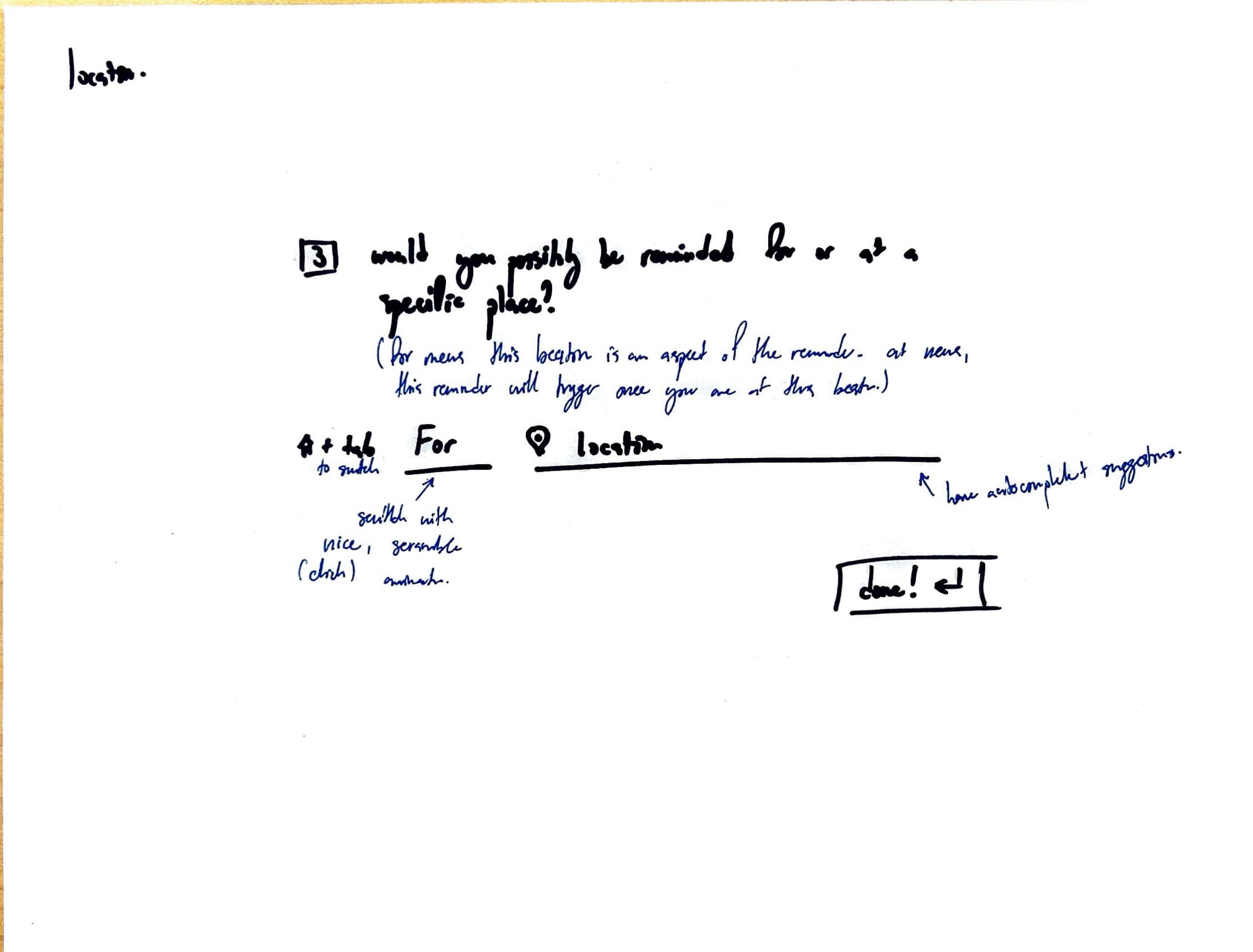
It utilizes the Django REST framework and a frontend designed by the ground-up (by a human), in Vanilla HTML and CSS, for creating, listing, and parsing reminders. It includes optional local LLM integration (via Ollama) to parse natural-language reminder text into structured reminder data (title, date, time, location).
Features
- Reminders CRUD: REST endpoints to create, read, update and delete reminders using Django REST Framework.
- AI parsing:
/api/ai/parse/endpoint uses a local Ollama model to extract structured fields from free-text reminders. Falls back to Python heuristics when Ollama is not available. - Title polishing:
/api/ai/polish/endpoint to clean up reminder titles (uses Ollama when available, otherwise local heuristics). - Simple frontend: Single-page app served at the root to demo the UI (
templates/Aisé/app.html). - User-aware storage: Reminders may be associated with authenticated users; anonymous/demo usage supported.
Tech stack
- Python 3.11+
- Django + Django REST Framework
- SQLite (default development DB)
- Optional: Ollama + Qwen 3.5 (for AI parsing)
Project layout
manage.py— Django management entrypointconfig/— Django project settings and URL configAisé/— main app: models, serializers, views, templates, static filesdb.sqlite3— default SQLite database (development)
API endpoints
GET /api/reminders/— list reminders (DRF)POST /api/reminders/— create reminderPOST /api/ai/parse/— parse free-text reminder into JSONPOST /api/ai/polish/— polish a reminder title
These are registered in config/urls.py and implemented in Aisé/views.py.
Running locally (development)
- Create a virtual environment and install dependencies:
python -m venv .venv
source .venv/bin/activate
pip install -r requirements.txt
- Apply migrations and run the dev server:
python manage.py migrate
python manage.py runserver
- Open the frontend in your browser:
http://127.0.0.1:8000/
- (Optional) Use Ollama for better parsing:
- Install Ollama and pull an appropriate model (e.g.
qwen3.5). - Ensure the
ollamaPython package is installed in your environment.
If Ollama is not installed or the model is unavailable, the AI endpoints fall back to built-in Python parsing heuristics.
Configuration & secrets
This repo currently uses a minimal local setup. If you add external services, keep credentials out of source control and load them via environment variables or a .env/secrets.env file.
Limitations
- Intended as a lightweight demo / starter app — not hardened for production use.
- No production authentication, rate-limiting, or strict validation beyond basic serializers.
- Ollama integration is optional and requires a compatible local environment.
Next steps and ideas
- Add user registration / authentication flows (JWT or social login).
- Add tests for AI fallbacks and serializers.
- Deploy with Docker and add a production-grade DB and static file serving.
- Add a small CI check that runs linters and basic tests.
NOTES
- UI was completely me (Vanilla HTML and CSS)
- Django REST framework was also me
- Claude was used solely for the javascript, which will be done by me (it's trash) once I get home
- yes a lot of this README was generated as well 😭


Log in or sign up for Devpost to join the conversation.