KidClock Project Story
Inspiration
Teaching kids to read analog clocks has become increasingly challenging in our digital world. Many children struggle with the concept of hour and minute hands, making it difficult for them to develop this essential life skill. I wanted to create an engaging, interactive tool that makes learning time-telling intuitive and fun.
What it does
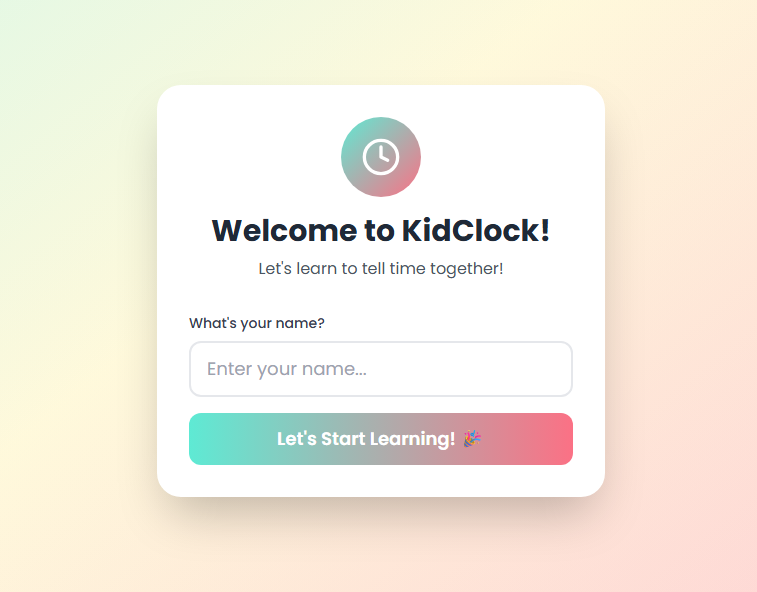
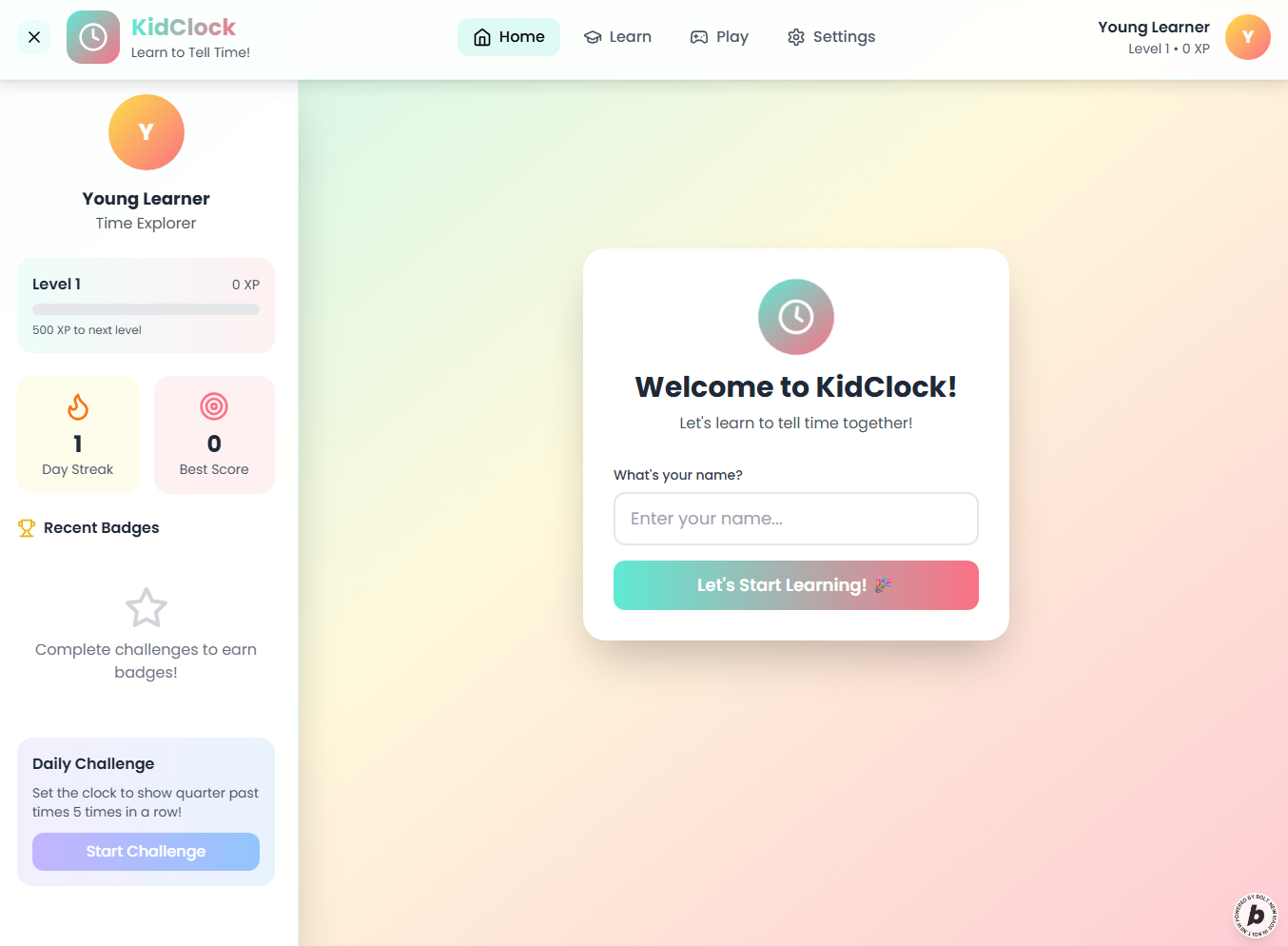
KidClock is a web-based learning platform that helps children aged 5-10 master both analog and digital clock reading. It features interactive draggable clock hands, time-setting challenges, digital-to-analog conversion exercises, and a progress tracking system. The app uses gamification elements like badges and streaks to maintain engagement while providing immediate feedback.
How we built it
Built with React 18 and TypeScript for a robust frontend experience, using Redux Toolkit for state management and ShadCN UI components for consistent design. The interface features a friendly color palette with pastel teal, sunshine yellow, and coral accents. Framer Motion provides smooth animations, while the app maintains accessibility standards with keyboard navigation and screen reader support.
Challenges we ran into
The main challenge was creating intuitive drag interactions for the analog clock hands while ensuring they snapped to correct positions. Balancing educational effectiveness with engagement required careful consideration of feedback mechanisms and progress indicators. Making the interface accessible for young learners while maintaining visual appeal also required multiple design iterations.
Accomplishments that we're proud of
Successfully created an intuitive drag-and-drop analog clock interface that feels natural for children to use. Implemented a comprehensive progress tracking system that motivates continued learning. The app maintains high accessibility standards while delivering a visually appealing experience that keeps kids engaged.
What we learned
User experience design for children requires different considerations than adult-focused applications. Visual feedback needs to be immediate and clear, while interactions should be forgiving and encourage experimentation. The importance of accessibility in educational tools became evident, as inclusive design benefits all users.
What's next for KidClock
Plans include adding voice recognition for "tell me the time" exercises, implementing offline PWA support for classroom use, and expanding with stopwatch and timer lessons. Multi-language support and teacher dashboard features for classroom management are also on the roadmap.
Built With
- eslint
- framer-motion
- lucide-react
- postcss
- react
- react-router
- react-toastify
- redux-persist
- redux-toolkit
- tailwind-css
- typescript
- vite

Log in or sign up for Devpost to join the conversation.