-
-
Airwave thumbnail
-
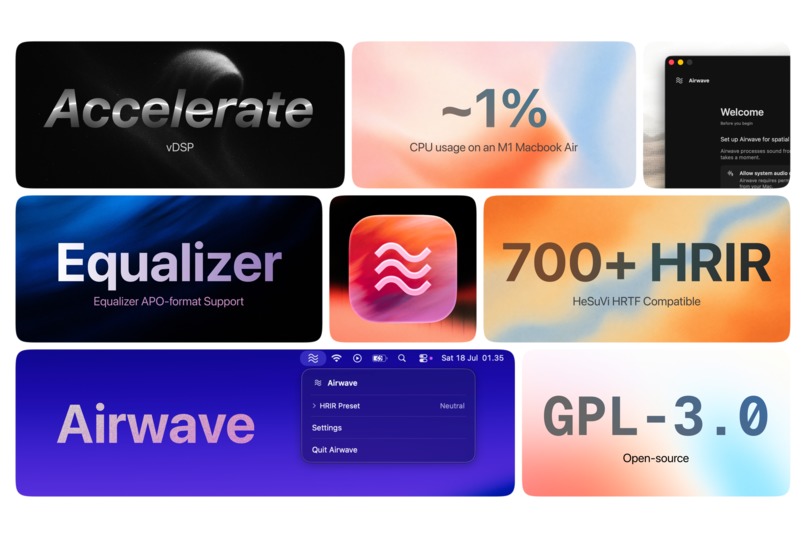
Airwave promotional bento
Airwave
Airwave addresses a limitation of ordinary stereo headphones. They reproduce left and right, but hard-panned sounds can feel fixed against one ear, which can become fatiguing during long listening sessions.
macOS provides spatial audio in certain apps, but it does not provide one custom HRIR setting that applies to all system audio. Airwave brings that control to macOS as a native menu-bar app.
Airwave captures system audio, applies a head-related impulse response (HRIR) preset, and sends the processed result through the Mac's current physical output. It does not replace the selected output device or change its volume. The current architecture does not require BlackHole or another virtual audio driver.
Technical implementation
Airwave uses a process-tap pipeline tied to the selected physical output. The pipeline handles permission changes, output changes, sleep and wake, quit, failed cleanup, and stale callbacks. When processing cannot continue safely, Airwave falls back to native audio or provides recovery guidance.
The processing chain supports HRIR convolution and optional parametric EQ. The real-time callback path avoids allocation, waiting, filesystem access, logging, and Core Audio operations. XCTest coverage includes callback sizes, finite output, canary safety, crossfades, processing order, and lifecycle recovery.
Profiles are stored per physical output, so different headphones can retain their own spatial and EQ settings.
Airwave includes three built-in HRIR presets:
NeutralSH1.0RoomSH1.0StageSH1.0
It also includes EqualizerAPO-format presets for bass, treble, and vocals. Users can import compatible HeSuVi HRIR WAV files and EqualizerAPO configuration files.
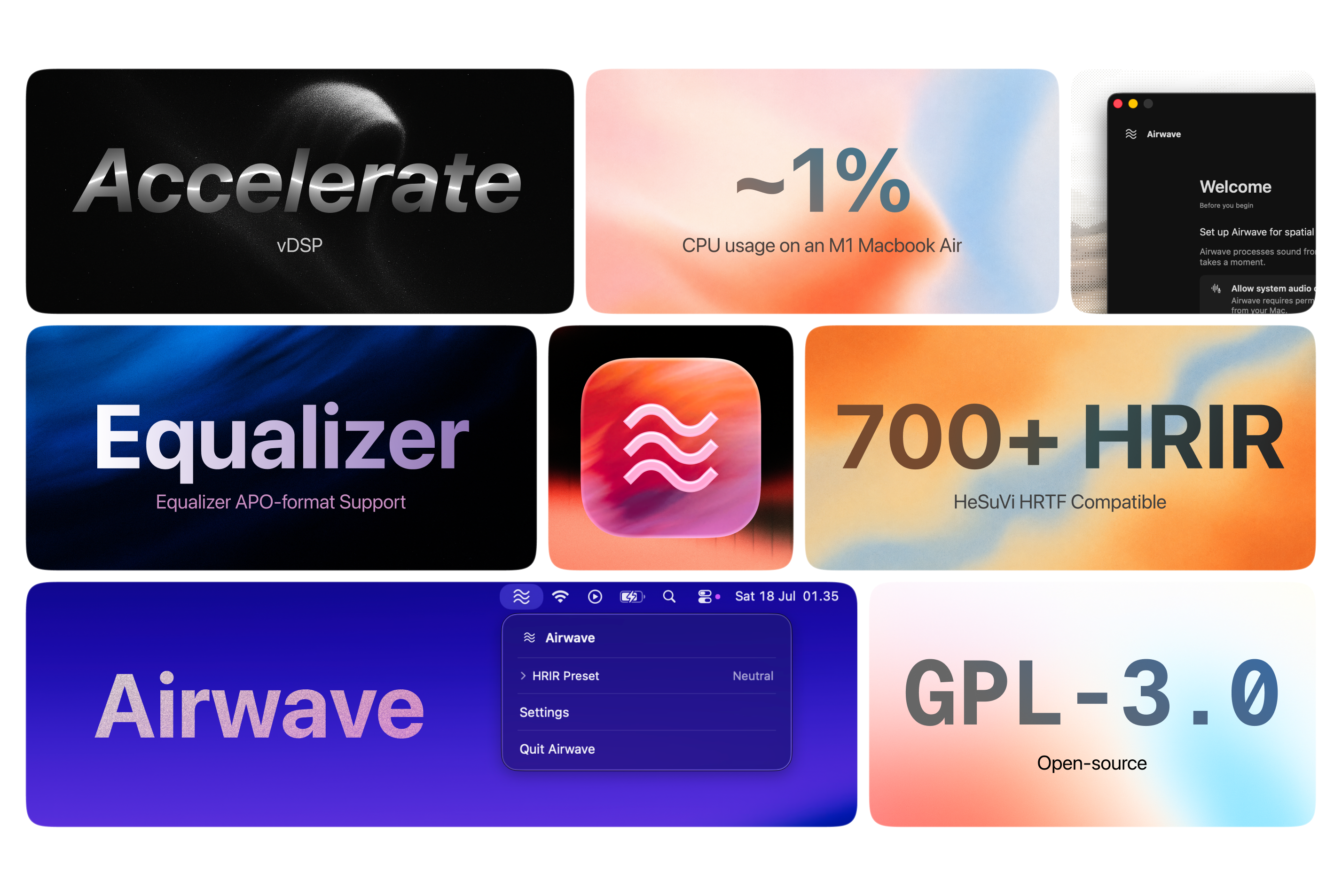
The public HeSuVi HRTF Database lists more than 700 HRIR entries that Airwave can work with when downloaded in a compatible format.
In Xcode profiling on an M1 MacBook Air, normal-sized HRIRs used approximately 0% to 2% CPU during playback. Larger HRIRs can require more processing.
Build Week work
Airwave started as an experiment in late 2025. The earlier version depended on an external virtual audio device for routing.
During Build Week, I used Codex with GPT-5.6 to refactor the audio architecture and extend the product around it. The work included:
- Replacing virtual and aggregate routing with the process-tap pipeline.
- Adding lifecycle recovery and audio-safety behavior.
- Creating the default HRIR and EQ presets.
- Adding per-device profiles and real-time EQ processing.
- Rebuilding the interface from end to end.
- Creating a new onboarding flow with an audible System Audio Capture test.
- Reworking the menu-bar menu, settings, spatial profile, equalizer, registered devices, and application views.
- Adding XCTest coverage and release-validation scripts.
The repository includes the implementation, tests, setup instructions, release configuration, and dated commits showing the Build Week changes.
Try it
Airwave requires macOS 15 or later, stereo headphones, and System Audio Capture permission.
Homebrew installation:
brew tap sallliisa/airwave
brew install --cask airwave
You can also download the latest release from GitHub Releases.
- Open Airwave and move it to Applications if you downloaded the release ZIP.
- Select stereo headphones as the Mac's output.
- Complete setup and allow System Audio Capture when macOS asks.
- Choose an HRIR preset and play system audio.
- Open Settings to switch spatial profiles, choose an EQ preset, or inspect the profile saved for the current output.
Airwave is currently distributed as an unsigned app through both Homebrew and GitHub Releases. On first launch, macOS may block the app. Open System Settings > Privacy & Security, then choose Open Anyway for Airwave.
Airwave does not require an account or microphone access.
Demo: https://youtu.be/2XD-HIvY35k
Repository: https://github.com/sallliisa/Airwave
Releases: https://github.com/sallliisa/Airwave/releases
Codex Session ID: 019f62b4-19be-7401-a8fe-f65006b25337
Built With
- codex
- core-audio
- gpt-5.6
- macos
- swift
- swiftui

Log in or sign up for Devpost to join the conversation.