-
-
Our logo (a pointing cursor floating in air :) )
-
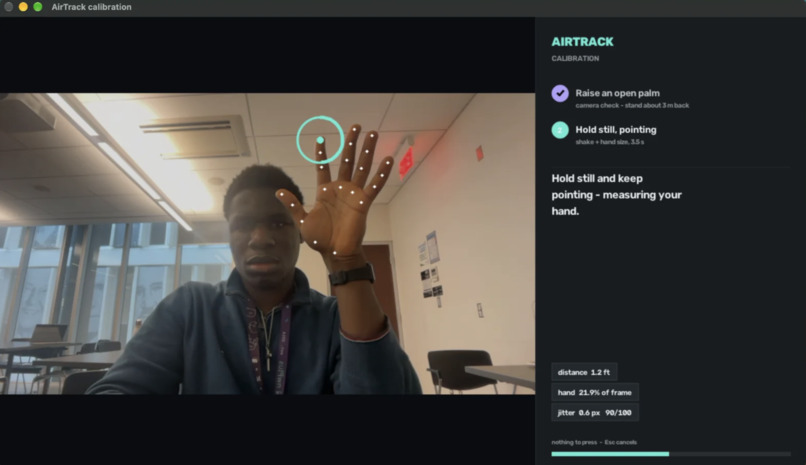
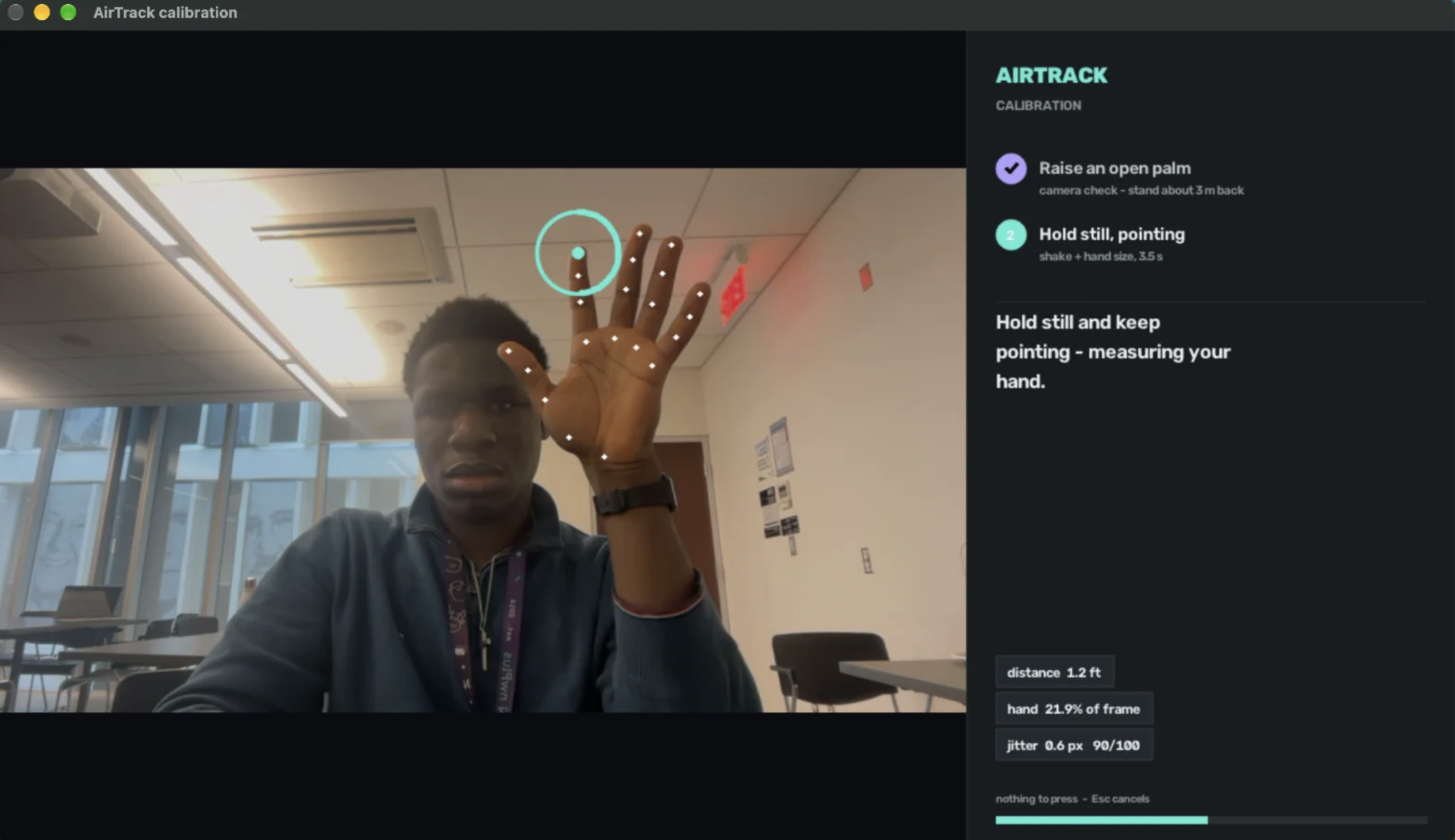
Image of Chibueze going through the calibration process
-
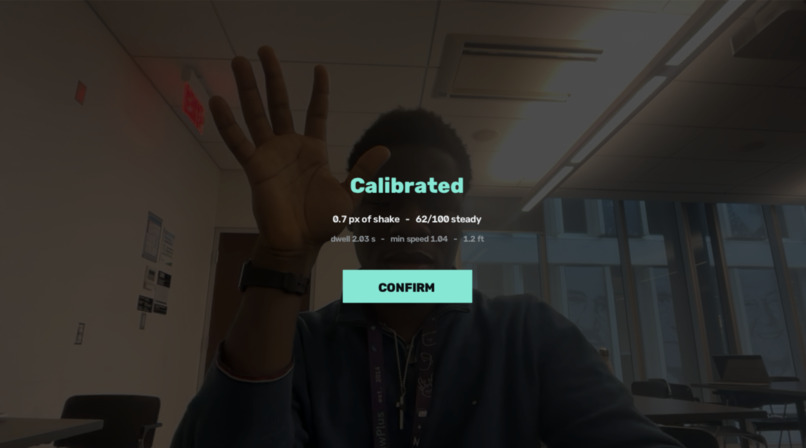
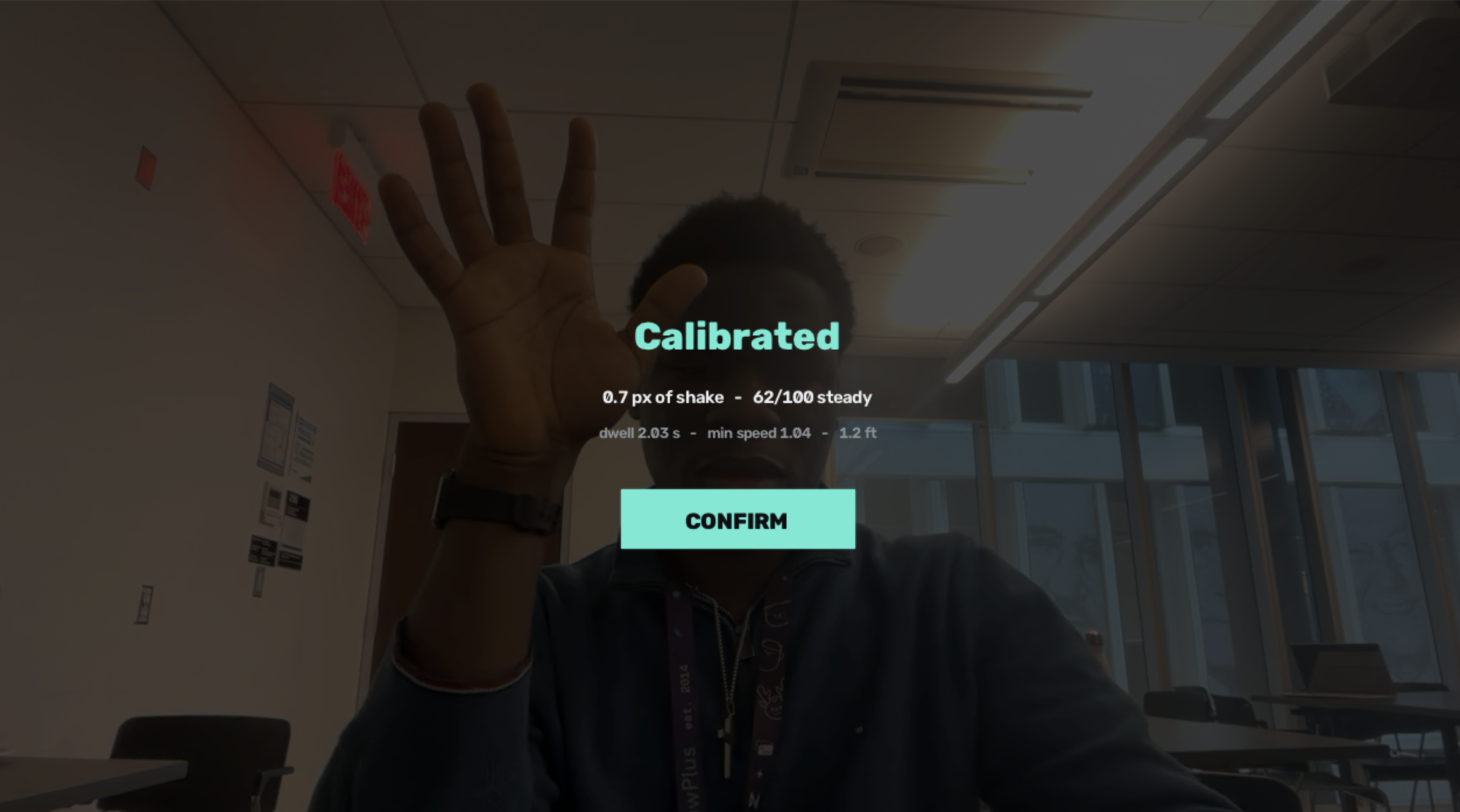
Image of Chibueze after being calibrated
-
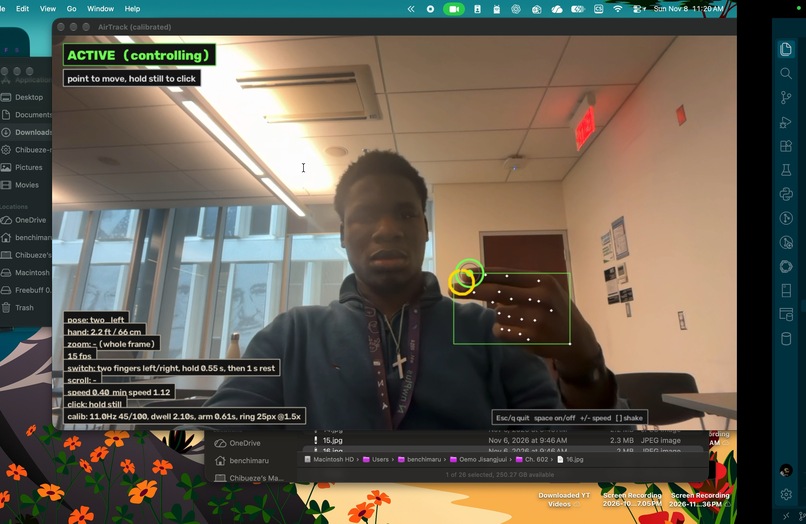
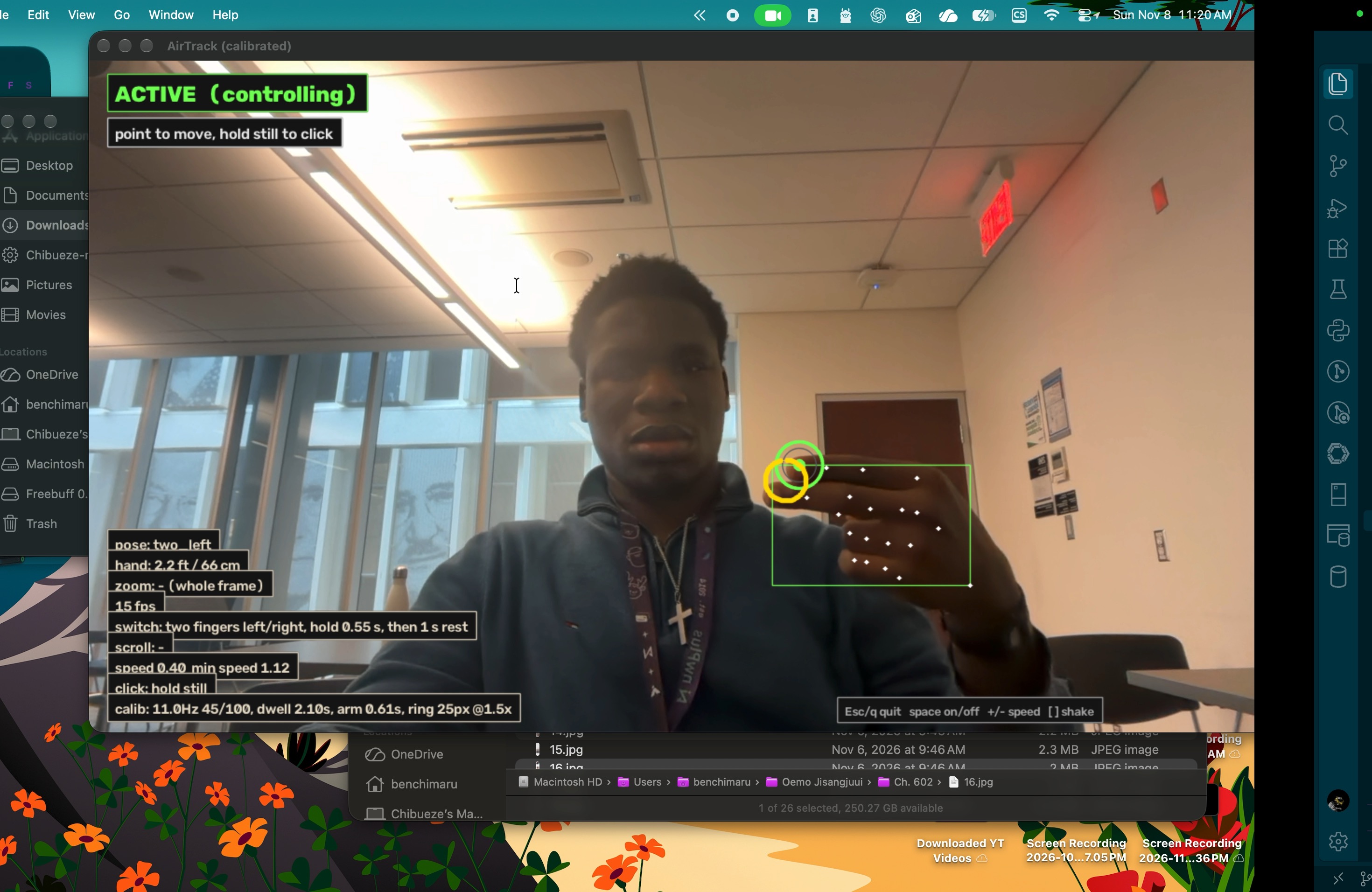
Video of me using it in real time to navigate vscode
Inspiration
The inspiration behind this project came from a shared annoyance that we face often. As someone who is addicted to their screen, often times when I am doing chores I end up needing to change the music, or send a message, or open a certain app. Usually I would have to dry my hands and walk all the way to my computer to use it to prevent it from getting wet and this got really annoying over time. We then started to wonder, What if we could control our computer without needing to walk all the way over? using gestures perchance? We spoke to our friends and family members about it and they resonated with our problem and solution, so that motivated us to pursue the project.
How it works
AirTrack lets you interact with your laptop without touching the keyboard or trackpad. While the app is running, its webcam tracks hand gestures: point to move the cursor, hold still to click, use two fingers to scroll and point two fingers left or right to switch apps. AirTrack has three states: OFF stops tracking, ARMEDwatches for the raised-palm activation gesture without moving the cursor, and ACTIVE lets gestures control the computer. A fist releases control back to ARMED. Video is processed locally and is not recorded, stored, or transmitted. How we built it We built AirTrack in Python. OpenCV captures webcam frames, and MediaPipe Hand Landmarker detects hand landmarks. Our gesture and cursor logic interprets those landmarks, maps hand movement to the cursor, filters out small shakes, and recognizes a still-hand click. PyAutoGUI sends cursor, click, and scroll input to the computer.
To help detect a hand farther from the camera, AirTrack crops and enlarges the area around the tracked hand for the model. A heads-up display shows the camera preview and gesture state. On macOS, we use PyObjC and AppKit for a transparent, click-through halo around the screen. ElevenLabs generated spoken activation and release cues; the app plays the saved audio locally.
Challenges we ran into
- Making gestures work at a distance: A hand takes up less of the camera image farther away. We built an auto-zoom crop and scan to give the hand more space in the model input. The actual 10-foot webcam test is still ahead of us, so we can’t yet claim reliable control at that distance.
- Choosing reliable gestures: Some gestures that were easy to recognize up close, such as an “O” shape or thumbs-up, were difficult to detect at a distance. We settled on a raised open palm to activate control and a fist to release it.
- Building the screen halo: Making a transparent, always-on-top halo that lets clicks pass through took more work than expected. The macOS version is implemented, but still needs confirmation on the demo Mac.
- Coordinating team changes: We had to learn Git branches and coordinate changes across different workspaces to reduce merge conflicts.
- Adding spoken cues: We set up ElevenLabs to generate activation and release audio. The app uses saved audio files at runtime, so it doesn’t need an API key or network connection to play them.
Accomplishments that we’re proud of
- Turning a shared everyday frustration into a working gesture-control prototype.
- Connecting webcam hand tracking to real cursor, click, and scroll input.
- Building filtering to reduce cursor jitter and prevent a still hand from repeatedly clicking.
- Creating clear OFF, ARMED, and ACTIVE states with visual feedback.
- Iterating on gestures and distance handling instead of relying on the first idea we tried.
What we learned
- How to use MediaPipe hand landmarks and PyAutoGUI to connect gestures to computer input.
- How gesture choice, lighting, and camera distance affect recognition.
- How smoothing and movement thresholds can help make cursor control steadier.
- How to coordinate Git branches and build a project together.
- Why it helps to start with a small working version and improve it through iteration.
What’s next for AirTrack
Build a full macOS app: Package AirTrack as an app that’s easy to launch and use, with clear camera and accessibility permission setup, menu-bar controls, and visible OFF, ARMED, and ACTIVE states. Improve use from a distance: Add a small magnifier window that follows the cursor so users can read text and target buttons more easily. Explore distance-aware cursor feedback too; the current distance-scaled reticle is in the camera preview, not around the system cursor. Add media controls: Let users adjust volume and control playback with gestures. This feature came directly from user feedback. Explore AI assistant integration: Make it possible to use an assistant for simple hands-free tasks alongside gesture control. Support text entry: Develop an on-screen keyboard that users can operate with gestures. Expand and customize controls: Add more gesture commands and let users choose or customize which gestures trigger them. Explore wearable input: Investigate whether an optional wearable could help verify input and distinguish authorized users.


