-
-
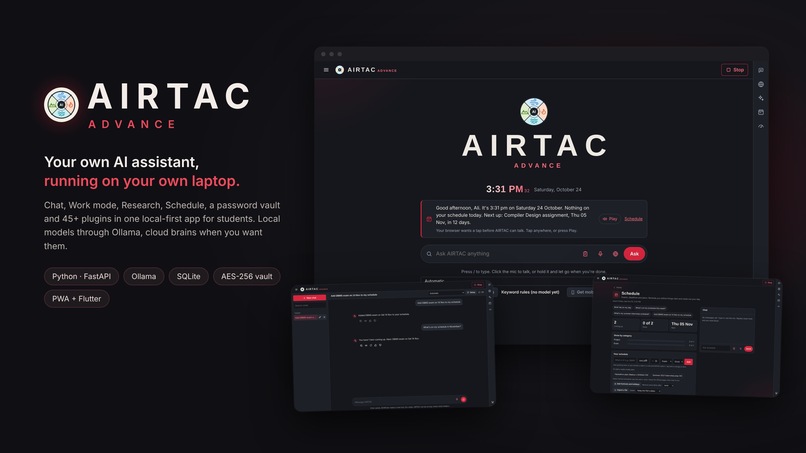
Meet AIRTAC Advance: The Ultimate Local-First AI Assistant for Students
Inspiration
I wanted to automate my own work. As a B.Tech CSE (AI & ML) student, my day was spread across a dozen tabs: research papers, LeetCode, exam dates, internship applications, notes, and five different AI chatbots. Nothing remembered what I was doing, and nothing put my work in order. I wanted one assistant that does the research, keeps my schedule, arranges my tasks in the right order, and runs on my own laptop so my data never leaves it. That became AIRTAC Advance.
What it does
AIRTAC Advance is a local-first AI assistant for students. It runs on a normal laptop (built and tested on an Intel i3 with 8 GB RAM) and works offline.
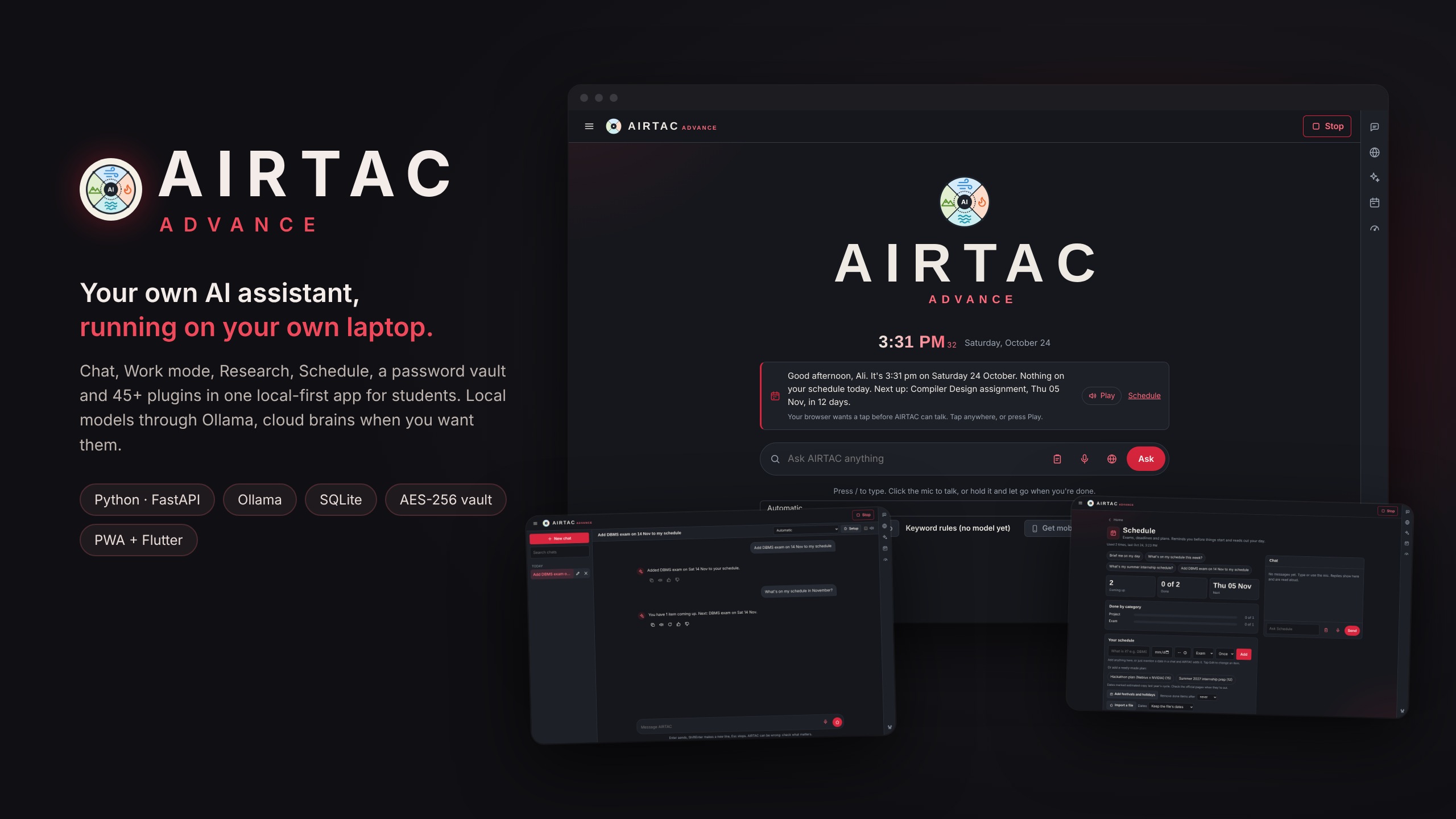
- Home – greets you, reads out your day, and gives one box to ask anything by typing or voice.
- Chat – a full assistant. Say "add my DBMS exam on 14 Nov" and the schedule plugin saves it with the real date. Every answer shows which plugin did the work.
- Work mode – hand over a job with several steps ("research free GPU options for students and write a one-page report"). It plans the steps, works through them and gives a report as a PDF, Word or PowerPoint file. Anything that changes something outside AIRTAC waits for my Confirm.
- Research – Markdown notes with an AI co-pilot (summarise, outline, analyse, find sources), plus reverse engineering: it finds a suitable open-source repo and learns from it.
- Schedule – exams, deadlines and plans, imported from a PDF, a photo of a notice (offline OCR), a calendar file, Word or Excel, with reminders.
- People & pipeline – a board for internships and projects, with follow-ups in the morning briefing.
- Passwords vault – one super password, Argon2id + AES-256-GCM, with a recovery key. The AI can never read it.
- AI apps, Apps & Social – every assistant and site I use in one catalog.
- 45+ plugins – every feature is a folder with a manifest that states which websites it may reach and whether it can change anything.
- Android app – a Flutter app that pairs with the laptop over HTTPS with a pinned certificate.
How we built it
- Backend: Python with FastAPI and Uvicorn. An agent loop decides which plugin tools a question needs and calls them.
- Brains: a local model through Ollama (NVIDIA Nemotron 3 Nano, Qwen 3.5) as the default. Optional cloud brains (Gemini, Groq, NVIDIA NIM, OpenRouter and more) sit behind one OpenAI-compatible client with a failover router: free tiers first, paid ones with daily token limits, and the laptop always last. If brain $i$ fails or hits its limit, the request moves to $i+1$, so AIRTAC still answers offline.
- Memory: SQLite with FTS5 for chats, schedule, notes and facts, plus a local knowledge library that quotes the book and page.
- Frontend: a single page in plain HTML, CSS and JavaScript with no framework and no build step, installable as a PWA, with a strict Content Security Policy.
- Mobile: Flutter, built into an APK by GitHub Actions so my laptop never has to run Android Studio.
- Offline extras: faster-whisper for speech, RapidOCR + ONNX Runtime for text in photos.
- Security: per-install API token, SameSite cookies, DNS-rebinding and Origin checks, a network allow-list per plugin, private-IP blocking, secrets removed from logs, and Bandit, pip-audit and gitleaks before every release.
- Testing: 570+ automated tests that run fully offline, with no internet and no model.
Challenges we ran into
- Running AI on an 8 GB i3. Only one model can be in memory, so I added per-question deadlines, a real Stop button that closes the model's stream, and a router that falls back to the cloud when the laptop is too slow.
- Ollama crashing on my AMD GPU (Vulkan runner). I had to force CPU mode and move the models to another drive without breaking paths.
- The chat freezing. Model calls used to wait forever. I rebuilt them to run in a helper thread with first-word and total deadlines.
- AIRTAC opening by itself. The server takes about 20 seconds to load and showed nothing meanwhile, so extra clicks started 2–3 servers and opened several windows. The server log showed it. I fixed it with a single-instance lock in the launcher.
- Keeping secrets safe in an AI app. The model must never see a password or API key, so the vault has no tools at all and every key route works only on the laptop itself.
- The Android build breaking when Flutter moved to Android Gradle Plugin 9 and an older plugin used a setting that no longer exists.
- Staying honest. The app never shows made-up data: when a feature needs internet or a key, it says so instead of guessing.
Accomplishments that we're proud of
- Finished our first working prototype, end to end: laptop app, phone app, plugins and a public copy anyone can try.
- A real assistant that runs fully offline on a budget laptop.
- 45+ plugins and 570+ offline tests.
- A security design I can explain line by line: an encrypted vault, local-only secrets, and Confirm before any outside action.
- A plugin system where a new feature is just a new folder.
What we learned
- How agentic AI works in practice: tool calling, planning multi-step jobs, and keeping a human in control with Confirm.
- How to design for weak hardware: deadlines, failover and graceful degradation matter more than the biggest model.
- Practical security for AI apps: threat models, encryption (Argon2id, AES-GCM), and keeping secrets out of the model's context.
- Full-stack shipping: FastAPI, a PWA, Flutter, CI/CD with GitHub Actions, and Docker deployment.
- Reading logs to find the real cause of a bug instead of guessing.
What's next for AIRTAC
- Upgrade it into an ASI-level assistant, step by step: a stronger local brain (AIRTAC 1, with RAG and a Model Lab) for a GPU laptop, long-term memory that learns from feedback, and agents that plan and run longer jobs on their own.
- Multi-user accounts so friends can use it with their own data.
- Wake word, vision and gesture control, plus Home Assistant for smart-home devices.
- More plugins: email, Telegram, and deeper EduSkills and internship tracking.
Try it: https://tawheedali1407-airtac.hf.space · Code: https://github.com/Tawheedali1407/AIRTAC
Built With
- html5
- javascript
- nebius
- nvdia
- ollama
- powershell
- python
