-
-
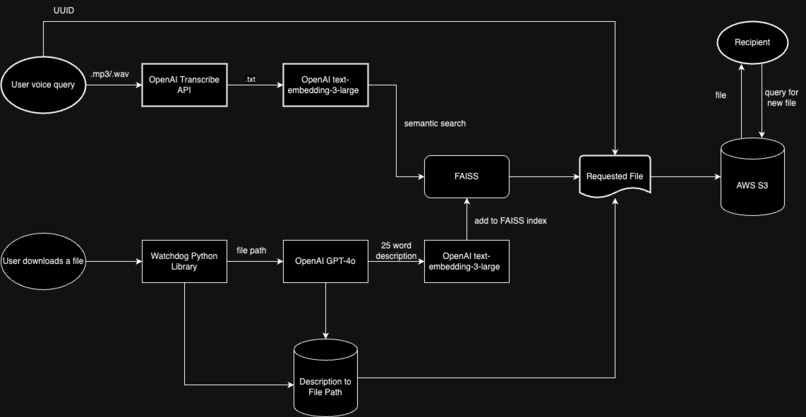
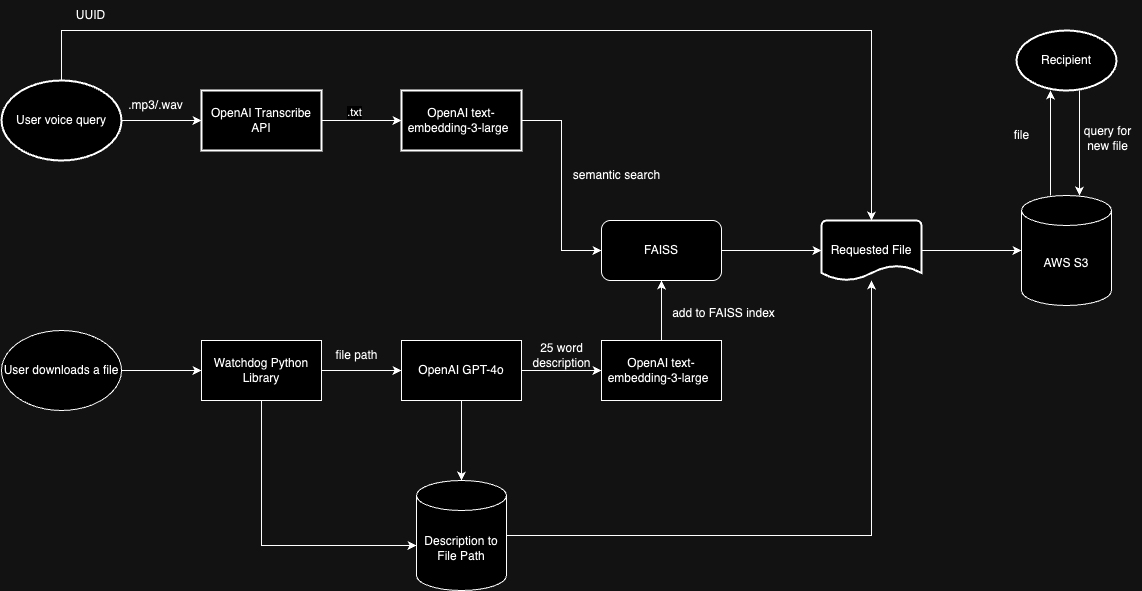
System Design Flowchart
-
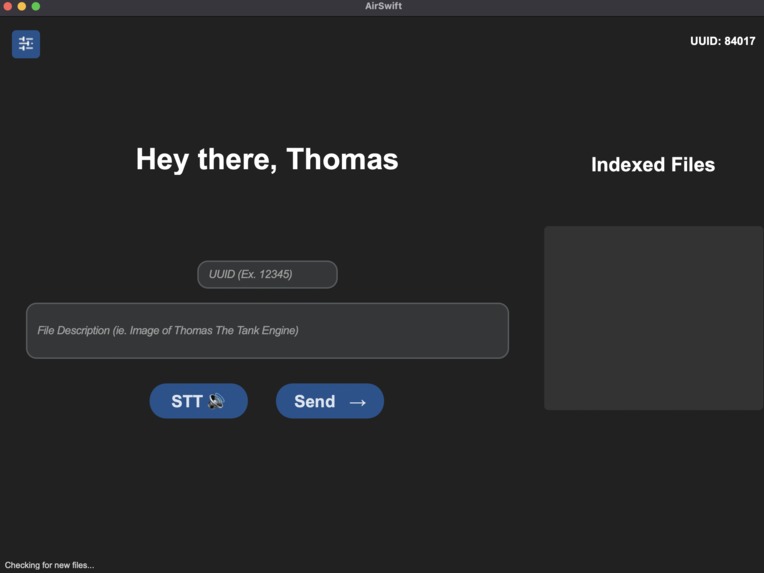
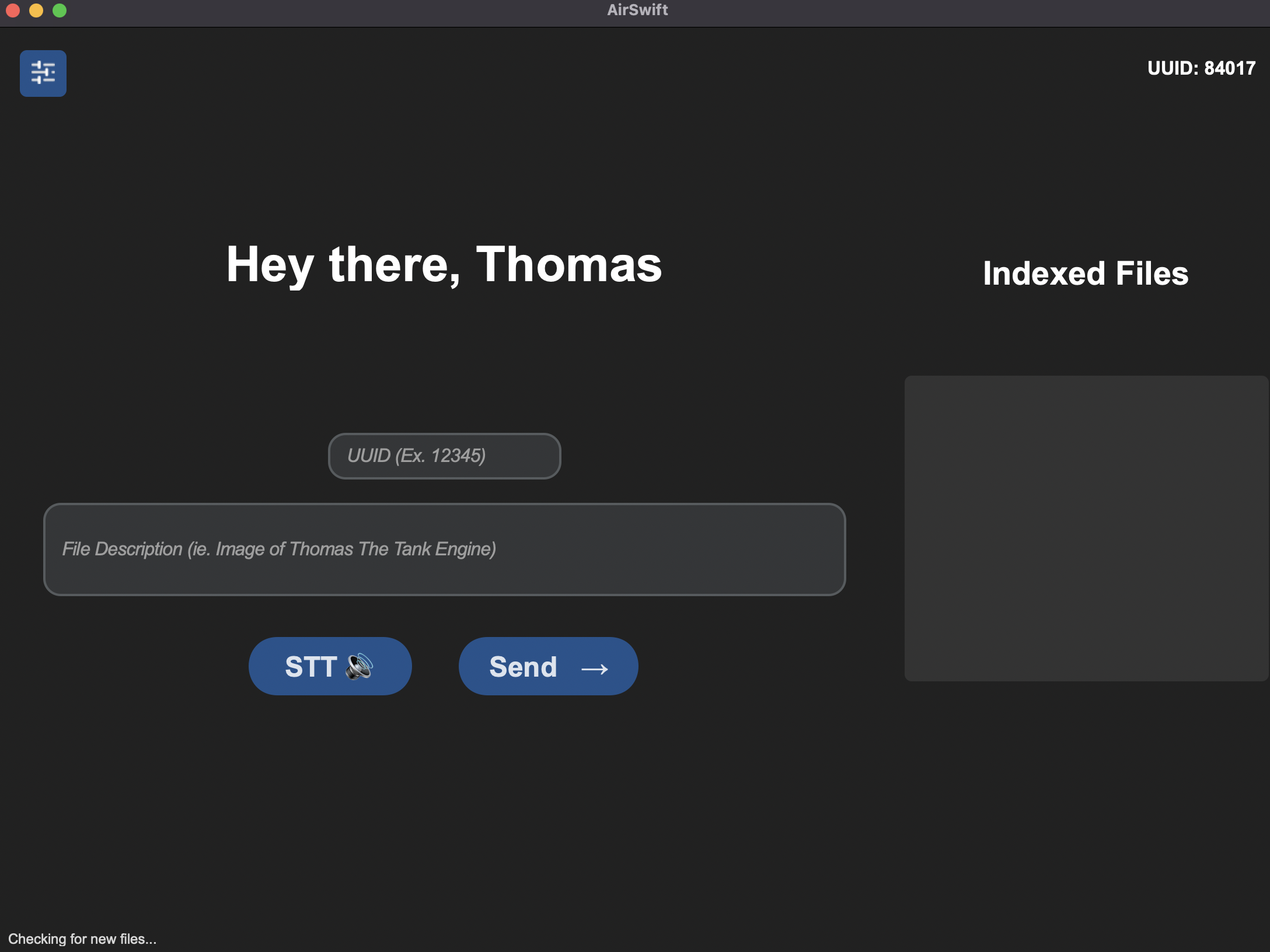
User Interface
Inspiration
Current technology to wirelessly share files requires an Apple device to another Apple device. It may also be confusing to navigate the airdrop menu and find the appropriate file for technologically challenged people.
What it does
Eases the airdrop process for technologically challenged users by allowing a voice-driven method of sending and receiving files with leniency on the device's company and distance between sender and recipient.
How we built it
An audio or text description of a file you wish to send is embedded within a vector DB and compared to other files within a directory through a similarity search to find which file matches the description. As files are downloaded, they are embedded in a vector DB. After an audio or text description is given, the most accurate file to the description is sent over an S3 bucket to the other person. The person may accept or reject the offer and if they accept, it is placed within their downloads folder.
Challenges we ran into
The GUI was unresponsive due to blocking code. Had to use multi-threading, which was confusing. Buttons were unresponsive at times and this decreased how smoothly the program ran.
Accomplishments that we're proud of
Getting the embedding and sending of PDFs to work. The download of third-party software had to be done in which it didn't seem relevant to the actual project, and many other steps were required to accomplish that downloading.
Built With
- boto3
- faiss
- gpt-4o
- pdfplumber
- python


Log in or sign up for Devpost to join the conversation.