
Built for the moment when you have a screen but no keyboard: couch computing, presentations, hotel rooms, second monitors, or when your laptop keyboard dies at a conference. AirKeys solves it instantly — no Bluetooth pairing (which takes 30 seconds and asks for a code), no App Store (which requires account login), no extra hardware. Just Safari on your iPad, scan a QR code displayed on your Mac, and start typing. The insight: a keyboard shouldn't be dumb. Your iPad is a powerful computer. Why not make it smarter than a grid of buttons?
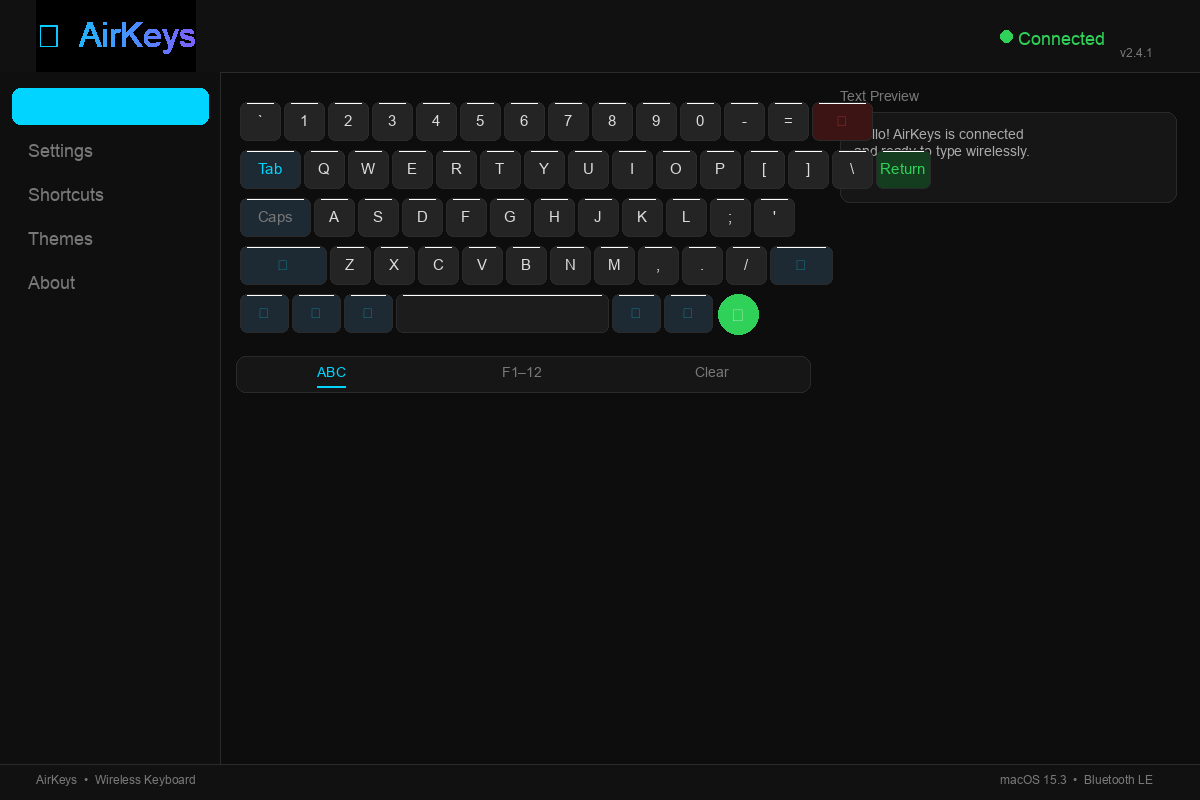
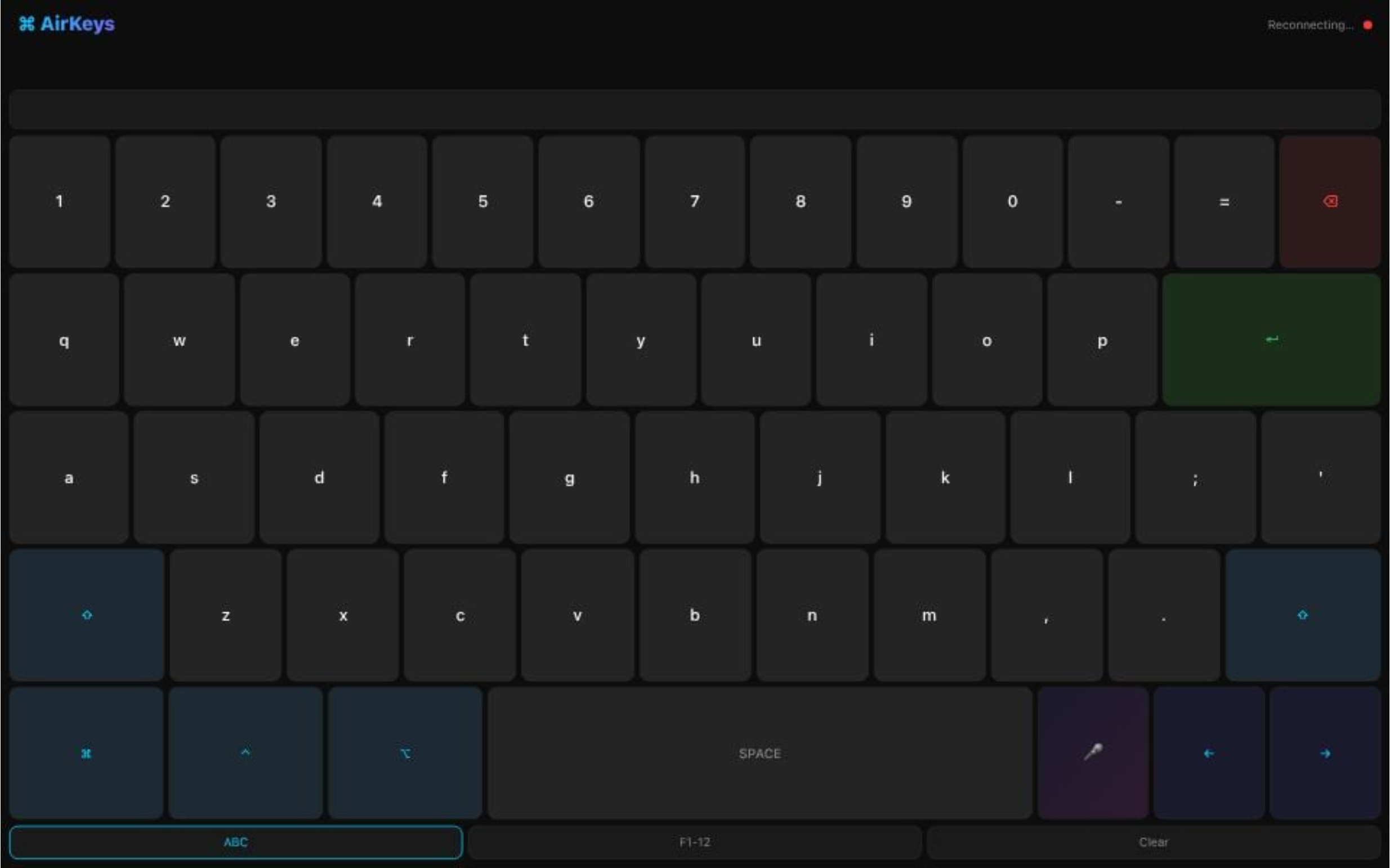
What It Does AirKeys turns your iPad into a full wireless QWERTY keyboard for your Mac. The basics:
Full keyboard layout (letters, numbers, symbols, modifiers) Voice input — tap the mic, speak, it types for you Modifier keys (⌘⌃⌥⇧) with one-shot behavior F-key layer for power users AI-powered suggestion bar that learns context
The Touch Bar (what makes it AI): Three one-tap commands right at the top of the keyboard:
📋 /summarize — Tap it, choose "entire page" or "paragraph", Claude summarizes it instantly 🌍 /translate — Enter a word or phrase, Claude auto-detects the language and translates it 🎵 /search-tiktok — Enter a hashtag, opens TikTok instantly (because sometimes you need the vibe check)
Plus a More menu with /n8n for custom workflow automation.
Built With
- api
- claude
- javascript
- pyautogui
- python
- websocket

Log in or sign up for Devpost to join the conversation.