Abstract
This is a program that has integrated a simple number of Kinect gestures into PC control. Find yourself immersed in the world of touchless control; airControl.
Features
This is a Windows PC application that will run seamlessly once the user connects a Kinect for Windows to the PC.
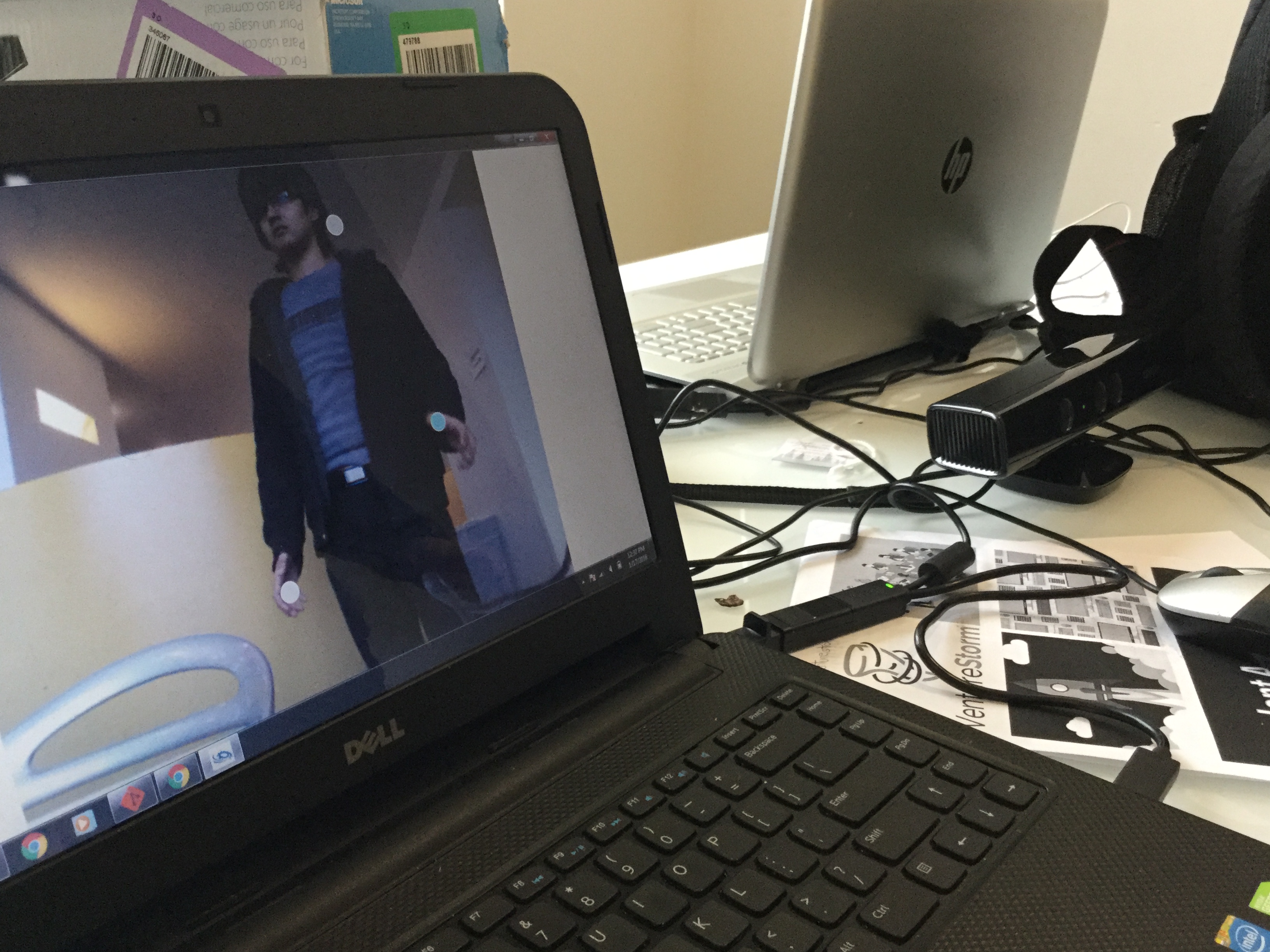
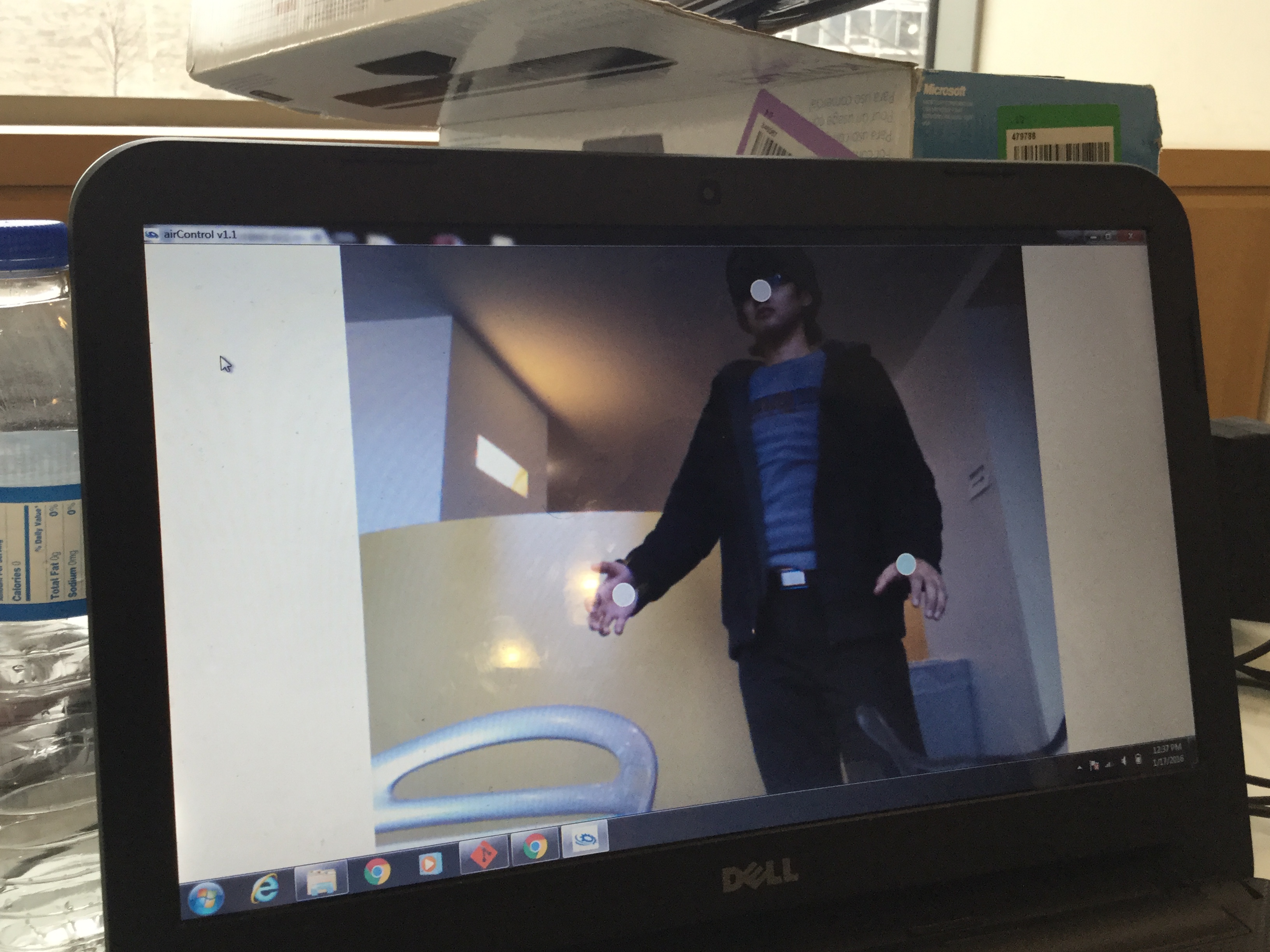
It makes use of the skeletal tracking feature of the Kinect to track head and hand positions in real-time.
The mechanics behind the gesture lie in the distance between the head and the hands in the X, Y and Z coordinates.
There are voice commands for the program itself and external commands for the PC.
All the user needs is a Kinect and a PC to run the application.
This program works with games that can run in windowed mode. It is the chassis for integrating the Kinect into PC games.
History
Two young men unanimously decided to test out Microsoft's coolest PC toy by far: The Kinect for Windows.
With no experience in the C# language, we were treading on strange ground. But, we rose up to the challenge and learnt the Kinect SDK and how to program it in C#.
Initially airPower, airControl was a Visual Studio C# Windows Application designed to control Microsoft PowerPoint and other image and video presentation programs with hand gestures. It had only two gestures; extending the left hand to swipe left, and extending the right hand to swipe right.
Then, we decided to make use of all the physical dimensions. This was a big revision. 3D-Touch was integrated; the user can now control the up and down arrow keys by pushing out their left and right hands respectively.
The airControl just did not feel complete without voice commands. We decided to add voice commands to control both the program and the entire PC, usually depending on the active application.
Our dream of airControl was finally reality, and we made it so.
Usefulness
-Anyone who loves the concept of touch-less control will be very interested in this program. If this can be done in under 24 hours, imagine the limitless possibilities of gesture and voice control over our devices!
Changelog
v1.0
airControl was a pretty nifty tool for handling graphic presentations without touching the PC. Calibration was set so that the user should be about 5 feet from the sensor.
The current list of gesture commands: Extend left arm to the left: Hits the left arrow key once Extend the right arm to the right: Hits the right arrow key once
v1.1
airControl went through MAJOR change. We debated on calling it v2.0, but so much more could be done that we decided this was only the gateway to immersive touch-less control.
The current list of gesture commands:
Extend left arm to the left: Hits the left arrow key once
Extend the right arm to the right: Hits the right arrow key once
Extend the left hand forward: Hits the up key continuously
Extend the right hand forward: Hits the down key continuously
Cross one arm over another: Hits the escape key
Raise either hand above the head: Hits the F5 key (starts a presentation in PowerPoint)
The current list of external voice commands:
"Shoot" - Hits the Enter Key once
"Paragraph" - Hits the Tab Key Once
"Start" - Opens the Windows Start Menu
"Switch" - Switches to the next open application
"Close" - Closes the active application
"Screenshot" - Takes a screenshot of the screen
The current list of internal voice commands:
"computer show window" - Shows the airControl window
"computer hide window" - Minimizes the airControl window
"computer show circles" - Makes visible the circles that track the user's hand movement
"computer hide circles" - Hides the circles that track the user's hand movement
Video Playlist
Apart from the submitted video (since only one is allowed), we created another video showing all the voice commands. Watch it here:
Built With
- c#
- dragon-hacks
- kinect
- sdk
- visual-studio


Log in or sign up for Devpost to join the conversation.