-
-
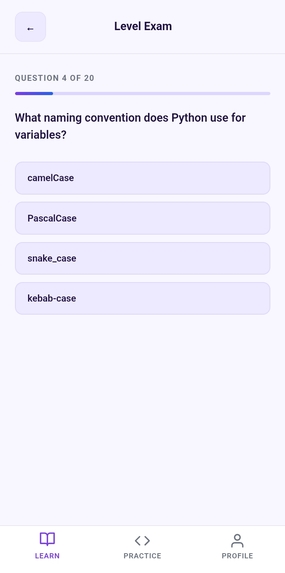
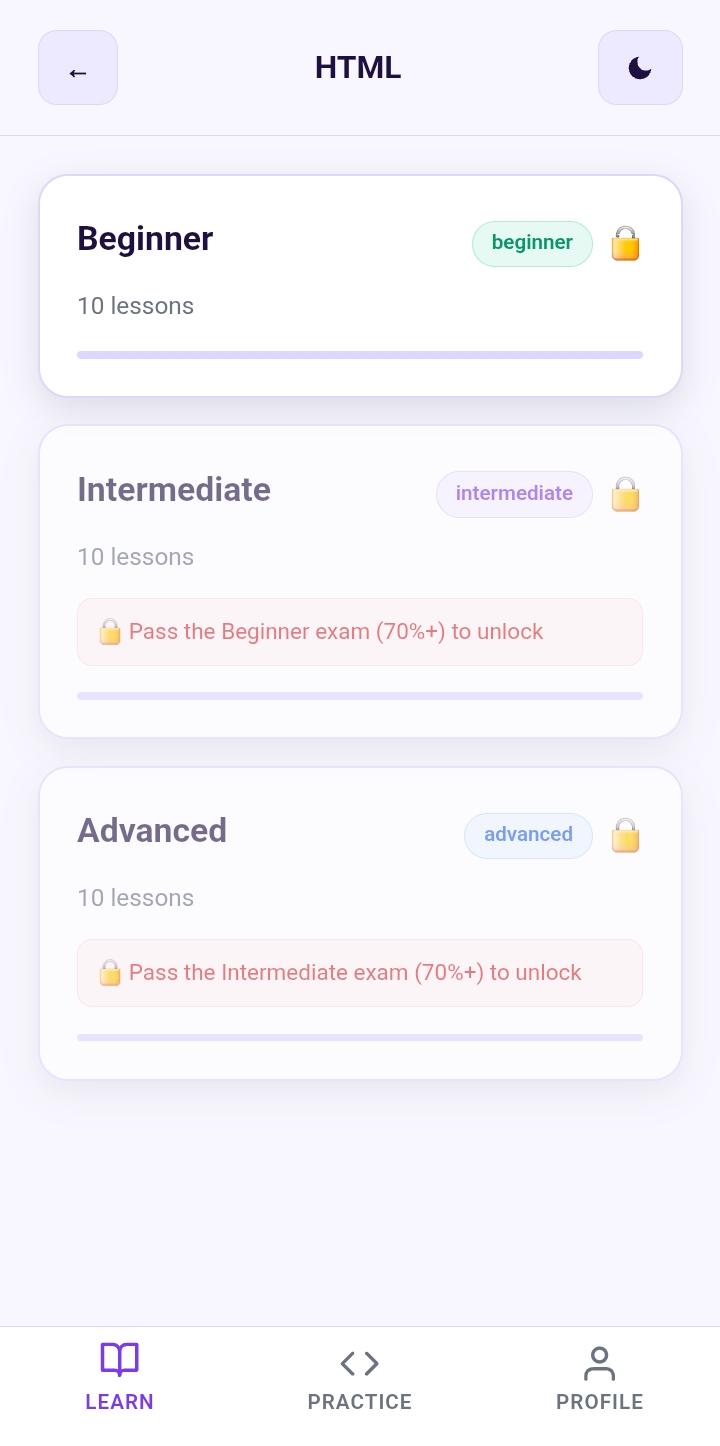
Complete assessments to unlock advanced content and measure your programming growth.
-
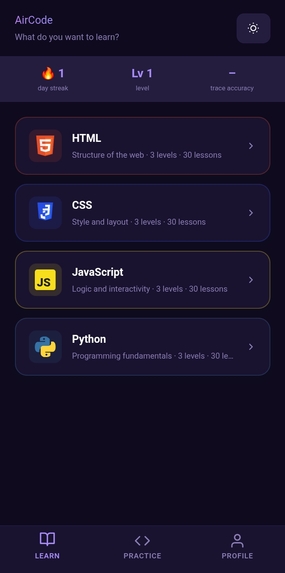
A comfortable dark theme improves accessibility and provides a better coding experience at night.
-
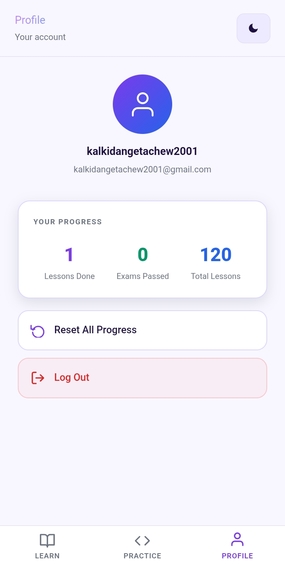
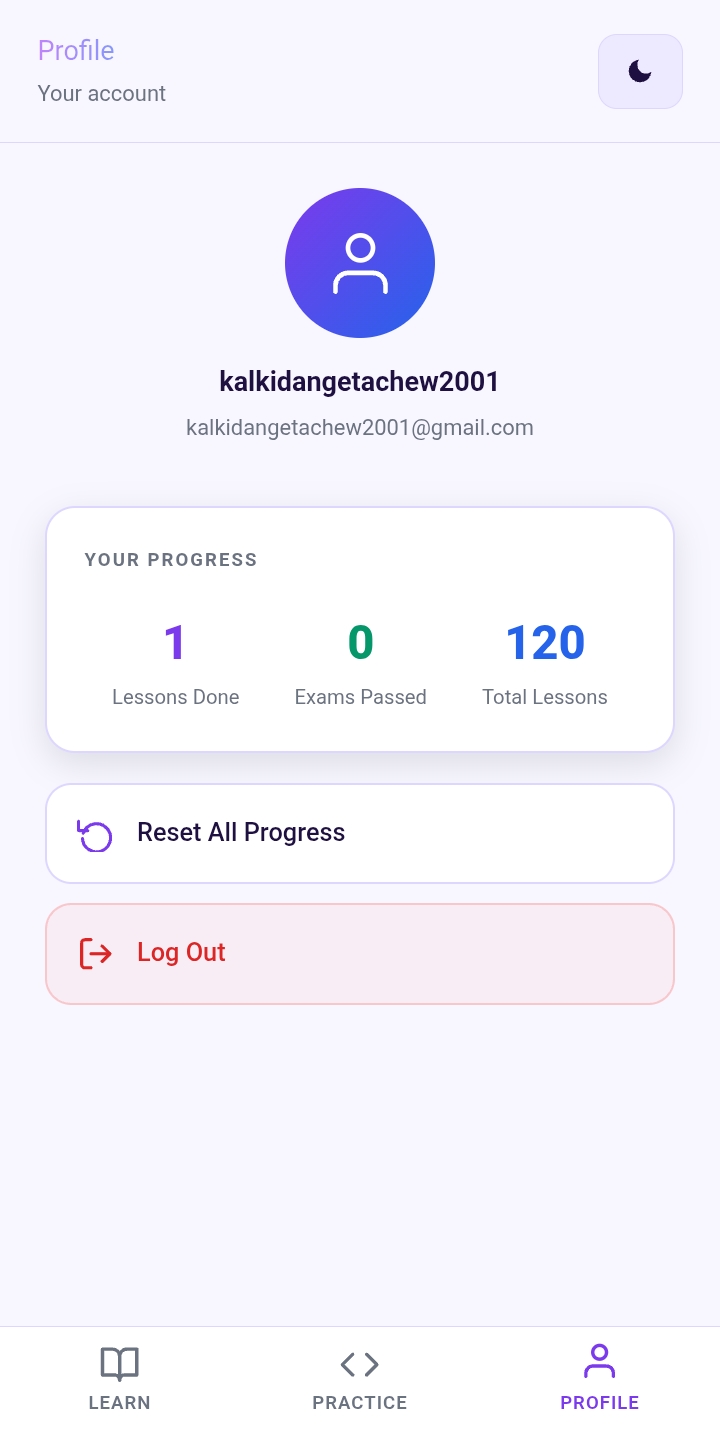
Track your coding journey with lessons completed, levels, achievements, and personal learning progress.
-
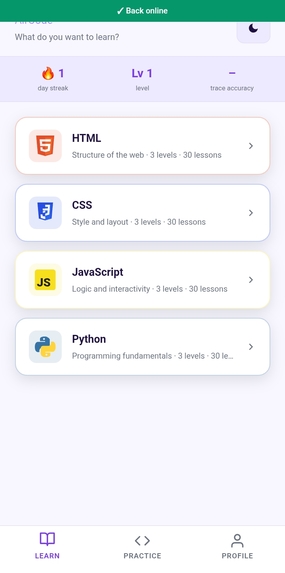
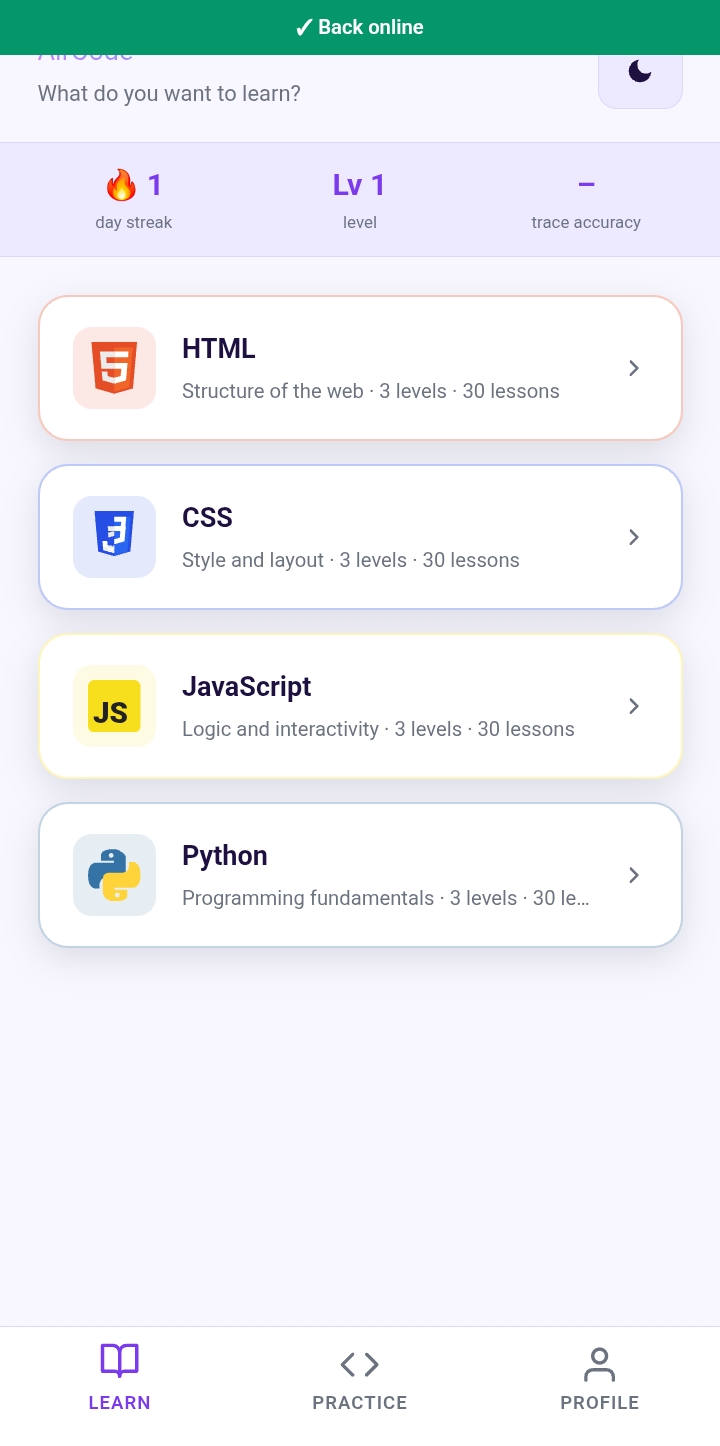
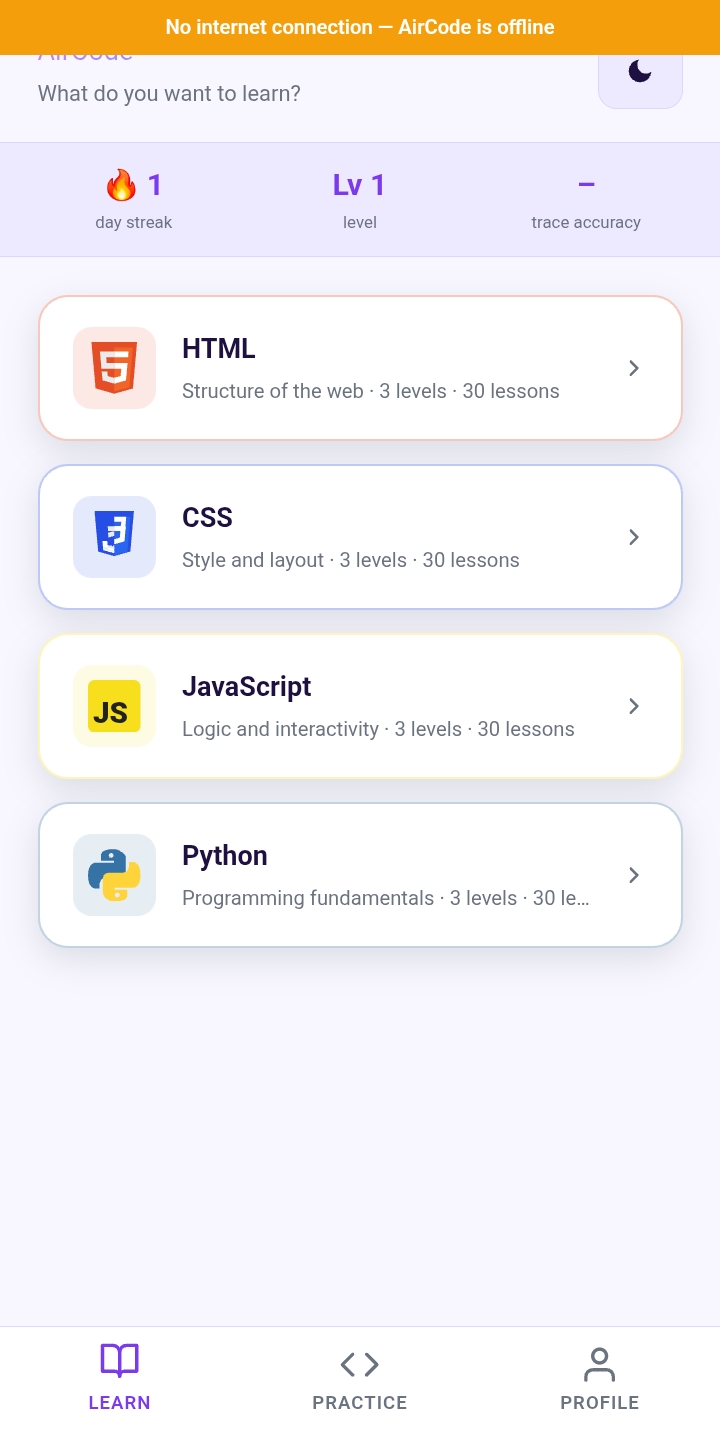
AirCode automatically detects connectivity changes and smoothly transitions users back online after offline learning.
-
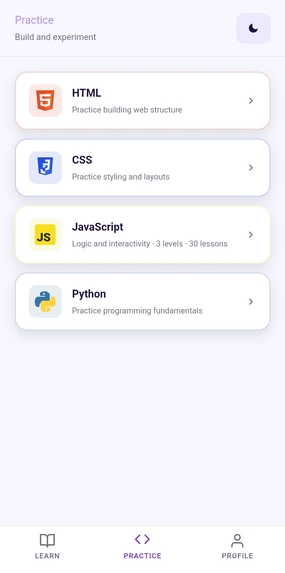
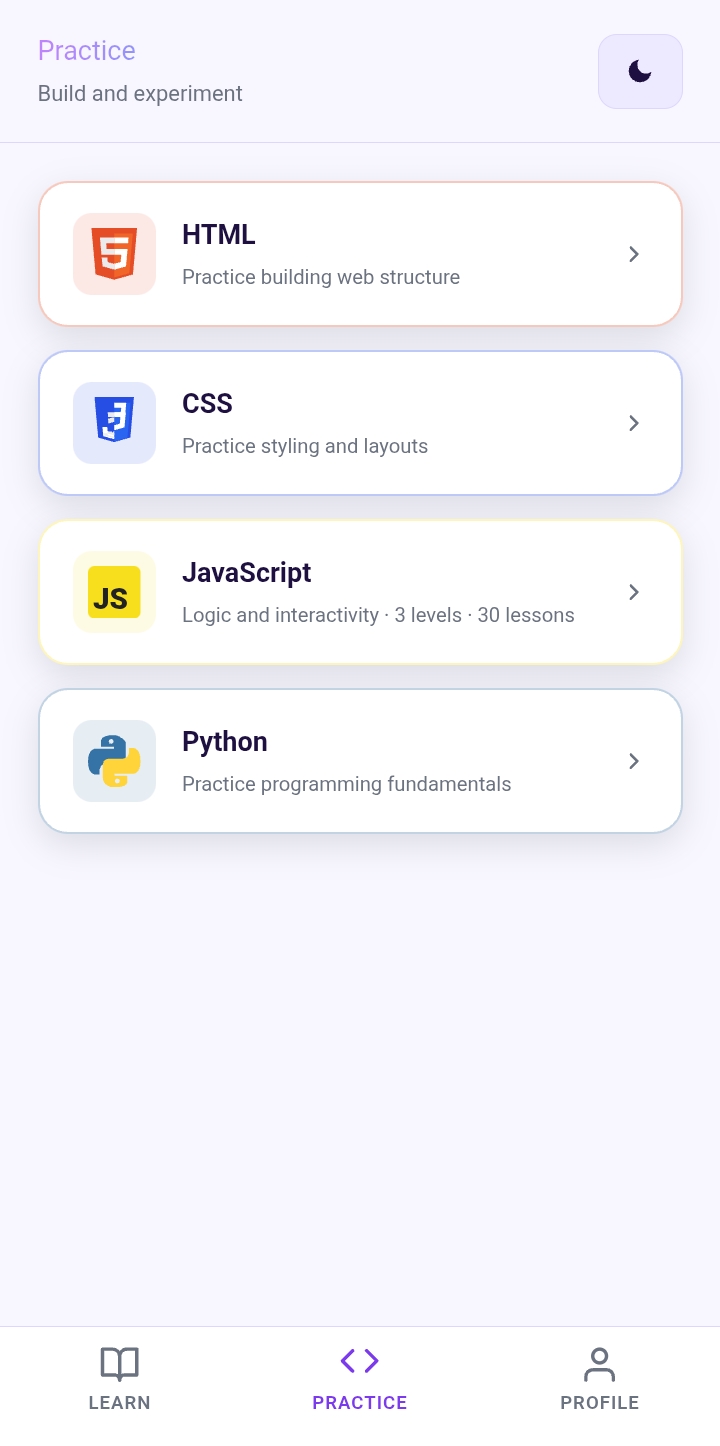
Practice coding skills through hands-on challenges and experiments in HTML, CSS, JavaScript, and Python.
-
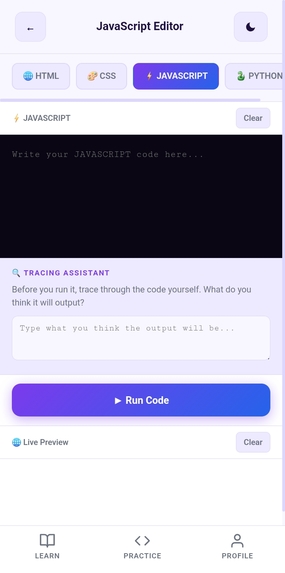
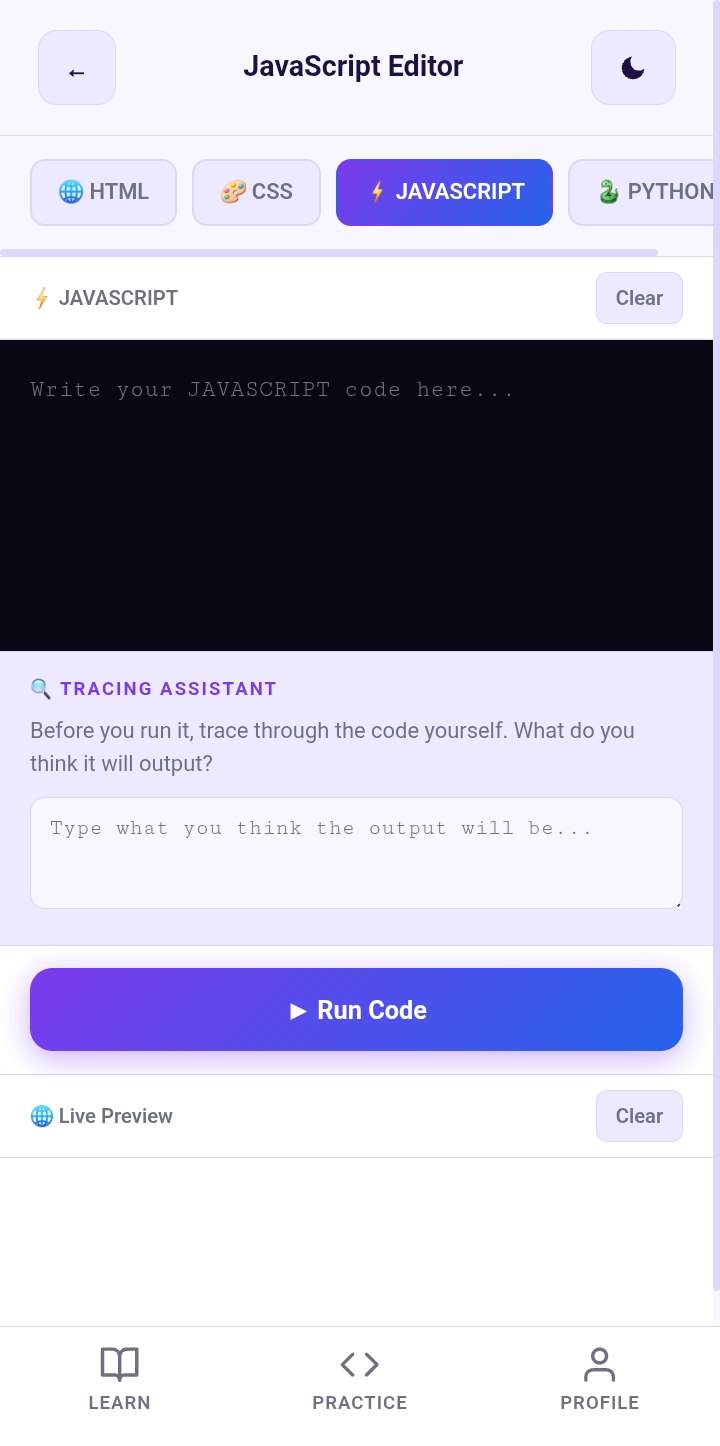
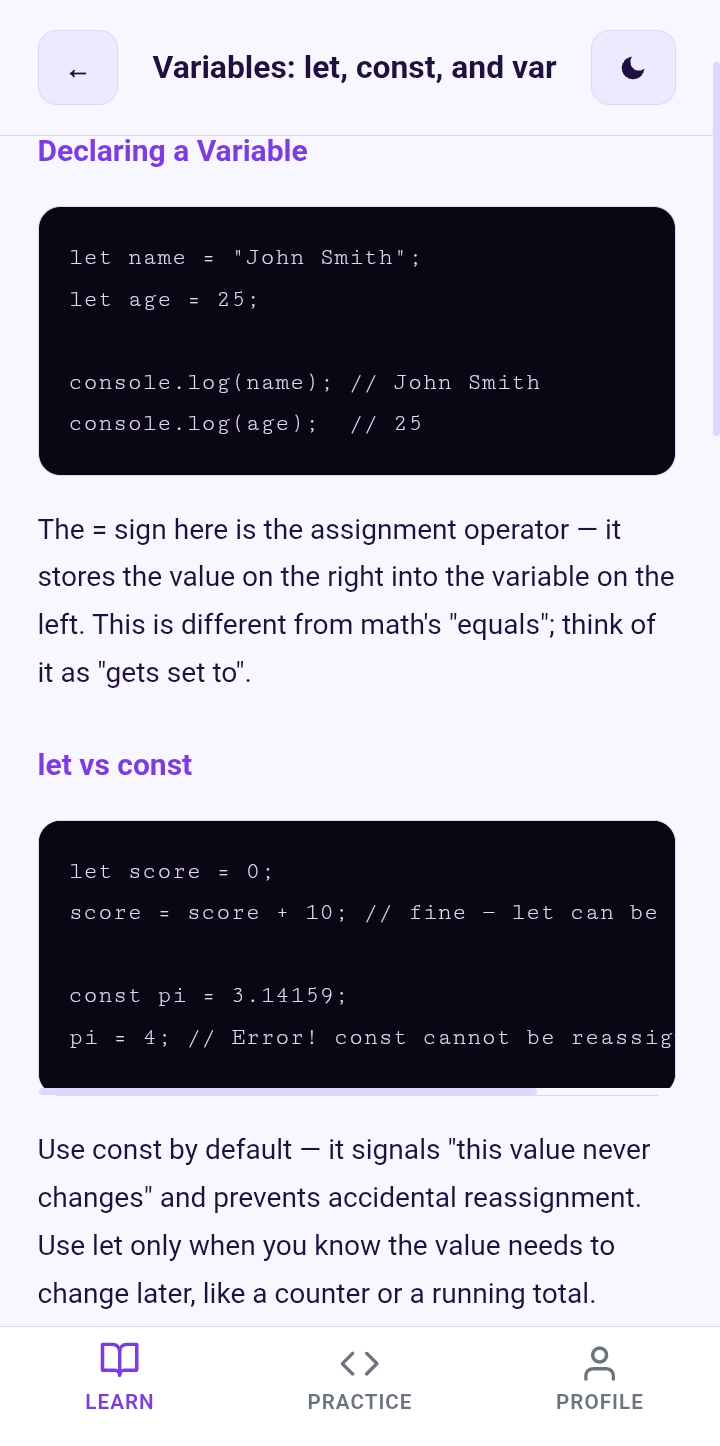
Write, test, and experiment with code using AirCode’s built-in editor and live preview environment.
-
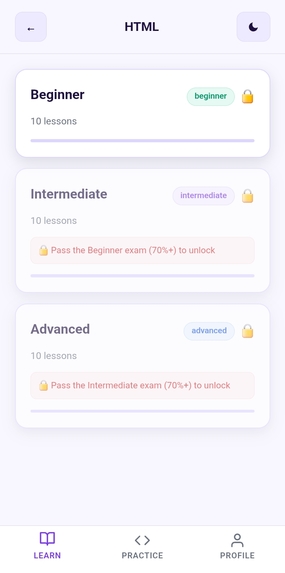
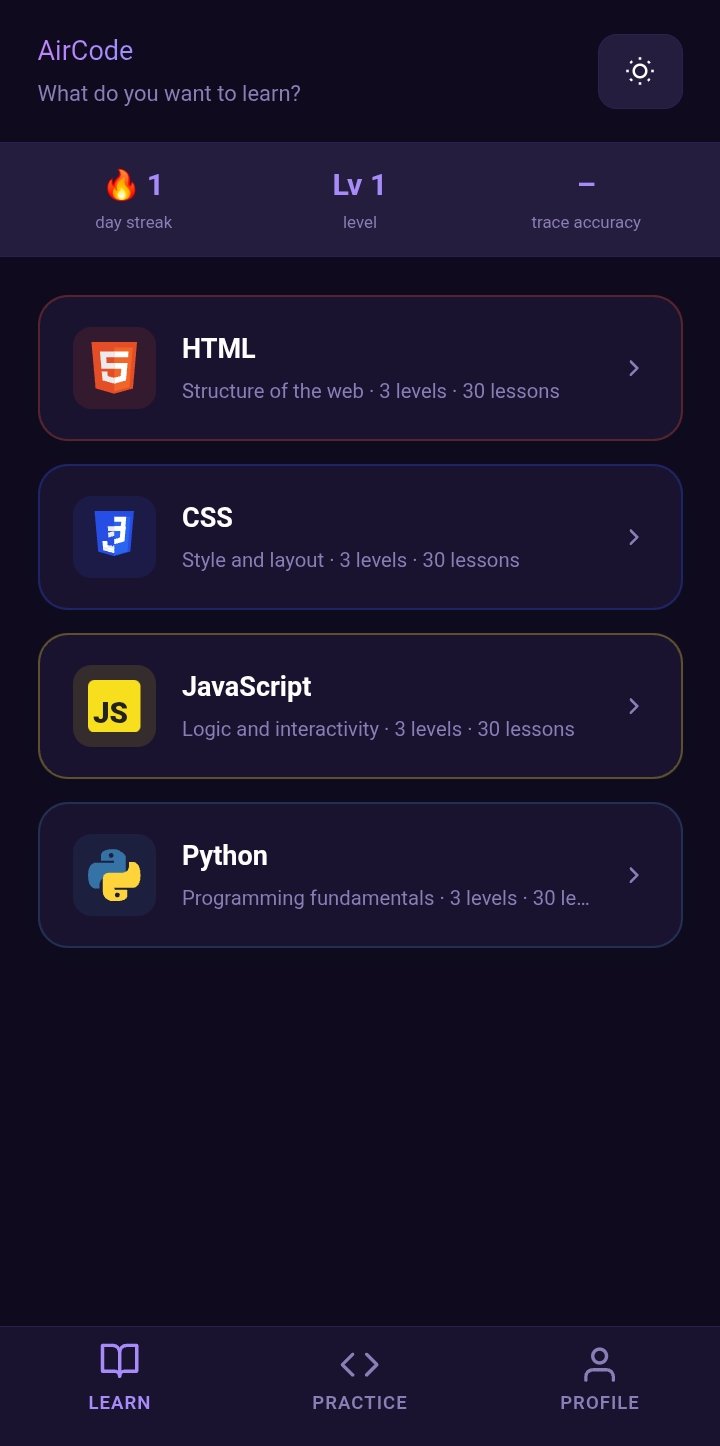
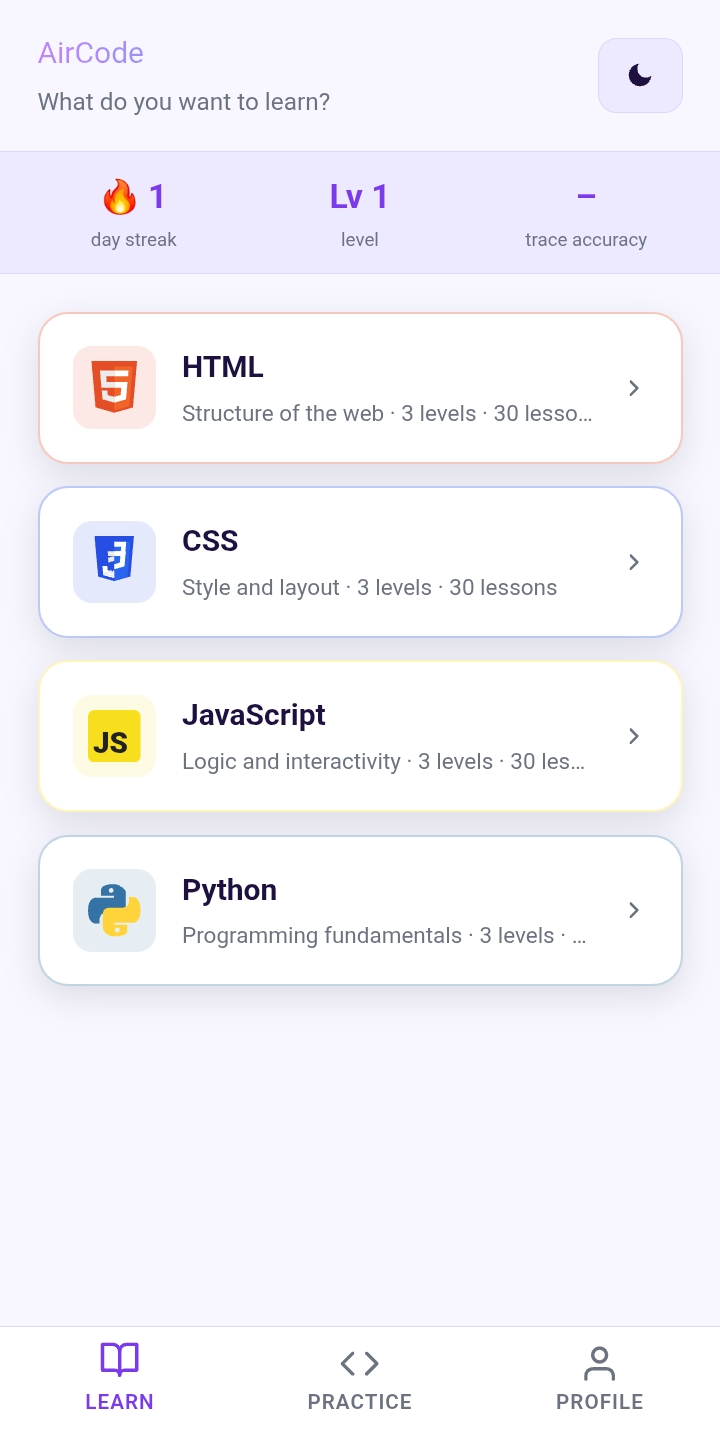
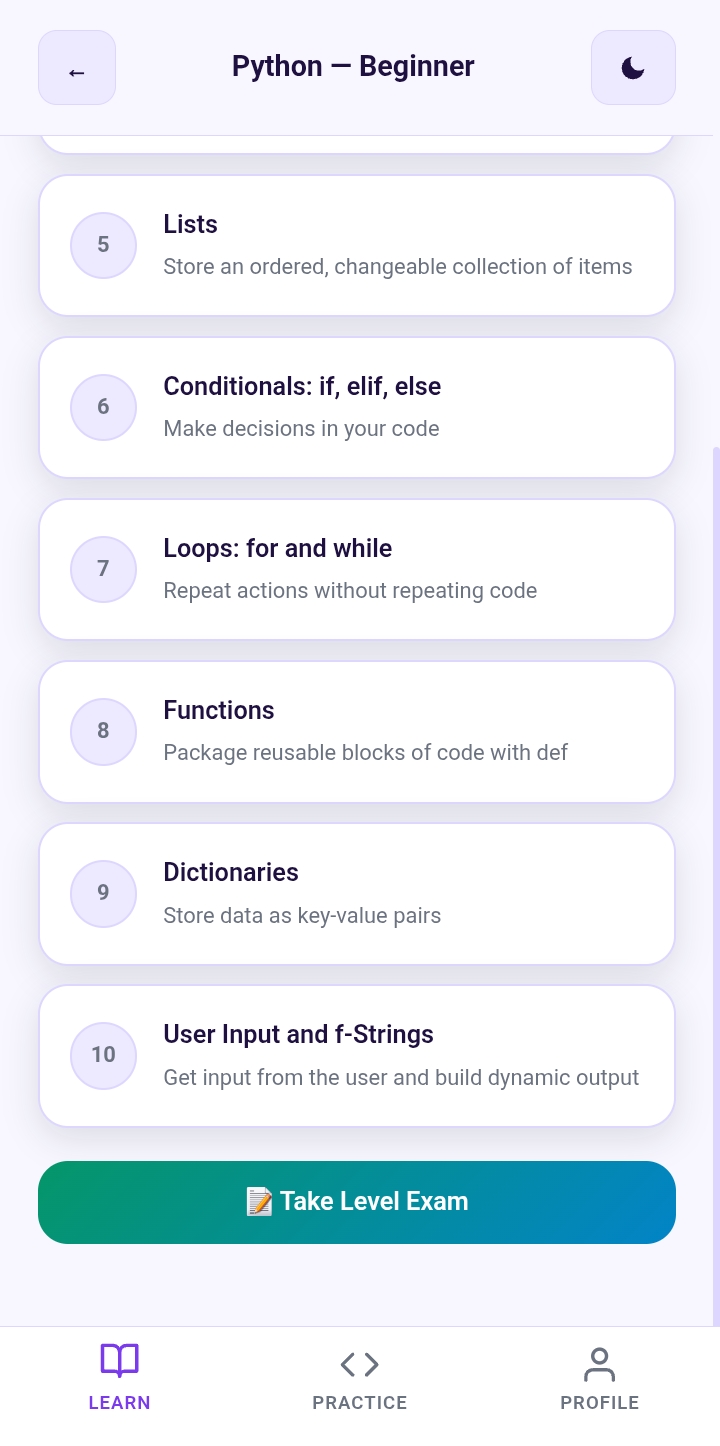
Choose your learning path and build programming skills step by step with interactive lessons designed for beginners.
-
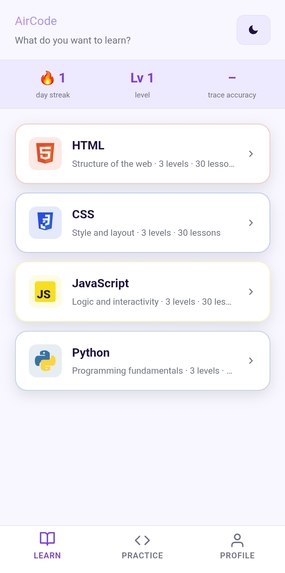
AirCode’s learning hub helps students explore HTML, CSS, JavaScript, and Python through structured beginner-friendly courses.
-
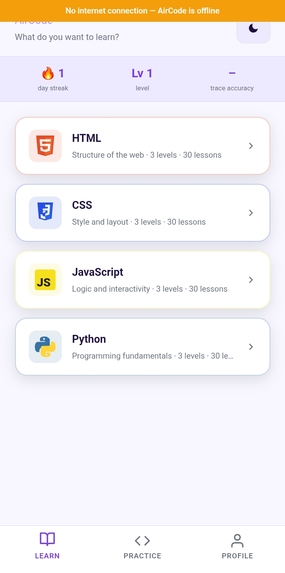
Learn anywhere, anytime. AirCode supports offline learning so students can continue coding without internet access.
-
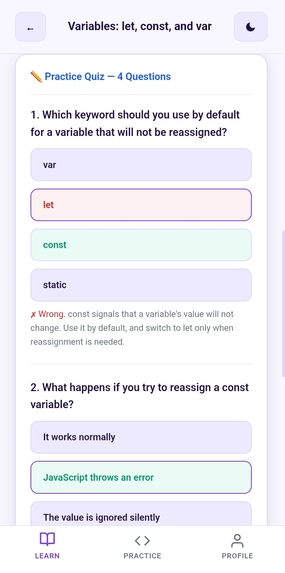
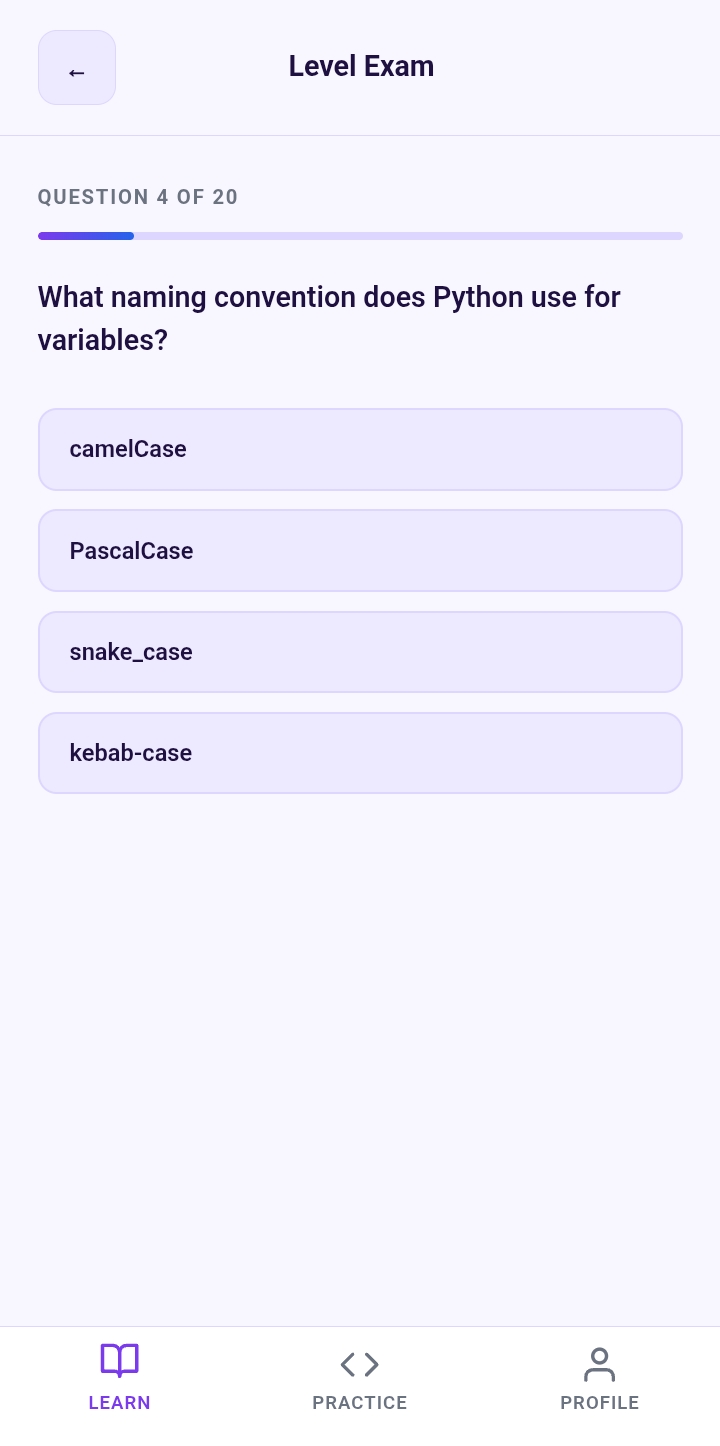
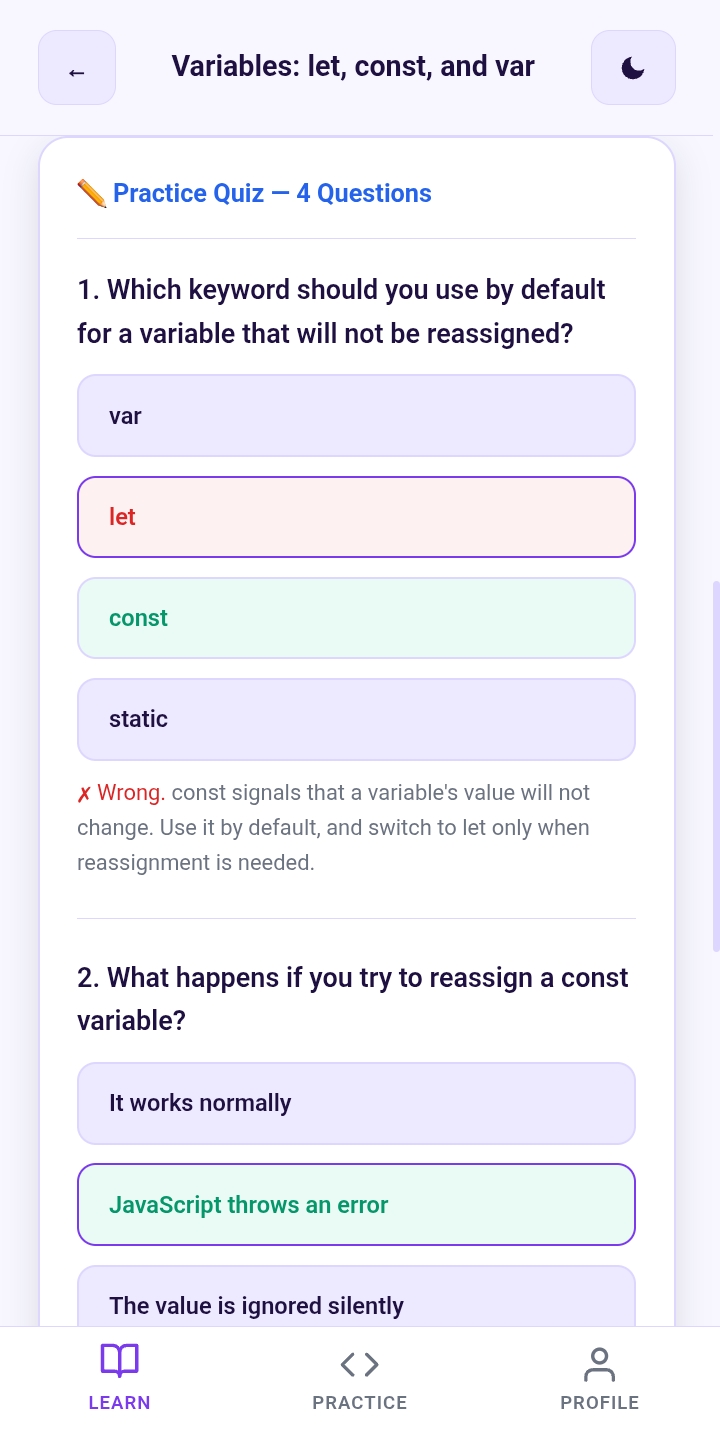
Test your understanding with interactive quizzes that reinforce programming concepts and track mastery.
-
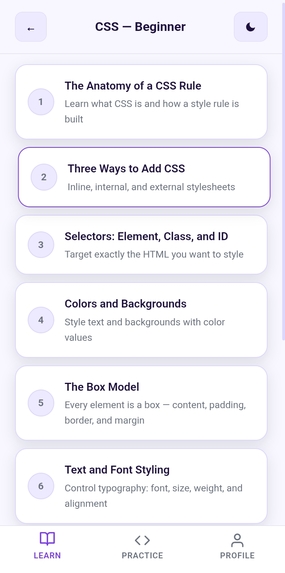
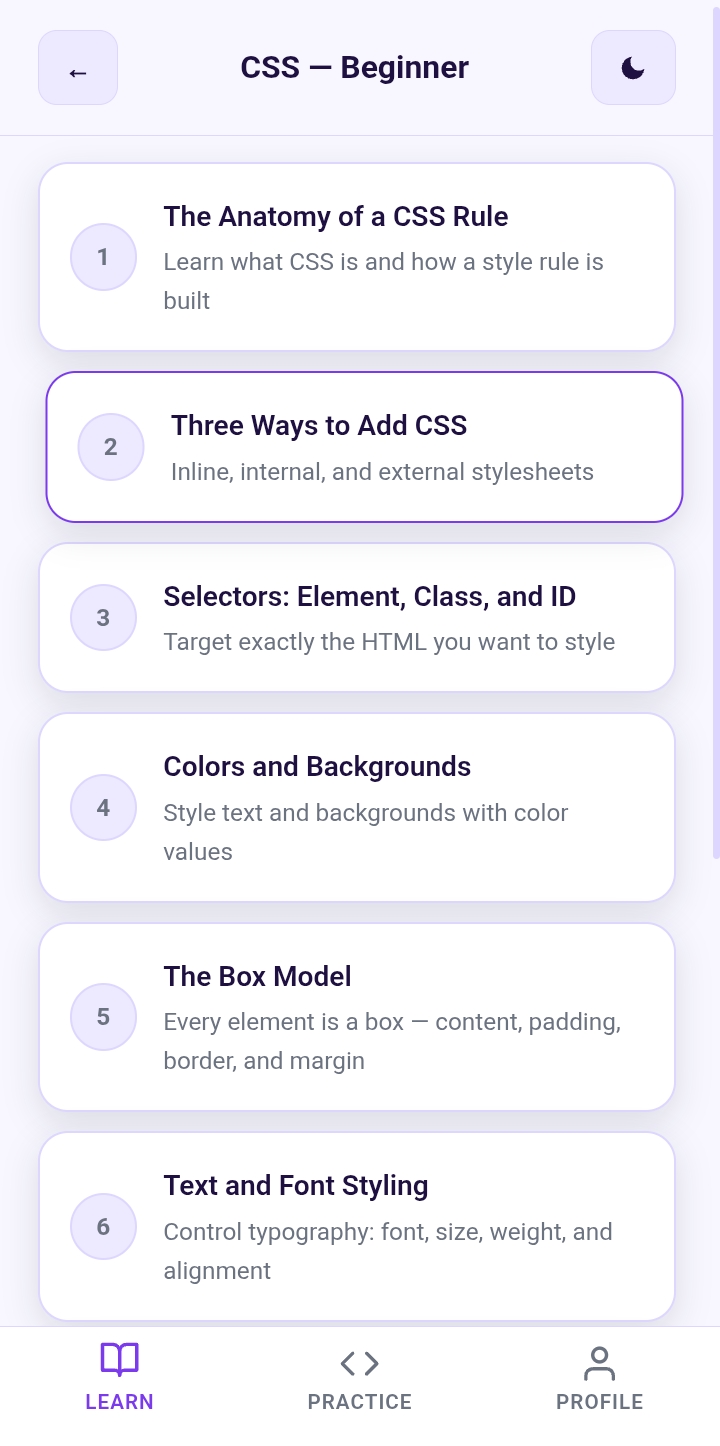
AirCode provides a guided roadmap from beginner fundamentals to advanced programming skills.
-
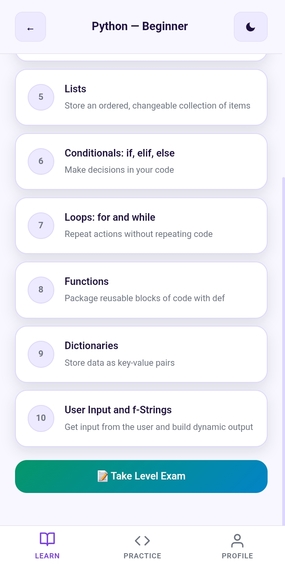
A progressive Python curriculum with beginner, intermediate, and advanced levels unlocked through learning progress and take the exam.
-
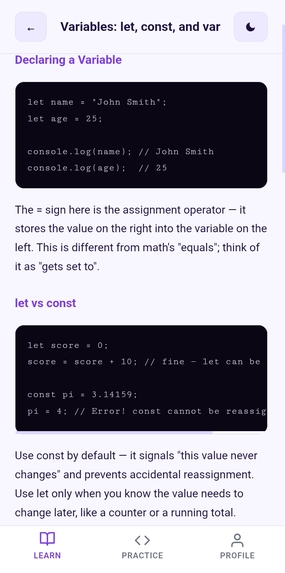
Learn programming concepts with clear explanations, examples, and practical code demonstrations inside AirCode.
AirCode
Inspiration
AirCode is deeply personal to me. I learned to code with unreliable internet, which often made learning frustrating. A slow connection or no Wi-Fi could stop me from opening lessons, searching for help, or practicing what I had learned.
I also spent time learning from a hospital bed while dealing with osteoporosis. During that time, coding became more than just a skill. It gave me something to focus on, create, and keep moving forward with. But I saw how difficult it was when internet access decided whether I could continue learning.
This inspired AirCode. I wanted to create a tool that gives students the freedom to learn, practice, and build without depending on a constant internet connection.
What it does
AirCode is an offline coding-learning app for students who do not always have reliable internet access. Students can download it once and continue learning even when they are offline.
It includes coding lessons, an editor, challenges, progressive hints, and a tracing assistant that asks students to predict what their code will do before running it. Students can practice HTML, CSS, JavaScript, and Python. Their progress, streaks, levels, and results are saved on their device.
How I built it
I built AirCode with HTML, CSS, and vanilla JavaScript to keep it lightweight and accessible on lower-end devices.
I used service workers and the Cache API so that lessons and app assets remain available after the first download. IndexedDB saves accounts, progress, and learning statistics directly in the browser.
HTML, CSS, and JavaScript run in a sandboxed browser area. For Python, I used Skulpt so Python code can run directly in the browser without a server. I also made AirCode a Progressive Web App, allowing students to install it on supported devices.
Challenges I ran into
The biggest challenge was making the app truly useful without internet access. It was not enough to show an offline page. The lessons, editor, code execution, saved progress, and assets all needed to work offline.
Supporting multiple programming languages while keeping the project simple and lightweight was another challenge. I also needed a way to save student progress without relying on an online database or requiring an account.
Accomplishments that I'm proud of
I am proud that AirCode turns a real barrier into a practical solution. Students can keep learning to code even when Wi-Fi or mobile data is not available.
I am also proud of creating an app that combines offline lessons, a code editor, Python support, progress tracking, and installable PWA features in one lightweight project. Most importantly, AirCode was inspired by a real personal experience and built to help students facing the same challenge.
What I learned
I learned how web technologies can create meaningful impact when they are designed around people's real situations. Service workers, caching, IndexedDB, and Progressive Web Apps showed me that a website can remain useful even without internet access.
I also learned that meaningful solutions do not always need to be complicated. Understanding a real problem and designing around it can make technology more accessible and inclusive.
What's next for AirCode
Next, I want to test AirCode with more students and improve it using their feedback. I plan to add more lessons, challenges, and programming topics.
I also want to improve accessibility, make the app easier to use on low-end Android devices, and explore ways to share it through schools, local networks, or USB so students can access it even when internet infrastructure is limited.
