Inspiration
We've always been amazed by airport control centres and how they manage so many aircraft at once. We wanted to create something inspired by that and give people a simpler way to experience what goes on behind the scenes. That idea led us to build Air Control, an interactive aviation simulation that makes airport operations easier to explore and understand.
What it does
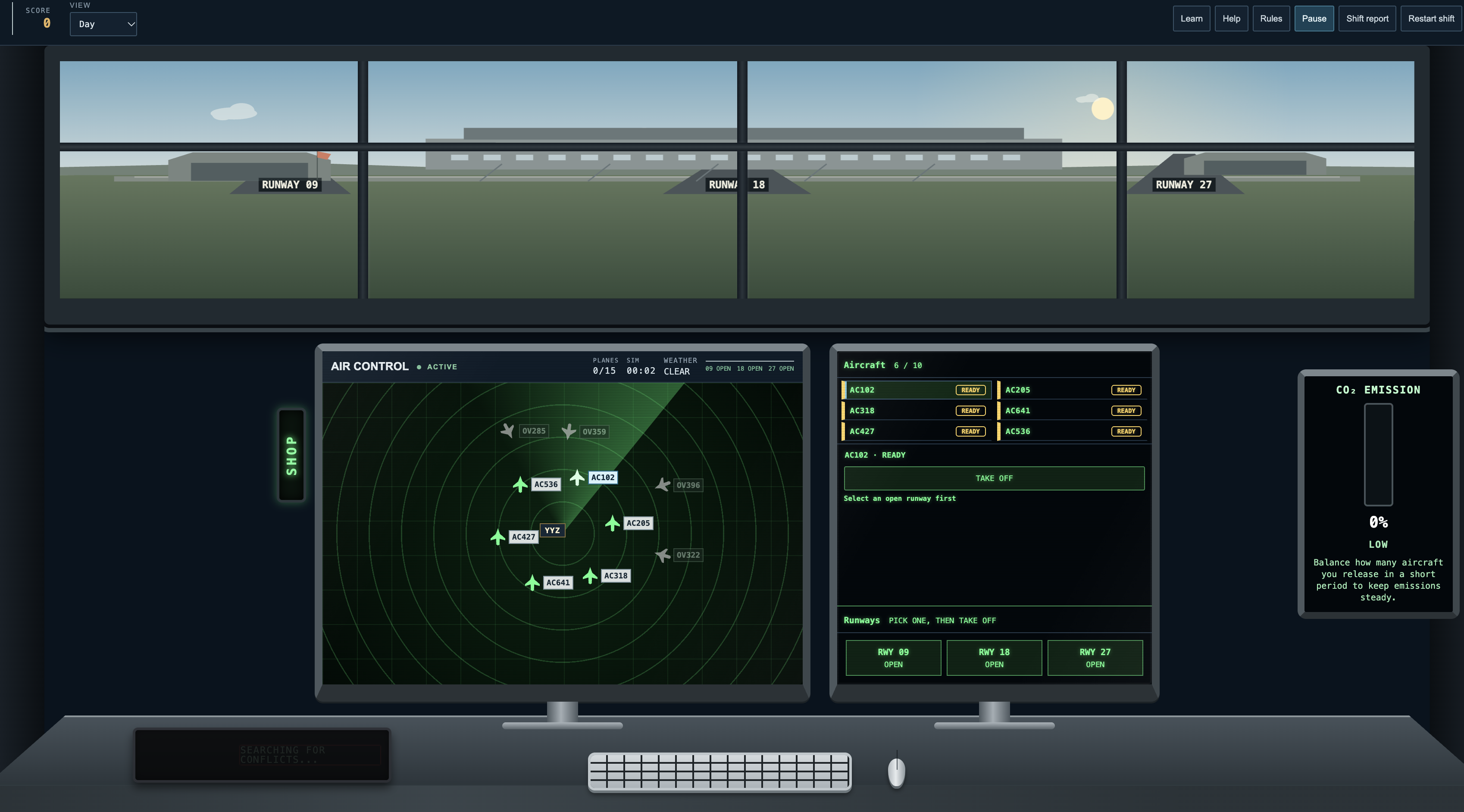
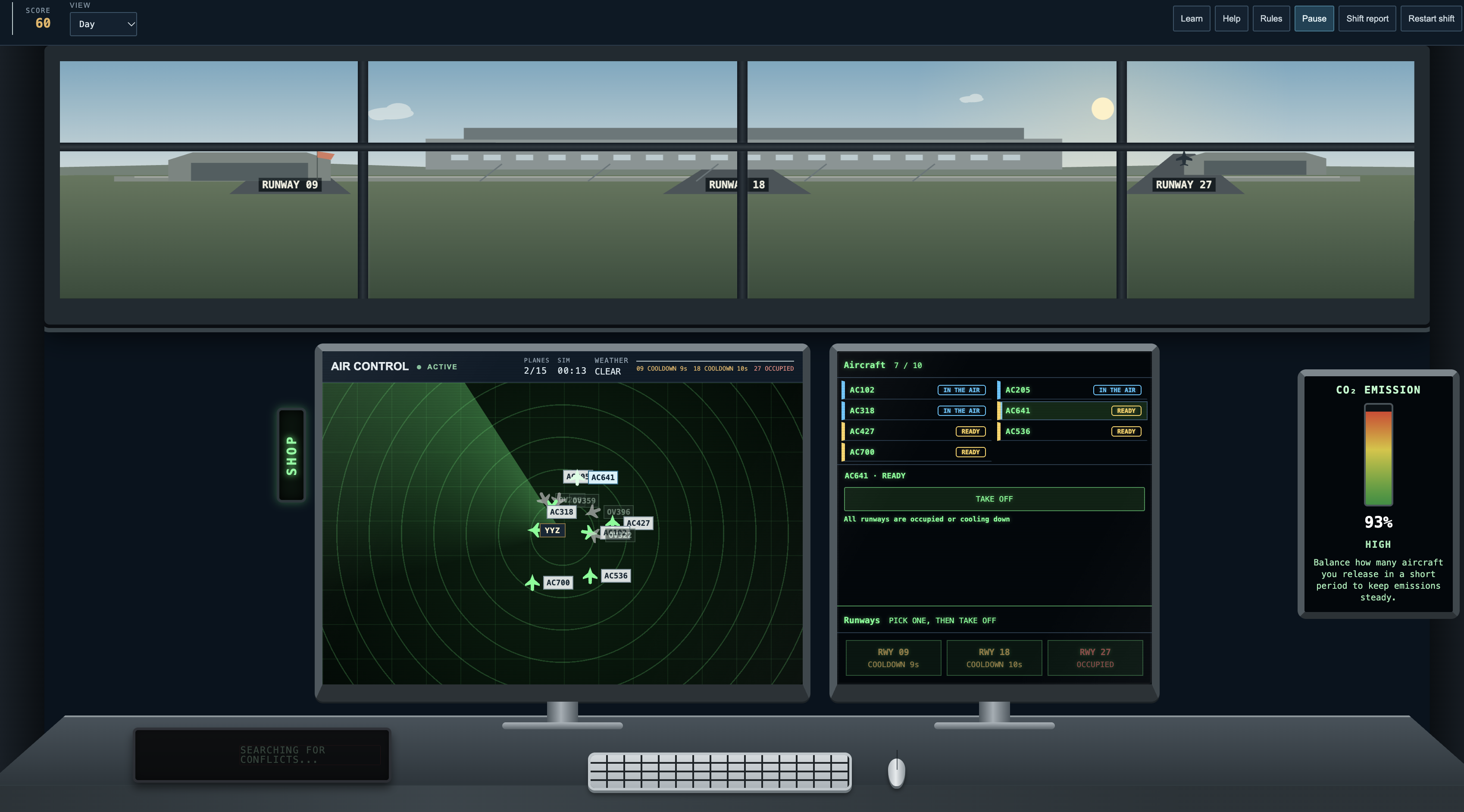
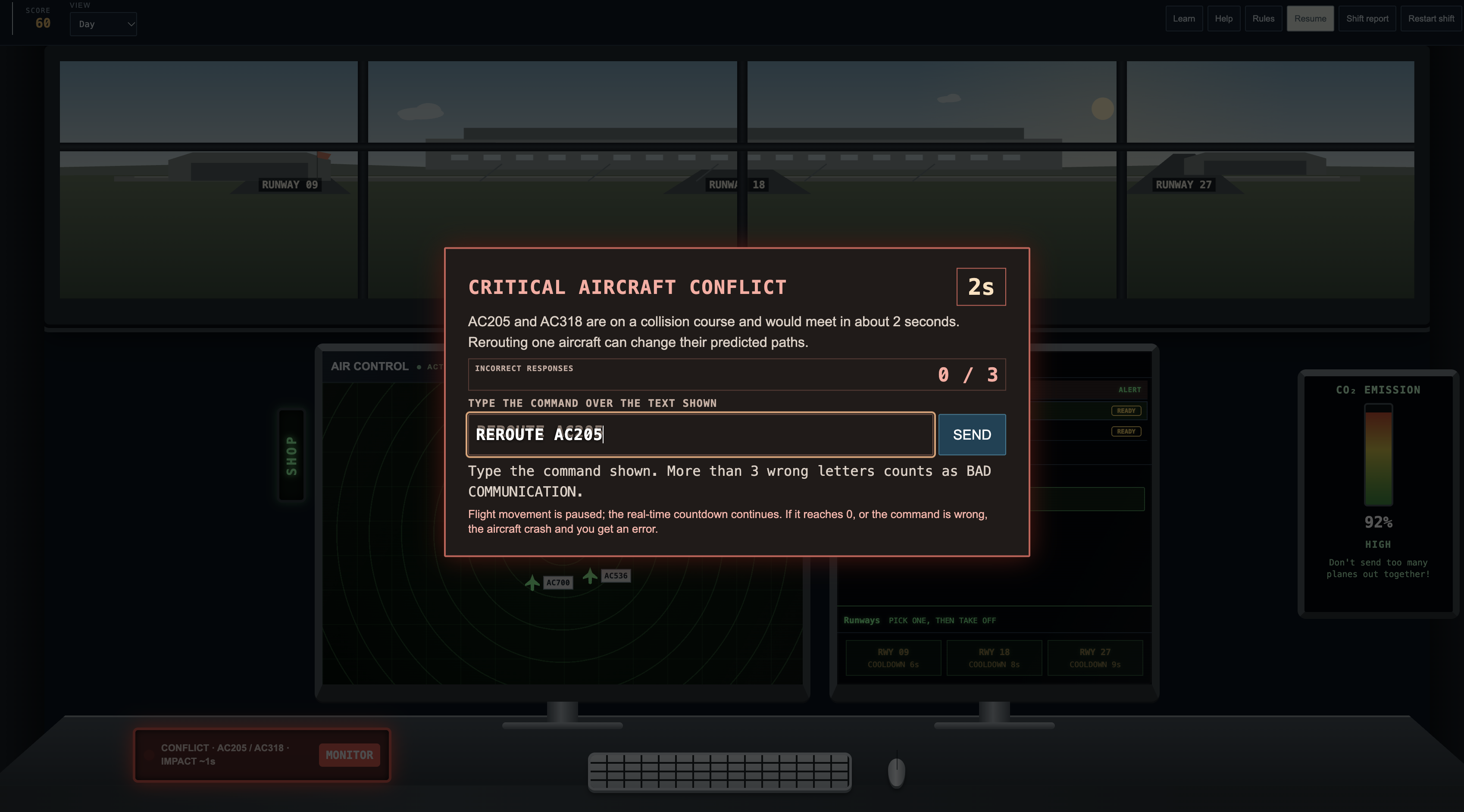
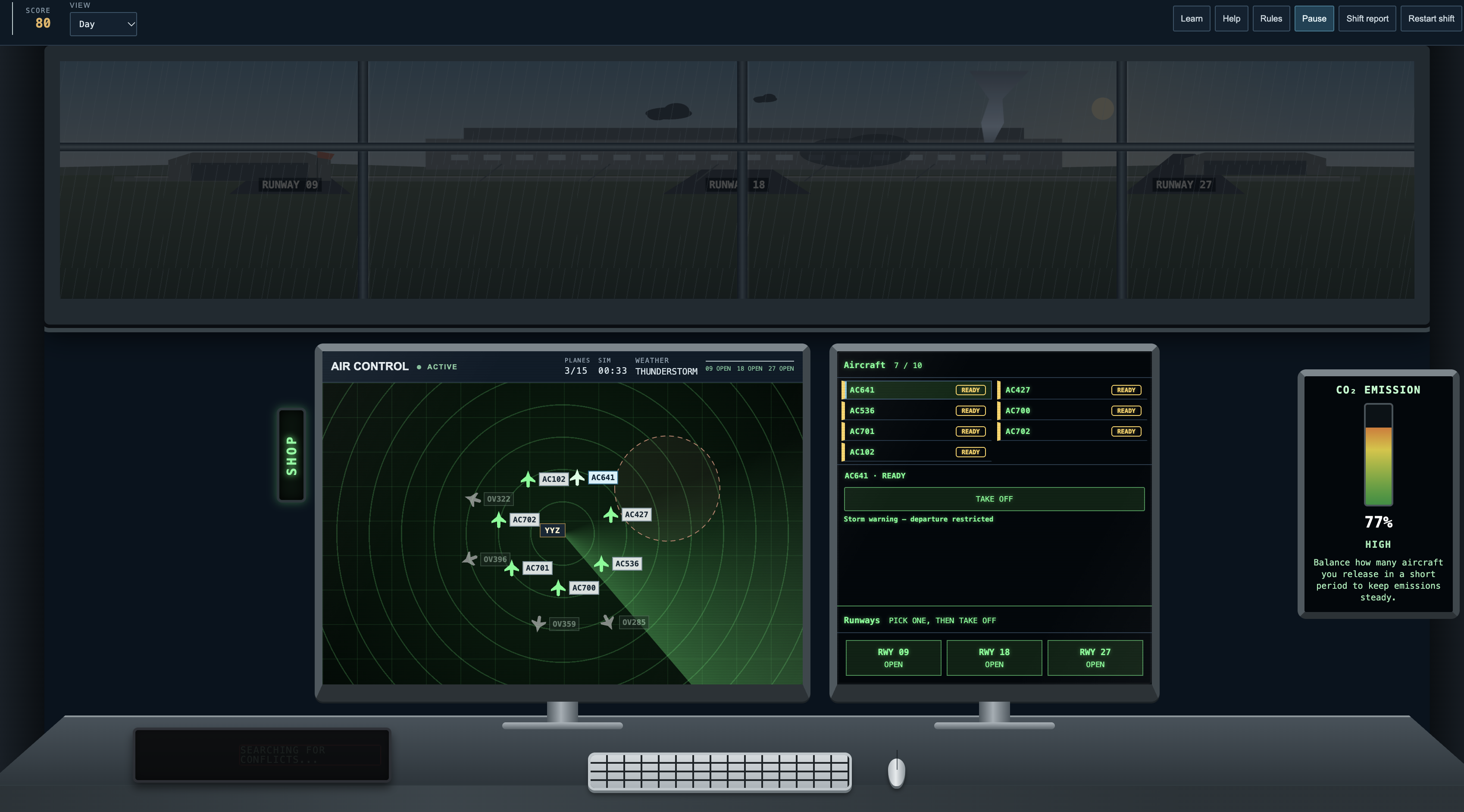
Air Control is a simplified aviation simulation set in a city environment. Users can watch aircraft move around the airport, explore the traffic, and interact with the controls. It's not a real air traffic control system, but a way to understand the basics through a hands-on experience.
How we built it
I built Air Control as a web-based project, focusing on the aircraft movements, airport environment, and interactive interface. I wanted it to feel like an actual simulation while keeping it simple enough for anyone to try.
Challenges we ran into
One of the biggest challenges was making the simulation feel believable without making it too complicated. I also wanted the aircraft movements, controls, and interface to work together while keeping everything easy to follow.
Accomplishments that we're proud of
We're proud of turning our interest in airport control centres into something people can actually interact with. We created a city environment with moving aircraft and controls that let users explore aviation in a more hands-on way.
What we learned
We learned that creating a simulation is more challenging than it looks. Getting the aircraft movements, controls, and visuals to work together took thought and adjustments. We also learned how to use technology to make a complicated topic easier for others to understand.
What's next for Air Control
In the future, we'd like to make Air Control more interactive by adding more aircraft, improving the airport environment, and giving users more control over what happens in the simulation. We'd also like to make the experience feel more realistic while keeping it simple and accessible for beginners.
Slideshow: https://canva.link/797a3frtiqcd77q

Log in or sign up for Devpost to join the conversation.