Inspiration
As an AI & Data Science student, I have always been fascinated by how we can bridge the gap between the physical and digital worlds. I wanted to create a tool that felt like science fiction—allowing users to interact with a computer without any physical contact. Air Canvas Pro was born from the idea of making digital art more accessible and intuitive through Computer Vision.
What it does
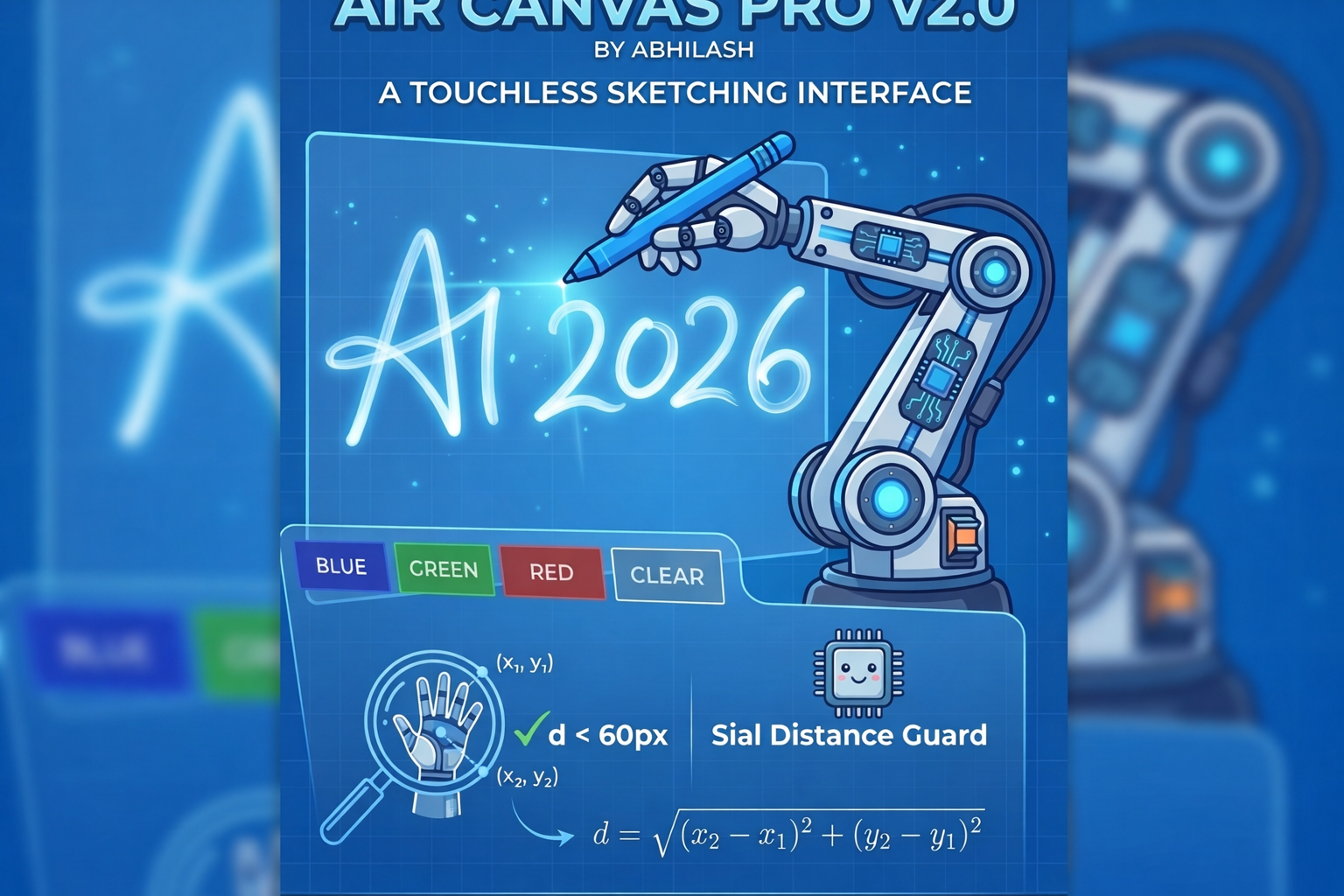
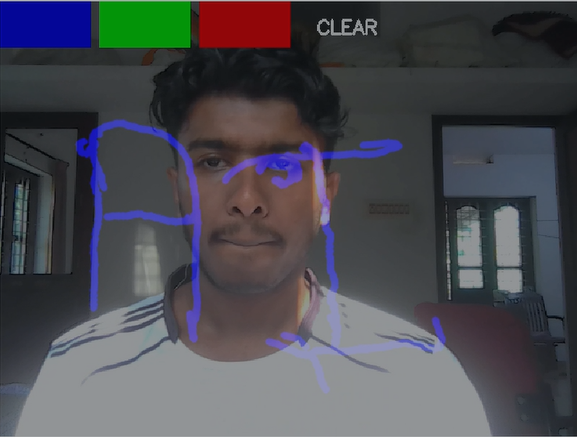
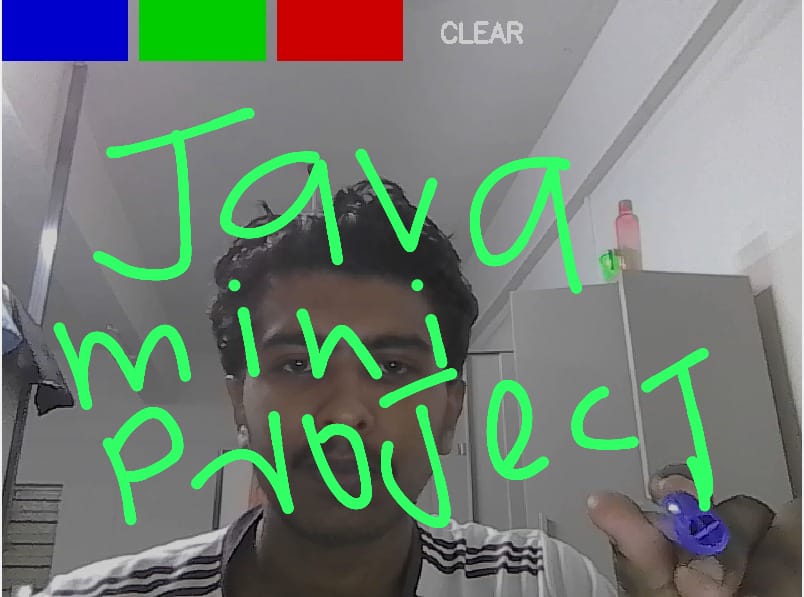
Air Canvas Pro is a touchless, gesture-controlled digital drawing application. By utilizing a standard webcam and real-time computer vision, it allows users to draw in the air using a color marker. The system features a virtual UI for selecting ink colors and a dedicated reset zone to clear the canvas, effectively turning any room into a digital sketchbook without the need for hardware tablets or pens.
How we built it
The project was engineered using Java and the OpenCV library. The technical pipeline includes :Color Segmentation: Converting frames to HSV color space to isolate specific hues for tracking. Image Processing: Applying Morphological transformations (Erosion and Dilation) to eliminate background noise.Coordinate Mapping: Translating 2D camera coordinates into a virtual canvas overlay. Dynamic UI: Implementing geometric hit-boxes at the top of the frame that trigger color changes or canvas clearing when the tracker enters specific (x, y) ranges.
Challenges we ran into
The most significant challenge was tracking jitter caused by varying light conditions, which resulted in messy, "teleporting" lines. To solve this, I implemented a Spatial Distance Guard. By calculating the Euclidean distance between consecutive points:d = sqrt{(x2 - x1)^2 + (y2 - y1)^2}I programmed the system to ignore any movement greater than 60 pixels, identifying it as noise rather than intentional drawing. This ensured the digital ink remained smooth and professional.
Accomplishments that we're proud of
I am particularly proud of the UI Safety Zone and the Stabilization Algorithm. Achieving low-latency tracking while simultaneously processing high-resolution frames in Java was a major win. Successfully integrating the "Clear" gesture—which requires the system to reset a Mat object in real-time—was a highlight of the development process.
What we learned
This weekend provided deep insights into Real-Time Digital Signal Processing. I learned how to manage Classpath dependencies and Native Libraries in a complex Java environment. Most importantly, I learned that a successful AI project isn't just about the primary model; it’s about the logical "guards" you build to handle real-world hardware limitations.
What's next for Air Canvas Pro
The next step is to integrate MediaPipe for Hand Landmark Detection, moving beyond simple color tracking to recognize specific finger gestures (like pinching to zoom or three fingers to save). I also plan to add a "Record Drawing" feature that saves the final artwork as a PNG file directly to the local system.


Log in or sign up for Devpost to join the conversation.