-
-
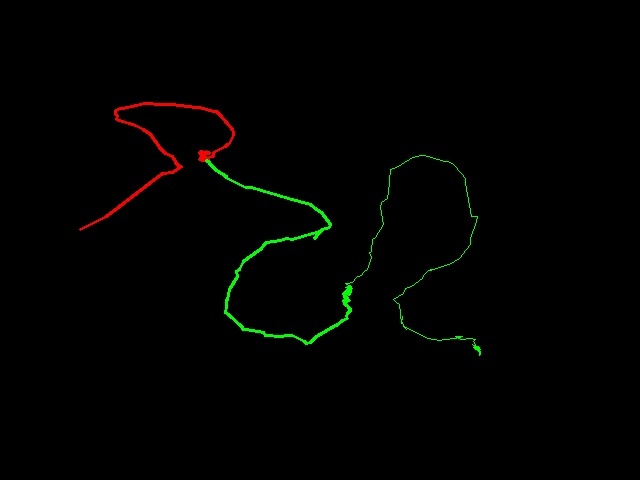
Result of the demo saved

Inspiration
A Digital pen and table may not be available to everyone, and if you wanted to doodle something quick and save it on your laptop you would need to draw something and take a picture on your phone and then send it to your laptop. So that got me thinking if I could use my camera and my hand to doodle. Also how to change colors, size and also to save the drawing
What it does
Air Canvas allows you to use your camera and your hand to doodle on a virtual canvas, You also have "Canvas" a Voice assistant whom you can ask to change color, size of the brush, start and stop painting and also to save your work to a 'canvas.jpg' file in your computer
How we built it
For the Drawing on the canvas we used Mediapipe's API for hand detection For the voice assistant we used Open Ai's Whisper We ran the voice assistant on a separate thread and used a synchronized queue for inter process communication. When the voice assistant hears the word Canvas it records the task and sends the task to the video process.
Challenges we ran into
Using Multiprocessing in python for the first time. Integrating Mediapipe API and OpenAI whisper into the app was more difficult than we thought. Non Blocking communication between processes was tricky
Accomplishments that we're proud of
We could successfully complete what we wanted to, The end product was exactly how we wanted it to be, We could integrate all the features that we thought would be useful
What we learned
We Learnt to use mediapipe for hand landmark detection, Open Ai's whisper for voice to text conversion and Inter process communication for Python,,
What's next for Air Canvas
Add more commands for Canvas and add gesture recognition into it so that we can use gestures with our other hand


Log in or sign up for Devpost to join the conversation.