-
-
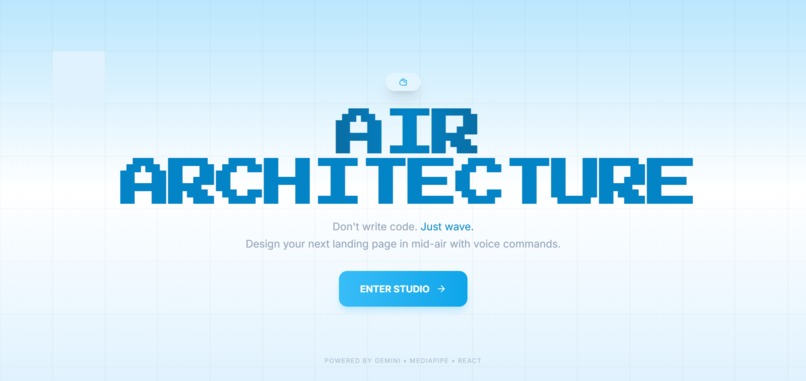
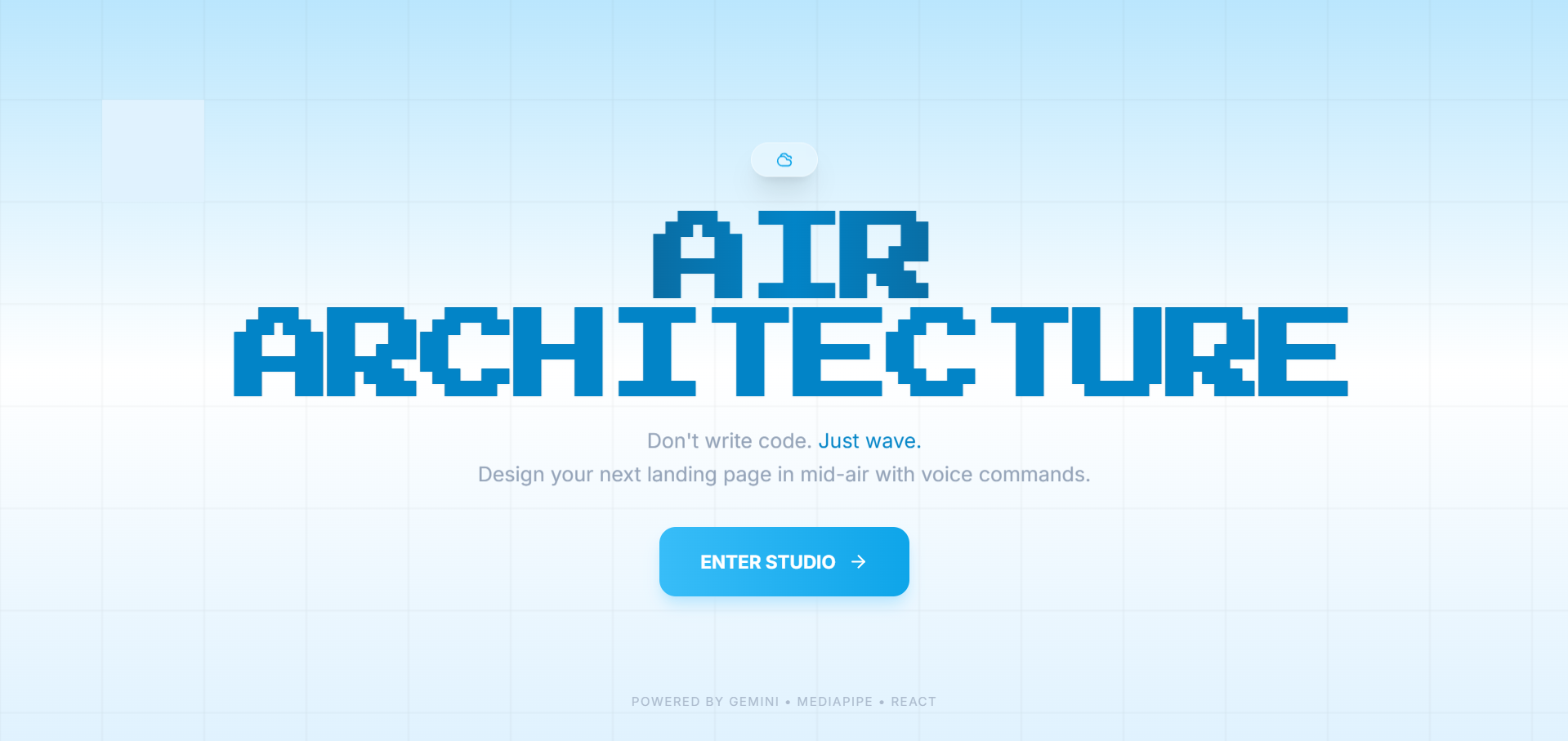
Home Page
-
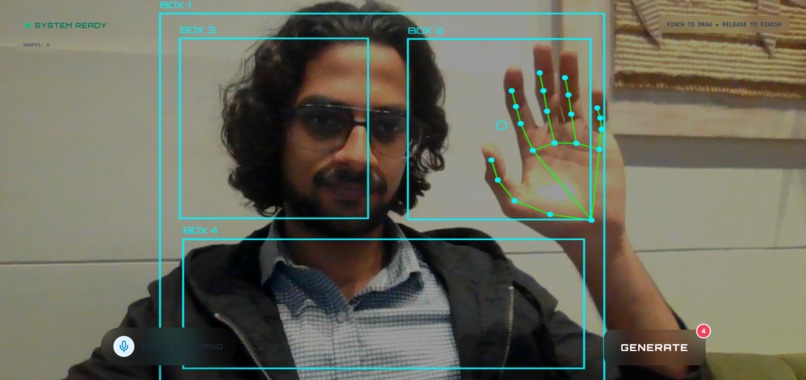
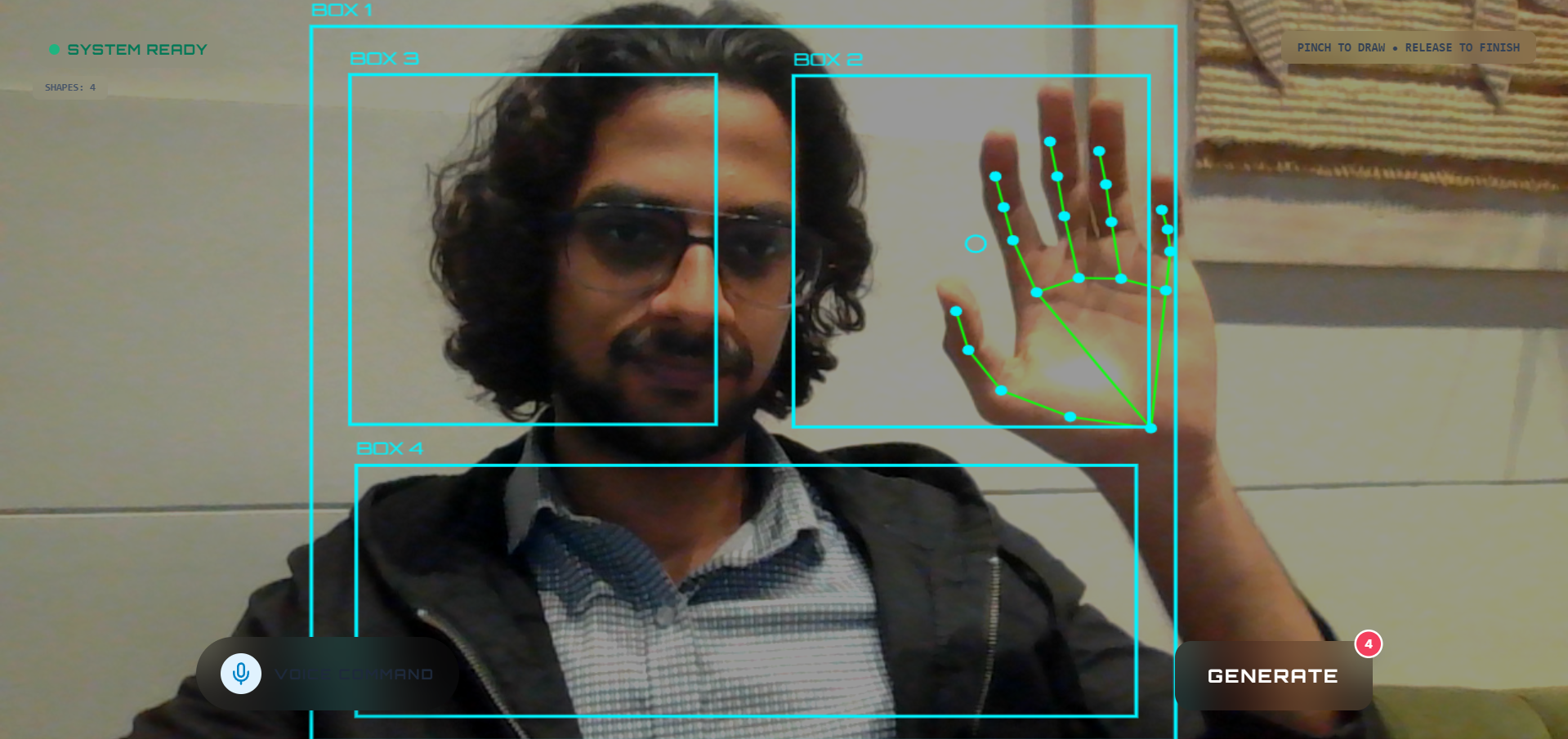
Studio Page
-

Result Page

💡 Inspiration
The gap between a mental model and a digital prototype has always felt too wide. I usually have the idea clearly in my head—"I want a header here, a hero image there, and three feature cards below"—but translating that into code requires context switching between design tools and IDEs.
I wanted to remove the keyboard and mouse from the initial equation. What if you could just "show" the computer what you want? Inspired by the concept of "Spatial Computing," I built Air Architect to turn natural human behavior—pointing, gesturing, and speaking—into immediate digital reality.
🏗️ How I Built It
The project is a fusion of classic web technologies and a dual-model AI architecture.
1. The "Eyes": Computer Vision
I used Google MediaPipe for real-time hand tracking. The system calculates the Euclidean distance between the thumb tip ($P_4$) and index finger tip ($P_8$) to detect pinch gestures:
$$D = \sqrt{(x_8 - x_4)^2 + (y_8 - y_4)^2}$$
If $D < \text{Threshold}$, the system recognizes a "drawing" state and converts raw finger strokes into clean geometric <div> blocks.
2. The "Ears": Voice Command
Using the MediaRecorder API, I capture user intent (e.g., "Make the header dark blue"). This audio is blobbed and sent to Gemini 3 Flash Preview, which I chose specifically for its superior speed and accuracy in speech-to-text tasks.
3. The "Brain": Multimodal AI
I use Google Gemini 2.5 Flash as the reasoning engine to process a multimodal prompt containing:
- A snapshot of the user's hand-drawn wireframe.
- The transcribed text from the voice model.
Gemini 2.5 analyzes the spatial layout of the boxes in the image and mimics it structurally, while applying the styling rules from the voice command to generate production-ready HTML + Tailwind CSS code.
🚧 Challenges I Faced
- Coordinate Mapping: Aligning the webcam's mirrored coordinate system to the browser canvas was tricky. I implemented a custom transformation matrix to ensure the "digital ink" appeared exactly where the physical finger hovered.
- Multimodal Sync: Organizing the UX to handle simultaneous voice and gesture inputs required a robust state machine (Idle -> Drawing -> Generating) to prevent race conditions.
- Prompt Engineering: I had to iteratively refine the system prompts to ensure Gemini prioritized the spatial information of the wireframe while using the voice input specifically for stylistic choices.
🧠 What I Learned
- AI is a spatial thinker: Models like Gemini are surprisingly proficient at understanding 2D spatial relationships from abstract line drawings.
- Intent-Based Computing: We are moving away from explicit pixel-pushing. The future of UI development lies in users providing a rough "intent" (gestures + voice) and AI handling the implementation details.
Built With
- ai
- css3
- gemini
- html5
- javascript
- mediapipe
- mediarecorder
- react
- tailwind
- vite
- zustand


Log in or sign up for Devpost to join the conversation.