-
-
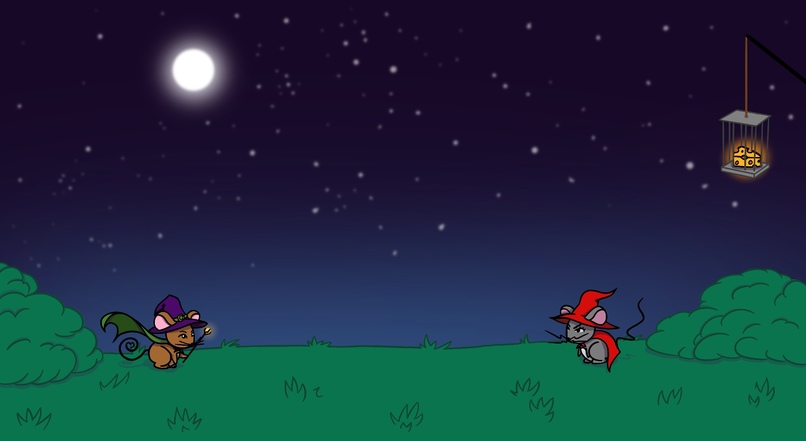
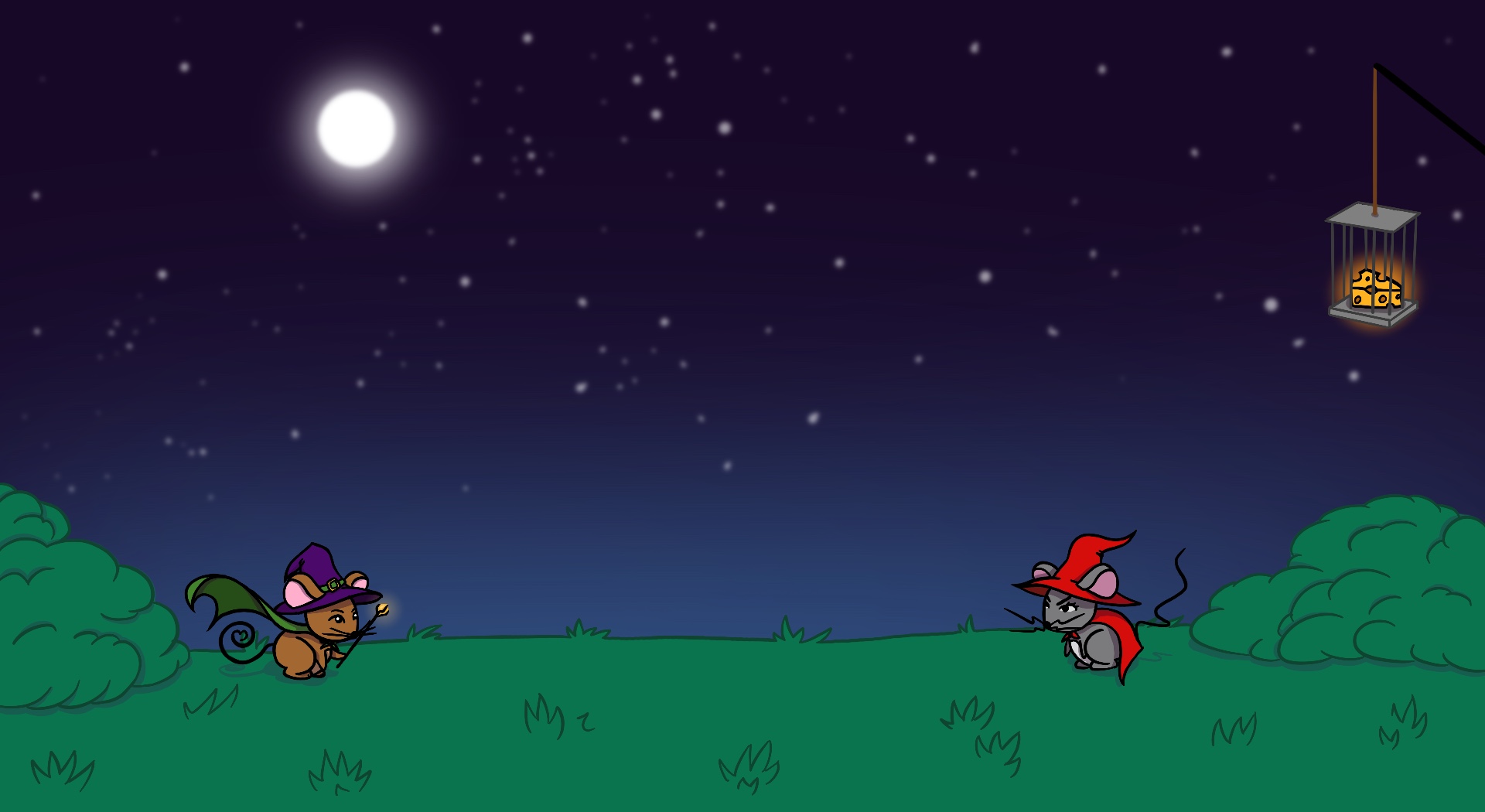
A battle for the ages.
-
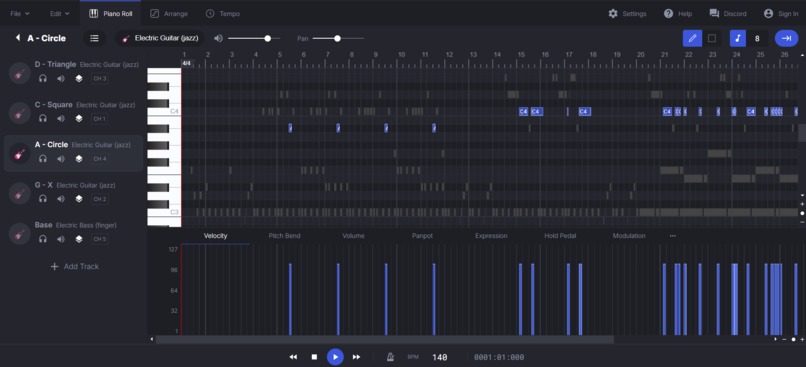
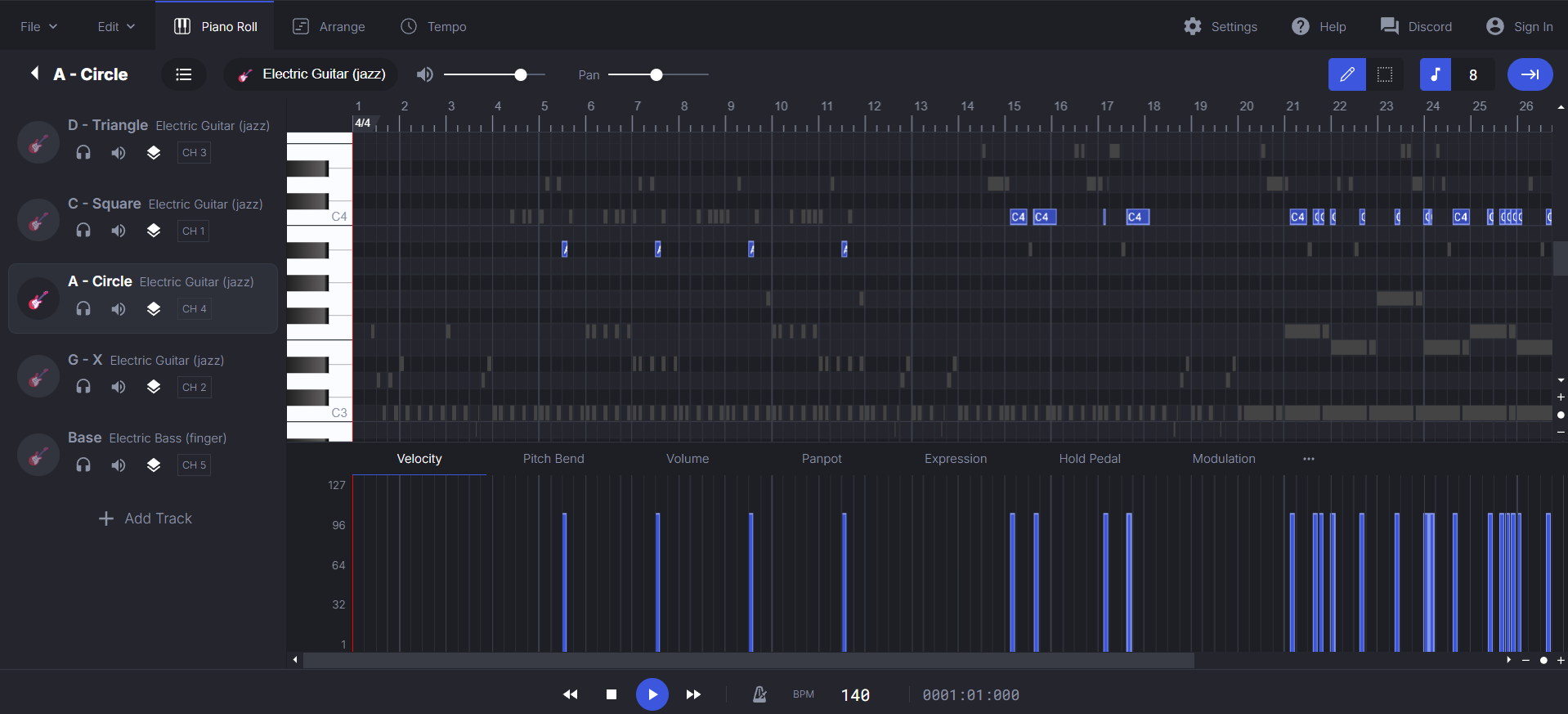
The final version of our original song, as seen in a midi.
Inspiration
As amateur game designers, we had an idea for a large-scale project that would involve quite a lot of music. In order to acheive that goal, we wanted to prove that we could create something small, yet effective, that involved heavy music design and integration. Also, Jess drew a really cute mouse in class this week.
What it does
Mousey Mage reads a midi file and converts the notes on each of up to four tracks into input prompts for a rhythm game. Those input prompts are currently displayed onto the screen in the form of button mappings to a playstation controller.
How we built it
We downloaded a public plugin for Godot 4 called MidiPlayer, which allowed us to read events from a .mid file. This allowed us to convert notes in our midi to nodes in Godot, synchronizing the display to the music. We used Godot's native programming language, GDScript, for easier access to tutorials and documentation. (Compared to Godot's other supported languages, C++ and C#.) We used link to make our music and Procreate for our art.
Challenges we ran into
It took us quite a bit of time to figure out how to create the input prompts based on the music but also have them arrive to the input site in time and with correct rhythm. Eventually, we came to a two-track solution: one, muted, creating the nodes for the prompts; and another playing out loud for the player after a delay. We also spent most of our time on Saturday night fighting a bloody, losing battle with Git, Github, and a size-limit-breaking soundfont that wouldn't leave the push queue. Thanks to one of the mentors, we got through it- and we'll never forget how to roll back a commit.
Accomplishments that we're proud of
Almost every software/technology we used this weekend was new to all of us- and at least one of us used each one for the first time right here. We also, within the 36 hours, made all of our assets (art, music) ourselves. (This wasn't required- we were aware the competition would allow for them to be made beforehand, but busy class and exam schedules decided otherwise. Nonetheless, we are proud.)
What we learned
We learned how to use not only the midiplayer, but also Godot, GDScript, and Git. We also learned that design and development can be a slow process- rewarding thoroughness and organization.
What's next for Mousey Mage
We will be spending more time with Godot and our midi, looking to refine Mousey Mage into a game worthy of a steam page. Further in the future, we'll use what we learned here to make something new, exciting, and musical.
Built With
- gdscript
- godot
- godotmidiplayer


Log in or sign up for Devpost to join the conversation.