-
-
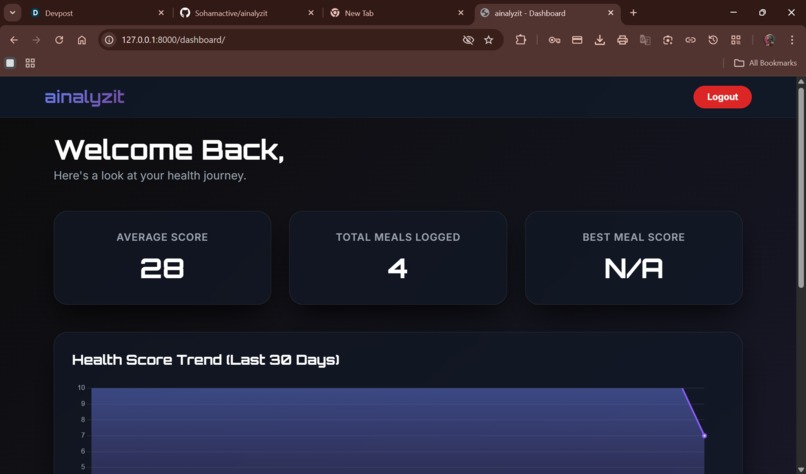
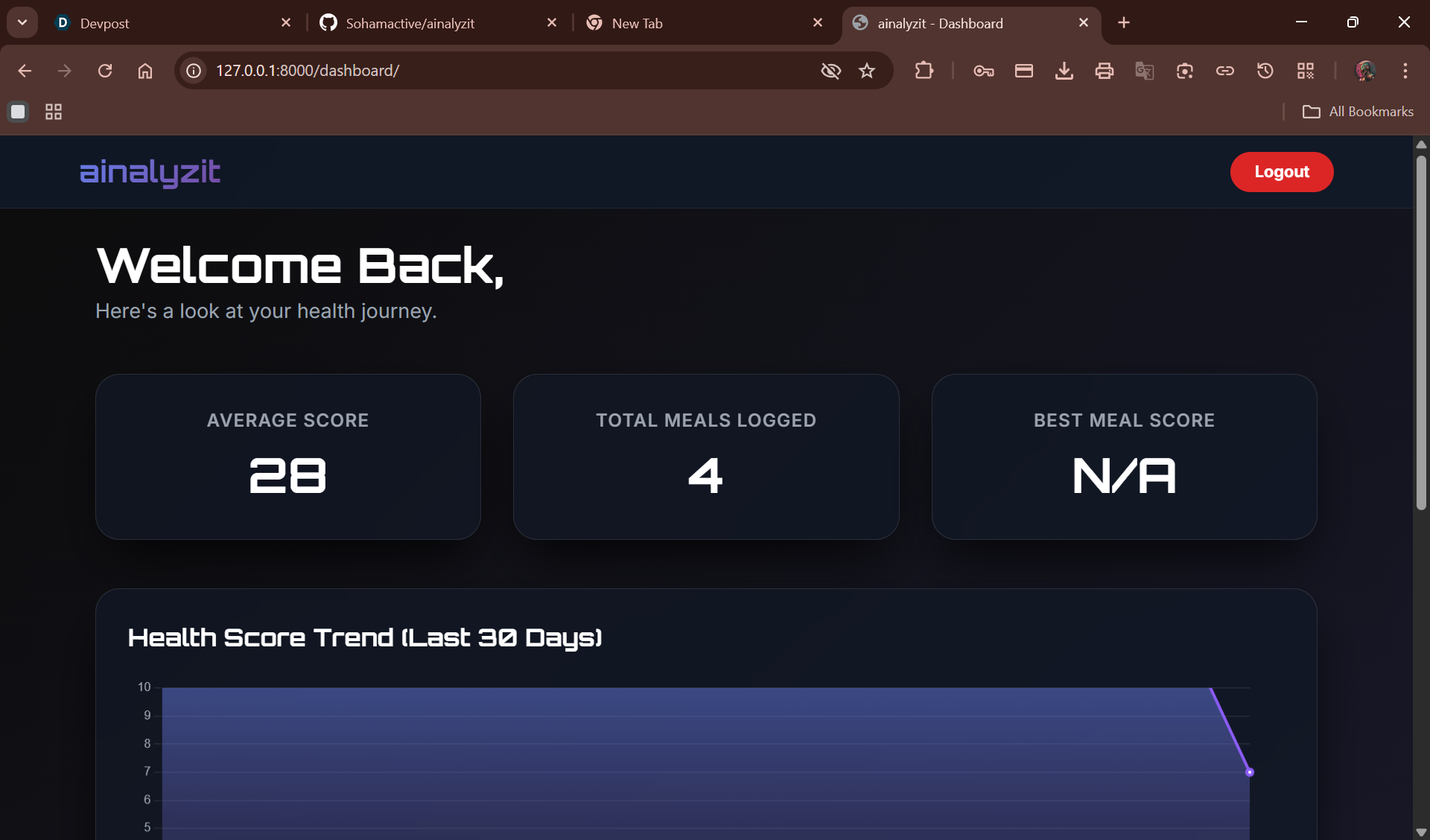
dashboard(30 days, hurray!!!)
-
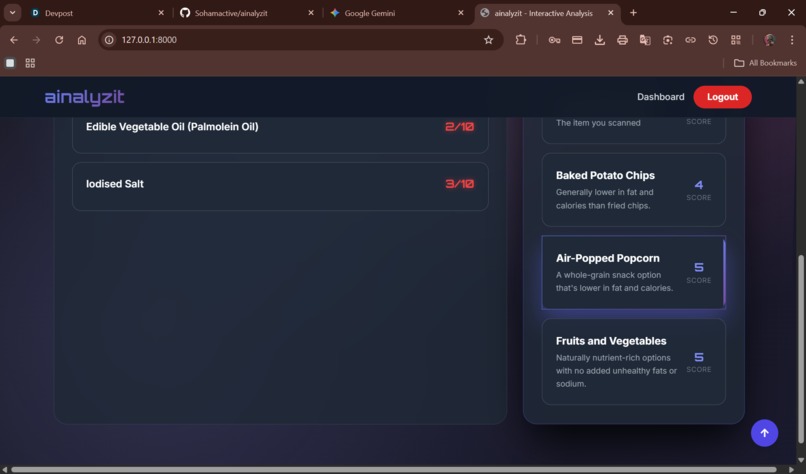
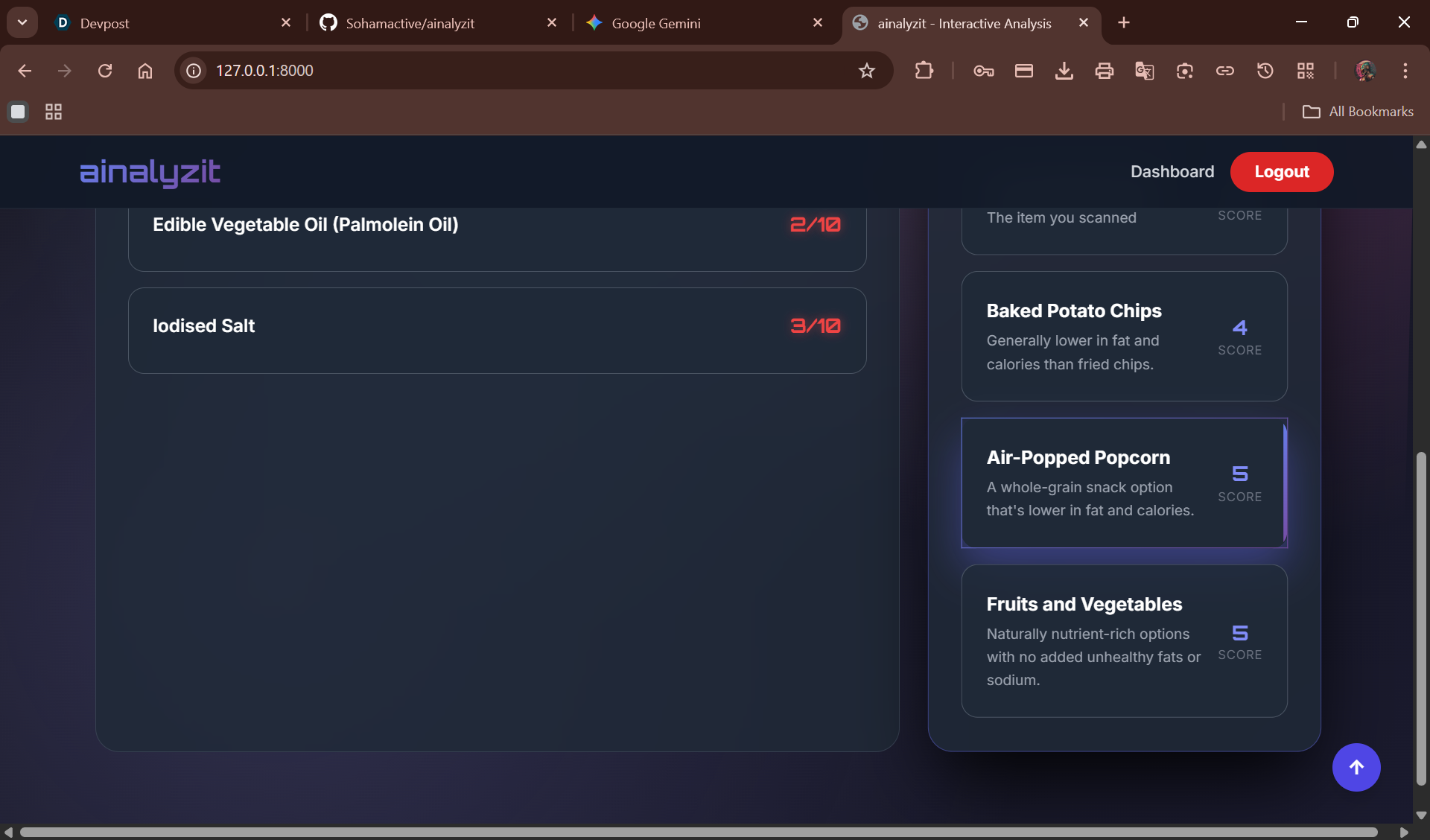
great and healthy alternatives!!!
-
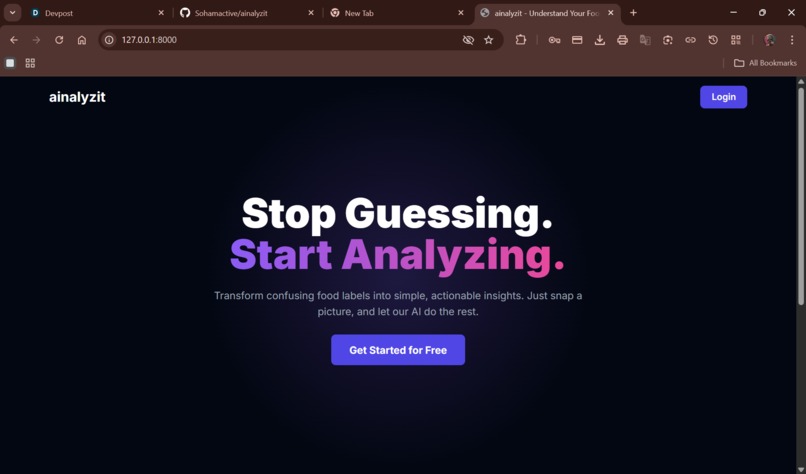
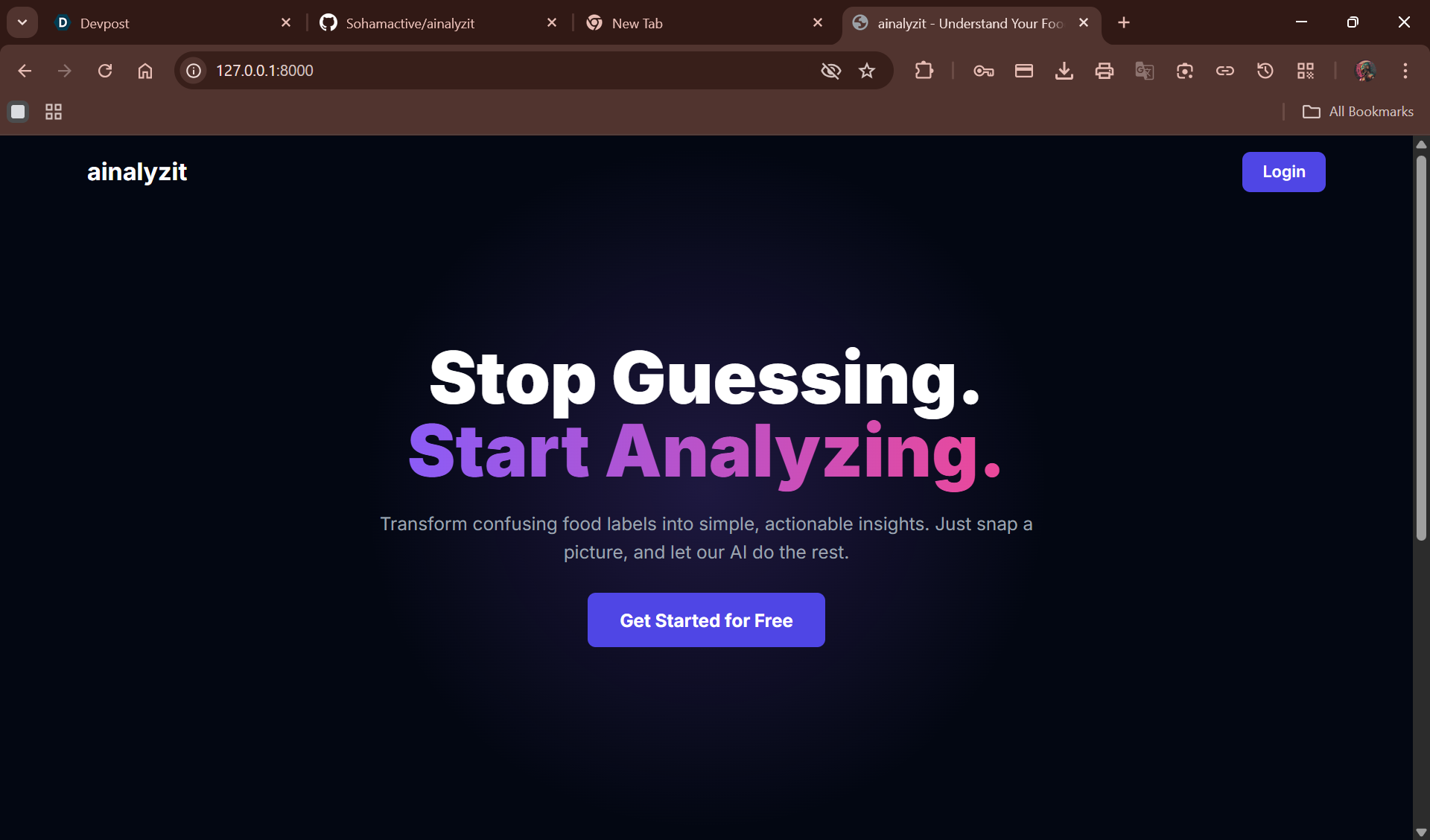
landing page
-
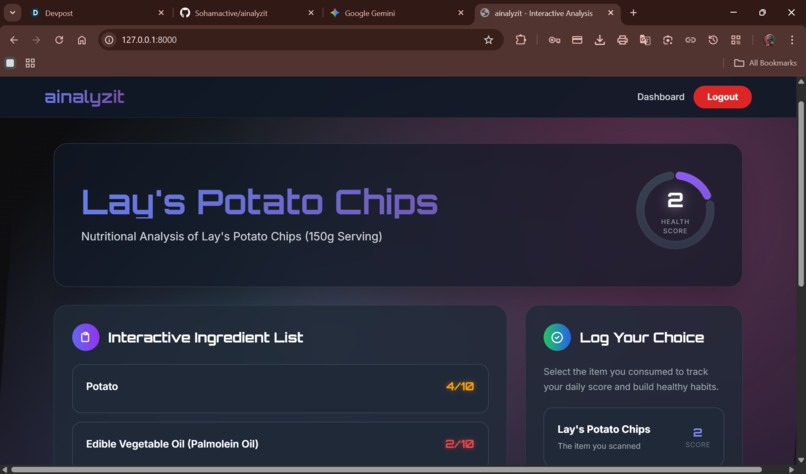
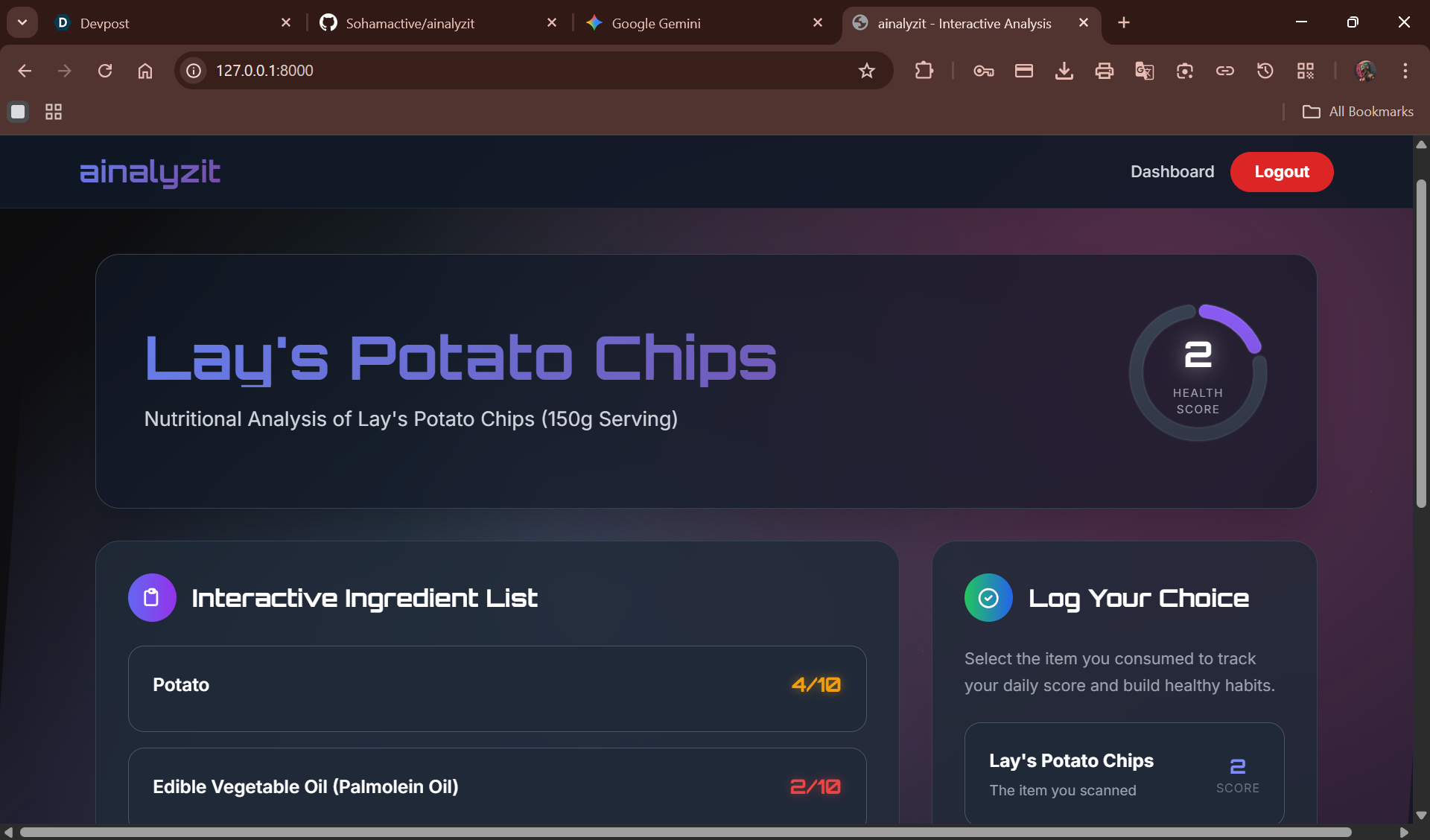
the report!!!!
-
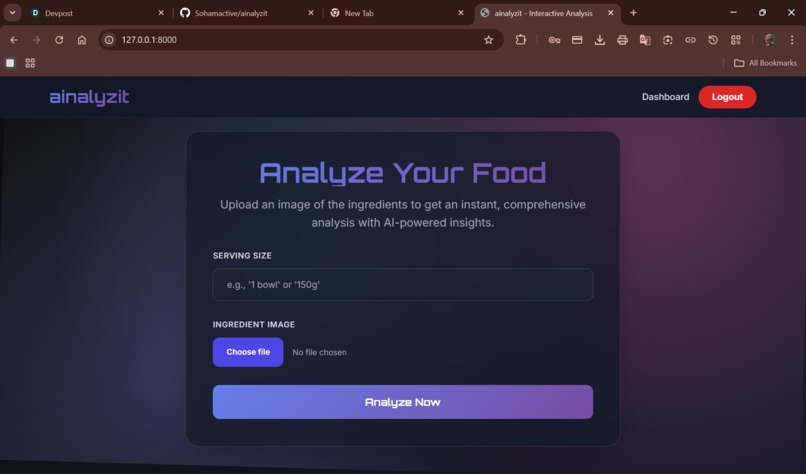
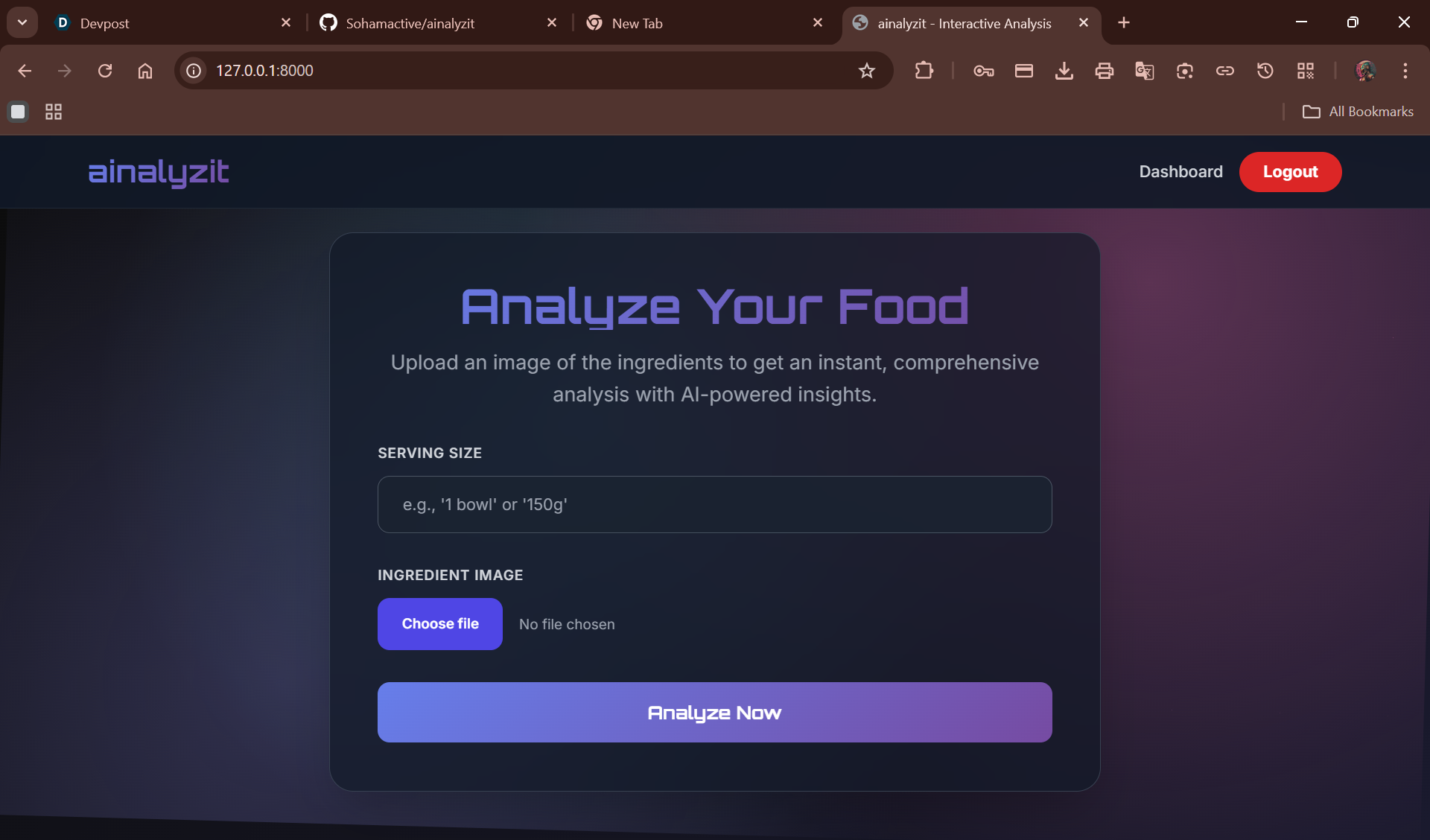
upload your ingridient and intake size!
-
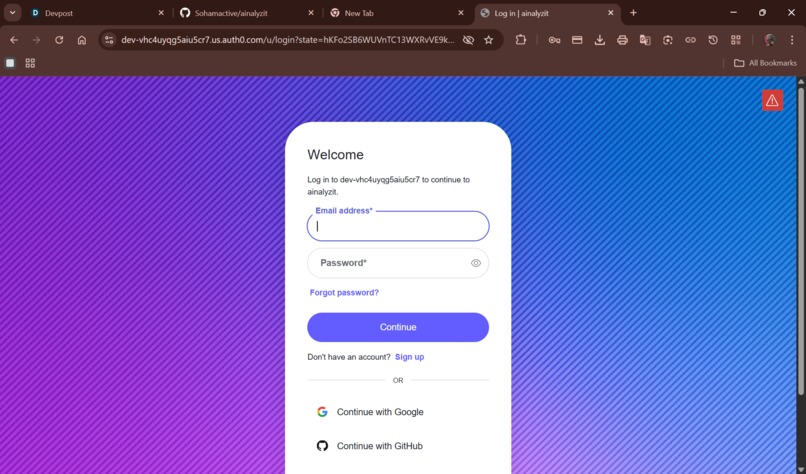
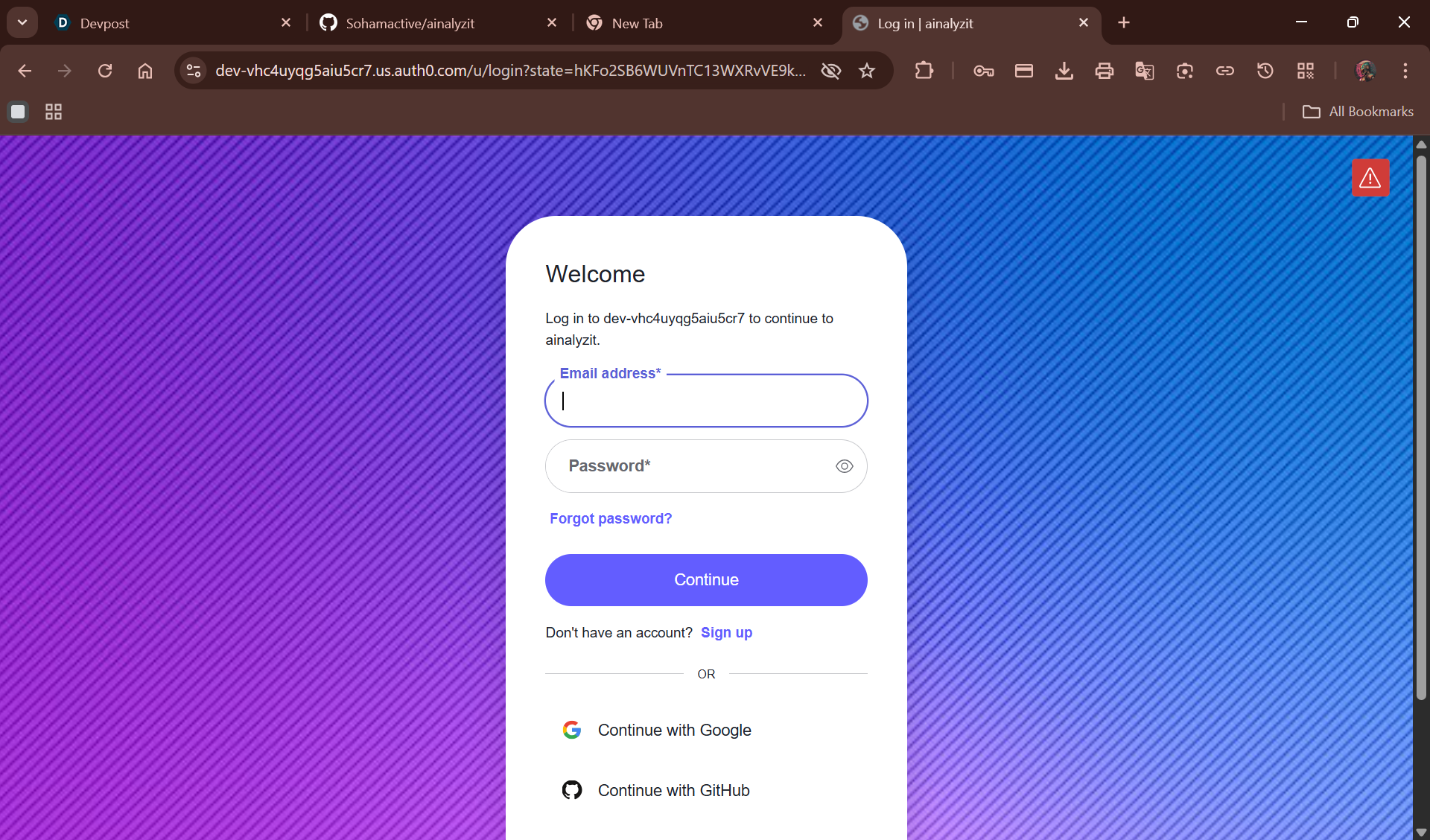
auth0's authentication
AInalyzit: AI-Powered Nutritional Analysis
AInalyzit is a web app that uses smart AI to instantly analyze the nutrition of your food from just a photo. It's designed to help you easily track your eating habits, see your health trends, and understand your diet through a simple and friendly interface.
Inspiration
The idea for AInalyzit came from the frustration of trying to track meals manually. It's a lot of work! I wanted to build a tool that uses Artificial Intelligence to do the heavy lifting. The goal was to create something that could just "see" your food and tell you what you need to know to make healthier choices, making dietary awareness easy for everyone.
What it does
AInalyzit makes it simple to see what you're eating:
- AI-Powered Analysis: Just upload a picture of your meal, and our AI (using Google's Gemini Vision API) will provide a detailed nutritional report.
- Detailed Reports: Each report gives you a simple score from 1-10, an estimate of calories, a breakdown of protein, carbs, and fat, and a quick summary of how healthy it is.
- Personalized Dashboard: All your meal analyses are saved to a private dashboard where you can see your stats at a glance, like your average score and total meals tracked.
- Health Trend Visualization: The dashboard includes a chart that shows your nutritional scores over the last 30 days, so you can easily see your progress.
- Secure User Accounts: Your account and all your meal history are kept private and secure.
How we built it
This project was built from the ground up by a single developer, using a combination of technologies for both the frontend (the part you see and interact with) and the backend (the behind-the-scenes engine).
- Backend: The server is built with Django, a powerful Python framework that helps keep the code organized and secure.
- Database: We use MongoDB, a flexible database that's perfect for storing the nutritional data we get back from the AI.
- AI Engine: The "magic" comes from the Google Gemini Pro Vision API. We gave the AI a very specific set of instructions (a "prompt") to make sure it always returns information in a neat, organized way.
- Frontend: The website is built with HTML, Tailwind CSS (for styling), and Vanilla JavaScript (for interactivity). This combination creates a modern and easy-to-use interface.
- Data Visualization: The beautiful charts on your dashboard are created with a popular library called Chart.js.
Challenges we ran into
Building a project like this by yourself always comes with a few hurdles:
- Getting the AI to Cooperate: It took a lot of trial and error to write the perfect instructions for the AI. The main challenge was making sure it always gave us a clean, structured list of information (called a JSON object), without any extra chatter that could break our app.
json { "foodName": "Mixed Berry Yogurt Bowl", "nutritionalScore": 9, "analysis": { "calories": 350 } } - Keeping the Site Fast: When you upload an image, the app has to send it to the AI and wait for a response. We had to write clever JavaScript code to make sure the site feels fast and responsive during this process, instead of making you wait on a frozen screen.
- Asking the Database Smart Questions: To create the dashboard, we needed to ask the database for summaries, like "what was the average score for each day last month?" This required learning how to make more advanced database queries.
- Organizing the Code: As the project grew, we had to be careful about how the different parts of the code talked to each other to avoid getting them tangled up.
Accomplishments that we're proud of
Despite the challenges, I'm really proud of how this project turned out:
- Building a Full-Stack App Solo: Creating a complete, working, and polished web application from start to finish as a single person, especially as my first complete project submission.
- Creating a Practical AI Tool: This isn't just a tech demo; it's a useful tool that solves a real problem by using powerful AI in a practical way.
- An Insightful and Friendly UI: Designing a dashboard that doesn't just show you numbers, but helps you understand them with clear stats and charts.
- A Polished User Experience: Making sure the final app looks and feels great, with smooth animations and a simple, intuitive flow.
What we learned
This project was a fantastic learning experience:
- How to Talk to AI: I learned that to get good answers from an AI, you have to ask very specific and well-structured questions.
- How a Web App Works: I gained a much deeper understanding of how all the different parts of a website (frontend, backend, database, and other services) work together.
- Getting Insights from Data: I learned how to go beyond just storing data and use database tools to pull out useful summaries and trends.
- The Importance of Good Organization: I learned how to structure a large code project to keep it manageable and easy to work on.
What's next for AInalyzit
AInalyzit is just getting started! Here are some ideas for the future:
- Meal Suggestions: Offer ideas for healthier alternatives based on your analysis.
- Deeper Nutrient Info: Add more details to the reports, like information on specific vitamins and minerals.
- Weekly Email Summaries: Send out a weekly email that summarizes your progress and trends.
- Recipe Analysis: Let you analyze a recipe by pasting a link, so you know its nutritional value before you cook.
- Community Features: Add a way to share your healthy meals with friends to encourage each other.


Log in or sign up for Devpost to join the conversation.