-
-
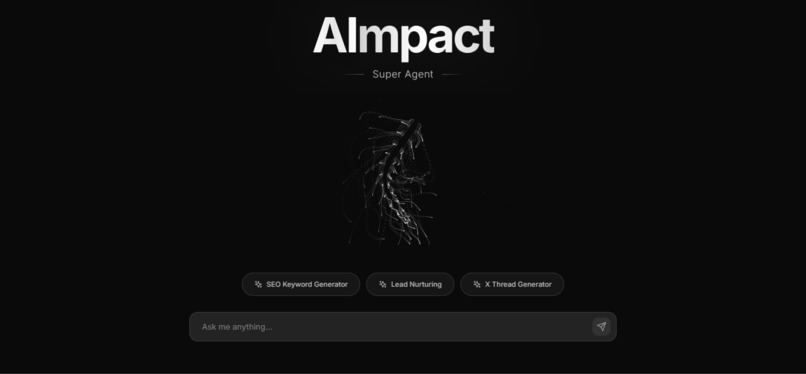
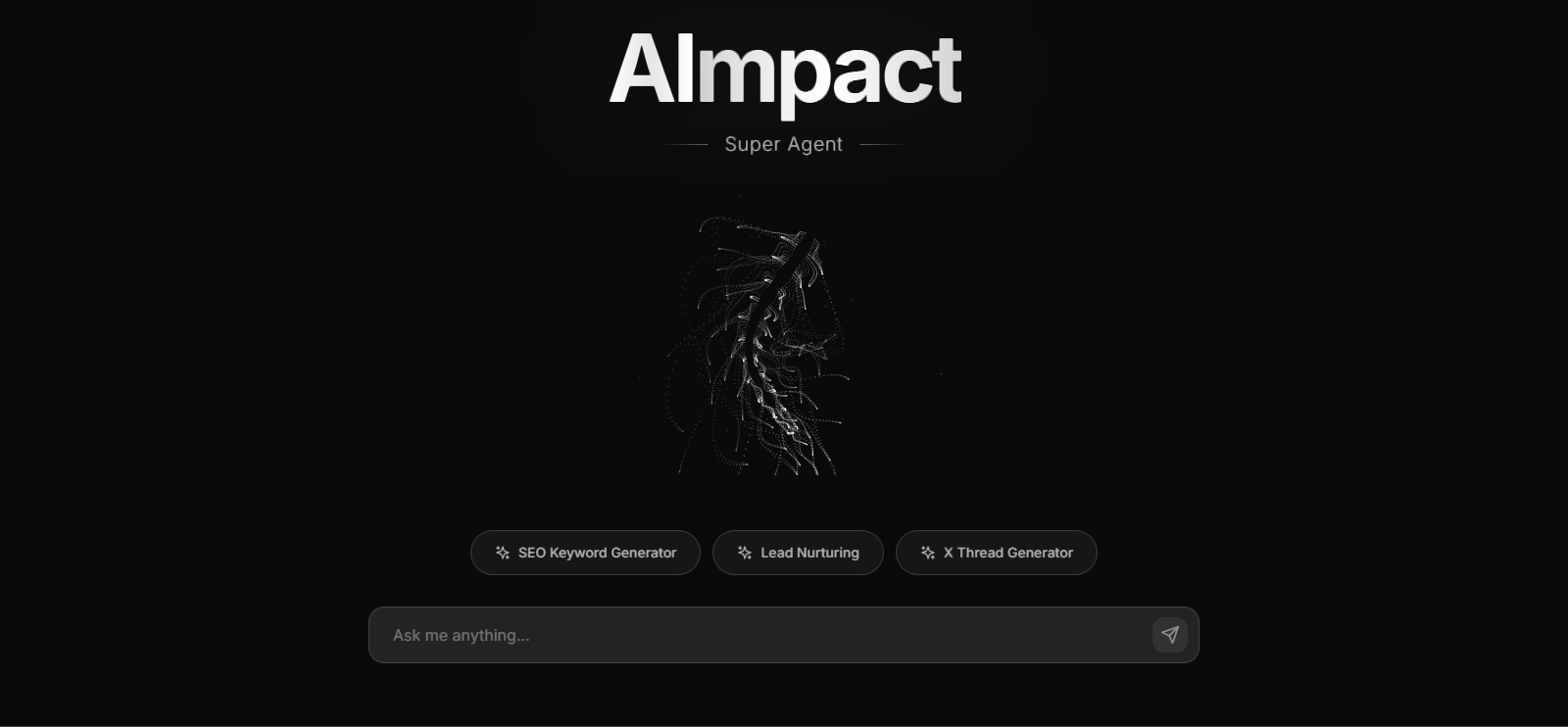
The ultimate marketing super agent
Inspiration
The inspiration behind AImpact stems from the growing need for intelligent, automated solutions in various domains, particularly in marketing and content generation. We recognized the potential of large language models and agentic AI to revolutionize how businesses approach tasks like lead nurturing, content ideation, and market analysis. The goal was to create a system that could not only understand complex queries but also autonomously execute multi-step processes by leveraging specialized tools, thereby significantly boosting productivity and efficiency for users.
What it does
AImpact is an AI-powered agent orchestration platform designed to automate and streamline complex tasks. At its core, it provides a backend service that acts as an intermediary between a user-facing frontend (not part of this specific project scope but implied) and a powerful Agent Engine. When a user submits a query, the backend forwards it to the Agent Engine, which then leverages a suite of specialized tools (e.g., Google Trends Scraper, Lead Nurturing Tool, SEO Keyword Generator, YouTube to Twitter Thread Generator) to fulfill the request. The Agent Engine's response, which includes the generated text or results from tool invocations, is then processed by the backend and returned to the user. Essentially, AImpact enables users to delegate intricate, multi-faceted tasks to an intelligent AI agent, receiving concise and actionable outputs.
How we built it
AImpact was built with a modular and scalable architecture, primarily using Python. The core components include:
- Backend Service: A Flask application serves as the API endpoint for user requests. It's responsible for receiving queries, authenticating with Google Cloud, forwarding requests to the Agent Engine, and parsing its responses before returning them to the client. This service is designed to be lightweight and efficient.
- Agent Engine Integration: The backend communicates with a Google Cloud AI Platform Agent Engine. This engine is the brain of the operation, responsible for understanding the user's intent, orchestrating the execution of various tools, and generating comprehensive responses. The integration involves handling streaming responses and extracting relevant information.
- Specialized Tools: A suite of Python-based tools (e.g.,
google_trends_scraper.py,lead_nurturing_tool.py,reddit_content_idea_scraper.py,seo_keyword_generator.py,youtube_to_twitter_thread_generator.py) are developed within theagents/toolsdirectory. These tools are designed to perform specific functions, such as data scraping, content generation, or lead management, and are invoked by the Agent Engine as needed. - Containerization and Deployment: The Flask backend is containerized using Docker. This allows for consistent environments across development and production. Deployment is handled via Google Cloud Run, providing a serverless, scalable, and cost-effective solution. Google Cloud Artifact Registry is used to store the Docker images.
- Environment Management: Python virtual environments (
.venv) are used for dependency management, and.envfiles are utilized for securely managing environment variables like theAGENT_ENGINE_QUERY_URL.
Challenges we ran into
Developing AImpact presented several challenges:
- Google Cloud Permissions and Authentication: A significant hurdle was configuring the correct IAM permissions for
docker pushto Google Container Registry (GCR) and later to Artifact Registry. Persistent403 Forbiddenerrors required extensive troubleshooting, including verifying roles like Storage Object Admin and Artifact Registry Writer, and ensuringgcloud auth configure-dockerwas correctly set up for the regional endpoints. The distinction between GCR and Artifact Registry, and the specific hostnames (gcr.iovs.*.pkg.dev), added to the complexity. - Docker Image Tagging and Registry Paths: Initially, there were issues with incorrect Docker image tags and paths when pushing to Artifact Registry, leading to "tag does not exist" errors. Understanding the full Artifact Registry path format (
[REGION]-docker.pkg.dev/[PROJECT-ID]/[REPOSITORY]/[IMAGE-NAME]:[TAG]) was crucial. - API Enablement: A
403 PERMISSION_DENIEDerror duringgcloud artifacts repositories listrevealed that the Artifact Registry API was not enabled in the Google Cloud project, a prerequisite for using the service. - Repository Creation: A
404 Not Founderror duringdocker pushindicated that the Artifact Registry repository itself had not been created, necessitating a manualgcloud artifacts repositories createstep. - gcloud run deploy Command Syntax: The
gcloud run deploycommand, especially with multiple environment variables and flags, proved sensitive to line continuation characters, particularly when switching between different shell environments (e.g., PowerShell vs. Git Bash). - Agent Engine Response Parsing: Extracting the text from the Agent Engine's potentially complex JSON response required careful parsing to ensure the frontend received the expected data format.
Accomplishments that we're proud of
- Successful Deployment to Google Cloud Run: Overcoming the various deployment challenges to successfully deploy the Flask backend to a scalable, serverless environment on Google Cloud Run was a major accomplishment.
- Robust Agent Engine Integration: Establishing a reliable connection and data exchange with the Google Cloud AI Platform Agent Engine, enabling the core functionality of the platform.
- Modular and Extensible Tooling: Designing the agent system with a clear separation of concerns, allowing for easy addition of new specialized tools to expand the agent's capabilities.
- Effective Troubleshooting: Systematically diagnosing and resolving complex issues related to cloud permissions, Docker, and
gcloudcommands, demonstrating resilience and problem-solving skills.
What we learned
This project provided valuable insights into:
- Google Cloud Ecosystem: A deep dive into Google Cloud services, including AI Platform, Cloud Run, Artifact Registry, and IAM, highlighting the importance of understanding their interdependencies and configuration nuances.
- Containerization Best Practices: Reinforcing the benefits of Docker for consistent environments and the intricacies of image tagging and registry interaction.
- Troubleshooting Cloud Deployments: The iterative process of debugging deployment issues, emphasizing the need for careful error message analysis, documentation review, and systematic verification of configurations.
- Agentic AI Architecture: Gaining practical experience in building systems that leverage agentic AI for complex task automation, including the role of specialized tools and orchestration.
- Git Advanced Usage: Understanding how to manage complex Git scenarios, such as resolving merge conflicts by prioritizing local changes, which is crucial for collaborative development.
What's next for AImpact
For the future of AImpact, several key areas are planned:
- Tool Invocation Rendering: Enhancing the frontend to intelligently render the output of tool invocations, providing more detailed and structured information beyond just the final text response.
- Expanded Toolset: Developing more specialized tools to broaden the range of tasks the agent can automate, catering to diverse business needs.
- Advanced Agent Capabilities: Exploring more sophisticated agentic patterns, such as multi-agent collaboration or self-correction mechanisms, to improve the agent's autonomy and performance.
- Monitoring and Logging: Implementing comprehensive monitoring and logging solutions for both the backend and agent engine to track performance, identify issues, and gather insights into usage patterns.
Built With
- adk
- docker
- flask
- gcr
- lucide
- netlify
- p5.js
- python
- react
- tailwind
- typescript
- vite

Log in or sign up for Devpost to join the conversation.