-
-
Hall
-
Archipel
Inspiration
The idea came from an anime I was watching, Witch Hat Atelier. A magical workshop with a glowing portal window made me want one of my own: a place where you assemble a world with your hands and peek into it before stepping through. I wanted anyone to be able to do that, without learning 3D modeling or game engines.
What it does
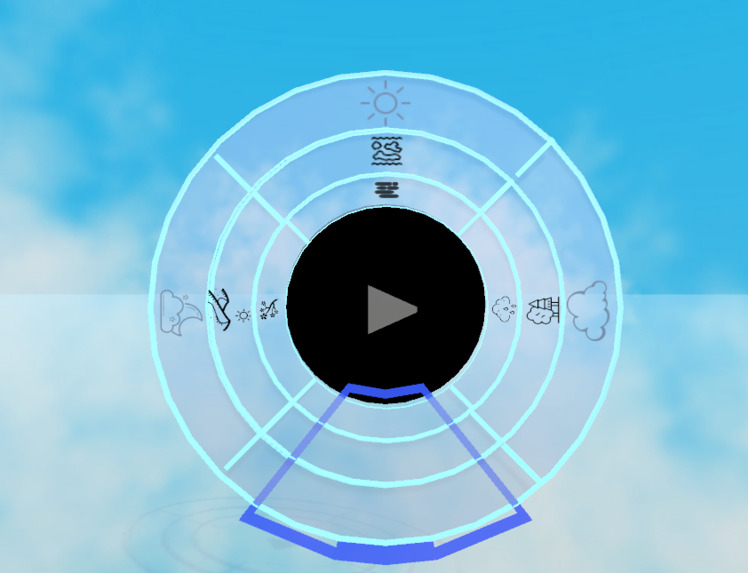
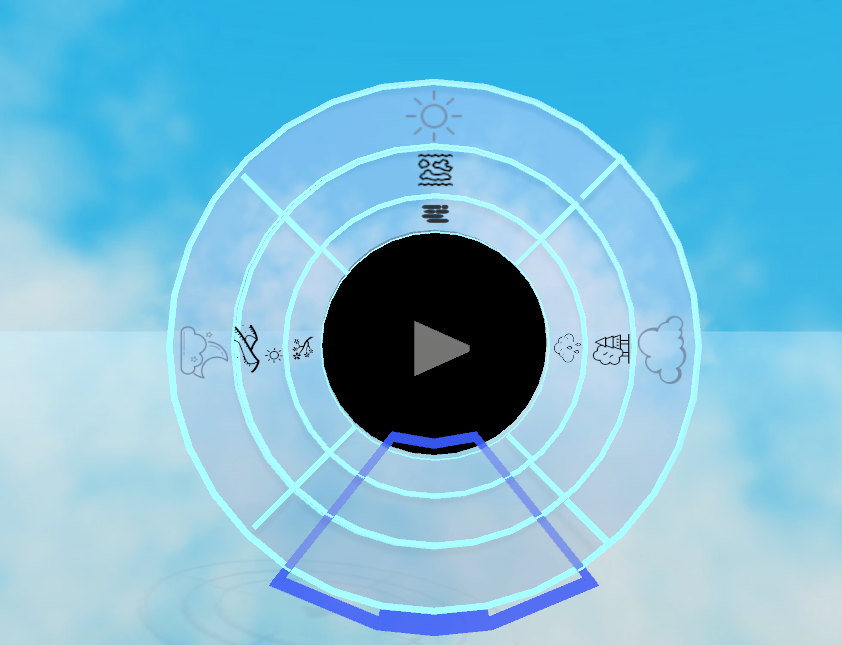
Ailleurs (French for "elsewhere") is a hands-only world-building workshop for Meta Quest. Three selection rings float in front of you:
- Sky: day, night or cloudy
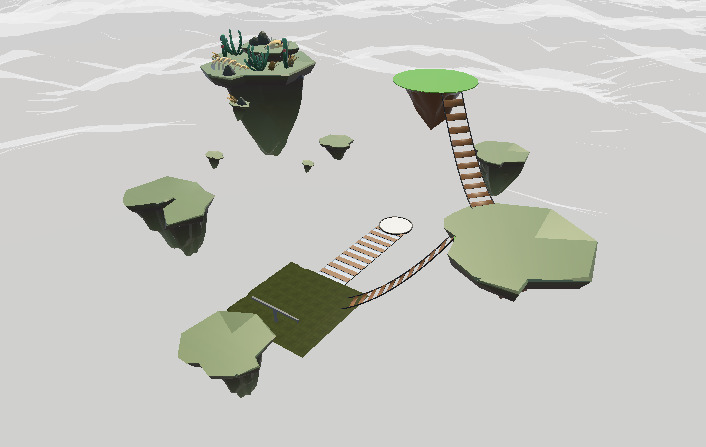
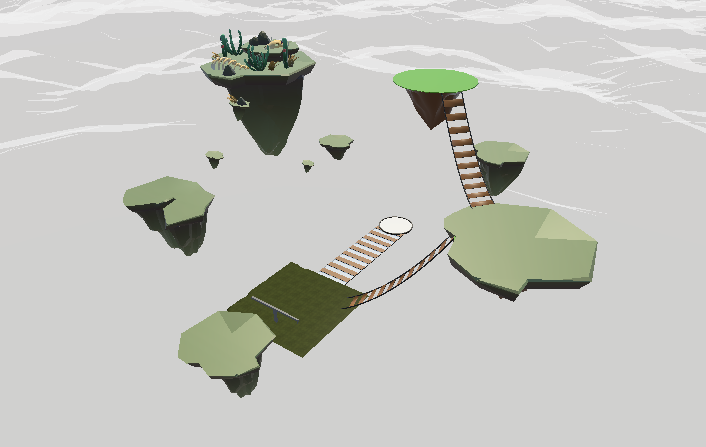
- Scenery: desert, forest or floating islands
- Atmosphere: fireflies, fog or rain
Pinch or poke an option and the ring turns it into the selection zone. A portal window at the center previews your creation. Press Build and you step into the world you composed, wrapped in its own ambient soundscape. A return button takes you back to the workshop to change your mind and build again.
It works fully seated, with no controllers and no 3D modeling skills.
How we built it
- Unity 6.4 with OpenXR, XR Interaction Toolkit and XR Hands for hand tracking.
- A data-driven design: every choice is a ScriptableObject, and a central state object notifies the rest of the app. Rings, portal and world never talk to each other directly.
- The portal is a second camera rendered into a Render Texture, from a separate scene loaded additively.
- Editor tools I wrote generate the option assets and lay out the ring tiles automatically, so adding a new choice takes seconds.
- Layered audio: one ambient loop per sky, scenery and atmosphere choice with crossfades, plus interface sounds.
- A fade, teleport and restore flow to enter and leave the world.
Challenges we ran into
- Time. I discovered this competition about ten days before the deadline and was not sure I could even submit. I was also working almost every day, so I had to be ruthless about scope: get one complete loop (choose, preview, build, enter, return) working end to end first, then add content around it.
- SDK stability. The Meta SDK package gave me too many errors, so I rebuilt the hand setup on standard OpenXR, XR Interaction Toolkit and XR Hands.
- Getting hands to show up over Quest Link: runtime selection, hand tracking features and input modality all had to line up.
- Two worlds in one project. The workshop and the generated world had to coexist without leaking into each other (visuals, lighting, fog).
- Lighting on standalone VR. Baked lighting does not carry over to content spawned at runtime, so I moved to a small budget of real-time lights near the player and used emissive materials for the rest.
- Performance on Quest hardware: keeping the portal, particles and lights light enough.
Accomplishments that we're proud of
- Shipping a complete, playable loop solo, in about ten days, around a full work schedule.
- An experience that is entirely hands-driven and comfortable seated, with pinch or poke on every interaction.
- The portal preview that turns picking options into a moment of anticipation before you step in.
- A content pipeline that is easy to extend: new skies, sceneries and atmospheres are added without touching the code.
- Atmosphere that feels alive: fireflies, fog, rain and a layered soundscape.
What we learned
- How hand-tracking design differs from controller design: bigger targets, forgiving interactions, clear feedback.
- How to structure a VR project so content can grow without changing the code.
- How much lighting and performance constraints on standalone headsets shape the choices you make.
- How to cut scope and finish: one solid loop beats many half-built features.
What's next for Ailleurs
- Saving and sharing the worlds you create
- More skies, sceneries and atmospheres
- Grab-and-place objects inside the generated world
- A short guided tutorial for first-time users
