-
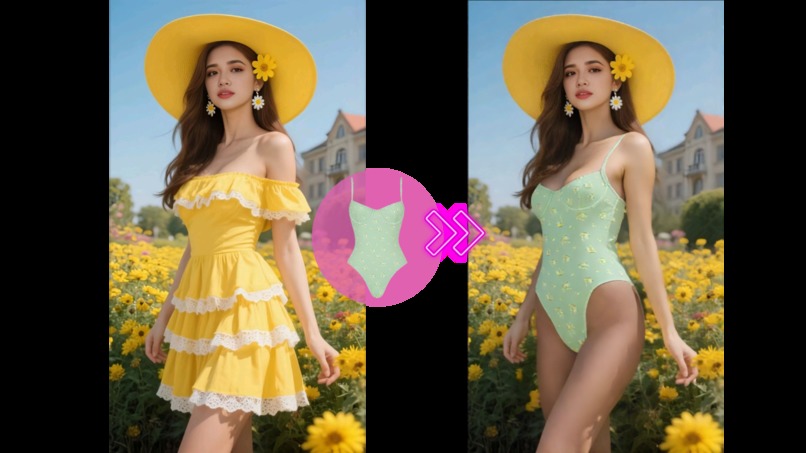
Outfit Generator demo — combine a portrait with clothing images to get a quick virtual try-on preview (no app required).
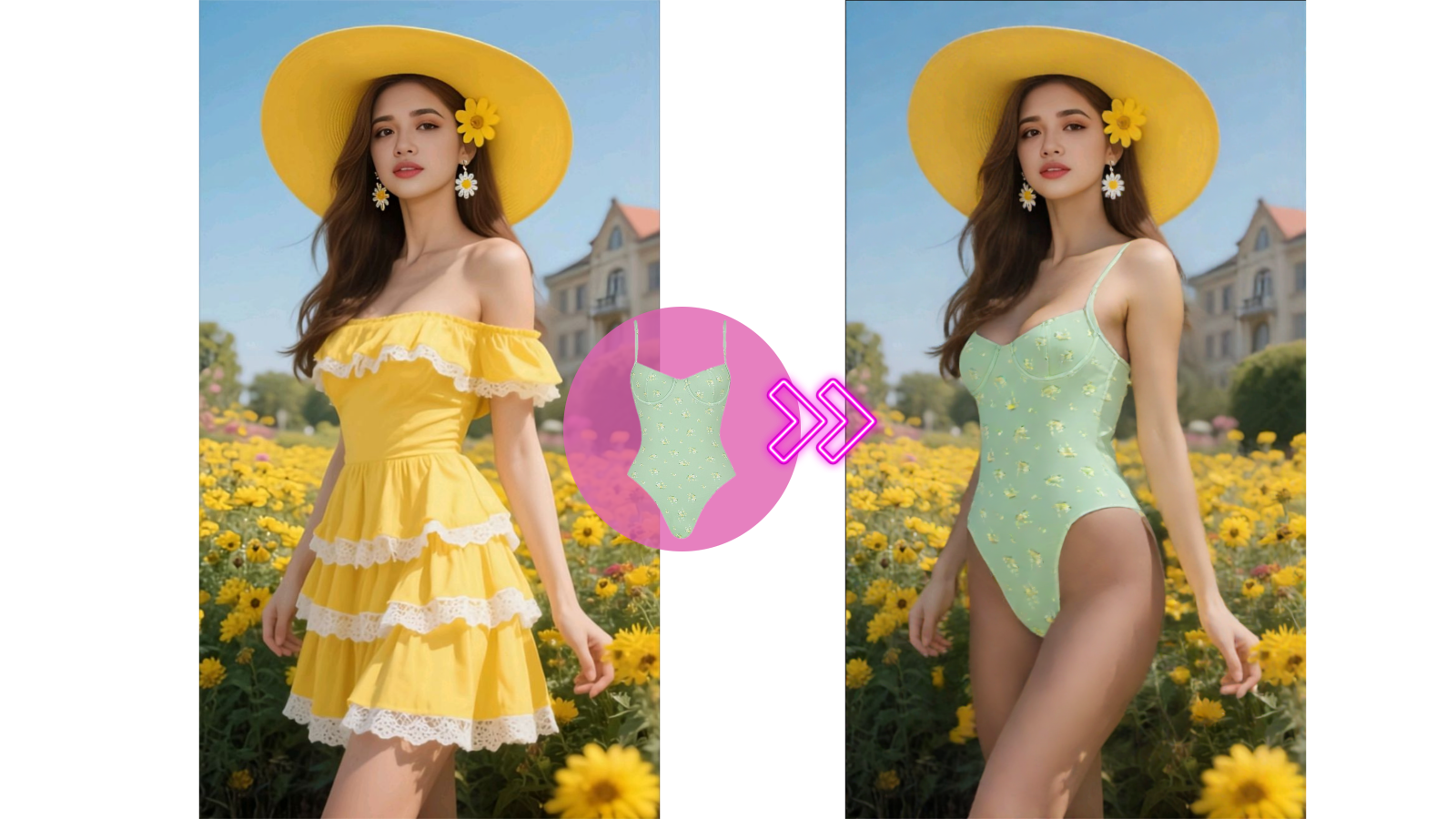
Inspiration
Getting a realistic “does this outfit work on me?” preview is still harder than it should be. Many tools are app-only, require sign-ups, or don’t fit quick workflows for creators and small teams.
I wanted a browser-first way to try outfits fast—upload a person photo + clothing images, generate a preview, and iterate in minutes. That idea grew into AILabTools, a hub of lightweight AI image tools that are easy to use and easy to integrate.
What it does
AILabTools Outfit Generator is a web-based virtual try-on / outfit preview tool.
Typical flow:
- Upload a portrait photo
- Upload a Top image and a Bottom image (or outfit pieces)
- Click Generate to produce a try-on preview
- Download and share the result (useful for daily outfit decisions, inspiration, and content creation)
For developers, AILabTools also provides an API so the same workflow can be integrated into other products.
Privacy note: uploaded/generated files are designed to be auto-deleted within 24 hours.
How I built it
- Browser web app for the simplest “upload → generate → download” experience
- AI image pipeline (computer vision + image synthesis) to combine portrait + garment inputs into a try-on preview
- Async job architecture to handle generation reliably:
- submit a task
- poll / query task results
- REST API endpoints for programmatic access
- Cloud storage for temporary file handling (with time-based cleanup)
- Developer docs (Mintlify) to document endpoints, parameters, and integration steps
Challenges I ran into
- Input variability: different lighting, poses, body angles, and garment photo styles can change results a lot
- Alignment realism: making garments sit naturally on the body while keeping the person’s identity and proportions consistent
- Latency vs. quality: balancing speed and output quality for a smooth web experience
- Reliability at scale: async processing, retries, and result polling without confusing users
- Privacy & retention: implementing predictable cleanup and communicating it clearly
Accomplishments that I'm proud of
- A clean, browser-first workflow: no installation required
- A practical virtual try-on experience that’s easy to iterate on (swap inputs and regenerate)
- A developer-friendly API + documentation, using an async task pattern for stability
- Clear 24-hour auto-deletion approach to reduce privacy concerns
- A consistent product style across AILabTools so users can explore multiple tools in one place
What I learned
- Small UX details matter a lot: upload guidance, example inputs, and clear error messages can improve outcomes more than expected
- Async pipelines need good “status + progress” communication to feel trustworthy
- Real-world photos are messy—robust preprocessing and guardrails are essential
- Writing docs early helps: it forces you to make the API and product behavior consistent
What's next for ailabtools
- Support more clothing types and combinations (e.g., dresses, outerwear, accessories)
- Improve realism for tricky poses and complex garments
- Batch generation for creators / shops (multiple outfits per model)
- Better mobile UX and faster iteration loops
- More SDKs / integration examples for the API (web + backend)
Built With
- ai
- async-jobs-/-task-queue
- cloud-storage
- computer-vision
- css3
- html5
- image-processing
- javascript
- machine-learning
- mintlify
- rest-api
- web-app

Log in or sign up for Devpost to join the conversation.