Inspiration
We were inspired by the fact that the elderly and the blind face many barriers, especially in our modern world. Now that everything is done primarily online, it is difficult for them to participate independently without external aid. Simple tasks like managing , navigating, and understanding the internet can be difficult.
For blind and elderly users, many websites and applications are not designed to be fully accessible. This creates a gap between independence, accessibility, and social connection.
Due to so, we created a website bridges between this gap, allowing for AI assistance on the internet as well as the option for connecting with real humans.
What it does
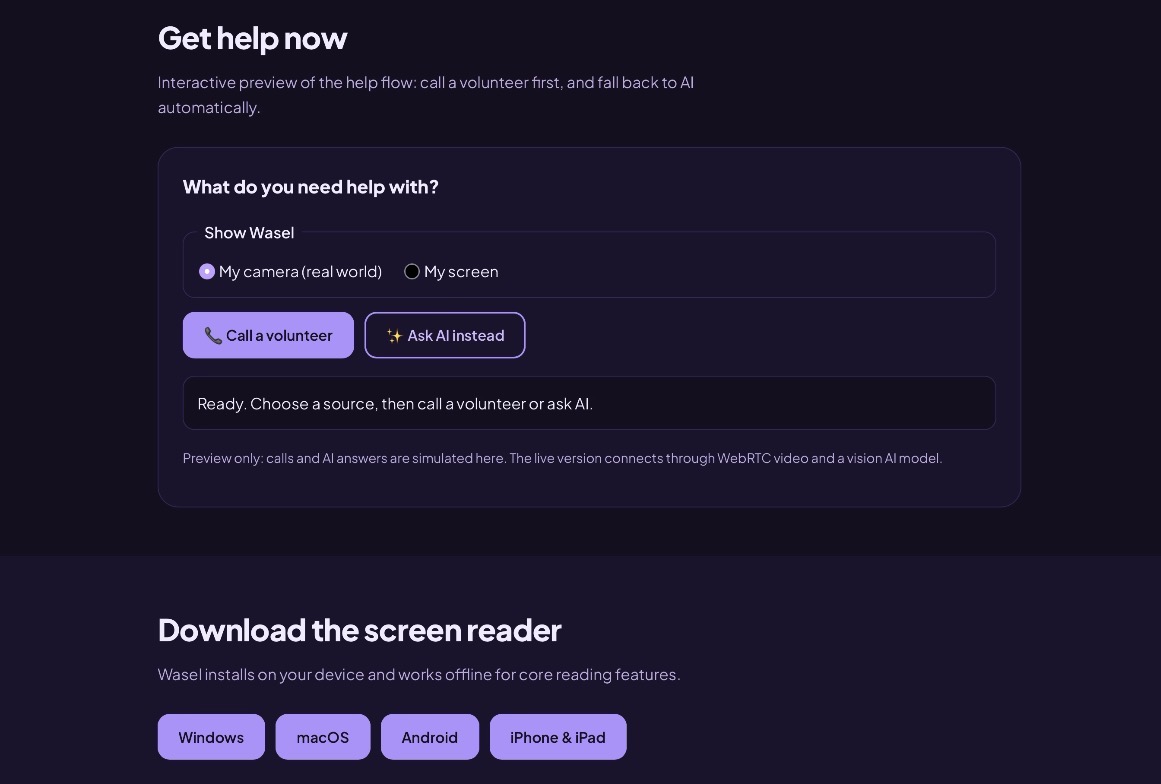
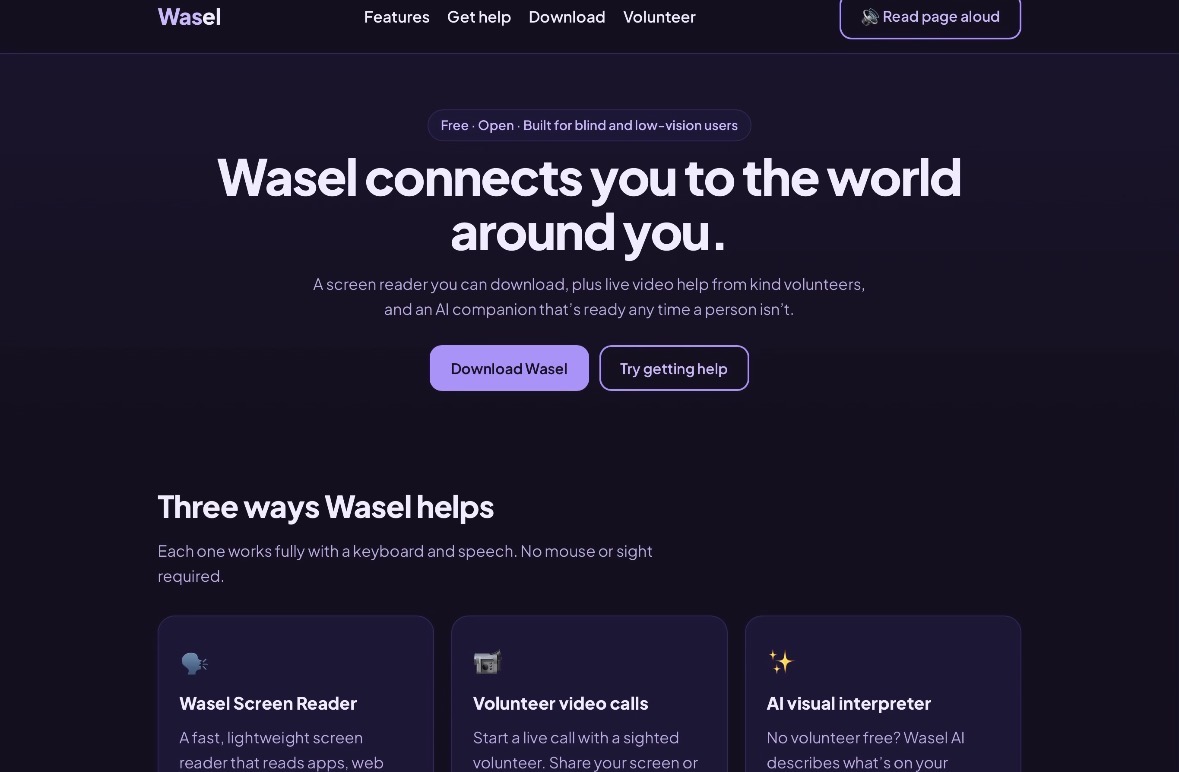
This website has features that allow for screen reading aloud for blind users to understand and interact without needing to physically see the information. It also allows for volunteer calls if the user needs help, also allowing for connection and communication with other people. If a volunteer isn’t available, an AI tool describes the screen or camera view and helps the user.
How we built it
First we created a folder with one file, index.html, and we opened it in a browser with a code editor known as VS code.
After so, we utilised semantic HTML tags such as
, , , and to create the title , navigation center, help center a download section and footer.Afterwards, we decided to style the site, and edit the colours and by utilising variables like (- - brand: #7c4dff) to set our purple-and-white palette, picked a font, used display:grid for the cards and flex for nav and button rows, and lastly :focus-visible that creates outlines for keyboard users
Finally, we utilised an Ai tool known as Claude to help enhance, edit and improve the website and code. In this way, “Read page aloud” coded with speethSynthesis was implemented , with the Camera and screen preview built with get UserMedia and getDisplayMedia.
Challenges we ran into
Because it’s our first time working with code, Understanding the code: the file has HTML, CSS and JavaScript in one place, so it's hard at first to tell which part controls what.
Accomplishments that we're proud of
We started with a real problem: blind users who genuinely need help on the demand, able to receive quick and immediate help with this website we created. Because of this, we were able to go from never coding at all to coding and understanding how to code a website that can genuinely make an impact on the world and how we communicate.
What we learned
Since it me and my partner are beginners at coding , we learnt the Web basics: HTML: by structuring a page with semantic tags CSS: layout, and how it gives the website style. Finally, we utilised javascript is what makes the website function.
We also learnt basic coding through coursera courses and online youtube videos to enhance our knowledge and understanding. Additionally, The biggest lesson was accessibility. We had thought it was about looks, but we learned it's built into the code itself, through semantic tags, labels, keyboard navigation, and visible focus outlines. Designing for blind users made us rethink what "good design" means.
What's next for Aid and integration for the Blind
Testing with real users as volunteers , as well as asking real blind users to utilise the app and review can help find parts to improve and enhance. Additionally, it helps to see what parts of the website are the most helpful. since there are real volunteers involved, is it significant to consider privacy and safety, to verify the volunteers. Adding multiple languages besides english would also help to make the website more advanced and inclusive.
Built With
- claude
- css
- css3
- dark-mode
- flexbox
- google-font
- html
- html5
- javascript
- semantic-html
- vs-code
- web-speech
