-
-
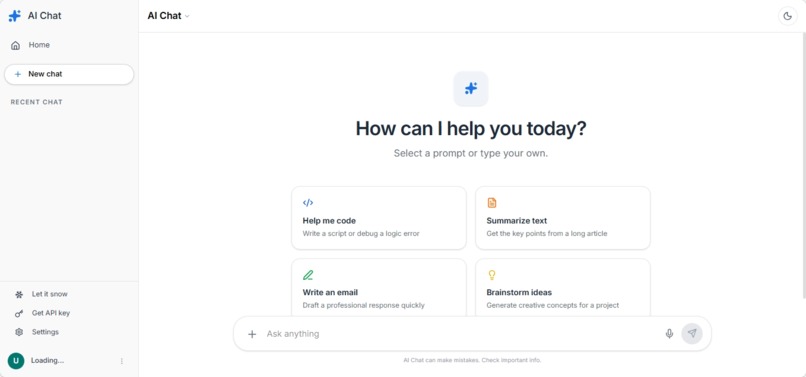
Home page
-

welcome page
-
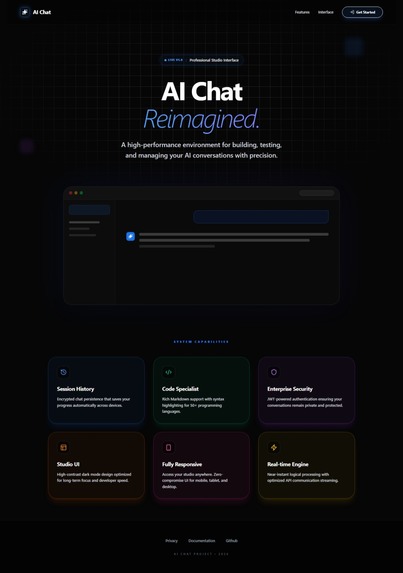
welcome page
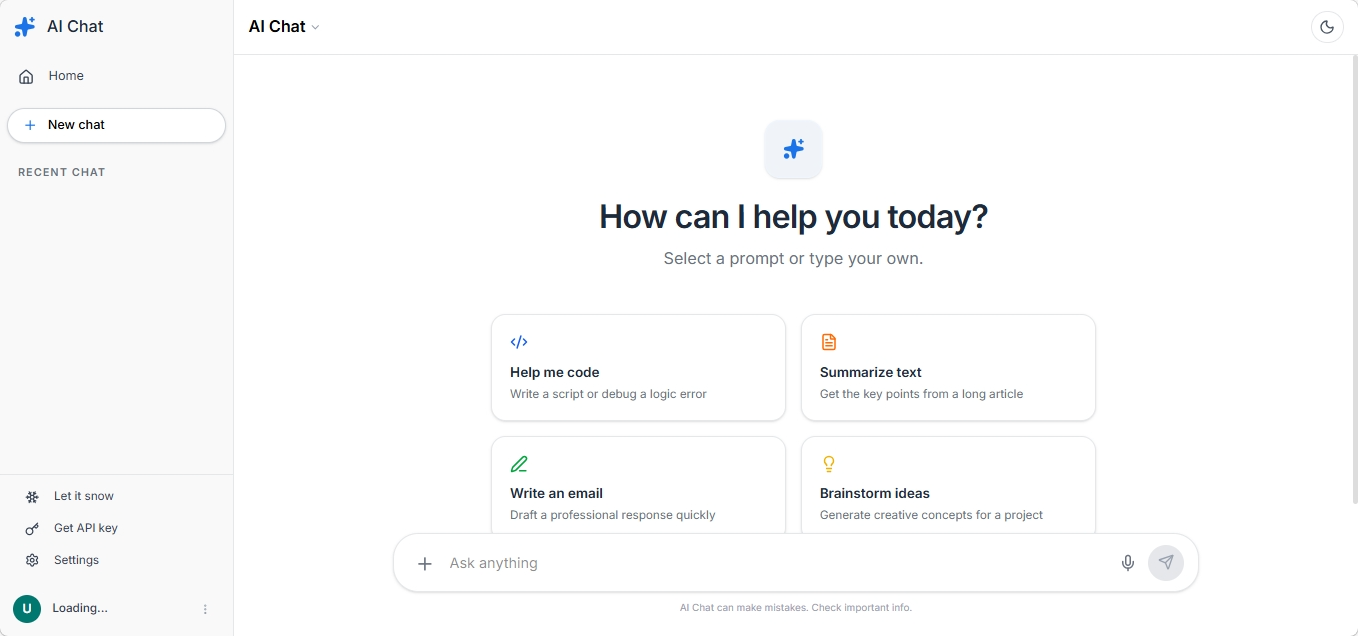
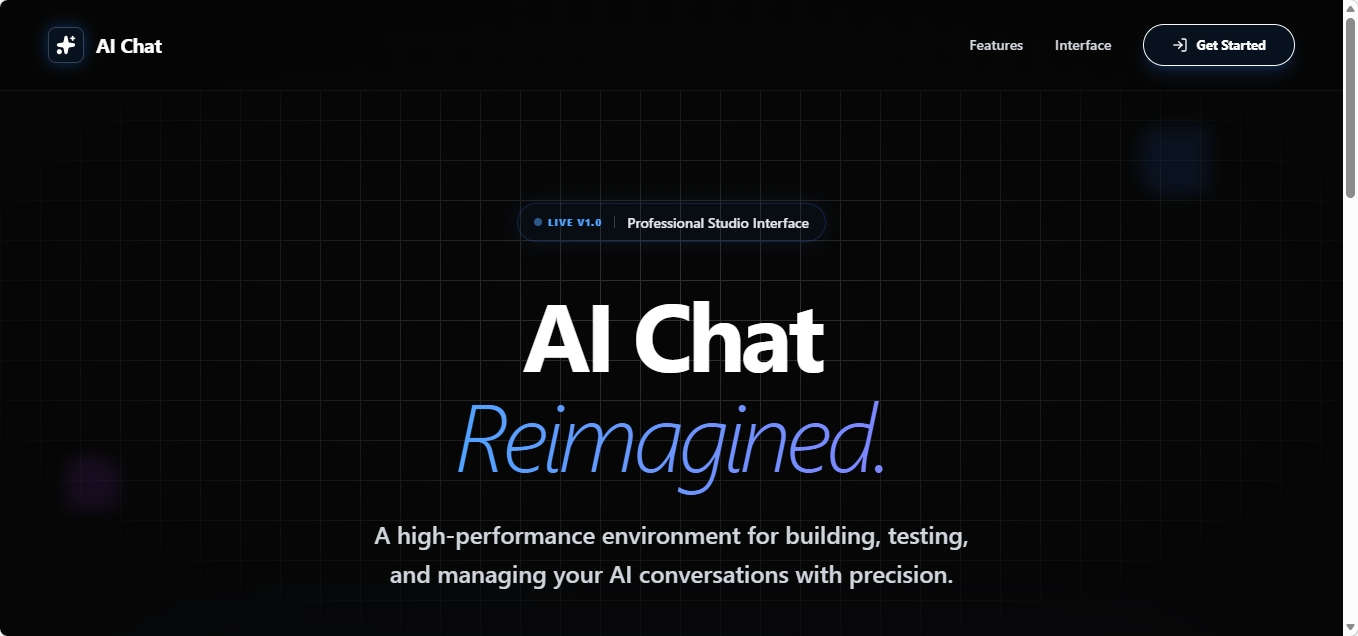
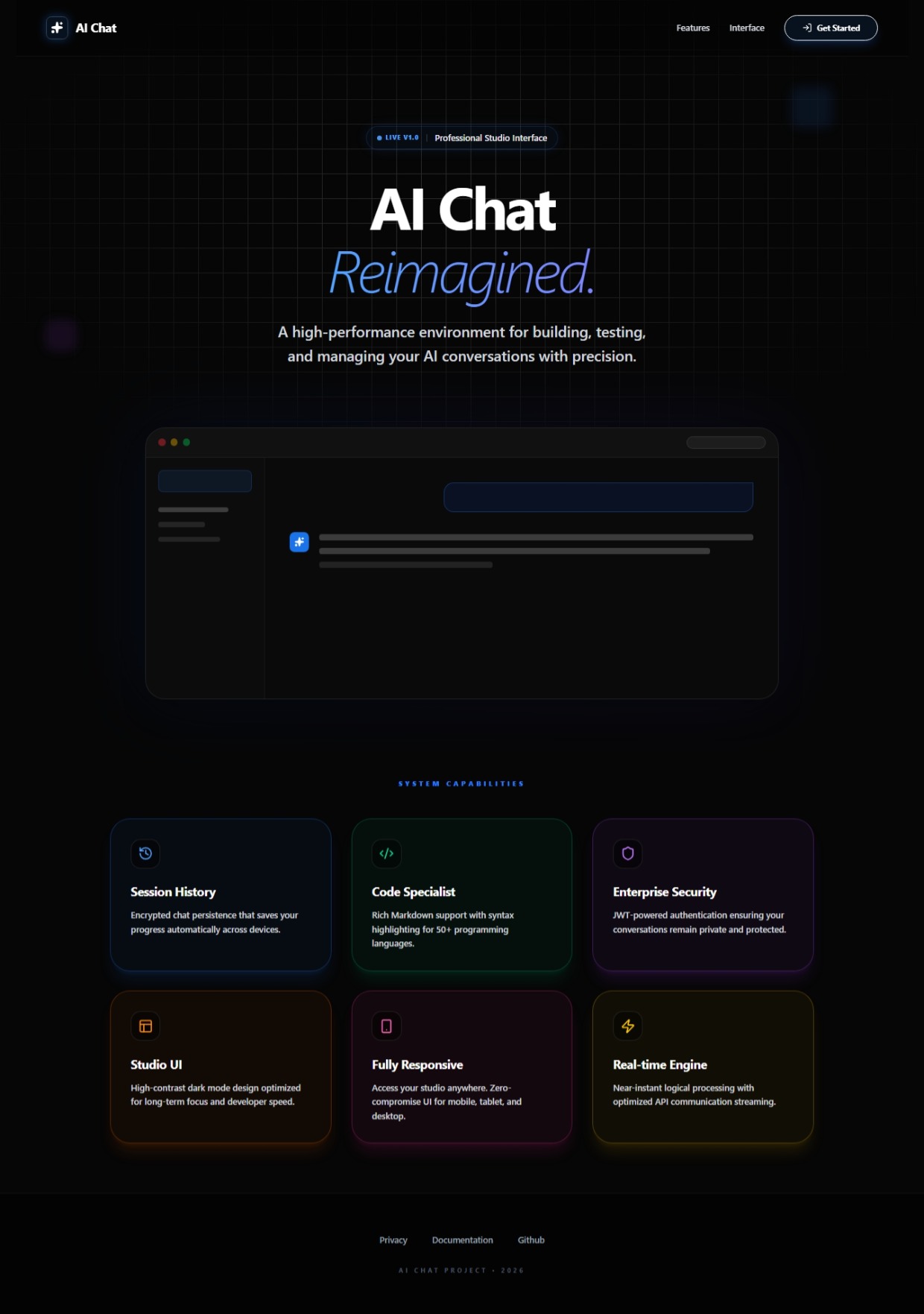
AICHAT
AIChat is an AI-powered conversational web application that allows users to interact with an intelligent chatbot in real time. The system uses advanced Natural Language Processing (NLP) through the Gemini / LLM API to understand user queries and generate human-like responses.
- Backend (Spring Boot) Authentication Triple-Play: JWT: Uses jjwt to secure REST endpoints. After login, a token is issued and checked via JwtAuthenticationFilter.
OAuth2 (Google): Integrated via SecurityConfig. The OAuth2LoginSuccessHandler catches successful Google logins, creates a user in your DB if they don't exist, and redirects back to your React app with a JWT. Guest Mode: Allows users to try the app without a real email by generating a unique UUID-based guest account.
AI Integration (GeminiService): Uses Spring WebClient to communicate with Google's Generative Language API. It sends prompts and parses the JSON response to extract text generated by gemini-1.5-pro or gemini-2.5-flash.
Database Schema: User: Stores credentials and profile info. Conversation: Groups messages together and stores titles. Message: Stores individual "user" and "assistant" turns with timestamps.
- Frontend (React + Tailwind) Dynamic UI: Uses Framer Motion for smooth transitions and Lucide-React for a premium icon set. Markdown Support: The MessageArea uses react-markdown and remark-gfm to render code blocks, tables, and lists. It even includes a Syntax Highlighter for code snippets. Image Generation: A clever integration with Pollinations.ai allows the UI to automatically render images if the AI response describes one. Theme Engine: Supports system-wide Dark/Light mode, saved in localStorage. State Management: Uses standard React hooks (useState, useEffect) and Axios interceptors to inject the JWT into every request. GitHub README.md
ChatAI
ChatAI is a professional-grade AI chat environment featuring a Spring Boot 3 backend and a React (Vite) frontend. It leverages Google's Gemini API to provide intelligent responses, code assistance, and creative brainstorming in a sleek, modern interface.




Features
- Multi-Auth System:
- Standard Email/Password Registration.
- One-click Google OAuth2 Login.
- Instant Guest Access for trial users.
- Intelligent Chat: Powered by Google Gemini (Pro/Flash models).
- Rich Media:
- Full Markdown support (tables, task lists).
- Code Syntax Highlighting for 50+ languages.
- AI Image Generation via Pollinations AI integration.
- Workspace Management:
- Persistent Chat History (saved to MySQL).
- Rename, Delete, and Archive conversations.
- Auto-generated chat titles based on context.
- Responsive Design: Fully optimized for Desktop, Tablet, and Mobile with Dark/Light mode support.
Tech Stack
Backend
- Framework: Spring Boot 3.4.x
- Security: Spring Security, JWT (Json Web Token), OAuth2 Client
- Data: Spring Data JPA, MySQL
- Web: Spring WebFlux (WebClient for API calls)
- AI: Google Gemini API
Frontend
- Framework: React 18 (Vite)
- Styling: Tailwind CSS
- Animations: Framer Motion
- Icons: Lucide React
- Markdown: React-Markdown, Remark-GFM, React-Syntax-Highlighter
Setup & Installation
- Prerequisites
- JDK 17 or higher
- Node.js 18+
- MySQL Server
- Google Cloud Console (for Gemini API Key & OAuth Credentials)
2. Backend Configuration
Create a .env file in your backend root folder:
DB_URL=jdbc:mysql://localhost:3306/chatai_db
DB_USER=your_username
DB_PASSWORD=your_password
GEMINI_API_KEY=your_google_gemini_key
JWT_SECRET=your_32_character_random_secret
JWT_EXPIRATION_MS=86400000
FRONTEND_URL=http://localhost:5173
GOOGLE_CLIENT_ID=your_google_client_id
GOOGLE_CLIENT_SECRET=your_google_client_secret

3. Frontend Configuration
Create a .env file in your frontend root folder:
code
Env
VITE_BACKEND_URL=http://localhost:8080

4. Running the App
Backend:
code
Bash
mvn clean install
mvn spring-boot:run

Frontend:
code
Bash
npm install
npm run dev
Security Architecture
The application uses a dual-layer security approach:
Stateful OAuth: Google login is handled server-side, then redirected with a JWT.
Stateless JWT: All subsequent API calls require a Bearer <token> in the Authorization header.
CORS: Configured to only allow requests from the specific frontend URL defined in environment variables.
Built With
- gemini
- java
- mysql
- react-native
- springboot

Log in or sign up for Devpost to join the conversation.