-
-
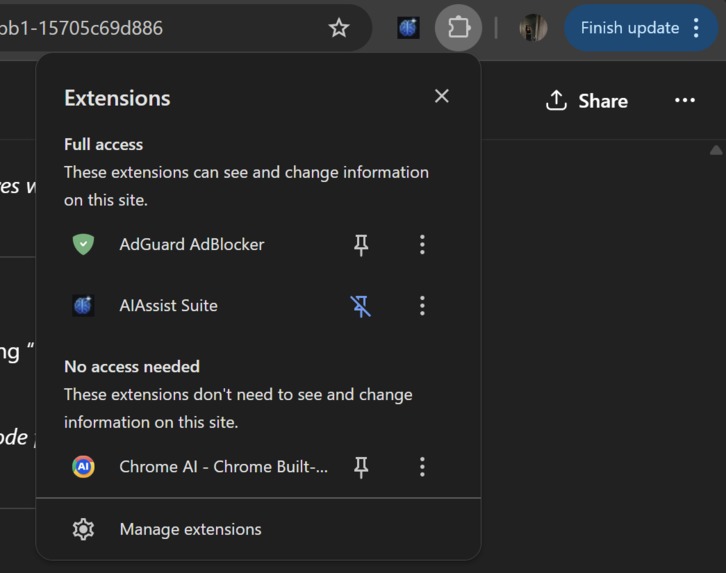
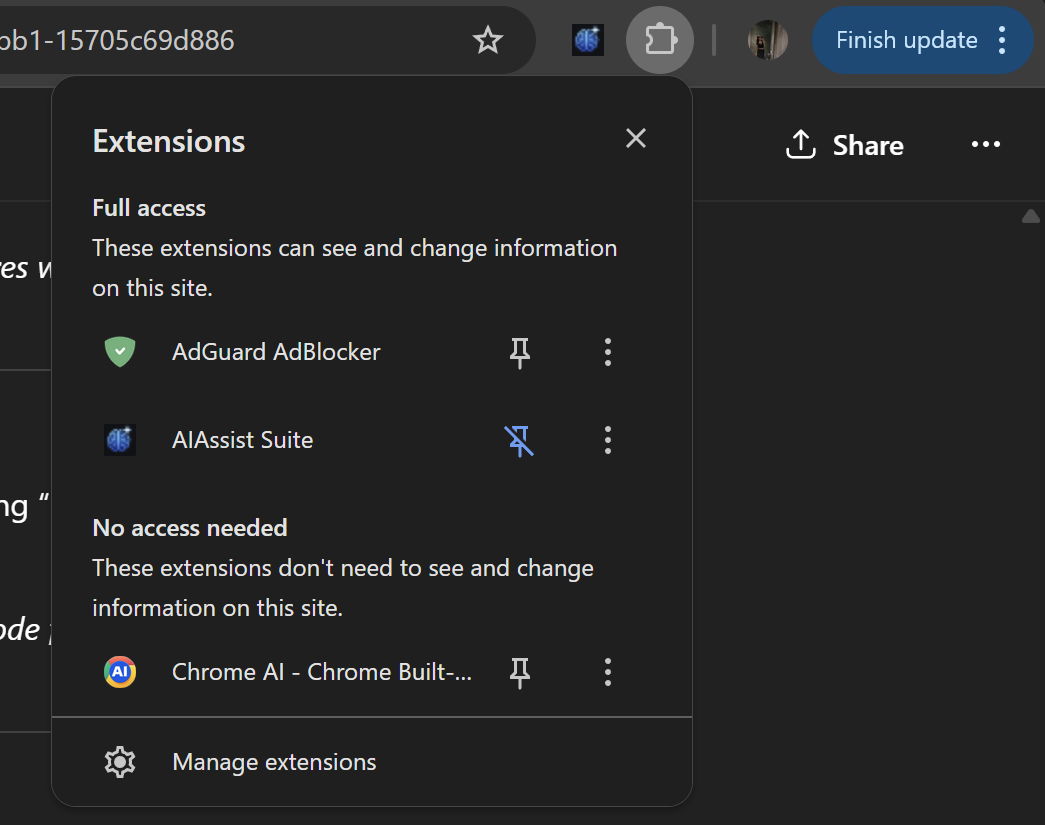
This is a working extensions whoch is been pinned in chrome
-
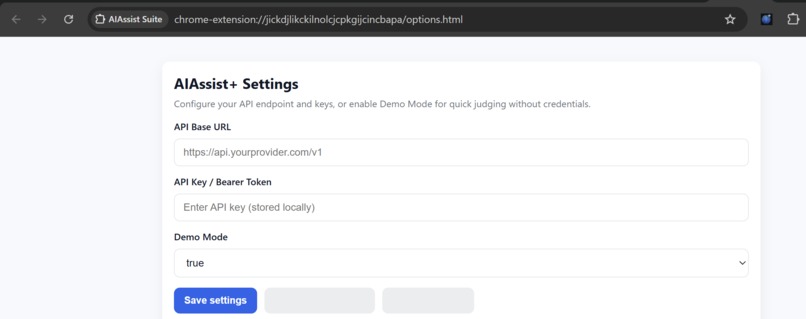
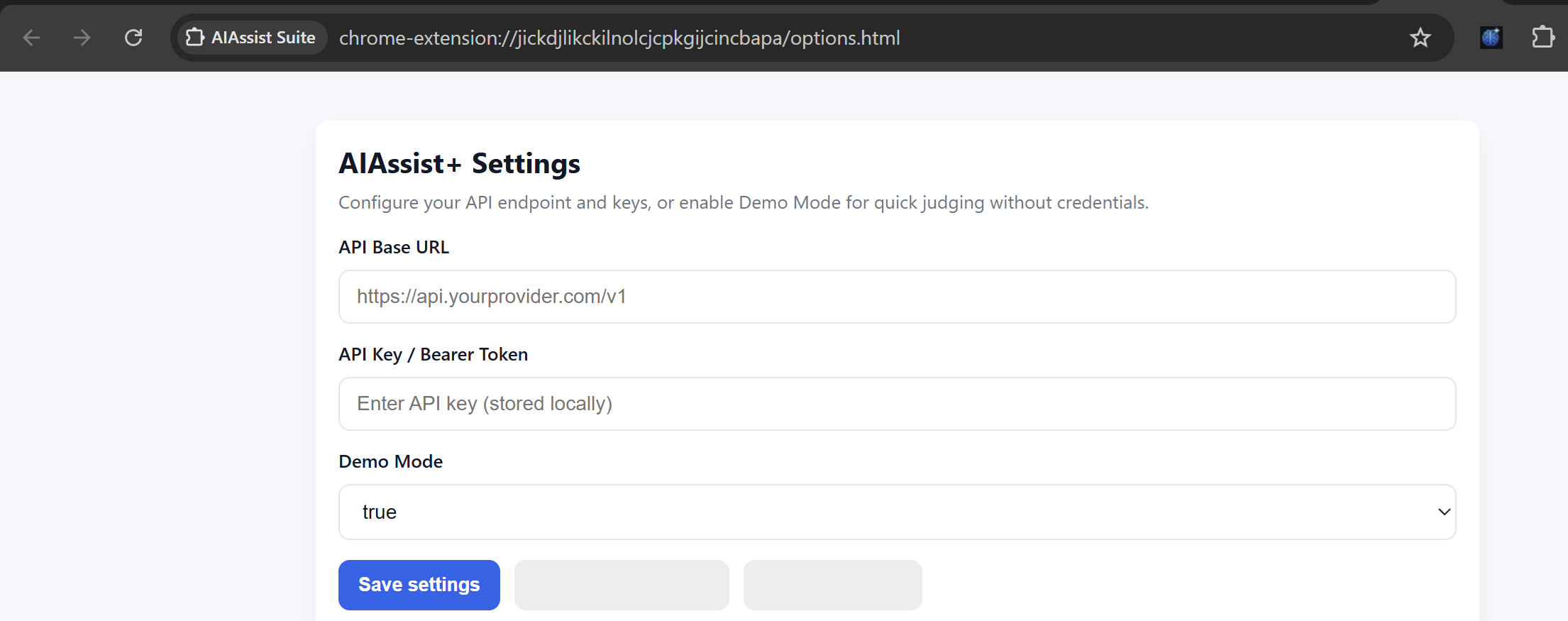
this is options.html which allows you to put in API keys or use it in demo mode
-
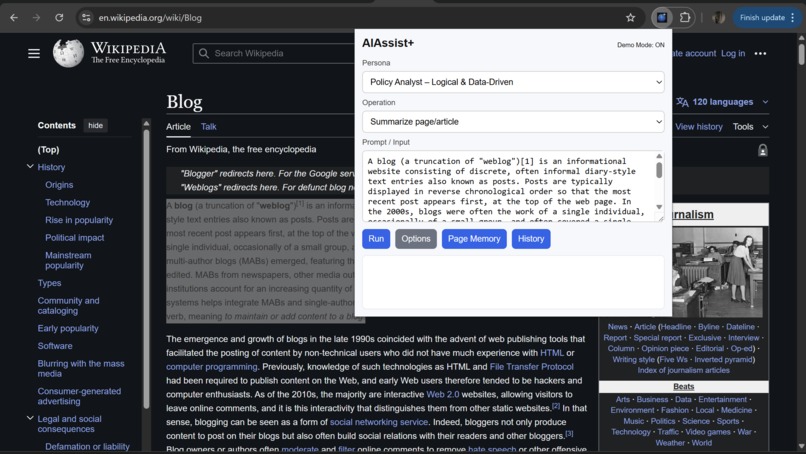
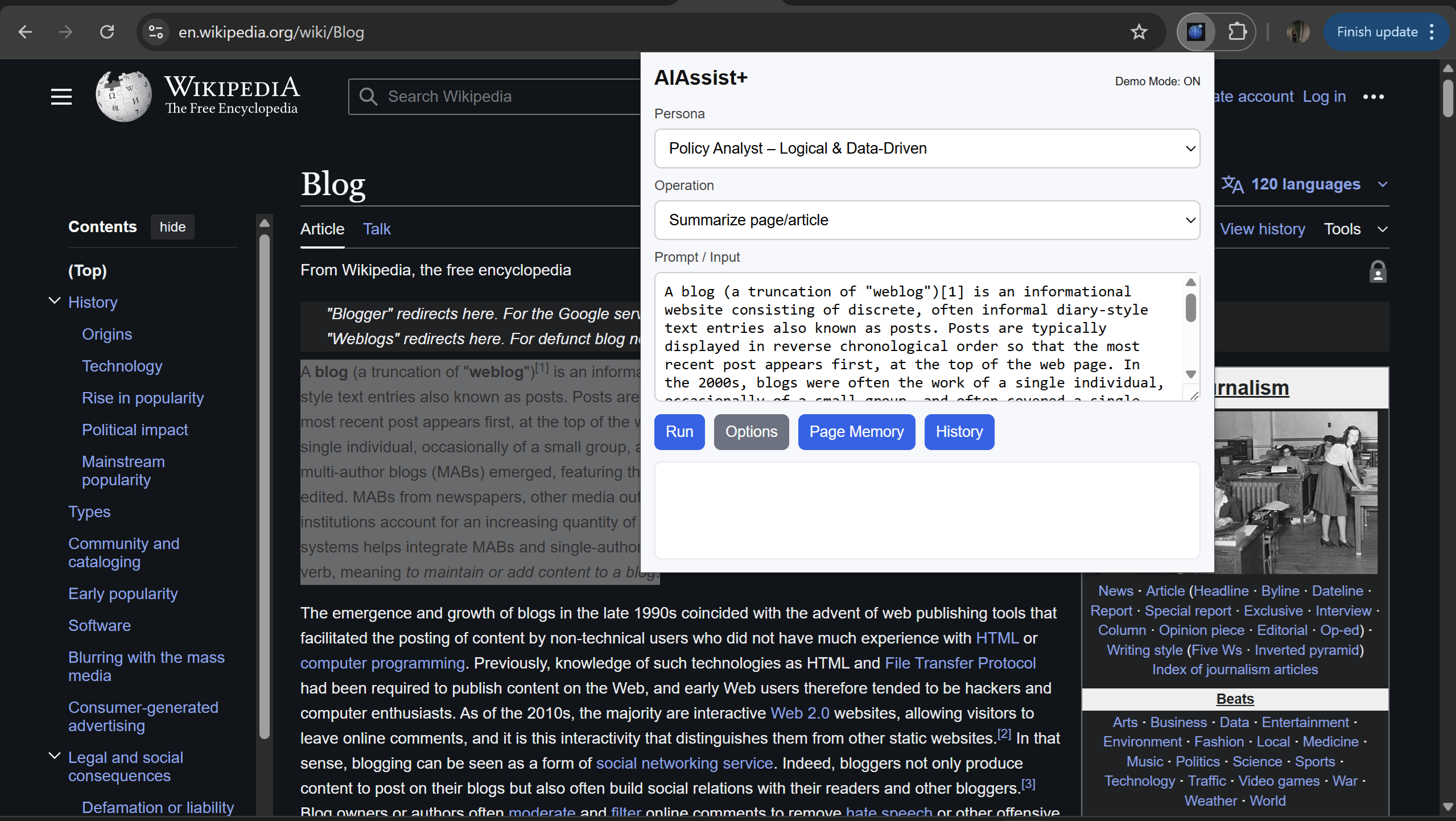
it uses different tones to summarize text
-
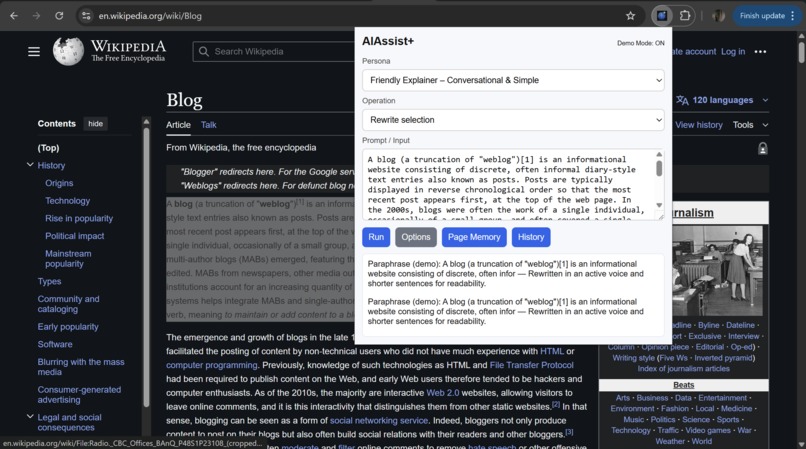
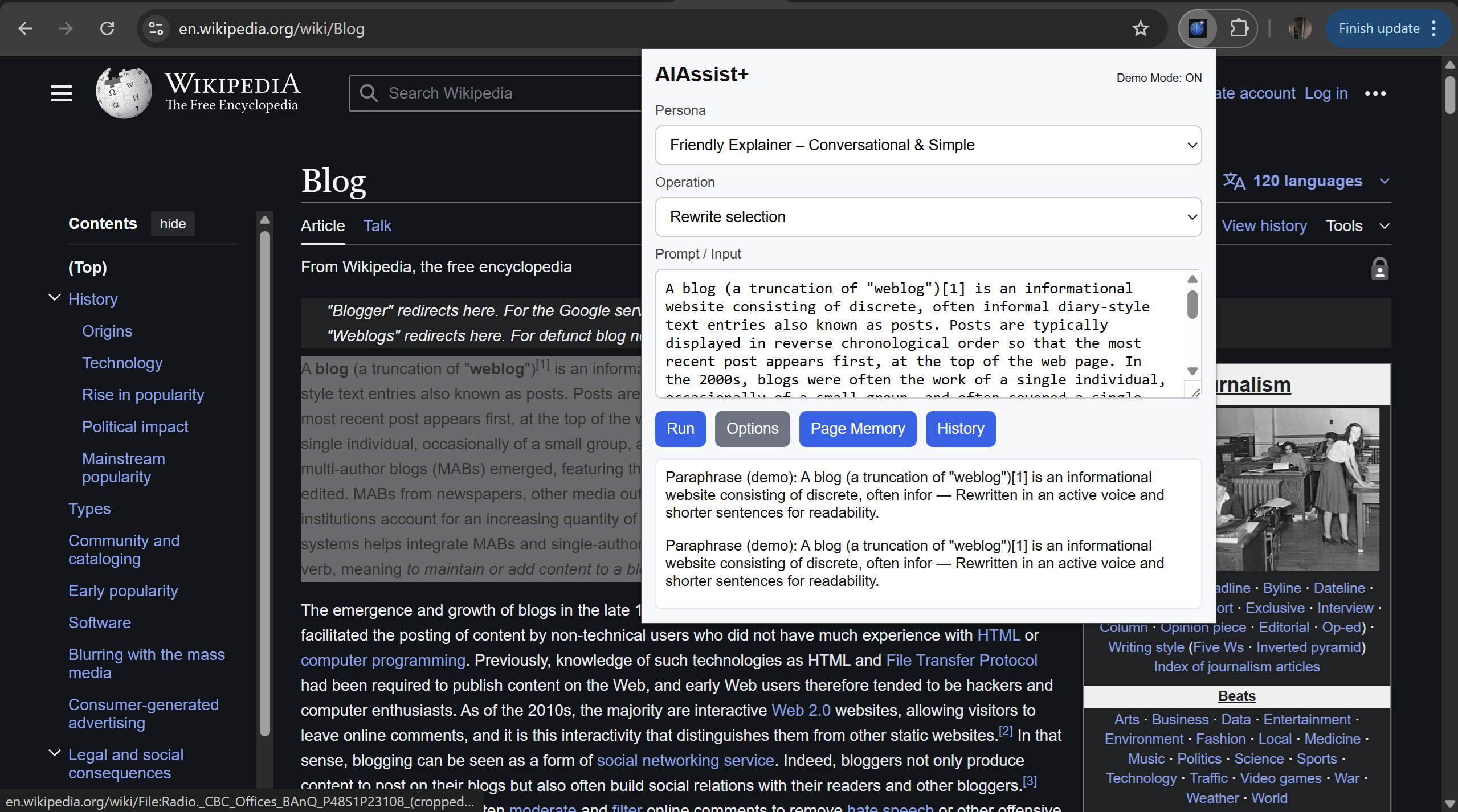
it uses different tones to rewrite text
-
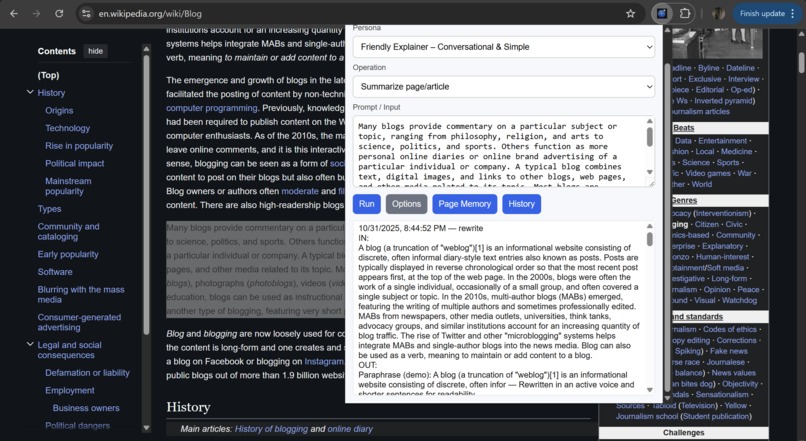
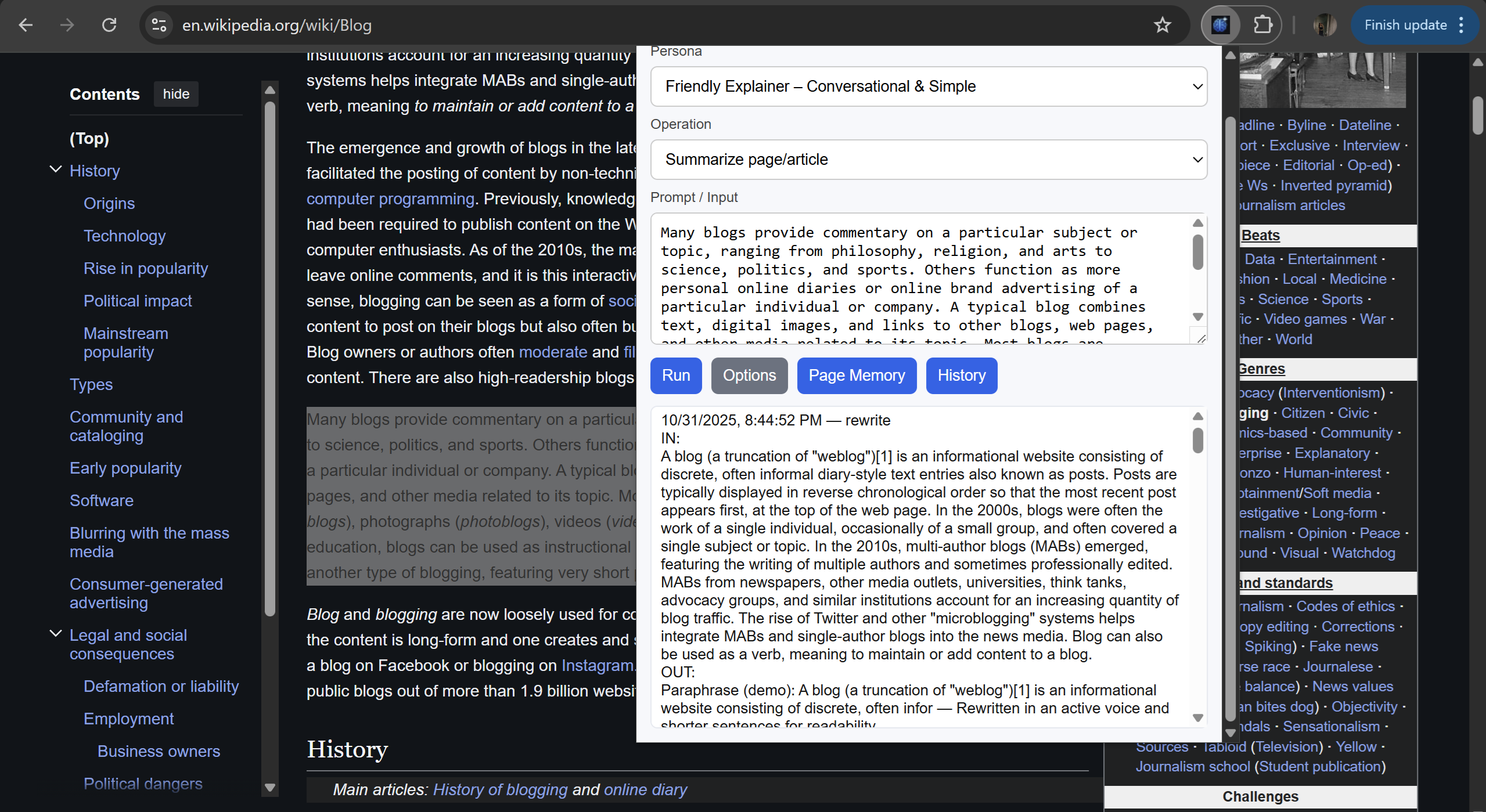
This shows the history of the particualr webpage
-
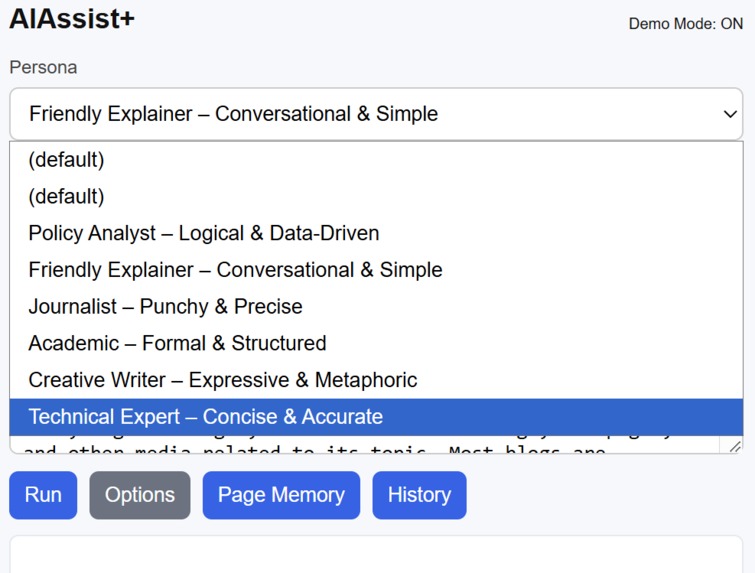
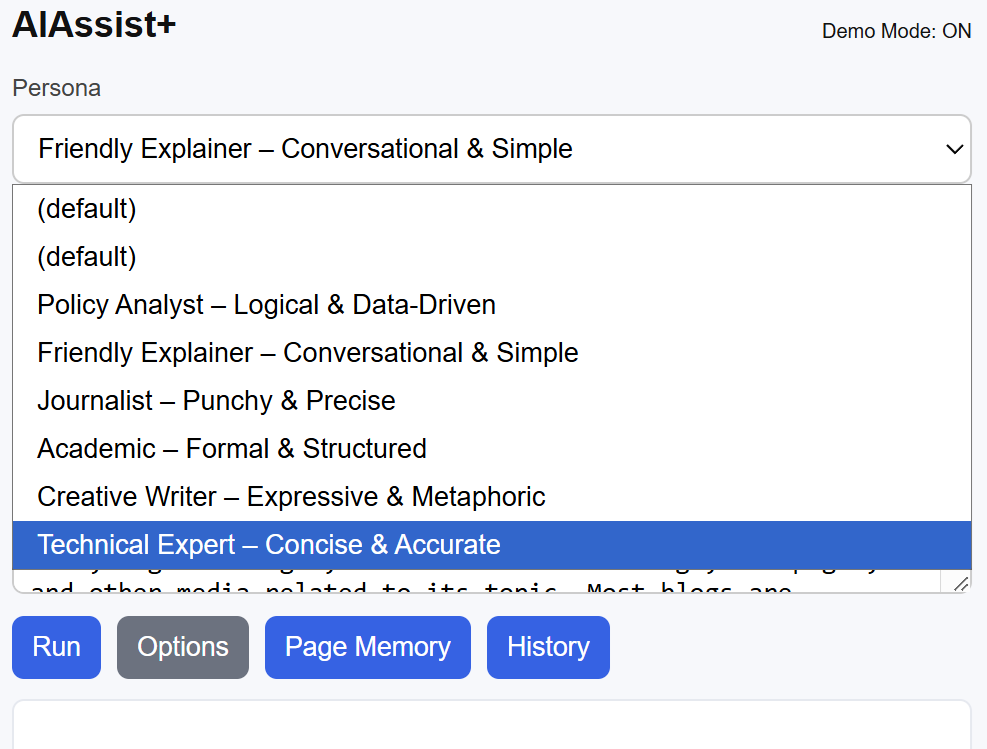
It shows different personas the aiassist can use
-
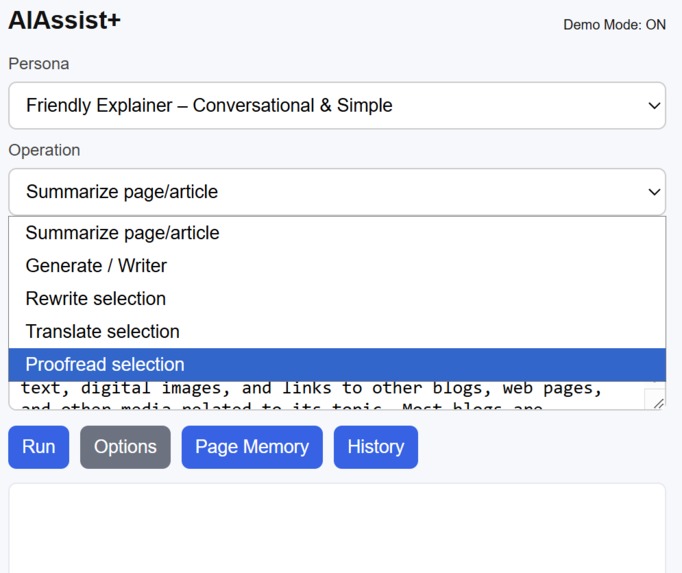
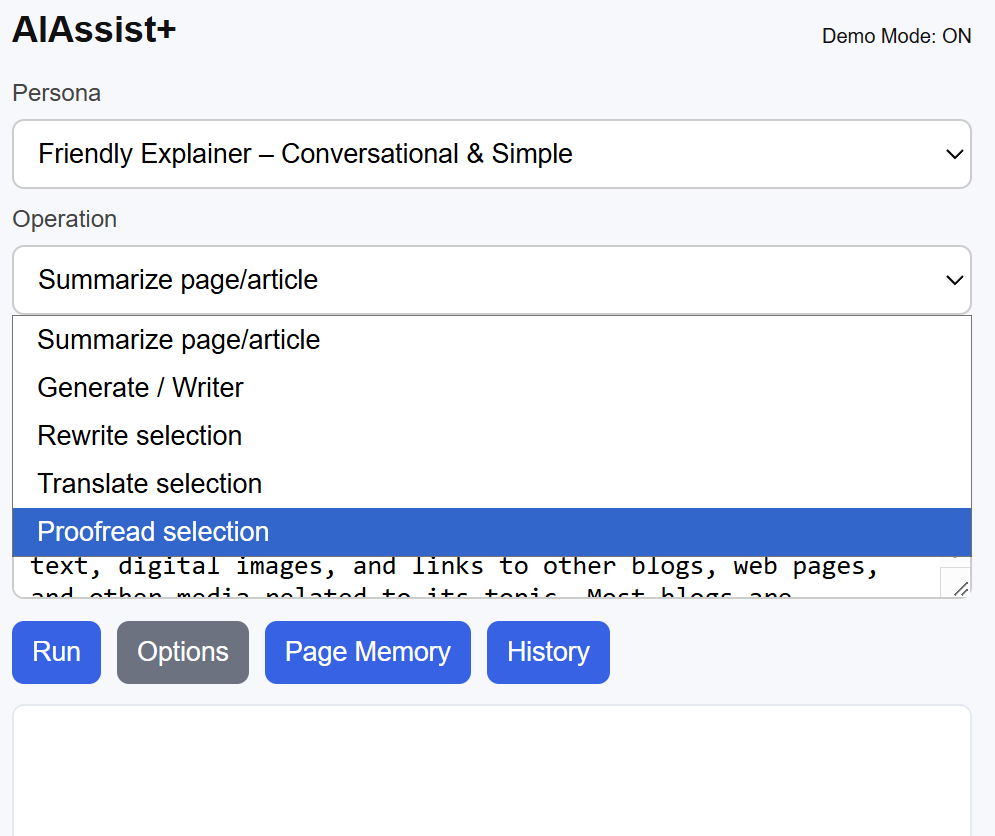
it shows different operations ai assist can perform
Inspiration
Every day, we drown in open tabs — articles to read, reports to summarize, and notes to take.
Switching between tools for translation, rewriting, and research kills focus.
So I thought: what if the browser itself could think with us?
That idea became AIAssist+ — an AI-powered Chrome extension that turns every webpage into an intelligent, interactive workspace.
What it does
AIAssist+ transforms your browsing experience by bringing Gemini Nano-powered AI directly inside Chrome.
It can:
- Summarize articles or selected text instantly.
- Rewrite or proofread any content on the page.
- Translate in one click, without leaving the tab.
- Remember webpages you visit using a Page Memory system — a built-in knowledge layer for your browsing.
- Let you choose Personas like “Analyst,” “Journalist,” or “Creative Writer” to shape the AI’s tone and style.
All of this runs through Chrome’s Prompt API and on-device Gemini Nano, ensuring speed and privacy.
How I built it
The project is built as a Manifest V3 Chrome Extension with:
- A background service worker to handle AI prompts and API streaming.
- A content script that injects the floating AI UI and captures page data.
- A popup dashboard for direct interaction with Gemini Nano and saved memory.
- An options page to toggle between demo and live API modes.
- Chrome APIs like
chrome.storage,chrome.contextMenus, andchrome.runtimeto connect everything smoothly.
I used simulated outputs for Demo Mode (for offline judging), but the architecture supports real-time Gemini Nano inference via the built-in Chrome AI endpoints.
Challenges I ran into
- Understanding and integrating Chrome’s new AI APIs (Prompt, Summarizer, Writer, etc.) was tricky — documentation was sparse.
- Managing streaming AI responses inside a Manifest V3 environment took trial and error.
- Implementing Page Memory persistence required creative use of
chrome.storage.localand messaging between service workers and content scripts. - The hardest part was balancing user privacy with AI intelligence — so all demo data runs locally.
Accomplishments that I'm proud of
- Built a fully functional AI Chrome Extension from scratch — complete with popup UI, options page, and background worker — all in Manifest V3.
- Integrated Chrome’s built-in AI stack (Gemini Nano + Prompt API) to perform summarization, rewriting, and translation directly inside the browser.
- Designed an offline Demo Mode
- Created a unique Page Memory system that captures and recalls webpage insights — essentially giving Chrome a short-term memory.
- Developed a streaming AI UI that simulates real-time token output, creating an interactive, ChatGPT-like experience right in the popup.
- Designed a clean, responsive interface using only native web tech — no frameworks, no libraries, just pure JavaScript, HTML, and Chrome APIs.
- Learned to manage complex background–popup–contentScript communication, which most extensions struggle with.
- And most importantly — proved that AI doesn’t need to live in the cloud. It can live inside your browser.
What I learned
This project taught me how browser-based AI can work fully client-side, without external dependencies.
I learned about:
- The architecture of Chrome’s on-device AI (Gemini Nano).
- Advanced service worker communication in Manifest V3.
- Designing intuitive, streaming UIs for in-browser AI experiences.
Most importantly, I learned how to make AI useful, not just impressive.
What's next for AIAssist+
- Add voice input + spoken summaries using Web Speech APIs.
- Expand Page Memory into a cross-session AI Knowledge Graph.
- Integrate real Gemini Nano inference (when API access opens fully).
- Publish AIAssist+ on the Chrome Web Store as a free AI productivity companion.


Log in or sign up for Devpost to join the conversation.