-
-
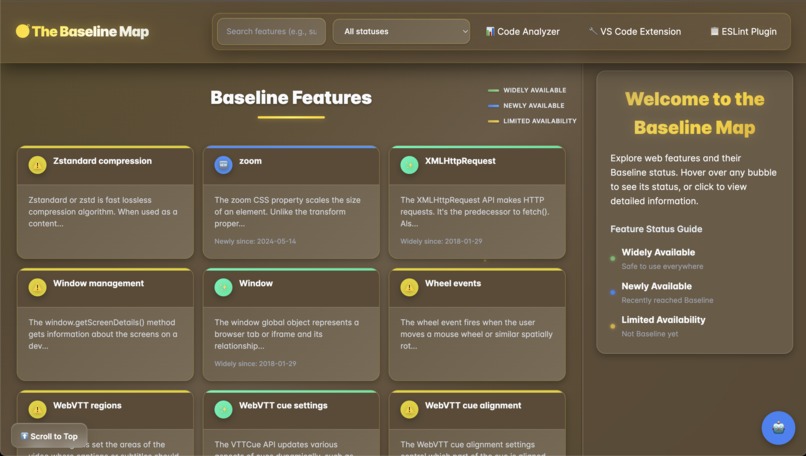
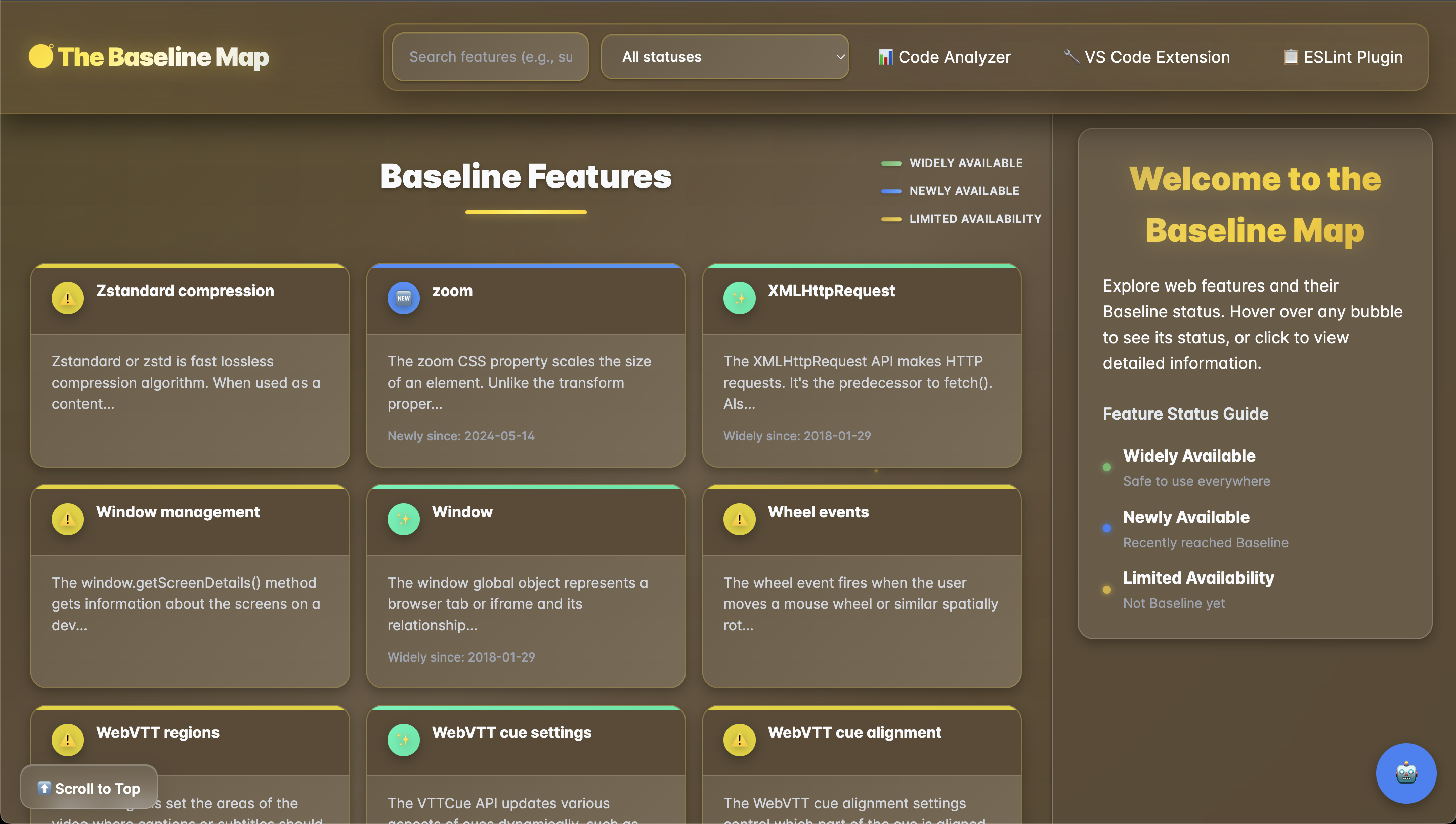
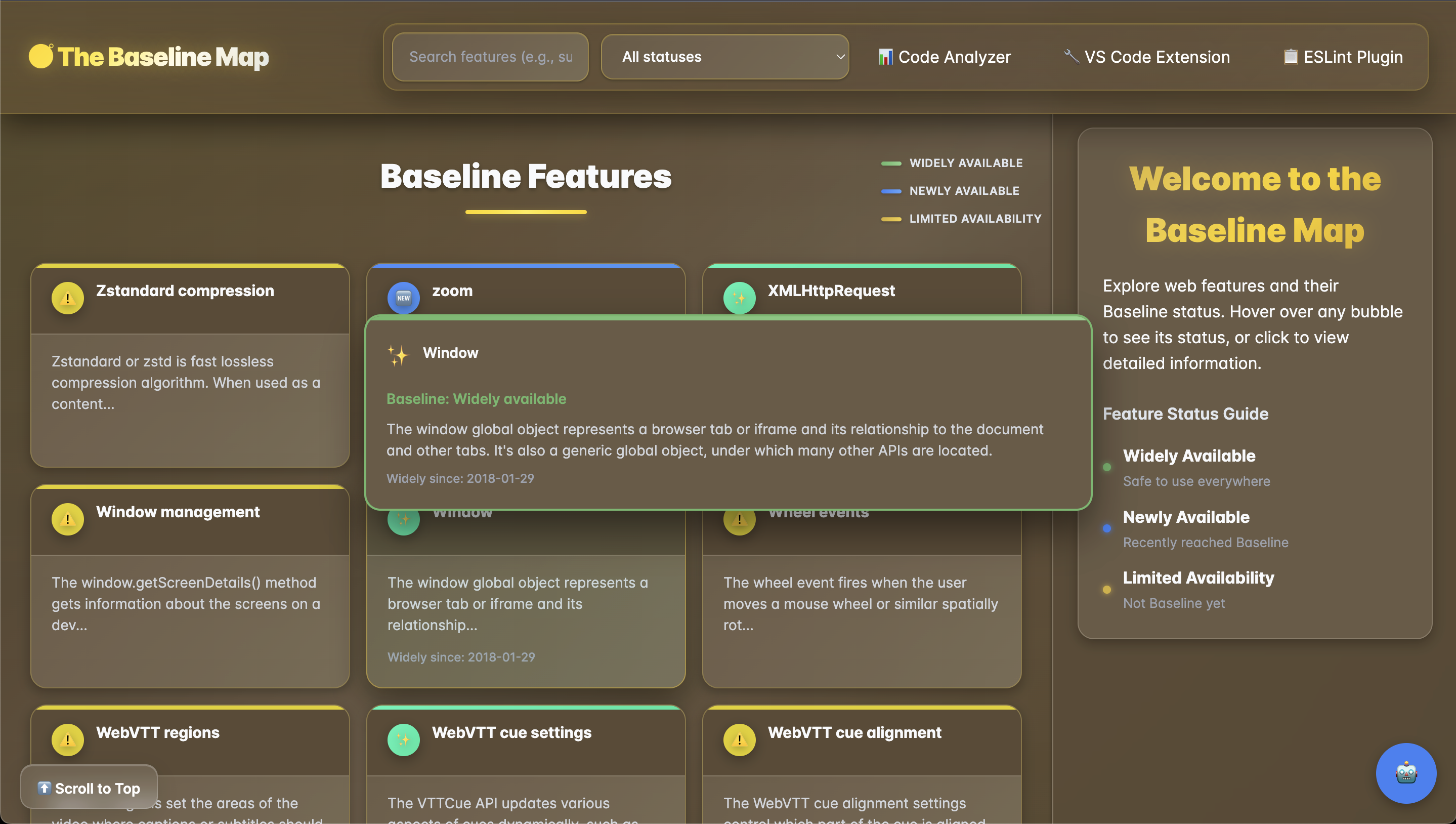
Main page (Hero Section)
-
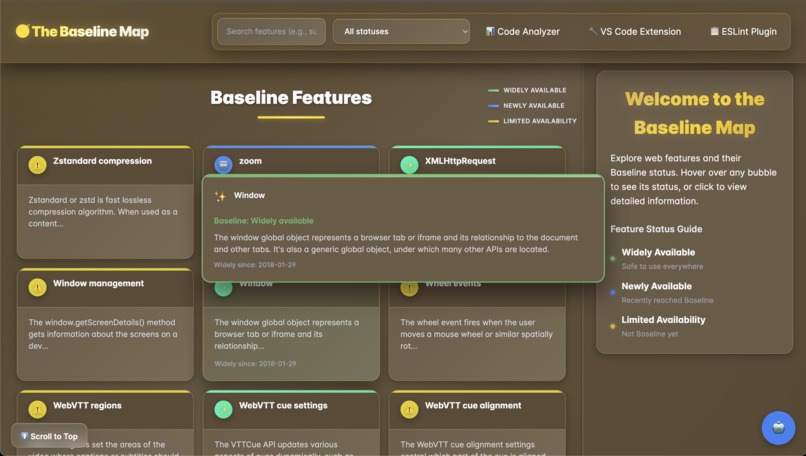
Hover feature on web features
-
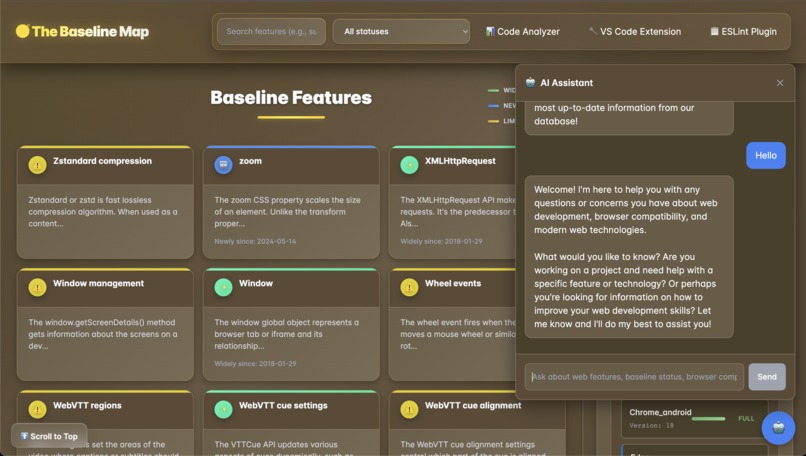
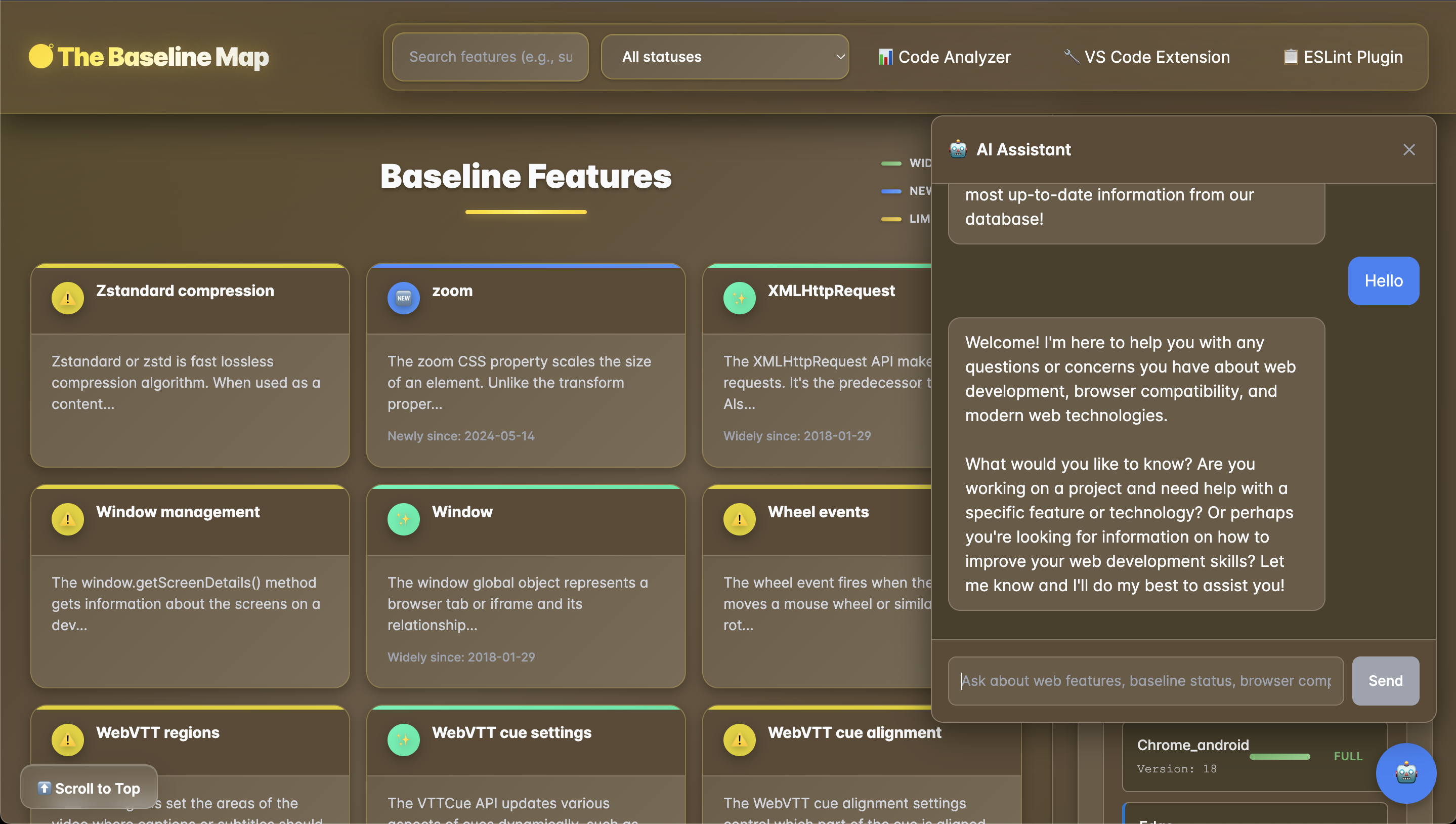
AI Chat Bot
-
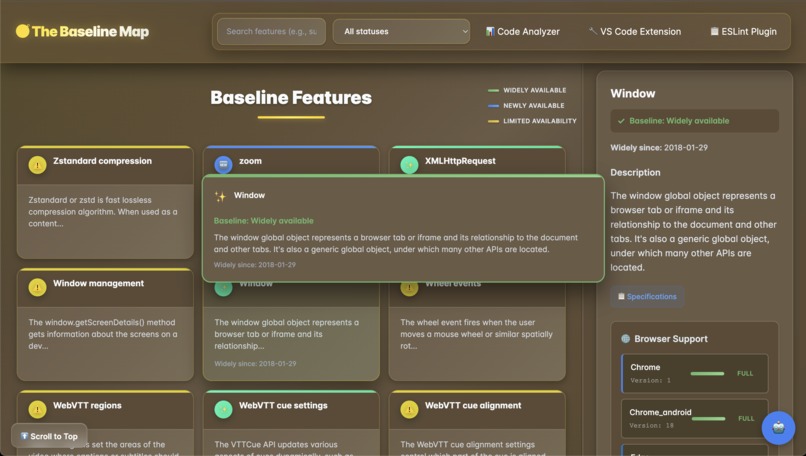
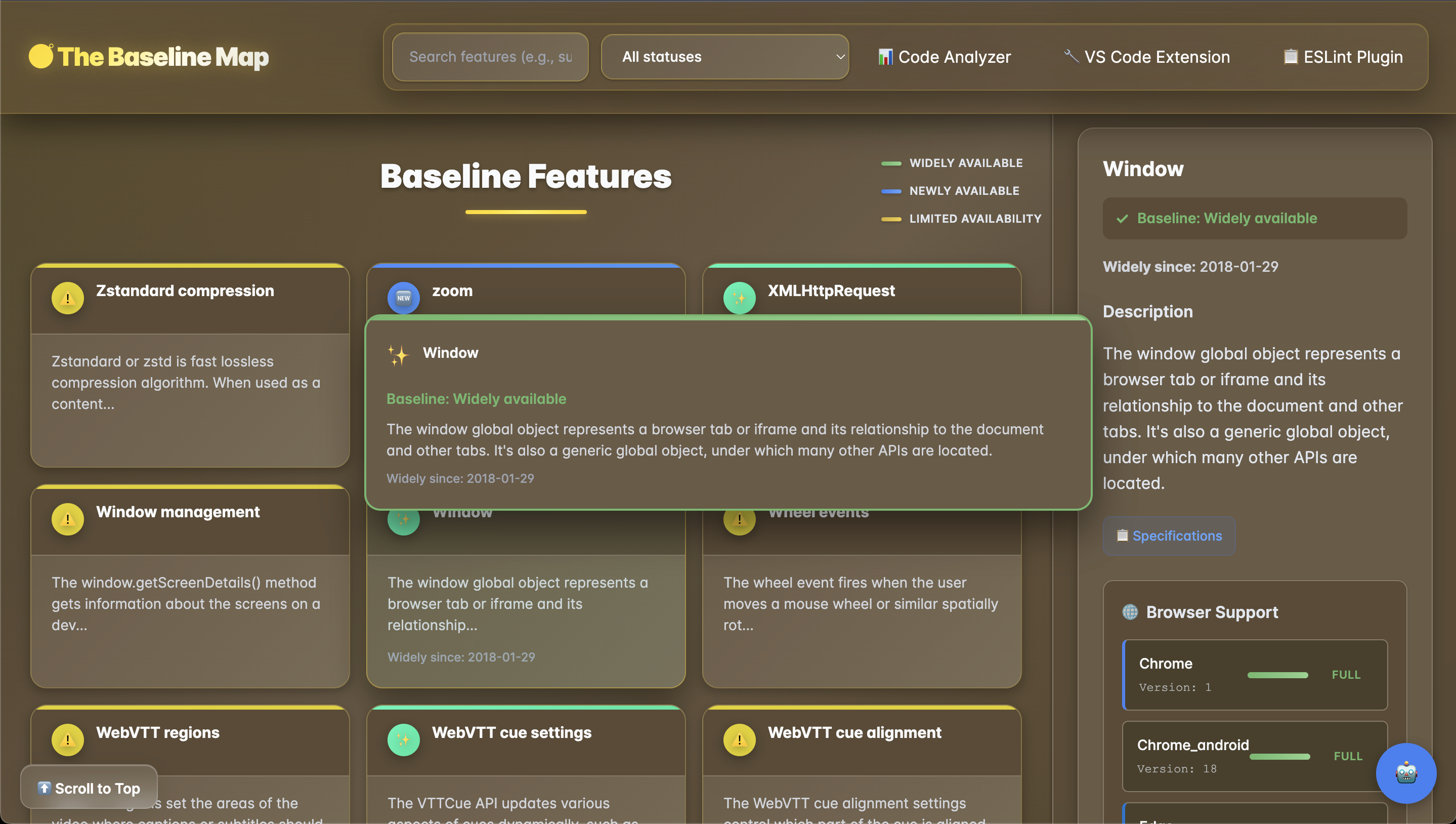
Detailed Compatability of Selected web feature
-
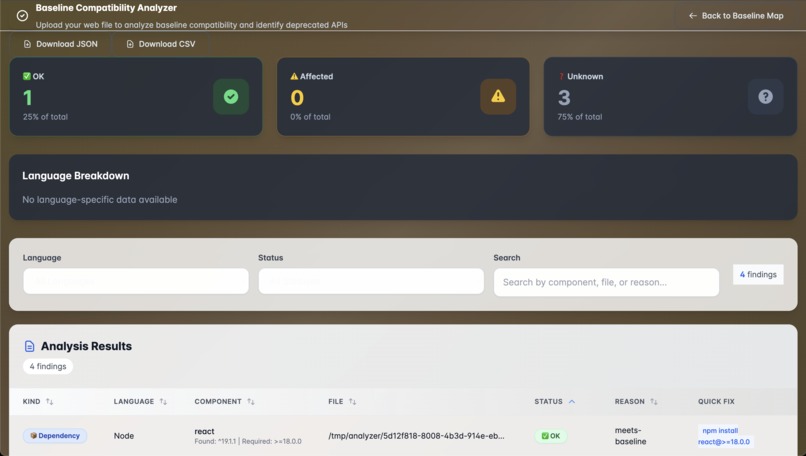
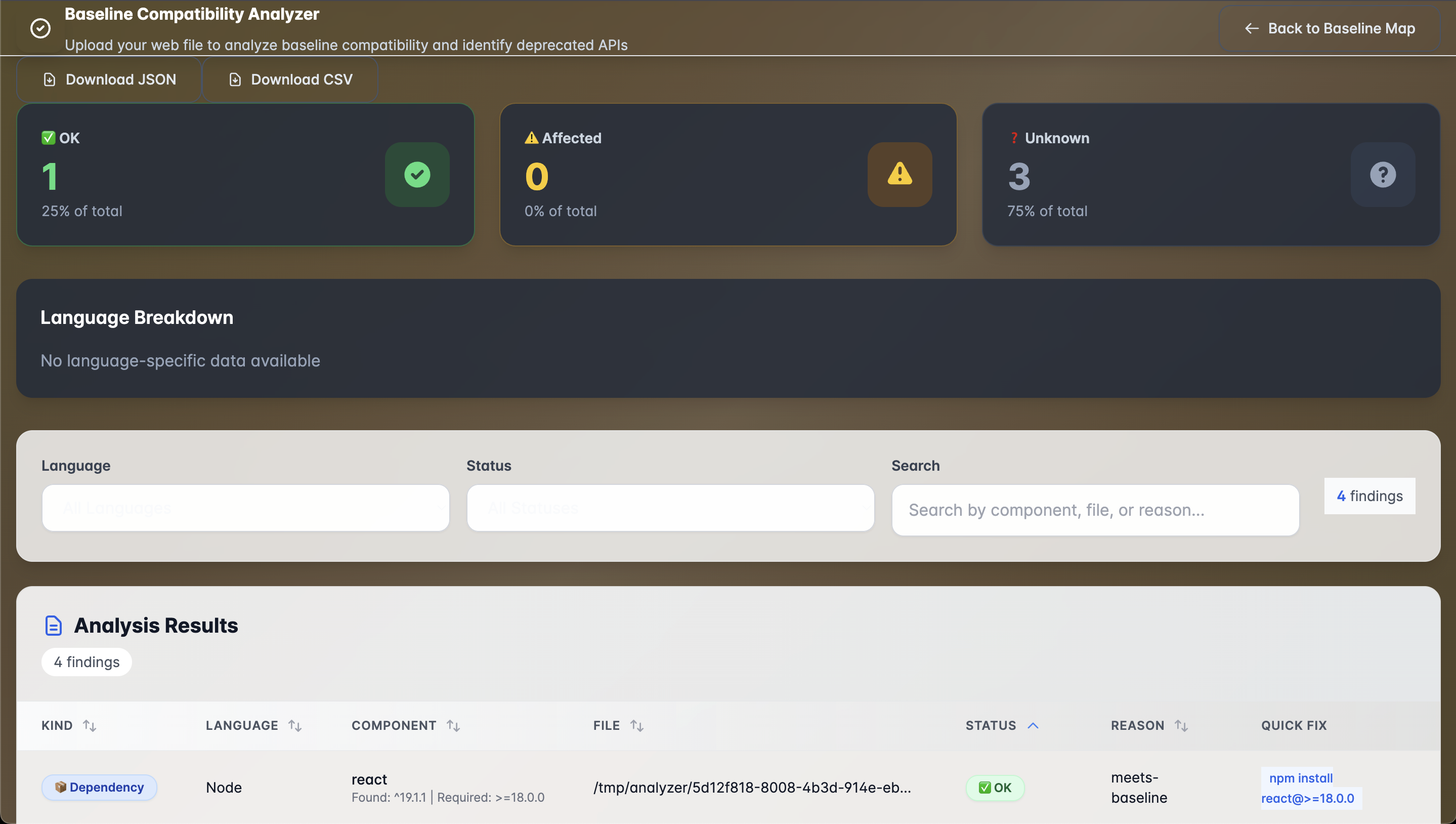
AI Code Analyzer
-
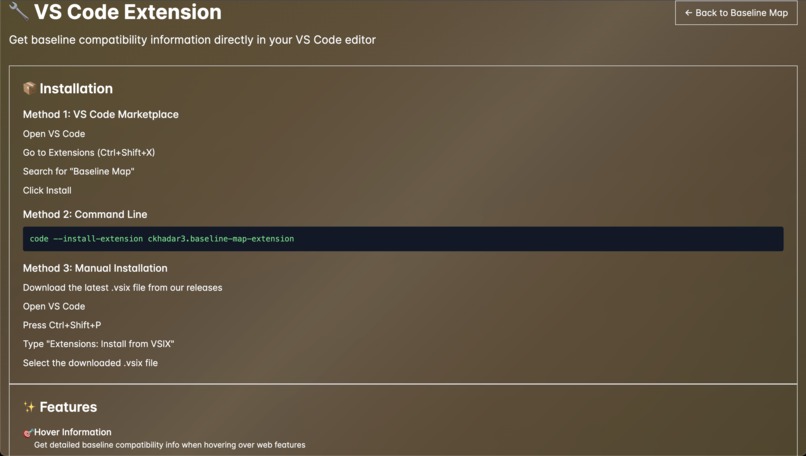
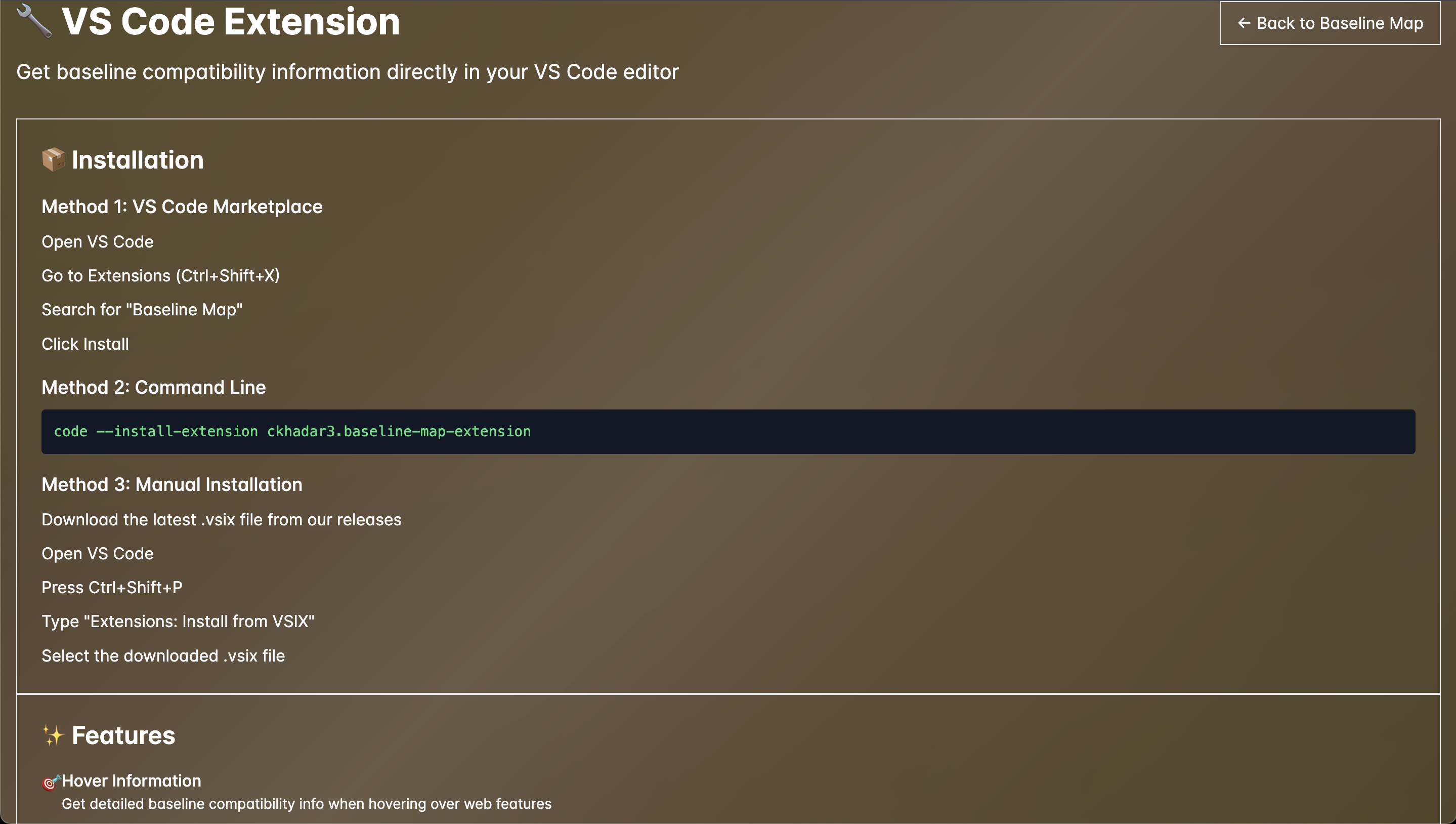
VS Code Extension
-
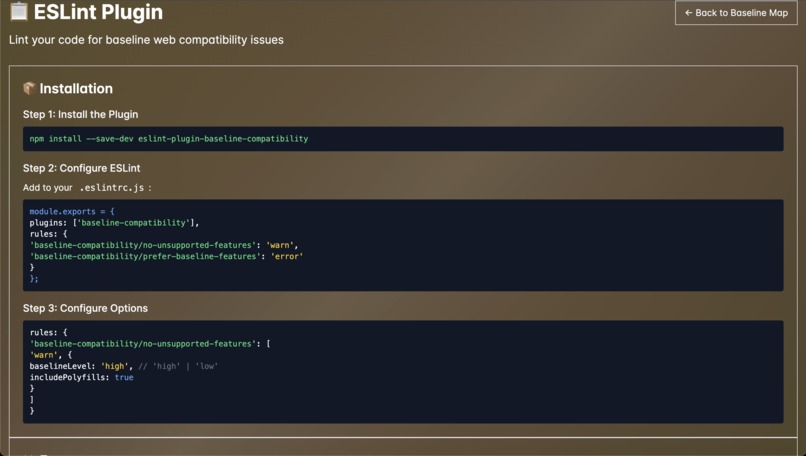
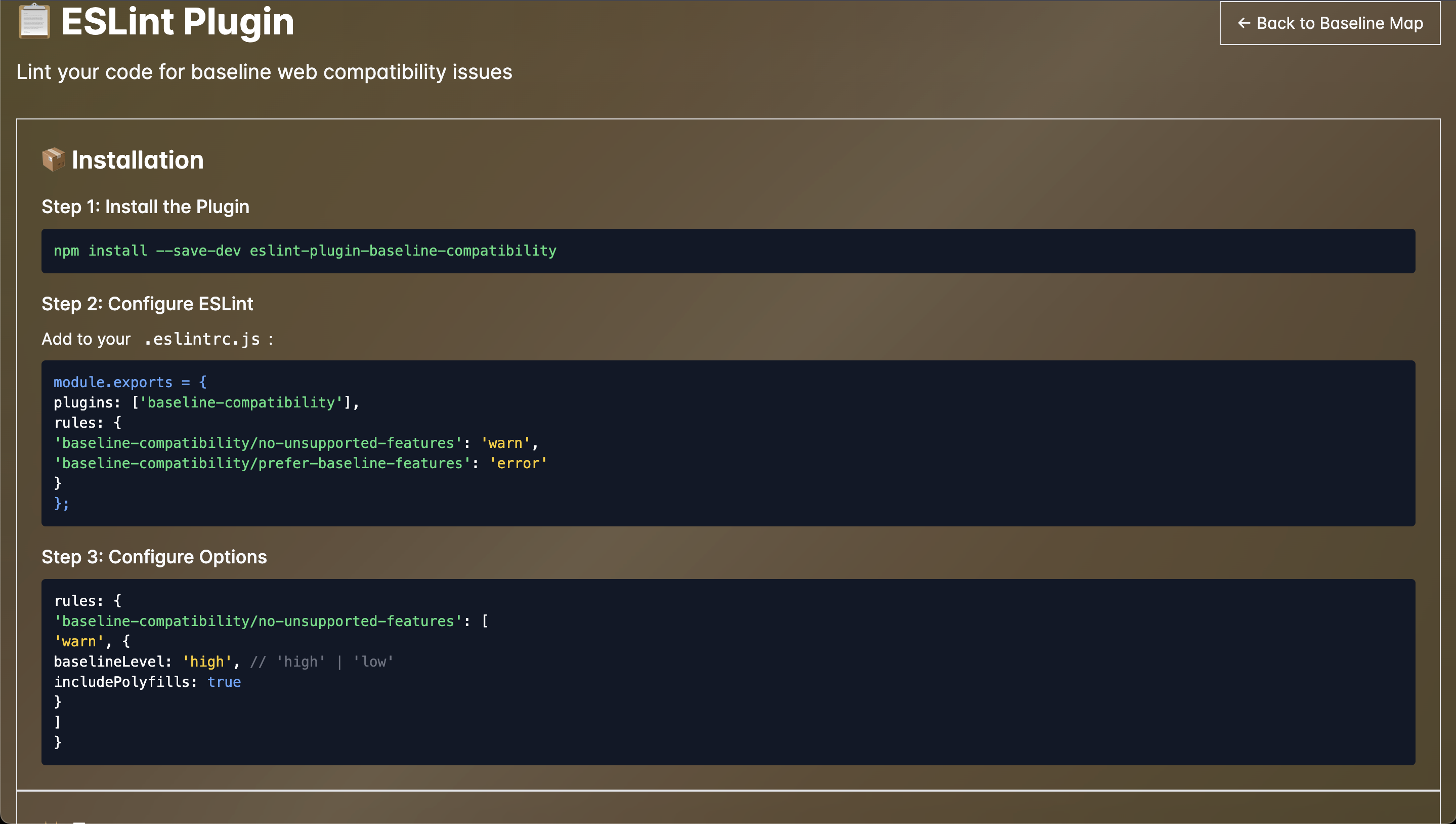
Eslint Plugin
Inspiration
Every time I try to use a new web feature, I ask myself the same question: “Can I actually ship this?” Baseline makes that answer clearer, but the data usually lives in dashboards and docs, far away from my workflow. I wanted that clarity inside my tools, right where the coding happens. That’s why I built AI Baseline Map - a smarter way for developers to understand browser support and feature readiness without ever leaving their editor.
What it does
AI Baseline Map is an open-source toolkit that turns Baseline data into something you can actually use:
Web App – Explore and visualize which web features are Baseline-ready. VS Code Extension – Instantly see compatibility data and Baseline status as you code. ESLint Plugin – Get warned when your code depends on non-Baseline features. AI Code Analyzer – Scans your codebase, highlights unsupported APIs, and suggests safer, future-proof alternatives. CLI Tool – Run quick Baseline checks from your terminal. Everything runs on the official Baseline web-features dataset, the same source that powers MDN and the Web DX Community.
How I built it
I built the platform as a monorepo, sharing one data core between the web app, extension, linter, and CLI. The web interface uses Next.js, TypeScript, and Tailwind CSS, pulling in Baseline data from the web-features npm package. For the AI layer, I used Groq + LLaMA to generate clear, reliable explanations about feature support. The analyzer first cross-checks a feature’s Baseline status, then the AI translates that into human-readable insights - no hallucinations, no guesses, just grounded data.
Everything is open source and deployed on Vercel, with the extension published on the VS Code Marketplace.
Challenges I ran into
The hardest part was getting all the data to play nicely together. Baseline, MDN, and the Web Platform Dashboard each speak their own language, and merging them into one consistent, reliable source took a lot of patience and debugging. I also had to fine-tune the VS Code extension so it feels instant, not laggy, while keeping the AI Code Analyzer grounded in real Baseline data. No fake facts, no hallucinated support claims - just accurate, trustworthy insights that developers can depend on.
Accomplishments that I'm proud of
Built and shipped AI Baseline Map solo - a full developer toolkit (web app, VS Code extension, ESLint plugin, CLI, and AI analyzer) powered by Baseline data. I’m proud of creating tools that make web compatibility data truly usable, integrating AI responsibly, and publishing my first live VS Code extension to the Marketplace - all open source and production-ready.
What I learned
This project taught me how to make structured data feel human. I learned how to translate complex compatibility information into something that’s actually useful during development, not just numbers on a chart. It pushed me to blend AI reasoning, data engineering, and developer experience design into one cohesive product. And in doing so, I discovered that the real power of Baseline isn’t just knowing what works, it’s giving developers the confidence to use the modern web fearlessly.
What's next for AI_Baseline_Map
Next, I want to make the AI Analyzer smarter, combining Baseline data with real-world browser usage so it can tell developers exactly when it’s safe to drop legacy code.
I’m also exploring ways to bring Baseline awareness into more environments - other IDEs, build tools, and docs, until checking for compatibility feels as natural as running a lint command.
Built With
- baseline-web-features-dataset
- devpost
- eslint
- github
- groq-api-(llama)
- javascript
- json-frameworks-&-libraries:-next.js-14
- next.js-14
- node.js
- node.js-(runtime)
- npm
- npm-(packages)-tools-&-infrastructure:-github
- react-19
- tailwind-css
- typescript
- vercel
- vs-code-api
- vs-code-api-ai-&-apis:-groq-api-(llama-models)
- web-platform-dashboard-api
- web-platform-dashboard-api-platforms-&-cloud:-vercel-(deployment-&-hosting)


Log in or sign up for Devpost to join the conversation.