🧠 AI Accessibility Assistant
💡 Inspiration
The modern web is a gateway to education, communication, and opportunity—but for millions of people with disabilities, it's still filled with barriers.
We were inspired by a simple but powerful idea:
What if the web could adapt to you—your voice, your needs, and your unique way of interacting with information?
That question became the driving force behind the AI Accessibility Assistant.
We looked at the struggles faced by individuals with:
- Visual impairments
- Dyslexia and other reading difficulties
- Motor disabilities
- Cognitive limitations or neurodivergence
Existing accessibility tools are often fragmented, expensive, or lack user-friendly interfaces.
We wanted to build an all-in-one, AI-powered browser extension that combines the power of voice, vision, and personalization to make the web truly inclusive.
🛠️ How We Built It
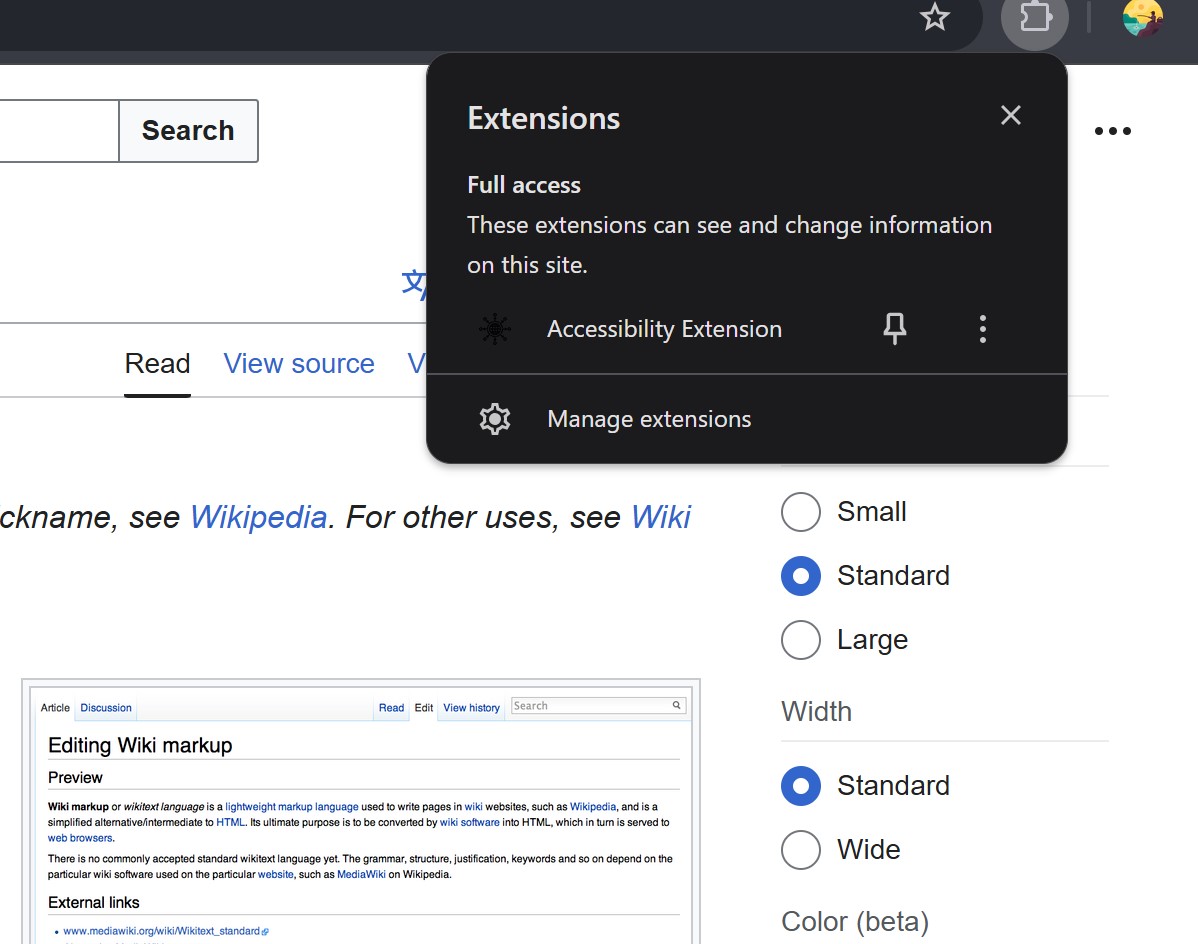
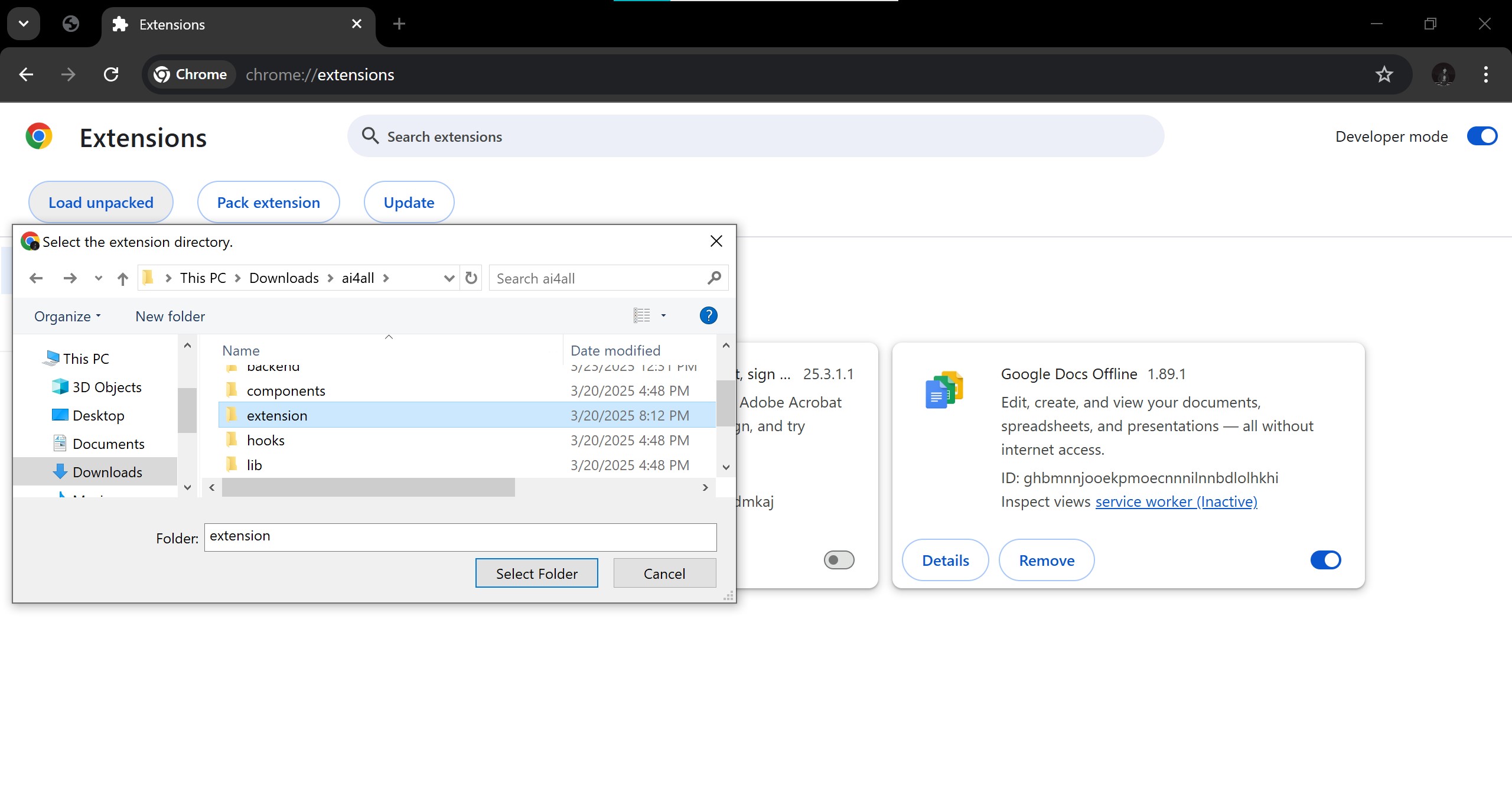
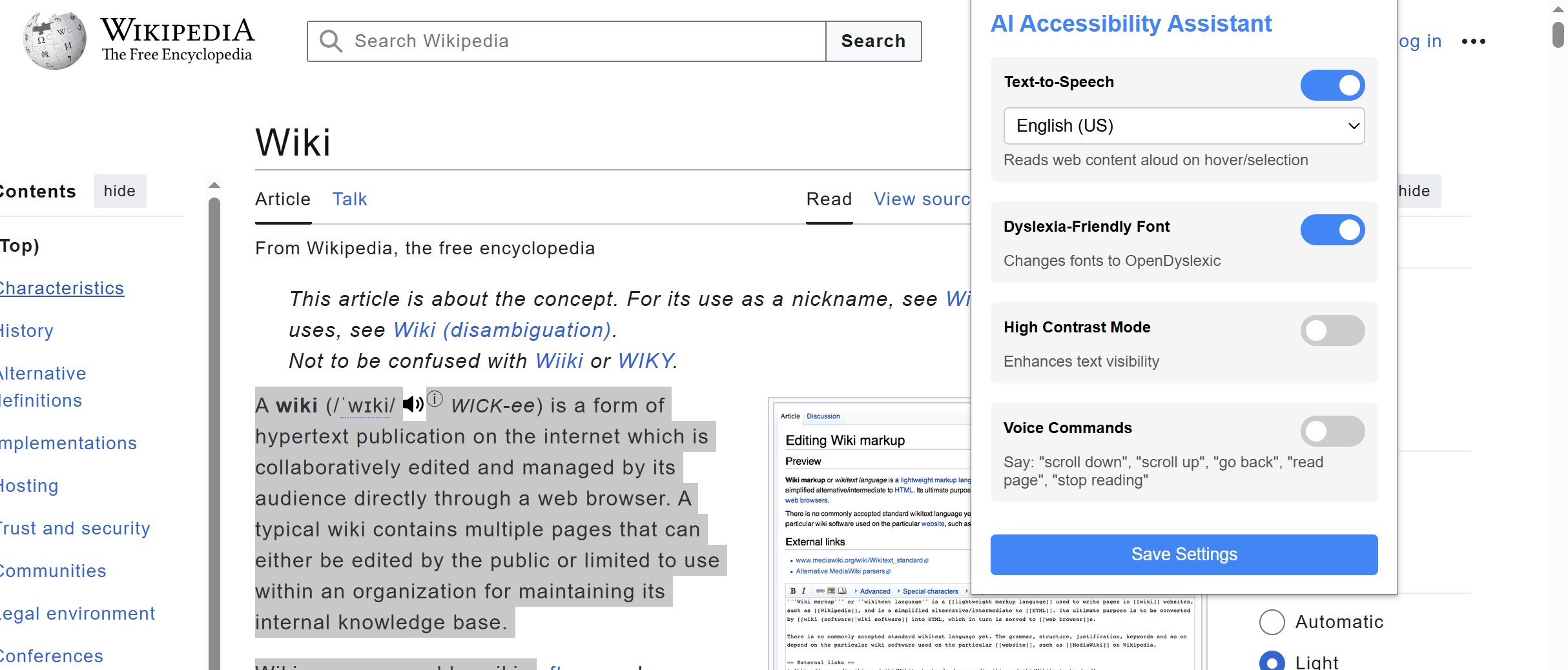
We developed AI Accessibility Assistant as a Chrome extension using the following tools and technologies:
🔧 Tech Stack
- JavaScript / HTML / CSS – Core frontend and browser extension logic
- Chrome Extension APIs – For interacting with tabs, storage, and permissions
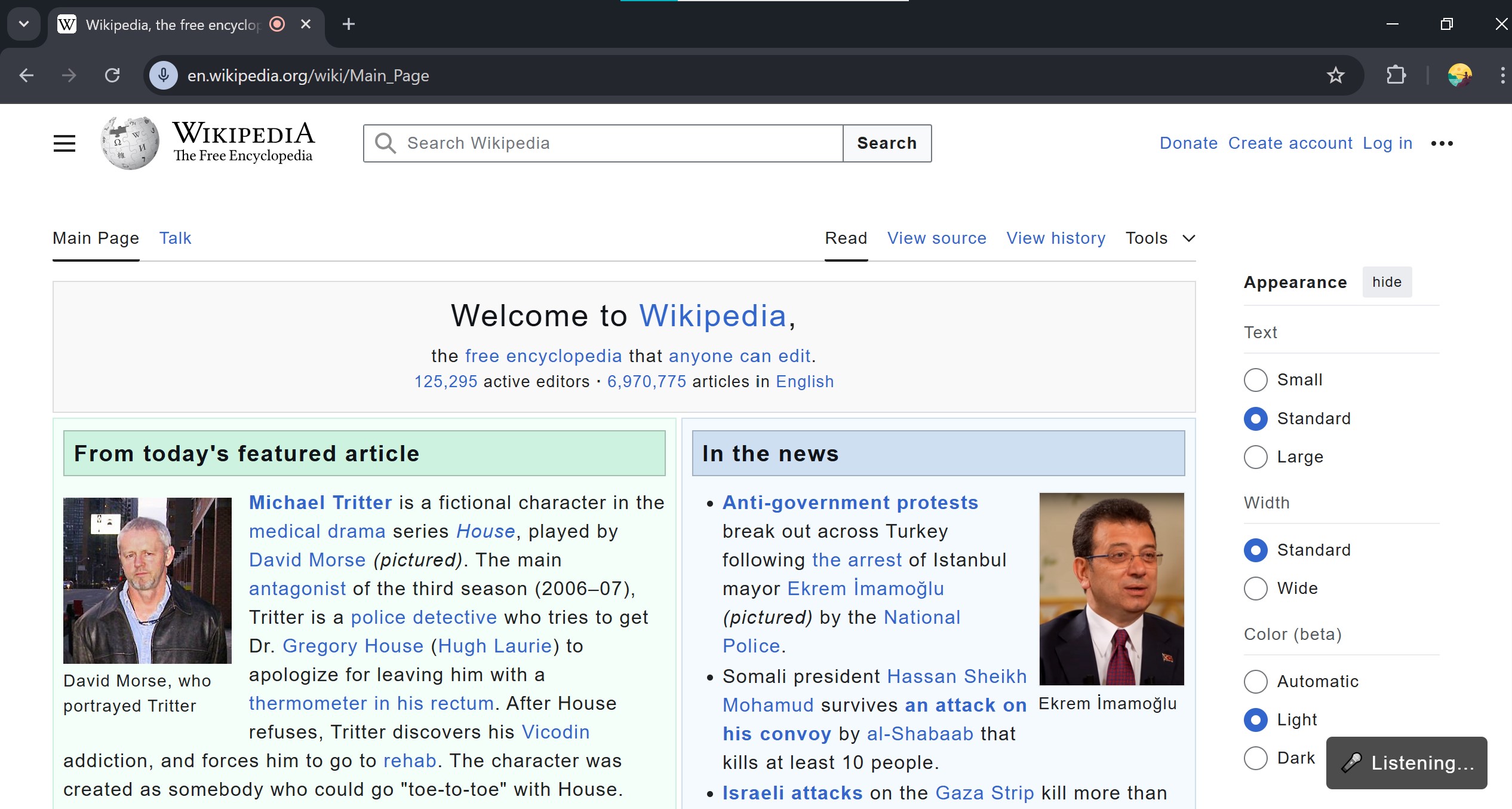
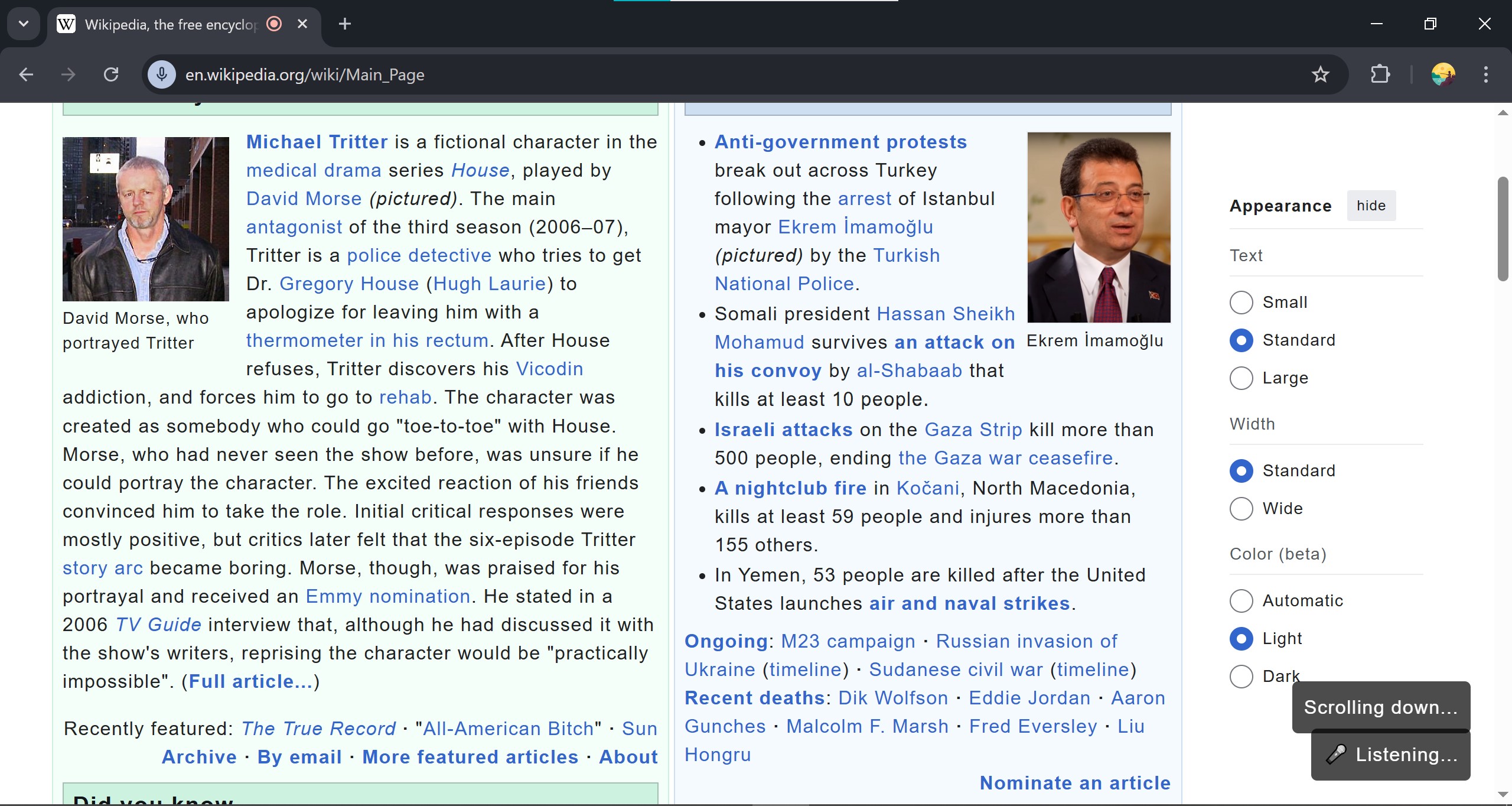
- Web Speech API – For speech recognition and voice commands
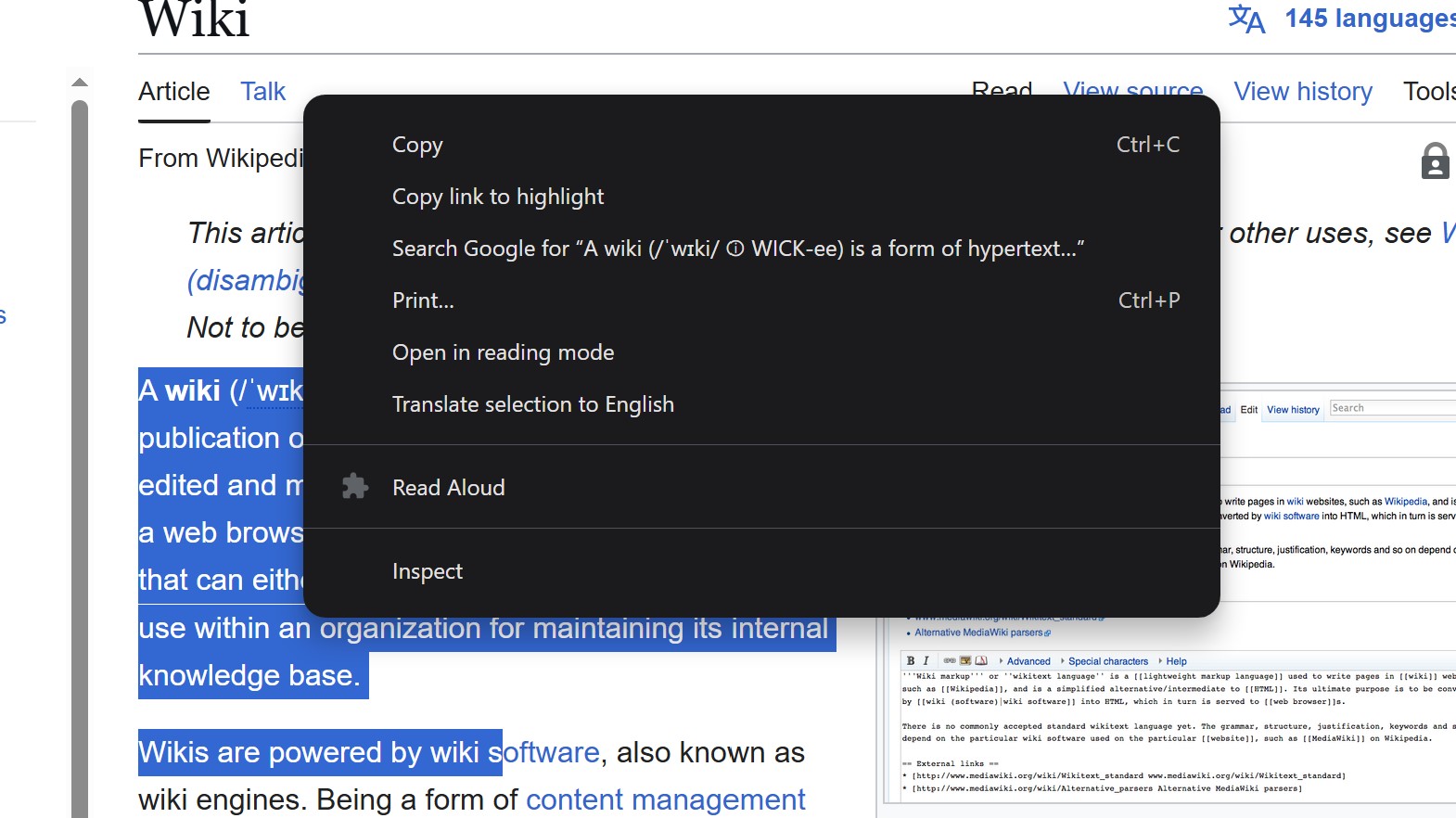
- Chrome TTS API – For converting text to speech
- OpenDyslexic Font Integration – For dyslexia-friendly text rendering
- ARIA Attributes & Contrast Enhancer – For improved visibility and navigation
🧠 Core Features Implemented
| Feature | Description |
|---|---|
| 🗣️ Text-to-Speech | Reads aloud text when user hovers or selects content. |
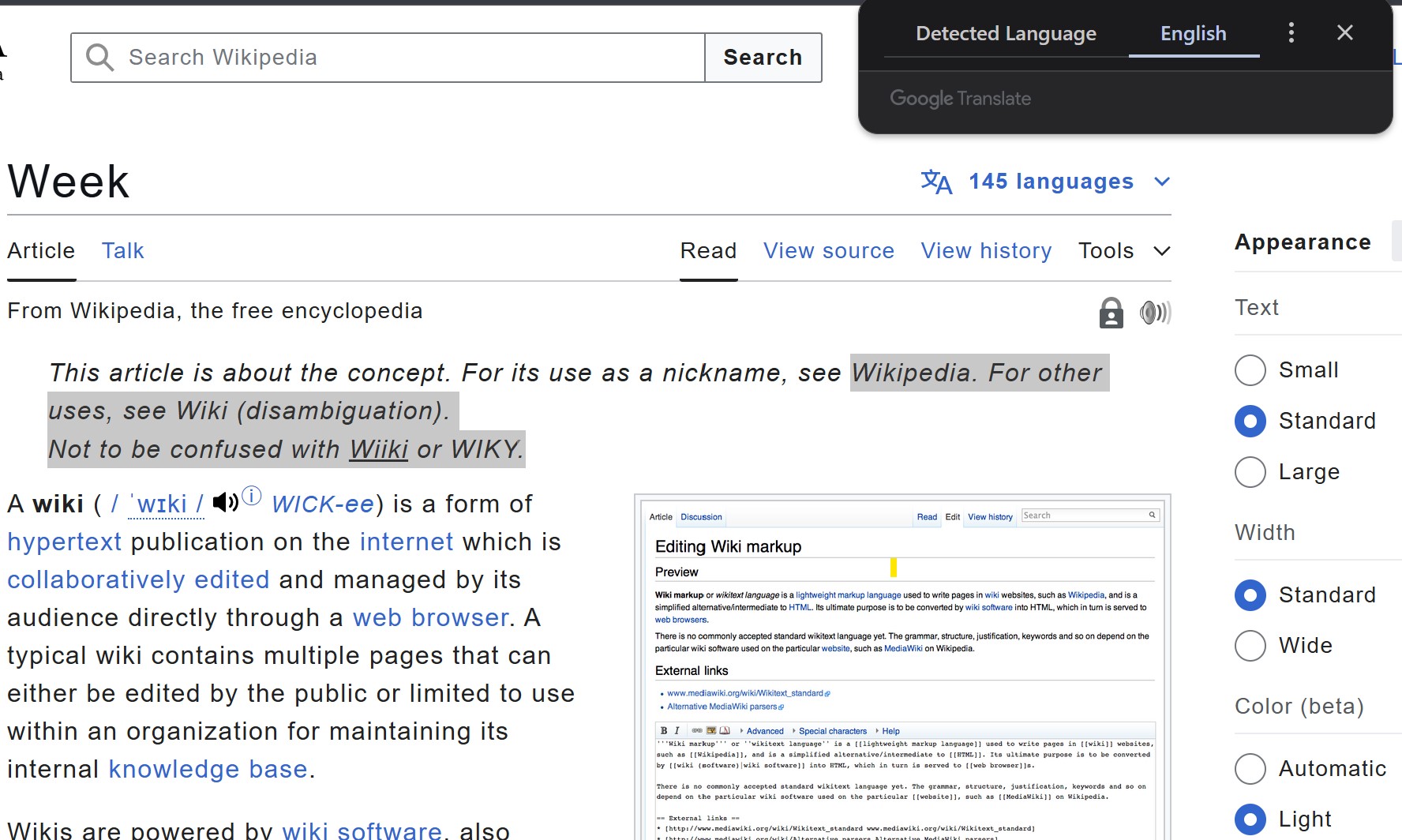
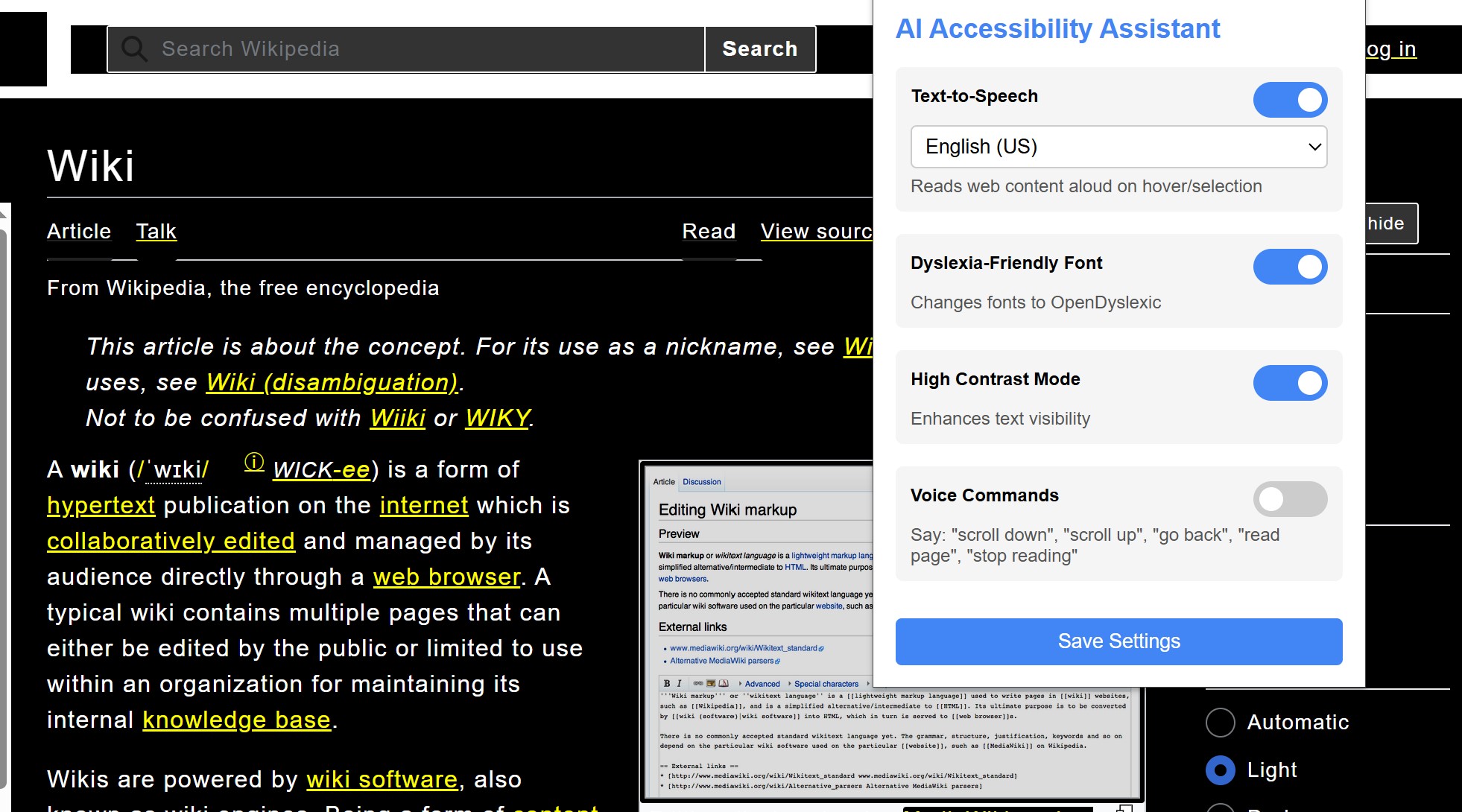
| 🔤 Dyslexia-Friendly Font | Replaces fonts with OpenDyslexic to support readability. |
| 🌗 High Contrast Mode | Applies contrast-optimized themes for visual impairments. |
| 🎙️ Voice Commands | Allows users to navigate the web using voice: scroll, read, stop, etc. |
🚧 Challenges We Faced
Like any ambitious project, we ran into several obstacles:
Voice Recognition Accuracy
Different accents and background noise posed challenges for consistent command detection.
We fine-tuned command parsing and added fallback mechanisms to improve robustness.Cross-site Content Access
Chrome security policies restricted TTS implementation on arbitrary pages.
We usedactiveTabpermissions wisely and leveraged content scripts.Font Replacement Conflicts
Many sites use deeply embedded styles. Injecting OpenDyslexic without breaking layout
required precise DOM targeting and CSS specificity.Real-Time UI Responsiveness
Enabling multiple features could reduce performance. We optimized our code for smooth
experience, even on low-end systems.
📚 What We Learned
This project was not just about coding—it was about empathy, inclusion, and human-centric design.
Key takeaways:
- The power of universal design—building for one group often improves experiences for all.
- How accessibility standards (like WCAG) can be enforced programmatically.
- That AI doesn't need to be complex—small assistive features can have a big impact.
🚀 Looking Ahead
We’re excited about the potential of this tool and plan to:
- Add sign language video overlays
- Integrate screen magnifiers and braille output support
- Launch on Firefox and Edge stores for broader reach
- Use machine learning to personalize accessibility settings based on user behavior
🙌 Final Thought
“Accessibility is not a feature. It's a right.”
With the AI Accessibility Assistant, we’re taking one step closer to a barrier-free digital world—
where everyone can browse, learn, and thrive, regardless of their abilities.
Accomplishments that we're proud of
What we learned
What's next for AI4All: Empowering Accessibility, Enhancing Inclusion
Built With
- chromeextensionapi
- css3
- google-web-speech-api
- html5
- javascript
- natural-language-processing
- opendyslexic
- tts
- webcontentscripts
- websearchapi

Log in or sign up for Devpost to join the conversation.