-
-
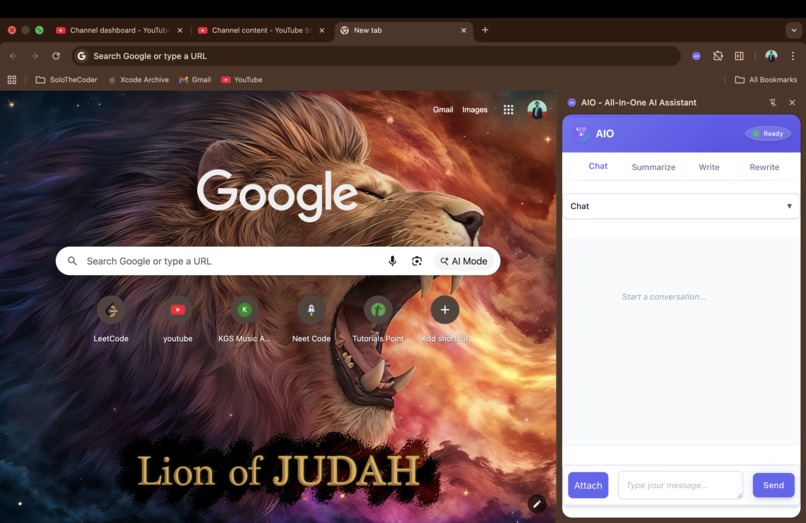
OverView
-
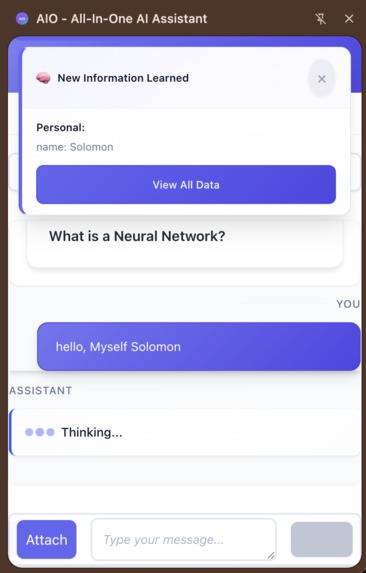
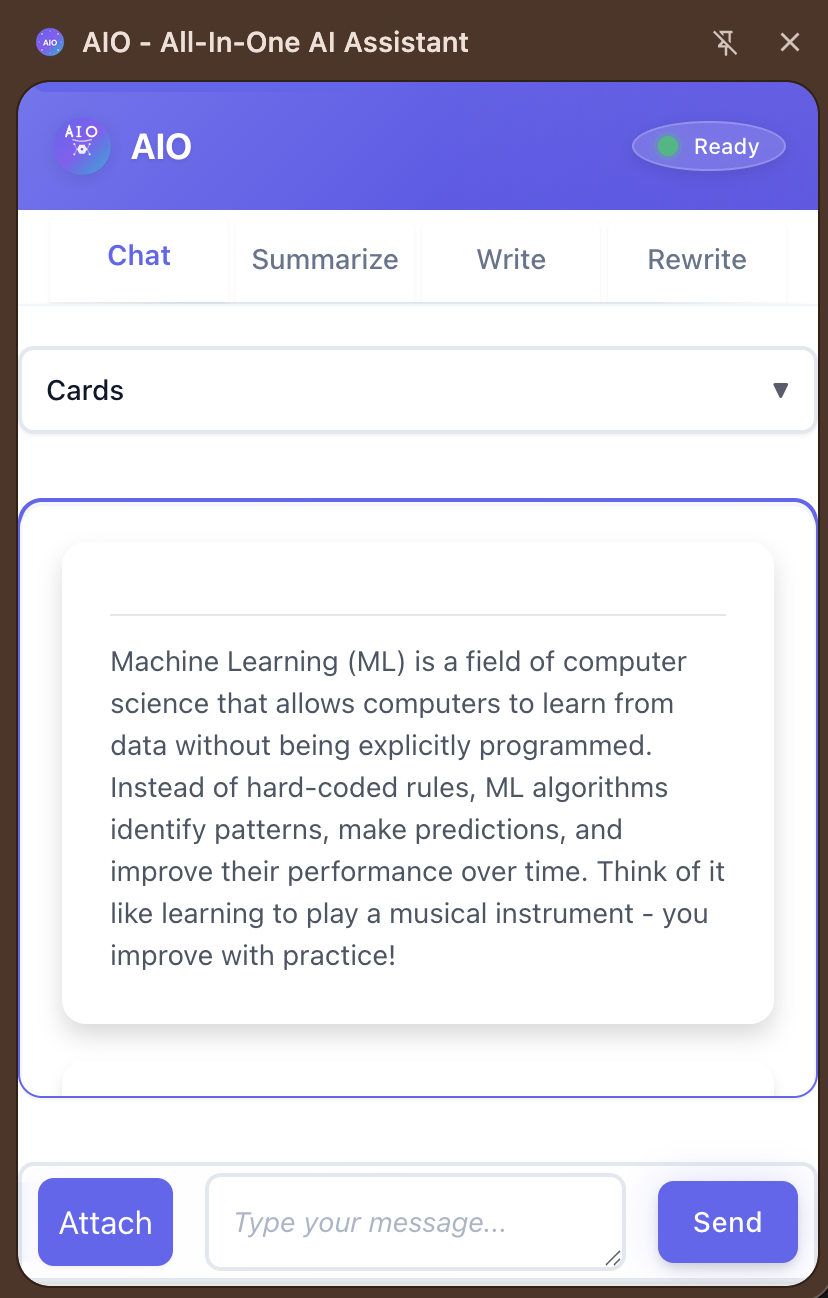
Chat
-
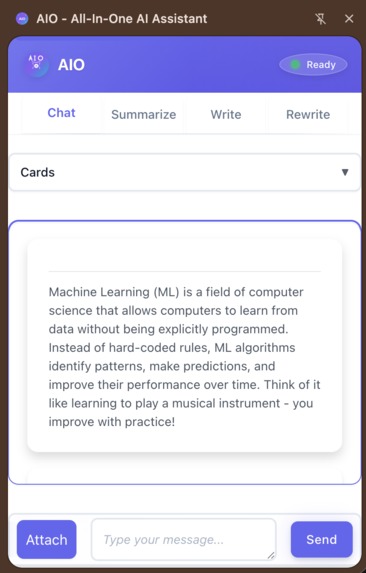
Flash Cards
-
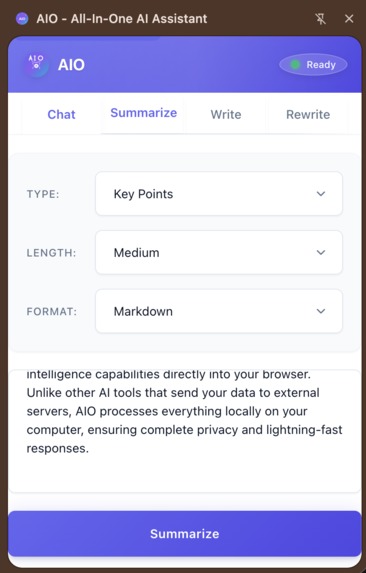
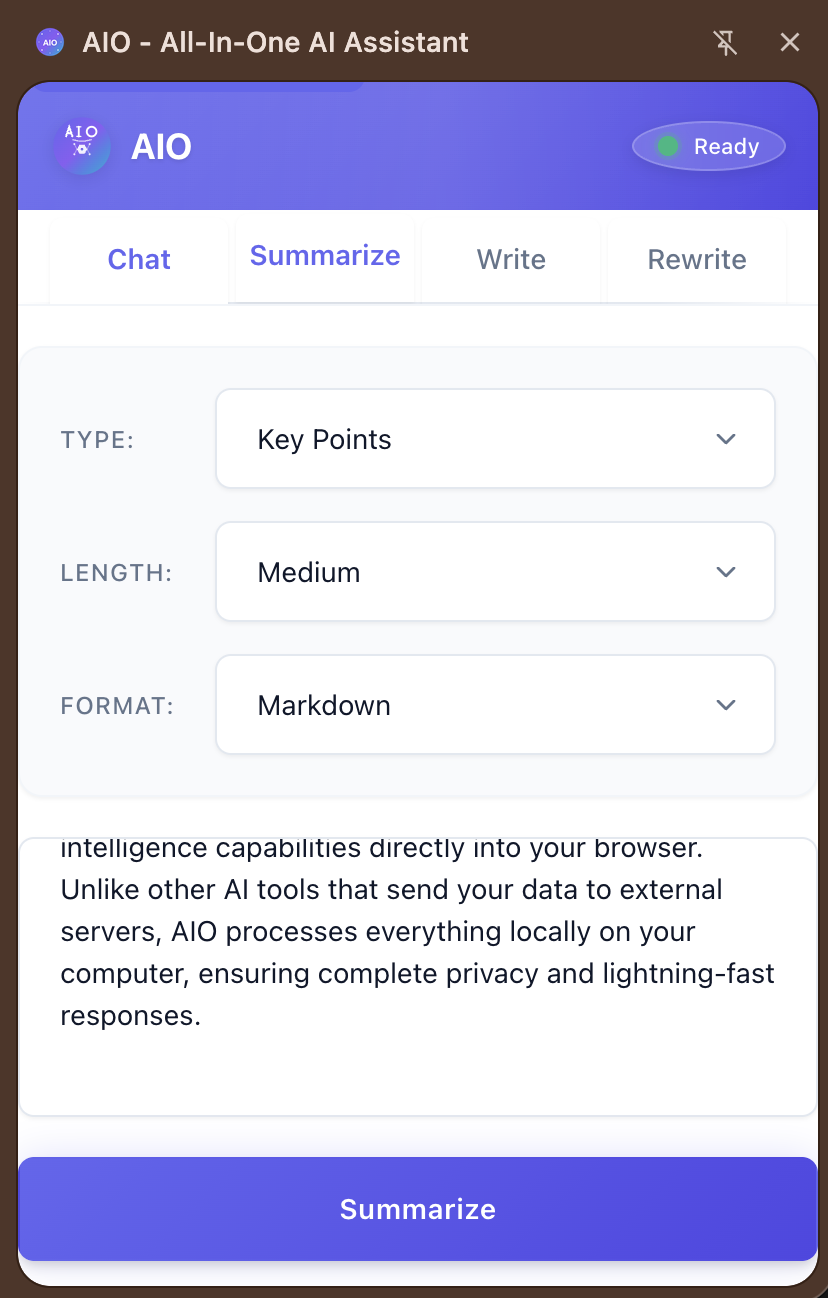
Summarize
-
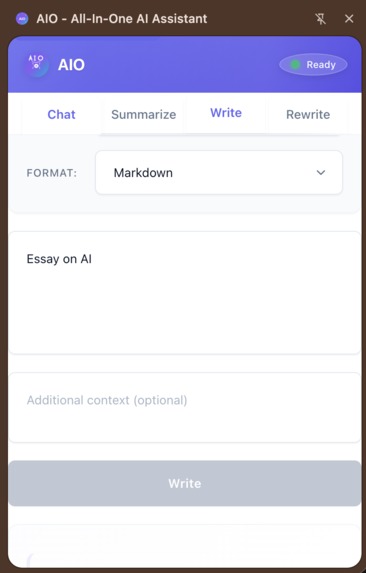
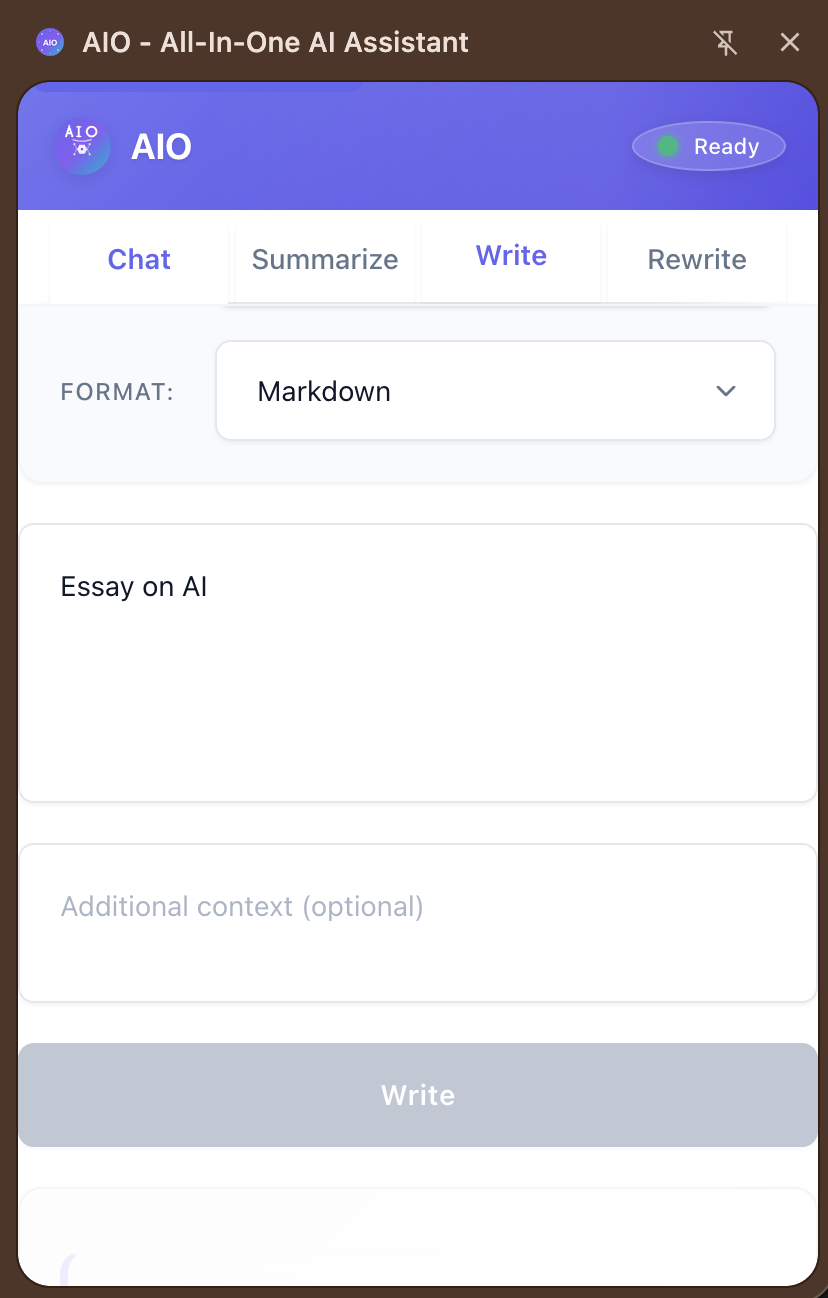
Write
-
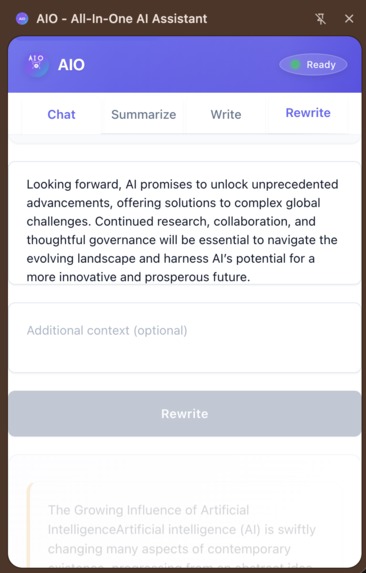
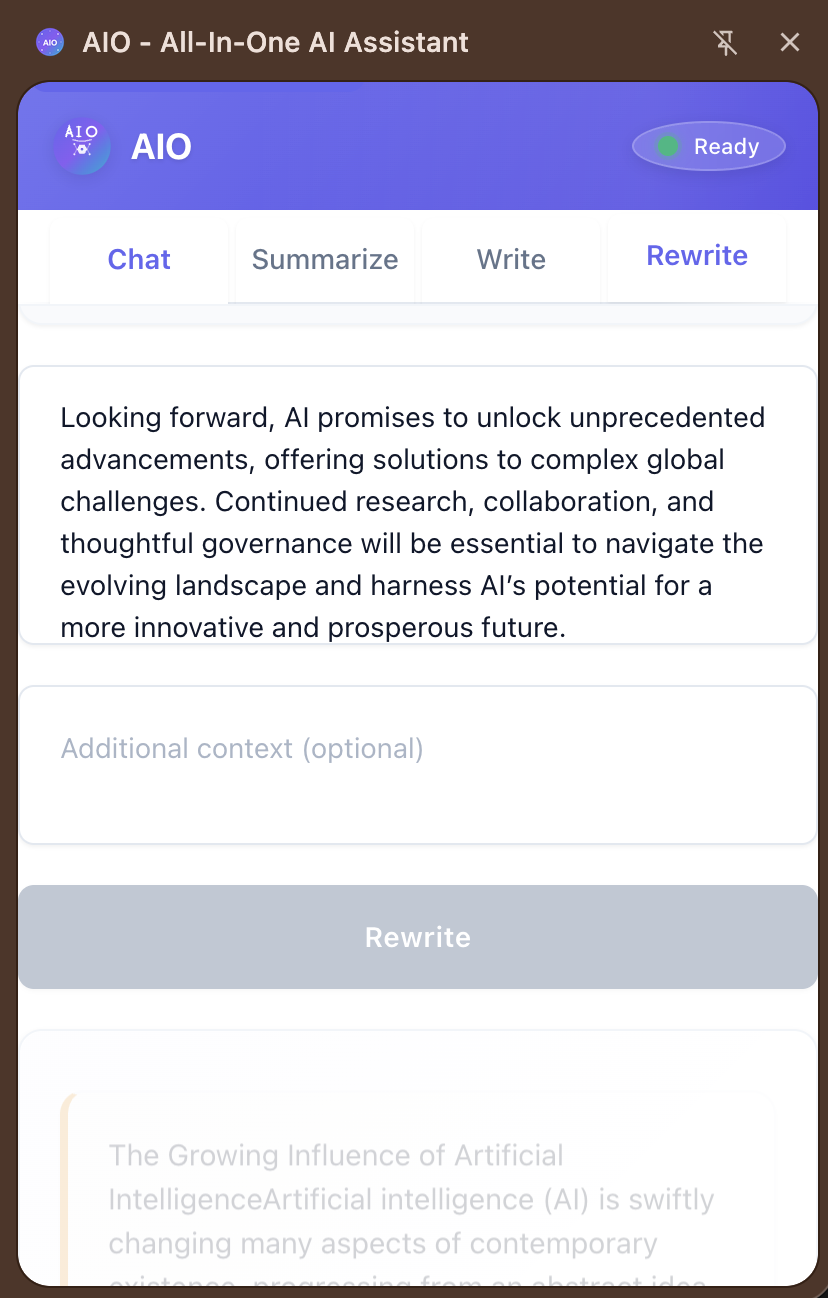
Rewrite
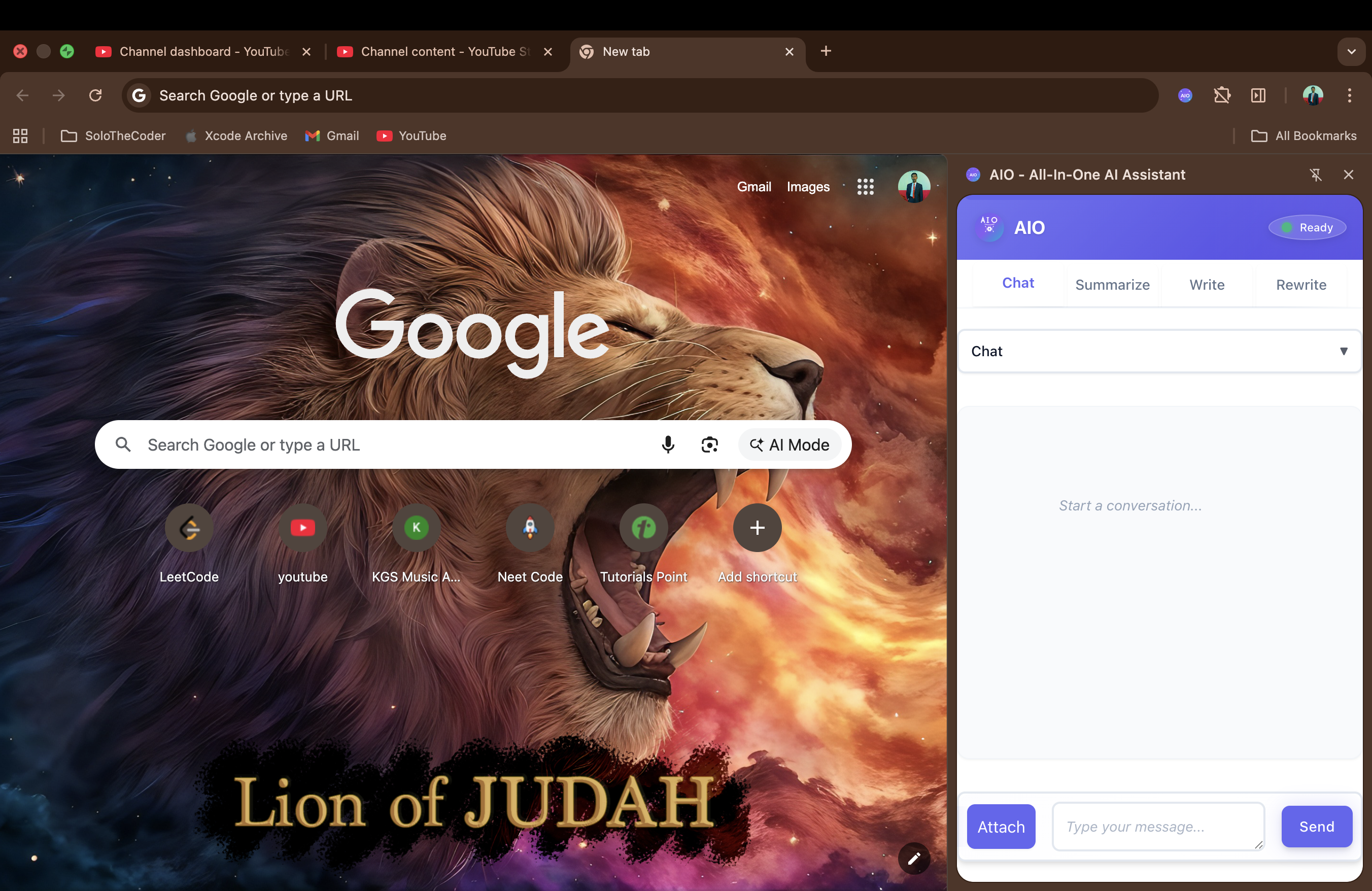
AIO - All-In-One AI Assistant
Inspiration
I was inspired by NotebookLM's intuitive mind map generation and its ability to turn complex information into visual, interactive hierarchies. I wanted to bring that same power directly into the browser — without relying on cloud servers or compromising privacy.
The vision was clear: a Chrome extension that leverages Chrome’s Built-in AI APIs (Prompt, Summarizer, Writer, Rewriter) to provide powerful AI features locally, using Gemini Nano — all while keeping user data private and offline.
What It Does
AIO is a privacy-first Chrome extension that brings AI-powered features directly to your browser:
- Chat with Multiple Modes: Normal conversation, Mind Map generation, Roadmap creation, Flashcard generation, and PowerPoint outlines.
- Summarize Text: Condense long articles, emails, or notes into key points, TL;DRs, or headlines.
- Write New Content: Generate emails, blog posts, or reports with different tones and lengths.
- Rewrite Existing Text: Improve clarity, formality, or brevity with one click.
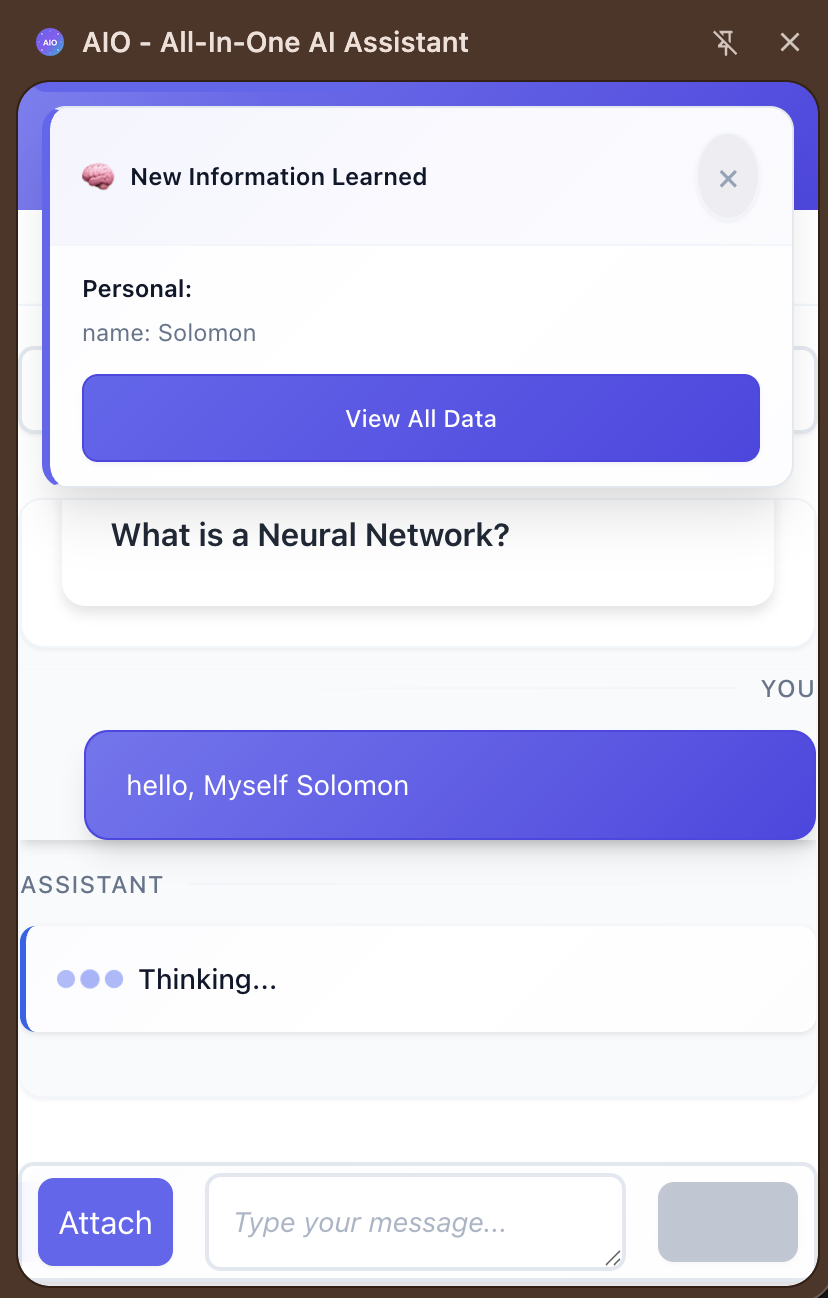
- Personal Data Manager: Extract and organize personal information securely from conversations.
All processing happens locally on your device — no data leaves your computer.
How We Built It
We built AIO using:
- Chrome Built-in AI APIs (Prompt, Summarizer, Writer, Rewriter)
- Modern Web Technologies: HTML, CSS, JavaScript (ES2022+)
- Clean Architecture: Separated API handlers (
prompt-api.js,summarizer-api.js, etc.) - Responsive UI: Fully mobile-friendly and accessible
Key Implementation Details
- API Access Pattern: Switched from
self.ai.*to global constructors likeLanguageModel,Summarizer, etc. - Streaming Output: Used
promptStreaming()for real-time content generation. - Mind Map Rendering: Implemented JSON-based mind maps with collapsible branches.
- File Upload Support: Added drag-and-drop and direct file selection.
- Privacy Design: Used
localStoragefor personal data, ensuring no server dependency.
Challenges We Ran Into
- Initial API Access: Had to switch from
self.ai.languageModelto global constructors likeLanguageModel. - Streaming Logic: Early versions overwrote chunks instead of appending them.
- Mind Map Parsing: AI sometimes returned markdown instead of pure JSON.
- UI Consistency: Making all tabs look modern and cohesive took several iterations.
- File Upload: Native
<input type="file">was too small and unstyled.
Accomplishments That We're Proud Of
- ✅ Fully Functional Mind Map with collapsible branches (like NotebookLM)
- ✅ Local, Offline AI — works without internet after model download
- ✅ No Cloud Dependency — 100% privacy-preserving
- ✅ Beautiful, Modern UI — clean, responsive, and intuitive
- ✅ Personal Data Manager — automatically extracts name, age, location, goals, etc.
- ✅ Drag-and-Drop File Support — seamless UX
What We Learned
- Built-in AI APIs are powerful — Gemini Nano can handle complex tasks locally.
- Privacy matters — users love knowing their data stays local.
- User experience is king — even the smallest UI tweaks make a big difference.
- Modular code scales better — separating API logic made debugging easy.
- Clear system prompts are crucial — they guide the AI exactly what to do.
What's Next for AIO
- 🌐 Add Google Slides Export (with OAuth)
- 📊 Enhanced Analytics — track usage, favorite modes, etc.
- 🧩 More AI Modes — Proofreader, Translator, Code Assistant
- 🎨 Dark/Light Theme Toggle
- 🌍 Multilingual Support — use Language Detector API
- 📱 Mobile App Version — extend to Android via PWA
“AIO isn’t just an AI assistant — it’s your private, always-on thinking partner.”
Built With
- chrome
- css
- css3
- extension
- html5
- javascript
- javascript-(es2022+)-**browser-apis**:-chrome-built-in-ai-apis-(prompt
- linux
- local
- macos-13+
- prompt
- rewrite
- rewriter)-**model**:-gemini-nano-(on-device-language-model)-**framework**:-vanilla-javascript-(no-external-libraries)-###-?-platforms-&-services-**platform**:-google-chrome-(desktop:-windows-10/11
- summarize
- summarizer
- write
- writer


Log in or sign up for Devpost to join the conversation.