-
-
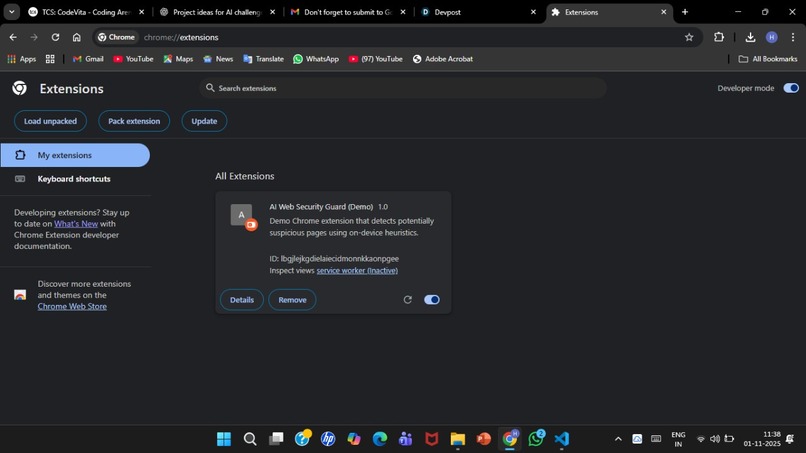
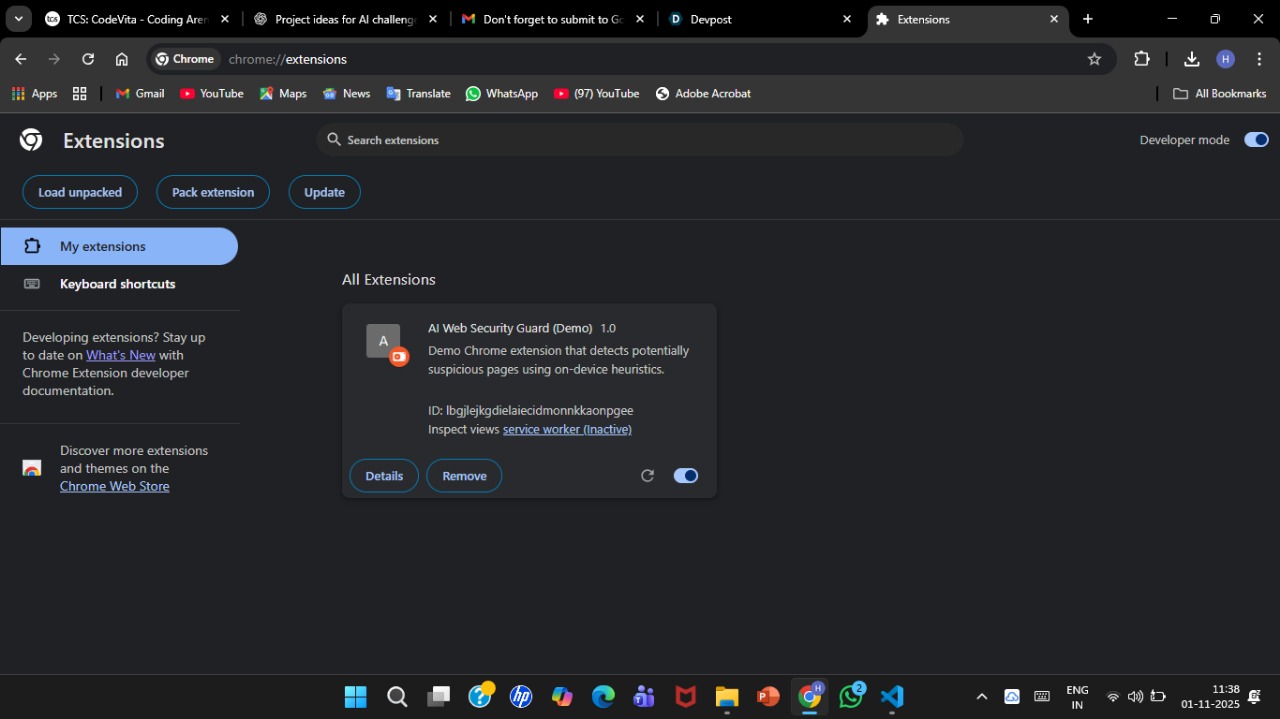
AI Web Security Guard
✅ Inspiration
The internet has become an essential part of everyday life, but with it comes a rise in online threats — phishing pages, scam forms, malicious pop-ups, and unsafe URLs. While working on regular browsing tasks, I noticed that most users (especially beginners, students, and elderly people) cannot easily differentiate between a safe website and a harmful one.
This inspired me to build an AI-powered tool that protects users automatically without requiring technical knowledge. The goal was simple:
“Make web safety intelligent, automatic, and effortless.”
Chrome’s new built-in AI capabilities motivated me to explore how on-device AI can be used to analyze webpages in real time.
✅ What It Does
AI Web Security Guard is a Chrome extension that:
Scans webpages instantly using on-device AI
Detects phishing patterns, suspicious URLs, and unsafe content
Assigns a risk score based on AI evaluation
Shows results as:
✅ Safe
⚠️ Moderate Risk
⛔ High Risk
Protects users without sending any data to external servers
Works quietly in the background while browsing
Mathematically, the risk score is computed using a weighted function:
𝑅
𝑤 1 𝐶 text + 𝑤 2 𝐶 links + 𝑤 3 𝐶 forms R=w 1
C text
+w 2
C links
+w 3
C forms
Where:
𝐶 text C text
= AI classification of malicious text
𝐶 links C links
= suspicious link score
𝐶 forms C forms
= fake login form probability
𝑤 𝑖 w i
= importance weights
If 𝑅
0.8 R>0.8, the page is flagged as High Risk.
✅ How We Built It
The project was built as a full Chrome Extension using:
Manifest V3
Content scripts to extract visible text and URLs
Background service worker to run AI analysis
Chrome Built-in AI APIs (2025) for classification
Popup UI to display risk results
Local storage to save logs and score history
Technical workflow:
Content script extracts webpage content
Cleaned text and URLs are sent to the background
AI classifier computes risk using on-device models
A risk score is generated
The popup displays real-time results
No external database or server was used — everything runs locally.
✅ Challenges We Ran Into
Understanding how Chrome’s new built-in AI APIs work
Managing cross-file communication between content scripts and background worker
Keeping performance fast even on websites with heavy text
Avoiding false positives while still detecting real threats
Handling asynchronous messaging inside the extension
Ensuring the UI updates instantly based on the AI result
At times the AI model was too sensitive or not sensitive enough, and tuning the weights required trial and error.
✅ Accomplishments That We’re Proud Of
Successfully integrated Chrome’s AI into a real, working extension
Achieved real-time page scanning without slowing down browsing
Created a privacy-focused security tool that runs entirely on-device
Designed a clean, simple UI that anyone can use
Packaged a full Chrome extension ready for deployment
Built a reliable risk-scoring system using both AI and rule-based logic
✅ What We Learned
Throughout the project, we learned:
How modern Chrome extensions are structured with Manifest V3
How on-device AI models can be integrated into browser workflows
Best practices for securing user data
Techniques for text extraction and URL analysis
Asynchronous communication between extension components
The importance of lightweight UI/UX in browser tools
We also gained experience in evaluating web security signals mathematically:
Final Decision
{ Safe ,
𝑅 ≤ 0.5
Moderate ,
0.5 < 𝑅 ≤ 0.8
High Risk ,
𝑅
0.8 Final Decision= ⎩ ⎨ ⎧
Safe, Moderate, High Risk,
R≤0.5 0.50.8
✅ What’s Next for AI Web Security Guard
In future versions, we plan to add:
✅ AI-powered detection of fake OTP and payment pages
✅ Voice alerts for visually impaired users
✅ Badge icons that change color based on risk
✅ A dashboard showing browsing safety history
✅ Multi-language threat detection
✅ Chrome AI vision models for scanning page screenshots
✅ Auto-block mode for extremely dangerous links
The goal is to evolve this project into a full real-time AI-powered browser safety companion.
Built With
- ai
- api
- apis
- built-in
- chrome
- code
- css
- extensions
- github
- html
- javascript
- manifest
- mutationobserver
- runtime
- scripting
- storage
- tabs
- v3)
- vs

Log in or sign up for Devpost to join the conversation.