-
-
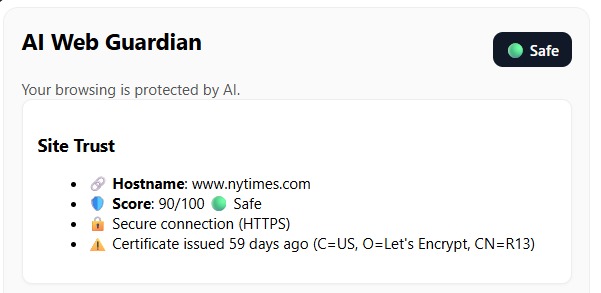
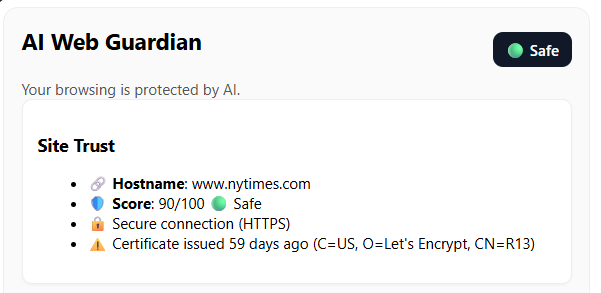
Site Trustworthiness
-
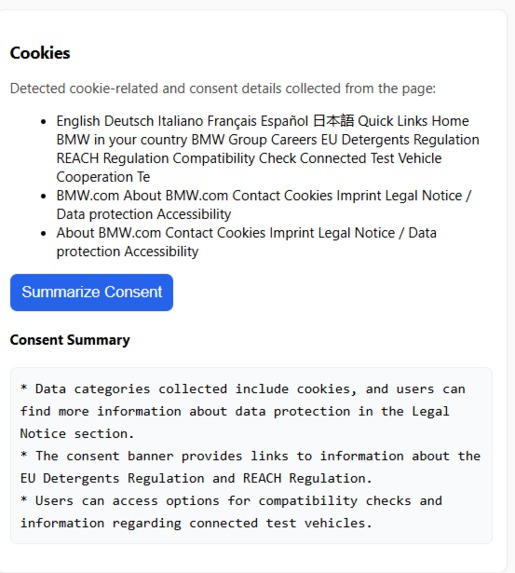
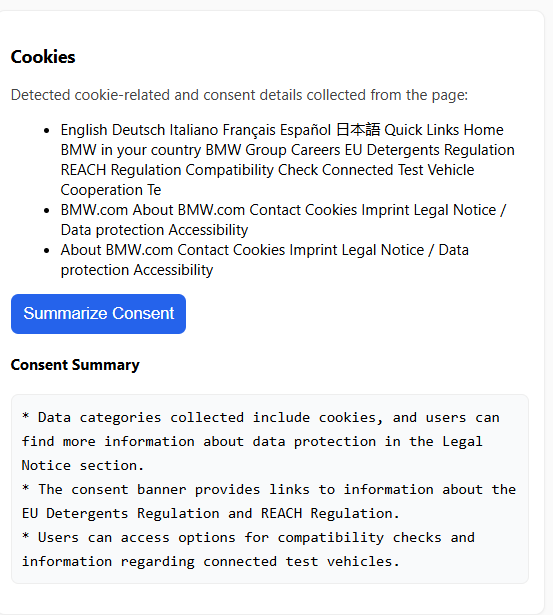
Cookies detection and summary
-
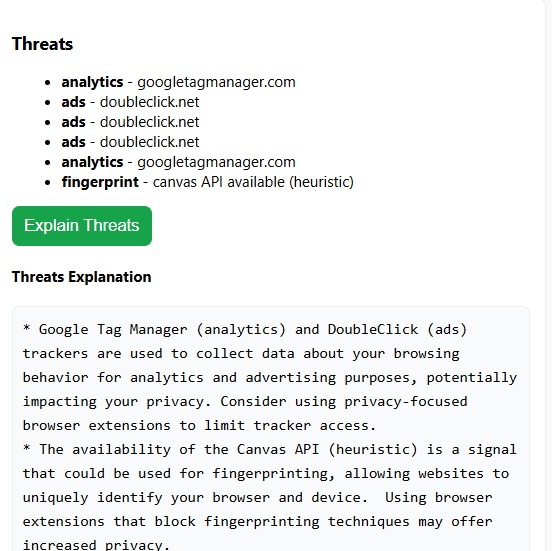
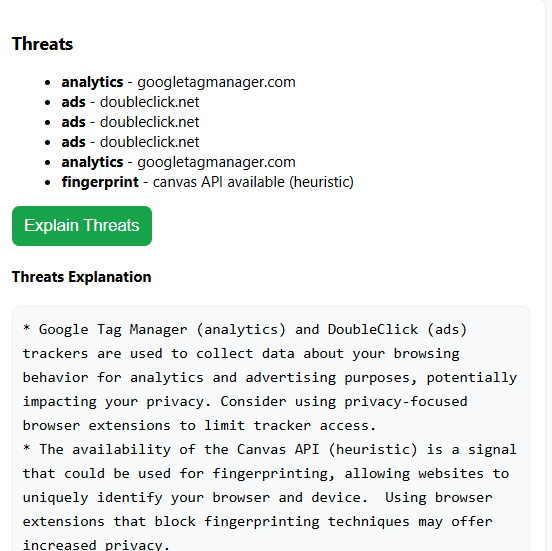
Threat detection and summary
-
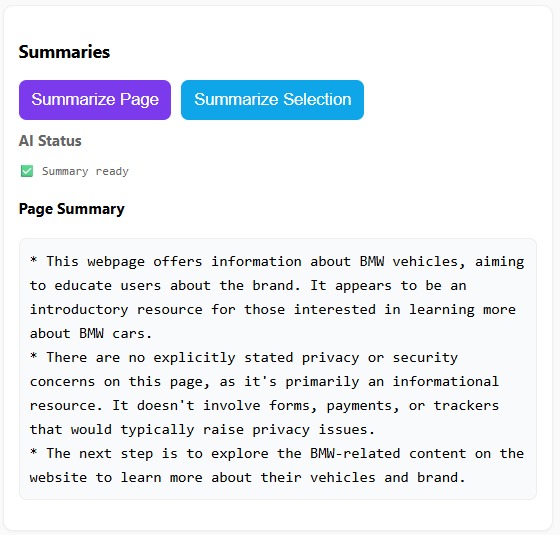
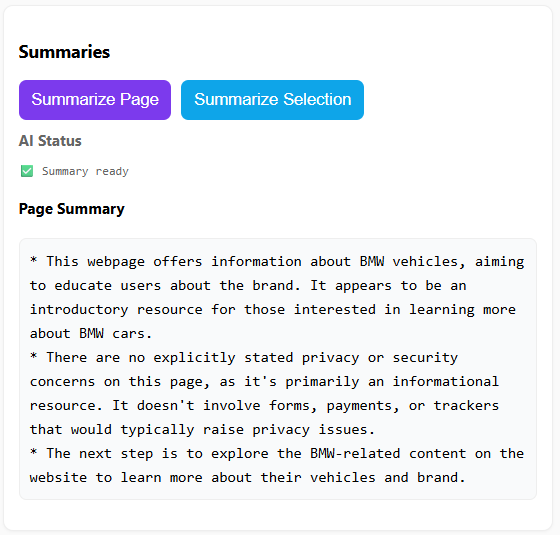
Page Summary
💡 Inspiration
Modern websites often hide risks behind layers of design confusing cookie banners, invisible trackers, and spoofed domains that look legitimate. Most users don’t realize what data they’re sharing or if a site can be trusted. That inspired me to create AI Web Guardian, a Chrome MV3 extension powered by on-device AI, built to make web privacy clear, simple, and accessible for everyone.
🔍 What It Does
AI Web Guardian acts as a real-time browser companion that helps users understand and control what’s happening behind every website.
Key Features
- 🛡️ Trust & Authenticity – Checks SSL, certificate validity, domain age, and possible impersonation (e.g., paypa1.com). Assigns a clear risk badge 🟢🟡🔴.
- 🍪 Cookies & Consent – Detects cookie banners and hidden traps. Summarizes consent or policy text into simple bullet points using Chrome’s on-device AI Summarizer.
- 🕵️ Hidden Threats – Scans for trackers and fingerprinting scripts, explains privacy risks in plain English, and suggests safe actions.
- 🔗 Link Safety – Previews redirect destinations and flags suspicious links or phishing attempts.
- 💬 AI Summaries (Local) – Summarizes full pages or selected text directly inside Chrome, fully offline using the new Summarizer and Language Detection APIs.
🛠️ How We Built It
Built with React + TypeScript + Vite for the popup and side panel UI. Uses Chrome Manifest V3 for background logic, service workers, and permissions. Integrates Chrome’s AI APIs for summarization and language detection running locally without sending data to the cloud. Domain and certificate info come from RDAP and crt.sh, while trackers are flagged via local heuristics and a JSON database.
⚙️ Challenges We Ran Into
The hardest parts were:
- Ensuring all AI features ran fully on-device was tricky, especially when the model wasn’t preloaded.
- Debugging asynchronous communication between service workers and content scripts also required careful handling.
🏆 Accomplishments We’re Proud Of
- Built one of the first working Chrome extensions using the new on-device AI Summarizer and Language Detector.
- Achieved fully local privacy analysis no external servers or cloud APIs.
- Created a clean, intuitive UI that summarizes complex privacy info into clear, actionable insights.
📚 What We Learned
I learned how to combine Chrome’s new AI APIs with MV3 extensions effectively, handle asynchronous messaging safely, and design privacy-first UX for non-technical users. It also deepened my understanding of RDAP lookups, certificate chains, and client-side heuristics for detecting trackers and spoofed domains.
🚀 What’s Next for AI Web Guardian
- Add threat reputation scores using local datasets (e.g., phishing feeds).
- Support multi-language summaries and voice explanations for accessibility.
- Launch a public beta to help more users browse with confidence.
Built With
- chrome
- manifest
- react
- typescript
- vite

Log in or sign up for Devpost to join the conversation.