-
-
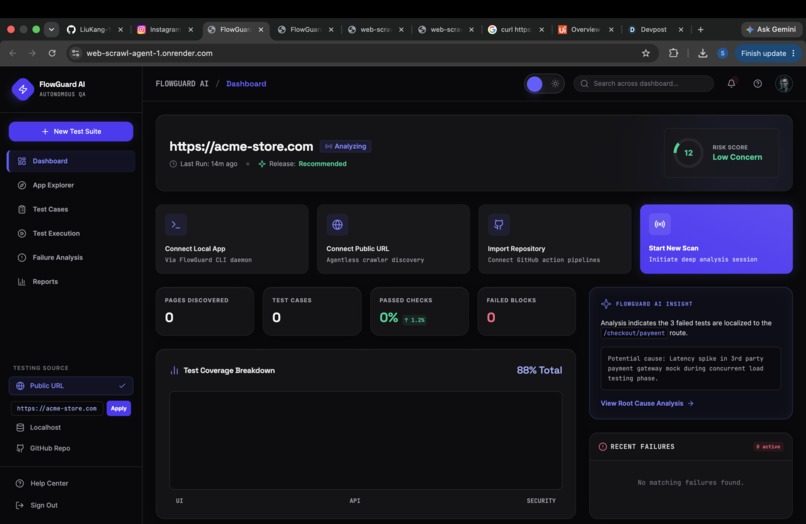
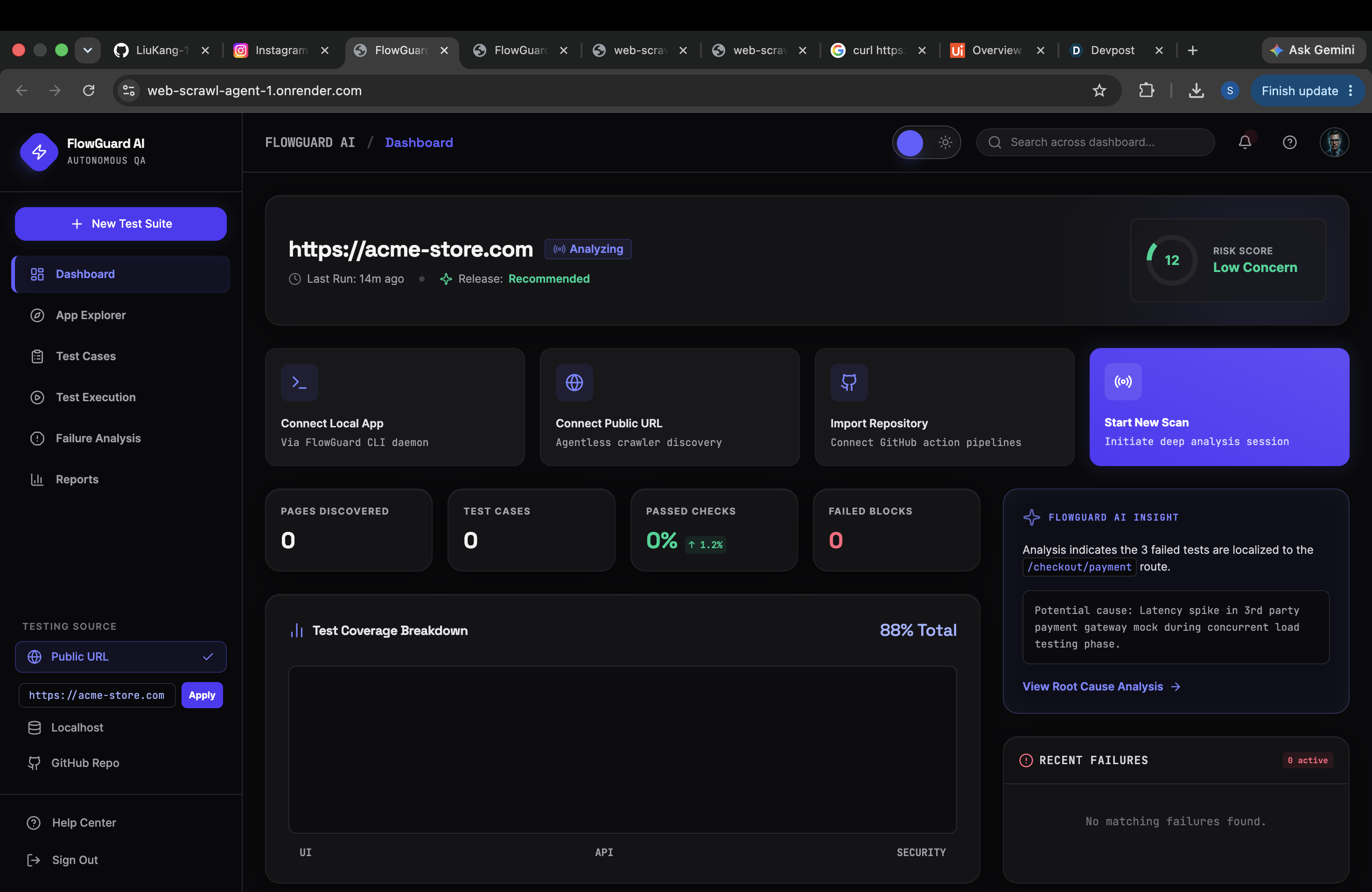
Home Page
-
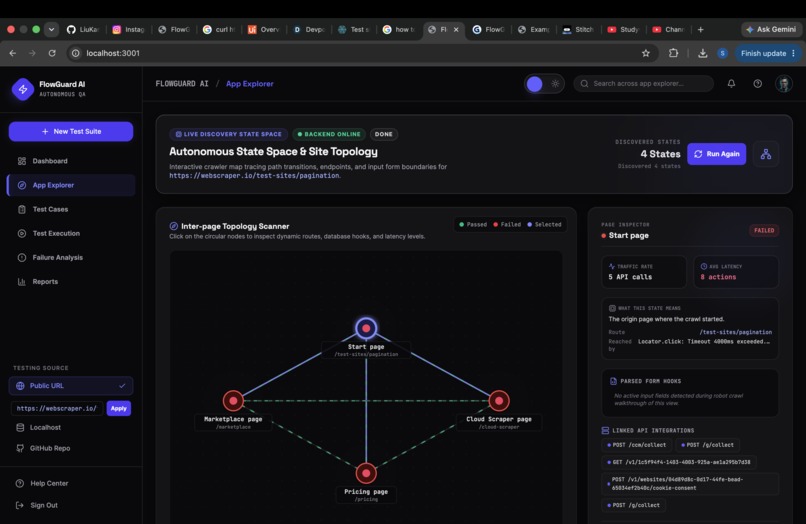
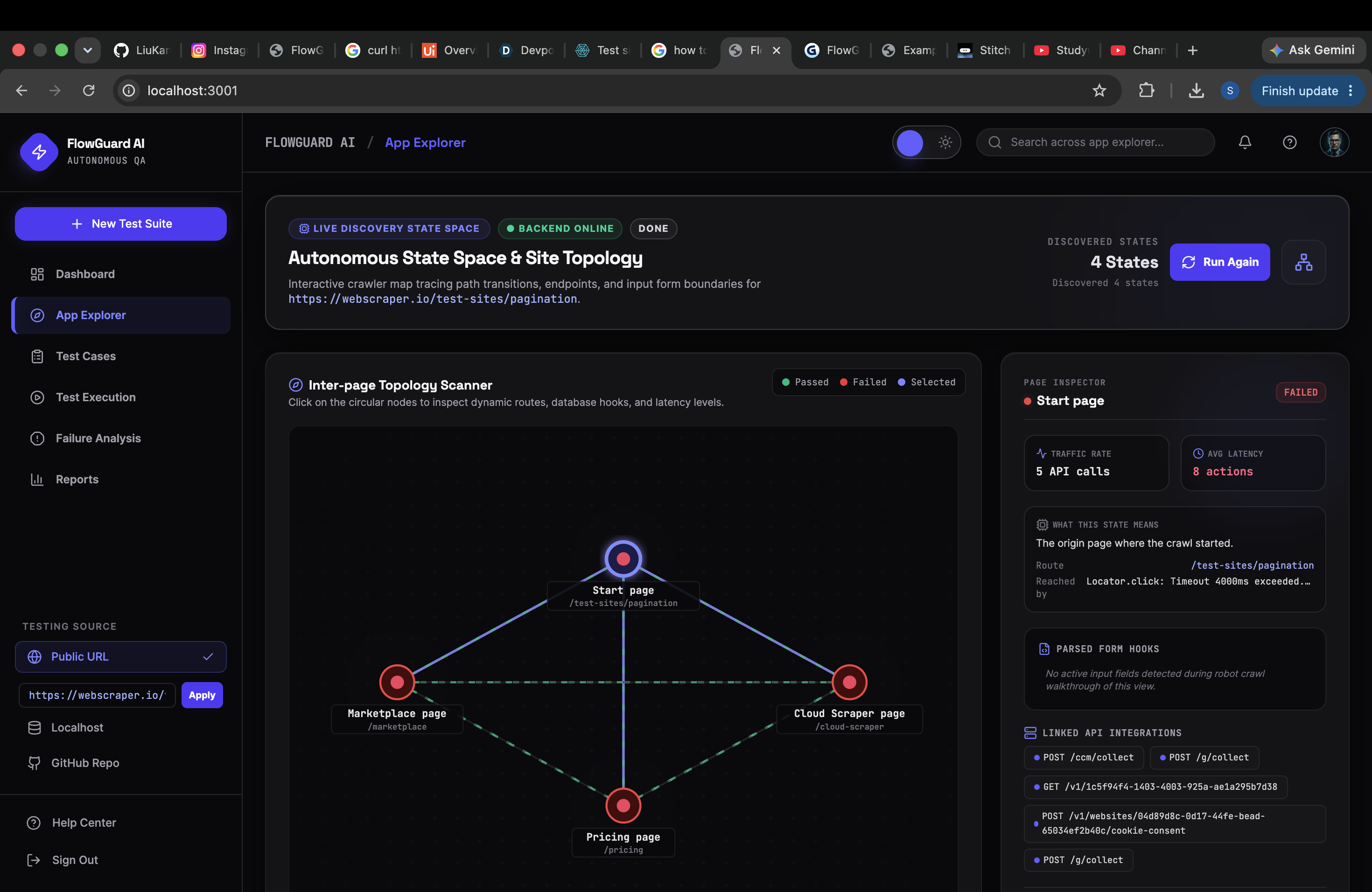
Crawler Page
-
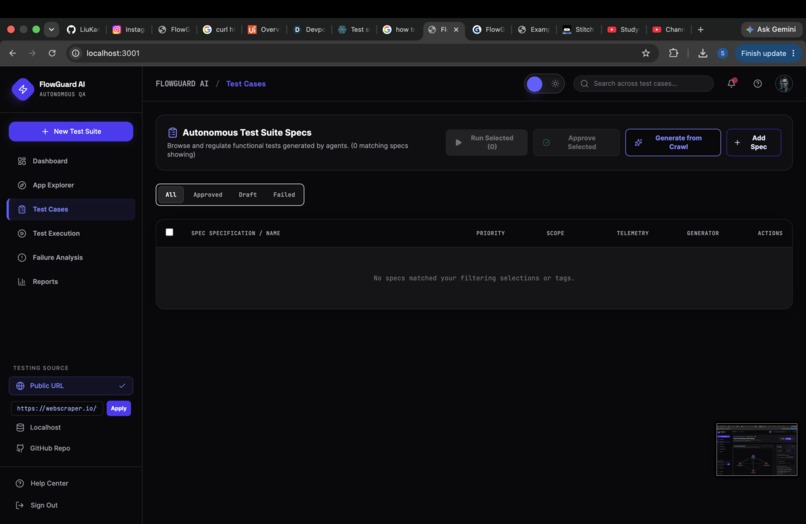
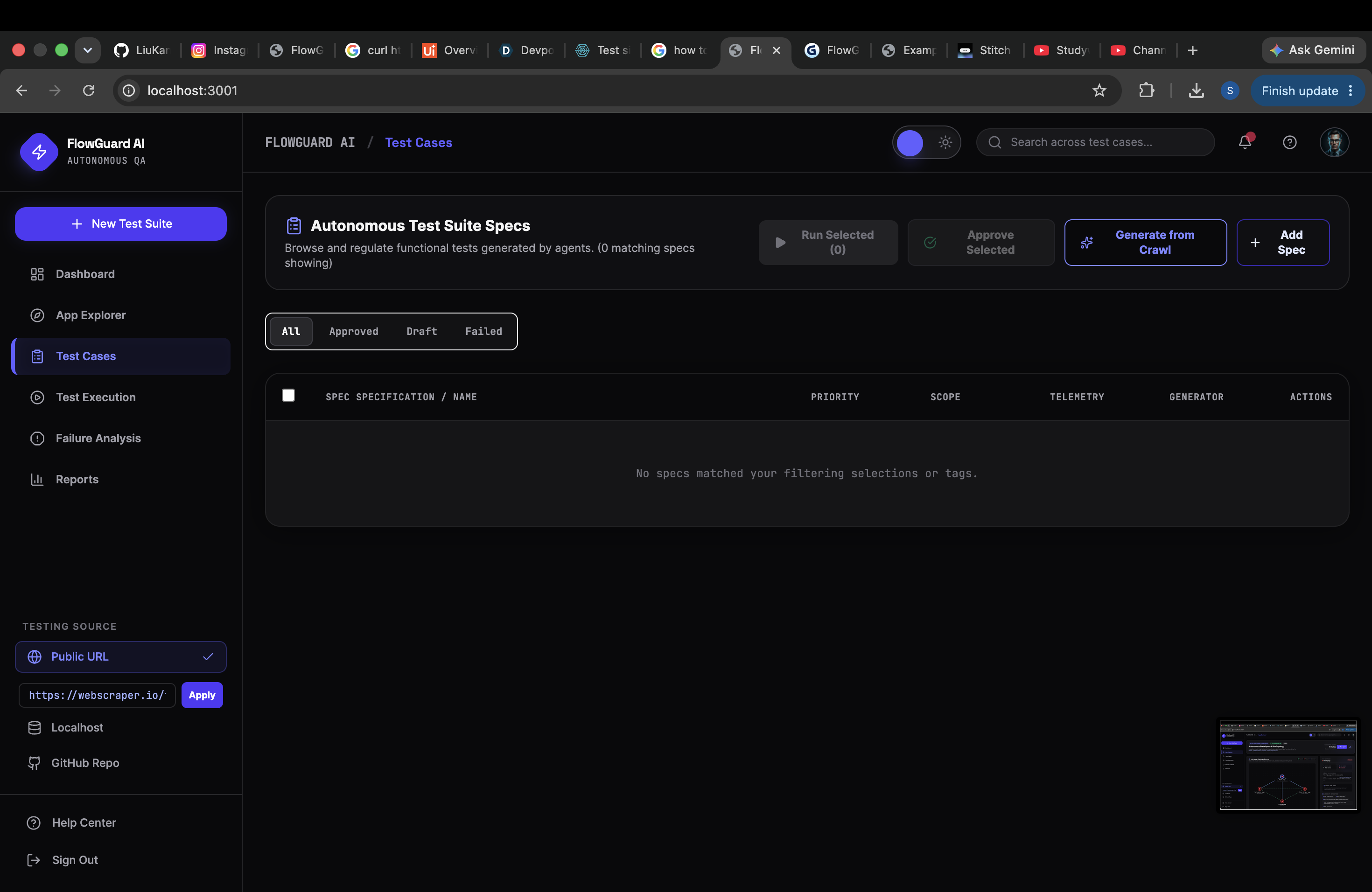
TEST CASE PAGE
-
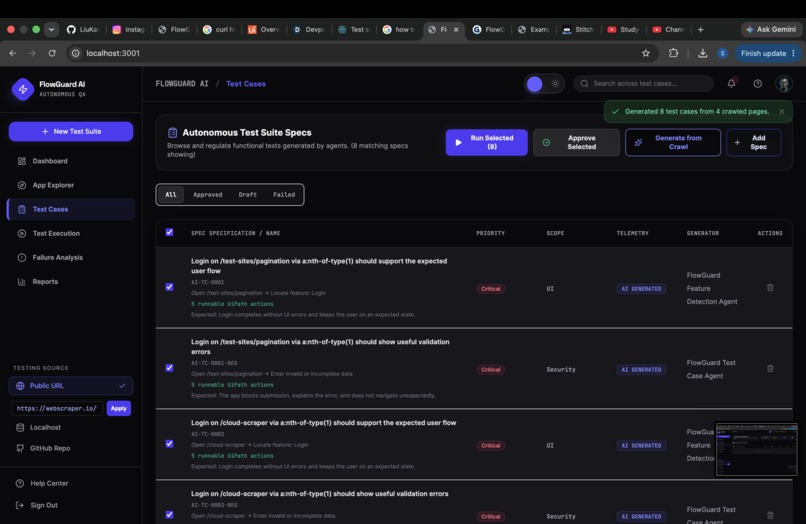
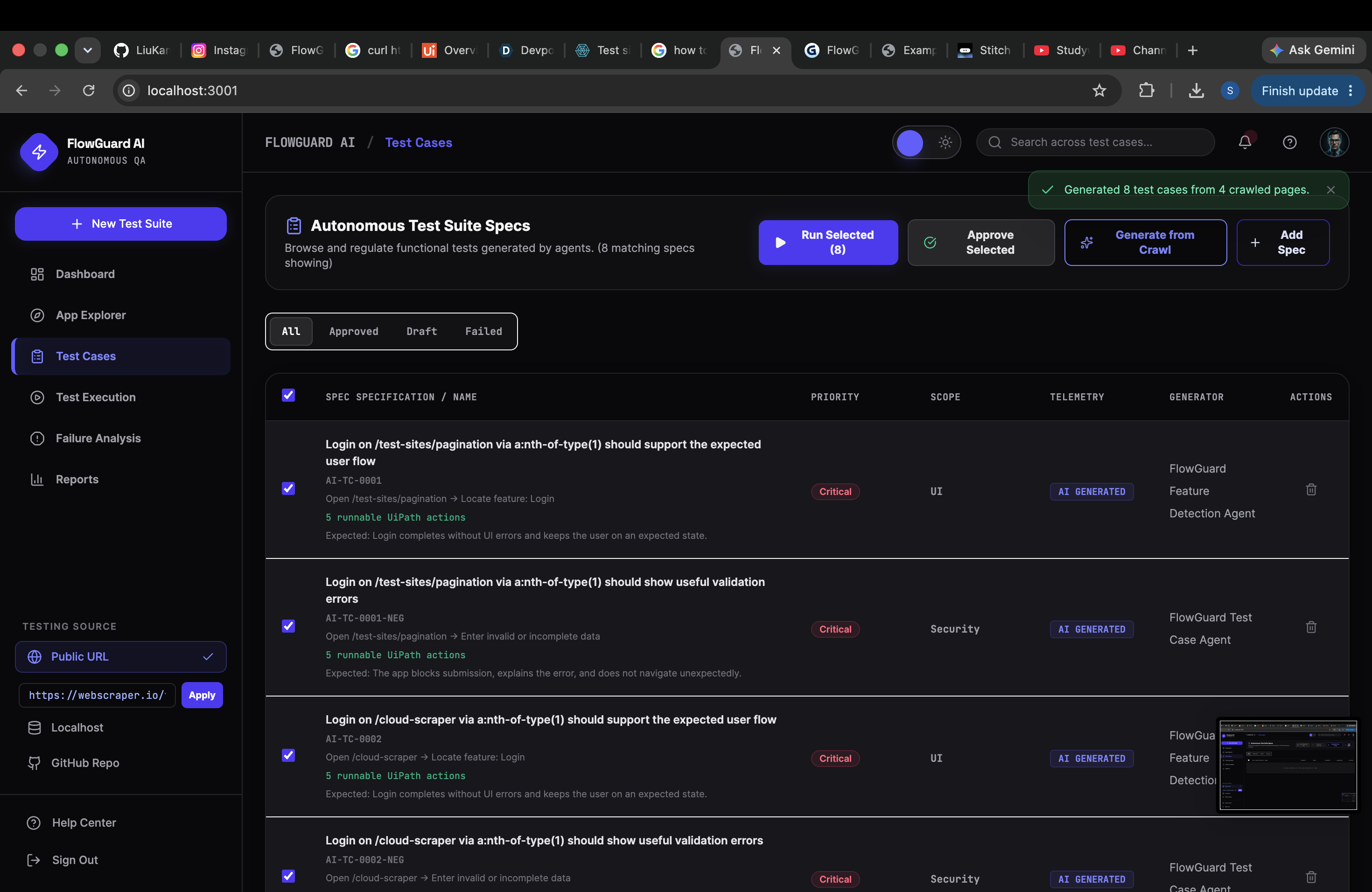
GENERATED TEST CASES
-
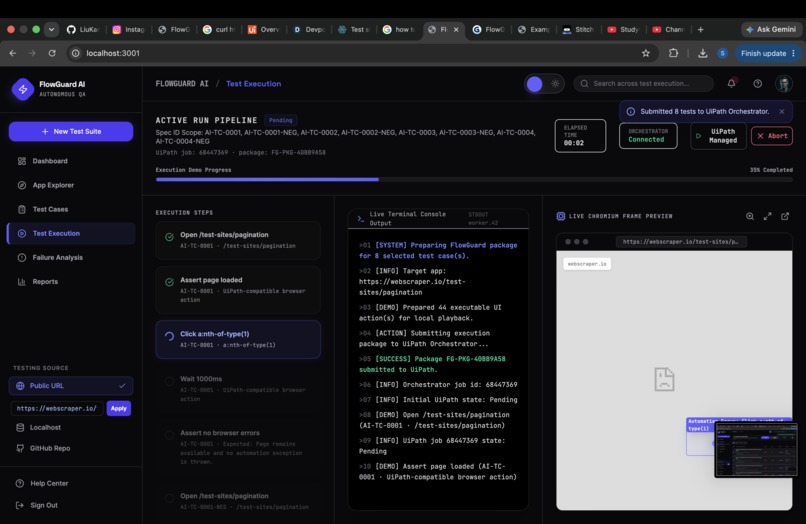
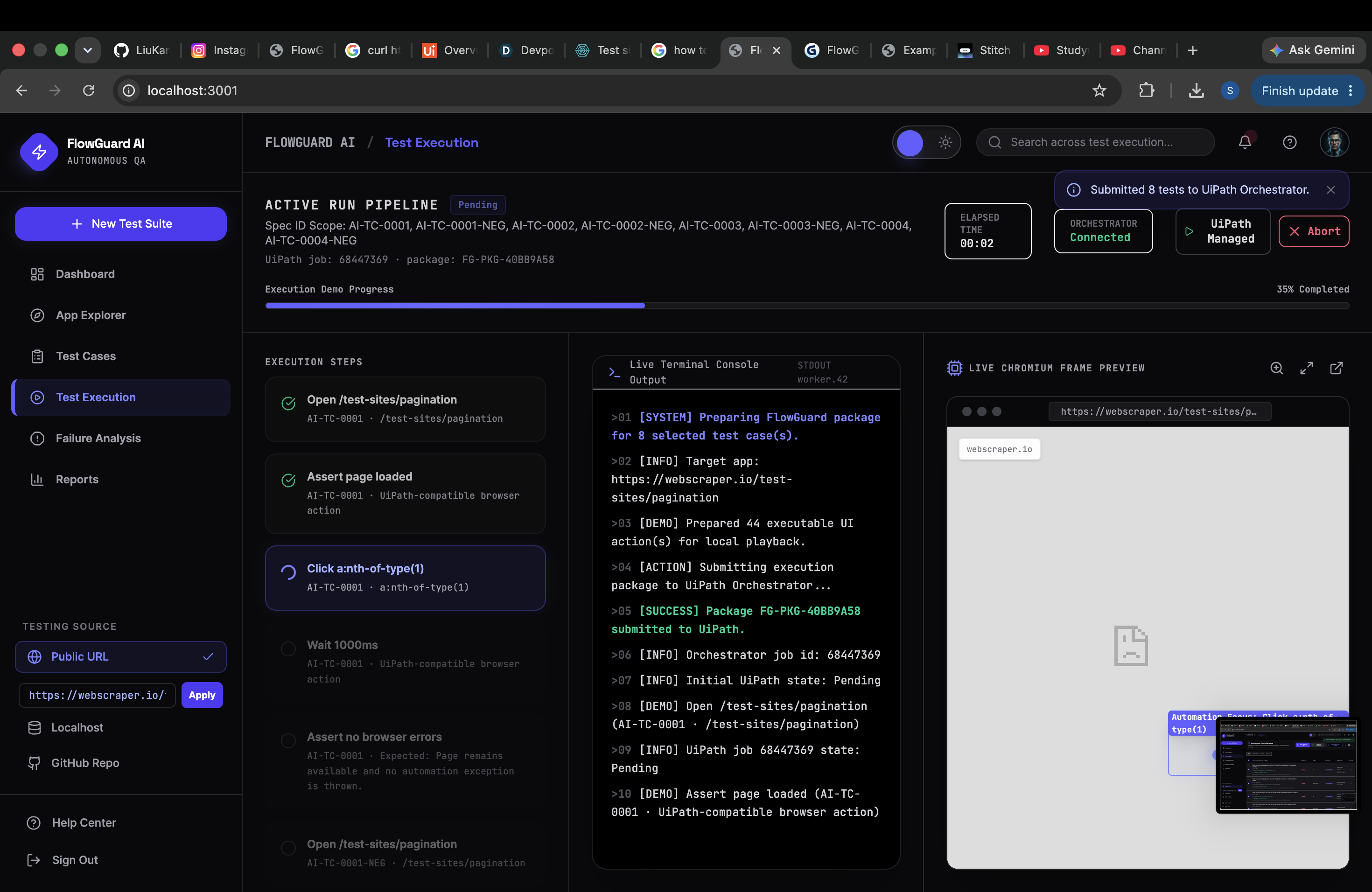
RUN TEST CASES
Inspiration
Problem Modern web applications change quickly. Every new feature or small UI update can break existing functionality. Manual testing takes time, and teams may miss bugs in login flows, forms, navigation, payment pages, dashboards, or user actions. Common problems include: Buttons not working Forms not submitting Broken links Login or signup errors UI elements missing Pages loading incorrectly Features working in one browser but failing in another Tests becoming outdated after UI changes
What it does
Our project is an AI testing agent that automatically checks whether a web application is working properly. Instead of manually clicking through every page, form, button, and user flow, the agent understands the app, creates test scenarios, runs tests, detects issues, and reports what is broken.
The goal is to help developers and QA teams test web applications faster, reduce manual testing work, and catch bugs before users experience them.
Its workflow is:
FlowGuard AI is an automated website testing platform. Its workflow is: Select a website Enter a public website URL in the left sidebar.
Crawl the website App Explorer launches a real Chromium browser using Playwright. It discovers: Pages and routes Links and buttons Forms and input fields API requests Navigation paths Browser errors
Build a visual site map The discovered states and transitions appear as an interactive topology.
Generate test cases FlowGuard converts discovered features into tests containing: Test steps Browser actions CSS selectors Test input values Expected results Positive and negative scenarios
Run tests locally Playwright executes navigation, form filling, selection, clicking, waiting, and browser-error assertions.
Submit tests to UiPath Selected tests are packaged and sent to the FlowGuardTestRunner process through UiPath Orchestrator.
Monitor execution The application polls the UiPath job and displays whether it is pending, running, successful, or faulted.
Capture evidence During execution, FlowGuard records: Screenshots Action results Failed selectors Console errors Page errors Failed network requests
Analyze failures Failure Analysis identifies the failed step, likely cause, affected element, logs, and a suggested fix.
Produce reports Reports show crawled pages, generated tests, pass/fail totals, test categories, and release readiness.
Save run history Crawl, pipeline, and execution artifacts are saved in SQLite. On the free Render plan, this history is temporary and resets after redeployment.
The deployed system is: Frontend: https://web-scrawl-agent-1.onrender.com Backend: https://web-scrawl-agent.onrender.com UiPath Orchestrator: connected and authenticated
Built With
- and
- automation
- automation:
- backend:-python
- browser
- chromium
- containers:
- control:
- deployment:
- docker
- fastapi
- flowguardtestrunner
- frontend:-react-19
- github
- lucide
- orchestrator
- platform:
- playwright
- render
- source
- sqlite
- storage:
- tailwind-css
- typescript
- uipath
- uvicorn
- vite
- with

