-
-
AI Wall-Art Factory
Inspiration
The inspiration for AI Wall-Art Factory came from a simple observation: people love beautiful spaces, but struggle to create personalized wall art that truly matches their room, mood, or style.
I noticed three consistent problems:
Hiring designers is expensive
Searching online leads to generic prints
Custom art takes days or even weeks
Most people don’t know which style or colors would fit their room
I wanted to build something instant, accessible, and creative — a tool that empowers anyone to generate beautiful wall art within seconds. That’s how the idea for an AI-powered wall-art creator was born.
What it does
How we built it
The project was built using Base44, following a structured flow:
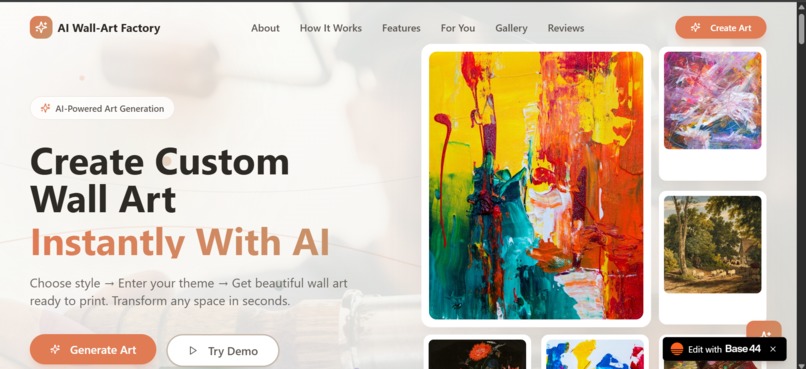
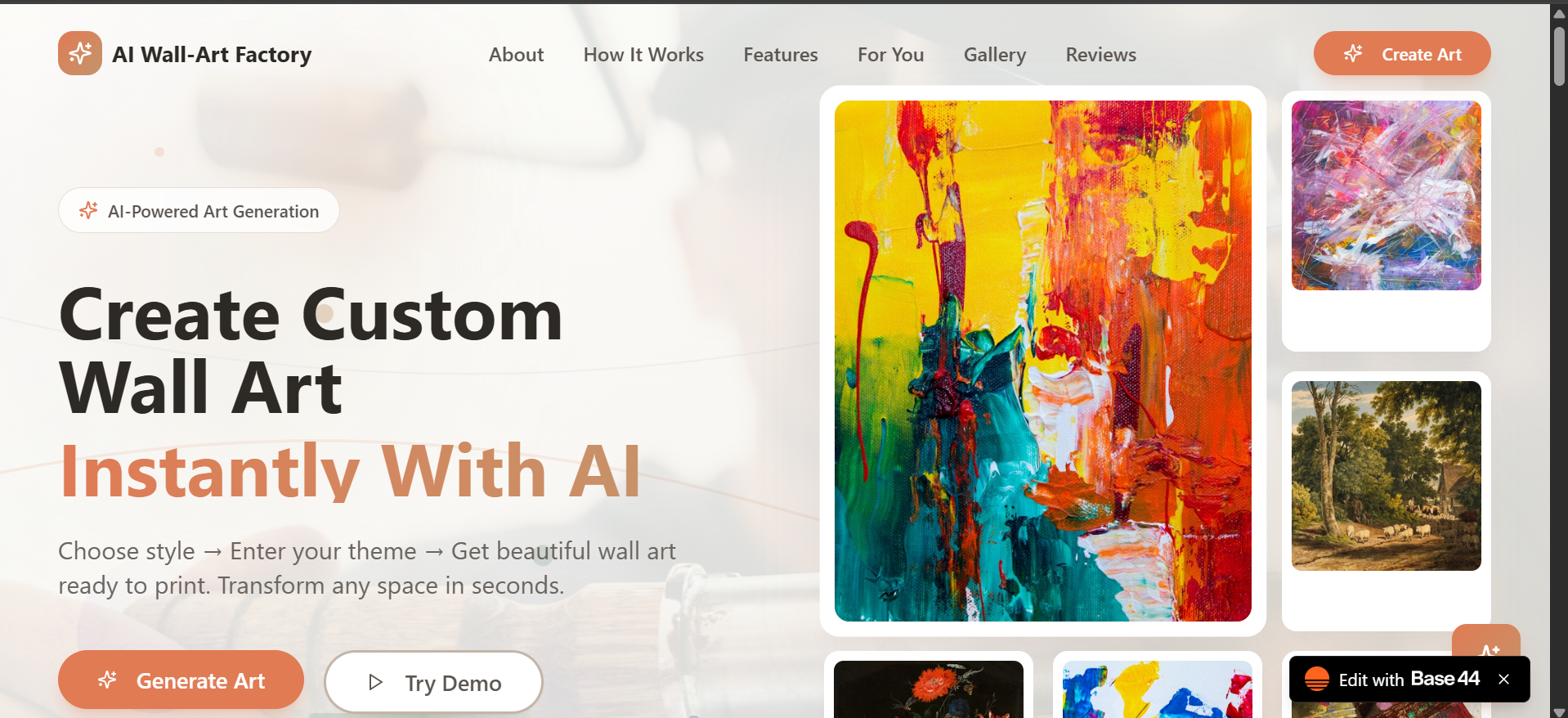
- Landing Page (Base44 Builder)
A mobile-optimized landing page that clearly communicates:
The problem
The solution
Main value proposition
Target audience
Call-to-action to start creating art
- Core App UI
I built screens for:
Art Creation
Style Selection
Palette Selection
AI Generation
Result Preview
Room Mockups
Gallery (My Art)
- AI Prompt Engine
I built a standardized, parameter-based prompt format:
Output
𝑓 ( theme , style , palette , size , detail ) Output=f(theme, style, palette, size, detail)
This ensures the AI produces clean, consistent wall-art compositions.
- Mock Backend
For the prototype:
I simulated generation responses
Used sample images to demonstrate flow
Implemented loading and error states for realism
- User Flow Optimization
I refined the UX to ensure:
Minimal steps
Clean mobile view
Immediate visual output
Clear CTAs and navigation
Challenges we ran into
- Ensuring Consistent Art Quality
AI sometimes generates images with:
Uneven borders
Odd artifacts
Incorrect color tones Maintaining consistency was a challenge, so I created a strict prompt structure.
- Room Preview Alignment
Positioning the artwork correctly inside room templates required:
Aspect-ratio logic
Scaling adjustments (50%–150%)
- Time Constraints
Since hackathons have tight deadlines, I had to:
Prioritize key features
Use mocks instead of a full backend
Focus on user flow over perfection
- Balancing Creativity & Simplicity
Users want freedom, but too many controls lead to overwhelm. Finding the right balance was a UX challenge.
🚀 What’s Next?
Planned improvements:
Full AI backend with higher-resolution generation
AR preview using phone camera
Printing & shipping integration
Marketplace for creators to sell their AI wall art
Accomplishments that we're proud of
Accomplishments That We’re Proud Of 🖼️ 1. Creating Beautiful Art Instantly
We built a tool that lets anyone generate wall-art in seconds. People who have never used design software can now create artwork that looks professional, aesthetic, and print-ready.
📱 2. Fully Mobile-Optimized Experience
The entire flow — landing page, generation, preview, and gallery — works smoothly on mobile. Given that many users browse from phones, this was a huge win.
What we learned
- How to Design for Non-Technical Users
People need:
Clear instructions
Minimum choices
Visual guidance
⚙️ 2. Structuring an AI Prompt System
Controlling AI output requires carefully designed parameters — small changes can drastically shift style.
🎨 3. Visual Consistency & Composition Principles
To create “print-ready” art:
Margins matter
Color harmony matters
Scale vs. resolution matters
💡 4. How to Build Fast Prototypes in Base44
Base44 made it easy to:
Build clean UIs
Link screens
Mock backend actions
Ship a testable experience quickly
What's next for AI WALL-ART FACTORY
Planned improvements:
Full AI backend with higher-resolution generation
AR preview using phone camera
Printing & shipping integration
Marketplace for creators to sell their AI wall art
Built With
- base-44


Log in or sign up for Devpost to join the conversation.