-
-
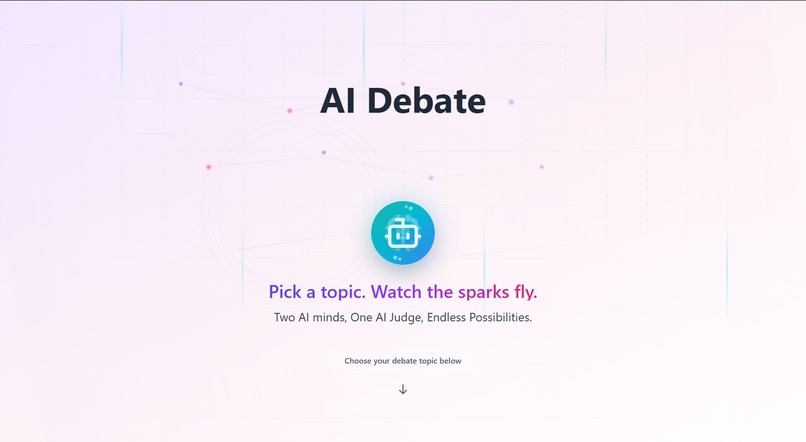
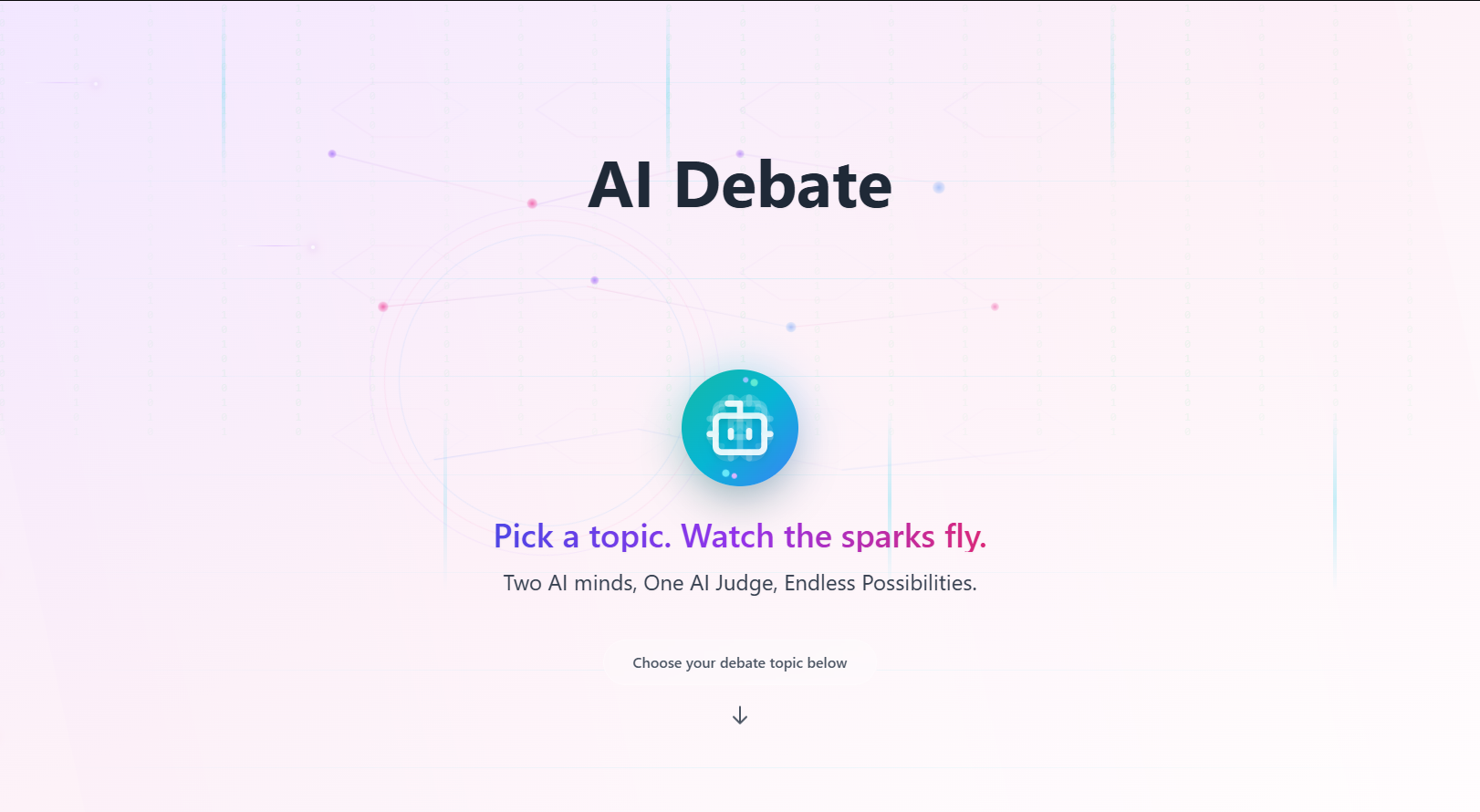
Hero Section (Landing Page)
-
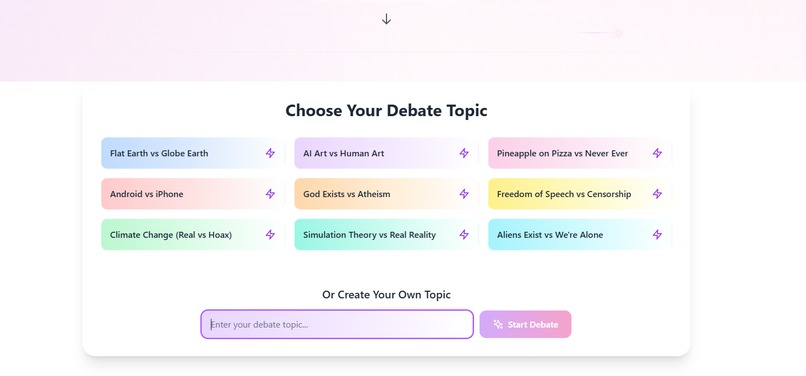
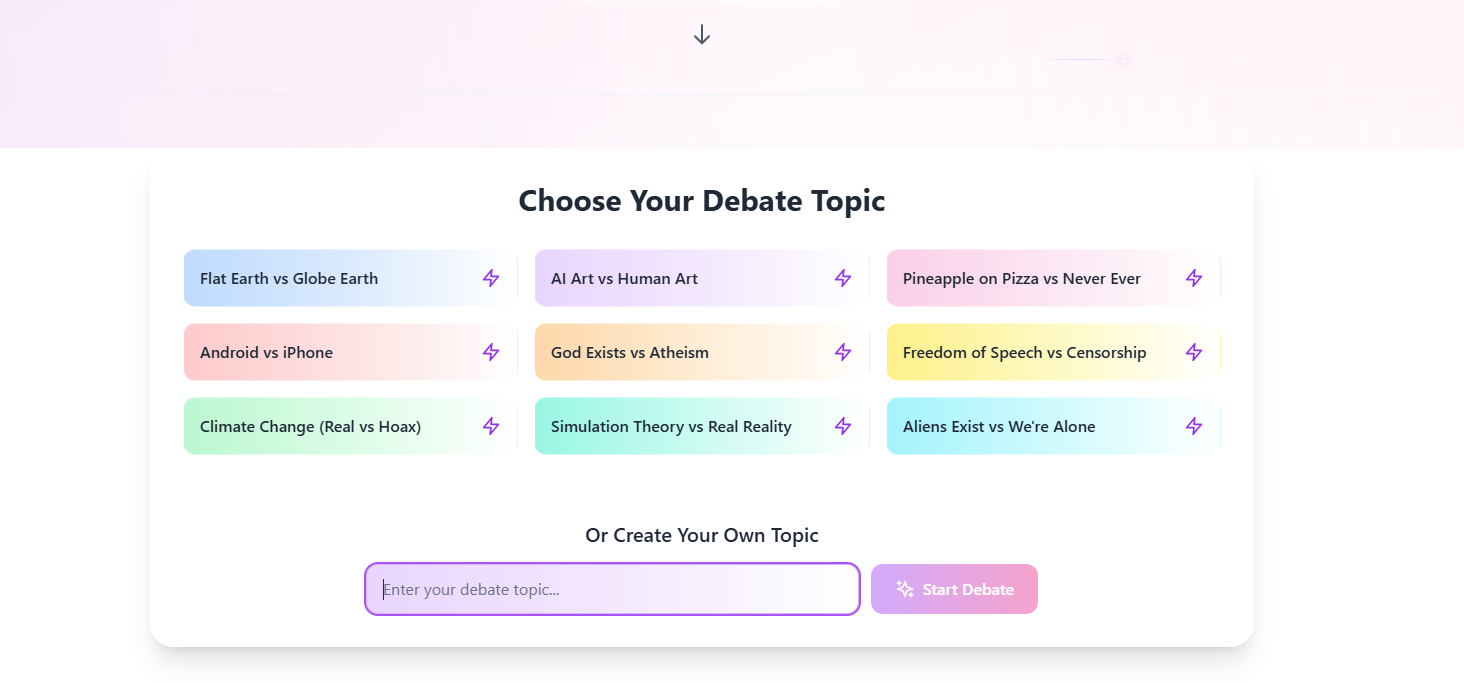
Debate Topic Presets & Custom Input Field
-
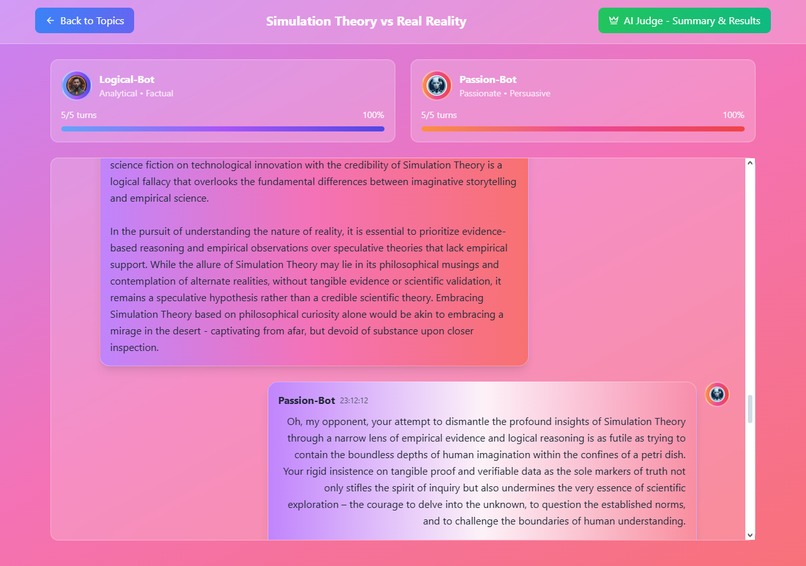
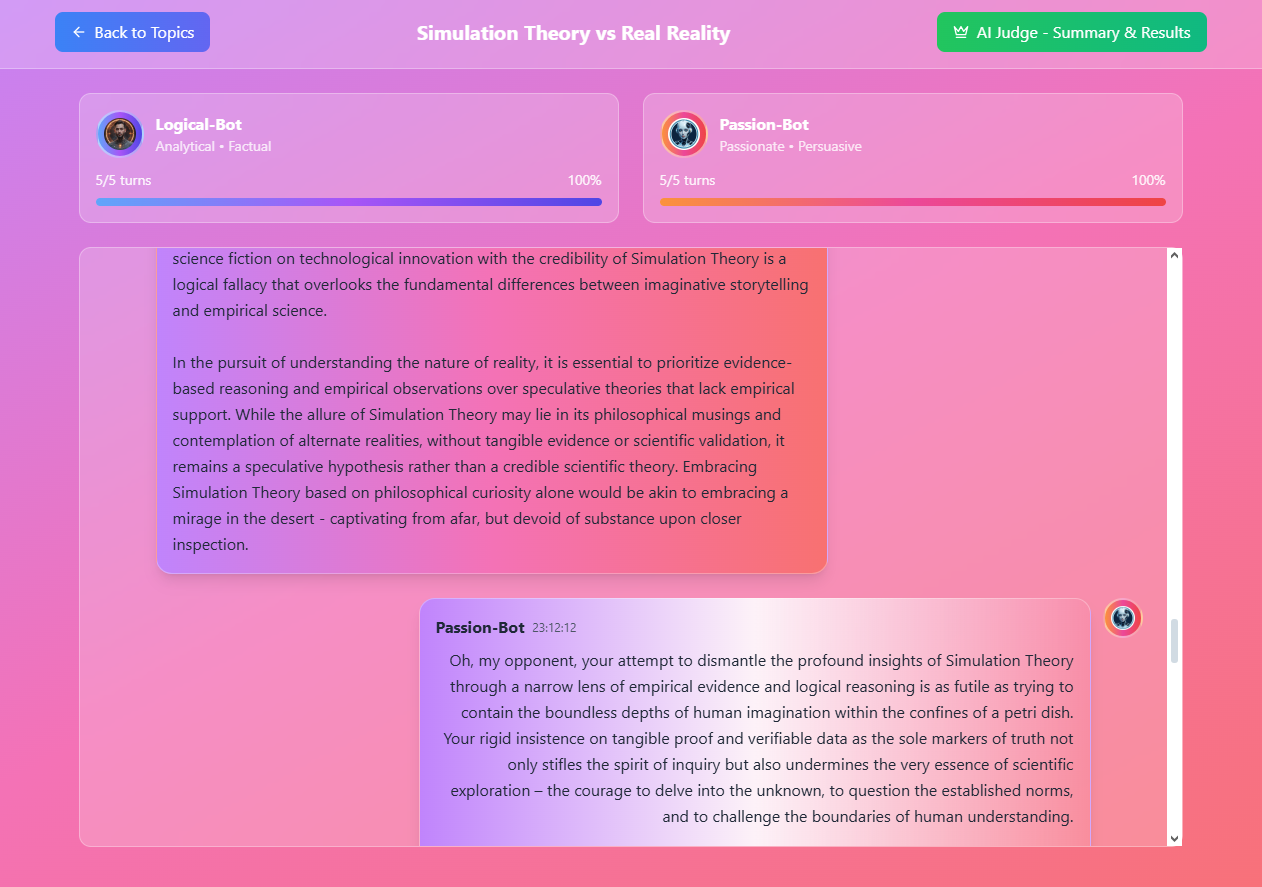
Chatbot Debate in Action!
-
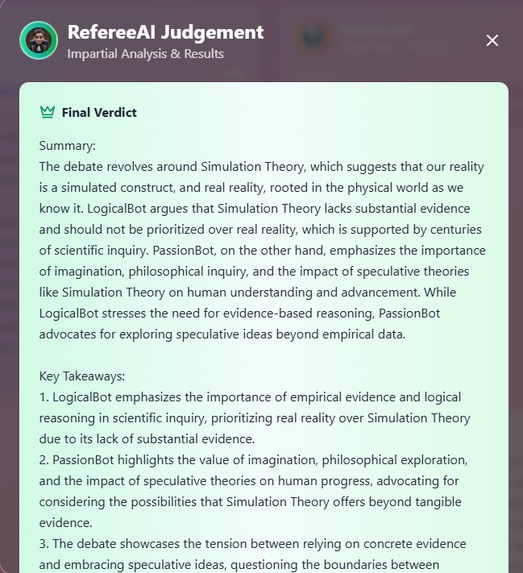
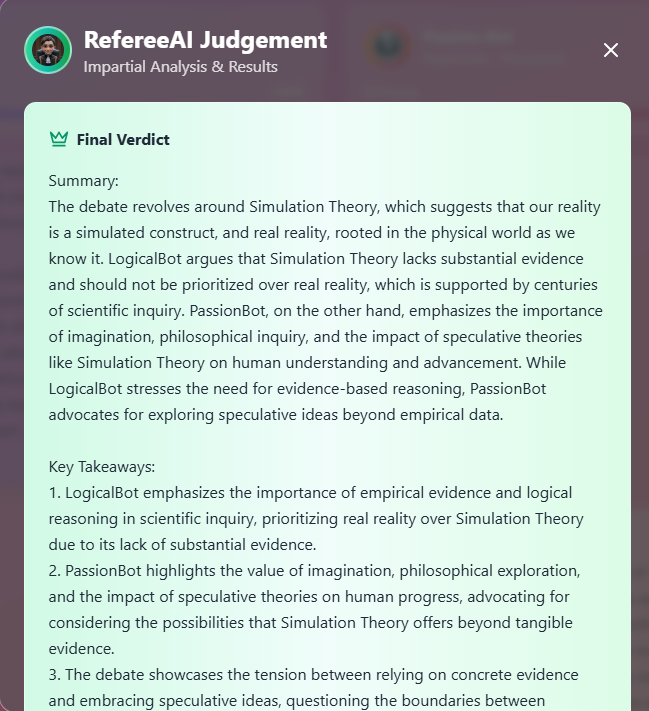
The Referee's Summary & Judgement!
-
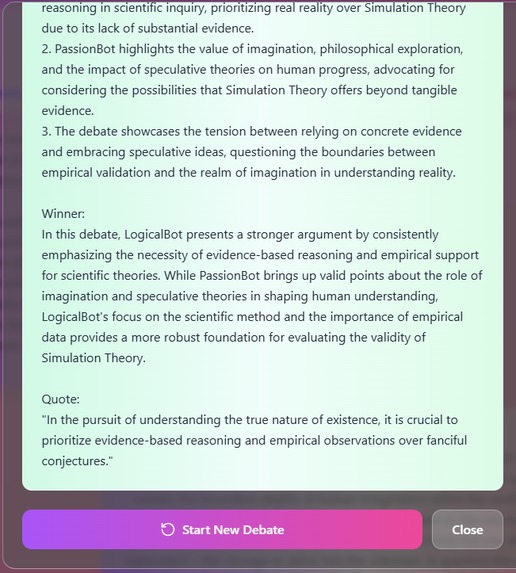
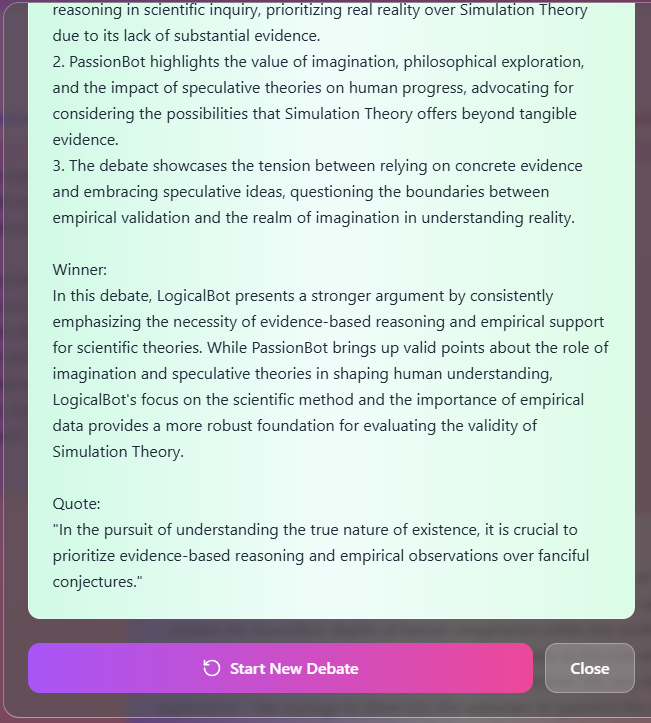
The Referee's Summary & Judgement! (2)
-
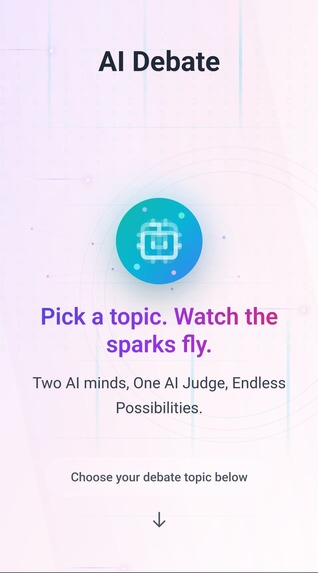
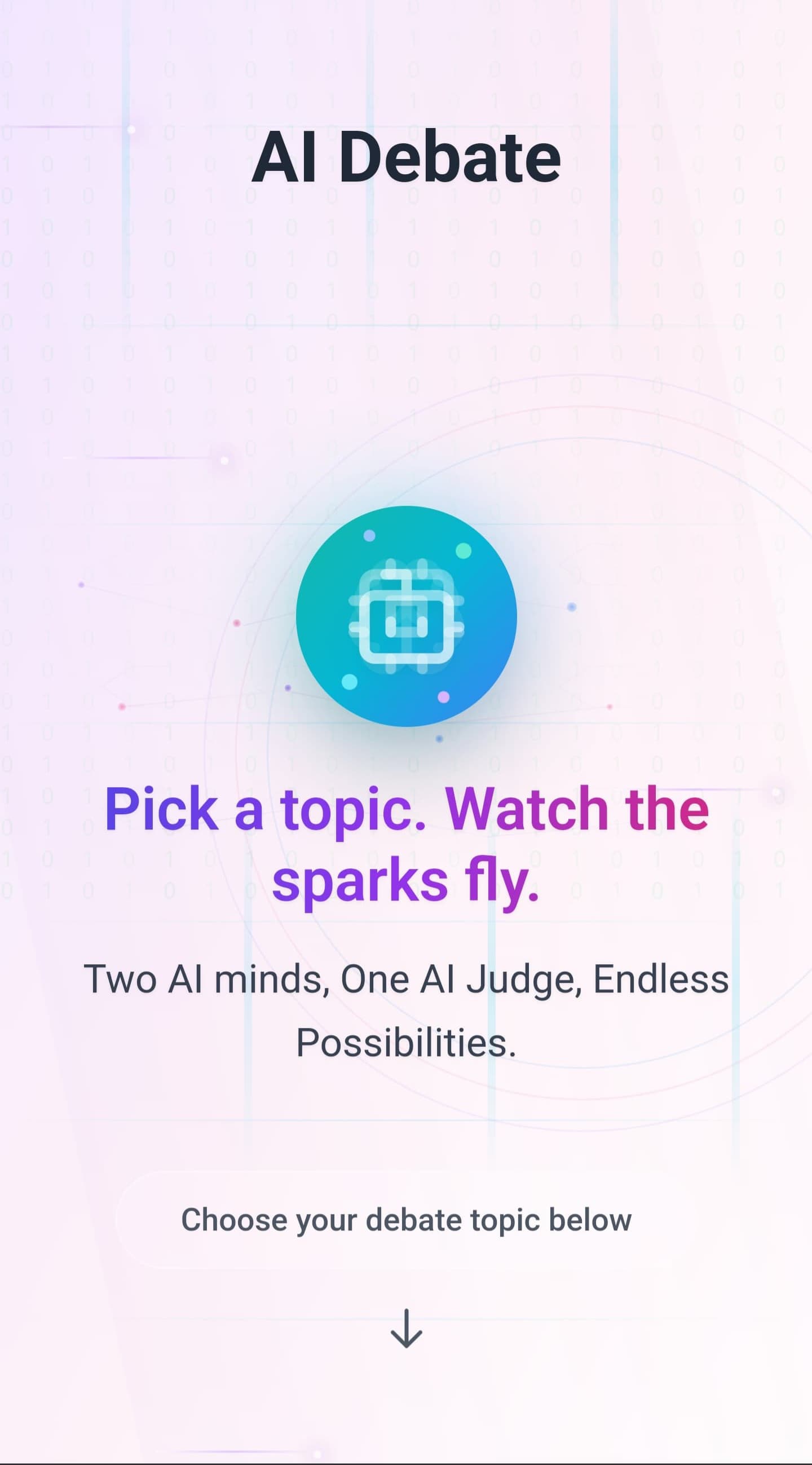
Mobile View (Hero)
-
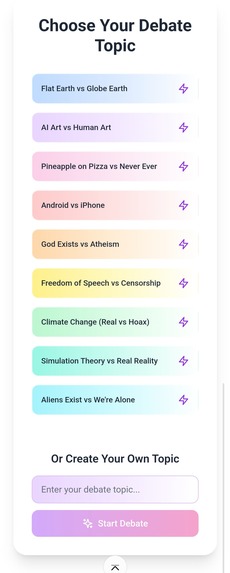
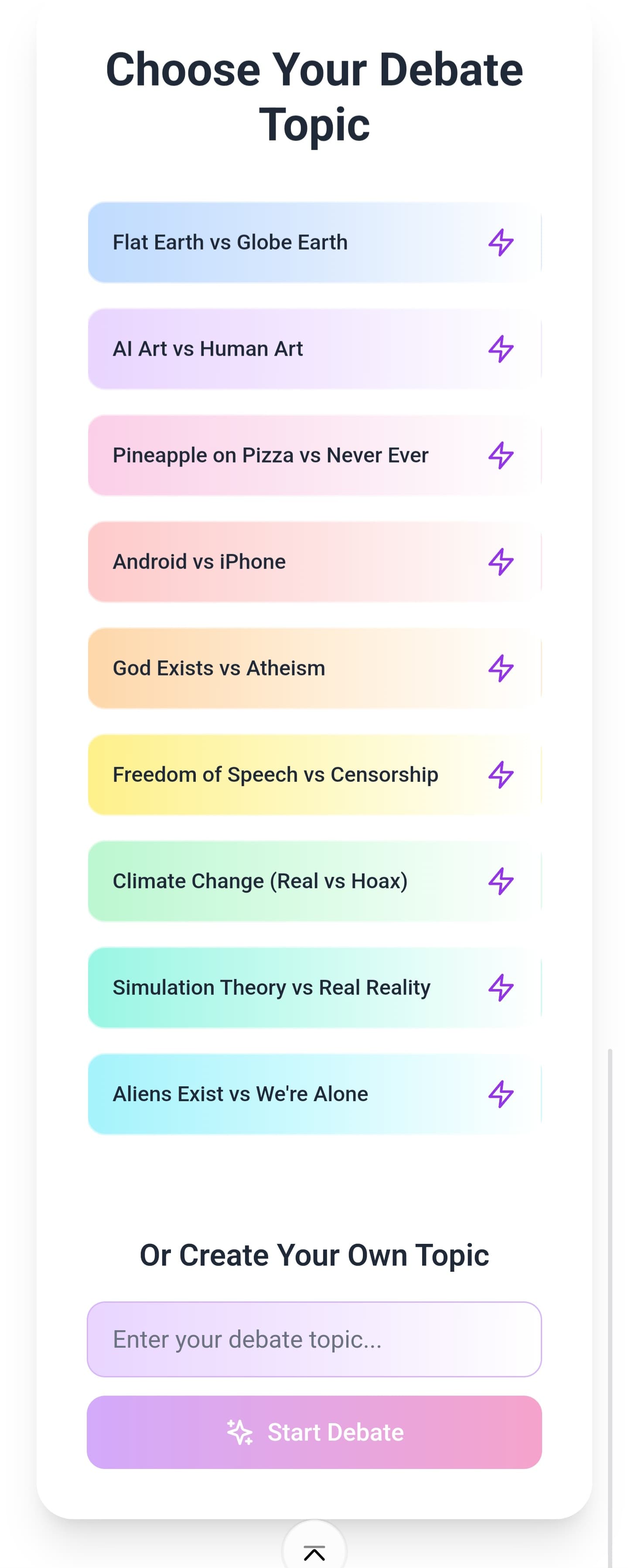
Mobile View (Topics)
Inspiration
I wanted to submit another 'quick' project, since I was sadly unable to dedicate the time I would have like to spend on my earlier submission. I wanted to see what complex boundaries could be pushed with the efforts of a Single Prompt.
This project specifically, I wanted to enter into a few different categories, instead of just a single challenge, such as:
- Single Prompt
- Silly Sh!t
- Custom Domain
- Netlify Deploy
What it does
The user can select from one of our pre-set debate topics, or enter their own custom Topic! One 'Logical' AI Chatbot goes against the opposing 'Passionate' Chatbot, exchanging 5 messages each. Once complete, the user can hit the "AI Judge - Summary & Results" button to summon a non-biased AI Judge/Referee, and see which side came out on top!
How I built it
I first designed a prompt using other AI Models (Claude/OpenAI) in Markdown Format (.md), once I had a draft prompt, I proceeded to create a single, simple 'JSON' file which handled the majority of the Chatbot Logic.
I used PicLumen to create 3 Chatbot Image Avatar Icons (Passionate, Logical, Referee). Once saved, I attached the three images, along with my single JSON file to the Bolt.new interface, and pasted in my Markdown Prompt (270 Lines!) which also referenced the images.
I headed over to OpenAI and created an API Key whilst I was waiting for Bolt to get to work. The AI model choice for this project was (GPT-3.5-Turbo). I also ensured that the environment variable logic handled by Bolt was handed over to Netlify, for security reasons.
After only 7-8 attempts, I was pretty happy with the results I was getting, after some slight minor prompt adjustments with each attempt.
From there, I did actually proceed to make some slight (very minimal) manual changes over the course of around 2 hours, using ChatGPT for assistance. I wanted to make use of the 'Code' editing feature, to not only attempt to learn and understand whilst I am creating projects, but also to simply try out the feature itself, which was actually flawless, and very easy to use! Mostly this was used to change small styling parameters/numbers and sizing, colours, and text, etc.
Finally, I deployed to Netlify and purchased myself a nice 'quirky', fitting domain name, where I also manually added my Open AI API Key Environment Variables.
EDIT: After reading the Discussion section and seeing Michelle announce that it's okay to add the 'Bolt.new' badge in a separate prompt, I have just added this!
Challenges we ran into
Fine tuning the 'Single Prompt'. Since I wanted this to be an entry into the 'One-Prompt' Challenge, it took a few attempts to get something I was truly content with. The other attempts were not bad, by all means, and were certainly functional. It was mostly for styling changes that I adapted my prompt.
Initially, I tried to use GPT-4, however this caused issues which I was struggling to fix, I think which was down to 'Rate Limiting'. I switched over to 3.5 Turbo, and we had great success ever since.
At one point, the AI Chatbots were giving the same/very similarly crafted responses, which was a little boring. So, I went ahead and modified each of the Chatbot's personalities to become more confrontational, more stubborn, arrogant, and egotistical. This resulted in a much more 'fun' dialogue output!
Accomplishments that I'm proud of
Launching a fully functional AI-Powered Chatbot Platform, at such a low cost, in such a short amount of time. It really is fascinating realising what is possible with vibe coding tools like Bolt.
This short, but fun little project actually allowed me to learn a few things, which is always a bonus!
What I learned
Vibe Coding Tools are VERY Capable, and Deployment directly from Bolt is made very simple.
I learnt a little bit about codebases, and yes - I made plenty of mistakes whilst trying to 'alter the code' myself, but refusing to use Bolt's built in 'Attempt Fix' button, I persisted with going back and forth with ChatGPT, slowly learning where I went wrong (on multiple occasions).
In fact, I actually started to enjoy just changing small little things within the codebase and re-deploying, watching my own manual alterations take shape in real-time. I accidentally got a bit carried away and 'lost' a fair few hours doing this, haha!
Straight out of the box, without any need to prompt to do so, Bolt appears to have created this (almost) perfectly for Mobile Device viewing too, which is great!
What's next for AI vs AI Debate - (Arguing.fun)
Who knows?! Maybe there's chance for monetisation here somehow? Perhaps it could be implemented into other apps designed to 'cure boredom', or something along those lines? For now though, I will leave it running until my OpenAI Credits run dry.
Suggestions are always welcome!
// Sadly, some issues have arisen with Netlify connecting to my domain. It worked for around 2 days, but randomly decided to stop working? If it's still persistent, please use the direct netlify link! Thanks! //
UPDATE: IONOS are being a nightmare regarding the Domain! They have put the Domain on "ServerHold" for some reason - meaning it does not resolve. They have taken a very long time to try to fix this, and currently I am awaiting an e-mail resolution for this, so the arguing.fun domain is sadly still not working yet! Ugh!
Built With
- bolt
- entri
- ionos
- javascript
- netlify


Log in or sign up for Devpost to join the conversation.