-
-
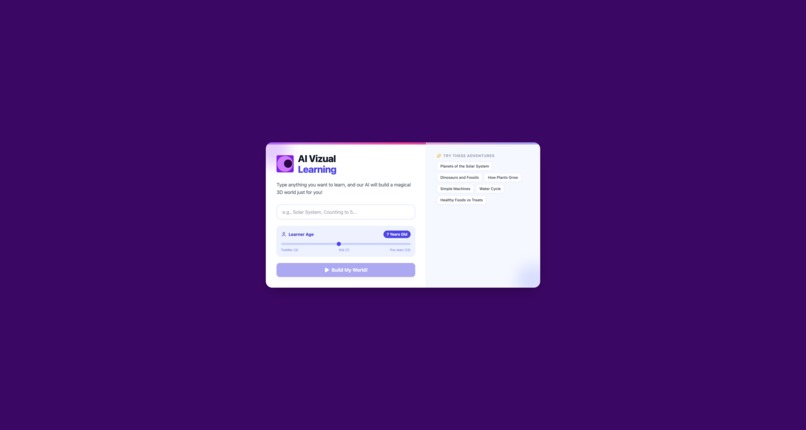
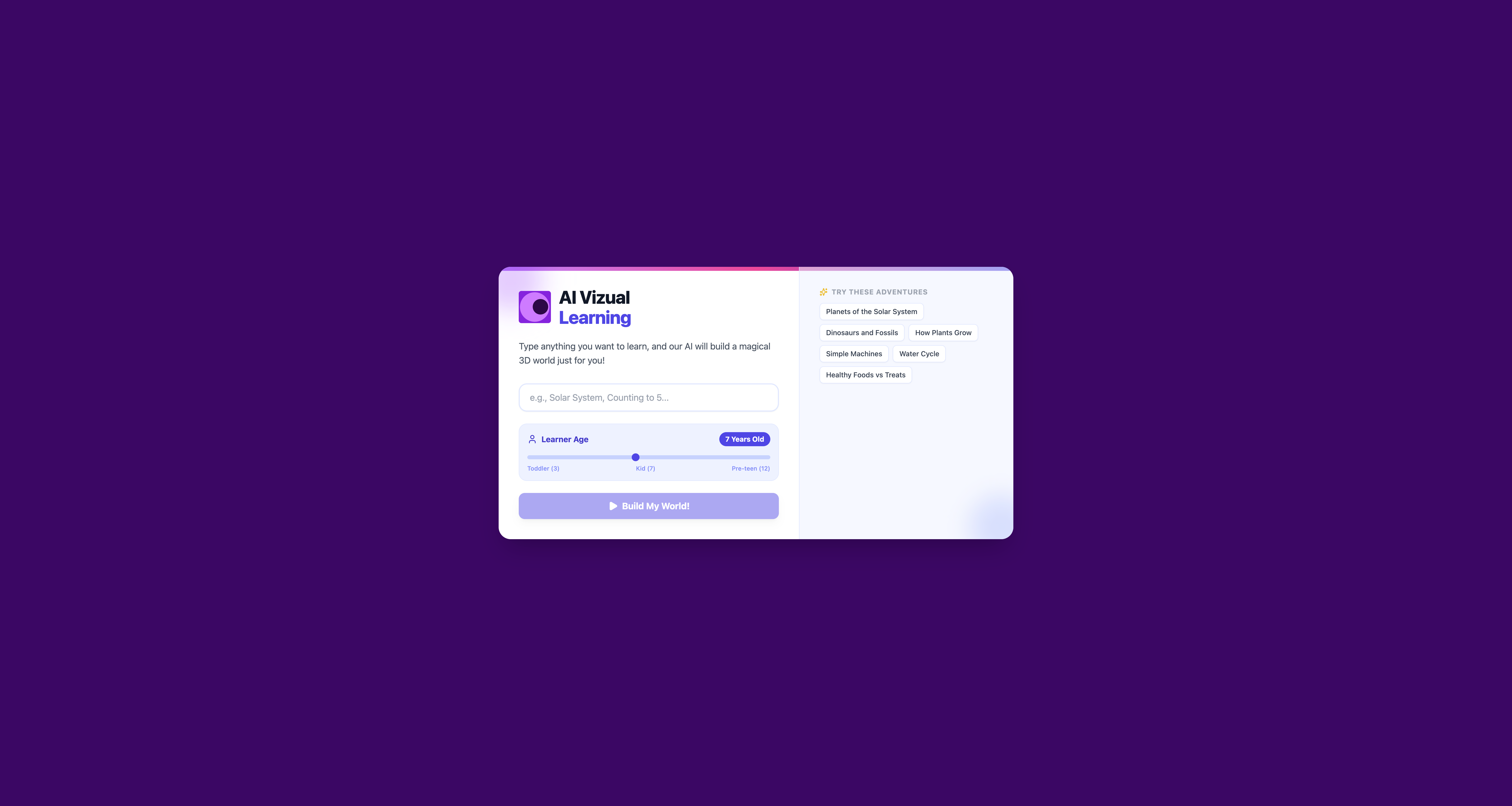
Home Page - Very user can input topic and age to learn.
-
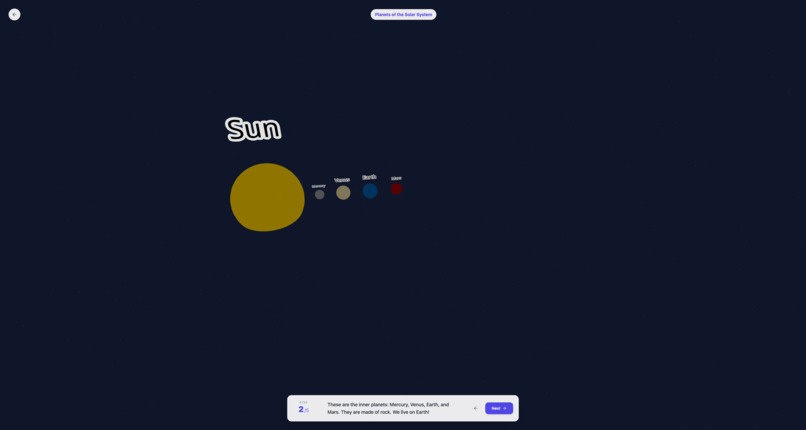
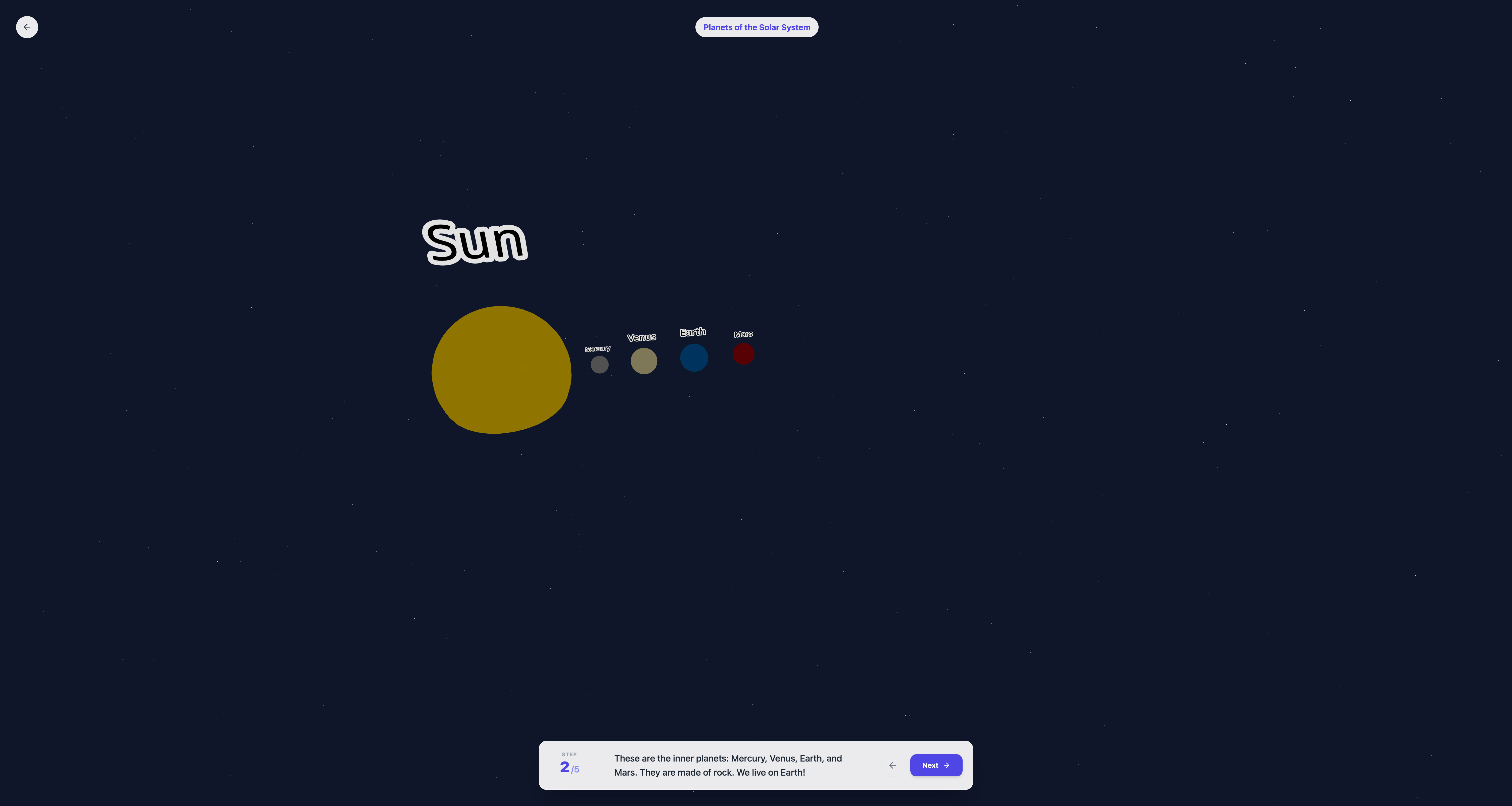
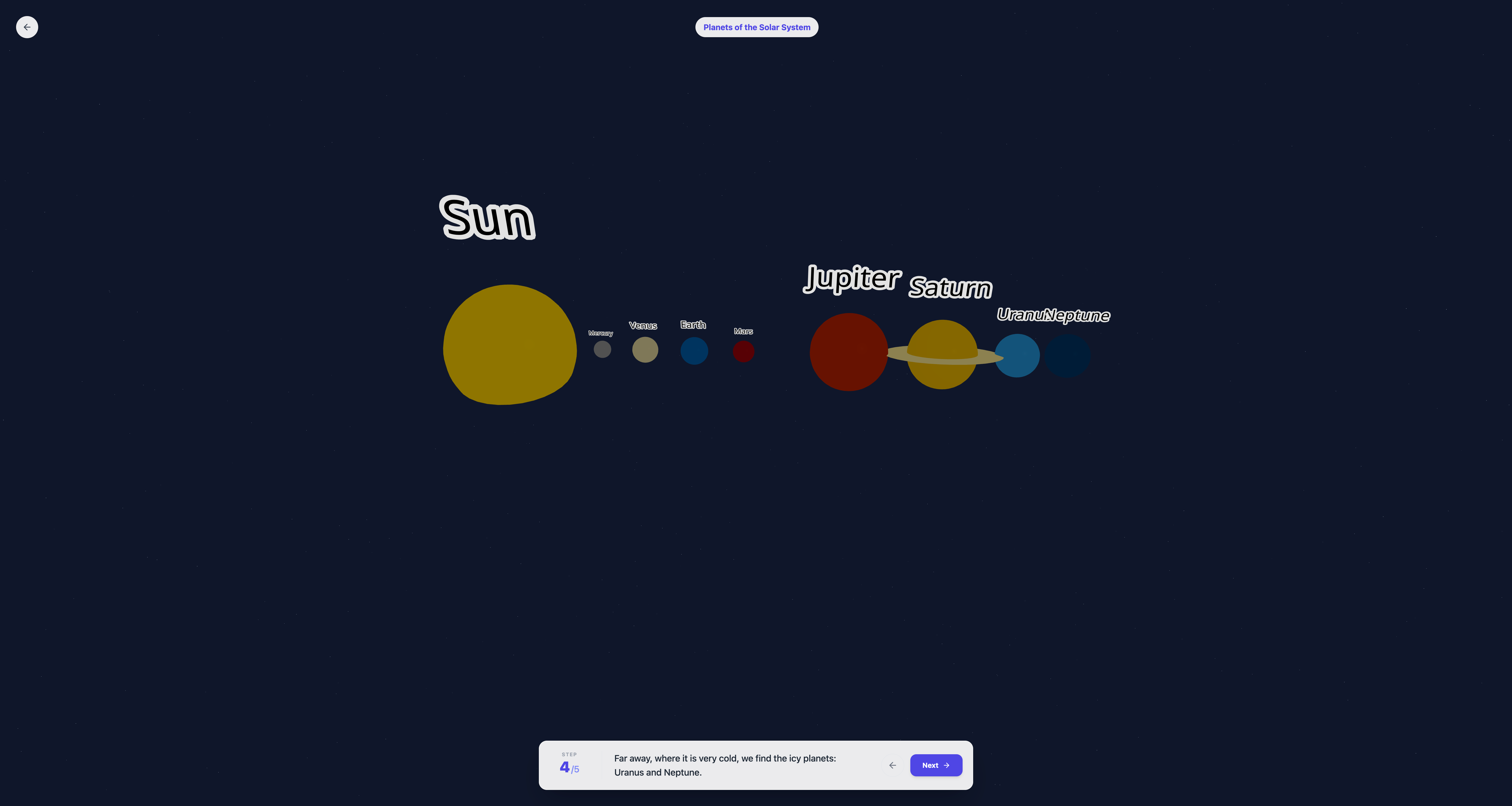
Learning for solar system - 1 - Generated learning for the user.
-
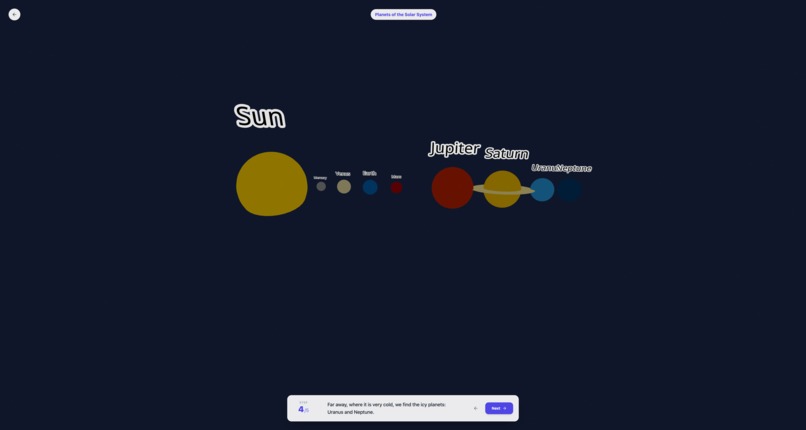
Learning for solar system - 2 - Generated learning changes on user interaction.
-
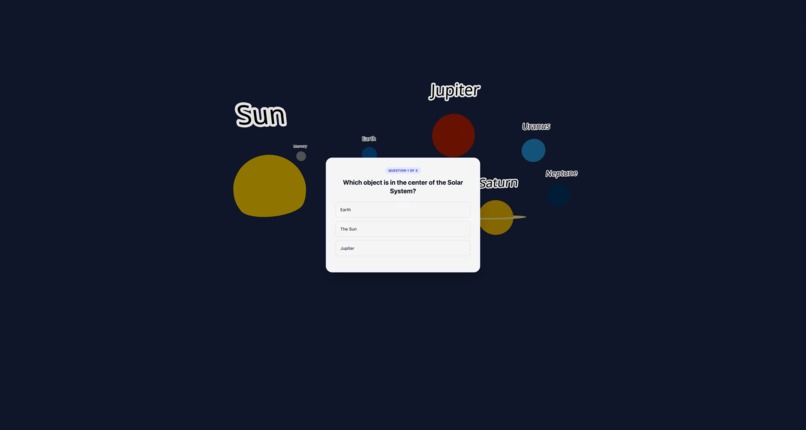
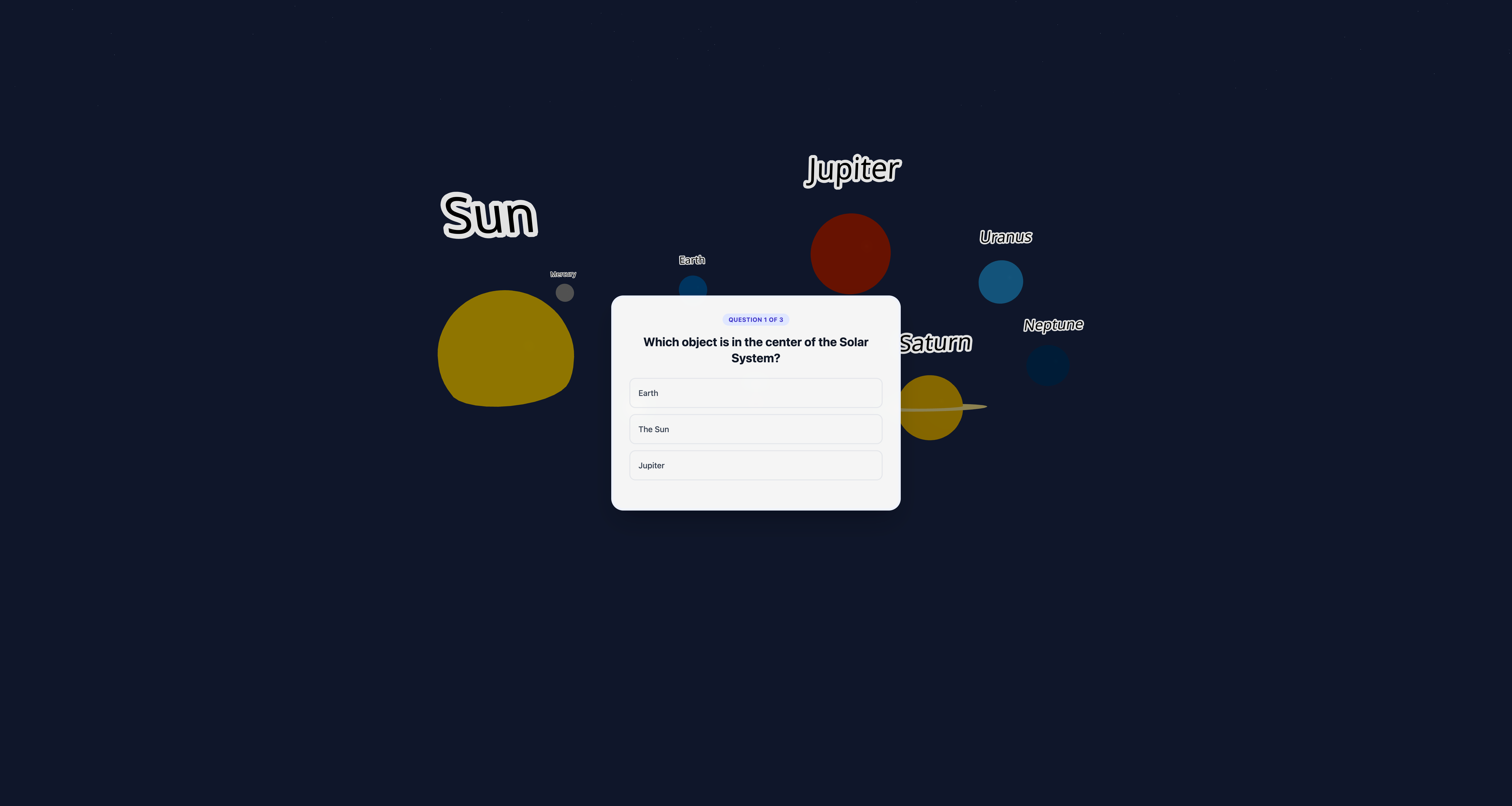
Start of the Quiz - Quiz after all the step are completed for learning.
-
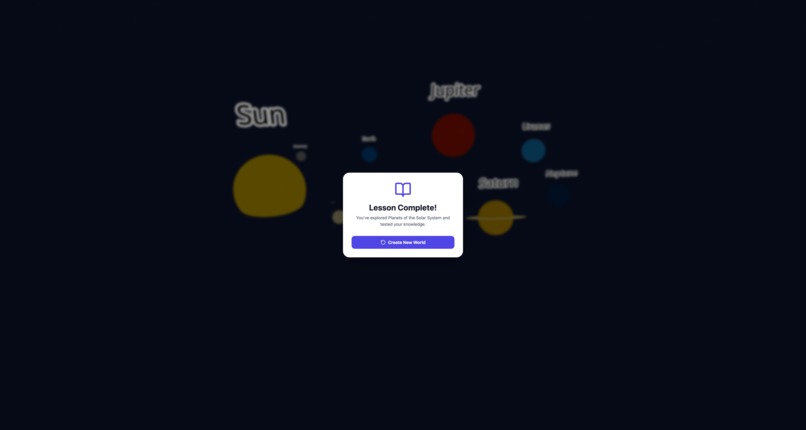
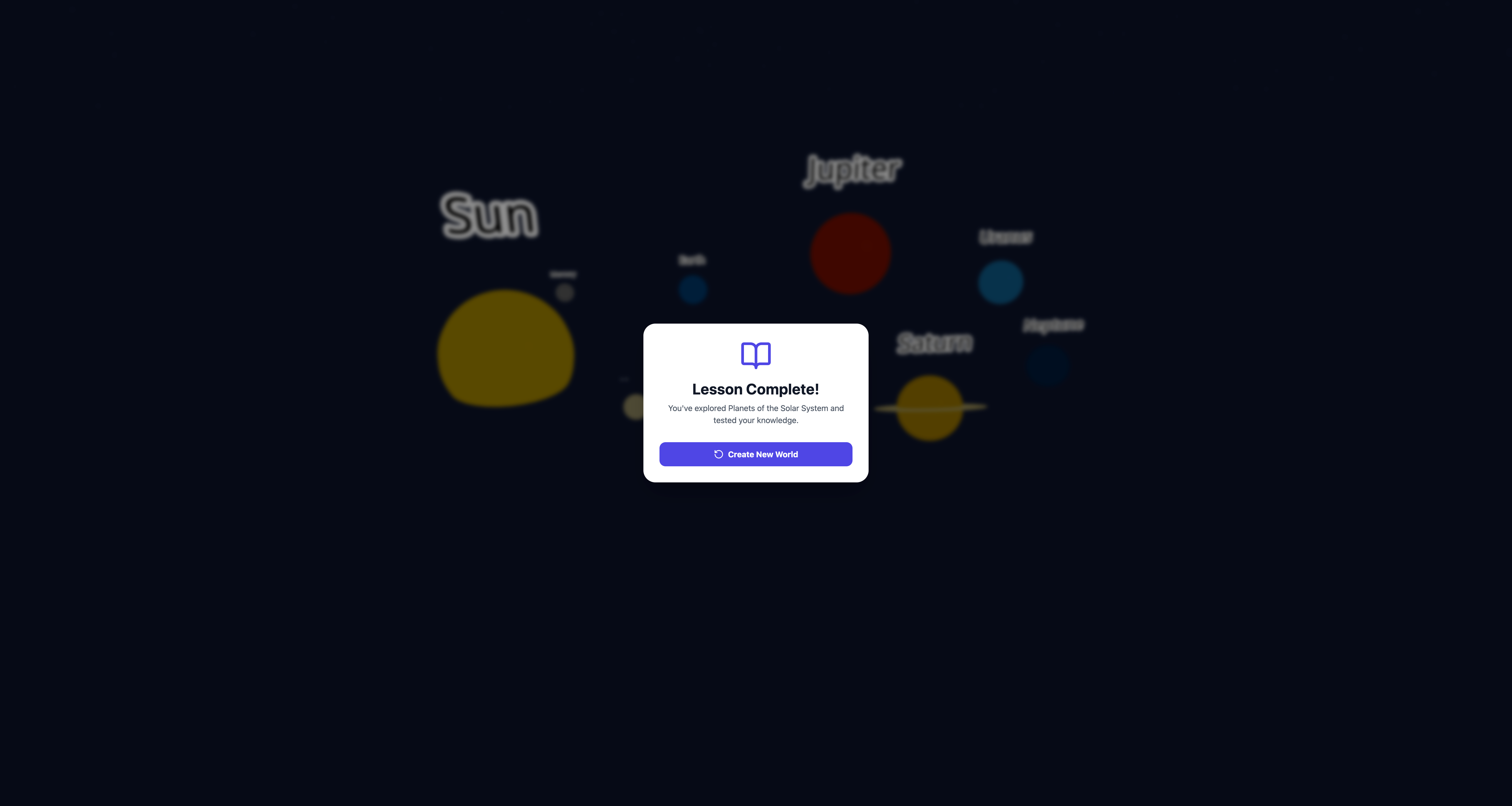
Completed a Topic Learning - User can start again by additing topic and building.
Inspiration
In an era where "screen time" is often viewed as a passive distraction, we wanted to flip the script. We realized that children are naturally visual learners and curious explorers. Instead of fighting against their desire to be on a device, we decided to meet them there. Our inspiration came from the idea of "deploying learning" directly into their play time—transforming abstract concepts into immersive, interactive experiences where a child doesn't just read about a subject, but steps inside it.
What it does
AI Visual Learning is an interactive educational tool that turns simple topics into rich, 3D learning environments.
- Generative 3D Worlds: A user selects a topic (e.g., "The Solar System" or "Geometry"), and the AI instantly generates a 3D explorable scene.
- Interactive Discovery: Users can click and interact with objects in the 3D space to trigger animations and explanations, making the learning process tactile.
- Knowledge Check: The experience concludes with a gamified quiz based on the interactions, reinforcing what the child has just learned and ensuring retention.
How we built it
We built the core application using React to ensure a responsive and modular frontend experience.
- The Engine: We utilized generative AI to process natural language topics.
- The Pipeline: The AI doesn't just write text; it outputs complex JSON structures that define 3D coordinates, object types, and interaction logic.
- Rendering: These JSON objects are parsed by our React frontend to dynamically render the 3D scene in real-time, allowing for infinite variation in learning materials without needing manual game design for every lesson.
Challenges I ran into
The biggest hurdle was the "Prompt-to-World" pipeline.
- JSON Consistency: It is incredibly difficult to optimize a prompt that reliably outputs valid JSON for a 3D scene. The AI would often hallucinate object coordinates that overlapped or interaction logic that didn't execute.
- Interaction Logic: Bridging the gap between a static 3D model and a meaningful educational interaction was tough. We had to fine-tune the prompts to ensure the AI understood how a child should interact with the object (e.g., "clicking the planet should make it spin," not just display text).
Accomplishments that we're proud of
- The "Magic" Moment: Successfully generating the first fully playable 3D scene from a raw text prompt was a huge win. Seeing the code translate into a visual world felt like magic.
- Engagement: Creating a seamless flow where a child can go from curiosity to exploration (playing in 3D) to mastery (acing the quiz) within minutes.
What I learned
- Prompt Engineering is Engineering: I learned that prompt optimization is not just about words; it's about logic, constraints, and error handling. Structuring the prompt to strictly adhere to a JSON schema was a distinct skill.
- 3D in the Browser: I gained a deeper understanding of rendering performance in React, specifically how to manage state when the entire DOM is being generated dynamically by AI.
What's next for AI Visual Learning
- Audio-Guided Learning: We plan to integrate AI text-to-speech narration. This ensures that the 3D world doesn't just display text, but "speaks" to the child, allowing pre-readers to listen to explanations and learn independently without needing an adult to read for them.
- Smart Suggestions for Non-Typers: To support younger children who cannot type yet, we are replacing the requirement for text input with a visual suggestion engine. The app will present colorful, image-based cards of interesting topics (like "Volcanoes," "Planets," or "Castles"), so kids can launch a new world with a single tap.
- Complex Physics: We want to introduce physics-based interactions (e.g., gravity, friction) to teach more advanced science topics where the child can experiment with the laws of nature.
- Multiplayer Classrooms: Allowing teachers to generate a "world" that multiple students can join and explore together in real-time.

Log in or sign up for Devpost to join the conversation.