-
-
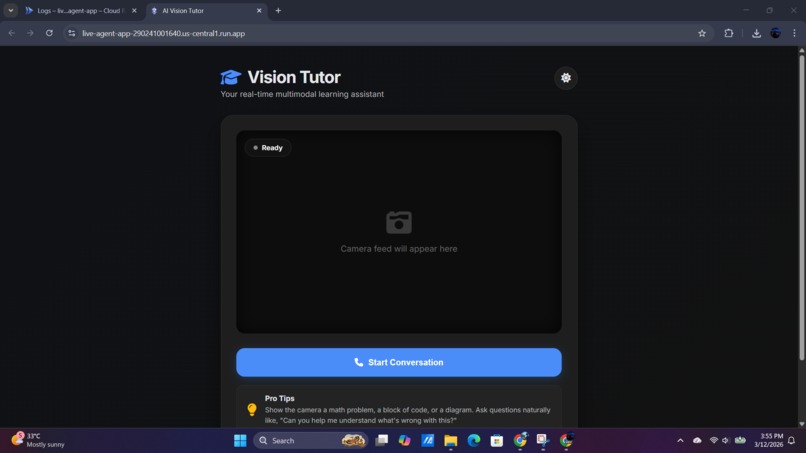
System
-
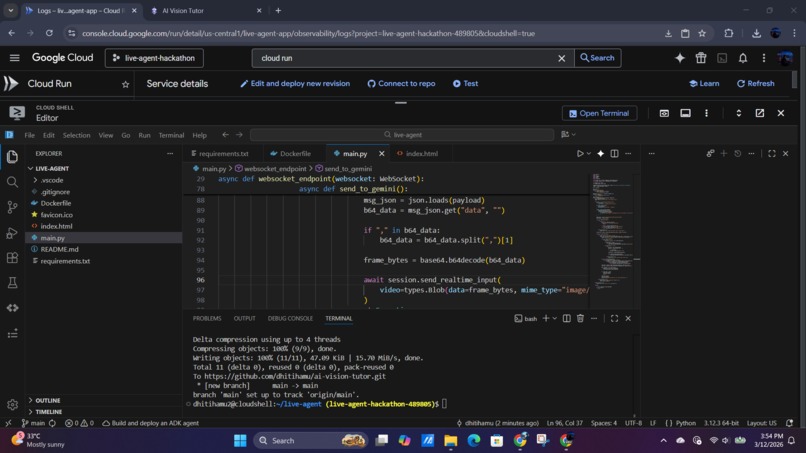
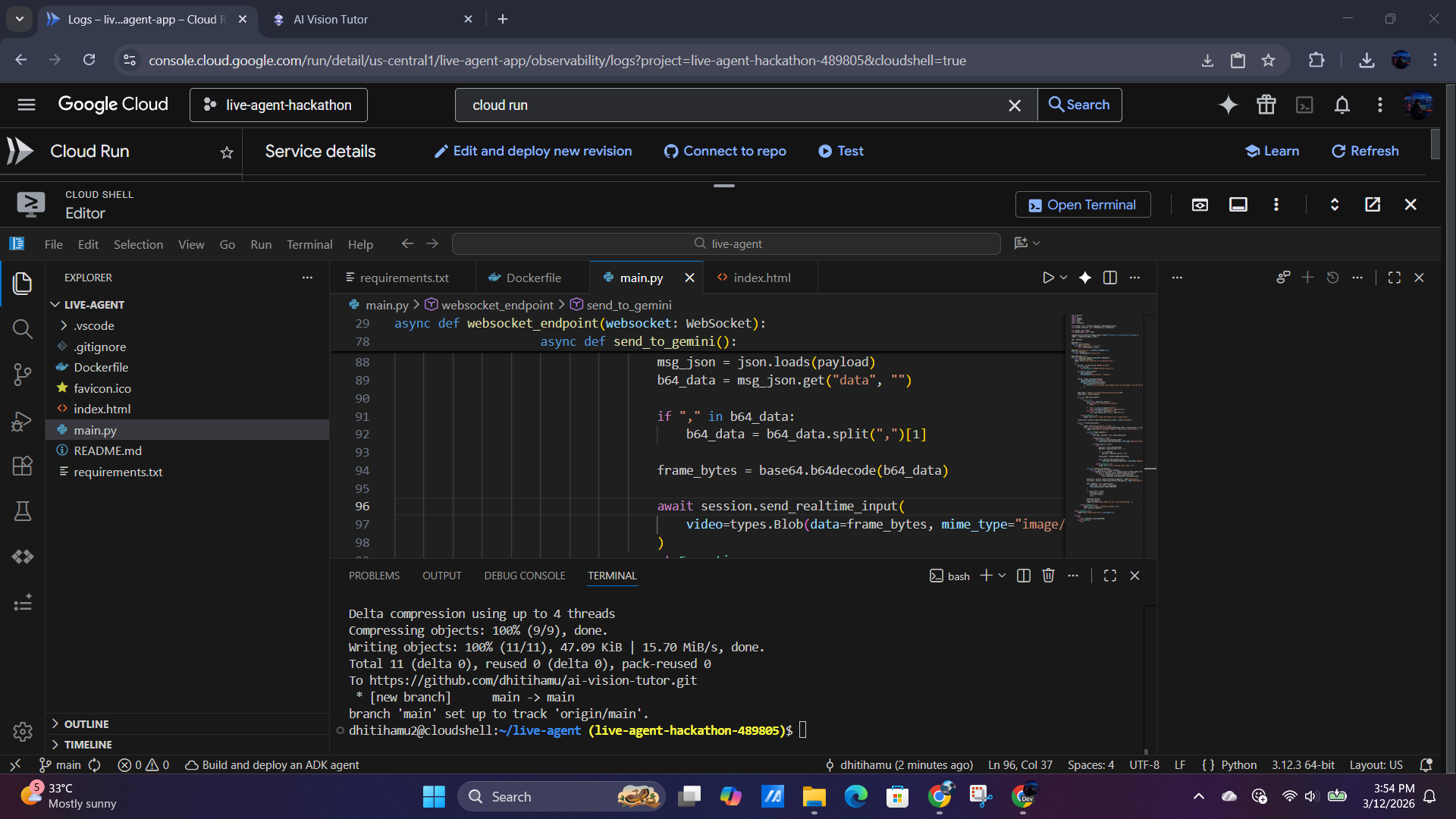
Cloud Console - Terminal
-
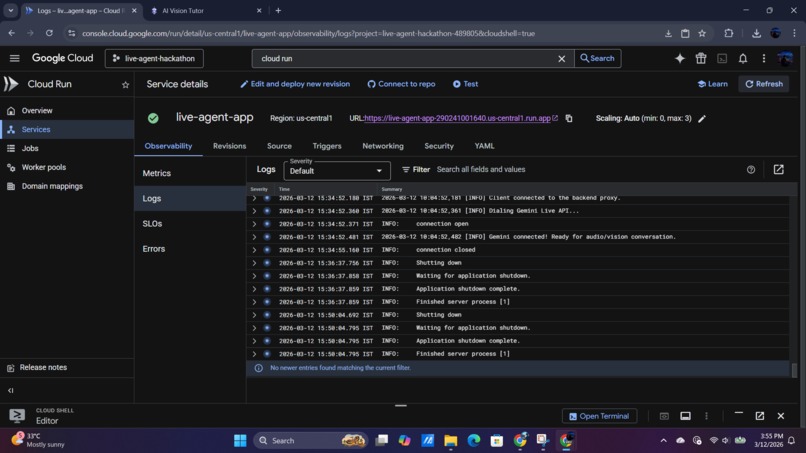
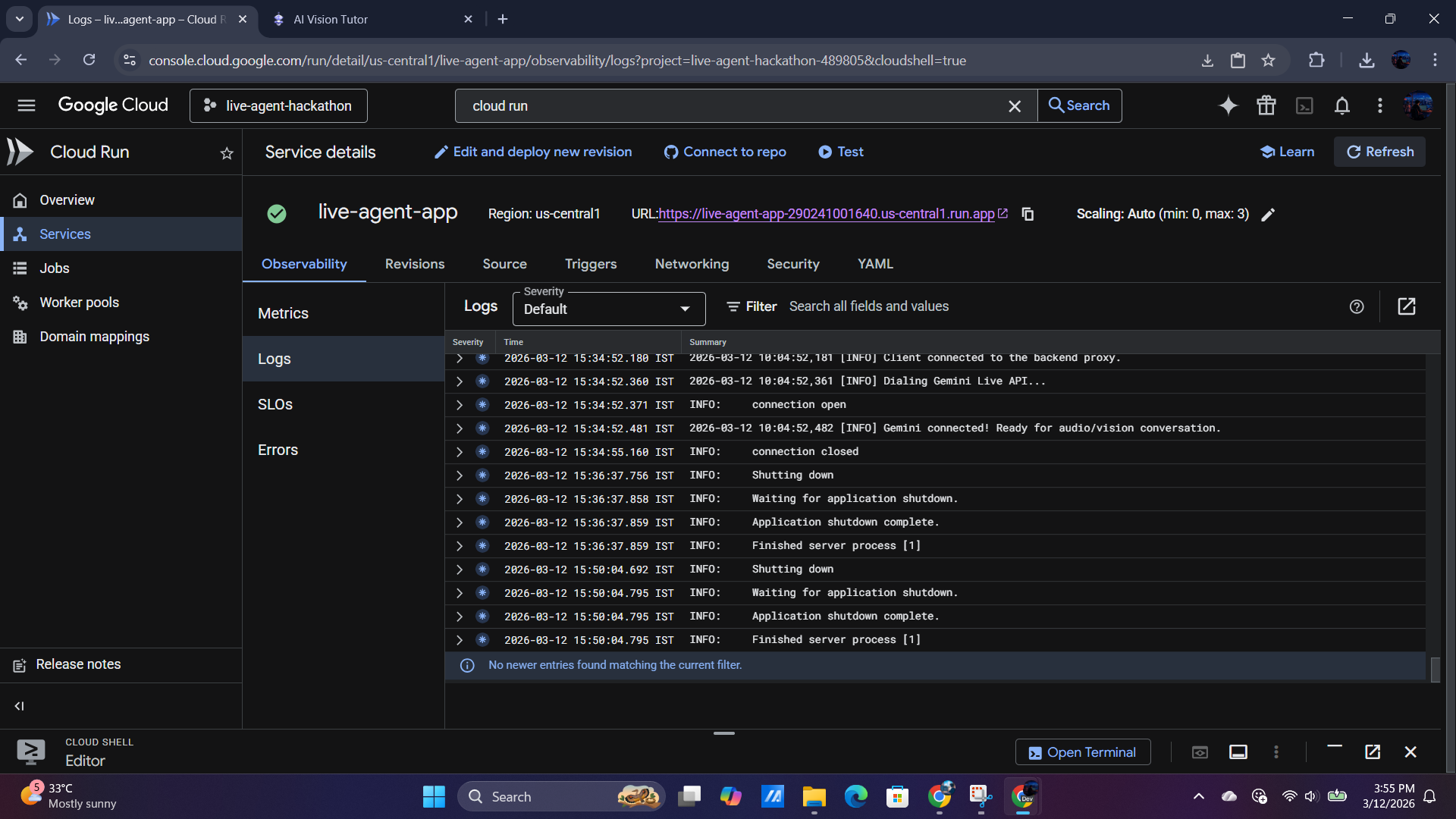
Cloud Console - Cloud Run Log
-
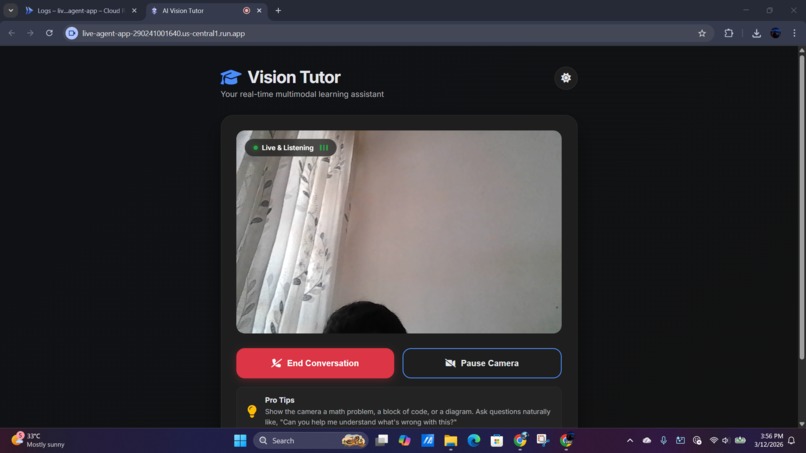
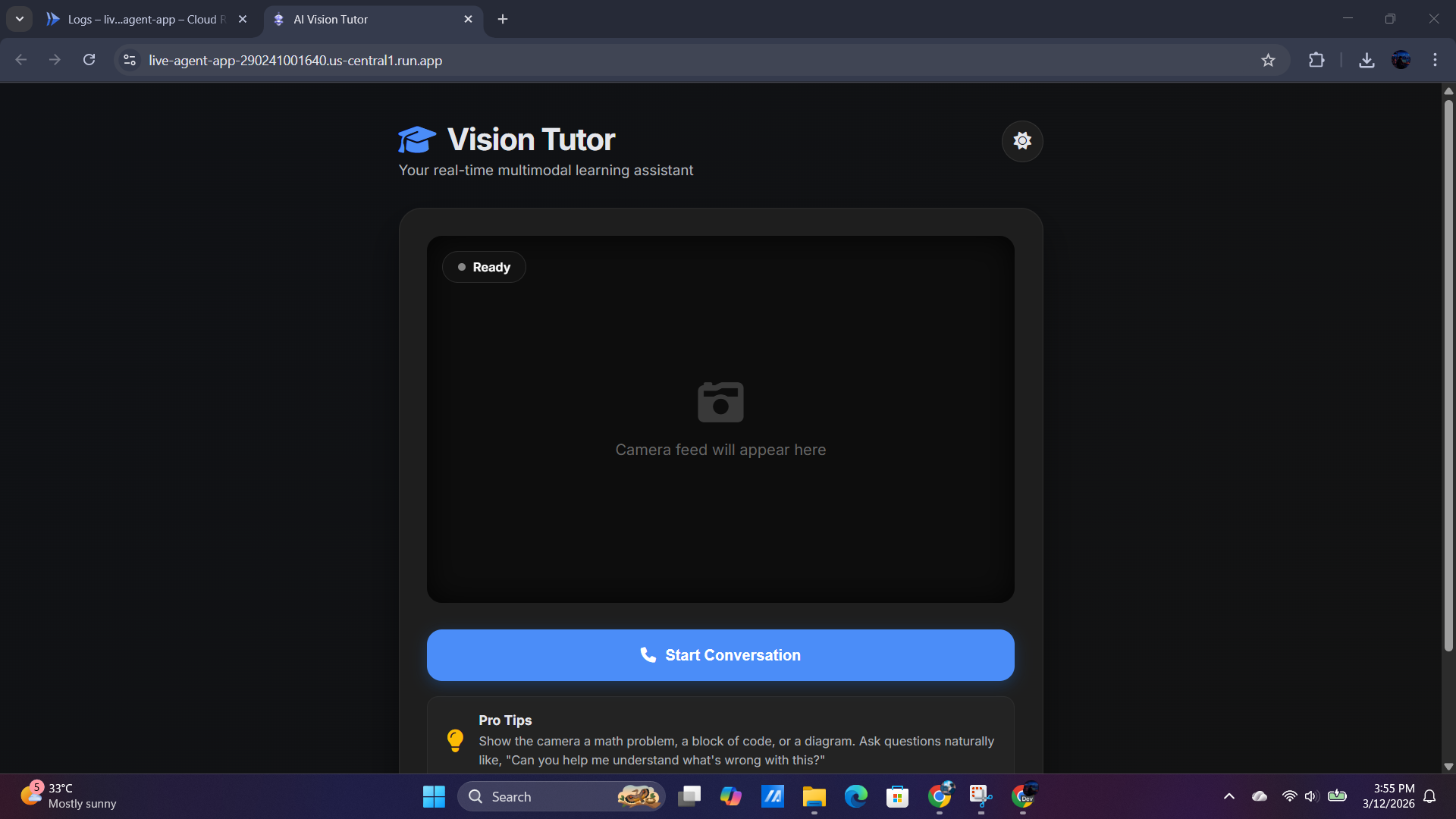
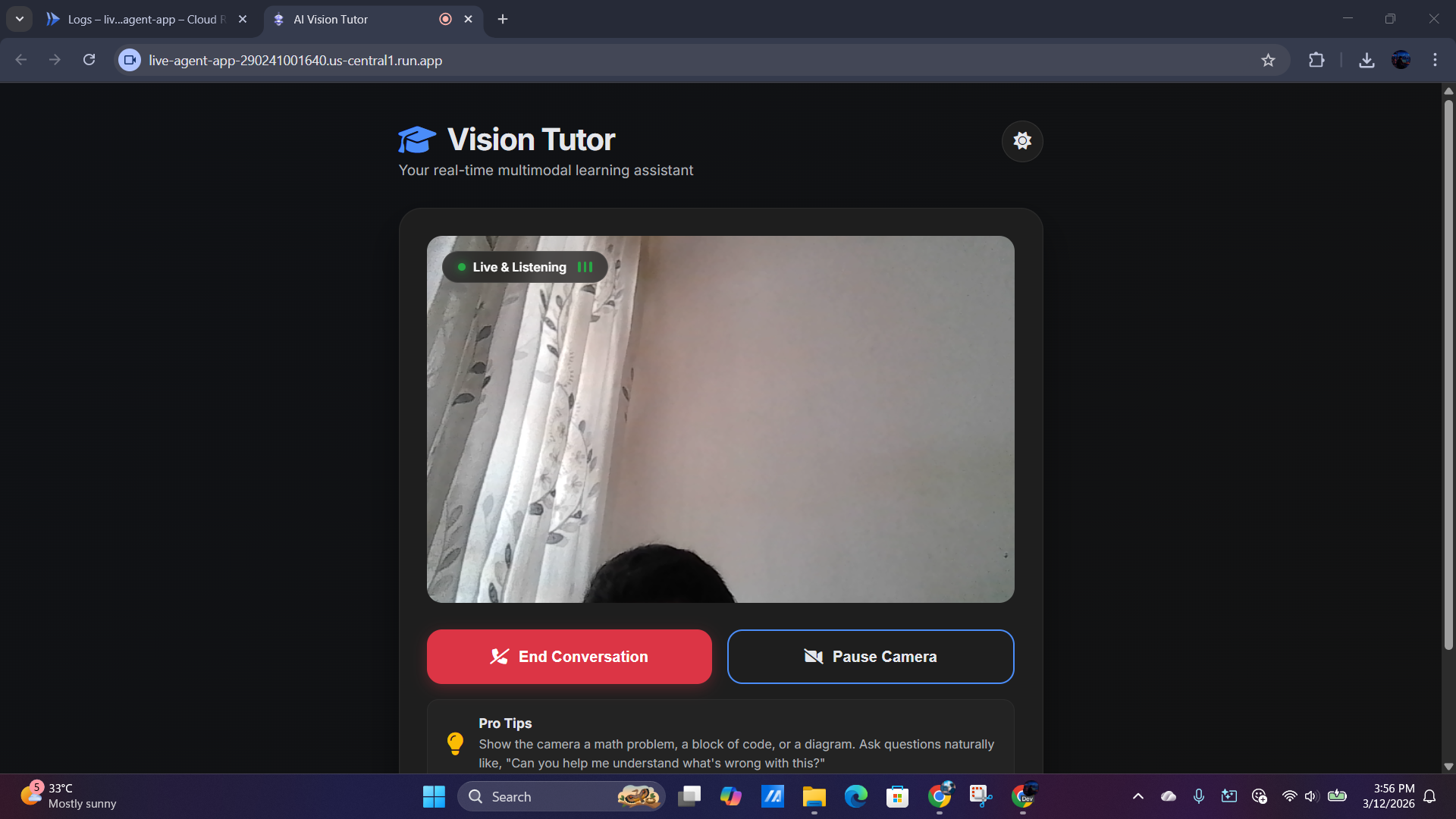
Functioning System
-
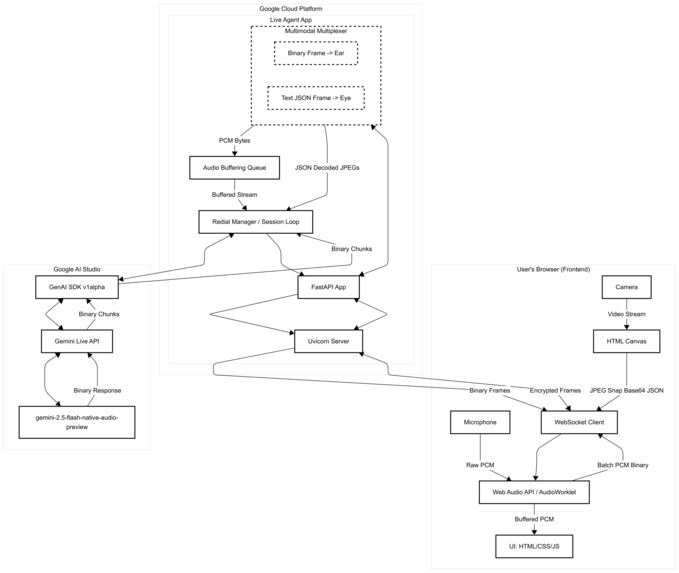
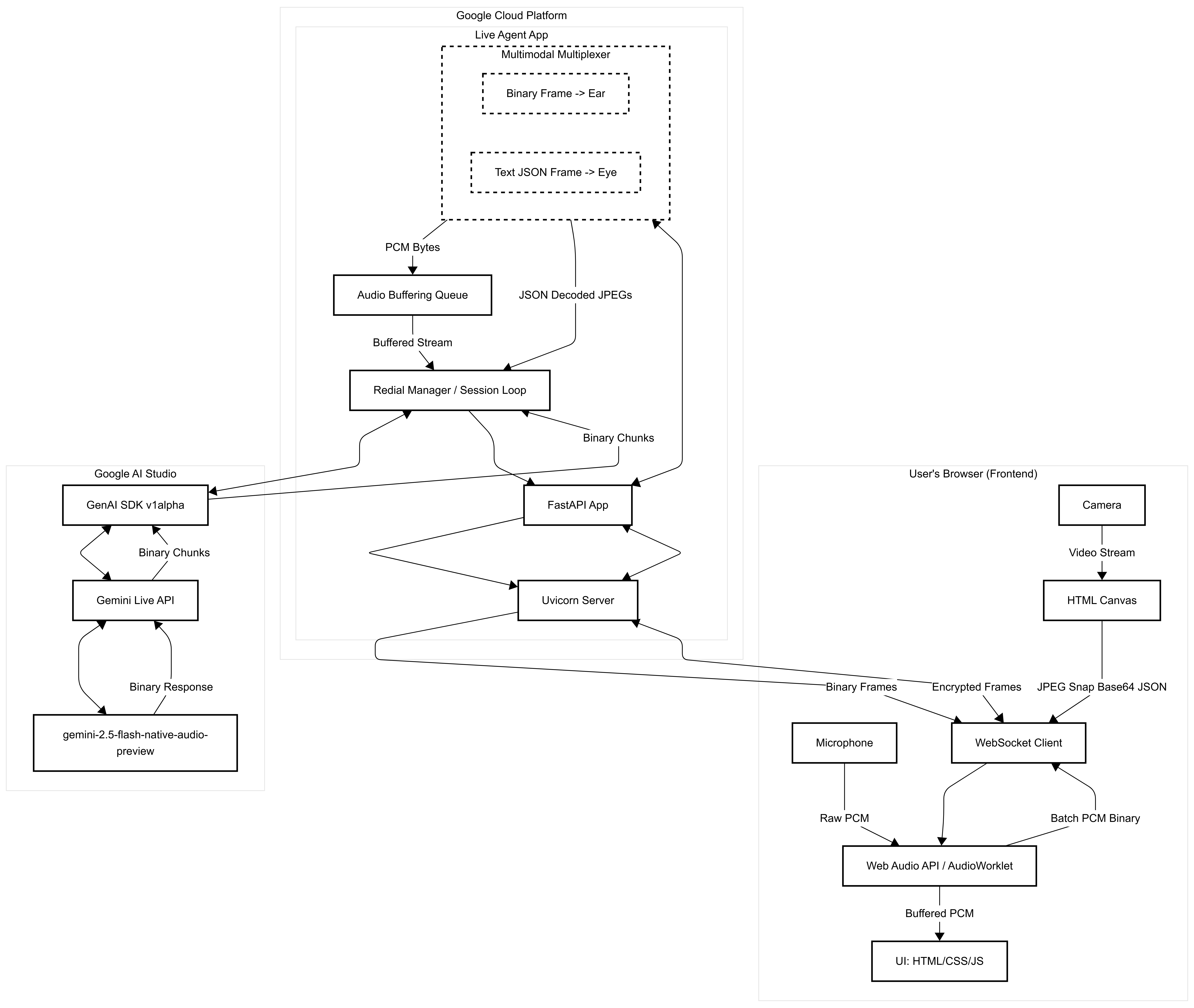
Architecture Diagram
💡 Inspiration
Anyone who writes code has been there: staring at a complex block of code, a confusing architecture diagram, or a dense mathematical proof, wishing they could just point a finger at the screen and ask, "Why isn't this working?" Traditional text-based LLMs are incredible, but copying and pasting code or trying to describe a visual problem via text is tedious. I wanted to bridge the gap between human interaction and AI by giving the assistant both "eyes" and "ears." The goal was to build a tutor that doesn't just passively answer prompts, but actively looks over your shoulder, listens to your voice, and guides you to the answer.
⚙️ What it does
Vision Tutor is a low-latency, real-time multimodal AI assistant. Instead of typing, you simply turn on your camera (or point it at your screen) and speak naturally.
It establishes a continuous, bidirectional voice call with the AI while simultaneously sending a 1-FPS video feed of your environment. Whether you are debugging an architecture diagram or working through a tricky equation, the tutor analyzes the visual context and responds verbally in real-time, acting as a personalized, encouraging guide.
🏗️ How I built it
The application is built on a Resilient Backend Proxy Architecture deployed on Google Cloud Run.
- The Frontend: Built entirely with vanilla HTML5, CSS3, and JavaScript to keep it lightweight. I utilized the modern Web Audio API (specifically an
AudioWorkletNode) to process microphone data on a background thread, preventing UI freezing. - The Backend: A Python backend powered by FastAPI and Uvicorn. It acts as a WebSocket proxy between the client browser and Google's servers.
- The AI Core: I utilized the Google GenAI SDK (
v1alphatier) to connect to the highly experimentalgemini-2.5-flash-native-audio-preview-12-2025Live API endpoint. - The Multiplexer: To achieve multimodal streaming over a single connection, the FastAPI router multiplexes the incoming data: raw binary frames are routed to the AI's "ears" (PCM audio), while JSON text frames are parsed, decoded from Base64, and routed to the AI's "eyes" (JPEG frames).
🚧 Challenges I ran into
Building a real-time multimodal streaming application from scratch was a massive technical hurdle.
- WebSocket Flooding: Initially, processing audio buffers at 16,000 Hz resulted in firing hundreds of WebSocket messages per second, which triggered backend DDoS protections and severed the connection. I solved this by implementing an internal buffer in the
AudioWorkletto batch the Int16 PCM data safely. - The Echo-Interruption Loop: The Gemini Live API has highly sensitive Voice Activity Detection (VAD). Early on, the microphone picked up the AI's own voice coming from the speakers, causing the AI to think it was being interrupted, immediately halting its responses. I mitigated this by enforcing hardware-level
echoCancellationandnoiseSuppressionin the browser'sgetUserMediaconstraints. - Calculating Audio Data Rates: Managing the exact buffer sizes required careful alignment with the AI's expected sample rate to prevent audio drift and garbled playback bursts. $$\text{Buffer Duration (ms)}=\left(\frac{\text{Buffer Size}}{\text{Sample Rate}}\right)\times 1000$$ By standardizing on a 4096-sample buffer at 16kHz, I achieved a stable ~256ms transmission window.
- Session Volatility: The preview native-audio model often acts as a single-turn agent, gracefully closing the connection (
Code 1000) after completing a thought. To create the illusion of an infinite phone call, I engineered an Auto-Redial Queue in the FastAPI backend that buffers user audio and instantly reconnects to Gemini behind the scenes without the user ever noticing a drop.
🏆 Accomplishments that I'm proud of
- Successfully multiplexing binary audio and Base64 video over a single WebSocket connection without latency degradation.
- Taming the notoriously difficult Web Audio API to achieve smooth, sequential playback of binary audio chunks.
- Building a polished, fully responsive UI with dynamic camera toggling, dark mode, and animated visualizers that feels like a native application.
📚 What I learned
This project was a masterclass in real-time web protocols. I gained a deep understanding of WebSocket lifecycles, handling raw PCM audio data buffers, and navigating the cutting-edge v1alpha features of the Google GenAI SDK. I also learned how to build resilient proxy architectures to handle volatile experimental AI endpoints.
🚀 What's next for Vision Tutor
My immediate next steps include:
- Screen Sharing Integration: Replacing the webcam feed with the
getDisplayMediaAPI so users can stream their IDEs or browser windows directly. - Session Transcripts: Saving the conversational context and providing the user with a text-based summary and code snippets after I hang up the call.
- Persona Selection: Allowing users to switch the tutor's system instructions on the fly (e.g., from "Encouraging Tutor" to "Strict Code Reviewer").
Built With
- css3
- docker
- fastapi
- gemini-live-api
- google-cloud-run
- google-genai-sdk
- html5
- javascript
- python
- web-audio-api
- websockets


Log in or sign up for Devpost to join the conversation.