-
-
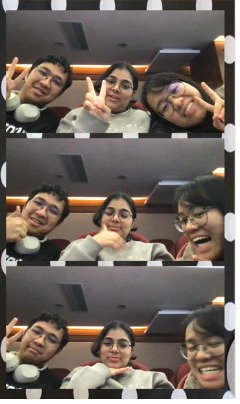
Photobooth
-
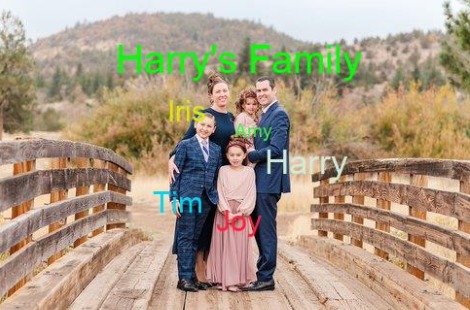
Edited image
-
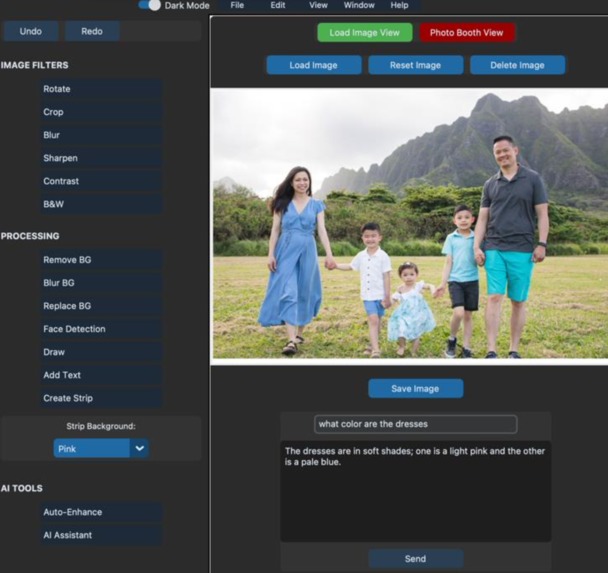
Image Editor Interface
Inspiration
The inspiration for AI Vision Editor came from the frustration of switching between multiple apps to edit a single photo. Each app offers only a subset of features, making the process time-consuming and restrictive. We wanted to create an all-in-one solution that combines traditional editing tools with the power of AI to simplify and enhance the photo editing experience.
What it does
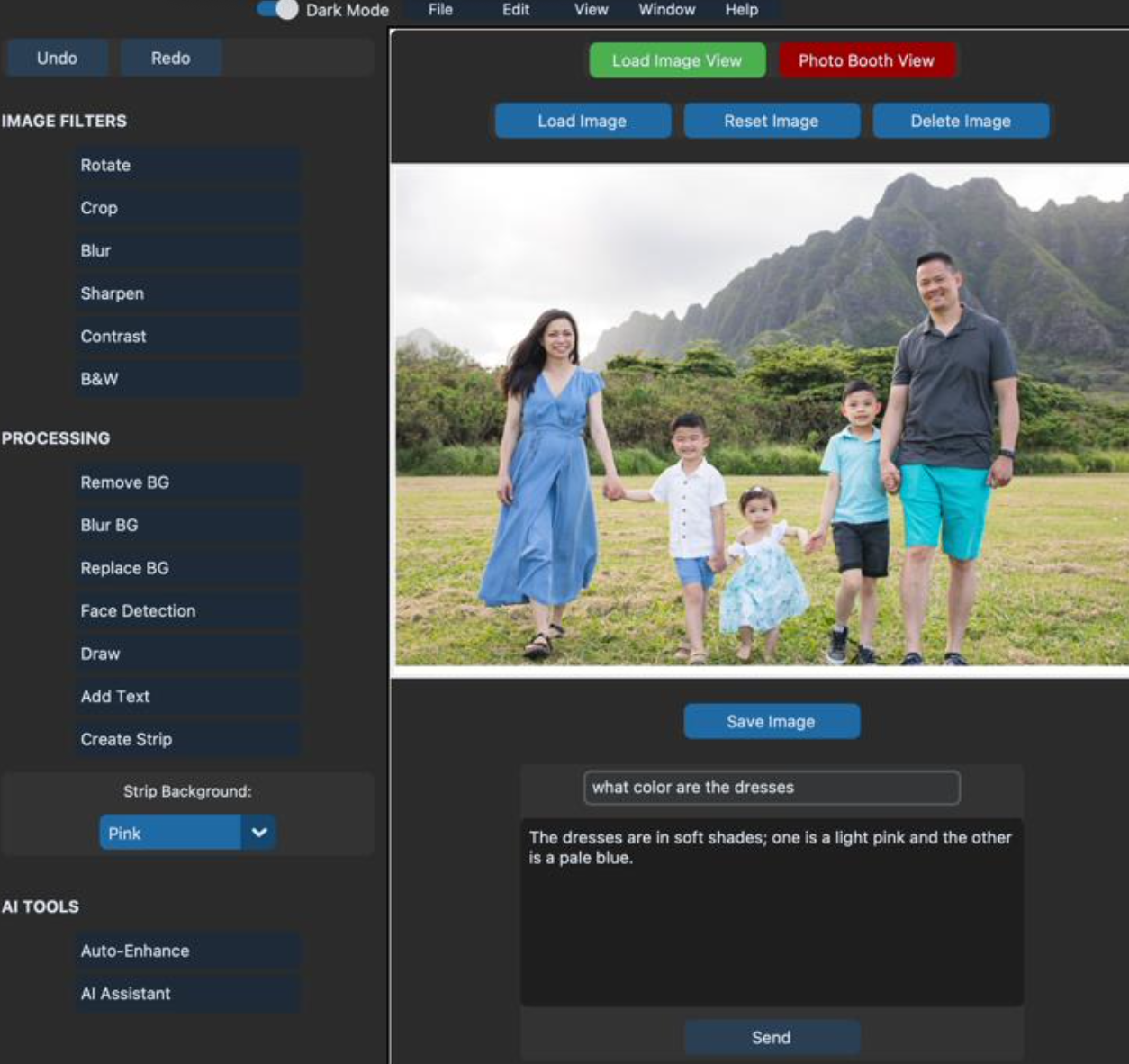
AI Vision Editor is an all-in-one photo editing application that offers:
- AI-Powered Background Removal: Automatically remove or replace image backgrounds with precision.
- Photo Enhancements: Improve image quality using AI-based enhancement tools.
- Creative Tools: Add text, draw, and apply filters to personalize images.
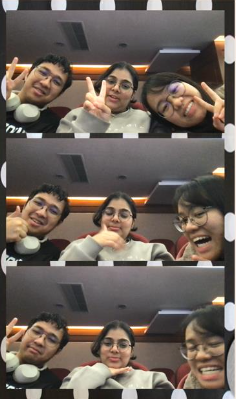
- Photobooth Mode: Capture and create photo strips with customizable backgrounds.
- Undo/Redo Functionality: Easily revert or reapply changes for a non-destructive editing experience.
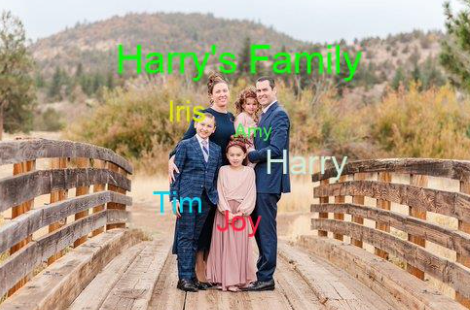
- Face Detection: Identify and highlight faces in images using Viola-Jones algorithms.
- Chatbot Assistant: Ask questions about the image or get editing suggestions via an integrated AI assistant.
- Automatic photo editing with a prompt. We can give a text/ video prompt about how we want the image to be edited like and it will automatically edit the photo for us. Such as, if the image is dark and the colours are not properly seen, we can give the prompt that "Please improve the quality of the image", and it will directly improve the image by increasing the brightness and the contrast and it will give a final edited image. -AI Art Teacher: It will give us tips to improve the quality of our project.
How we built it
- Python: The core programming language for the application.
- CustomTkinter: For creating a modern and responsive user interface. -** Pillow (PIL)**: For basic image manipulation and processing.
- OpenCV: For advanced image processing tasks like face detection, background removal, and inpainting. -** PyTorch*: To leverage pre-trained AI models like DeepLabV3 for background segmentation. -* Hugging Face (Gradio Client)**: For integrating the Finegrain Image Enhancer model, enabling AI-powered image enhancement.
- ChatGPT API: To provide an AI assistant that responds to user queries and offers editing suggestions. -** Pygame*: For adding sound effects, such as a camera shutter sound in photobooth mode. -DeepAI API*: We made use of this API to call for the AI Editor which automatically edits the image for us
This combination of tools allowed us to seamlessly integrate traditional editing features with cutting-edge AI capabilities, creating a robust and user-friendly application.
Challenges we ran into
- Integrating AI Models: Adapting pre-trained AI models like DeepLabV3 for real-time background removal required significant preprocessing and optimization.
- User Interface Design: Balancing functionality and simplicity in the UI was challenging, especially when integrating advanced features like photobooth mode and drawing tools.
- Performance Optimization: Ensuring smooth performance while handling high-resolution images and AI computations was a key hurdle.
- Error Handling: Managing edge cases, such as invalid user inputs or missing files, required robust error handling mechanisms.
Accomplishments that we're proud of
- Successfully integrating AI-powered features like background removal, face detection, and image enhancement.
- Creating a user-friendly interface that caters to both beginners and advanced users.
- Implementing a photobooth mode with live previews, countdowns, and customizable photo strips.
- Adding undo/redo functionality to ensure a non-destructive editing workflow.
- Building a chatbot assistant that leverages AI to provide editing suggestions and insights.
What we learned
- The importance of optimizing AI models for real-time applications.
- How to design intuitive user interfaces that accommodate complex functionalities.
- Techniques for integrating multiple libraries and frameworks into a cohesive application.
- The value of user feedback in refining features and improving usability.
What's next for AI Vision Editor
- AI Background recommender system. Such as based on the input image and the human faces, behaviour, facial expressions, and environment, it will suggest a different style background. Which can be easily integrated.
- Cloud Integration: Allow users to save and load images directly from cloud storage. -** Mobile Version**: Develop a mobile-friendly version of the application for on-the-go editing.
- Advanced AI Features: Add tools like object detection, style transfer, and automatic colorization. -** Collaboration Tools**: Enable multiple users to edit the same image in real-time.
- Marketplace Integration: Allow users to purchase and apply premium filters, backgrounds, and effects.

Log in or sign up for Devpost to join the conversation.