-
-
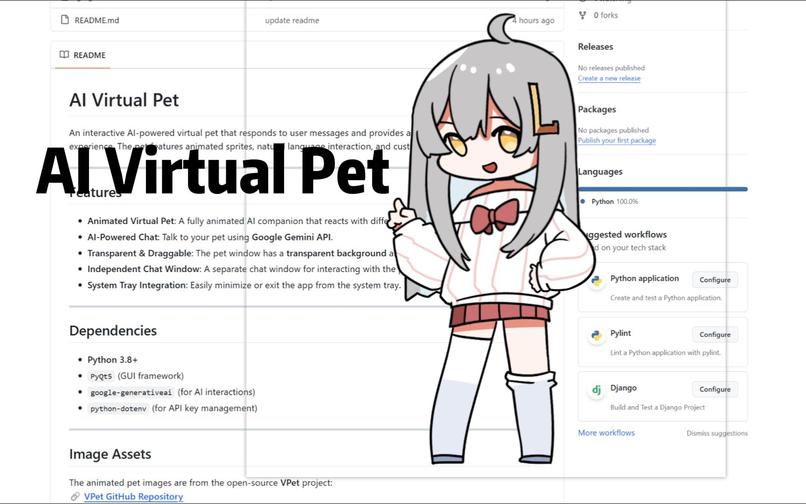
AI Virtual Pet Image
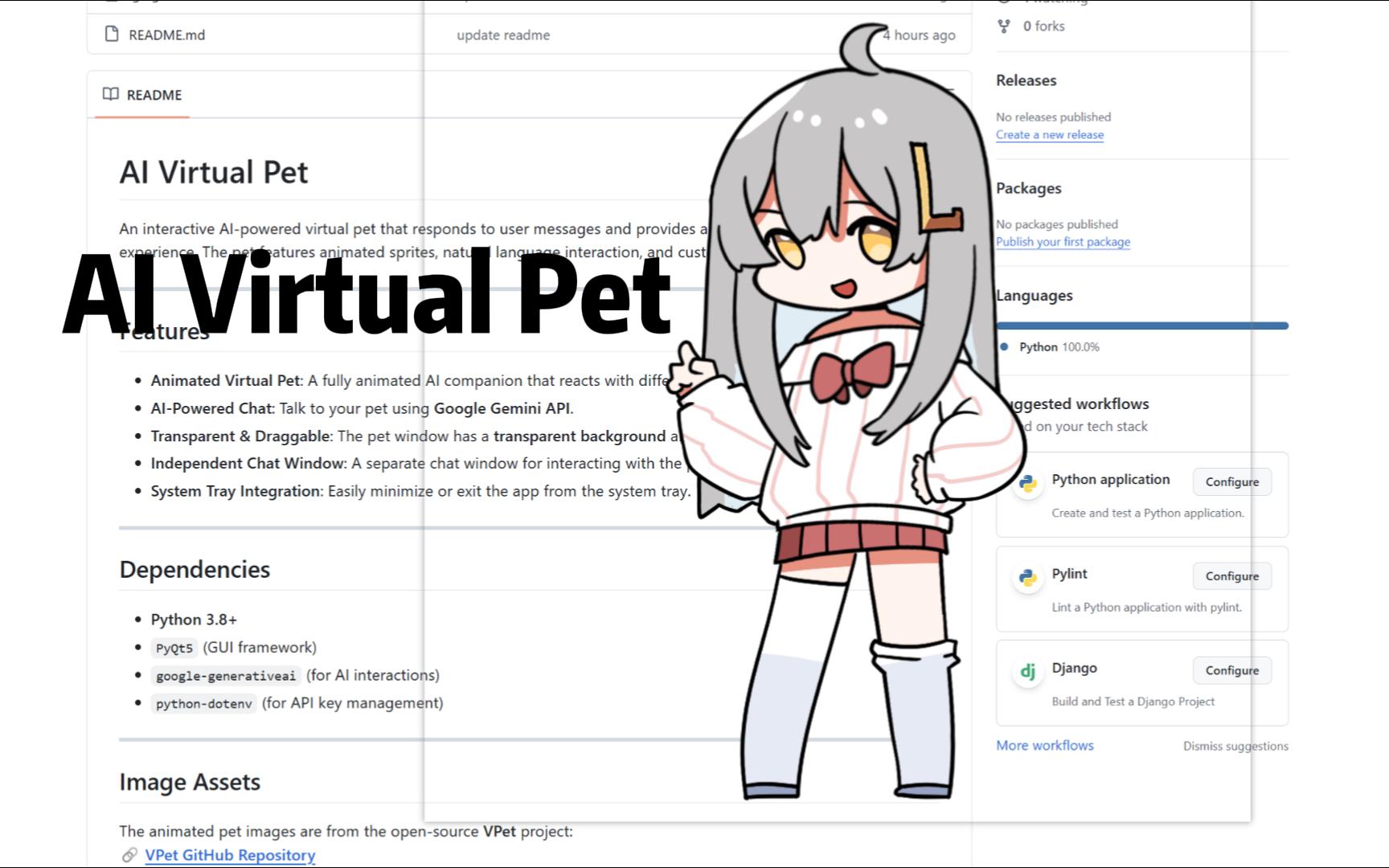
Inspiration
Spending long hours on a computer can feel isolating and stressful. I wanted to create something that brings a sense of companionship and positivity — not just visually, but emotionally. That’s how the idea for an AI-powered virtual pet was born: a floating desktop companion that chats with you, reacts to your words, and even helps you study.
I was inspired by nostalgic desktop pets like eSheep and VPet, but I wanted to give mine a modern upgrade — with AI-generated dialogue, emotional intelligence, and support for productivity.
What it does
The AI Virtual Pet lives on your desktop as a floating, transparent, draggable character. It features two chat modes:
- AI Mode: A quick-access assistant for answering general questions.
- Pet Mode: The pet behaves emotionally and responds with personality. It tracks a mood score (starting at 81) which changes based on user input and interaction.
The pet shows different animations based on its mood (happy, neutral, sad). It also includes fun features like:
- Play Mode: Pet its head to cheer it up.
- Feeding: Give it food — but don’t overfeed!
- Focus Mode: Disables animation and distractions to help users stay on task.
- Mood Bar: A vertical progress bar visually tracks the pet's current emotional state.
How we built it
The project is written in Python and built with the following tools:
- PyQt5 for the GUI, animations, transparent window, and user interaction
- Google Gemini Pro API for AI conversation
The codebase is split into two major modules:
DeskPetAI: Handles AI logic, mood tracking, and emotional parsingDeskPetandChatWindow: Manage the visual layer, chat interface, and event handling
Animations are played using threaded sprite sequences, and mood changes are parsed from AI responses using cues like (+5) or (-3).
Challenges we ran into
- Creating smooth animations without UI lag
- Extracting clear emotional cues from AI responses
- Keeping multiple windows in sync and always-on-top
- Managing PyQt5 threads with real-time interactions
Accomplishments that we're proud of
- Seamlessly integrating AI emotional feedback with sprite animation
- Building a modular system with clean separation between AI and UI
- Creating a pet that’s not just cute, but genuinely reactive and useful
- Making the app helpful for both mental well-being and productivity
What we learned
- Prompt engineering for emotional AI behavior
- PyQt5 advanced UI techniques and event handling
- Modular design for AI-integrated desktop applications
- Balancing performance with real-time animation and logic
What's next for AI Virtual Pet
- Add voice interaction with speech-to-text and TTS
- Support for custom skins and personalization
- Introduce mini games and interactive quizzes for fun and learning
- Build a cloud save system to preserve pet mood and history


Log in or sign up for Devpost to join the conversation.