-
-
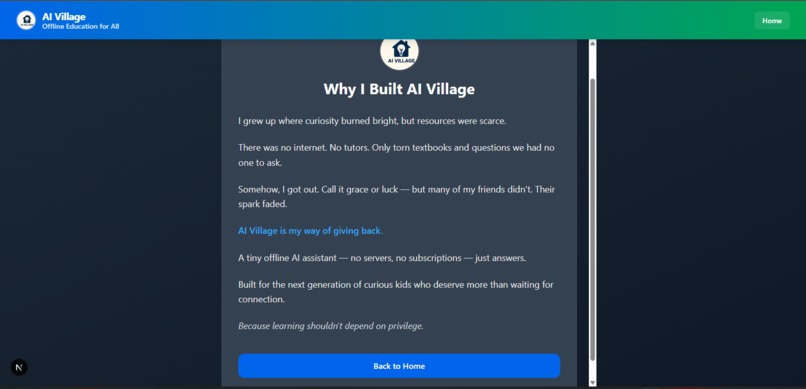
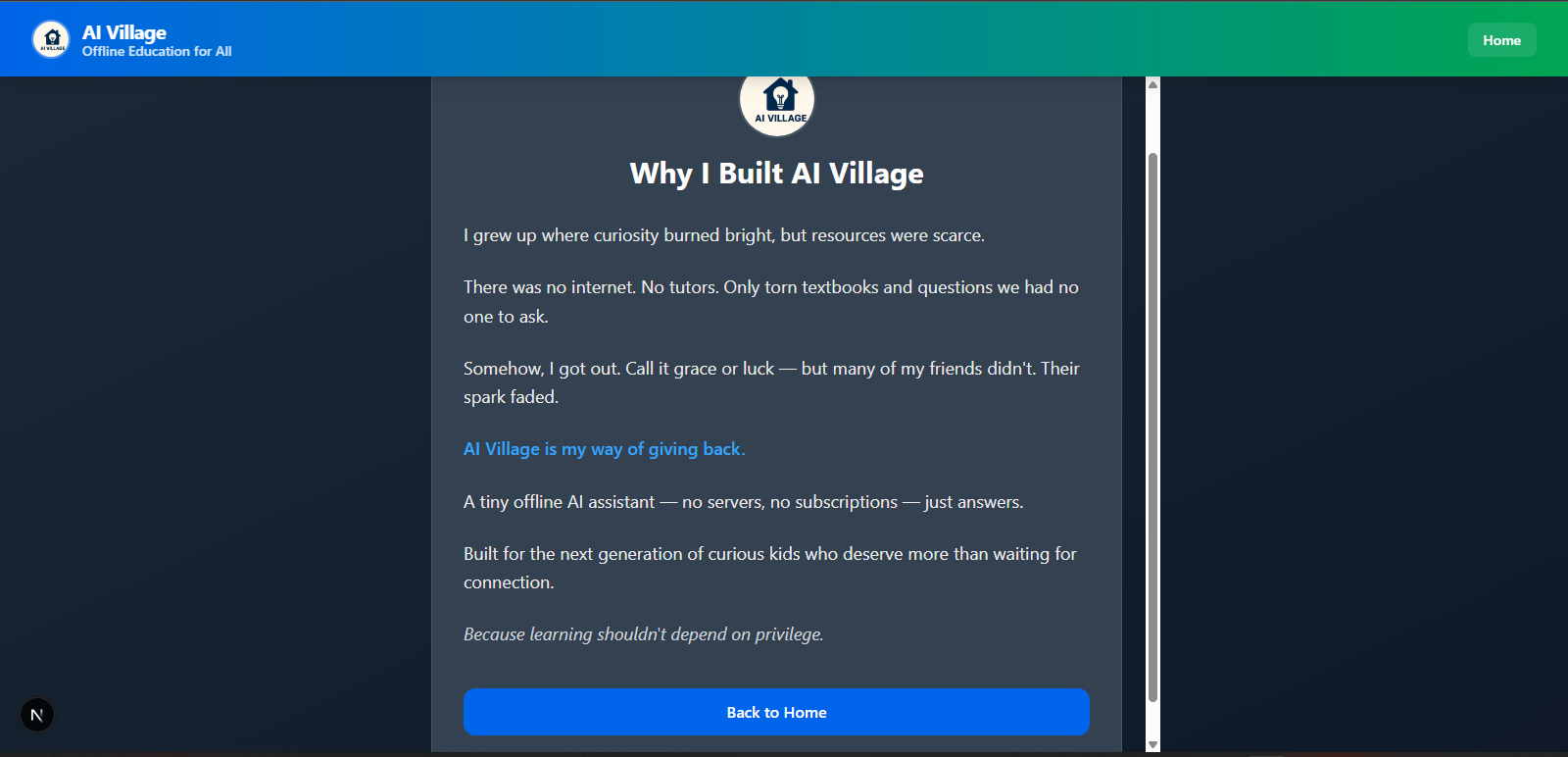
About page
-
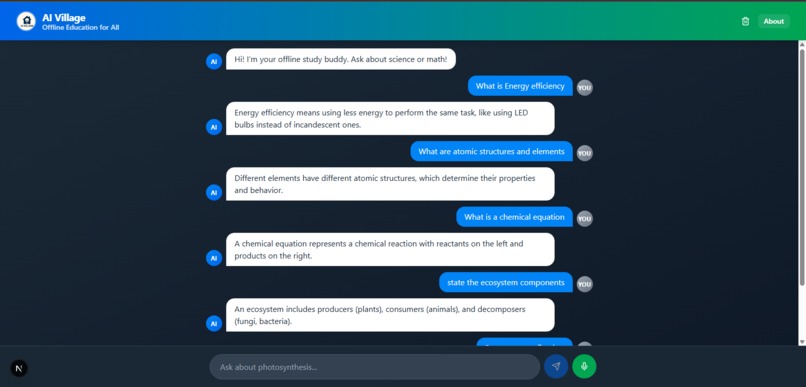
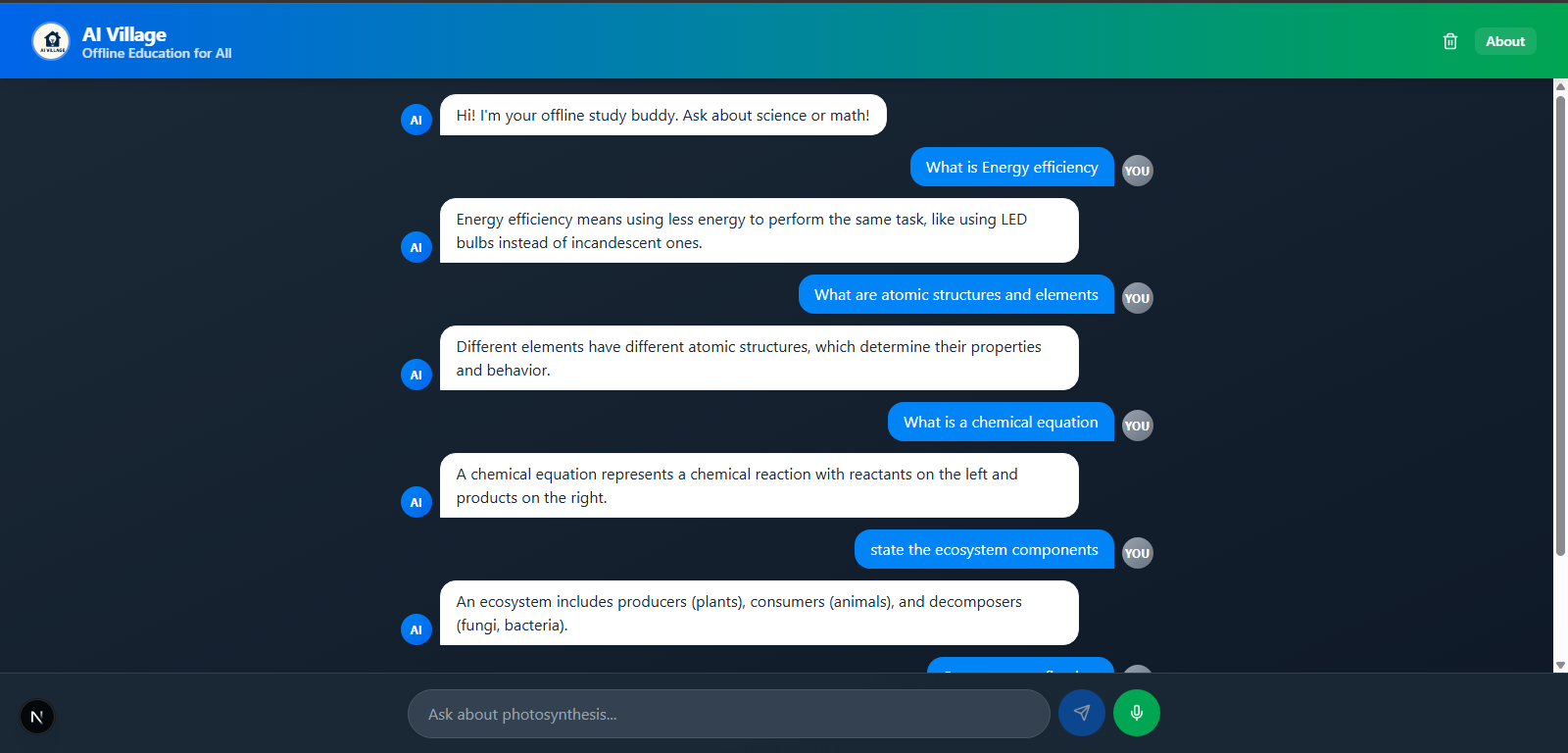
Home page with chatbox
Inspiration Millions of rural students lack reliable internet access, leaving them cut off from modern learning tools. We wanted to bring AI-powered education to these communities in a way that works entirely offline — breaking the barrier of connectivity.
What it does AI Village is a browser-based chatbot that runs a tiny LLM locally, answering school curriculum questions without internet access. Students can type or use voice input, and get clear, relevant responses instantly.
How we built it We used Next.js for the frontend, Tailwind CSS for styling, and TensorFlow.js to run a GPT-2 Tiny model directly in the browser. The chatbot logic loads a pre-trained model and processes user questions without sending any data online, ensuring privacy and offline availability.
Challenges we ran into Optimizing the AI model to run smoothly in low-powered devices.
Making the UI simple, friendly, and usable for students with varying tech familiarity.
Handling storage and loading speeds without server-side processing.
Accomplishments that we're proud of Successfully running an AI chatbot fully offline in a browser.
Creating a clean, responsive, and accessible UI.
Designing the system to work even on low-spec laptops and mobile devices.
What we learned How to integrate machine learning models directly in the browser.
UI/UX design for offline-first educational tools.
The importance of designing for resource constraints in rural communities.
What's next for AI Village Expanding the AI’s knowledge base to support more subjects and languages.
Adding text-to-speech for students who struggle with reading.
Packaging the app for easy distribution via USB drives and local school networks.
Built With
- css3
- html5
- javascript
- next.js
- tailwindcss
- tensorflow.js

Log in or sign up for Devpost to join the conversation.