-
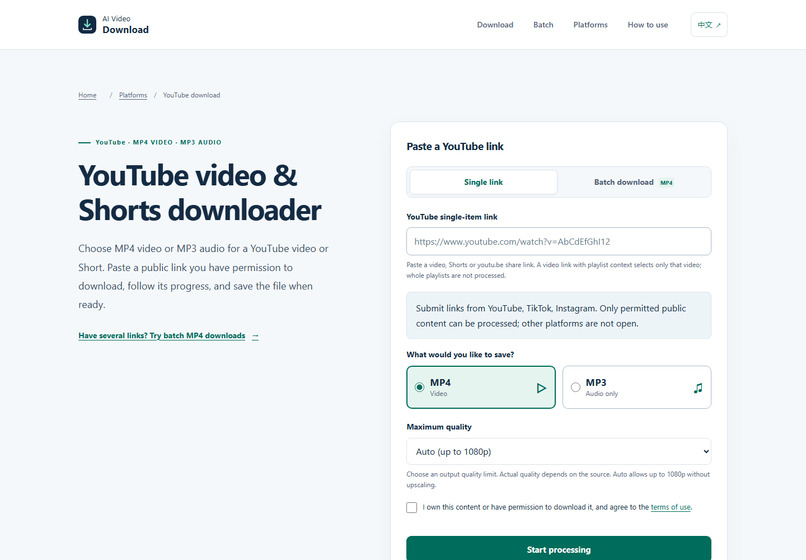
YouTube download interface with single-link and batch MP4 options.
Why I built it
This project began as a Python downloader and grew into a web interface for people saving public clips they own or have permission to download. The practical problem was visibility: when several links are queued, a user should be able to see which item is processing, which finished, and which failed.
What it does
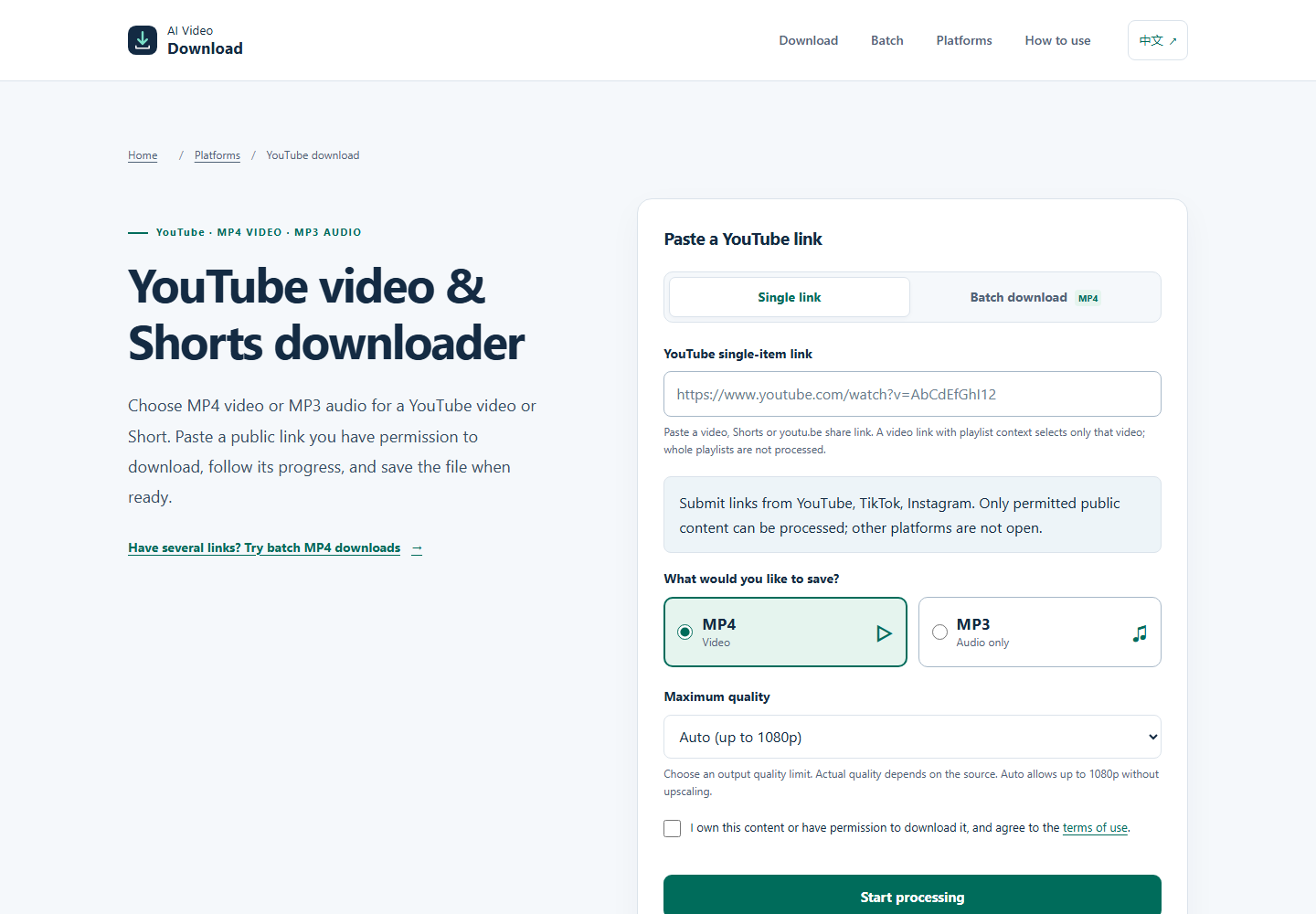
The YouTube page accepts an individual video or Shorts URL and offers MP4 video or MP3 audio. The batch interface accepts up to 10 individual links, entered one per line or imported from a UTF-8 TXT file. Batch outputs are MP4; each completed file is saved separately. One failed item does not prevent the remaining items from being processed.
No website account or browser extension is required. Each output is limited to 10 minutes and 100 MiB, and ready files expire after one hour. Entire playlists and channels are not expanded.
How it is built
The backend uses Python and FastAPI, with SQLite for download jobs and batch state. yt-dlp handles supported source extraction, and FFmpeg handles video and audio processing. The interface displays the state of individual jobs rather than treating a batch as one opaque operation. Docker is used for deployment.
Challenges and lessons
A public source URL does not guarantee that a server can retrieve its media. Availability, source changes, and regional restrictions can cause failures, so the interface needs an honest per-item error state. Short-lived output files and explicit duration and size limits also make resource usage easier to manage. Server-side completion tracking lets single and batch outcomes be measured even when the browser is closed.
Try it
The linked YouTube page is the working entry point. Only submit content you have rights to save. The project is presented by its operator; AI-assisted coding and writing were used during development. The downloader itself does not generate videos with AI.

Log in or sign up for Devpost to join the conversation.