-
-
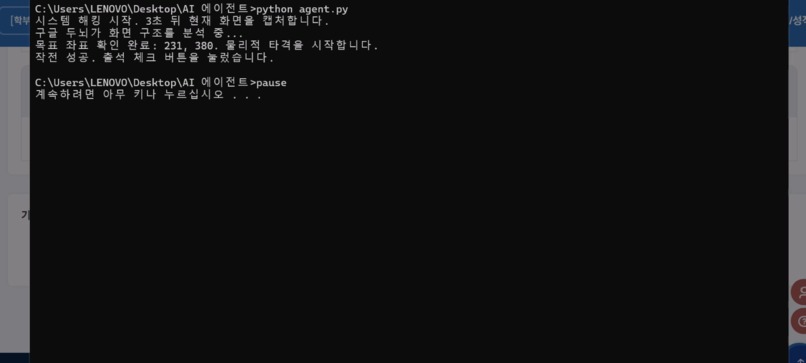
AI 에이전트(UI 네비게이터) 작동 화면
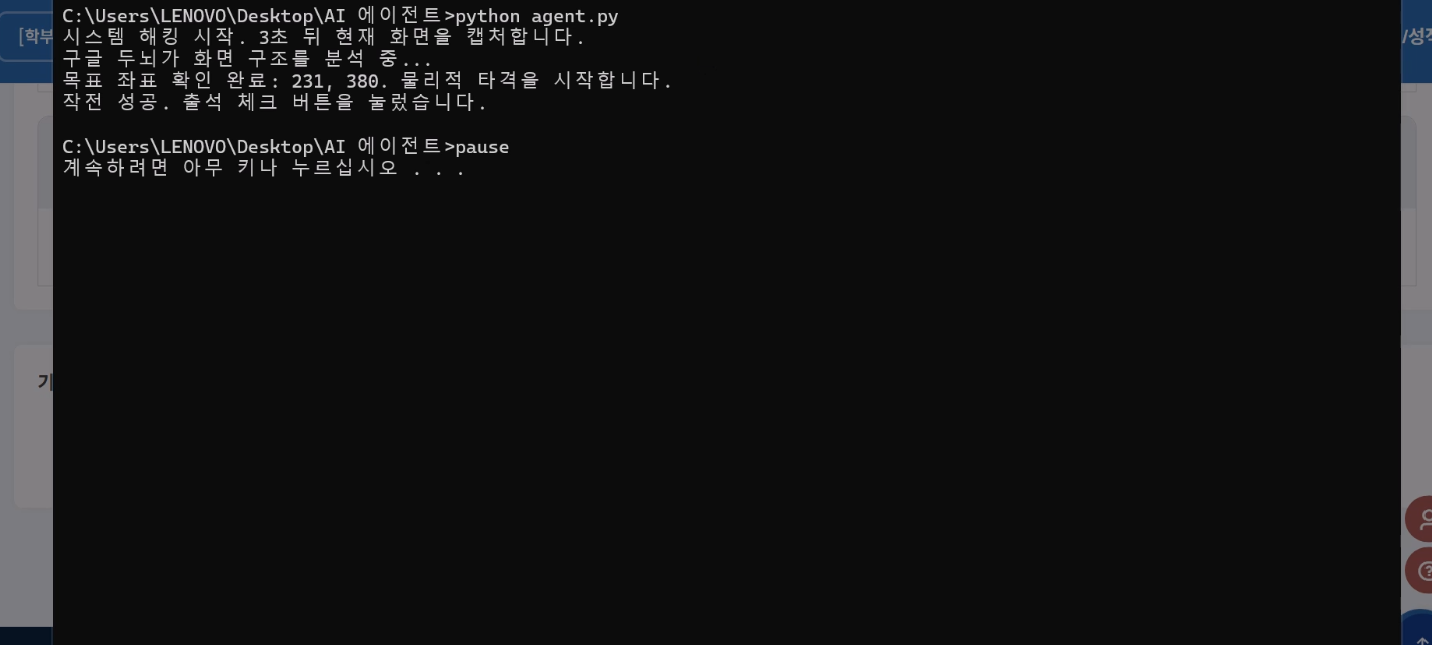
Inspiration and What it does Frustrated by unapproachable UIs in our university system, we built the AI UI Navigator. It acts as the user hands, taking screenshots, using Gemini to find target coordinates, and physically clicking them via a Python script.
How we built it We used Python pyautogui for physical mouse control, Gemini 2.5 Flash for visual planning, and a raw bat script launcher to bypass complex IDE setups and ensure reliable local execution.
Challenges and Limitations First, API usage limits and budget constraints severely restricted our ability to fully test and scale the architecture. Second, the click accuracy is not yet perfect. The agent sometimes misses the exact button coordinates, requiring the user to manually adjust the screen position for a successful click. Third, we initially attempted to integrate Google Cloud Vertex AI, but the configuration and architecture were too complex and overwhelming, leading us to pivot to Google AI Studio.
Accomplishments and What is next Despite these roadblocks, we successfully proved the concept of a lightweight, 100-line autonomous UI agent. Moving forward, we plan to refine the coordinate accuracy and expand its physical actions to include typing and scrolling.
Built With
- gemini-2.5-flash
- google-ai-studio
- pyautogui
- python

Log in or sign up for Devpost to join the conversation.