-
-
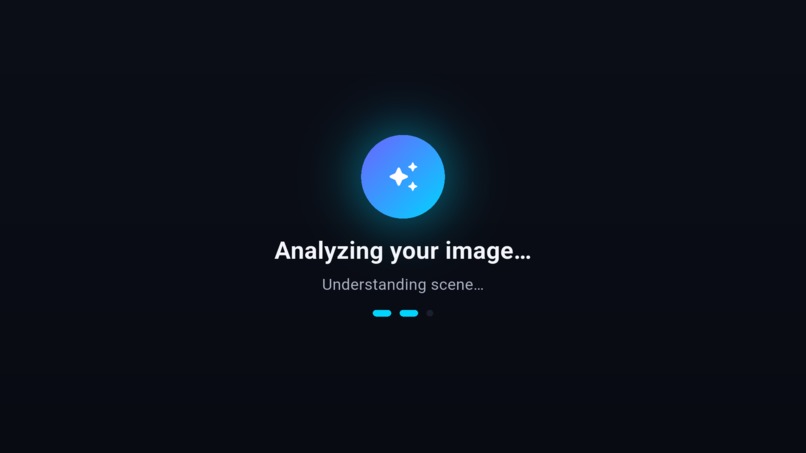
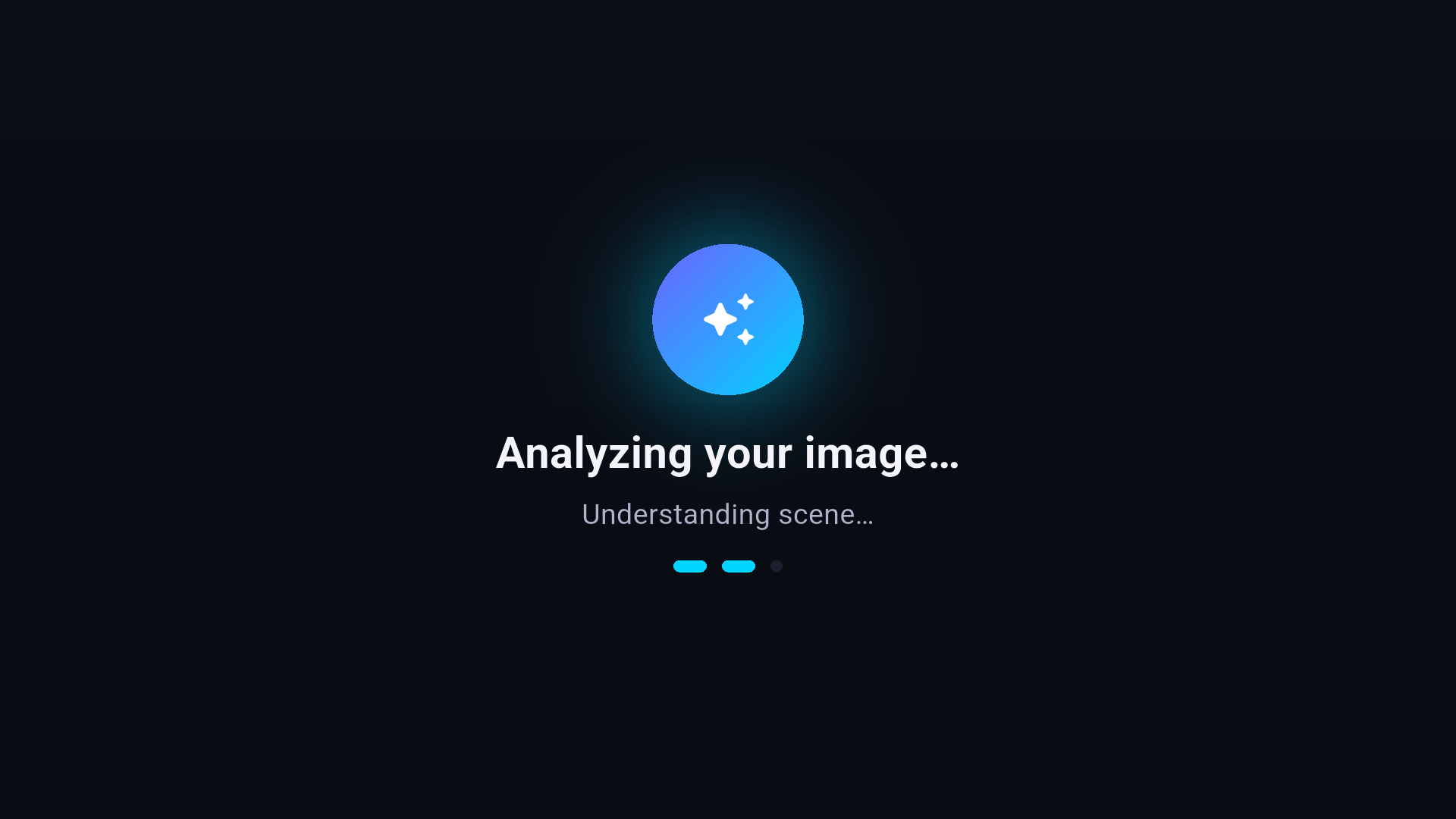
Image analysis screen
-
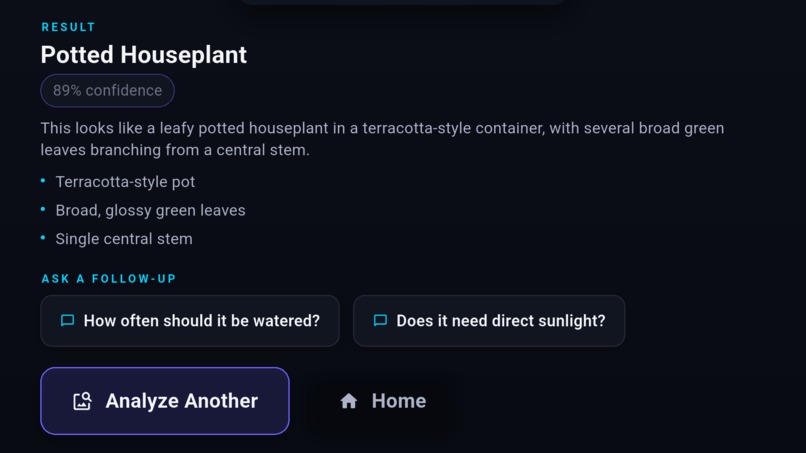
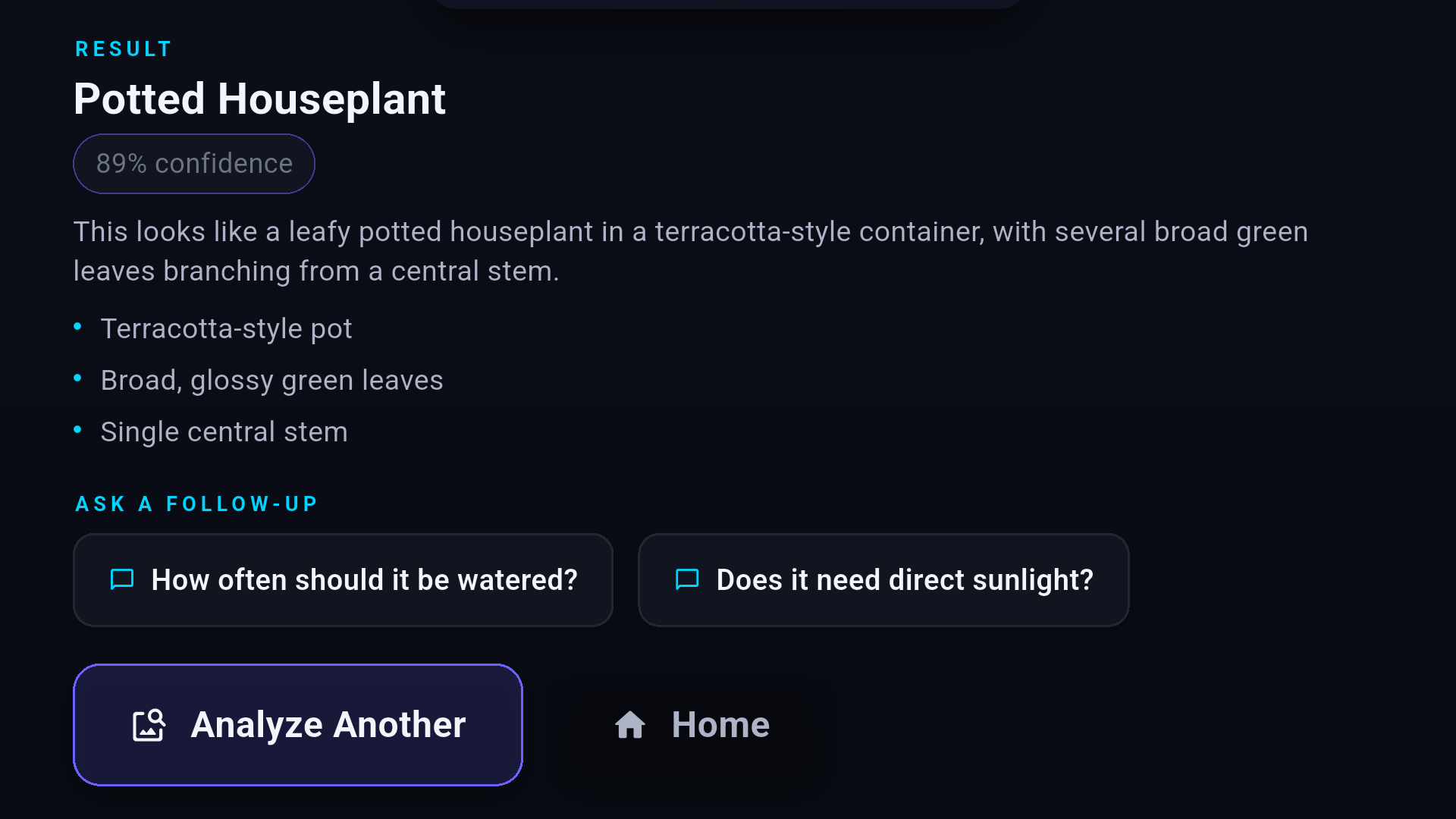
Analysis result part 2
-
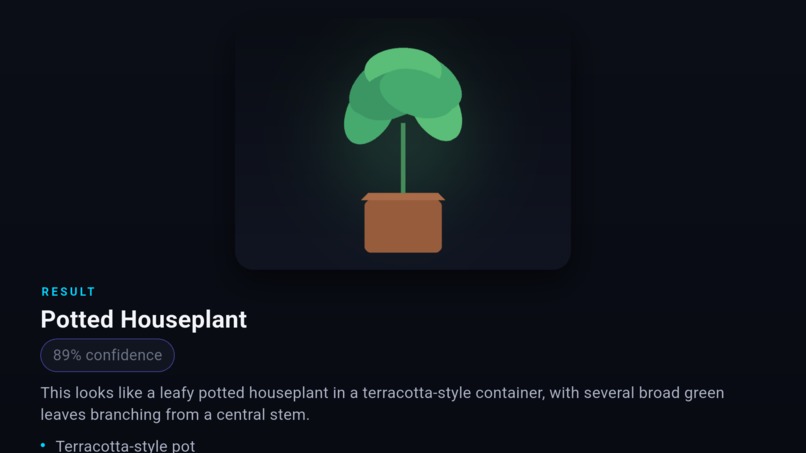
Analysis result part 1
-
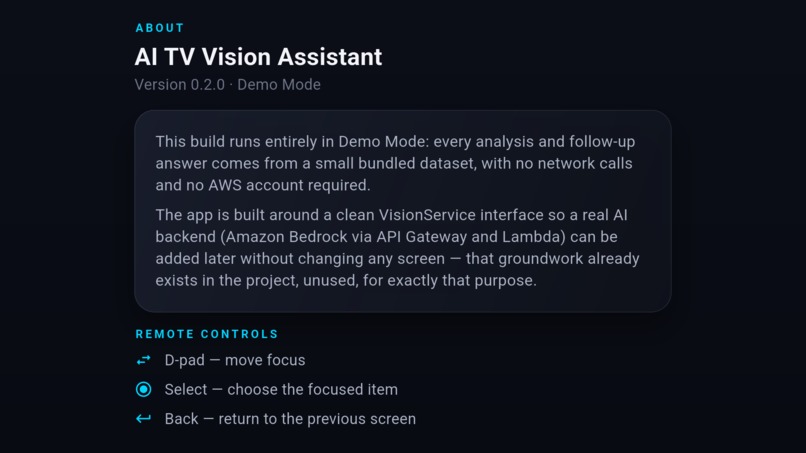
About screen
-
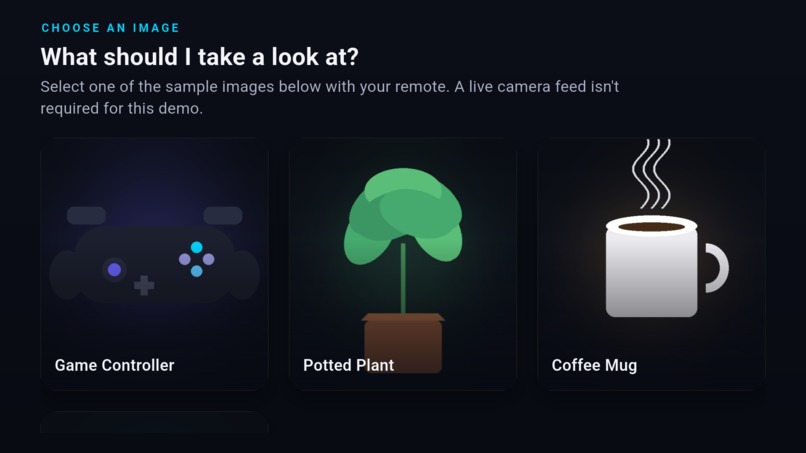
Demo images list
-
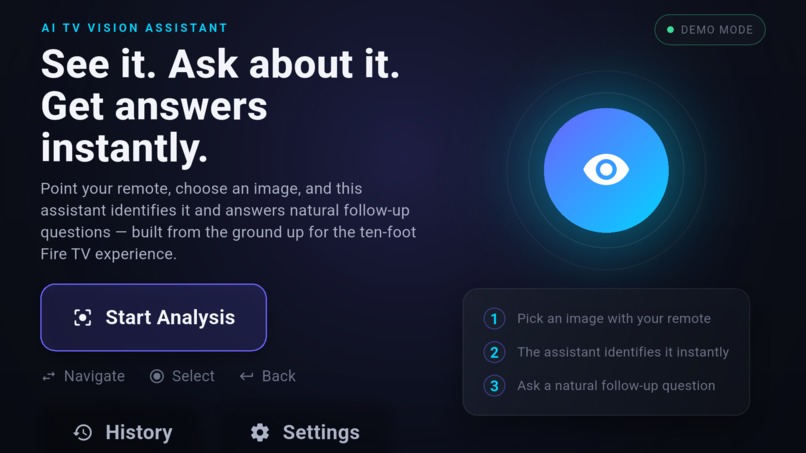
Home screen
Inspiration
Watching TV is a couch activity — you don't have a keyboard, a mouse, or even reliable hands-free voice on most Fire TV remotes. But you constantly see things on screen you're curious about. I wanted an assistant built specifically for that moment: point at something, get a short answer, ask a follow-up, all without ever picking up a phone.
What it does
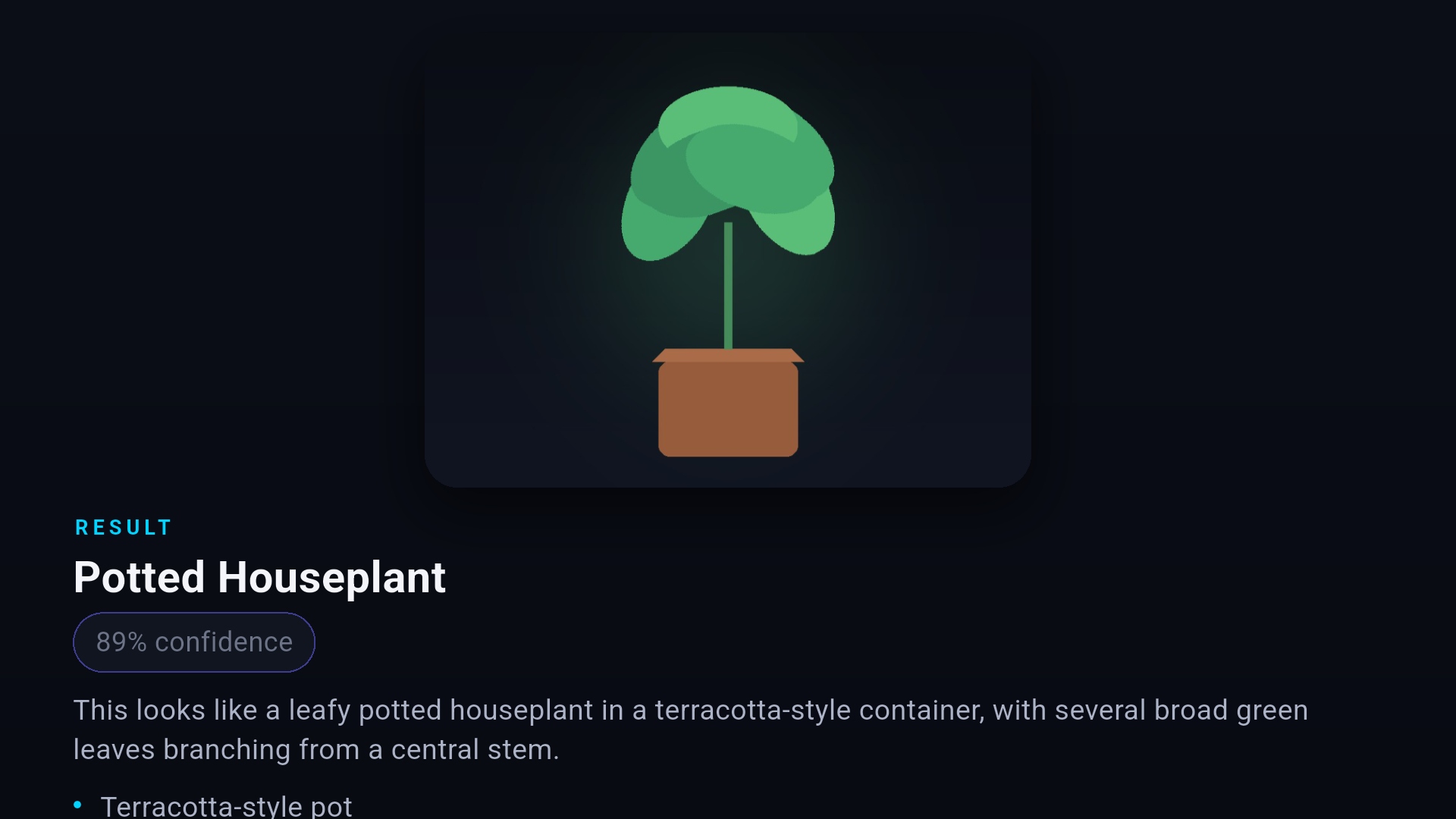
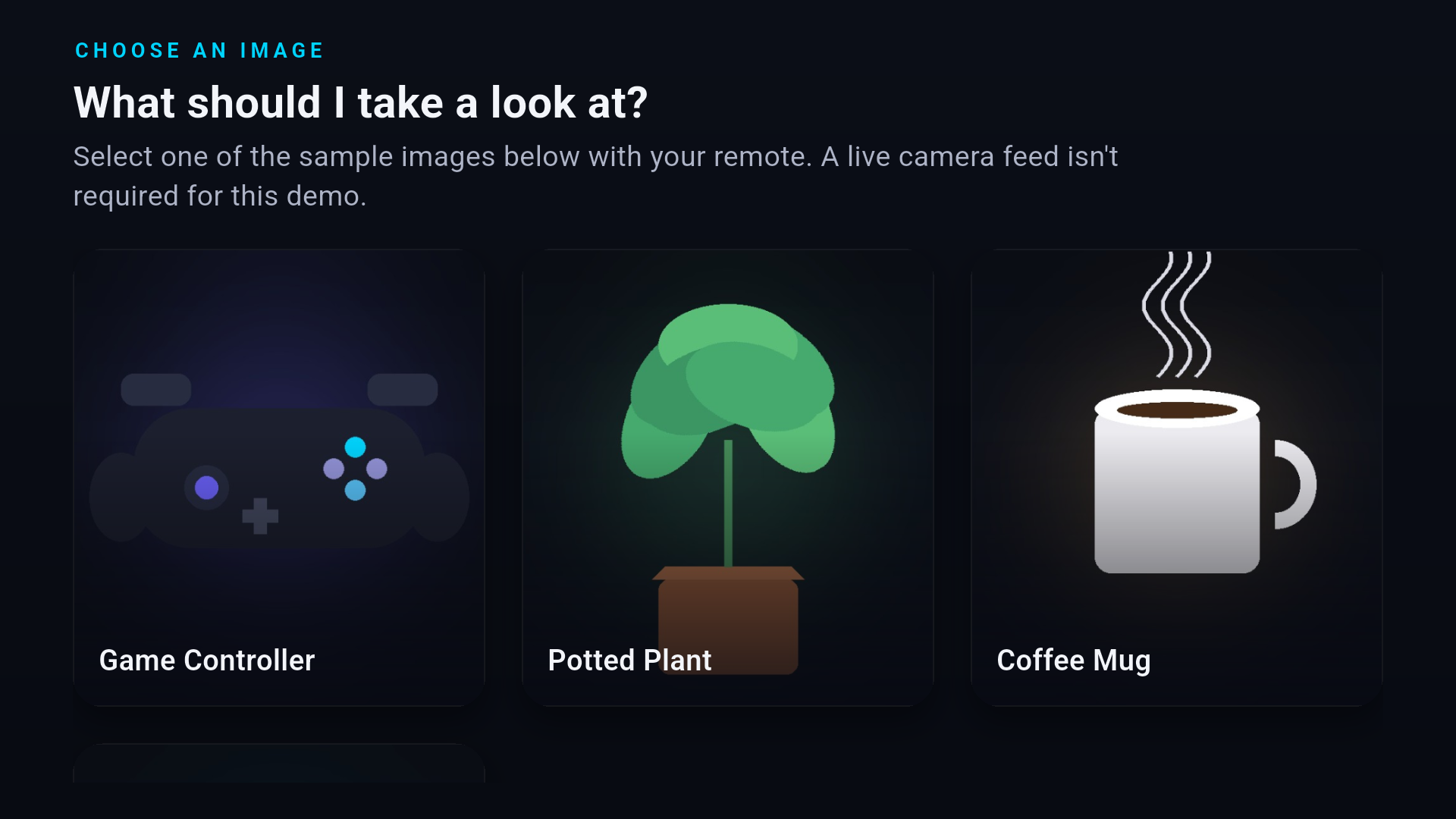
AI TV Vision Assistant lets users select an image, get a short, TV-readable description of what's in it, and ask natural follow-up questions. The app keeps track of what "it" refers to across the conversation.
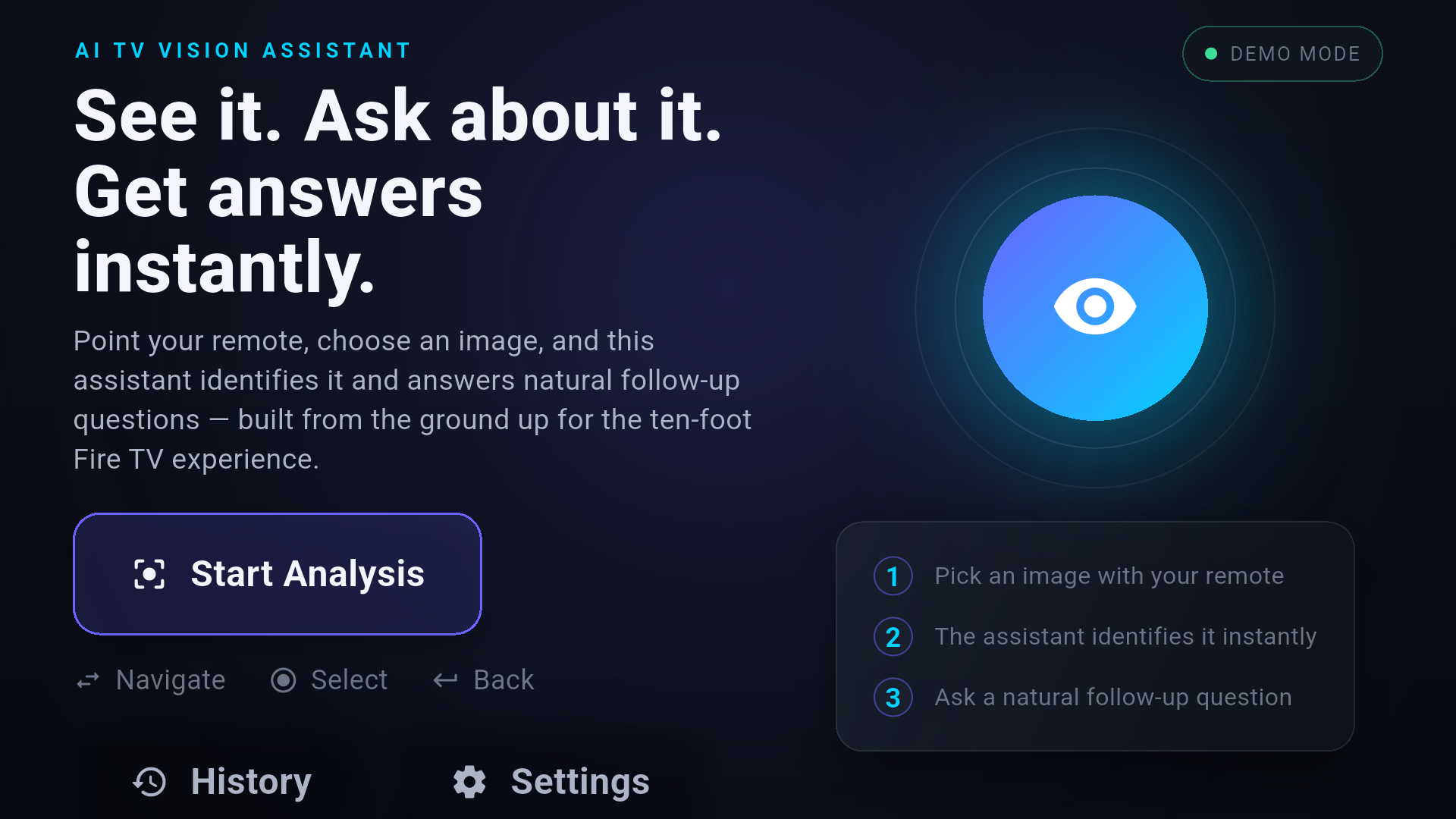
Everything is navigable with just a D-pad: move, Select, and Back. It also includes a lightweight session History of what you've looked at, plus a simple About/Settings screen.
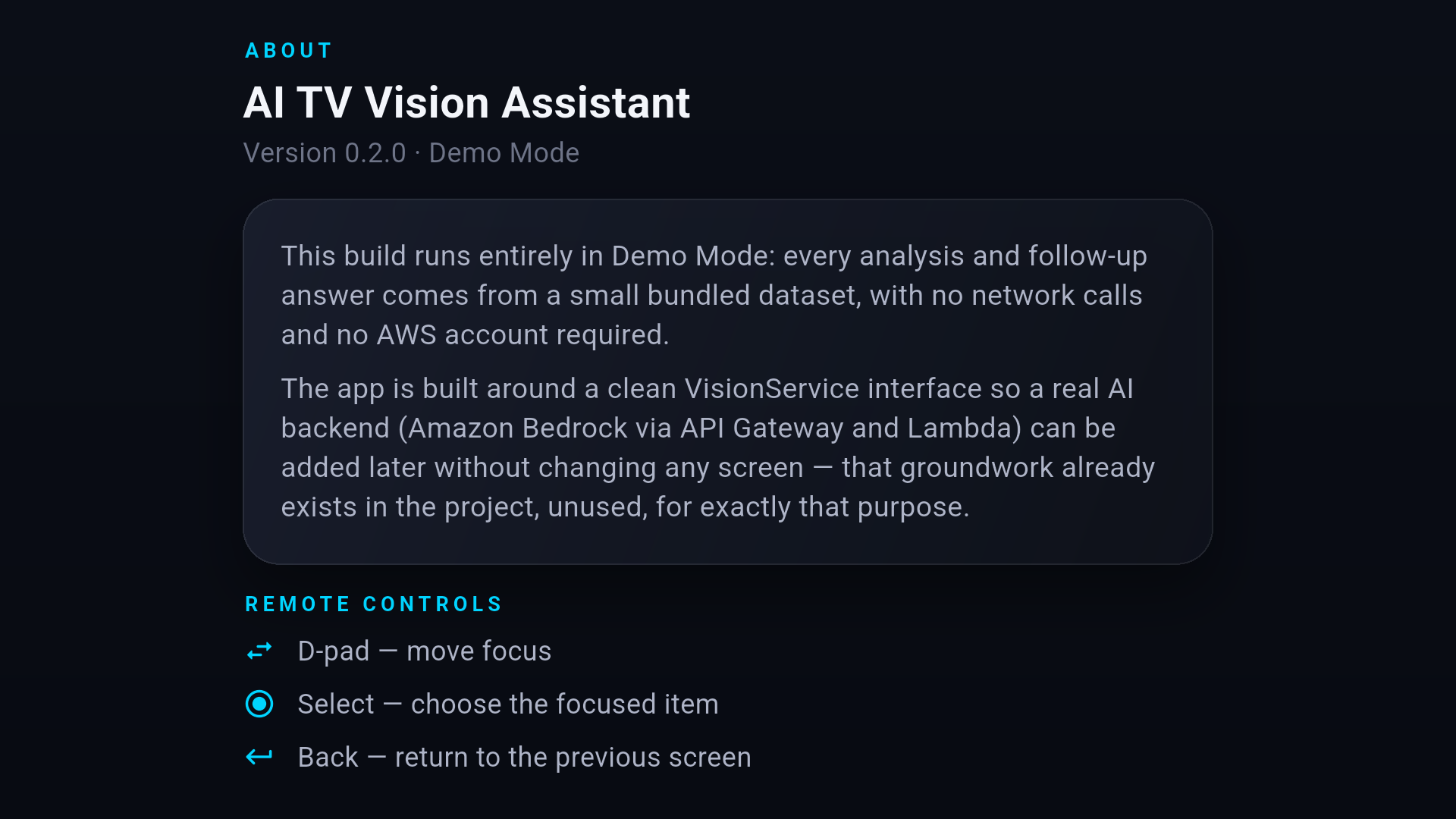
This submission runs in Demo Mode: every analysis and answer comes from a small bundled dataset, entirely offline. That's a deliberate scope decision stated plainly in the app itself — not something presented as live AI when it isn't.
How we built it
The app is built with Flutter, targeting Fire OS/Android TV. Its architecture is built around a clean VisionService interface so the AI backend can be swapped without changing the UI screens.
The repository also includes a reviewed, but not deployed, Amazon Bedrock backend behind that same interface, showing the intended production path.
Every UI element is D-pad-focusable with visible focus states, sized and typeset for 10-foot viewing rather than simply stretching a phone layout onto a TV.
Challenges we ran into
Fire TV launcher behavior: Fire TV's home screen renders the app's
android:banner, rather than its regular launcher icon. This was a non-obvious Android TV platform detail that required debugging.Fire TV compatibility testing: Getting confidence in Fire OS compatibility without relying only on a local emulator led to testing through Amazon's device-lab environment.
Voice input: Flutter's standard speech plugins depend on Google Play Services, which Fire OS does not provide. Rather than fake voice input or add a new paid third-party service, voice was left as a documented, unimplemented interface for later.
Accomplishments that we're proud of
- Fully D-pad-navigable without depending on touch or voice.
- Zero Google Play Services / Firebase footprint in the build, confirmed through an audit of the generated Android project.
- Tested through Amazon's device-lab environment on Fire TV hardware.
- Honest about the current scope: the app clearly states that it runs in Demo Mode rather than presenting placeholder data as live AI.
What we learned
Building "for TV" isn't just scaling up a phone UI. Focus states, remote-only navigation, and platform-specific details such as the banner-versus-icon distinction are important TV-specific concerns.
We also learned that a clean service-interface architecture pays off immediately: the UI can be connected to a real AI backend later without requiring a rewrite of the application screens.
What's next for AI TV Vision Assistant
The next steps are deploying the existing Bedrock backend for real AI analysis, replacing the placeholder icon/banner artwork with final branding, and revisiting voice input if Amazon's Alexa Voice Service becomes a reasonable fit for the project's scope.

Log in or sign up for Devpost to join the conversation.