
For "Most complicated implementation of Hello World", please see the dedicated section for this prize track.
Inspiration
The inspiration for the AI Trash Detector came from the growing need for waste management solutions that promote sustainability. Sorting waste efficiently is a crucial step in reducing landfill waste, improving recycling rates, and conserving resources. Many waste management processes still rely on manual sorting, which can be inaccurate and labor-intensive. We wanted to create a solution that uses AI to automate the classification process, making waste sorting more efficient, accurate, and environmentally friendly.
What it does
The AI Trash Detector is a web application built with Flask that uses a custom-trained machine learning classifier to automatically distinguish between organic and recyclable waste. Users can upload images of trash, and the app will classify them into two categories: organic waste (such as food scraps) and recyclable materials (like plastic, glass, and metal). This classification helps in automating the waste sorting process, making it more efficient and minimizing human error.
How we built it
We built the AI Trash Detector using a combination of Flask for the web framework and TensorFlow for the machine learning model. The workflow involved the following steps:
Dataset Collection: We gathered a large set of images representing different types of trash, both organic and recyclable. Data Preprocessing: We cleaned and preprocessed the data, resizing the images and augmenting them to improve the model’s performance. Model Training: Using TensorFlow, we trained a Convolutional Neural Network (CNN) model on the dataset to classify trash images. Flask Web App: We built the Flask web application to provide a simple interface for users to upload images. The app then uses the trained model to classify the image and returns the result. Deployment: We deployed the Flask app on a cloud service (such as Heroku or AWS) to make it accessible online.
Challenges we ran into
Data Imbalance: One of the major challenges was the imbalance in the number of images for different types of trash. We had to balance the dataset through techniques like oversampling, undersampling, and data augmentation to ensure our model did not become biased toward the more common waste type. Model Accuracy: Achieving high accuracy in classifying trash images was challenging due to the variety of waste items and different conditions in which the images were captured. Fine-tuning the model and experimenting with different architectures was necessary to improve performance. Web Deployment: Initially, we faced issues with deploying the Flask app and connecting the backend with the trained model. Ensuring smooth interaction between the web app and the ML model took some time to configure correctly.
Accomplishments that we're proud of
Successful Model: Despite the challenges, our machine learning model is able to classify trash with an accuracy of over 90%, which is a great achievement for this type of task. User-Friendly Web Interface: The Flask app provides a clean and simple user interface where users can easily upload an image and get the classification result in seconds. Real-World Impact: We are proud that our project can contribute to more efficient waste management and environmental sustainability, with potential applications in recycling centers, smart cities, and environmental monitoring.
What we learned
The importance of balancing a dataset to avoid bias toward one class. How to fine-tune a deep learning model for image classification tasks. The process of integrating machine learning models into a Flask web application. Challenges of deploying machine learning models on cloud services and the importance of optimizing performance for real-time predictions.
What's next for AI Trash Detector
Improve the model by collecting more diverse data to increase accuracy and handle more waste types. Implement additional features like multi-class classification (e.g., plastic, glass, paper) for more detailed waste sorting. Develop a mobile app for users to easily upload images of waste via their smartphones. Collaborate with waste management companies to integrate the AI Trash Detector into real-world waste sorting operations.
Most Complicated Implementation of "Hello World"
We are attempting to win the hackathon prize for the most complicated implementation of "Hello World". This is what our application does:
1. Machine Learning Model
We trained a custom ML model to classify trash as either organic or recyclable.
2. Flask Application
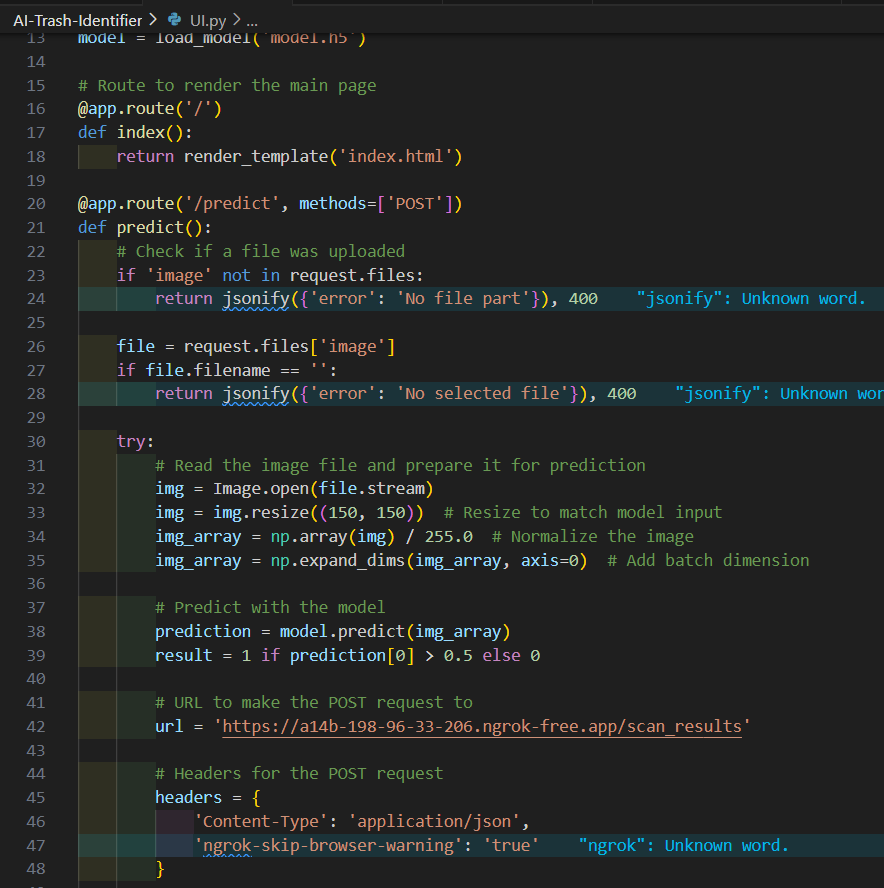
We implemented this model on a Flask application that allows the user to upload a picture of trash, and classifies it.
3. JSON Server
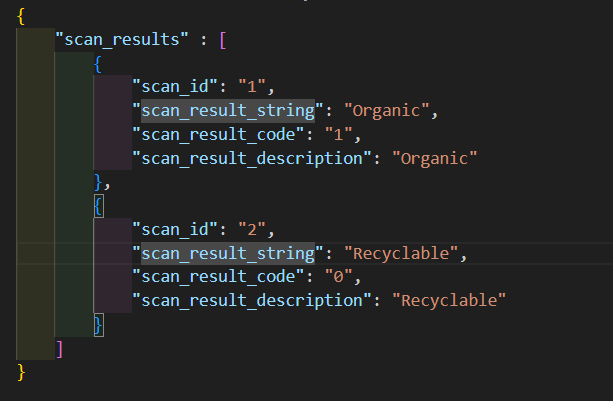
After classification, these results are uploaded to an application that has transformed a JSON file into a mock REST API (Aka JSON server).
4. Next.js Web Application
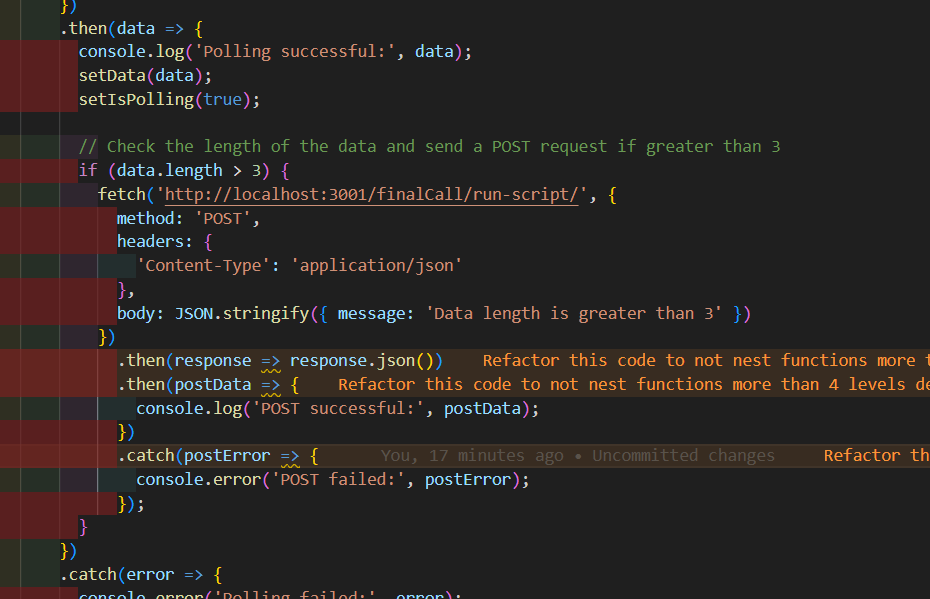
We have a web application built with Next.js that is consistently polling the data on this web server.
5. Django Server
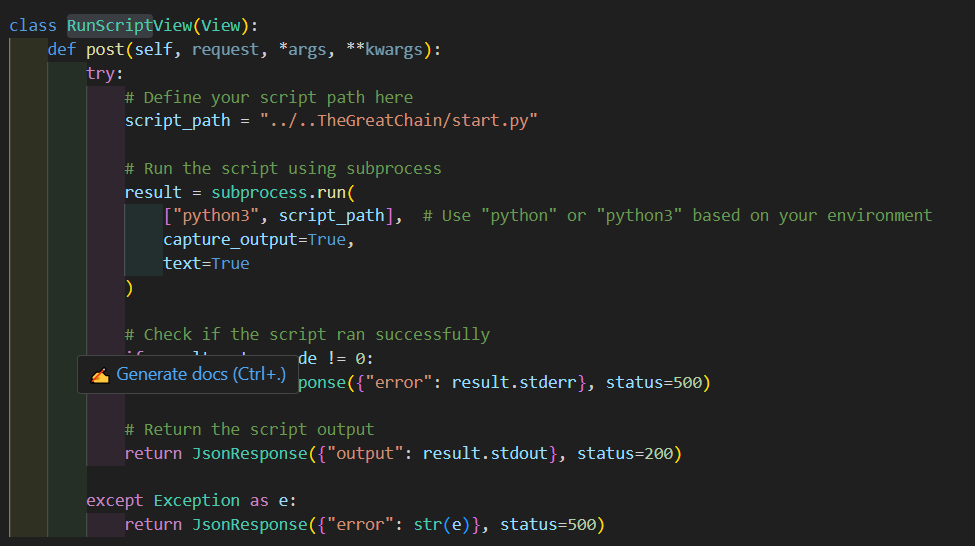
Once a change is detected in the amount of data present in the server, this triggers a POST request to a subsequent Django server.
6. Django REST API
We have implemented a Django REST API that, when triggered, runs a Python script.
7. Python Script
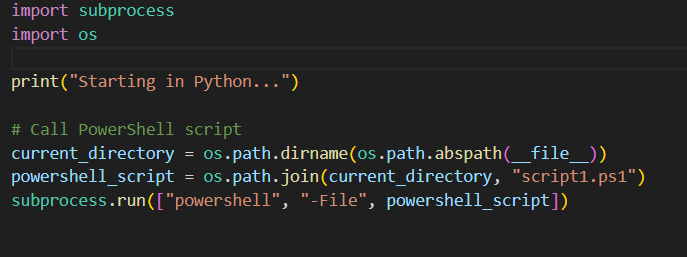
This Python script executes a PowerShell script.
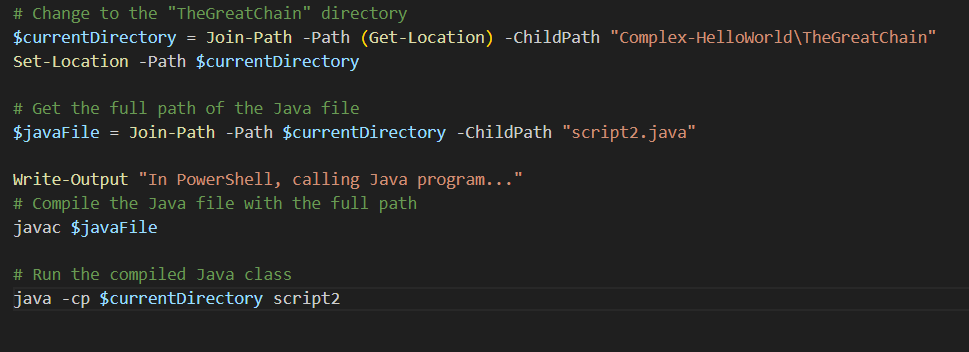
8. PowerShell Script
The PowerShell script executes a Java file.
9. Java File
The Java file executes a BAT file.
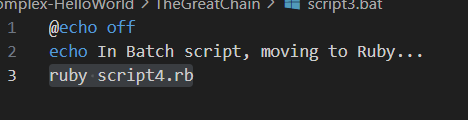
10. BAT File
The BAT file executes a Ruby script.
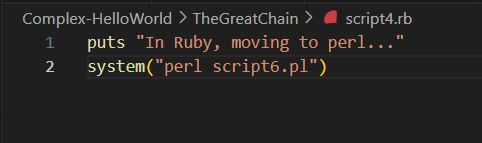
11. Ruby Script
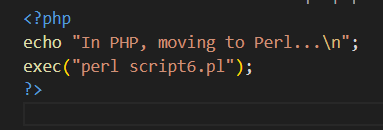
The Ruby script executes a Perl script.
12. Perl Script
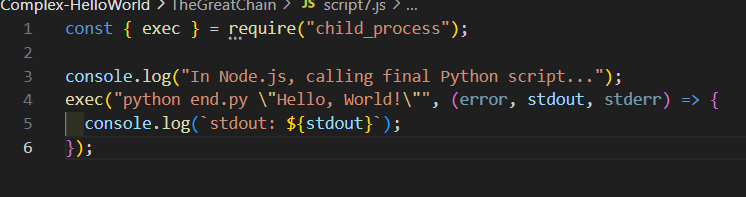
The Perl script runs a Node.js JavaScript file.
13. Node.js JavaScript File
The JavaScript file runs a final Python file.
14. Final Python File
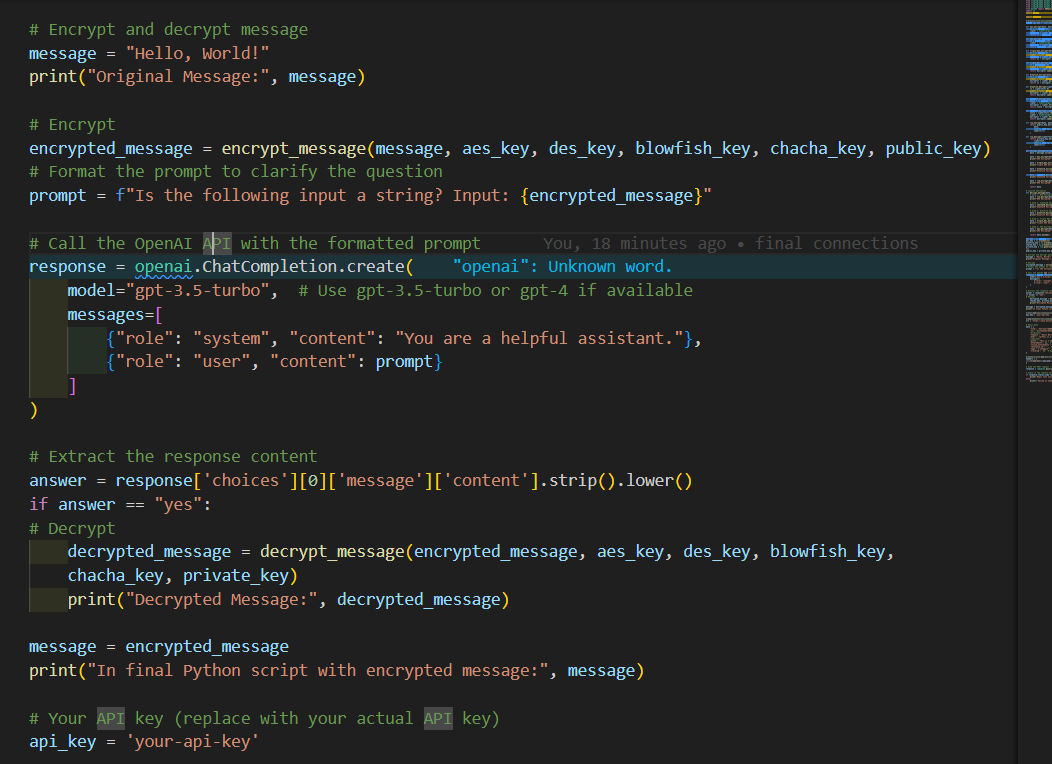
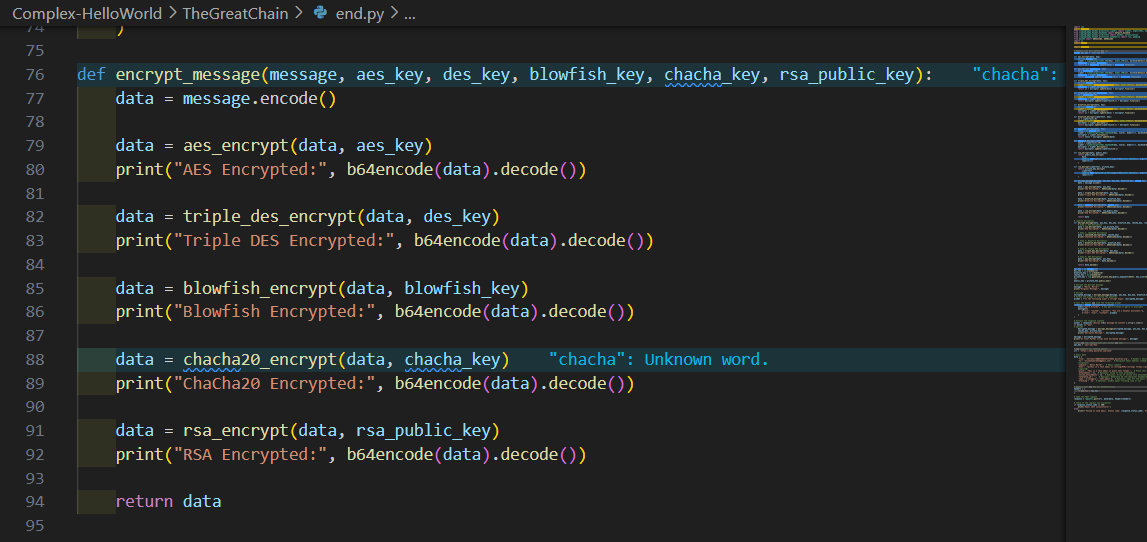
The final Python file encrypts the text "Hello world" using multiple encryption algorithms:
- AES
- 3DES
- Blowfish
- ChaCha20
- RSA
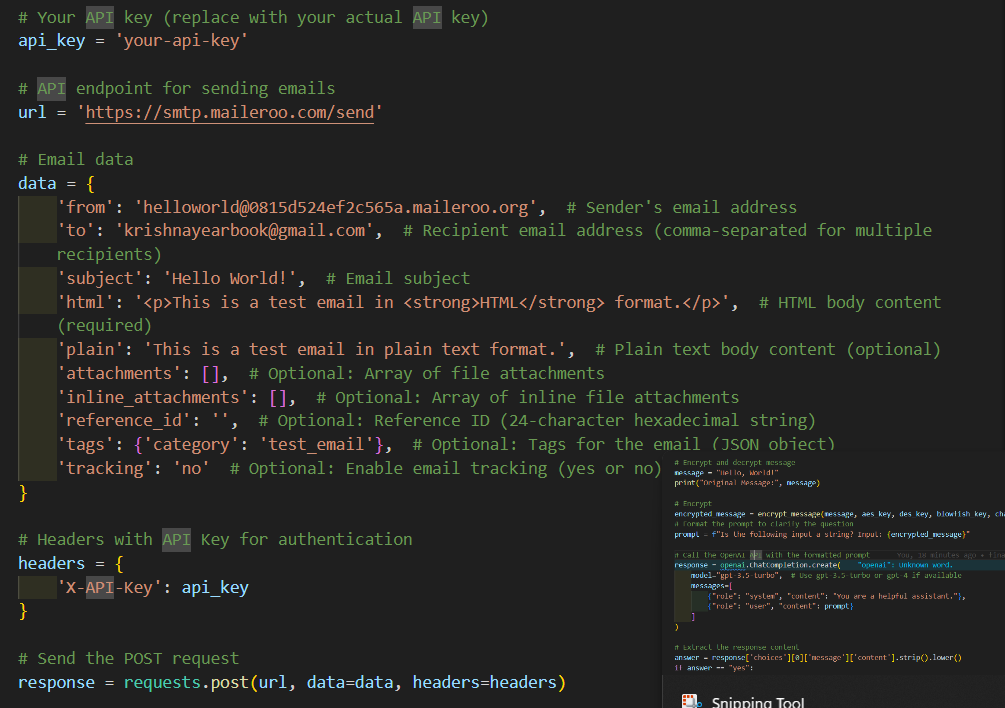
15. Maileroo API
The Python file then sends a POST request to the Maileroo API.
16. Email Notification
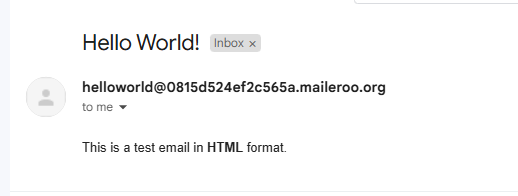
The Maileroo API sends an email to my personal Gmail with the final encrypted data.
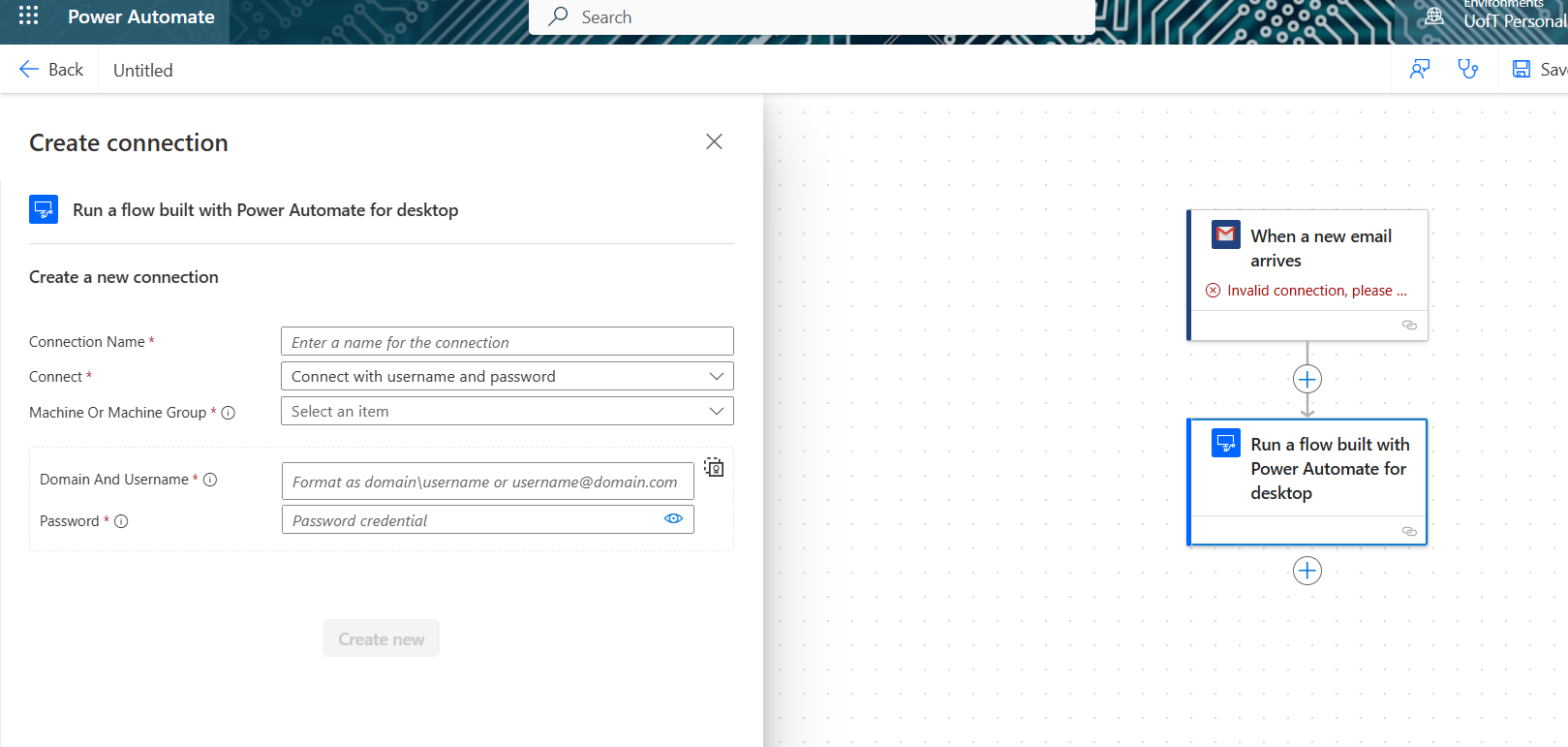
17. Microsoft Power Automate
Microsoft Power Automate triggers a cloud flow once an email is received in a Gmail inbox.
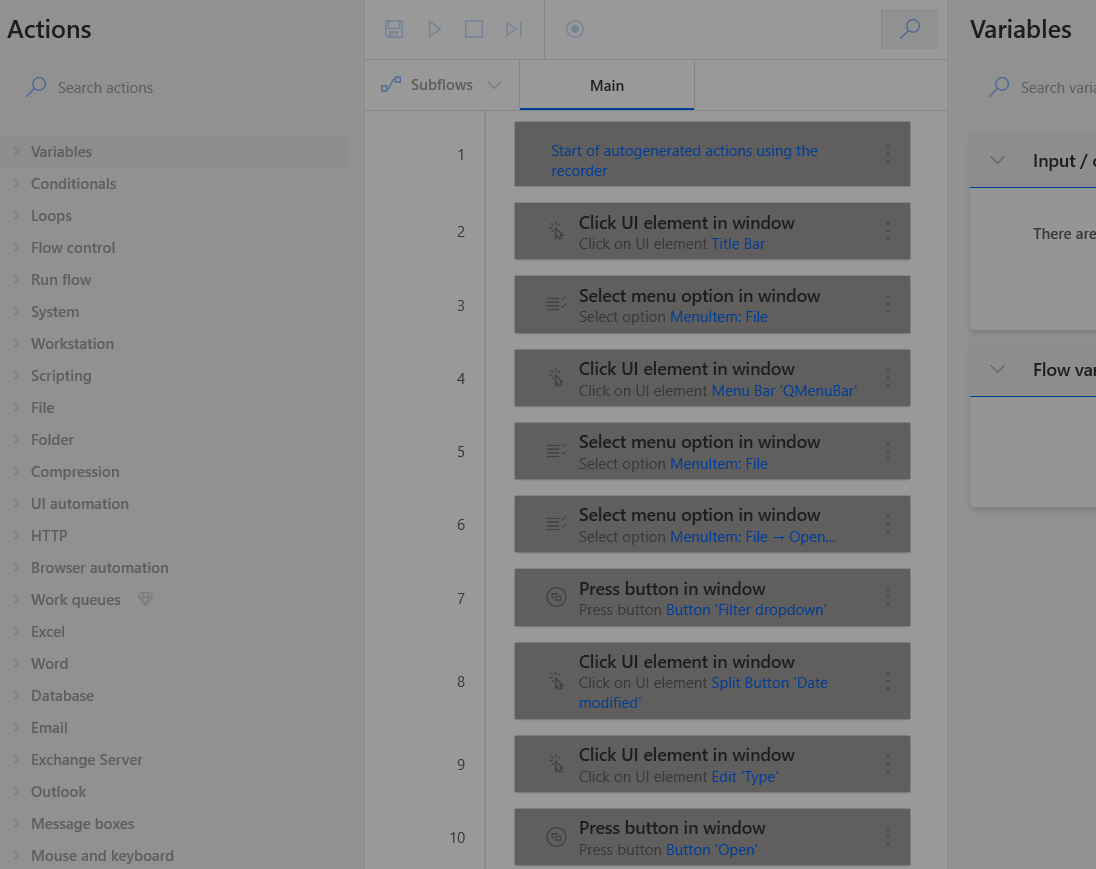
18. Desktop Automation Script
The cloud flow triggers a desktop automation script that opens and runs Quartus Prime.
19. Quartus Prime
The automation clicks a series of buttons on Quartus Prime that uploads program data to an FPGA board.
20. FPGA Board
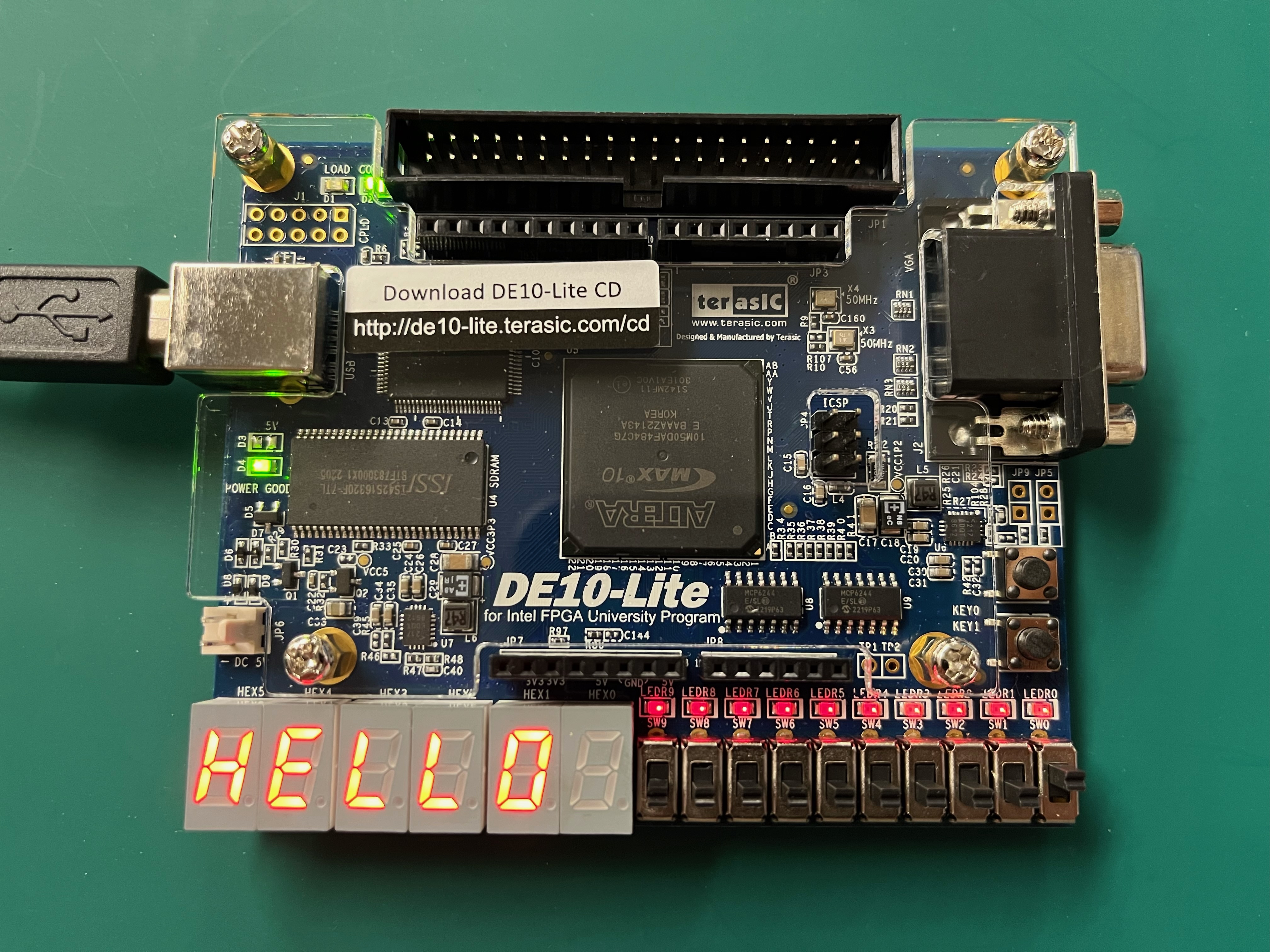
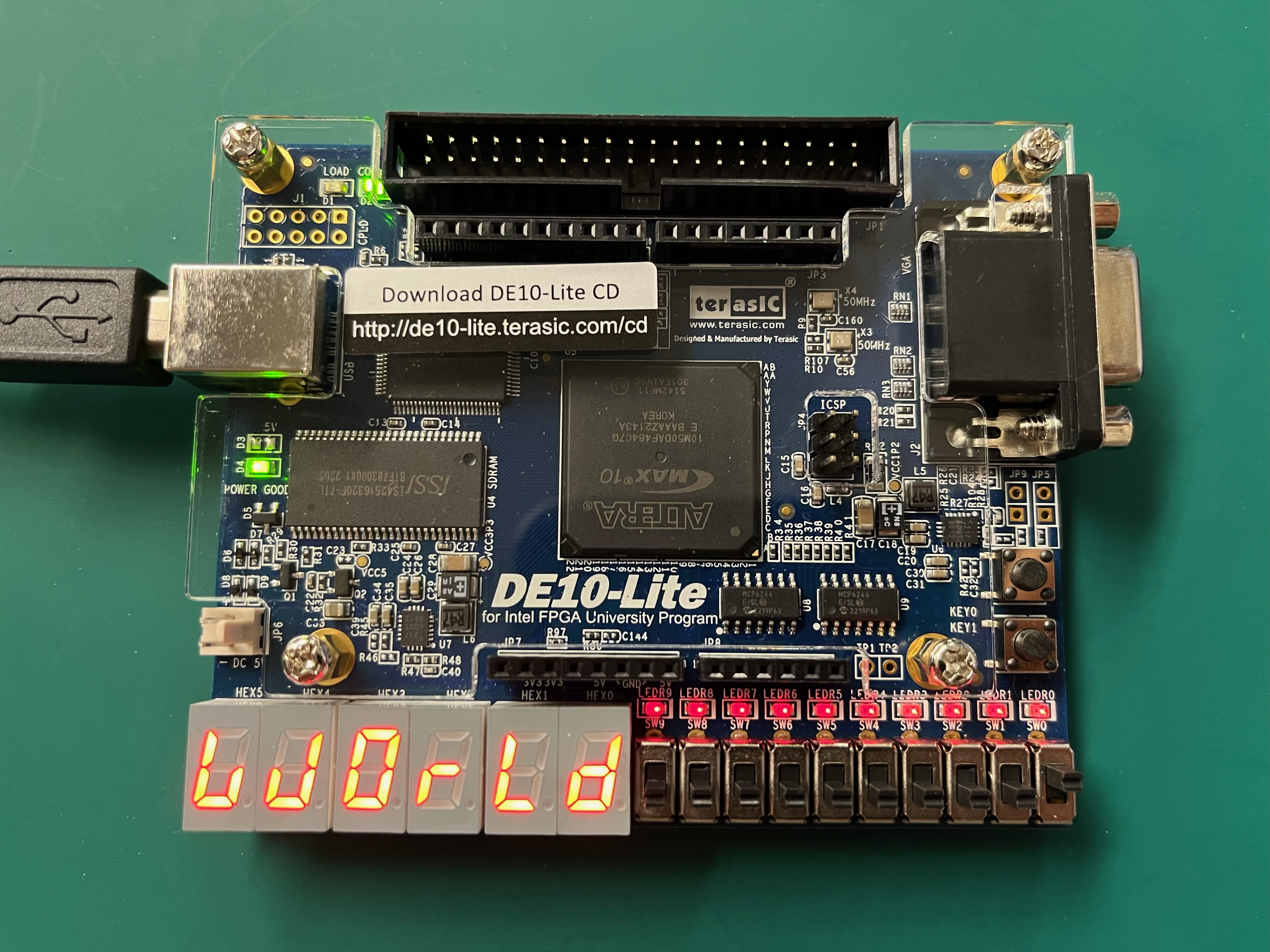
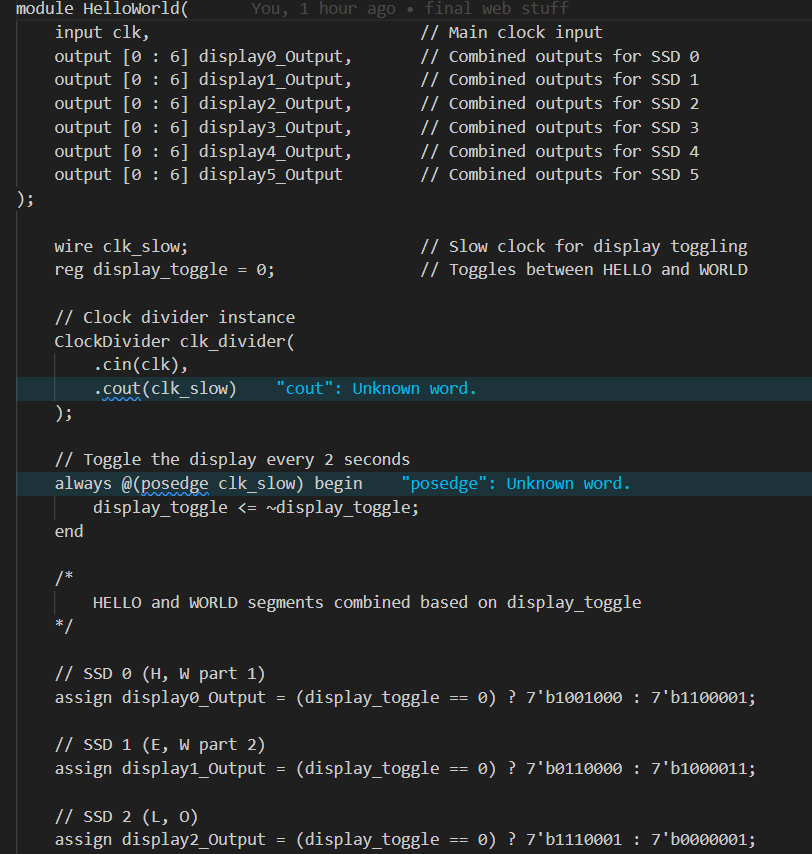
The FPGA board alternates displaying "Hello" and "World" on six seven-segment displays. Unlike traditional programming, we had to define the precise logic to illuminate each segment of our seven-segment displays, with each character requiring unique configurations of binary signals. This meant mapping out individual segments for each letter, specifying exactly when each segment should be on or off. Adding to the challenge, our FPGA board includes only six seven-segment displays, while 'Hello, World!' has 11 characters. To overcome this, we implemented a clock divider to alternate between showing 'Hello' and 'World,' splitting the display time between them so that the entire message could be read smoothly.
Conclusion
This project demonstrates an extremely complex and multi-step process to display "Hello World" on an FPGA board, involving various technologies and programming languages.


Log in or sign up for Devpost to join the conversation.