-
-
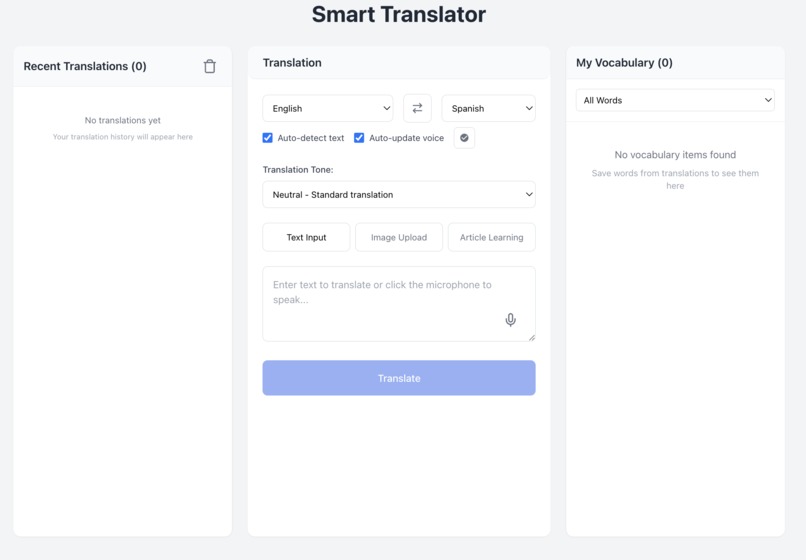
AI Smart Translator
-
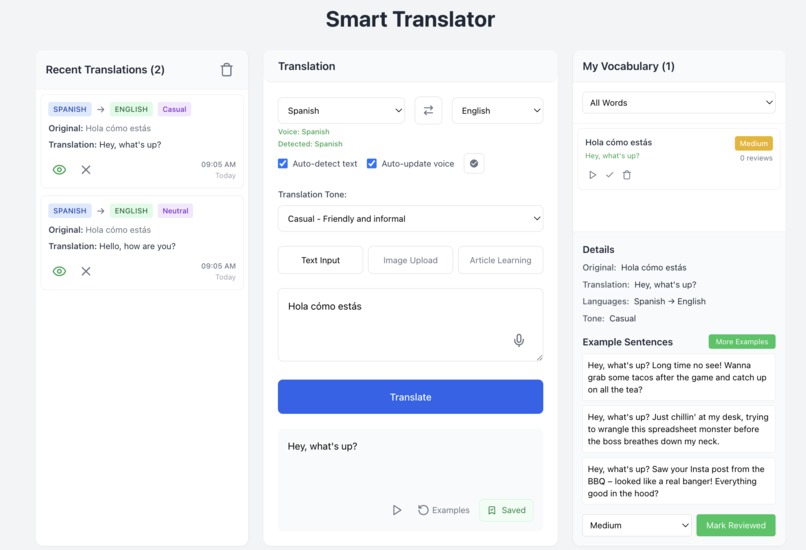
AI Smart Translator with features
Inspiration
We built this project because we’ve all had the same experience: translating something quickly, only to forget it a minute later. We wanted to create something better — a tool that helps you actually learn from the content you translate.
That’s where the idea came from: what if you could translate not just a word or sentence, but a whole article or image — and then turn that into a custom lesson? Something that remembers your progress, shows examples, and helps you build your vocabulary over time.
It started as a translator — but became a full-on learning companion
What it does
This app isn’t just a translator — it’s a smart language learning companion powered by AI.
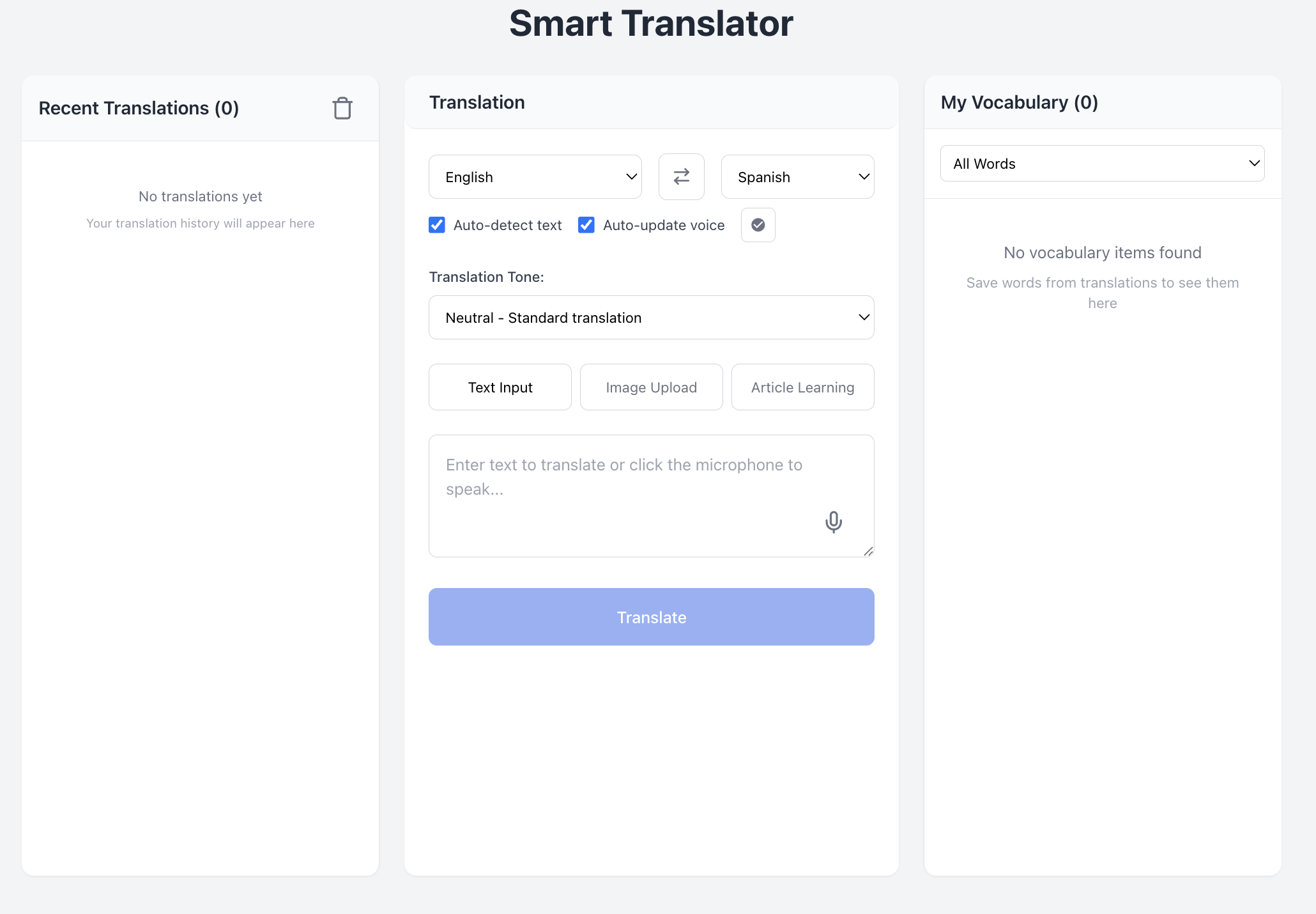
You can translate text, speech, images, or even full articles. Just type, speak, upload an image, or paste a link, and the app will translate it instantly. You can also choose the tone of the translation — like formal, casual, or technical — so it fits your real-world context.
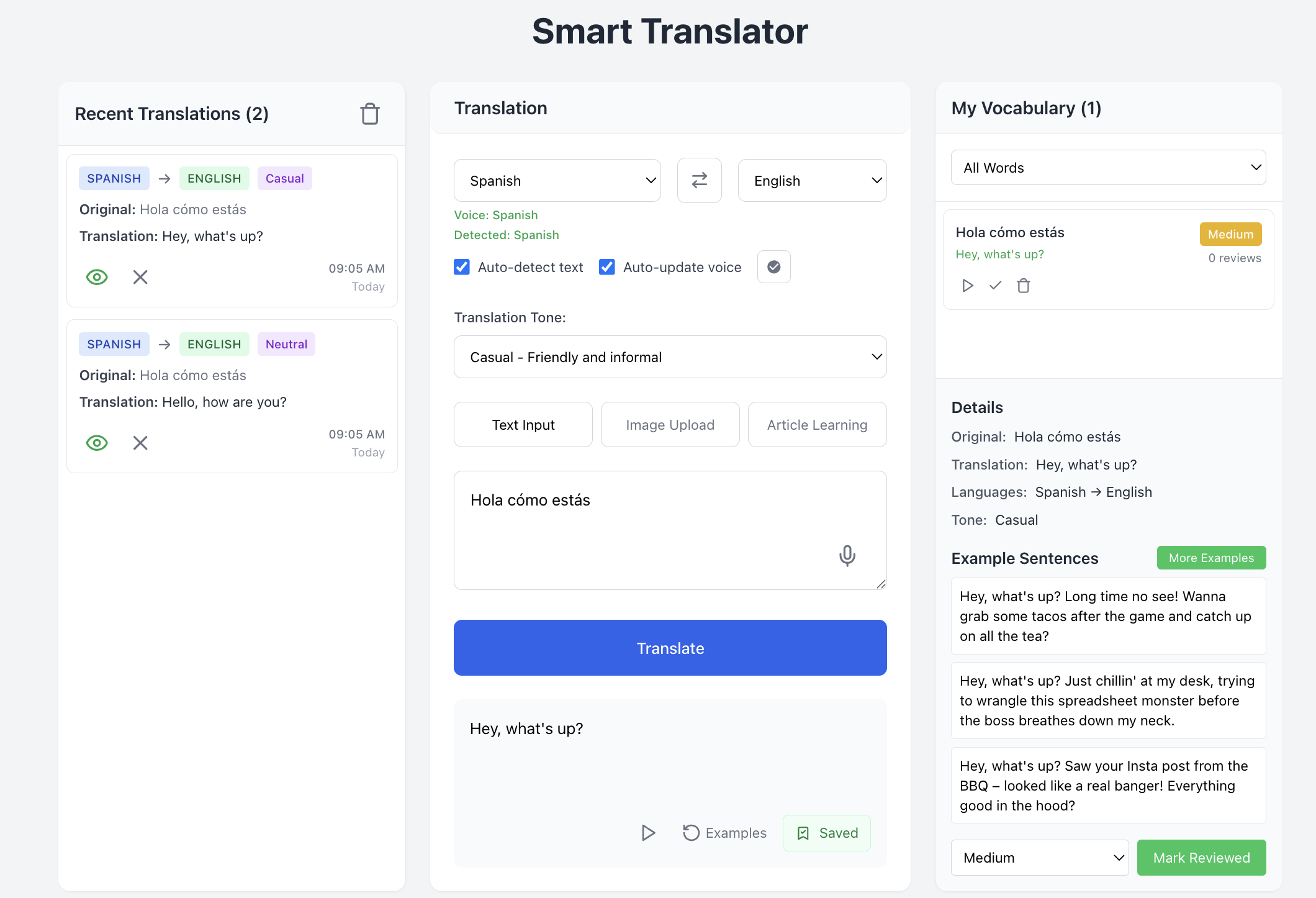
We use Google Gemini AI to go beyond simple translation. The app understands slang, idioms, and tricky phrases, and can generate example sentences to help you see how words are used naturally.
Everything you translate can be saved to My Vocabulary — your own personal phrasebook where you can organize, review, and track your progress. If you paste an article, the app pulls out useful words and builds a mini lesson just for you.
There’s also a full translation history, so you can revisit what you’ve learned anytime.
In short: this app helps you understand more, remember better, and actually enjoy the process of learning a new language — not just translating it.
How we built it
We built our app using React for the frontend to create a clean, responsive user interface that works smoothly across devices. For translation and language understanding, we integrated Google’s Gemini LLM, which powers all the smart features — including tone-aware translation, vocabulary extraction, and example generation. To support different input types, we added: - Text input for basic translation - Image upload with OCR to extract and translate text from visuals - Article link parsing, where we fetch and clean content from URLs and pass it to Gemini for lesson generation
We also implemented a "My Vocabulary" feature where users can save words, get AI-generated examples, and track progress. This section is stored locally for now, making it fast and private.
For state management and storage, we used a mix of React hooks, Context API, and localStorage. The translation history, saved vocab, and course modules are synced locally for a lightweight experience.
The core challenge was building flexible Gemini prompts that could generate meaningful, learner-friendly outputs for both translation and language learning. We iterated on those to ensure good accuracy, tone control, and usability.
Challenges we ran into
Building this app in just 2 days pushed us to focus on what mattered most. We faced hurdles in: - Crafting Gemini prompts for consistent, learner-friendly output - Extracting clean article text from messy web pages - Implementing OCR-based image translation quickly With tight time and lots to build, teamwork and rapid iteration were key to our success.
Accomplishments that we're proud of
  - Built a fully working AI translator in just 2 days.
  - Made translations from text, speech, images, and article links.
  - Added tone control and example generation using Gemini.
  - Created a personal vocabulary section with progress tracking.
  - Designed a clean, responsive UI using React and Tailwind.
  - Implemented real-time voice translation with speech input and output.
  - Handled article parsing and turned content into mini lessons.
  - Worked together smoothly and brought the idea to life under pressure.
What we learned
  - How to write better prompts for Gemini to get useful, structured output.
  - How to turn real content (like articles) into personalized language lessons.
  - How to handle OCR and clean up image text for translation.
  - How to design a smooth experience for different input types.
  - How to work fast and stay focused under tight time pressure.
  - How powerful LLMs can be when used creatively and with the right guidance.
  - How much we can build in 2 days with the right teamwork.
What's next for AI Translator
We’re excited to build on our current features by enabling users to learn directly from videos — whether it’s movies, lectures, tutorials, or YouTube clips.
This feature will allow users to: - Extract and transcribe spoken dialogue from videos - Generate translations and vocabulary lessons based on the transcript - Create personalized flashcards and quizzes - Practice pronunciation with synced audio playback
By learning from videos you love, language study becomes more engaging, relevant, and fun — turning passive watching into active learning.


Log in or sign up for Devpost to join the conversation.