-
-
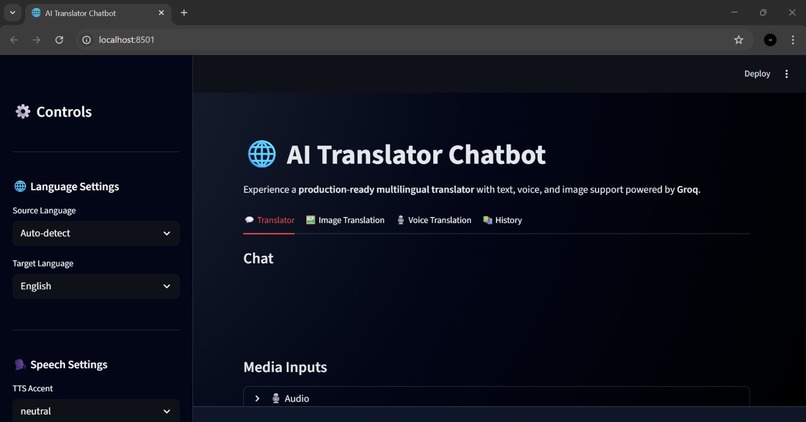
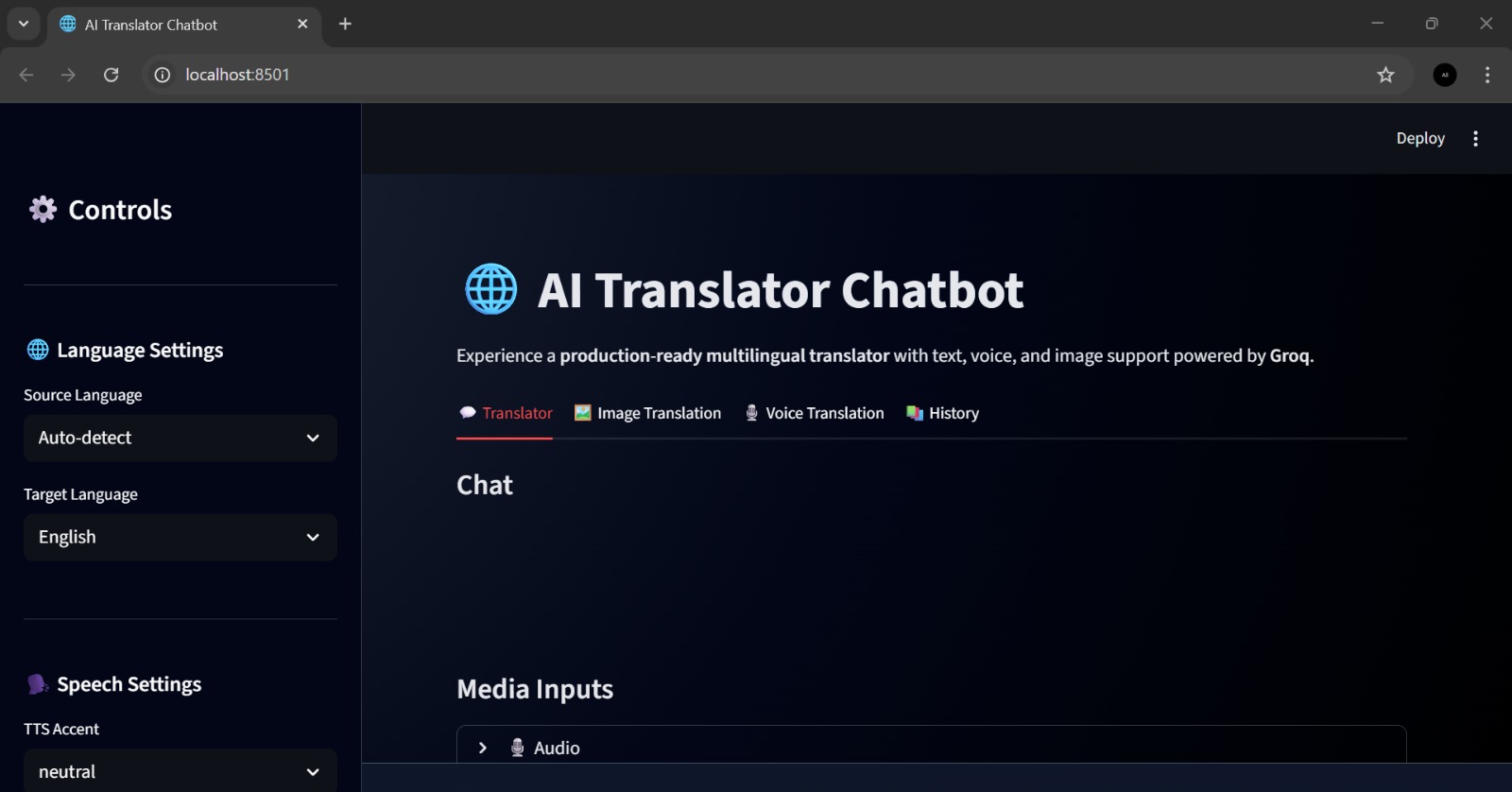
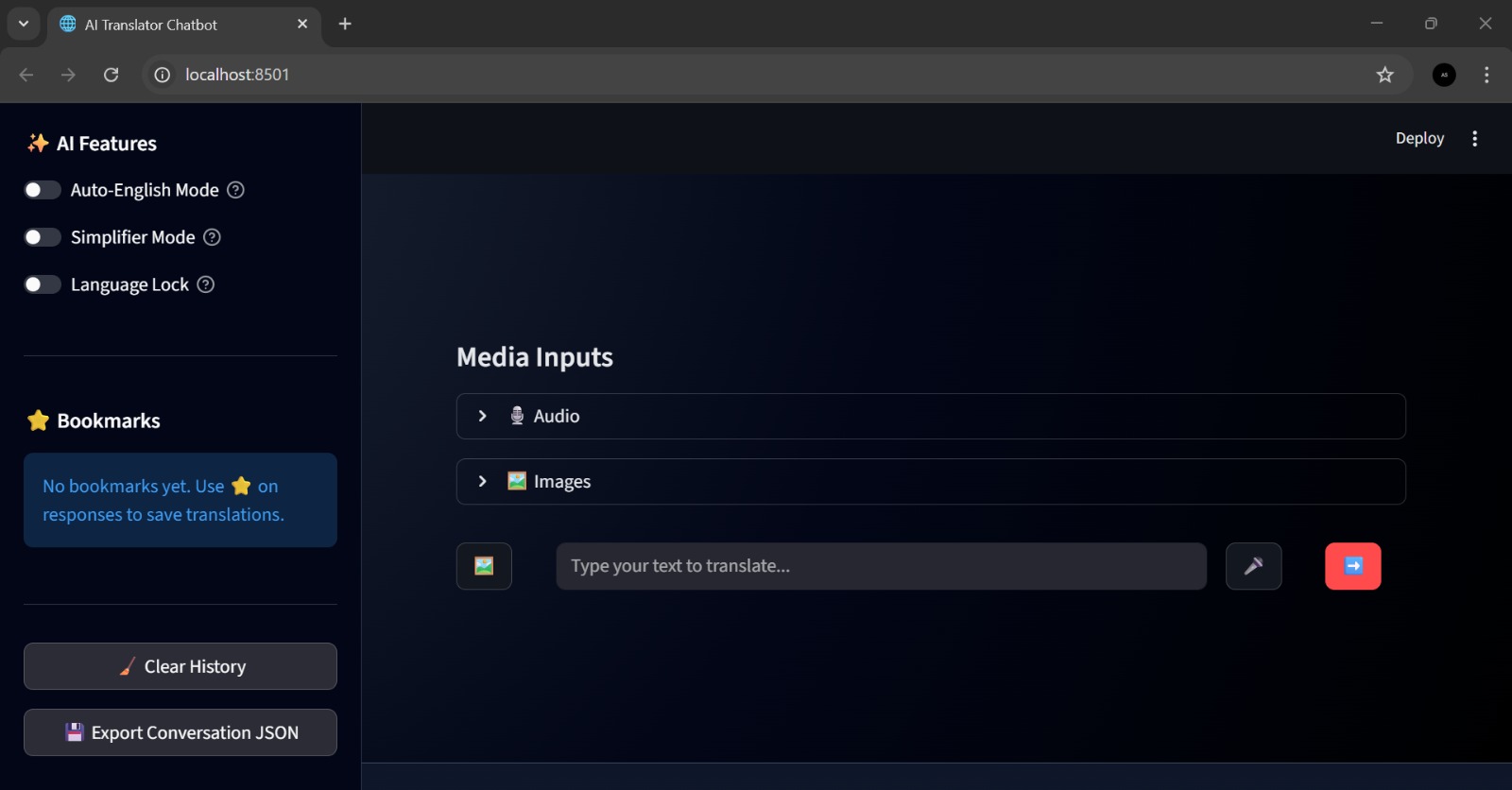
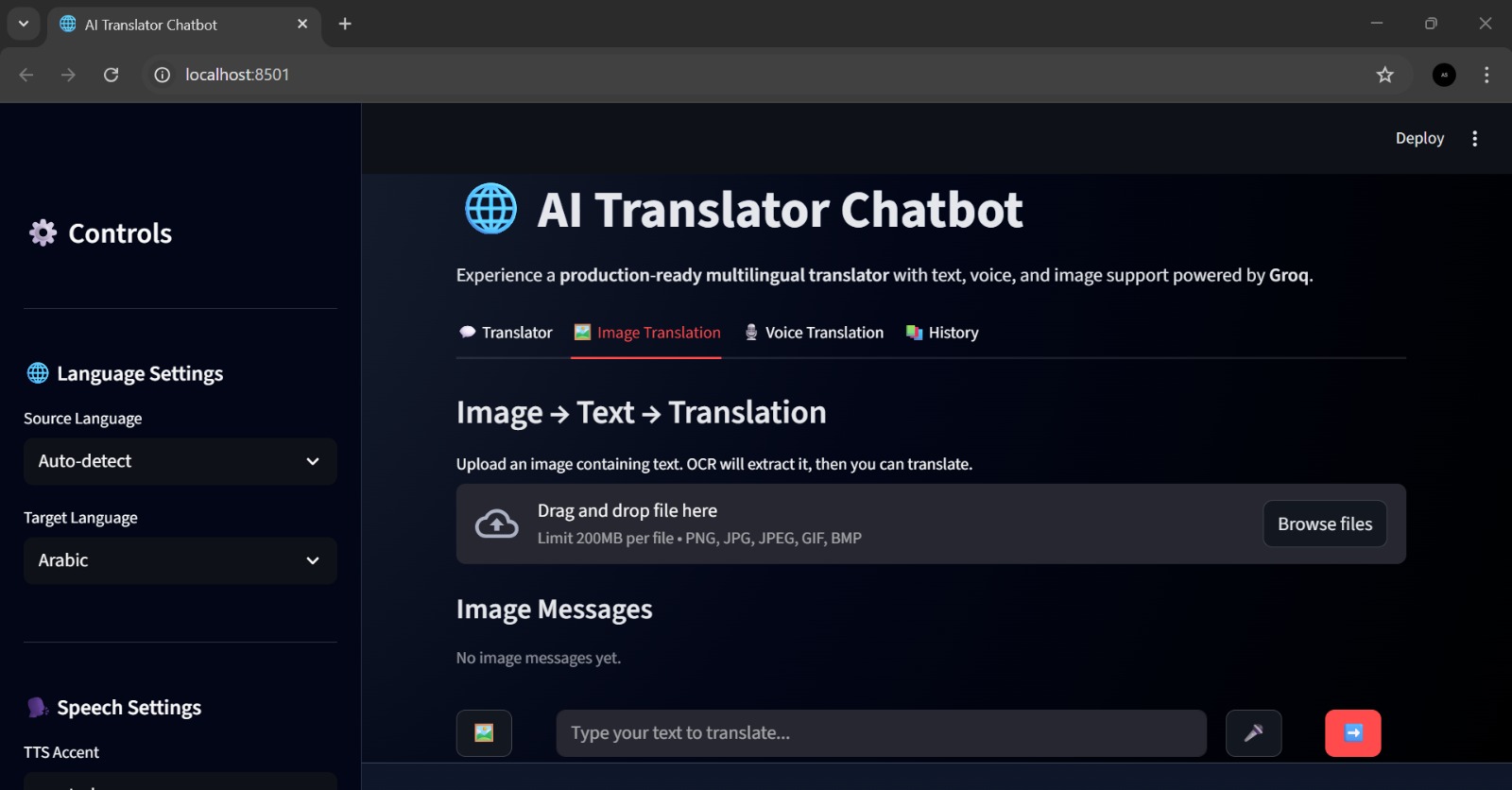
Streamlit-based AI Translator Chatbot with a modern dark theme interface.
-
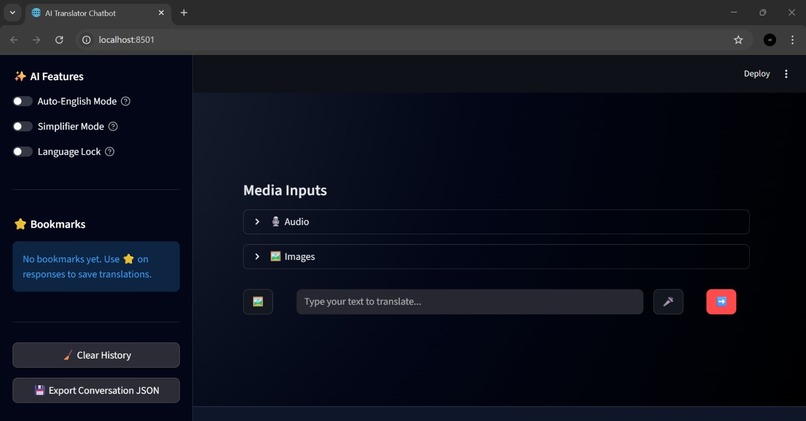
AI Translator Chatbot Interface with separate chat sections for text, image, and voice translation, including a download feature.
-
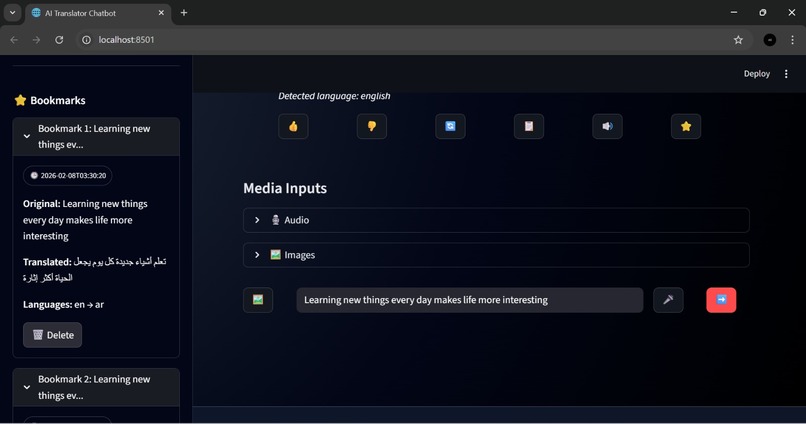
User text has been successfully entered into the text feature.
-
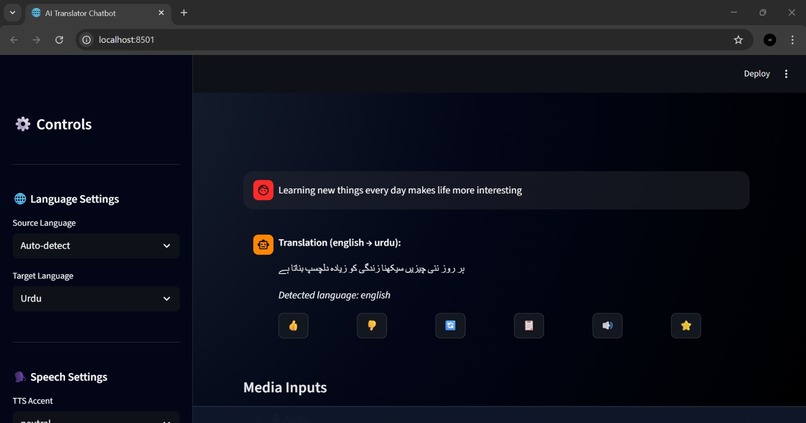
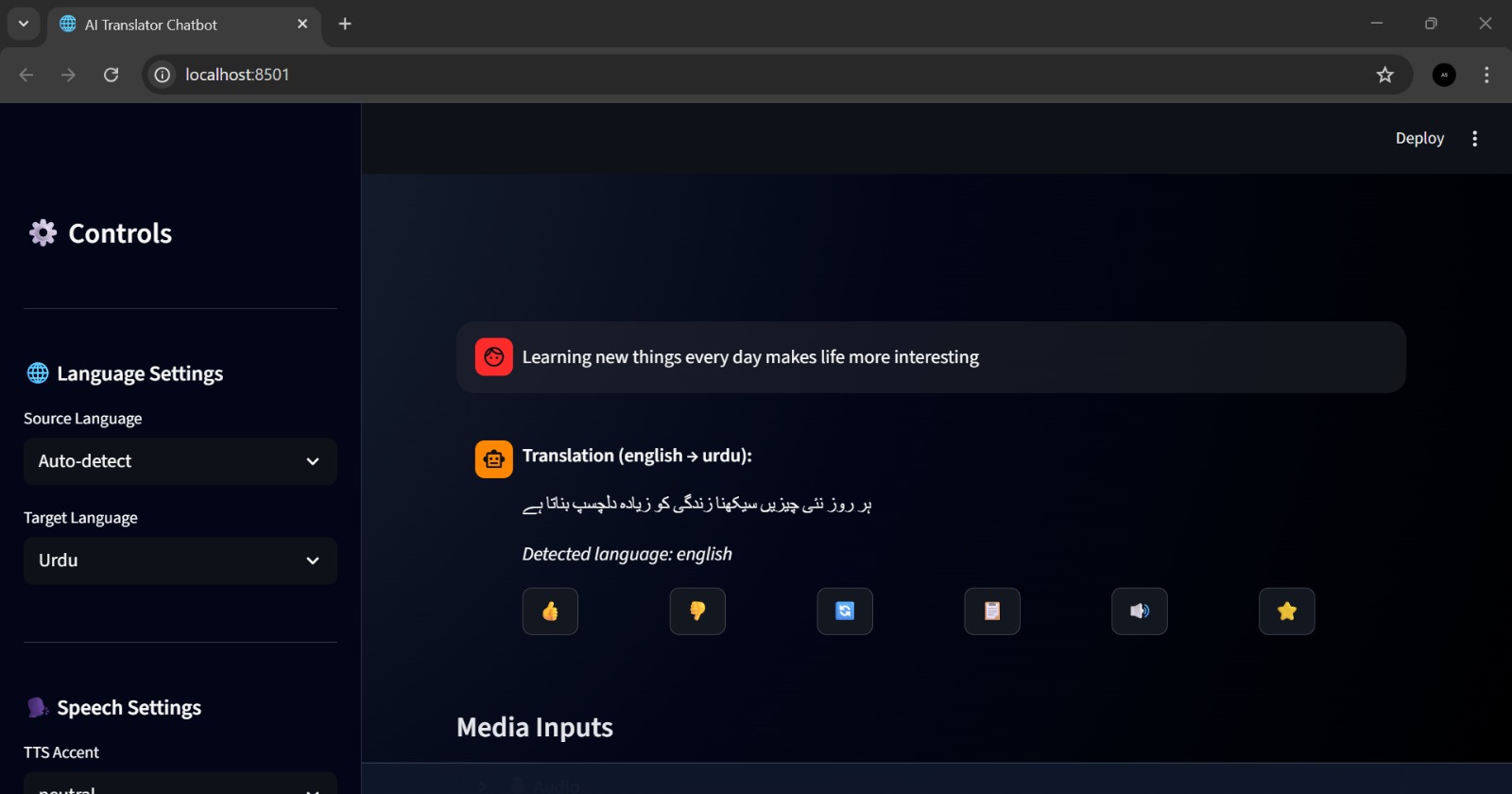
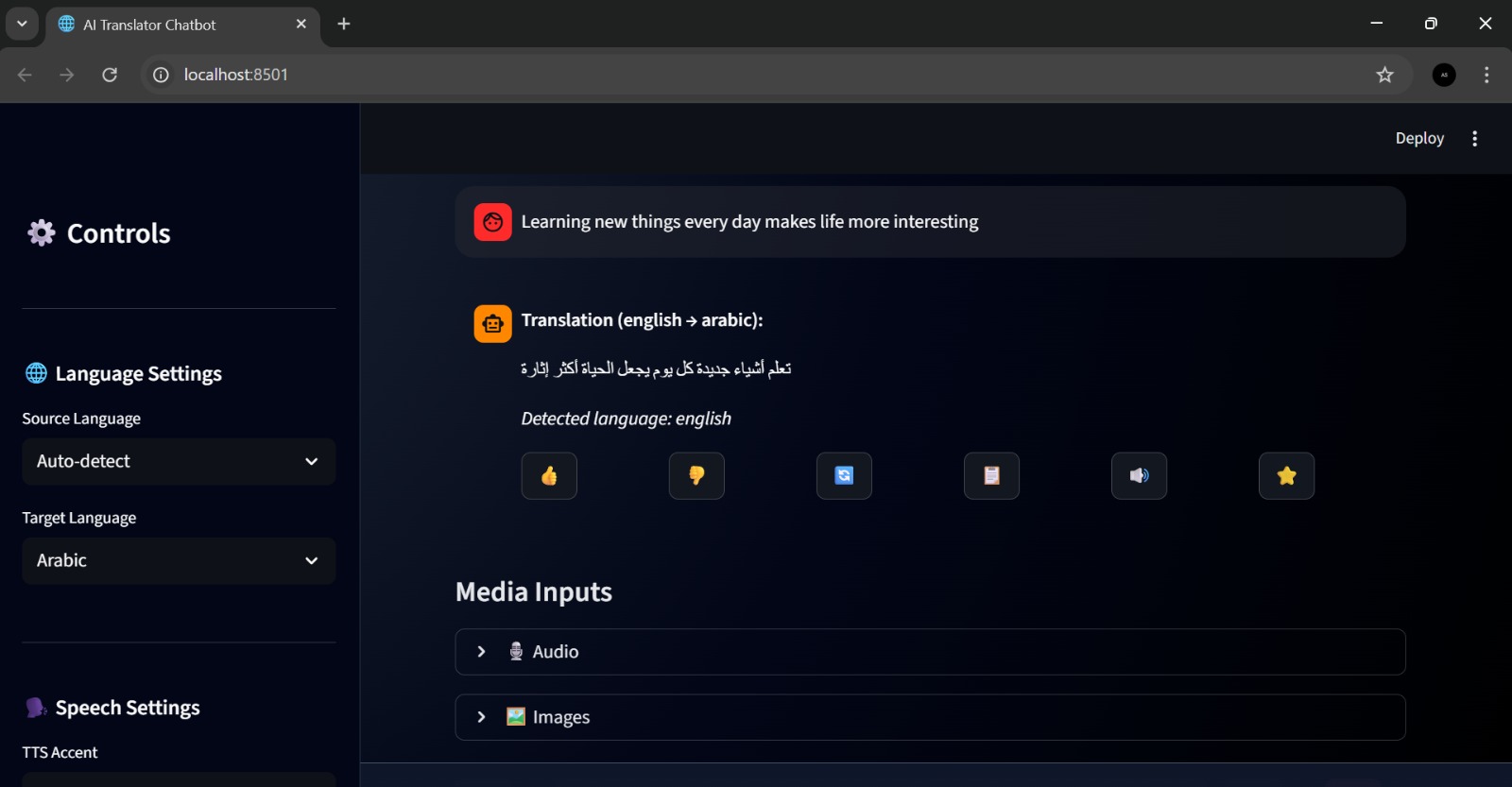
Text input was successfully translated into the selected language.
-
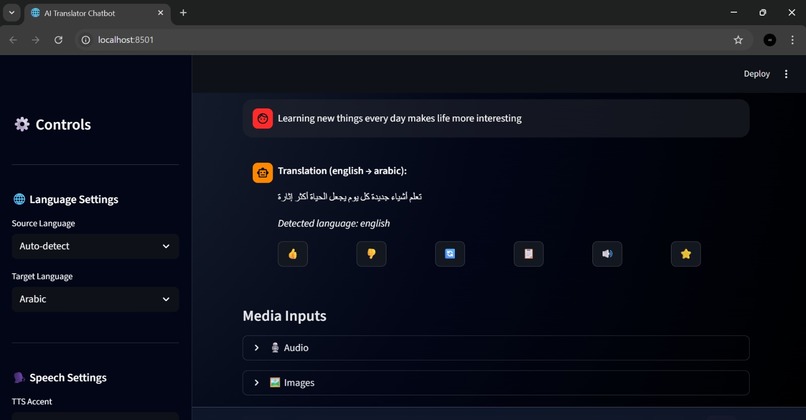
The system successfully executes the text feature to translate text into multiple languages.
-
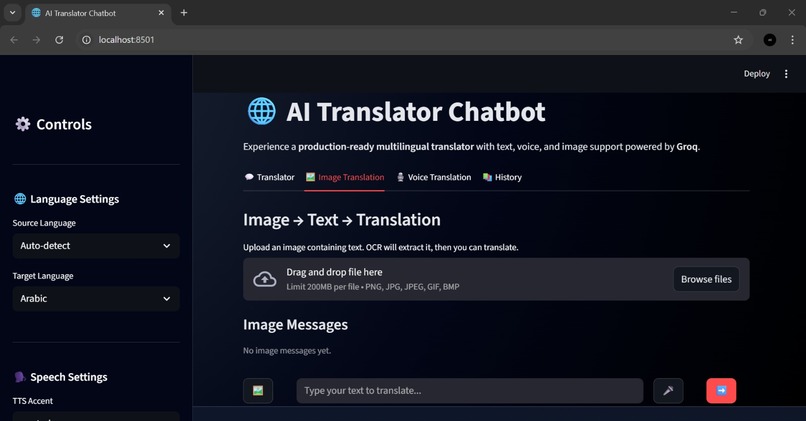
Image translator and analyzer interface of the AI chatbot.
-
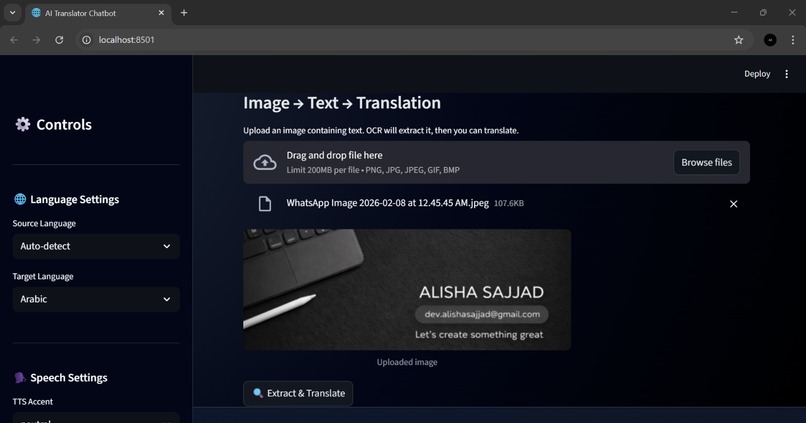
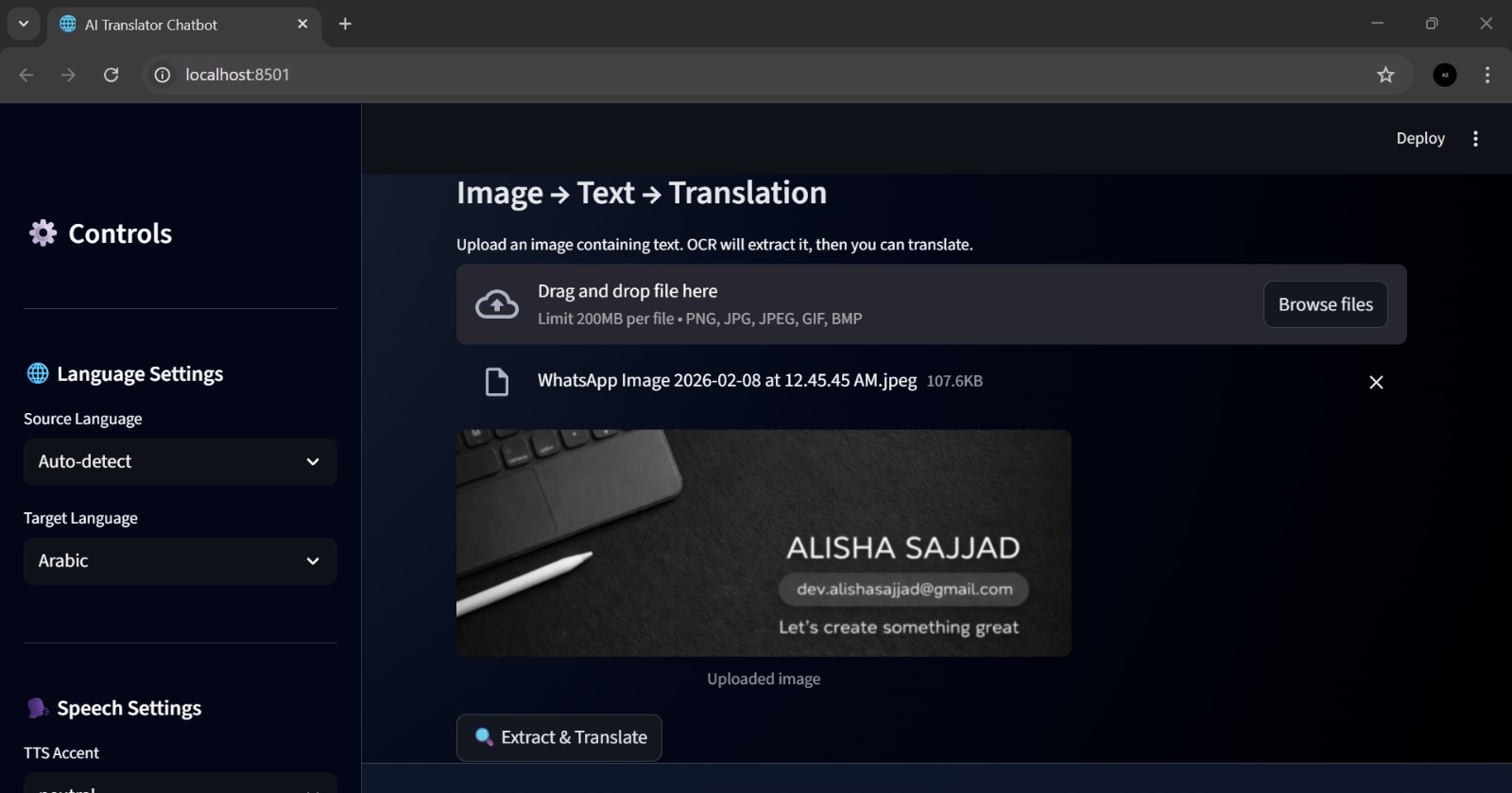
The image has been successfully uploaded for the analysis feature.
-
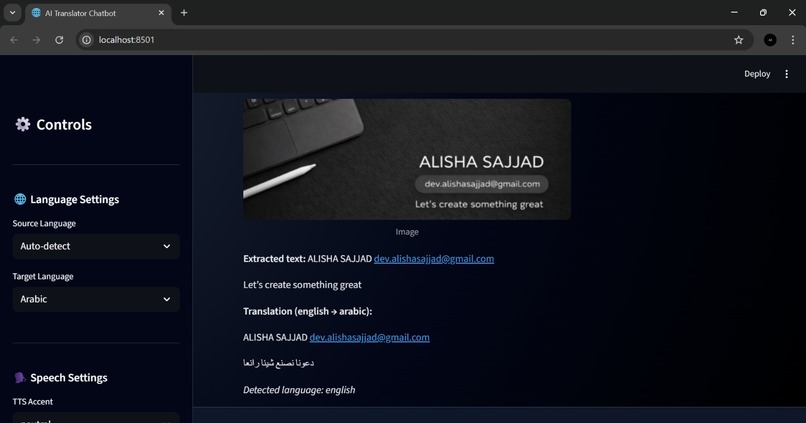
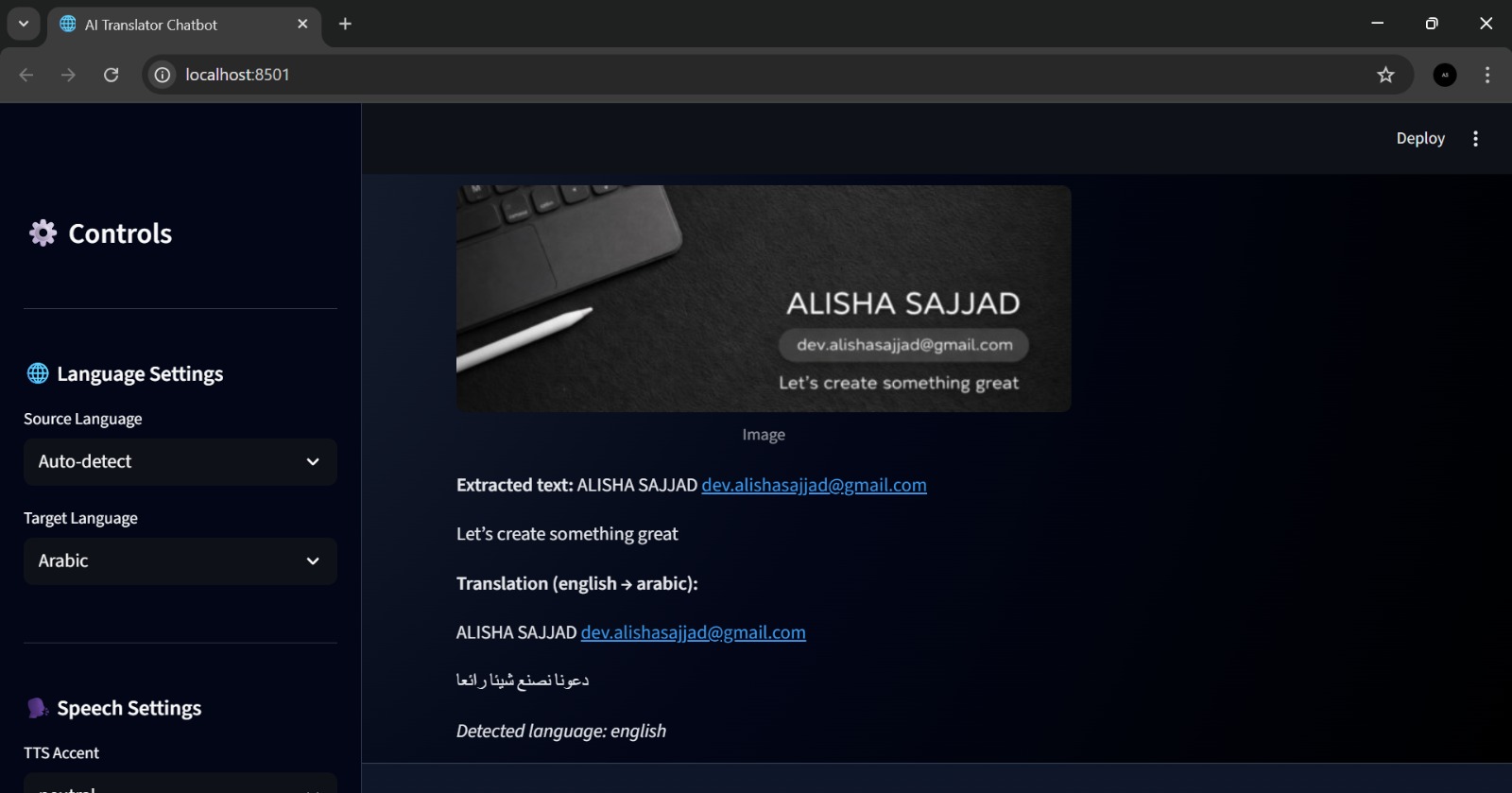
After clicking ‘Extract and Analyze,’ the image was successfully translated and analyzed.
-
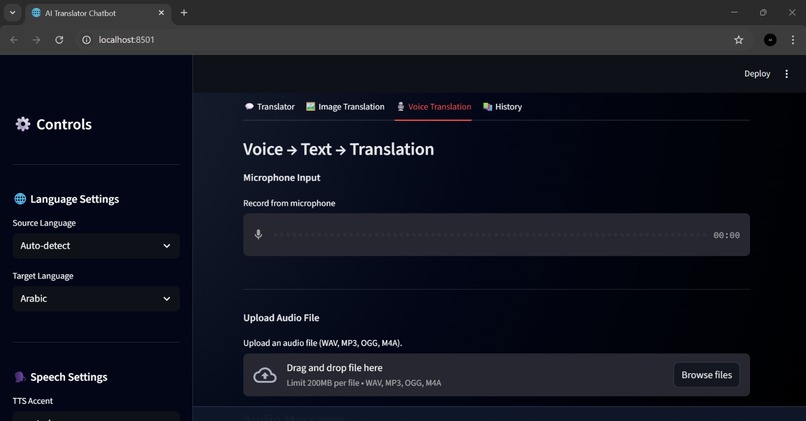
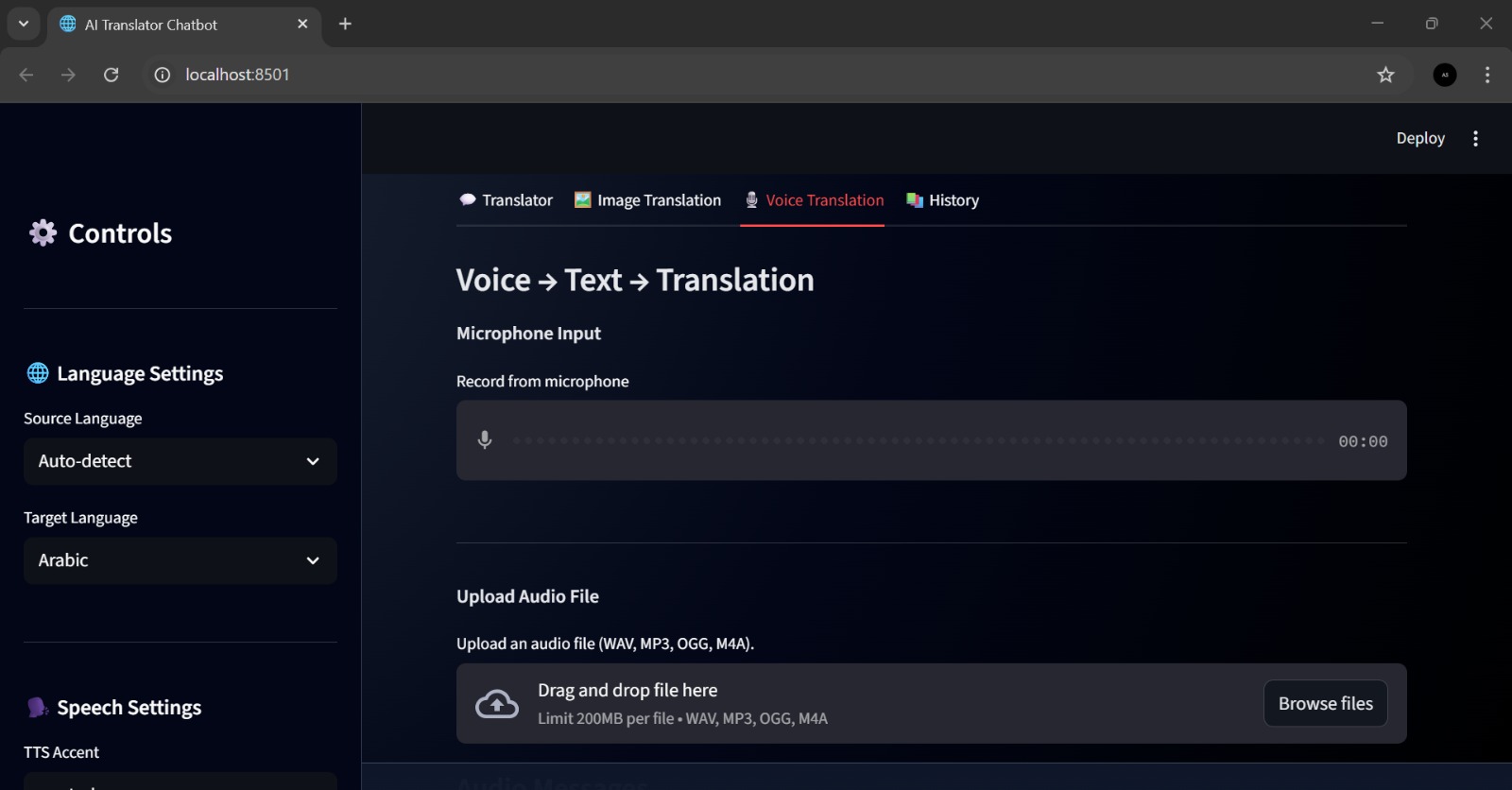
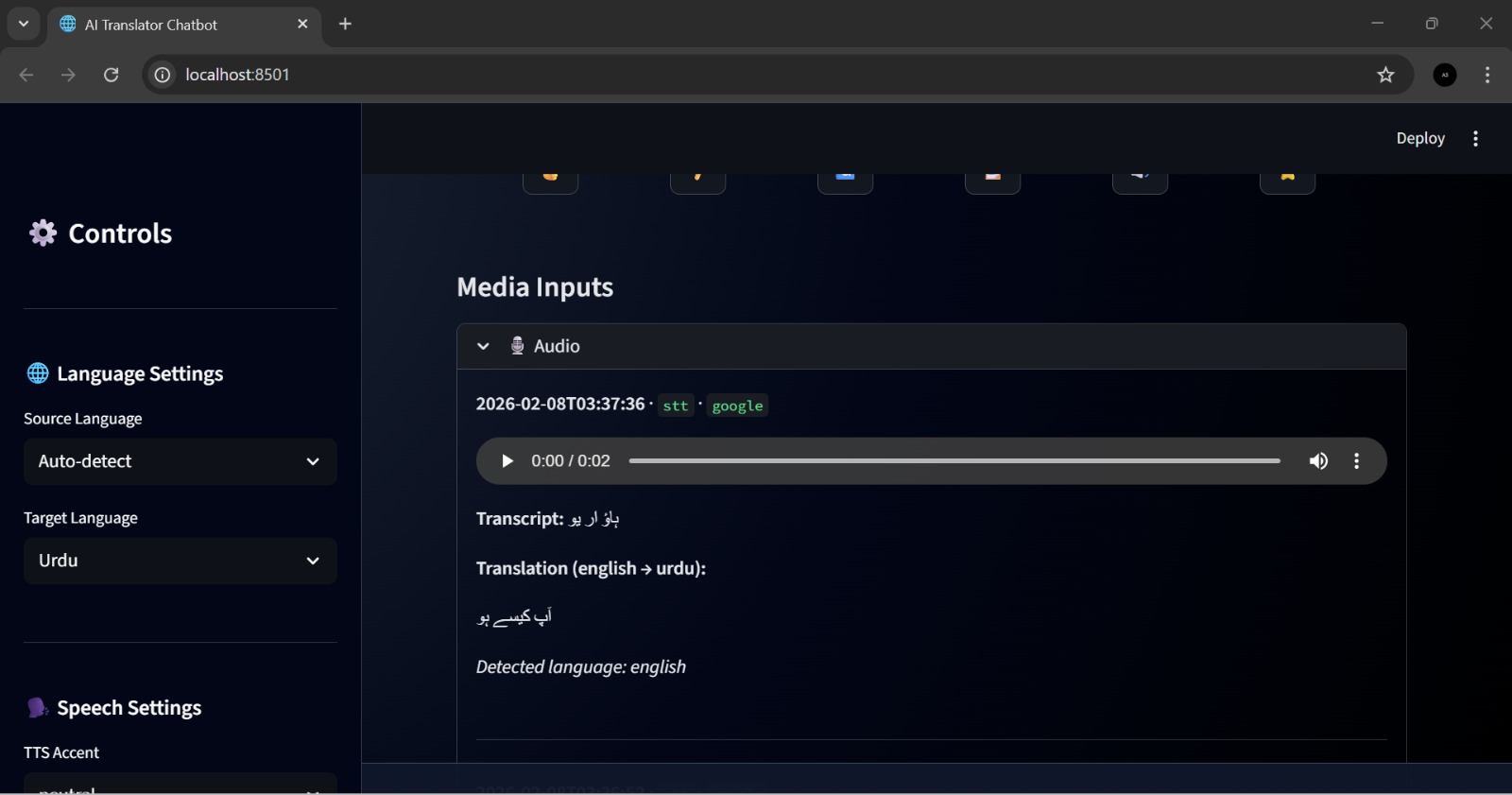
Interface for the voice translation feature, enabling voice input to be converted into multiple languages.
-
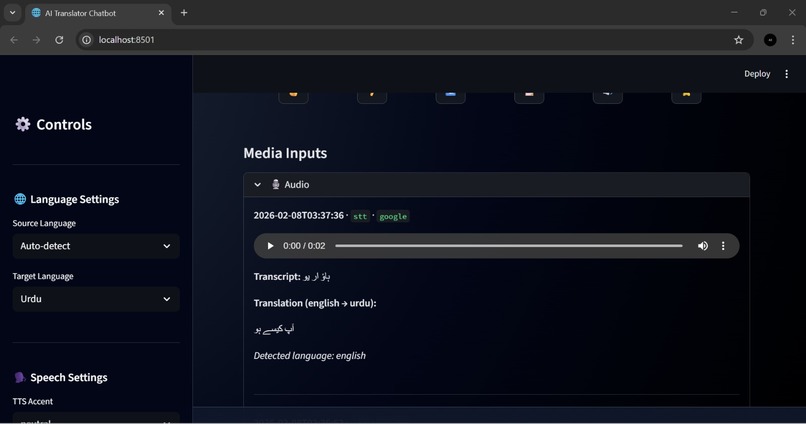
The voice functionality was successfully implemented and integrated into the media chat.
-
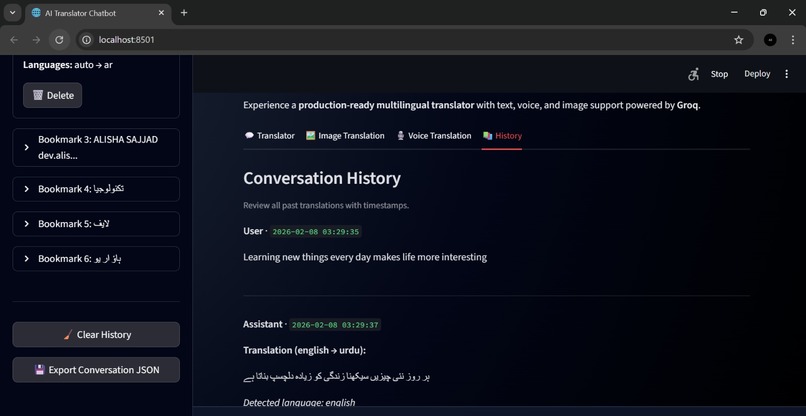
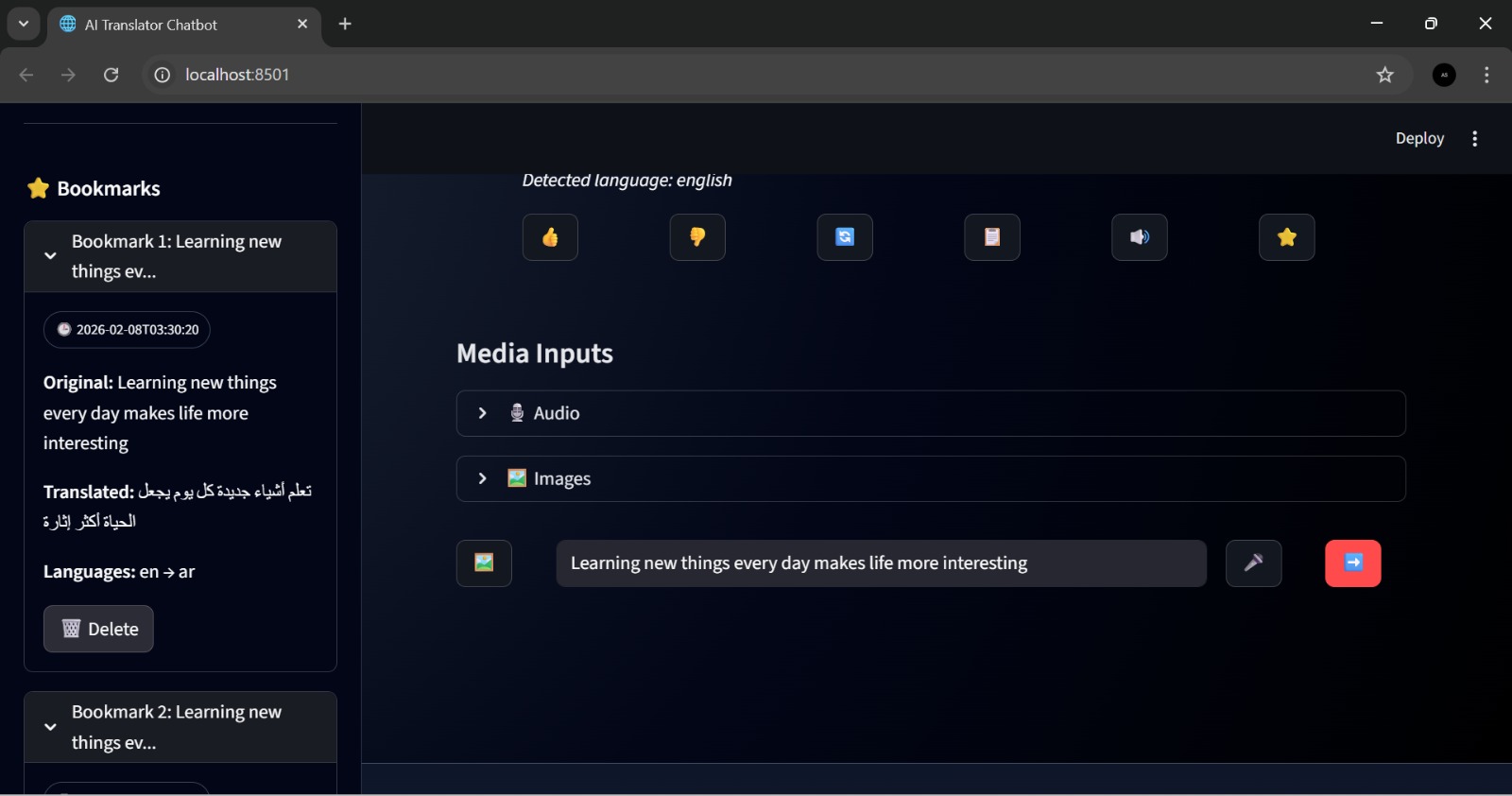
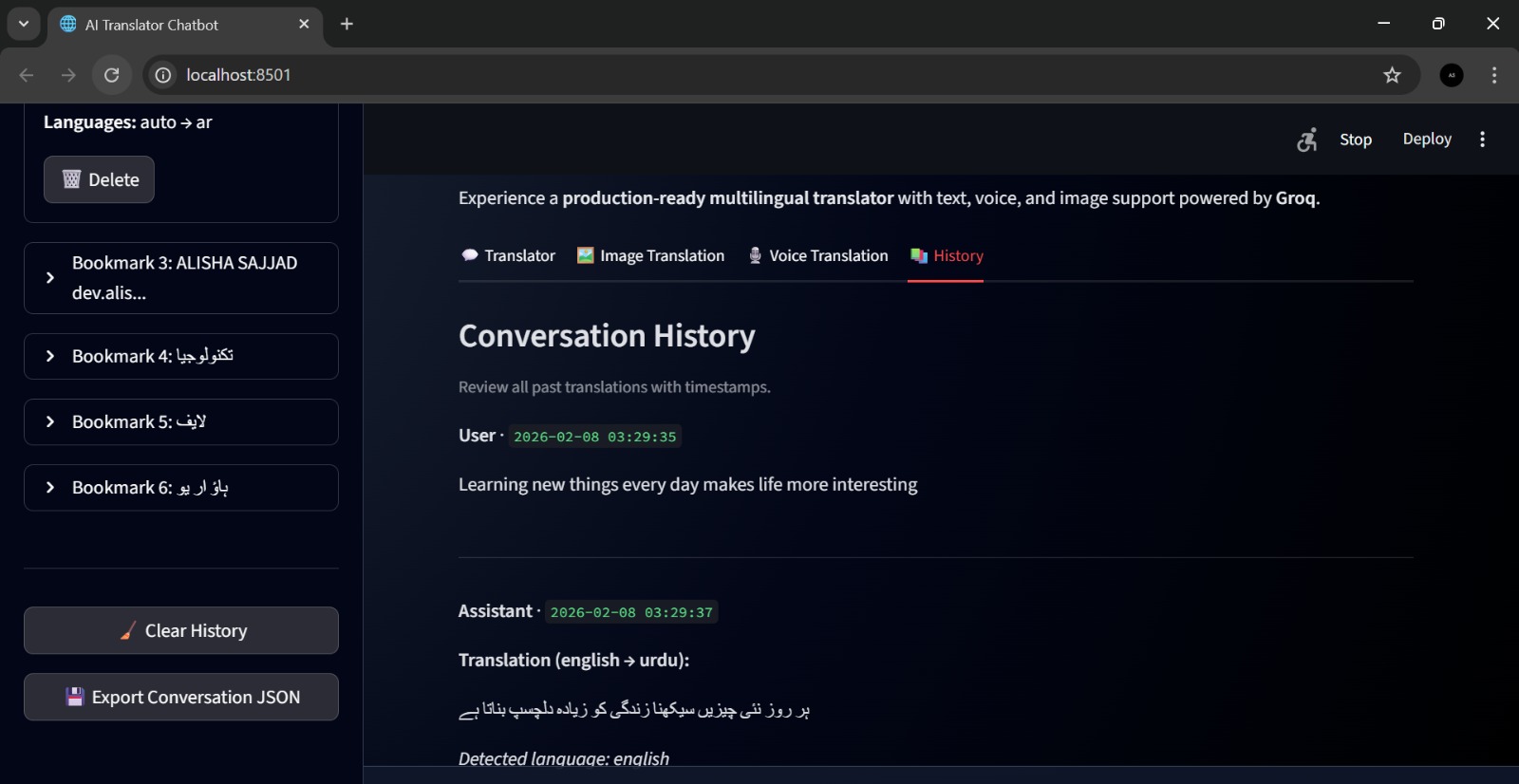
Conversation history functionality is working properly, saving all user interactions.
Inspiration
Language barriers still create problems in learning, communication, and accessibility. I realized that for simple tasks like translating text, converting speech, or extracting text from images, people often need to switch between multiple apps. This inspired me to build Ai Translator-Chatbot, a single platform that combines translation, voice support, OCR, and AI assistance in one smart interface.
What it does
Ai Translator-Chatbot is a production-ready multilingual assistant that can automatically detect languages and translate text across 100+ languages. It supports speech-to-text and text-to-speech with different English accents, extracts text from images using OCR, translates OCR results instantly, and simplifies complex content into beginner-friendly language using AI. It also remembers conversation context for smarter translations.
How we built it
The project was built using Python and Streamlit for the interactive UI. Translation was powered through Google Translate, OCR was implemented using Tesseract OCR with Pillow, and voice features were added using SpeechRecognition and gTTS. For intelligent text simplification and context-aware responses, I integrated the OpenAI API.
Challenges we ran into
One of the biggest challenges was integrating multiple AI features into one smooth workflow. Managing voice recognition accuracy, OCR reliability, and session-based memory required careful handling. Another challenge was designing a clean interface while still offering advanced features like regenerate, read aloud, bookmarks, and export options.
Accomplishments that we're proud of
- Built a complete chatbot that combines translation, voice, OCR, and AI simplification
- Implemented translation for 100+ languages with auto language detection
- Added session memory for more accurate and context-aware responses
- Created a clean and user-friendly interface with useful tools like bookmarks and export
What we learned
This project helped me gain strong experience in building real-world AI applications using Python. I learned how to integrate APIs, manage multiple input types (text, voice, images), improve user experience through Streamlit, and use AI to simplify and enhance translations.
What's next for Ai Translator-Chatbot
In the future, I plan to deploy it online for global access, improve OCR accuracy, add document translation support (PDF/Word), enable live microphone recording, and introduce user accounts for saving translation history across sessions.


Log in or sign up for Devpost to join the conversation.