-
-
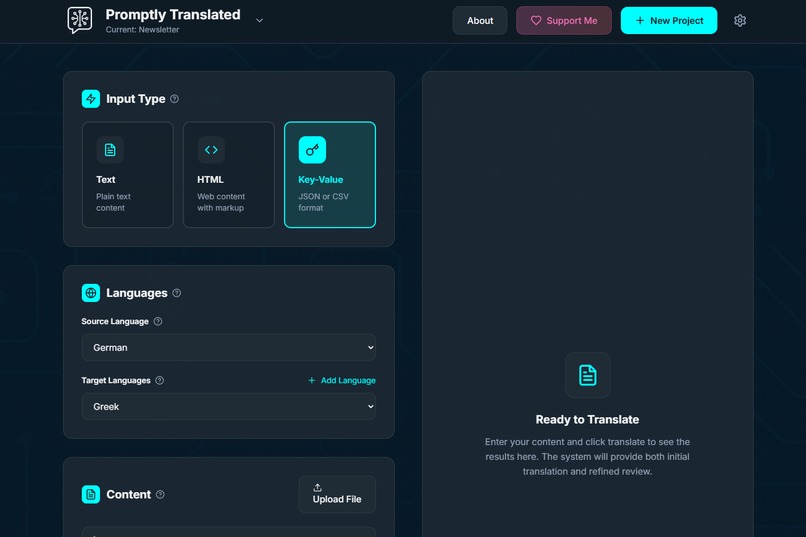
Main Screen
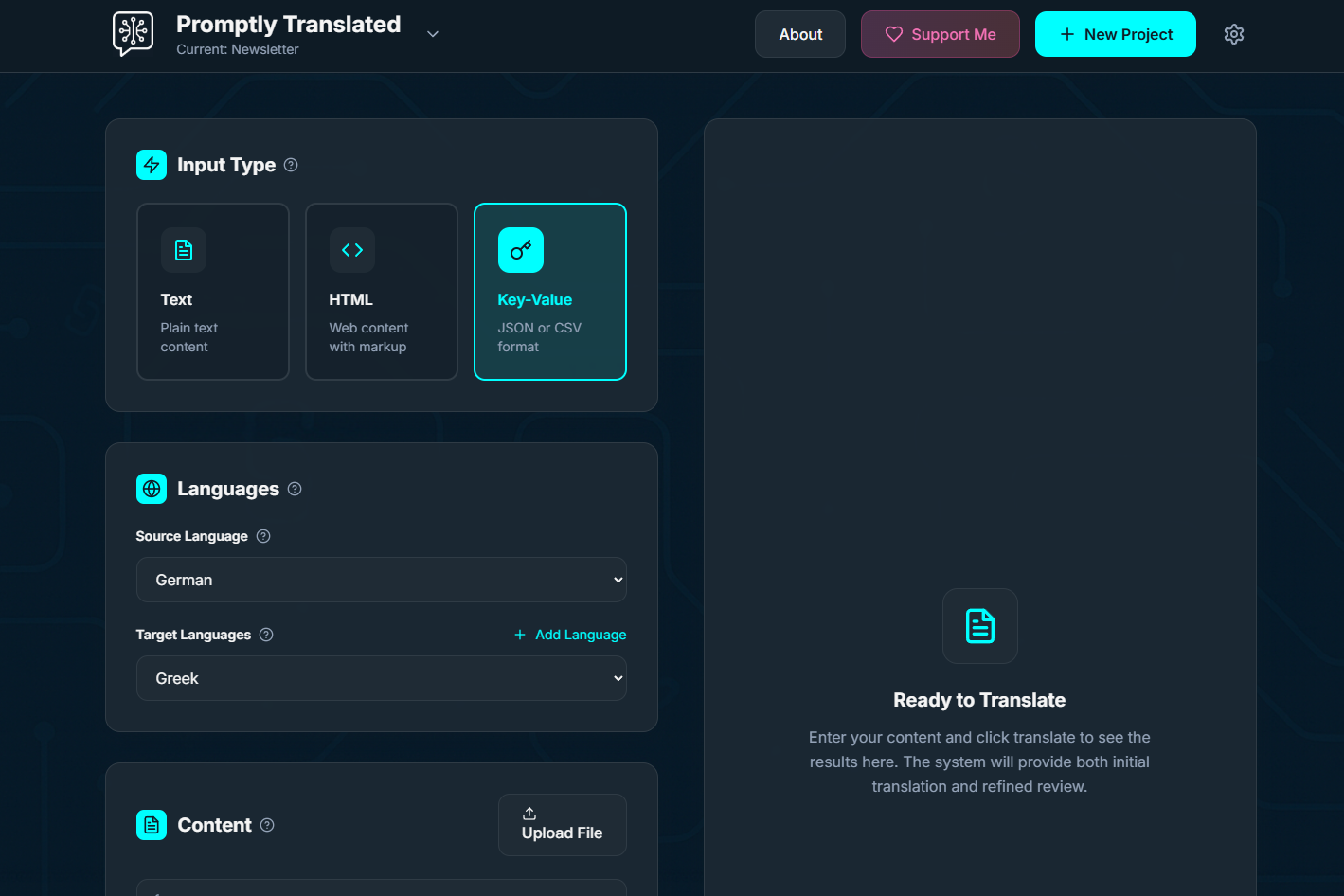
Inspiration
The inspiration came from my personal frustration with existing translation tools. As an indie game developer, I needed to translate my newsletter and game content, but popular translation platforms consistently produced awkward, robotic-sounding results. I noticed that while LLMs could generate beautiful, natural text in German, they struggled to translate to German effectively. This made me realize that translation isn’t just word-swapping—it’s about recreating the natural flow and cultural context of native speech.
What It Does
Promptly Translated introduces a multi-step, context-aware workflow:
- Setup a project and provide background information, define tone, key terminology, and brand-specific translation rules
- Input your text and select target languages
- The input is sent to an LLM which identifies unclear or ambiguous passages and generates questions with suggested answers
- The user can review and edit these questions and answers to provide better clarity
- A first translation pass is executed, using all available context: project setup + clarified answers
- The translated content is then refined by another LLM pass to ensure natural flow and native-sounding quality
Key features:
- Supports text, HTML, and key-value pairs
- Perfect formatting preservation
- Batch translation into multiple languages
- Terminology management & protected brand terms
- Project-based customization with tone and style guidance
- Runs entirely in your browser with your own OpenAI API key
How I Built It
- Stack: React (Vite) + Tailwind CSS with a dark, tech-inspired theme
- OpenAI integration: Direct API usage with advanced prompt engineering
- Architecture highlights:
- HTML structure validation to prevent broken markup
- Robust error handling with automatic retries
- HTML structure validation to prevent broken markup
- Data storage: Everything stays local-only
Challenges I Ran Into
- Token limits: Preventing content truncation while maintaining translation quality
- Solution: Dynamic token calculation, full context-window usage, clear user warnings
- Solution: Dynamic token calculation, full context-window usage, clear user warnings
- HTML translation: Preserving structure while translating content
- Solution: Sophisticated validation + retry mechanisms
- Solution: Sophisticated validation + retry mechanisms
- Natural flow vs. literal accuracy: Extensive prompt engineering and a multi-pass process to balance both
- Ambiguous source content: Creating an LLM-driven system to generate clarification questions and handle user-provided responses
- Prompt design challenges: Crafting effective prompts for clarification, data structure extraction, translation, and review refinement
Accomplishments I’m Proud Of
- Translations that sound native, not machine-generated (validated in German & Italian)
- Handles complex HTML while keeping structure intact
- Professional workflow support: terminology management, tone control & project organization
- Intuitive UI—accessible to non-technical users yet powerful for experts
- Question-answer system that actively improves translation quality and user control
What I Learned
- Translation ≠ text generation—requires specialized techniques and user involvement
- The context-first approach (project info + question clarification) yields superior results
- The multi-pass translation process dramatically improves naturalness
- Token management is crucial; users need feedback on content size limits
- HTML translation demands a careful balance between content and structure
- Users benefit greatly from being involved in clarifying ambiguous phrases before translation
- Adding a structured clarification step helps the LLM focus and improves both quality and trust in the output
What’s Next for Promptly Translated
- Let users create and edit their own clarification questions to refine meaning more precisely
- Backend integration to enable persistent storage and offer a paid service model
- Support for additional LLM providers (currently only OpenAI is supported)
- Gather structured user feedback to drive ongoing improvement and usability
- Long-term: explore integrations with dev tools, CMSs, and collaborative translation workflows


Log in or sign up for Devpost to join the conversation.