-
-
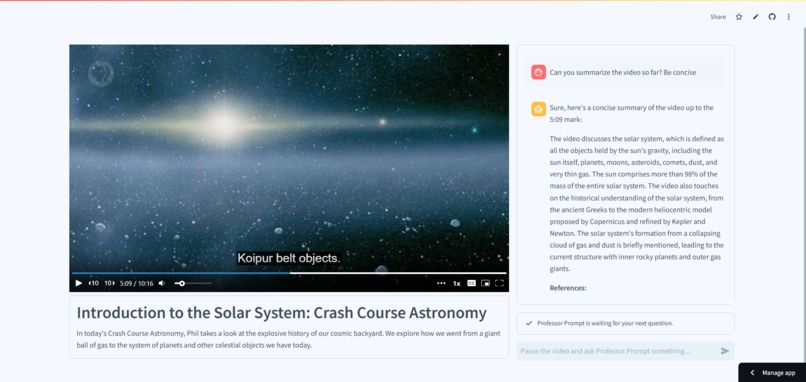
Example prompt #1 - video understanding
-
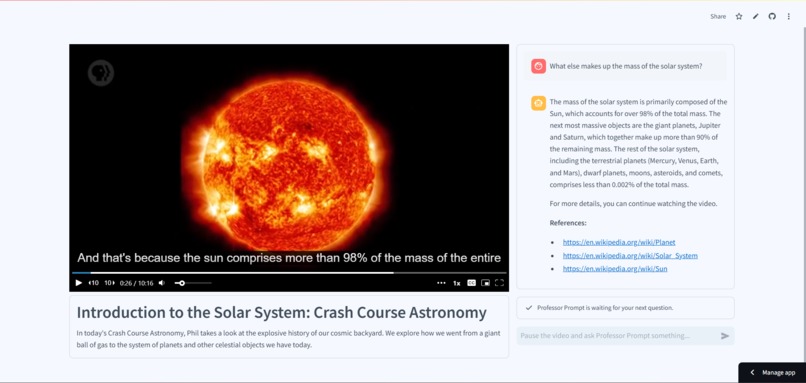
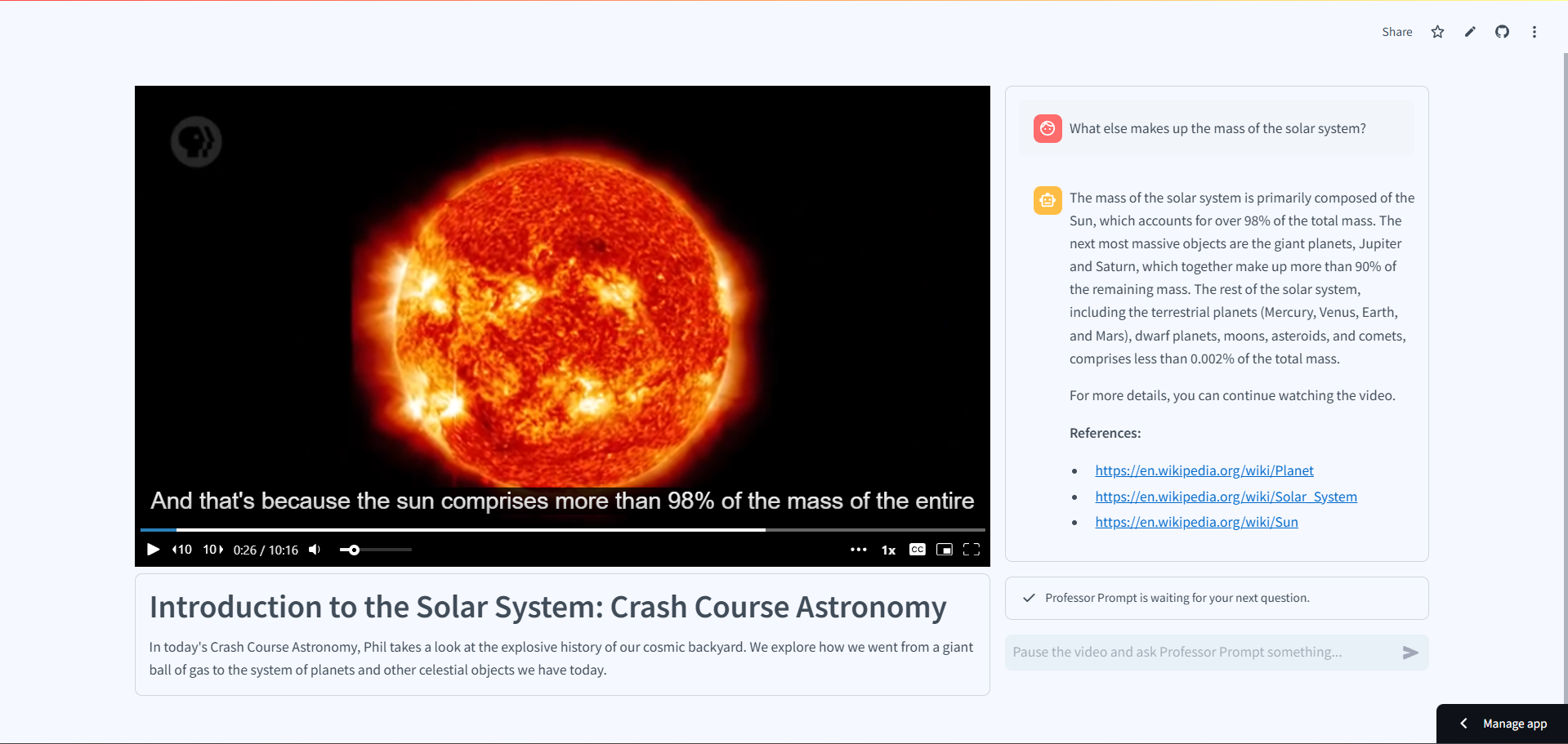
Example prompt #2 - knowledge base understanding
Inspiration
At Polar Labs, we've been exploring ways to improve remote learning and corporate training through AI-enhanced video content. The traditional online learning experience is convenient, but often lacks the dynamic interaction that makes in-person classroom learning so effective. You can't raise your hand to ask the instructor to clarify a concept or dive deeper into a particular topic. Furthermore, you can't easily hire TAs to handle potentially thousands of people watching these videos on their own schedules.
The Snowflake Rag 'n' Roll Hackathon presented the perfect opportunity to build a demo for our sales efforts, while throwing our hat into the ring for the hackathon. The goal is to transform passive video consumption into an active learning experience, making online education/training more engaging and effective.
What We Built
Professor Prompt transforms any educational/training video into an interactive learning experience by providing an AI teaching assistant that understands the video content and can answer questions in real-time. Using Snowflake's powerful data platform and AI capabilities, we created a system that combines video transcripts with dynamically retrieved knowledge from Wikipedia to provide contextually aware responses to a learner’s questions.
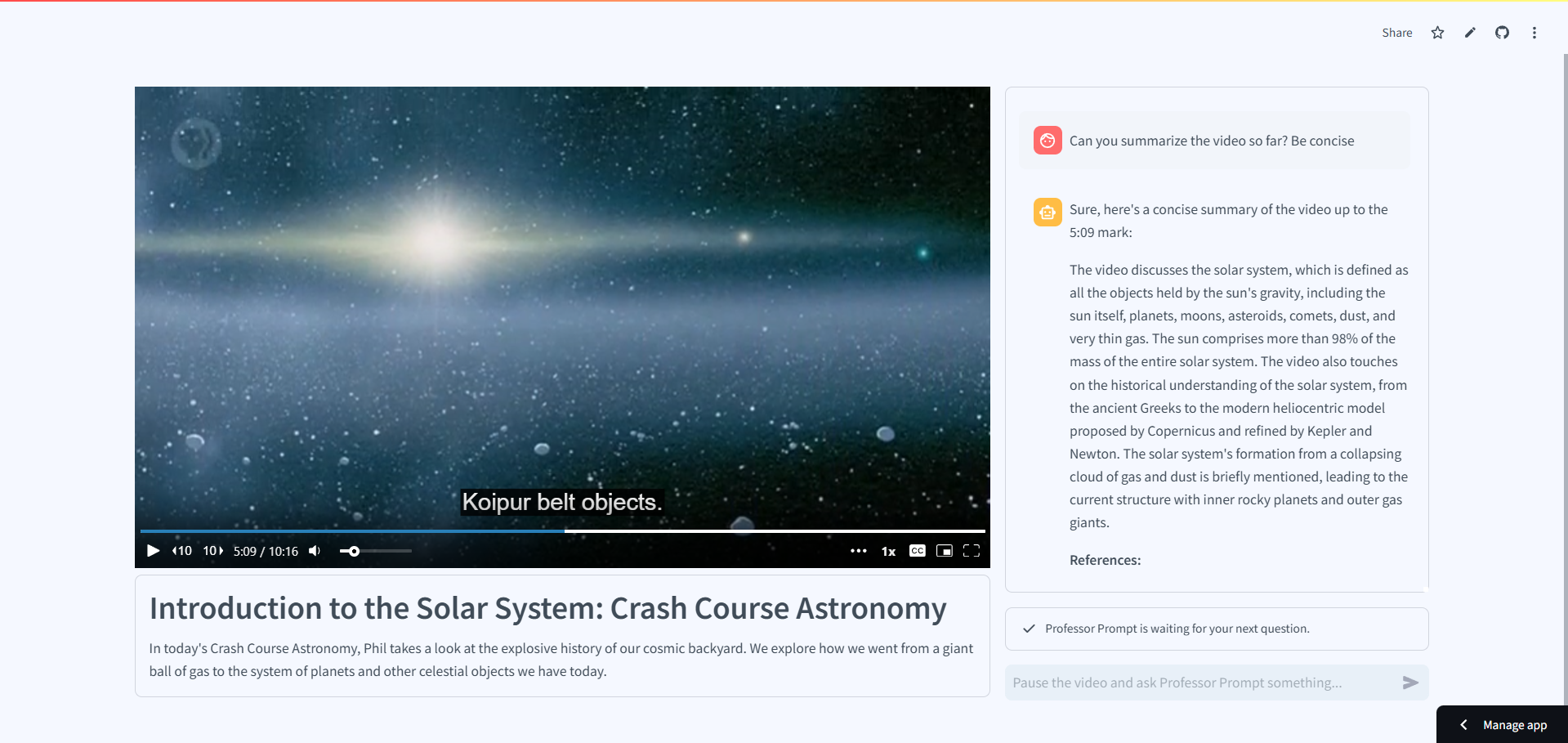
The application features a clean, intuitive interface with a video player and chat interface side by side. Learners can pause at any moment to ask questions, and Professor Prompt understands exactly where they are in the video, ensuring responses are relevant to their current point in the learning journey.
How We Built It
We architected Professor Prompt using the provided technical stack:
- Frontend: Streamlit for development of a user interface
- Backend: Snowflake for storage of the knowledge base and AI via Cortex (see below)
- Infrastructure: Terraform for reproducible deployment to Snowflake
- AI: Mistral large language model with Snowflake Cortex Search for semantic understanding
- Knowledge Enhancement: Automated Wikipedia content retrieval and processing
One of our core principles was making the project fully reproducible with different videos so we can quickly generate demos for potential clients for different contexts. We used Terraform to create an infrastructure-as-code solution that can recreate the entire project in any Snowflake account. This includes setting up dedicated warehouses, configuring RBAC, and establishing the knowledge base.
Challenges and Learnings
Our journey building Professor Prompt came with several significant challenges:
Model Performance vs. Speed: Initially, we attempted to use a fine-tuned Mistral model to improve response quality. While this produced better answers, the response time of up to 8 minutes per question was impractical for real-world use. We returned to using Mistral Large 2 with enhanced prompt engineering to maintain quality while achieving reasonable response times.
Video Context Management: Creating a system that could maintain awareness of the video's current timestamp while providing relevant answers required hacking around Streamlit. We implemented custom JavaScript injection through Streamlit bidirectional components to bypass iframe limitations and track video state effectively. Essentially, we break out of the iframe to inject the video player scripts and HTML in the parent DOM, and retrieve events from the player that contain the current video timestamp.
Knowledge Base Generation: Processing and integrating Wikipedia content proved complex. We developed a replayable system using thread pools and checkpoints to search Wikipedia for pages related to a set of tags (either provided by the user or generated by mistral based on the video transcript) and download a tree of related articles for each tag provided. This allows us to relatively quickly generate a Wikipedia knowledge base for any topic, with just a little pruning at the end of unrelated articles. For example, we would get the chocolate bar for both the Milky Way and Mars, which are obviously not relevant to our solar system example.
RAG Integration: Getting the right balance of context between video content and external knowledge required multiple iterations of our prompt engineering approach. We implemented a multi-stage system that enhances questions before searching and carefully assembles context for the LLM.
We also struggled with the AI when we provided larger amounts of chat history. We had issues such as,:
- If the AI saw references we appended to previous chats, it started making up its own references.
- If the AI saw a single image in the previous chats, it started making its own images.
- It tended to be incredibly wordy, and took some time to find a system prompt that balanced informational content vs the AI trying to write its own Wikipedia page for each question.
The first two challenges were the main inspiration behind attempting a fine-tuned model, but in the end, we provided only the history of the user questions without the AI responses.
What We Learned
This project deepened our understanding of:
- Large language model integration in educational contexts
- Snowflake's AI capabilities, particularly Cortex Search
- Infrastructure-as-code best practices with Terraform using the new Snowflake provider
- The challenges of hallucination when trying to provide chat history to an AI
- The complexities of building interactive educational tools
- The importance of balancing technical performance with user experience
What's Next
Professor Prompt represents just the first step in our broader vision for augmenting online learning. Our roadmap includes the following:
Customizable Training Solutions: Enabling us to easily build custom training programs for companies by leveraging our infrastructure-as-code approach. Organizations could upload and manage entire learning modules, creating their own internal AI-enhanced version of platforms like Udemy.
AI-First User Experience: Developing a next-generation interface where AI acts as a personal guide throughout the learning journey, helping users track progress, recommend content, and reinforce learning vs having to learn new static interfaces (Which menus go where, which buttons do what, etc). In our vision, Professor Prompt simply guides you through everything.
Analytics and Progress Tracking: Implementing sophisticated tracking of learner engagement and comprehension, providing organizations with actionable insights when people are falling behind.
Integration Capabilities: Building connectors to existing learning management systems, knowledge bases, and corporate training documentation/videos.
The intent, regardless of our performance in this hackathon, is to use what we've built as a sales tool. Because we were focused on reusability, any time we have a potential sales call to implement this technology for a client, we can generate a working demo in around 30 minutes or less. We simply upload a video to Mux, have it generate a transcript, and then we can run Terraform and our Wikipedia knowledge base generator. This allows us to easily demonstrate the power of Professor Prompt for any video, in context.
Built With
- html
- javascript
- mistral
- mux
- python
- snowflake
- streamlit


Log in or sign up for Devpost to join the conversation.