The inspiration behind Task Mastermind
Task Mastermind came from the need to streamline productivity in both professional and academic settings. Whether it is in an educational setting or the workplace, it is often challenging to distill key takeaways and turn them into actionable tasks. This is a tool that can automatically generate to-do lists from transcripts, ultimately saving time and enhancing efficiency.
What does it do?
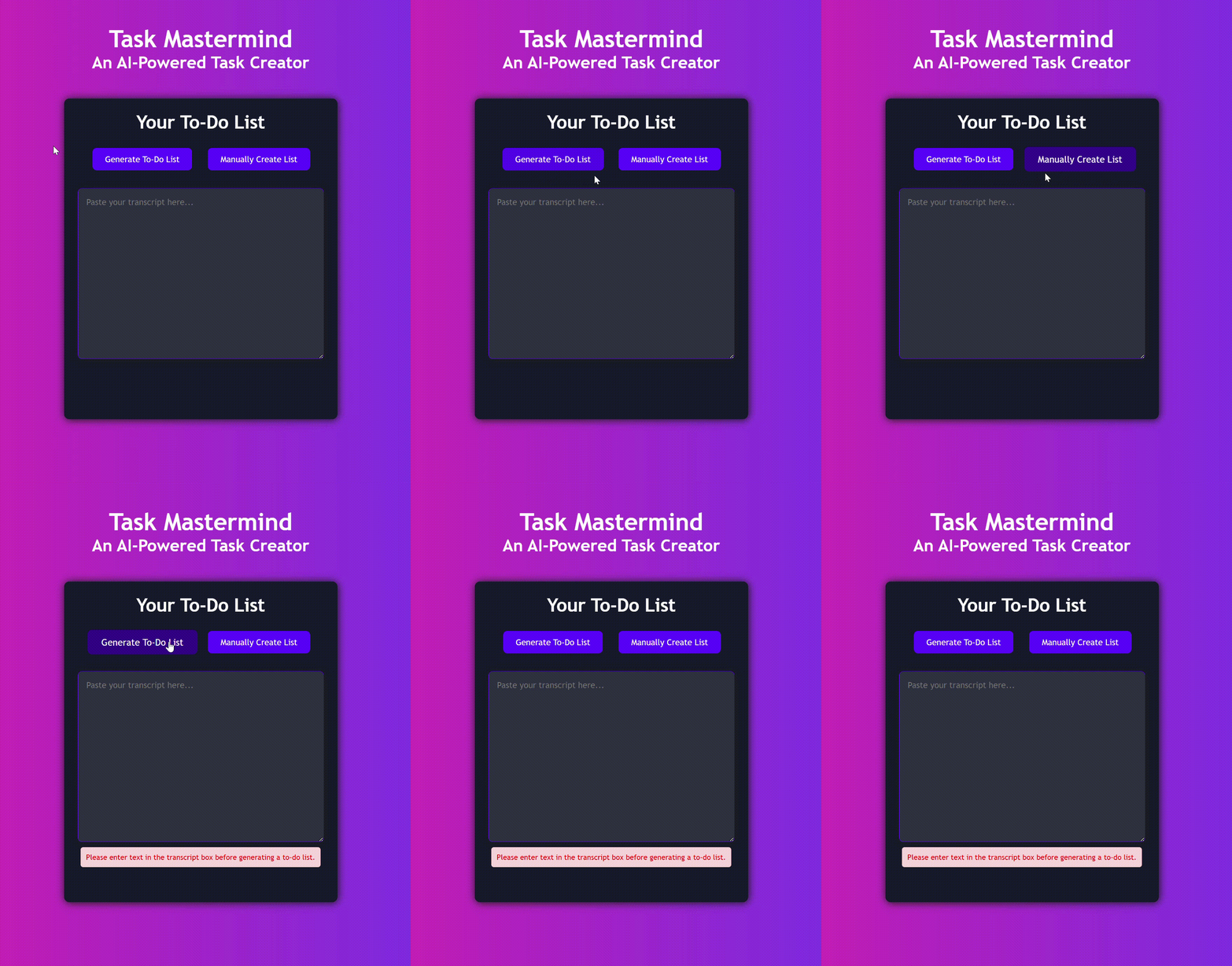
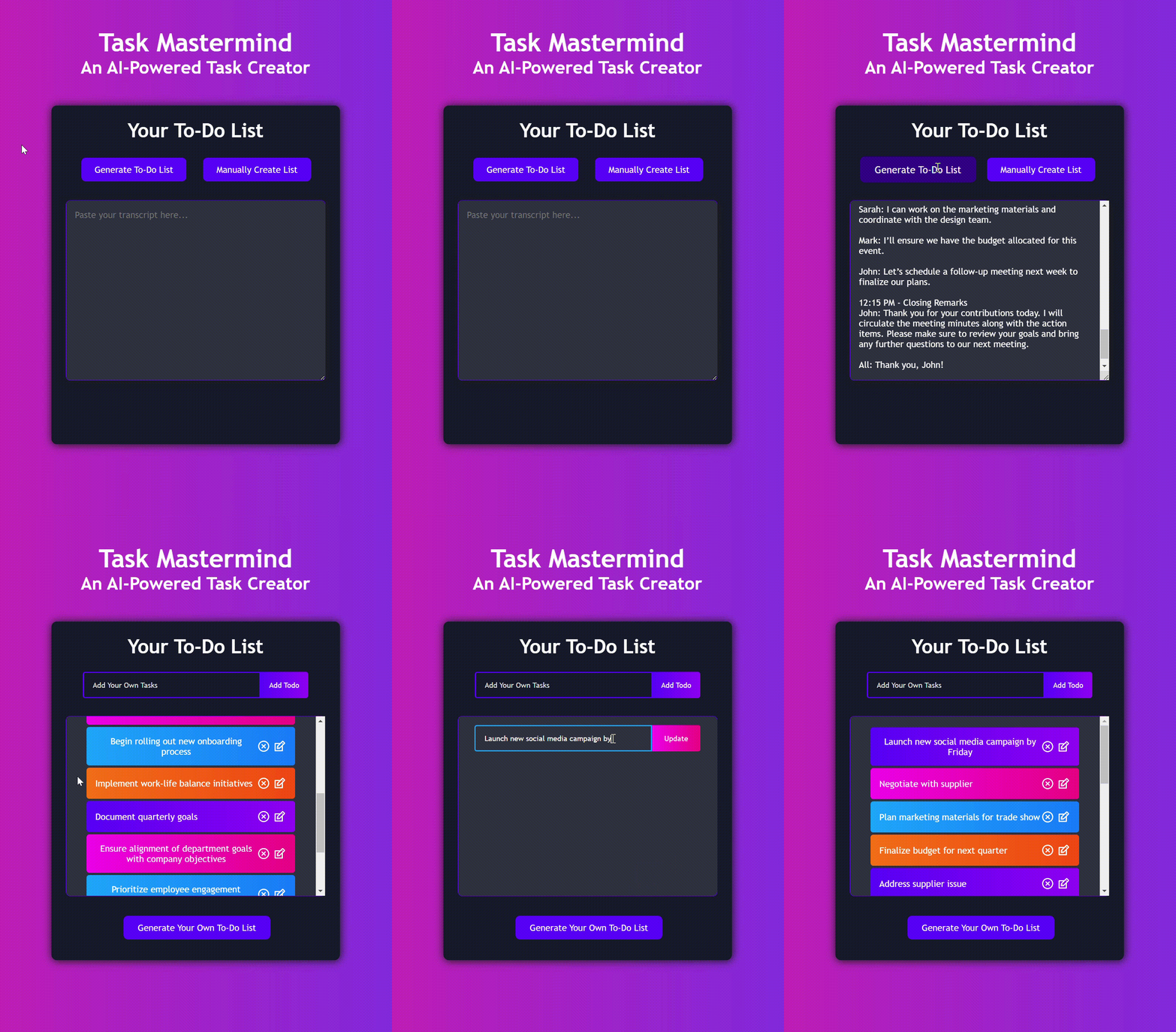
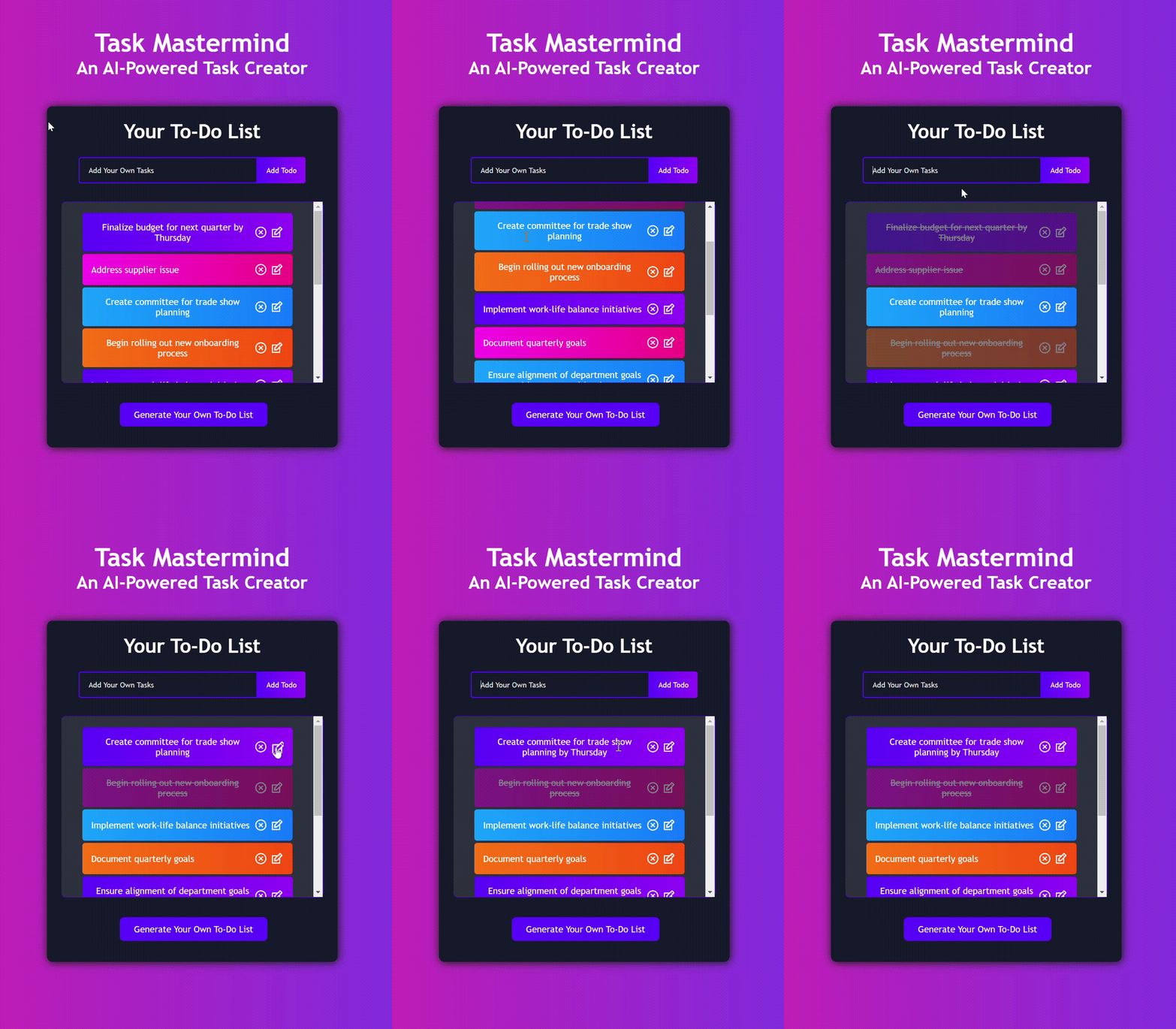
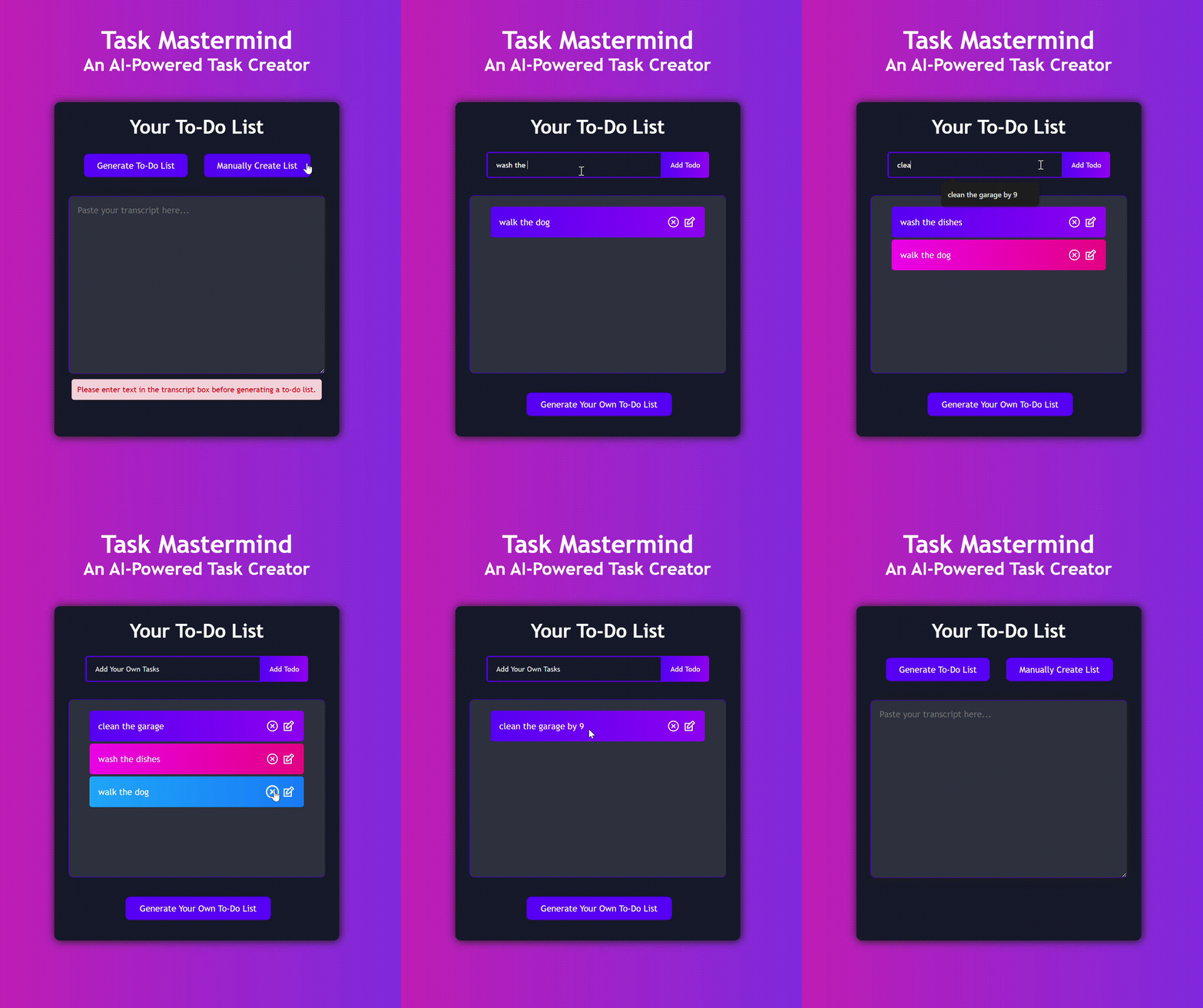
Task Mastermind allows users to input transcripts from meetings, lectures, or any content. It then utilizes AI to generate a structured to-do list, which aims to simplify the process of task management and ensure that users can focus on what truly matters.
How it was built
The project was built using React and JSX for the frontend, allowing for a dynamic and responsive user interface. There is an integration of Groq's OpenAPI within the JSX in order to command the AI to specifically generate to-do lists based on the text the user inputs. The command also specifies that the AI separates each task by a new line and refrains from having any additional words or characters that are not part of the tasks themselves. Upon receiving the AI-generated list, JSON.parse was used to convert the list into a usable format. However, in cases where an error occurs during parsing, a fallback mechanism was implemented in order to manually parse the generated list.
Challenges faced
One of the main challenges of creating Task Mastermind was ensuring the AI accurately identified relevant tasks from varying transcript formats and lengths. During the beginning, when trying to test with a large transcript, the code would have trouble connecting with the AI and outputting properly. Additionally, fine-tuning the user interface for a seamless experience required several iterations and user testing to achieve a balance between functionality, ease of use, and accessibility.
Accomplishments
I’m particularly proud of the progress I've made despite having no prior experience with AI. This project has been a significant learning experience, allowing me to dive into the intricacies of natural language processing and AI integrations. Additionally, a lot of time and effort was invested into creating a visually appealing user interface. Achieving a design that enhances the user experience was a challenge, but the end result has been worth it.
What I learned
Throughout this project, I gained my first experience incorporating artificial intelligence into a real-world application. I delved into the intricacies of AI, learning how to seamlessly integrate it into a program while maintaining a user-friendly interface. This journey also provided me with valuable insights into user experience design and highlighted the significance of iterative testing in the software development process.
What's next for Task Mastermind
Looking ahead, I plan to enhance Task Mastermind by adding several new functionalities. These enhancements include:
- Login/Registration
- Saving to-do lists
- Categorization
- Prioritization
A login and registration feature will allow users to create accounts and access their personalized experiences. The save feature will enable users to save their to-do lists, ensuring they don't lose their lists every time they revisit the site, and there could also be an integration of task categorization and prioritization, which could help users organize their tasks and focus on whichever tasks they'd like to prioritize.
Built With
- groq
- javascript
- react
- vscode

Log in or sign up for Devpost to join the conversation.