-
-

Icon
-
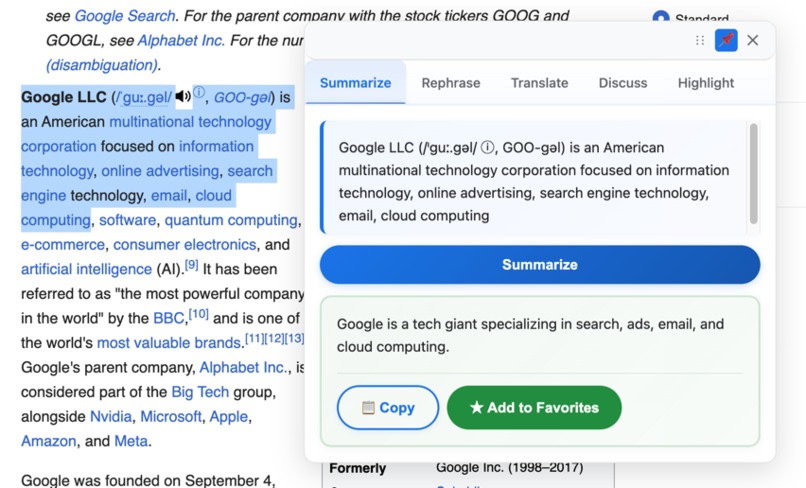
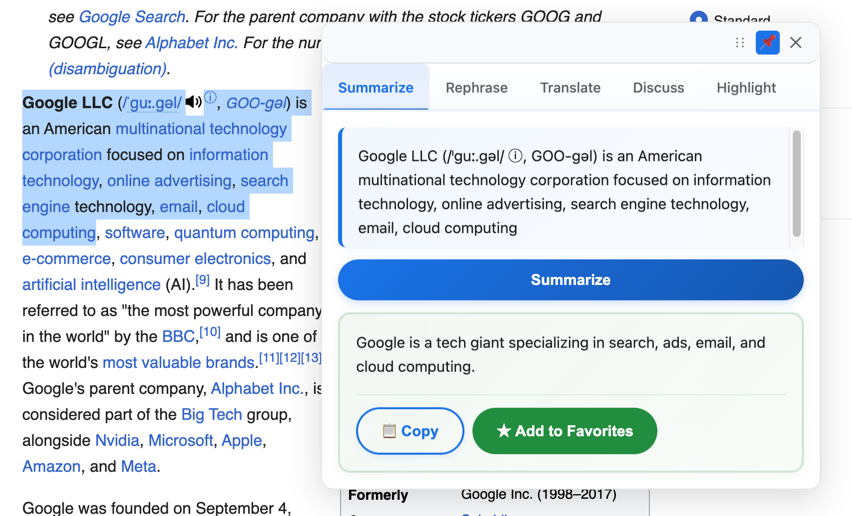
Summarize
-
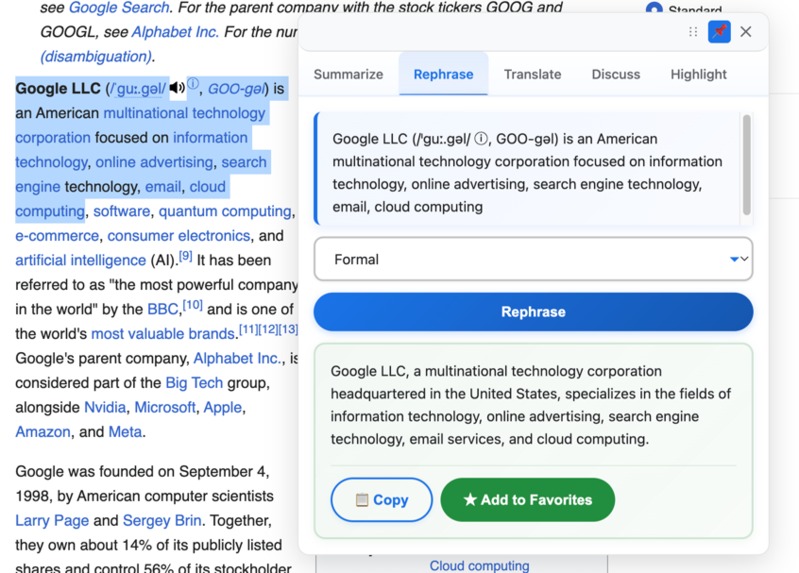
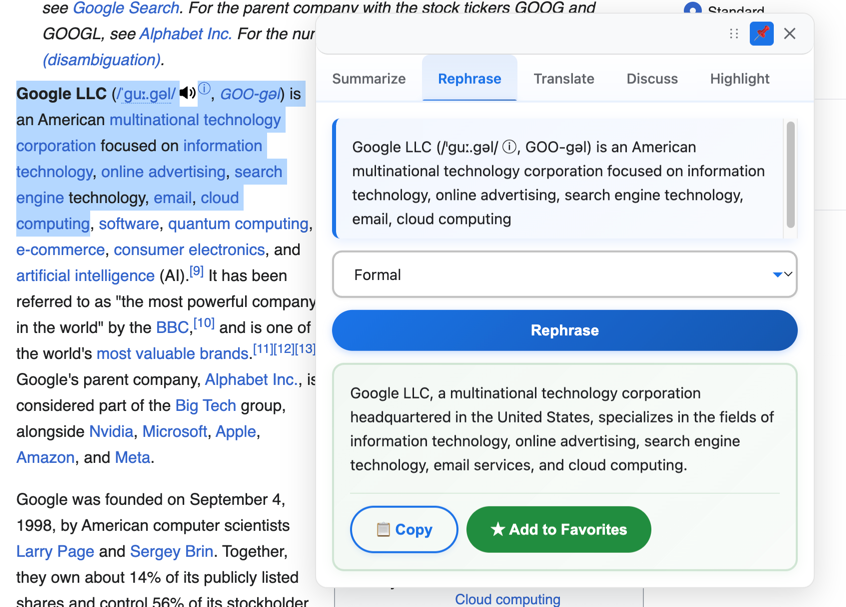
Rephrase
-
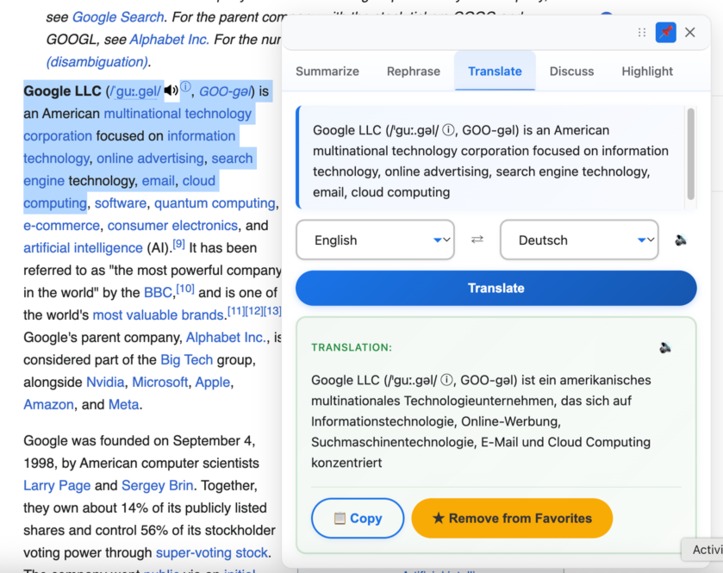
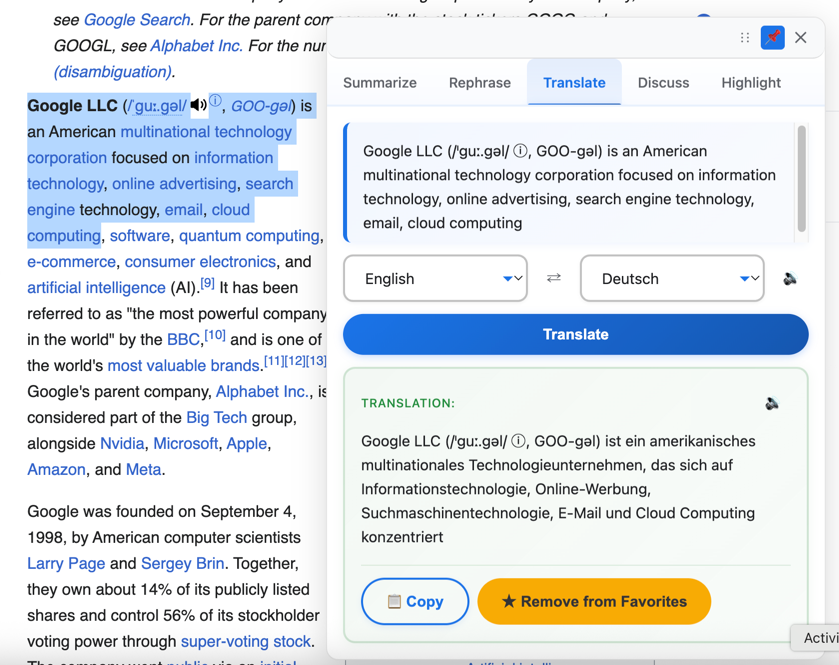
Translate
-
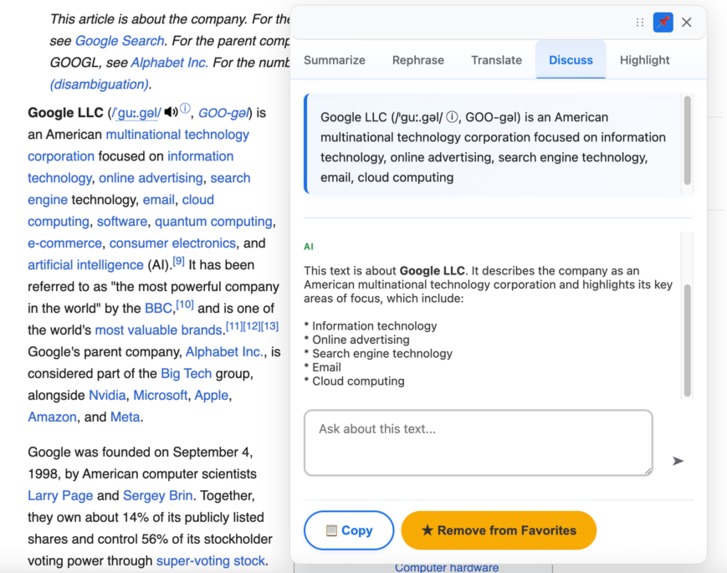
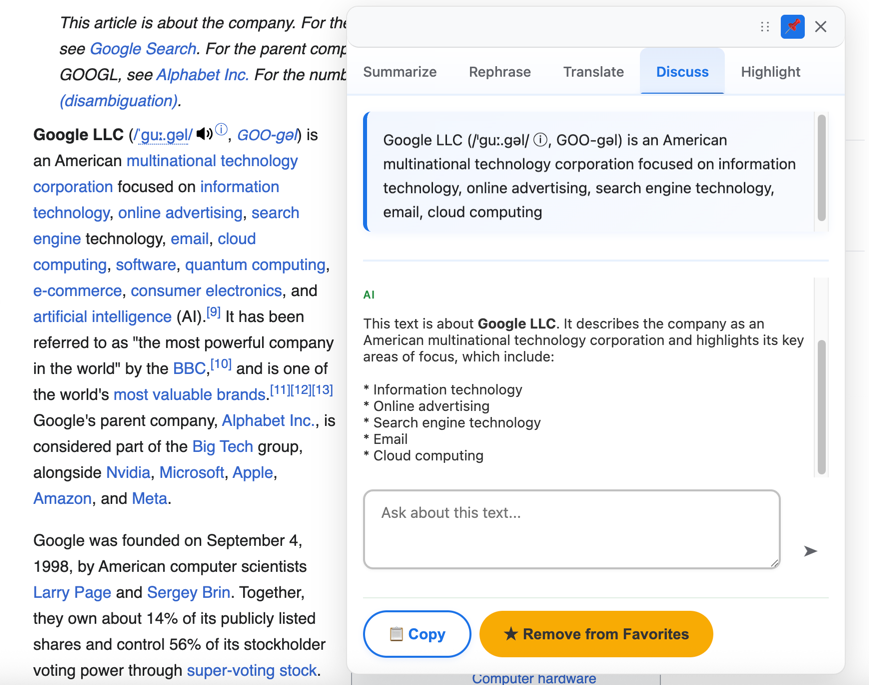
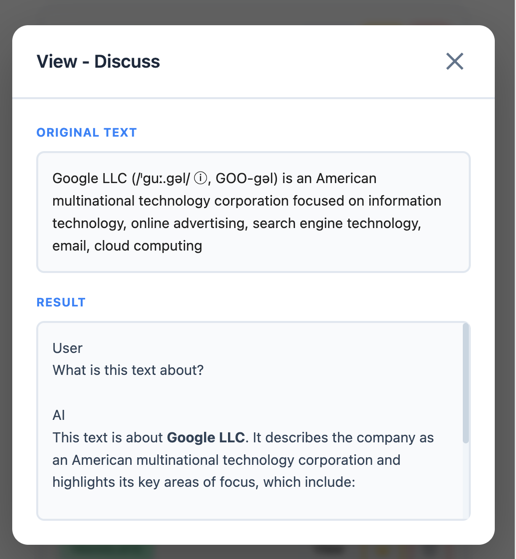
Discuss
-
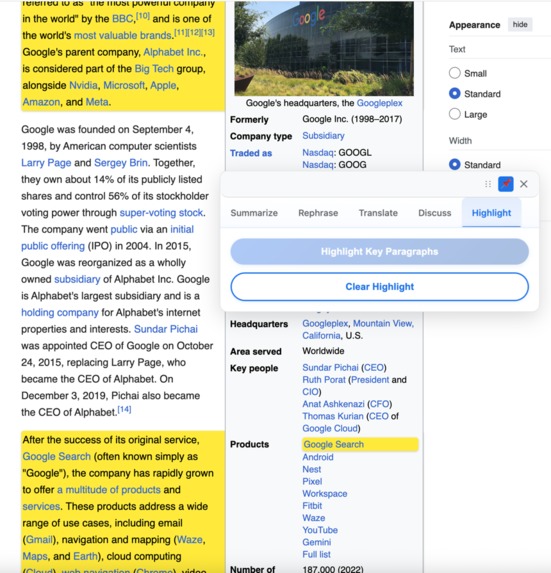
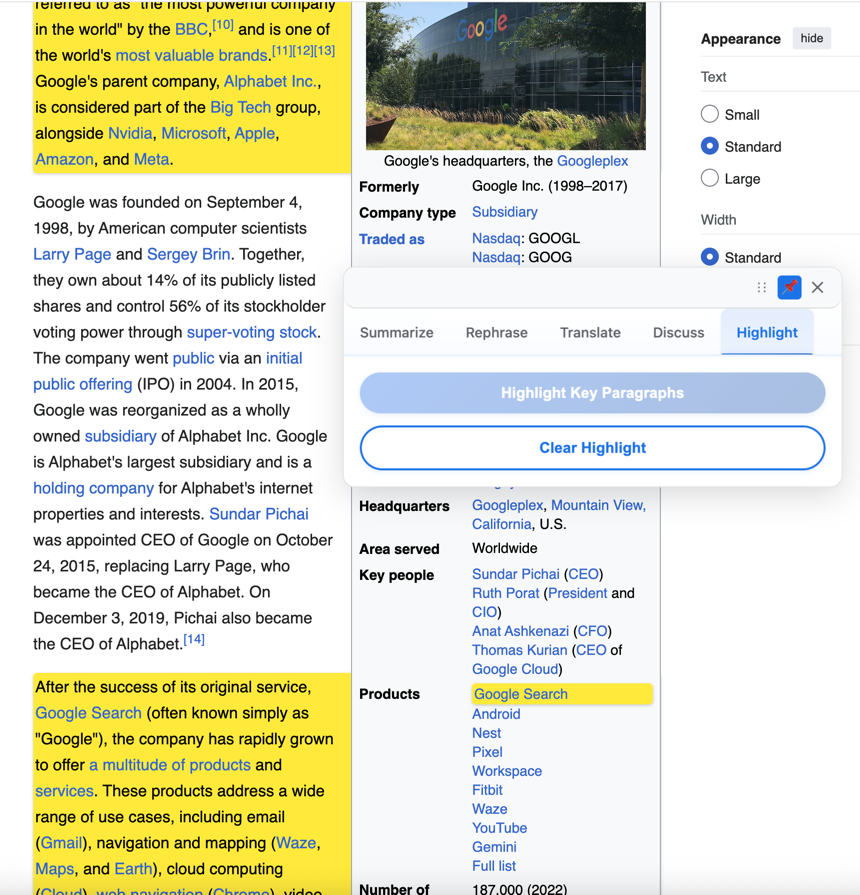
Highlight key paragraphs
-
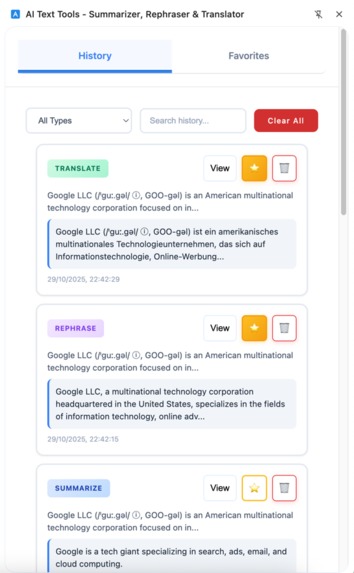
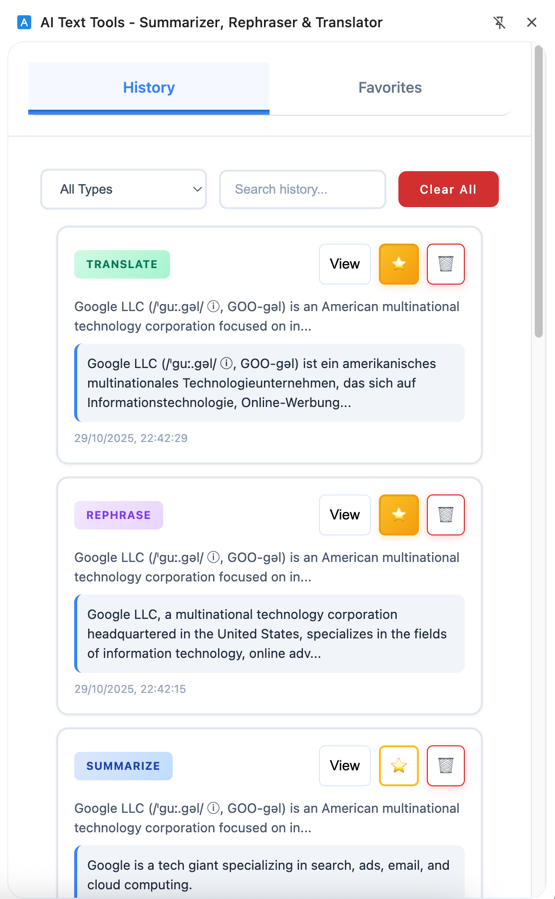
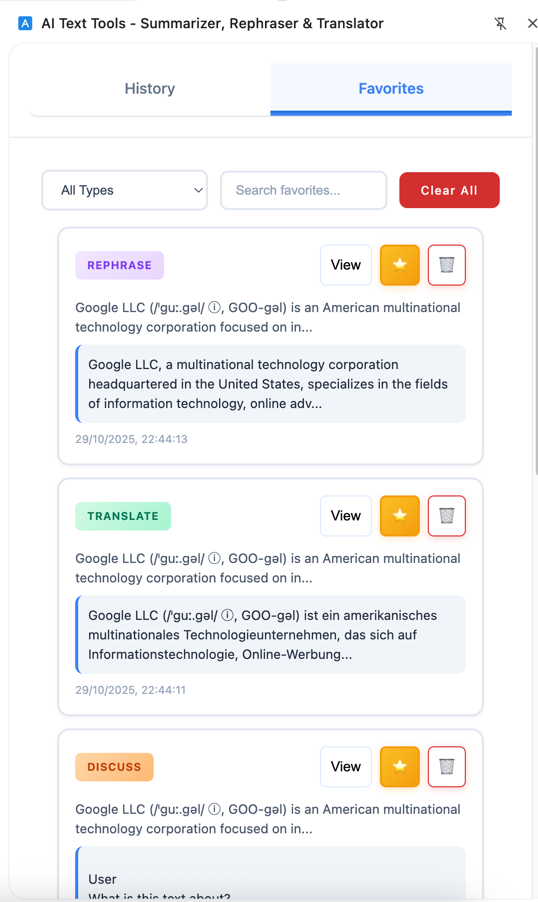
History sidebar
-
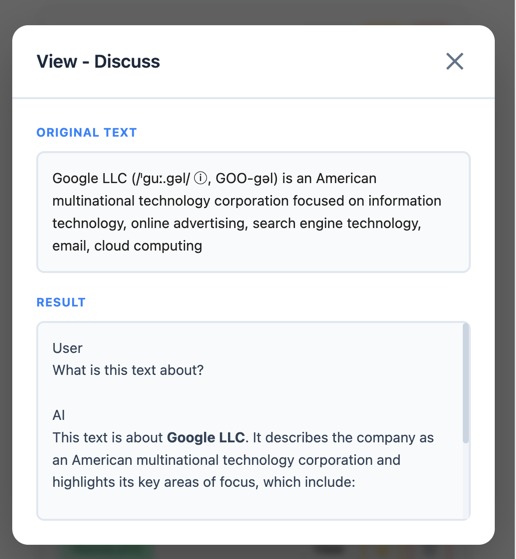
View history
-
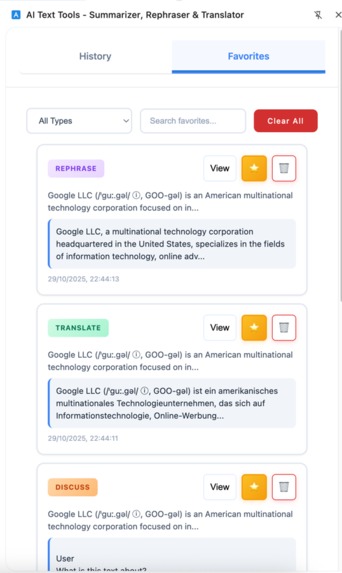
Favorites sidebar
-
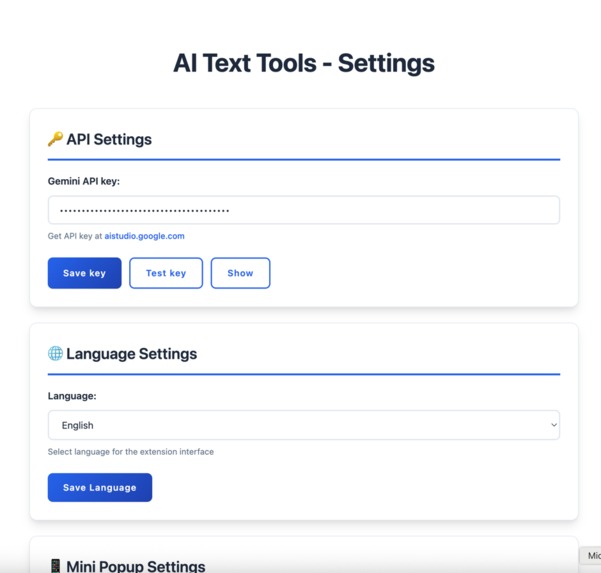
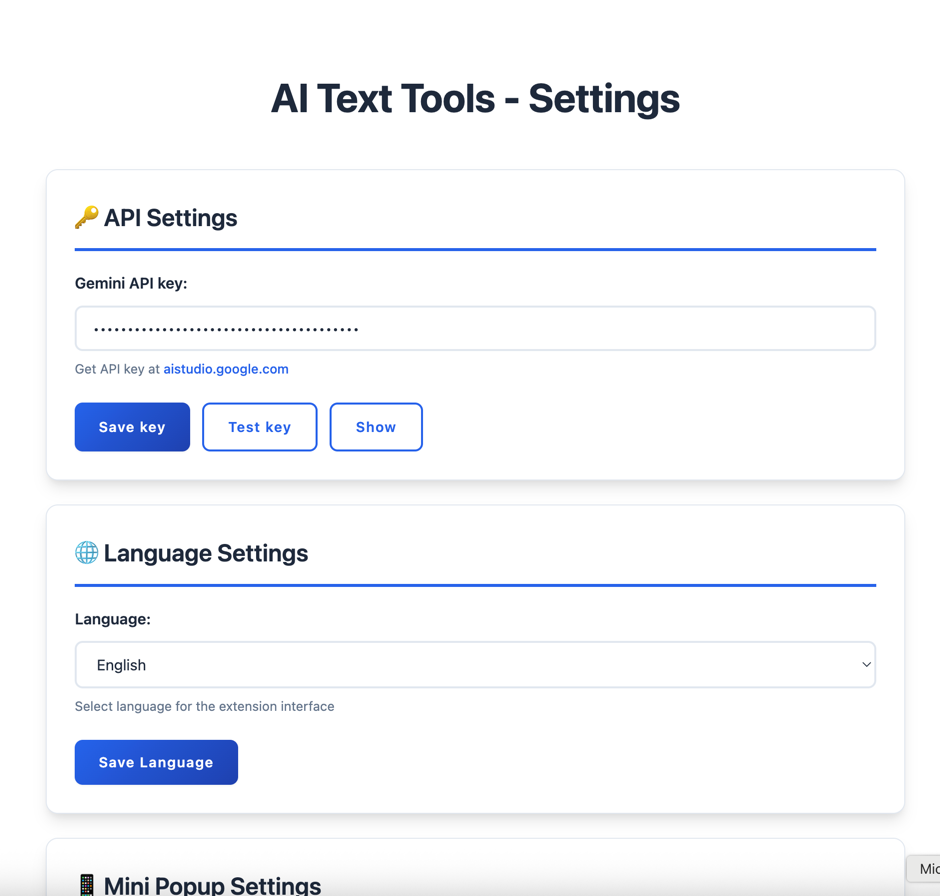
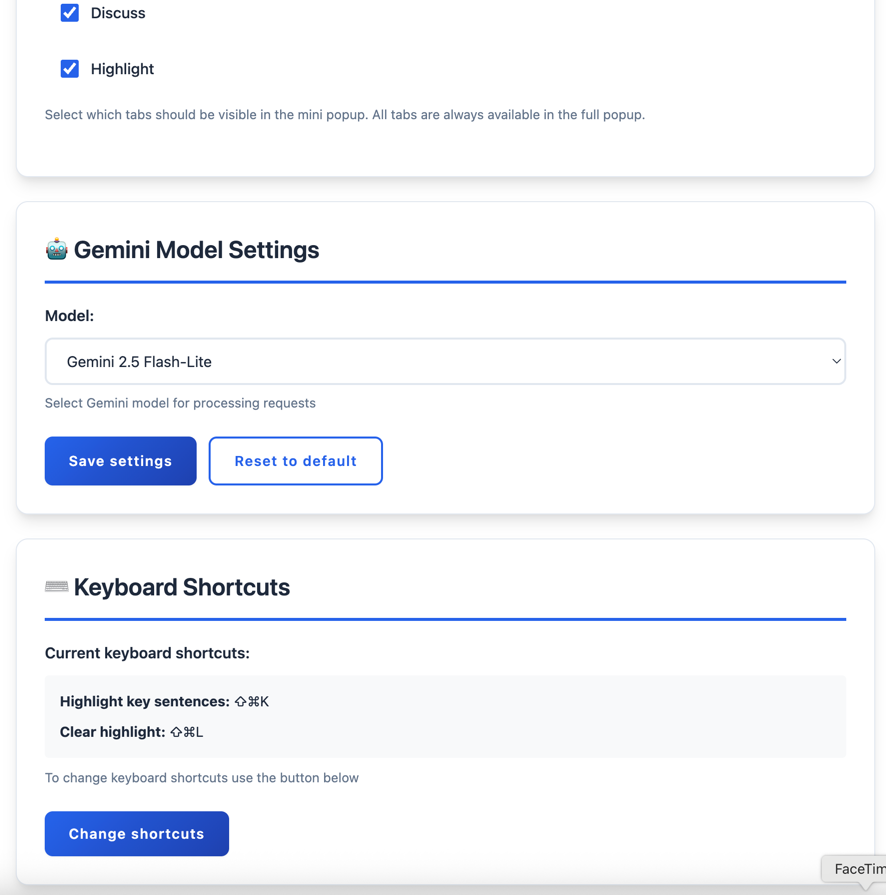
Options
-
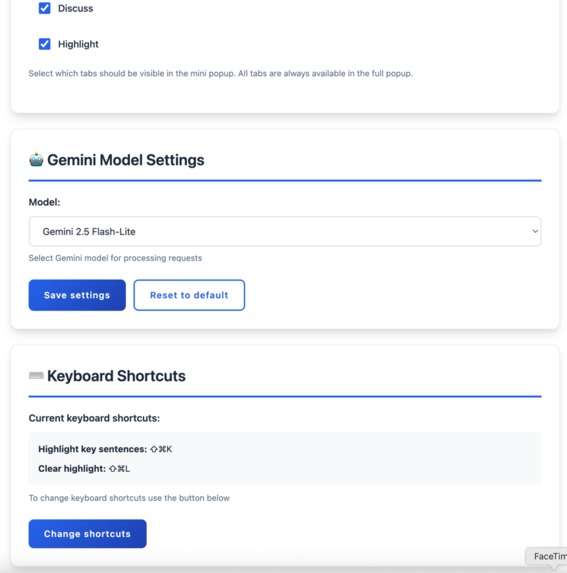
Options

About the Project
Inspiration
The inspiration for AI Text Tools came from a simple yet powerful desire: to simplify browsing and make it more convenient and faster for users. In today's information-dense world, users constantly encounter lengthy articles, complex documents, and multilingual content that requires significant time and effort to process effectively.
What I Learned
Building this Chrome extension taught me several key insights:
- AI Integration Complexity: Successfully integrating Google's Gemini API with Chrome's Manifest V3 architecture required deep understanding of both AI capabilities and browser extension limitations
- User Experience Design: Creating an intuitive interface that works seamlessly across all websites while maintaining performance was more challenging than anticipated
- Real-time Processing: Implementing streaming responses and real-time text analysis demanded careful optimization of API calls and UI updates
How I Built It
Technical Architecture
I built AI Text Tools using a modern, scalable architecture:
- Frontend: TypeScript with Material Design for consistent, accessible UI
- AI Integration: Google Gemini API for advanced text processing capabilities
- Chrome Extension: Manifest V3 with content scripts, service workers, and secure storage
- Build System: Rollup for efficient bundling and optimization
Key Features Implementation
- Smart Text Selection: Content script detects text selection and triggers appropriate AI actions
- Streaming Responses: Real-time text generation for seamless user experience
- Intelligent Highlighting: AI-powered keyword and sentence identification on any webpage
- Multi-modal Interface: Popup, side panel, and context menu integration
Challenges I Faced
Technical Challenges
- API Rate Limiting: Managing Gemini API calls efficiently while maintaining responsive UI
- Memory Management: Handling large text processing without impacting browser performance
- Cross-site Compatibility: Ensuring consistent behavior across different website architectures
User Experience Challenges
- Intuitive Design: Creating an interface that feels natural and doesn't interrupt browsing flow
- Performance Optimization: Balancing feature richness with speed and responsiveness
- Multi-language Support: Implementing comprehensive localization without bloating the codebase
Impact and Future Vision
AI Text Tools represents a step toward intelligent browsing - where AI seamlessly enhances human capabilities without disrupting natural workflows. By making advanced text processing accessible through simple text selection, I'm democratizing AI-powered productivity tools for everyday users.
Built With
- api
- extension
- gemini
- typescript


Log in or sign up for Devpost to join the conversation.